Problems? See this thread at archive.org.
![[Nikos]](images/avatars/[Nikos])
Hi, I open up this thread to know how performs this new game into our awesome machine (in my case: M18XR2 3920XM@ 4.2GHz, SLI 680M, RAID 0 SSD, 8Gb 1866Mhz DDR3)
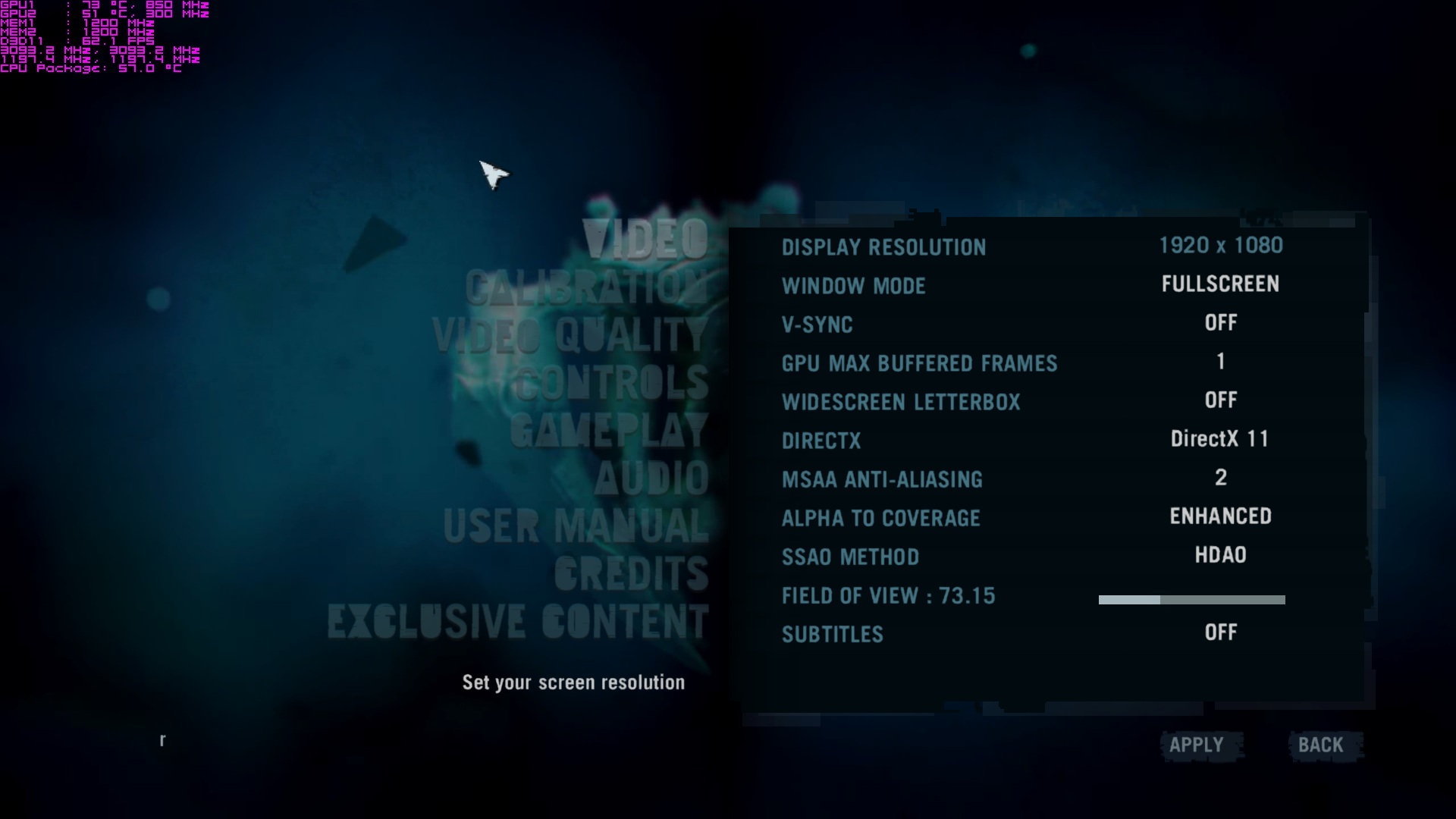
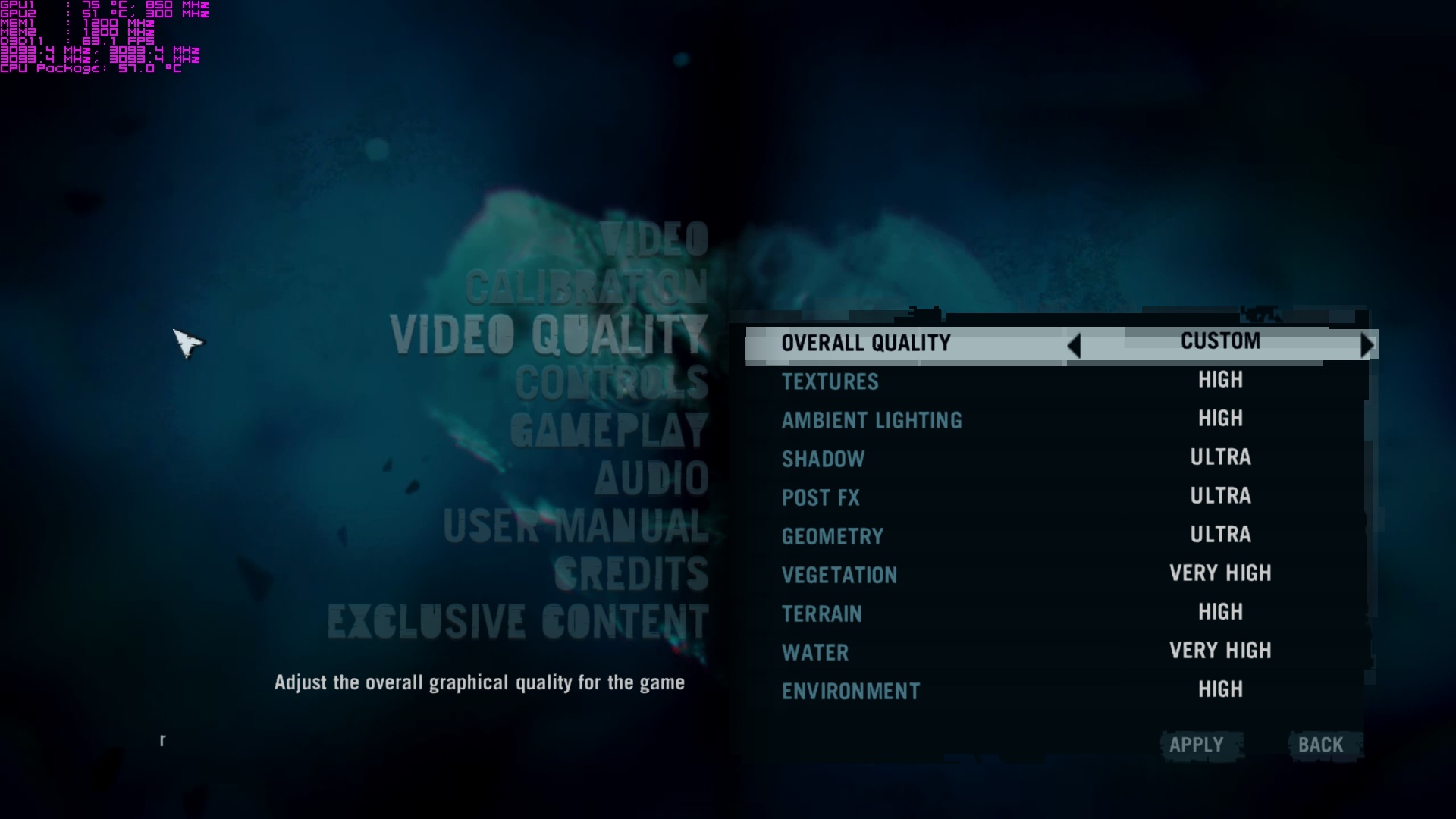
I set up all in ultra an 2xMSAA with 16x anisotropic filtering and HDAO (I don't know if this setting is the "highest" I can set up).
I can play >60 FPS all the time but I have to say that I had to edit the SLI profiles to make it works, and also I have my gpus flashed with a modded vbios and oc'ed to 915/2200.
Enjoy the game folks



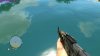
-
Cant wait! Which driver are you on?
-
310.64 beta drivers
-
Nice
 Thank you for sharing
Do you have any gameplay video or something?
Thank you for sharing
Do you have any gameplay video or something?
-
hopefully my 580s run well on ultra
-
Im lagging on crossfire, i am on 12.8
-
If I can I'll upload some pics tomorrow.
I have changed the SSAO to HBAO for this supposed reasons:
"HDAO = High Definition Ambient Occlusion (AMD's implementation of SSAO)
HBAO = Horizon Based Ambient Occlusion
Both are better than plain SSAO. If you're using an ATI GPU go with HDAO, else if you're team green choose HBAO.
HDAO performs about 10FPS less than HBAO for me, while still being inferior to the latter"
I have to try it deeper as soon as I can
-
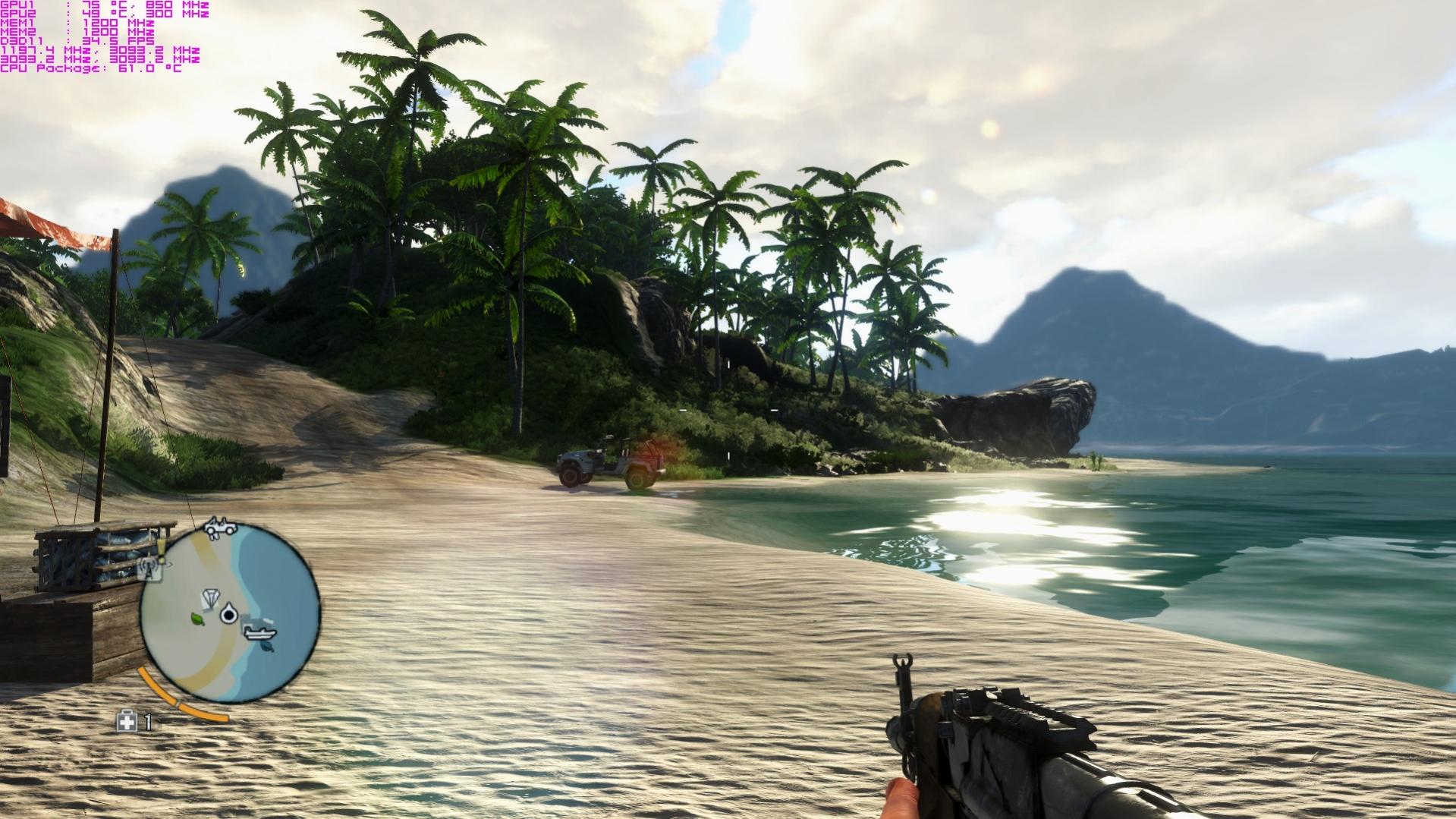
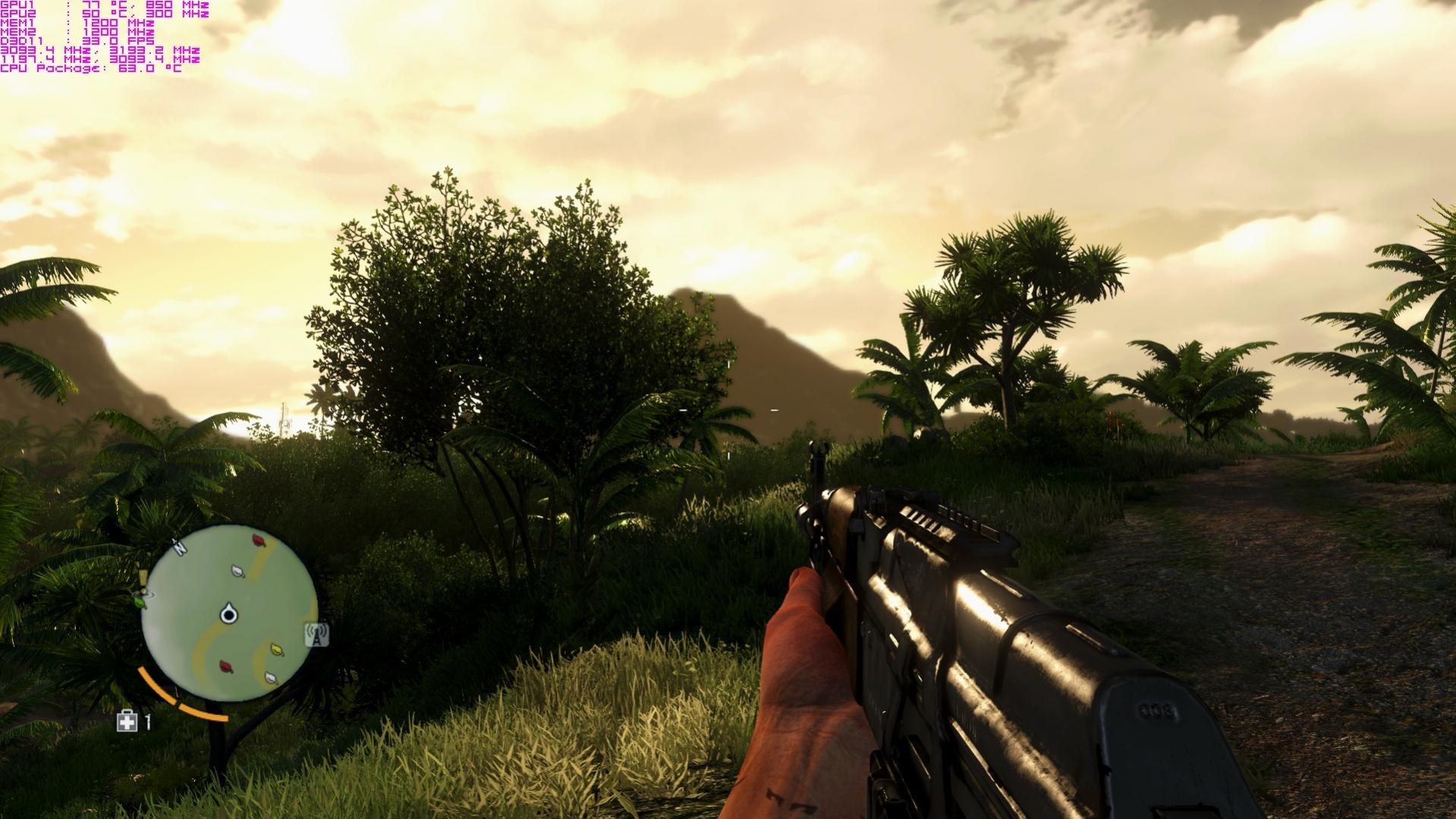
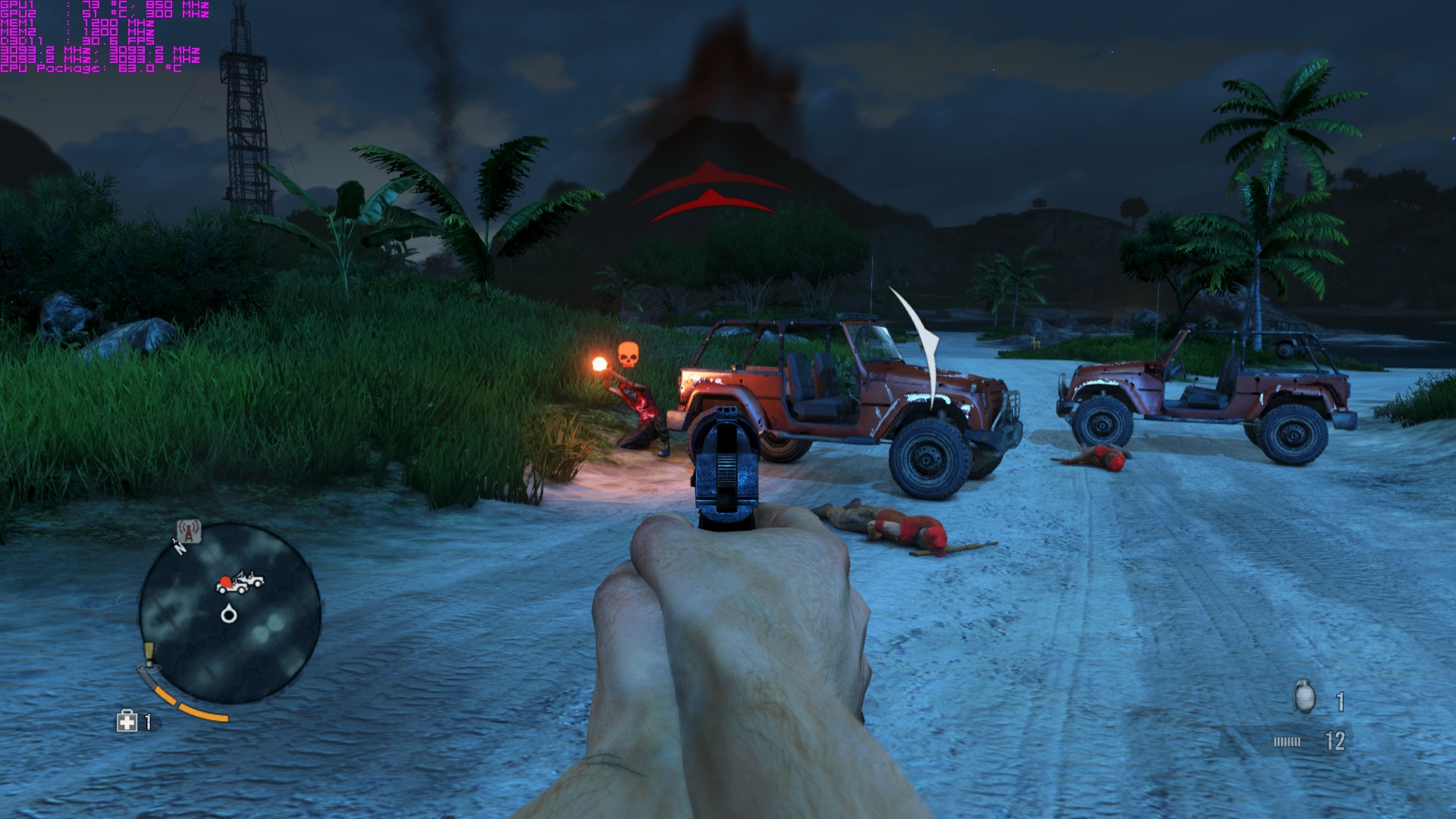
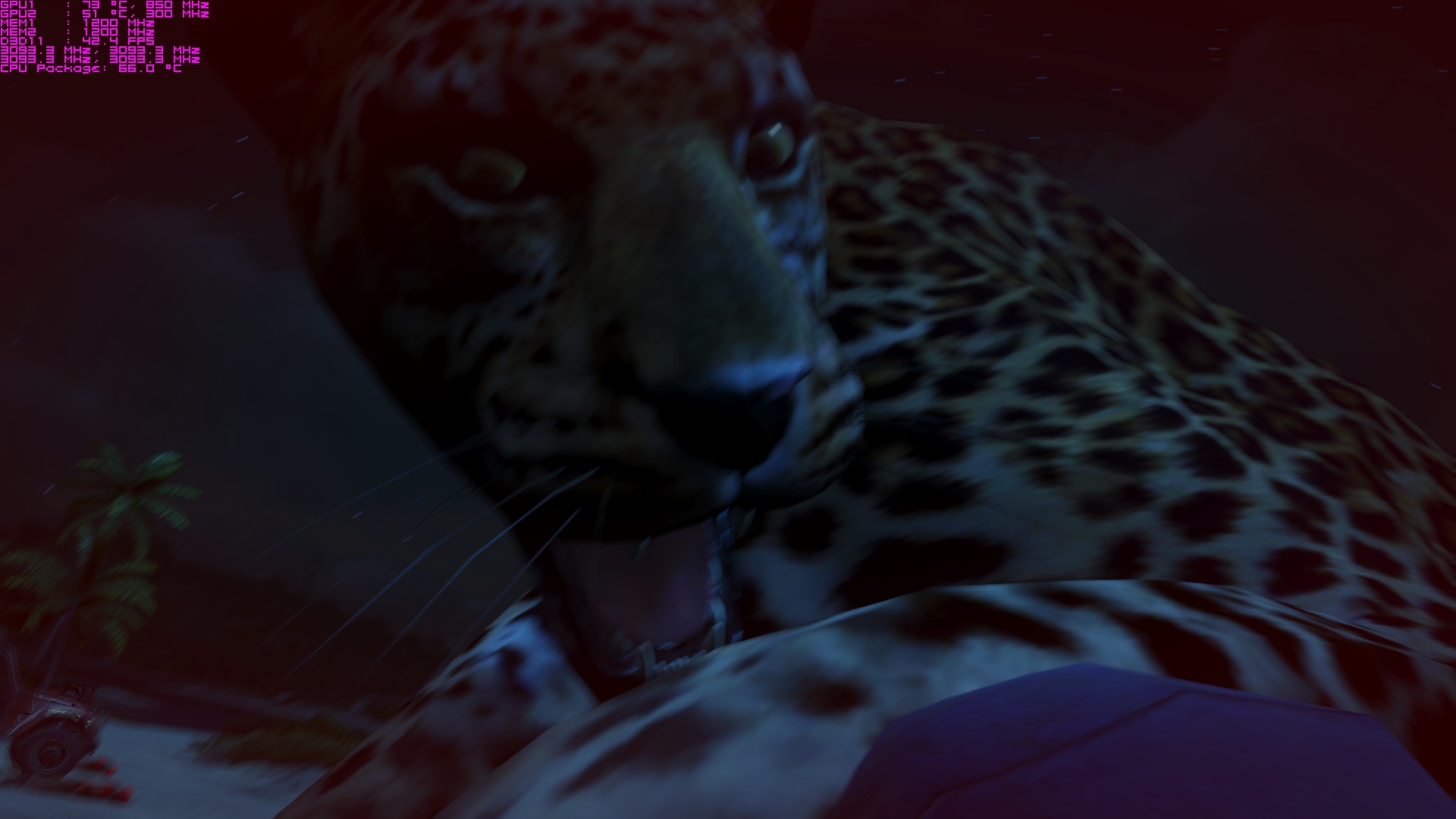
I just uploaded some pics hope you like it, I think they have lost quality.
-
Awesome stuffs Nikos,
I can't wait to try it. Just bought it and downloading it now.
Is it really true it has a full 4 player FULL Campaign Co-OP multiplayer mode?
If so I can't wait lol HAHA! :thumbsup:
Cheers.
-
Is any better than 2, or does it get repetitious after a while?
-
PS are you running a demo, link please? Or are you a tester and you got it early?
-
The game runs well or perhaps will run well when the drivers will actually start working correctly. Ultra High, ssao, msaa x2 (etc), cards at 880/2000, FPS 60-90 but I get annoying SLI stuttering under DX11 (not under DX9). Lotsa people reporting problems with this on nvidia's forum. Got a friend who doesnt even get 30 FPS on GTX690 (sic!) for some reason. Fortunately, already somebody from nvidia promised a quick fix.
-
#11 Here @ Spain was released past week I think
-
I'll test it on my Quad SLI 690 rig tonight once the download finishes. @OP - - what profile changes did you make?
-
I'm getting black borders around the game screen on my external HDTV in 1920x1080 in fullscreen, but everything's fine on the laptop screen. Anyone have any idea what causes this? The overscan setting is to the max in ccc. 1600x900 also looks fine, but I'm getting low performance for some reason.
-
Running on 12.8, here are some gameplay pics on a single 7970m because crossfire is lagging for me atm. My FPS is 30-45 using the graphic settings shown.
Update: Ran 12.11b8 preformance is the same in a 7970m. If crossfire is enabled, starting the game will cause the computer to lockup and reboot. really wanted to play this with higher fps.
Attached Files:
-
-
Everybody try to play the game in windowed borderless or whats it called. I Think it gave me better fps. Please all try fullscreen and then windowed borderless to compare.
Hope it helps atleast some fps increase.
Also setting shadows to medium and postFX to medium gives back much fps without loosing notisable fidelity. -
Try using radeon pro and pick a profile format to use. Great way to make a game utilize cf when it hasn't been optimized by the manufacture or the driver.
-
Results:
Desktop: 60.1 FPS @ 33% Average GPU usage at all max settings (HBAO, 8x MSAA, 5 pre-buffered frames, VSYNC, Ultra Preset)
Laptop: 60.1 FPS @ Max settings (HBAO, 8x MSAA, 5 pre-buffered frames, VSYNC, Ultra Preset).
Note: My GPUs are OC'd -
A note: HDAO is for AMD cards, since you're using SLI 680Ms you want to use H BAO. What about 8x MSAA?
-
Installed 12.11 CAP 1 now I can start the game in crossfire 55+fps but with stuttering.
-
The dyanmic v-sync tweak in the preview version of Radeon Pro might help with the stuttering..
-
I don't think 8xMSAA is needed :/ Do you feel the diference?
I've been reading through the forums and I changed the HDAO to HBAO, thank you
Just one question, what is "pre-buffered frame" for? -
I think it means that if you have "spare" GPU power, it will start to render frames ahead of the frame you're on, so then if theres not enough, it will use the "spare" frames, I guess it might help to normalise FPS slightly.
EDIT: After a bit more searching, it also means it limits the CPU so that the GPU can keep up or vice-versa, but one thing that was said, is that fiddling with it can sometimes stop micro-stuttering, some guys said they have much reduced stuttering on "3". -
Tried downloading it yesterday but the download link was offline so I will check later and see what happens.
-
Found the problem. The overscan settings in CCC are refresh rate specific. So for 60Hz refresh rate it was set to 0, but for 59Hz it was set to the default. I changed it to 59Hz, set the overscan to 0, reverted to 60Hz, and now I have no borders anymore. I guess the game runs at 59Hz for some reason. This also affected Left 4 Dead 2.
-
I was having bad stuttering issues as well yesterday but installed the new drivers as suggested in this thread last night and it's solved my issues.
Great game btw... lots of fun. -
I install 12.11 beta 11, 12.2 CAP and get about 60 Fps average.
However it get lag/stutter once in while, Fps suddenly drops to 30 for about 3 sec, then come back to 60. It's very annoying and unplayable in combat.
Anyone know how to fix?
Btw should I try the 12.11 Beta with .NET4 support? What is the different between the two drivers ? -
Have the same experience. So I play it with crossfire off. I thought Ubisoft and AMD worked together with far cry 3? If so its sucks...
-
Heh...you guys will laugh at this. I installed FC3 yesterday, and since I'm doing the m18xr2 with 680 sli and a 3920xm processor, plenty of ram, and dual ssd's in raid 0, I just slammed everything to max, and tried to play it. The framerate was nearly a slide show. Was in single digits. Even put it down to low, and it wasn't all that fantastic. Was wondering what the hell is wrong with this game?!?!?
....then I found my laptop unplugged, and in low power mode.
Duuuuuuuuuuuuh.....
Runs smooth as butter now, with everything back to full blast, like it's supposed to be.
Btw, which v-sync are you guys using? It has a 1, and a 2, as the options. Never heard of that. I just put it to 2 and went for it. -
What do you guys have set for the Field of View setting? For our alienware laptops..should it be around 75-80?
-
Depends on your GPU, the farther you set it the more graphics power you need. Start testing your settings, trial and error is the best way to have the optimal configuration for your rig.
-
I have the 580M in SLI. So set it to the highest is what you are saying?
-
What driver do you have? 12.11 or 12.11 with .NET4 ?
-
Tried both same thing.
-
I tried the 12.11 beta yesterday and performance is a lot better.
-
If you're currently steady on high fps you can set the field view distance to the highest and start dropping it little by little if necessary in order not to loose any fps.
-
Yeah i'm going to keep it around 80-85...it seems like sometimes when i start shooting or an enemy is shooting the fps drops down to like 20-25..then goes back up once shooting is done. Anyone else getting this on 580M sli setups? have the latest beta driver and everything. i forgot to mention when playing normal..the fps is around 40-45
-
My 570sli desktop experienced this. Upgraded to nvidias newest beta and it fixed.
...tapatalk... -
Nope, didn't work for me. Running latest nvidia beta driver..still happens. I am running a constant 40-50 fps, then when guns start firing (mine or theirs) fps drops down to 20-23....annoying! Guess, I will have to silent assassin everyone in this game....
-
Yeah, both the drivers and the game aren't truly smoothed out yet. I am still experiencing (apparently SLI related) stutter (less frequently though after up. to 310.70) running the thing maxed out at 80 FPS+. Actually, the game runs smoother on MSAA x4 and higher than on x2. Go figure. 310.70 brought serious performance gain but didn't completely fix the stuttering.
-
Dx9 or 11? I did have issues with dx 11 slowing way down. Dx9 looks great in this game anyway.
...tapatalk... -
The only way for me to get rid of stutter was forcing DX9 mode
-
I'm getting some weak performance on my mx18 r1 with this game (20-30fps). I don't want to run settings lower than ultra..as I don't feel like I should have to with such a beastly gaming rig. Maybe it's time to upgrade my sli 580m's to sli 680m's or something. All modern day games run perfect on this rig with settings all maxed. Far Cry 3 must have been poorly optimized for nvidia use or something.
And yes, i'm running the latest 310.70 beta driver. -
Well I went ahead and changed the settings to DirectX 9, but kept everything else on Ultra settings..the game is running much better now..around 50-60 fps. Though I still have some areas where it will randomly drop down to 25 or something, but it is not happening as much. I really wish I could play it on DirectX 11 settings though! I would think my sli 580m's would be able to handle it...guess not
-
I think your 580m's should handle it. Those FPS drops I suspect are the matter of the game's engine optimization. Maybe they will fix it and we'll be able to play it in dx11 stutter-free.. but to be honest, my 5870CF is a bit weak for heavy dx11. Metro was unplayable in dx11
-
Does anyone else fps take a hit whenever they approach or look at one of the "Trail of the Rakyat" big stones? I'm noticing this happens whenever I approach one...very strange.
-
my GPU usage is 97% avg each card for this game. really made my cards hot
-
Patch 1.03 is out, but according to the details there are almost no performance tweaks:
General fixes for the patch:
Added Russian and Czech language support for Steam versions.
Fixed issues for machines that have more than 32 cores.
Fixed issues for activation keys bundled with ULC privileges. ULC content will now unlock during activation.
Improvements to playlists and rotation for User Made maps.
And by almost none, I mean absolutely none. Unless you're running more than 32 cores. -
Lame! Doesn't ubisoft realize there are some major performance issues that need to be tweaked? The patch must explain why my uplay went down for about 30 minutes yesterday and I couldn't play the game..must've been applying that patch.
Far cry 3 performance
Discussion in 'Alienware 18 and M18x' started by [Nikos], Nov 30, 2012.