Problems? See this thread at archive.org.
Honestly though this bios seems to solve a lot of issues with reliability. Everyone should get it!
-
-
do you know what it addresses exactly ?
-
Whats the status on the keyboard mod Lord D
 ?
?
-
Well, I could not be able to judge on that as there was no change log available with the bios file.
-
Yeah I will work on it tonight. I just don't know the best way to present that.
If you or anyone else can give me some ideas on this it would be hepfull. -
Please reboot and check, there is nothing in my bios for that?
Only thing I noticed is turbo seems to be more liberal ( up and down more ) Also I am not getting kernel events regards firmware limiting performance in event logs on battery like before. -
What reliability issues were you having so I can post them on the first page.
-
Thanks Turbogear I used CPU-Z and found out I still have the origional bios.
Keep us updated on the new bios, hopefully everything is ok.
Maybe I am over reacting but posting that bios link with no warning seemed very malicious to me. I have reported it and hopefully we will not have something like that posted here again. -
So I checked it for you.
The ASUS EASY OVER-CLOCK option is in the Advanced bios menu. It is located exactly above the Internal Pointing Device option.
ASUS EASY OVER-CLOCK has the following configuration options: Normal, Turbo 1%, Turbo 2%, Turbo 3%, Turbo 4%, Turbo 5%.
I set it currently at 4%. What I am noticing is that when all the cores are stressed at full load the CPU clock now in 1.79GHz instead of 1.7GHz before I flashed the bios.
Next time I reboot I will also test it by setting the ASUS EASY OVER-CLOCK mode to Normal. -
i think i will install this BIOS tonight. can i burn this bios onto a cd and flash it from the easyflash utility
-
You don't need to burn it onto a CD. If you have it downloaded to not double click on the file WHEA124_4.exe, otherwise it will auto flash without any warning.
Right click on it and extract it to a folder using a unzip program. Inside the extracted folder you will see a folder called BIOS. Inside this folder is the bios file for the N61JQ. It is called N61JqAS.207.
1- Copy N61JqAS.207 file to a flash drive.
2- Reboot the system and go into the bios by pressing F2.
3- Flash it using the easyflash utility on the bios. You can point the easyflash to search for the bios file on the flash drive. -
It should be there when I get home tonight. They will delivery it to the apt. office so I need to be home before 6 to pick it up.
-
I am looking forward to your results with the keyboard.
If it works maybe I will do a similar project for N71JQ.
-
Thanks, no option on my system. Never mind not an issue. Fan profile any better for you?
-
I believe the reason for not implementing it on N61JQ could be the power supply.
The N71JQ comes with 120W and I think the N61JQ comes with 90W. This could be the limiting factor for overclocking.
I did further testing. If I set the ASUS EASY OVER-CLOCK to Normal mode, then when all the cores are under stress the maximum CPU frequency went up to 1.7GHz instead of 1.79GHz with Turbo 4%.
With respect to fan profile, so far it seems not to be too different to the case before but I will check it tonight at home in more silent environment. -
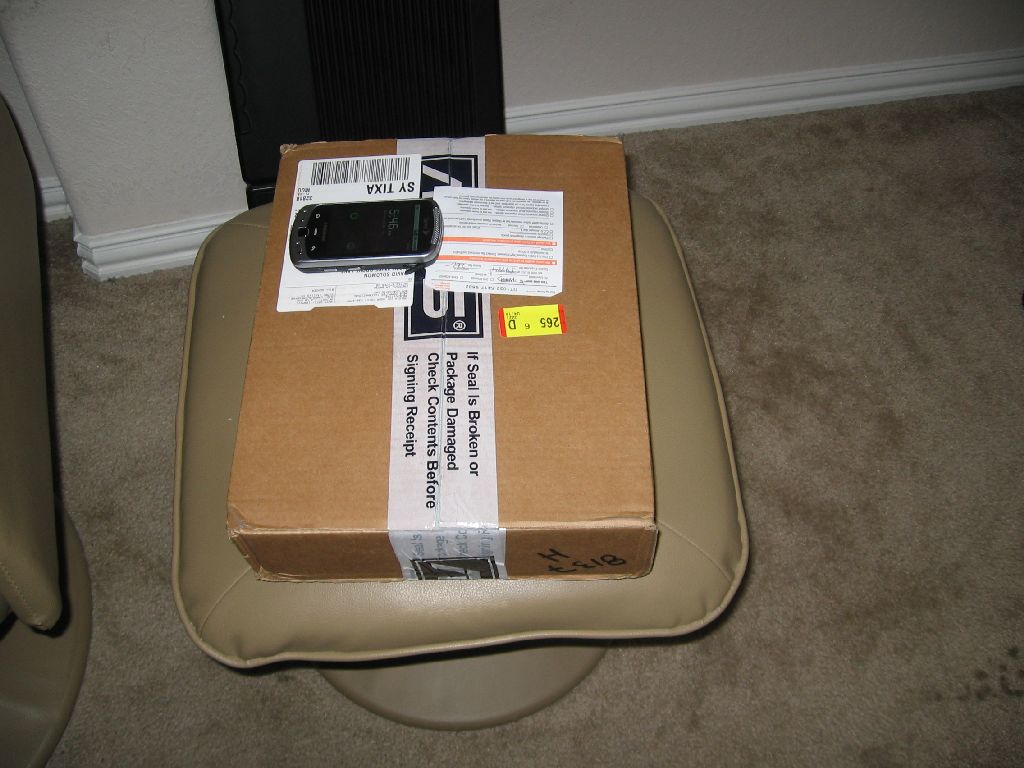
It's gonna be the longest 24 hours of waiting til tomorrow afternoon. Hope my mom or I don't miss the UPS truck.
I would have thought that clicking on a .exe link would prompt either "Save File" or "Run".
Thanks for the referral to the Init case. I'll have to check it out. Are there any others? Preferably thinner in profile/thickness as I'll have the laptop in my backpack along with my books and binder. Mainly for scratch and abrasion protection. -
Well, tonight is all about backing up my data. I sent Donald an email since he ordered his around the same time. I know he is busy so, I doubt we are starting tonight. I may post some pictures of the keyboard tonight though.
Oh, the HP TX2 is up for sale. Anyone? Anyone? ;-)
Latest Keyboard Update: Apr 14, 2010 8:18 AM
On FedEx vehicle for delivery
ORLANDO, FL -
I tried this method (except from the hard drive, not a flash drive) and got a rather hilarious error message: "Read file failly!!"
Edit: It works from a flash drive, as you described.
Edit 2: I don't have the easy overclock option either (N61JQ-A1). Maybe they removed it in this revision, to avoid stability issues or overheating? -
New update that ya gotta just love:
Apr 14, 2010 1:06 PM
Delivery exception
ORLANDO, FL
Customer not available or business closed -
dude, that sucks. did they go to the wrong address or something?
-
No. I am waiting for an update to see if they just leave it at the office.
-
Update: It is waiting in the office for me. ;-)
-
Well that's good news then. Status sounded like they didn't drop it off.
-
Yup. It was freaking me out a bit. It looks like they tried to deliver it again about 5 minutes later and then left it in the office.
-
Proud and a new owner of this laptop.
-
Does anyone know what the 207 bios does. I haven't seen any official release from ASUS on this bios so it might be a beta bios.
-
I dont have a flash drive. will burning it to cd work ?
-
At least UPS didnt leave it at your front door when nobody was home. It sat there for two days because I was out of town. Could not believe noone took it. Would of been a nice payday for some thief.
-
I don't know. I guess you could just use WinFlash to update, if you are unable to do it in BIOS (i.e., just run the EXE).
-
I don't think so. Personally I'd wait flashing until ASUS officially releases the bios update. Flash drives are so cheap these days, you can pick one up for $10 at Target or Walmart.
-
Good news David.
No bites on the HP TX2? Do I smell free stuff?
-
It's OK. I have had a few bites on Craigslist (one was a Wii and a 17" laptop with some pretty decent specs). If it doesn't sell by Friday, I am going to eBay it! Since it has an extended warranty and I have only used it for about a month, I am starting it at $700 and thinking it should go for about 800-850.
-
Good news vostro1400user has been banned from this Lounge!
-
aww...I'll miss his trolling
I don't understand how he could own one yet continually bash it. Why not sell it or return it if he was so unhappy with it?
Back on topic...
Hopefully this 207 BIOS is a legit fix for the problems people have been having. I don't know about you guys but I'll gladly trade stability/reliability for overclocking when it comes to a laptop. -
So far I am happy with the new bios v205 for my N71JQ.
I have been doing further testing with ASUS EASY OVER-CLOCK set to Turbo 5%.
The CPU top frequency when all the cores are fully loaded goes up to 1.82GHz instead of 1.7GHz.
The Windows index score for the processor increases a little bit. It is now at 7.0.
When I had the turbo mode enabled the fan was now running constantly at 3300rpm most of the time. In this operation mode, the fan seems not to go through the annoying ON/OFF cycle that soon as it does in the case where ASUS EASY OVER-CLOCK is set to normal mode. -
Hmm.. Maybe why our laptop is a little cheaper then some others?
http://www.engadget.com/2010/04/14/national-labor-committee-report-on-chinese-ce-factories-uncovers/ -
Yes you can burn it from cd.
http://www.tacktech.com/display.cfm?ttid=297
First go to this website, and download this file "bootfiles-from-tacktech-website.zip" from that link, just scroll down little bit and you'll find it.
extract the file to a folder or somewhere you can find it.
Then download magicISO just google it.
Install and start magicISO. Under file tab click on New => Bootable CD/DVD Image.
When being asked source of bootable file locate the file you've extracted to. Then OK.
You will notice the screen shows "bootable" .
Drag the bios and flash utility of choice to upper right of window and burn your image.
WARNING: You will want to find a good quality brand of CD/DVD for bootable media.
Hope the above tips help you somewhat. -
Have you looked at temps with the overclock? That might be why the fan is running so much.
-
Many thanks but that's bloody strange
Great instructions but I think I will wait for an official BIOS update, so far no BSOD. On my desktop I played real save I added a second BIOS chip, one on top of the other with a switch to choose which BIOS to use
-
Well actually 3300rpm is not that much for this notebook. In regular operation even without overclock N71JQ is usually operating either at 3300 rpm or at 100rpm. What is annoying is that it actually goes up and down these two speed every 10 to 15 sec.
With the overclock the normal operation CPU temps are between 54°C to 65°C. With all the four cores stressed to 100% (everest system stability test) loaded for 20 minutes the temps went up to 84°C. -
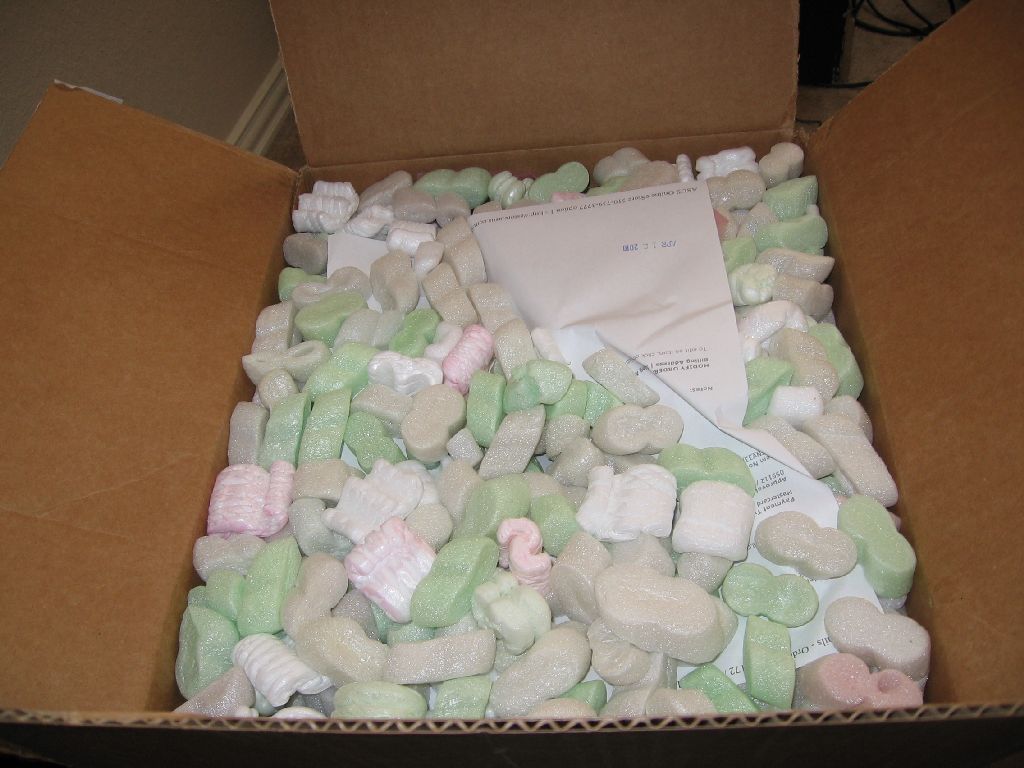
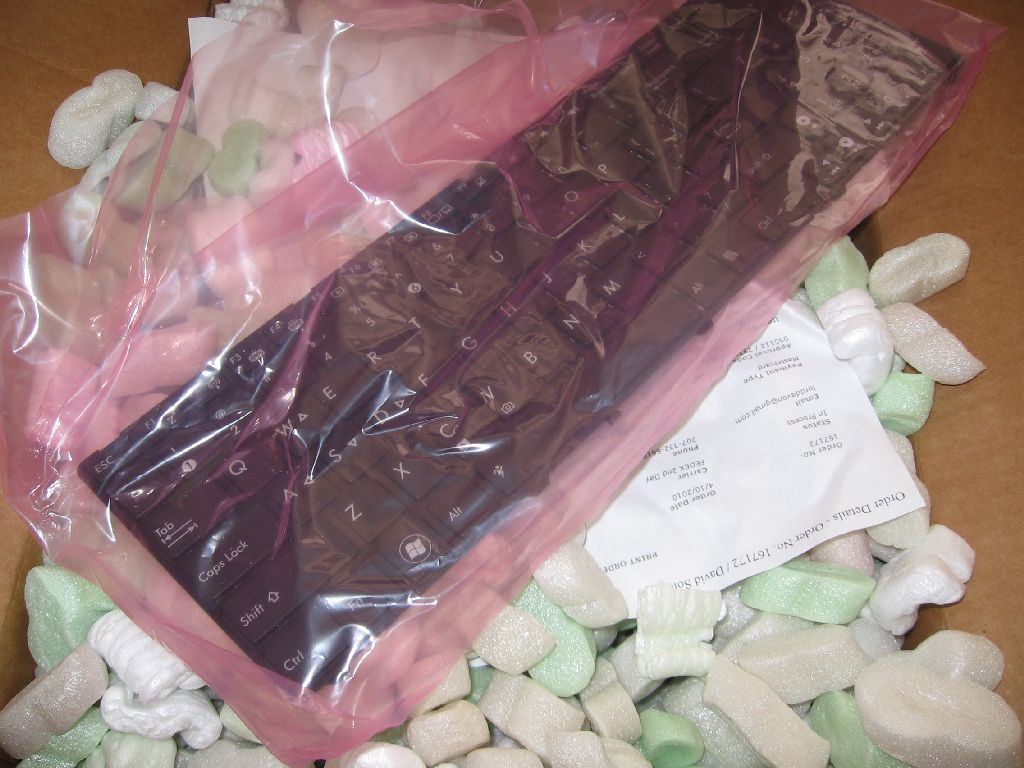
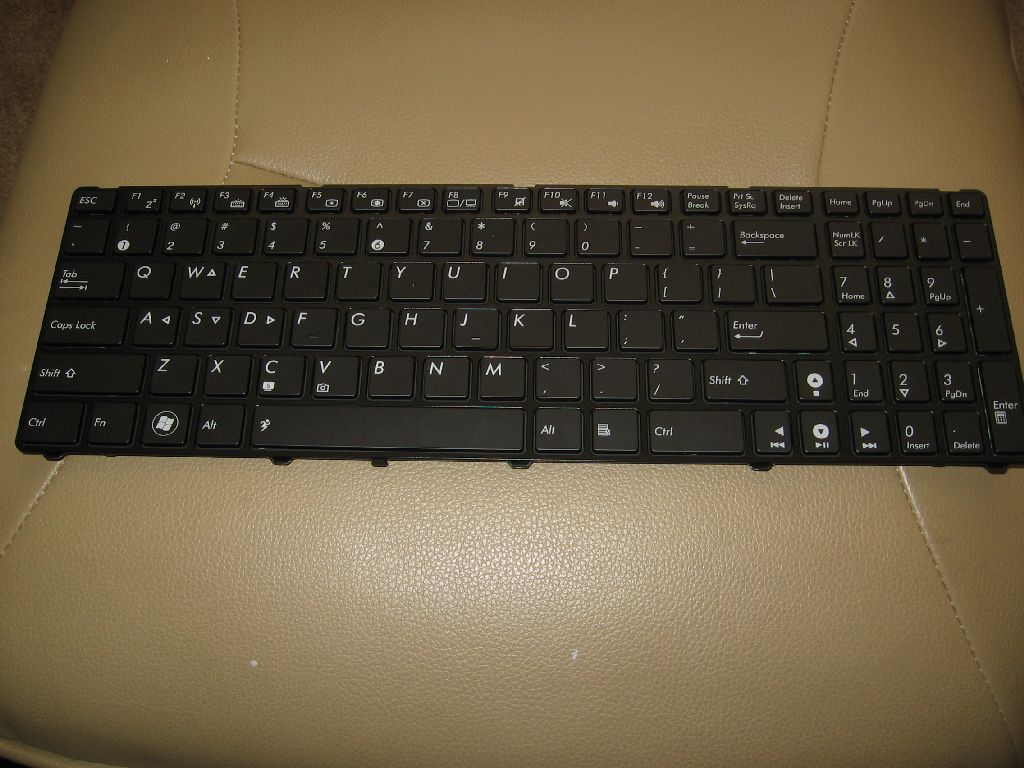
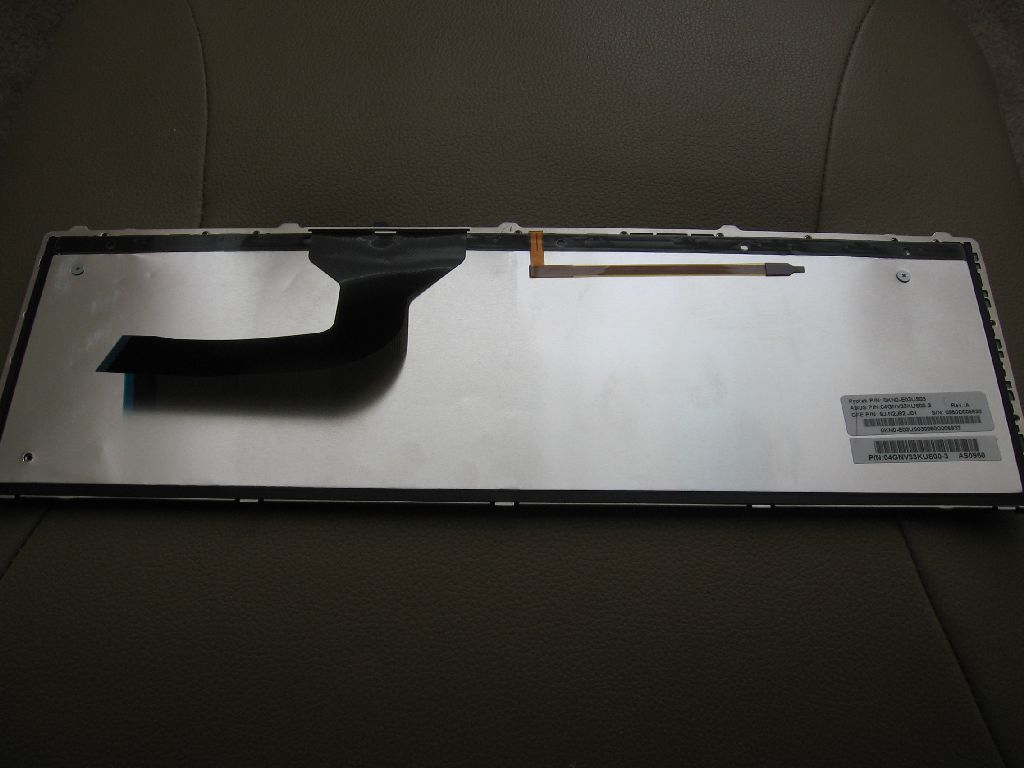
So, I opened the box and there was the keyboard. The only differences are the all white lettering (no blue) and the keyboard light controls over the F3 and F4 keys. The icons, letters, pictures, etc. are exact, except for coloring.
Attached Files:
-
-
This is what we have to work with. ;-)
I am still waiting on Donald to get in touch with me but, he has to have his by now also.Attached Files:
-
-
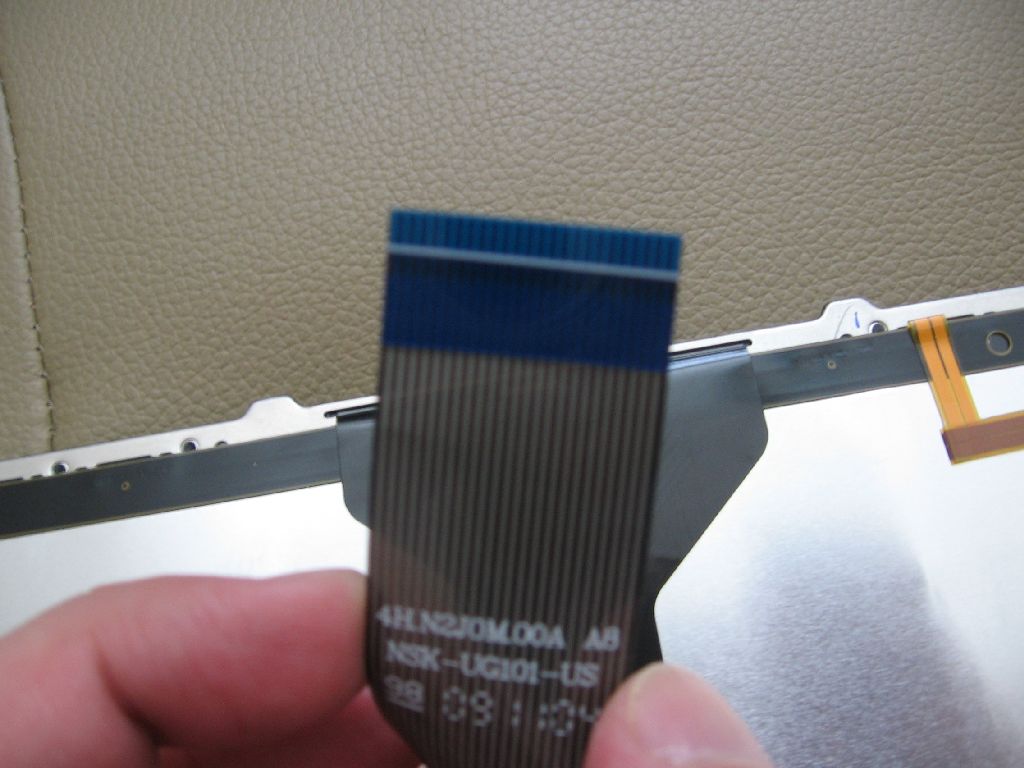
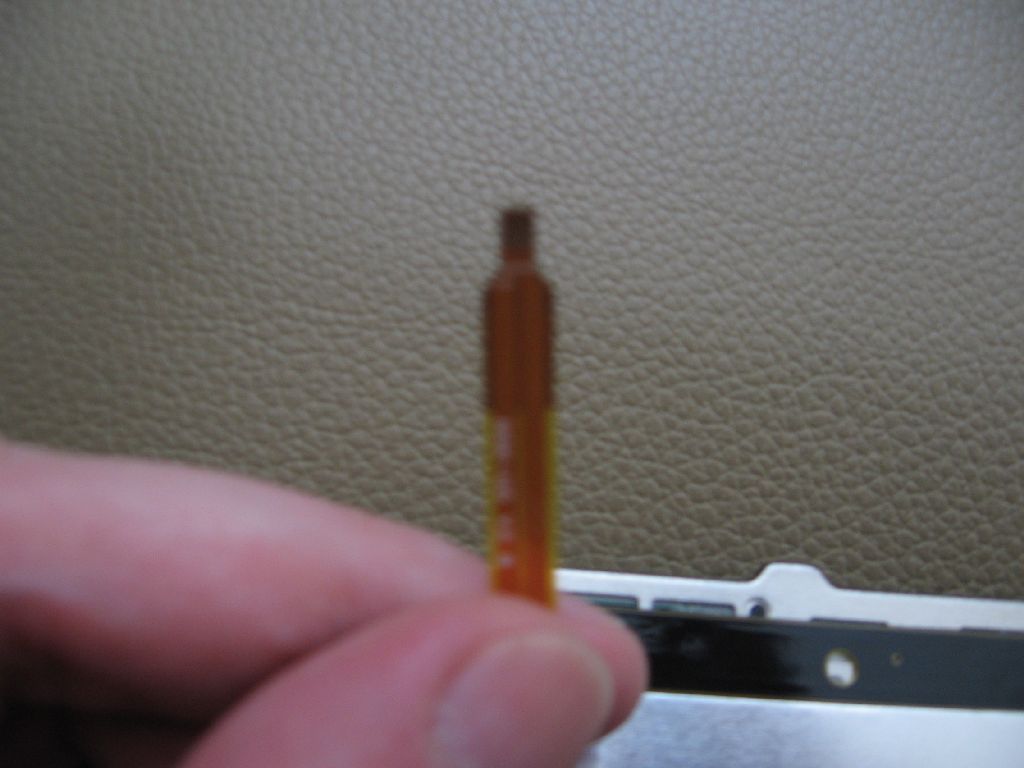
Thanks for the details. The thin ribon cable is the one that is responsible for the light.
Let's see how you guys going to connect it.
-
10.4 preview drivers are out!
http://support.amd.com/us/kbarticles/Pages/ATI-Catalyst-10-4-Hotfix.aspx -
Well, so far so good. The keyboard works perfectly. Not a single issue with it in Windows. All of the hotkeys work, except for F3 & F4. ;-)
Turbo, thanks for the info. Without it I may have tried to eat the cable.
HA! -
So it stays lit all the time then? As for the keys, maybe you need to mod the ATK drivers to get it to work?
-
It doesn't lite yet. The keyboard works exactly as the stock keyboard does. I've installed the G60 ATK drivers and keyboard filter drivers but, it didn't make a difference. Even if nothing powered, I would have figured that the ATK software would show the buttons being pressed.
I put back the stock keyboard for the night. I am going to uninstall everything ATK and do a cleaner install of the G60's ATK drivers. Then, I will try again at a later time. Since my daughter visits with her mother this weekend, I have a date with the keyboard on Saturday... possibly with my soldiering iron. Unfortunately, I can't find my voltmeter.
I hope Donald is having better luck. It may be a little easier for him to try a clean install. -
Oh 10.4 drivers fixes the long load times for Battlefield Bad Company 2?! Thank God!
-
Ok, honestly, I can't update my drivers at all. Uninstalling the driver via the uninstall programs list in the control panel or uninstalling through device manager just leaves me without a display driver and it the installer will not install a new driver because it claims I do not have a valid graphics adapter. My display driver that I have now, and what Windows insists is the most recent, is version 8.680.000. What the hell?!
-
Try updating without uninstalling.
* Asus N61JQ Owners Lounge *
Discussion in 'ASUS Reviews and Owners' Lounges' started by GregW, Feb 3, 2010.