Problems? See this thread at archive.org.
My Enter key works perfectly - get yours fixed if it bothers you or you are worried it will get worse
For audio, I removed the Maxx software and installed a RealTek driver from the RealTek site (not Dell) with a date from the beginning of August. You can search my posts for more info. I think the only audio issue I have is increasing brightness with the f1/f12 keys makes a scratchy sound. Otherwise sound is pretty good for such small speakers (at least not irritating!)
-
There are know issues with the keyboard particularly the spacebar. There is a fix for that you can find way back in this thread that might apply to your enter key. As far as having any work done, as you will note from this thread, that is a very risky proposition.
-
Hey guys,
I am looking to buy a used 9550 with either the 4K/i7/16GB/512GB SSD or 4K/i7/32GB/1TB SSD config. Are there any common problems that I should watch out for when I want to purchase such a machine? Thanks in advance for your help.pressing likes this. -
Indeed and you can find out by reading the 9550 hardware and software thread that normally resides on page 1 in this forum section.
Sent from my SM-G920Fpressing likes this. -
Contrary to other people, I'm a big believer in "If it ain't broke, don't fix it". That means actually sticking with the factory image of the laptop, and then attempting to fix the individual issues rather than starting from scratch. While doing a clean install can sometimes be the right solution, it also introduces variables that are difficult to control, such as install order and missing files. A lot of the updated drivers are also designed/tested from an upgrade point of view, not a clean install, which can cause issues.
For docking stations (that's not Dell), you can try the Plugable UD-CA1. I had some problems getting it to connect at first, but using the latest bios and installing updates aimed at the Dell docking stations, seems to have fixed it.
I should note that I'm also not suffering the flickering issues people have been complaining about on the latest BIOSes with the 4K display, which may be because I'm actually using the factory image and not a clean install. -
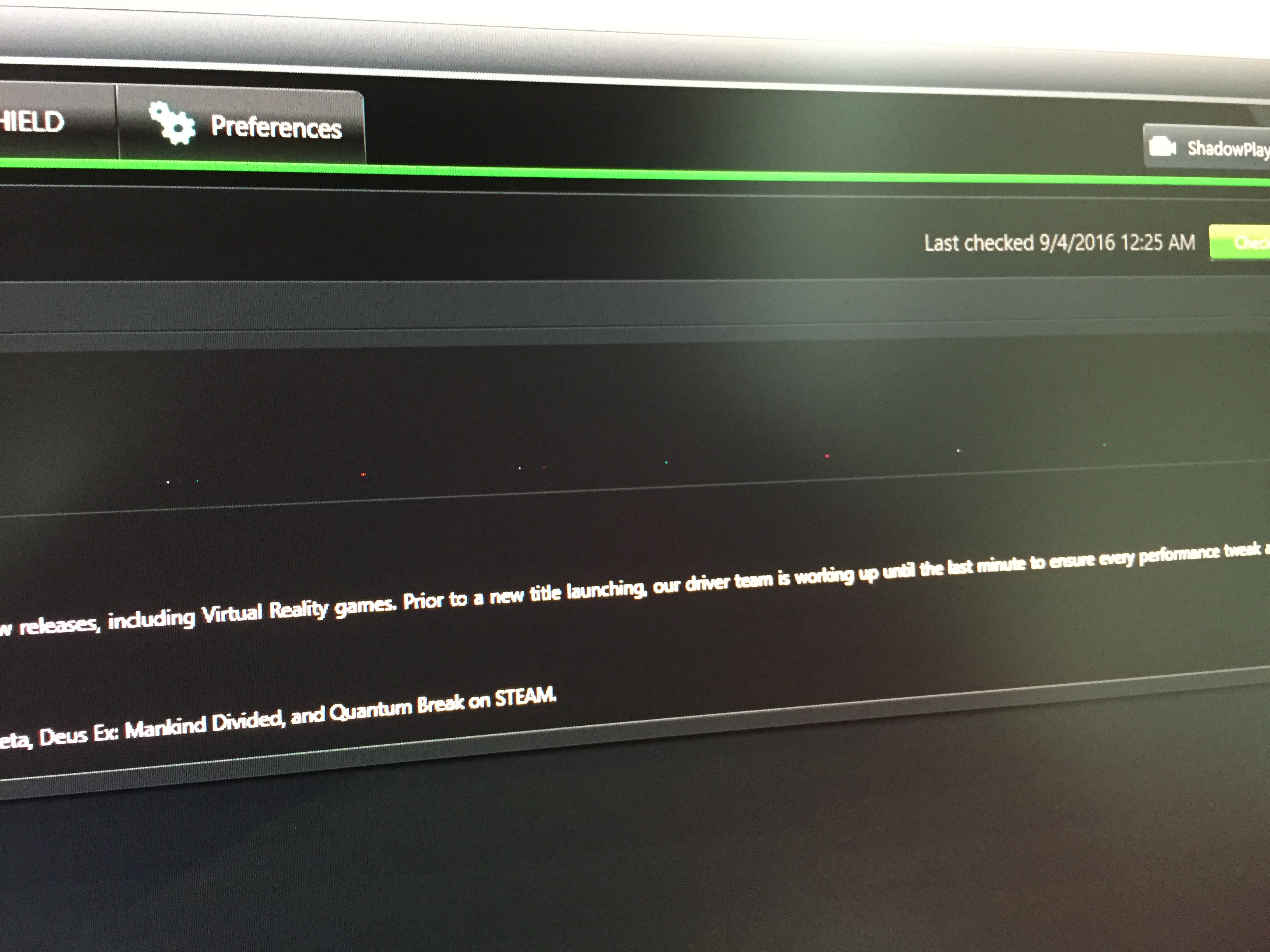
I've noticed that, with the most recent updates to the graphics drivers (ver. 20.19.15.4454 for the Intel driver and ver. 372.70 for the nVidia) that there is a row of off-color pixels about 2/3 of the way up from the bottom of the screen of my external monitor. This only started somewhere between these two driver updates (in the last two months). I took a screen cap of the screen against a black background, which is where the off-color pixels are visible. This anomaly only shows up on the external monitor. The monitor itself has not shown any issues previously and this pixel issue only came up after the driver updates.
Anyone else see something like this? Anyone know why it happens?Attached Files:
-
-
with the Nvidia 1050's scheduled to be released in October, here's hoping Dell starts adding them to the XPS15 soon! Same TDP as the 960m with 50-60% performance improvements /drool
http://wccftech.com/nvidia-geforce-gtx-1050-gp107-gpu-specs/ -
I doubt they will as it would cost more instead of saving money even the 960m prices drop. This is Dell after all. They only upgraded the cpu in the 9530 as production stopped.
Sent from my SM-G920F -
I was able to fix this by disabling two finger pinch to zoom. That was the only thing that worked. Haven't had any issues since.
-
That is a good point. I'm ready to pull the trigger now, since my current laptop died last week, I just don't want to spend the money only to find out about a refresh weeks later (this happened to owners of the 2016 Razer Blade refresh).
The plus side is I have a desktop that I can use steam in home streaming if I wanted to play some performance heavy games on the xps... I've always had gaming laptops, but I'm trying to get something a bit more business-y, lol. -
If anything it would be a 965/970 as that would be the same size chip otherwise it would be a redesign shutting the door on that. Either way it never happened on the last version of the XPS15 just a end of life chip upgraded by 100mhz
-
FYI. New cable enroute:
http://arstechnica.com/gadgets/2016/09/usb-type-c-to-hdmi-cable-specs/ -
Pulled the trigger last night! Dell Canada had a Labour Day Deal that essentially made the 4k screen upgrade FREE!
I had an XPS m1530 back in 2008, then switched to Clevo for the past 5 years. I'm excited to rejoin the XPS Family (albeit a little late to the party for the current iteration).
Specs:
4K Screen
i7 6700HQ
16GB RAM
512 PCIe SSD
GTX 960MKir Kanos likes this. -
So long as you got the 3 year (or more) warranty

-
Gonzo, you're scaring me ! is the failure rate really that high? Or is that a general precaution for all things "DELL"
-
No it is more the case of a fooking expensive laptop should have 3 years cover in my opinion. Something at the cutting edge like this will be bloody expensive to fix and my 3 year warranty on my XPS 9530 after troubles at 18 months resulted in a brand new 9550!
-
Makes perfect sense. I only ordered it with the 1 year warranty but I assume you can extend the warranty during the 1 year period if need be?
Sent from my LG-D852 using Tapatalk -
Excuse my ignorance. I still haven't been able to find a way to search within a thread on this forum.
In case no one has seen this. Someone was able to get the Razer Core working on an xps 15.
http://circuitboard.co.kr/archives/1030?ckattempt=1
-
NVM I searched the site and see this has been covered.
-
You can extend it, but it's usually 2-3x the normal cost of buying it up front.
-
It costs more after purchase so you may be as well getting it added to the original order while it is still in production?
-
Has anyone else had this issue?
All of a sudden, the XPS15 just stopped waking from sleep and will restart instead. It only happens when AC is not plugged in (when AC is in, wakes just fine).
I'm running some diagnostic tests through Dell's stupid thing, but about to just reinstall windows and see if it persists. -
Try resetting the BIOS (worked for me on mains power)
-
So stupid...what fixed it was when I clicked "sleep" from start instead of pushing the power button or closing the lid....deleted all my files for nothing. Stupid windows 10
-
Another reason to use a backup solution!
-
Hah interestingly dell support told me they "cannot" add a warranty after the order is confirmed. They said I can add it after it arrives at a bumped up cost. It hasn't even been 12 hours since I placed the order... Lame
Sent from my LG-D852 using Tapatalk -
95% chance that will work, or 100% in my case when something isn't going my way
"good job I paid on a credit card then as I will involve them and start a chargeback"
worked every time for me when Dell tried to play hardball and refuse a refund as they know the CC company will tell you to return it to Dell tracked and then issue a chargeback
-
Has anyone tried the new Intel graphics driver posted on the Dell drivers page? Looks like a higher rev number (.4483) and newer date than those posted one the Intel page. Would be unusual for Dell to be ahead of public releases. Its fixes are listed as: Fixed-Dock,HDMI,Security issue. Sounds like it may address many of the issues noted within this forum
Also FYI, noticed there are drivers for a Killer Wireless 1530 card. Might be an alternate option for those unhappy with the stock Intel but still want 3x3 -
Wowza - they removed Bios 13 and reuploaded 10! Why did that take so long?
> Has anyone tried the new Intel graphics driver posted on the Dell drivers page?
Currently downloading. Can't believe this is a 420 MB archive...
Oh, the link was wrong, to the old driver! Now it's corrected and 211 MB download.Last edited: Sep 6, 2016 -
I just downgraded my bios to the version available on their site and updated the graphics driver.... still screen flicker (4k)
Annoying. -
drop to 1.2.0
-
I'm still on 1.2.0 and put back the HyperThread control on Enable after installing the new Intel video drivers. No flicker. It seems that they cured the flicker with the new video drivers. I run at 1920x1080 resolution.
-
Same here, not noticed it yet but newer bios still flicker I think.
Sent from my SM-G920F -
Intel posted an update today, 0.4501, with a newer rev version than the Dell site, although an August date. Not sure which is better for the XPS15, but will probably install the Intel ones personally
https://downloadcenter.intel.com/do...ows-10-and-Windows-7-8-1-15-40-?product=88967 -
Just flickered!
-
I just got my machine today and I'm quite impressed with it so far. The screen is beautiful. It plays any game I throw at it and the disk speeds are great!
![[IMG]](images/storyImages/MxKjMY6.png)
-
Hi,
I'm interested in what your idle temp. for the GTX 960M are?
Thanks! -
It tends to turn off when idle?
-
I have the 4k screen
Just started flickering today. I've been on 1.2.1 for more than a week now, no flickers. Just now I decided to update 4 drivers:
- Intel Management Engine
- Intel Serial IO Driver
- Intel HD Graphics Driver
- Realtek SD card reader
Update:
so I downgrade the BIOS to 1.2.0, the flicker is gone.
But now Dell Premier Color is crashing at startup. Tried reinstalling, didn't work. Color profile is not active. Can tell because it is quite blue/green...Last edited: Sep 8, 2016 -
You are right, but you can activate the GTX 960M, by opening the application nvidia experience for example.
-
Sorry fella I don't install that.
-
**** me I just got my 4k XPS 15 and the ****ing screen doesn't work. The backlight comes on but displays nothing ****ing dell
Screen works, just doesnt boot at all wtf -
try F12 to see if you can get into the BIOS, if your willing to take the back off remove the battery connection, hit power up and connect it back to see if that brings it to life.
-
Just got off the phone with dell, they're sending around a technician on Tuesday to replace the motherboard. I can't even get to the BIOS.
-
Tell them to send you a new system
-
I would but I need this laptop to work asap, so I'm going to try the repair first. Took 10 days to ship before.
-
I figured they could ship you a system long before tuesday. I would ask at least, see if they could expedite you one.
-
New Bios released
1.2.14
Fixes battery charing past 60% issue.
"Hoping they fixed screen flicker" -
Nope. Please contact premium support and lodge a complaint as well.
Dell XPS 15 (Skylake) 9550 Owner's Lounge
Discussion in 'Dell XPS and Studio XPS' started by T2050, Oct 30, 2015.