Problems? See this thread at archive.org.
Hey guys, im needing some help..
I recently did a clean install and now i can't seem to get bluetooth to work. I have checked in device manager and it's not there although the bluetooth light at the front is on.
Any suggestions?
-
@frazzyfin
have u installed drivers for dell wirless 370 bluetooth mini-card ? you get em from dell website .
and also, install dell quickset.Last edited by a moderator: May 8, 2015 -
I have installed the Bluetooth module myself and also have quickset.
Should bluetooth be available in quickset?, with me it is not.
Bluetooth is working fine though.Last edited by a moderator: May 8, 2015 -
In most modern games there is an option for wide screen. This means you can drop the resolution (for performance reasons usually) and still play in full screen mode.
-
For me thats is a no brainer. If i could have found the sony for that much (before I experienced the power issues) i definately would have gone sony. As its nearly exactly the same spec and $400 cheaper, go the sony... The sony's 4GB of ram is not going to be very quick. Typically you will seen a decent (upto 25%) performance increase in having 2 sticks of RAM instead of a single one. However a 4GB ram stick would have meant it would have been very easy to get an additional 4GB stick to upgrade to...
Thanks,
M -
here's a review for the sony F11:
http://www.laptopmag.com/review/laptops/sony-vaio-f-series.aspx -
Do you see it in windows mobility center?
-
Just to let you know there is a studio xps 1647 now. It has the dual core i5's which is the only new thing with this refresh.
-
actually there are also two new core i5 models, you can find them in the main website
-
woops, that's what I meant. Dual core i5's *fixed*
-
What?! No offense, but I'm pretty sure that is not true. Where did you read this? What benchmark? Links?
~Ibrahim~ -
Update:
Took two months to get laptop
Got it, base uneven
Base replaced, fine now
3 different dead pixel clusters now
Dell is crap. Want a refund. -
Jedismurf is completely wrong about the performance difference. the benefits of dual-channel are exaggerated to begin with, but thats crazy talk.
-
No i do not.
I see the keybord lighting, wireless, etc. but unfortunately no bluetooth
-
Well, dont be confused. I assumed bluetooth was under "radio control options" but its not. BUT, i do have a shortcut in my startup folder called bluetooth. it points to BTTray.exe. can you turn bluetooth on and off with the radio button? if so all's good.
-
thats what I did, mine just had weird problems with the screen, and a few other weird things with power... i had mine for a good 5 days and i've had it.. I just ordered a Envy 15.. with the Core i5..
-
With the radio button above the keyboard is can disable/enable bluetooth and the wireless connection.
I only see the wireless icon when i push it.
The BTTray.exe does not start with me when i try.
With mouseclick right on the bluetooth ico i get the settings...
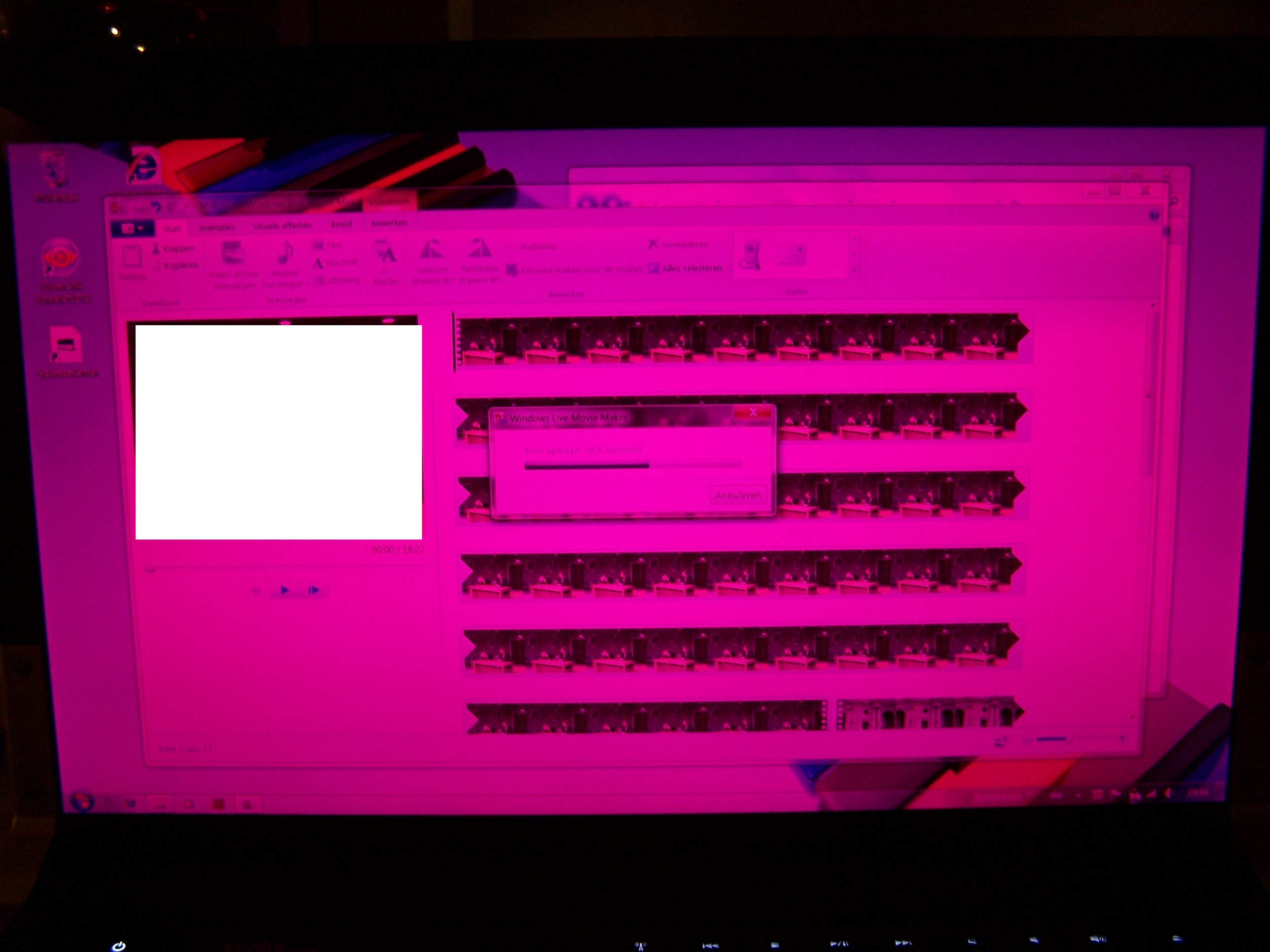
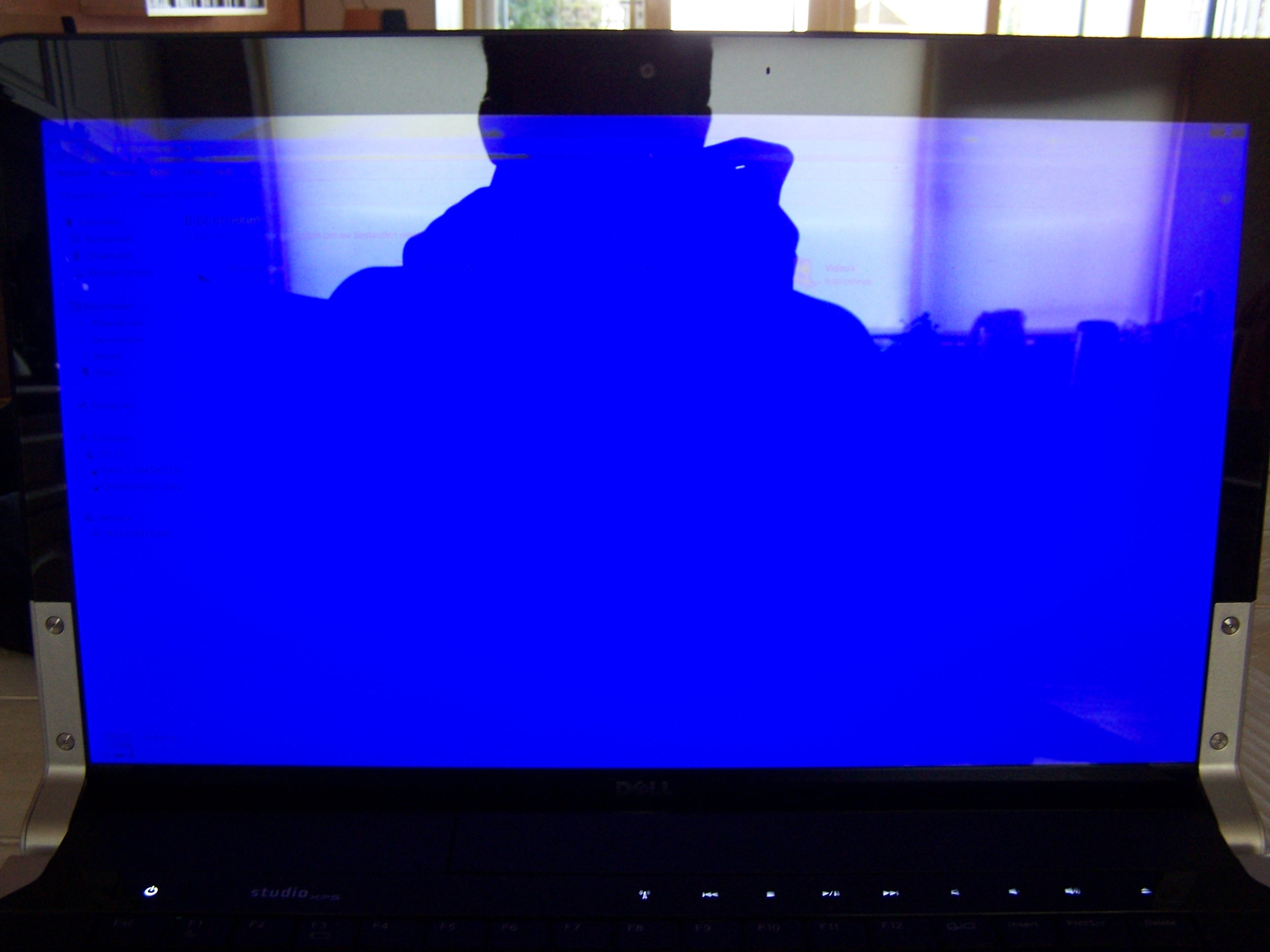
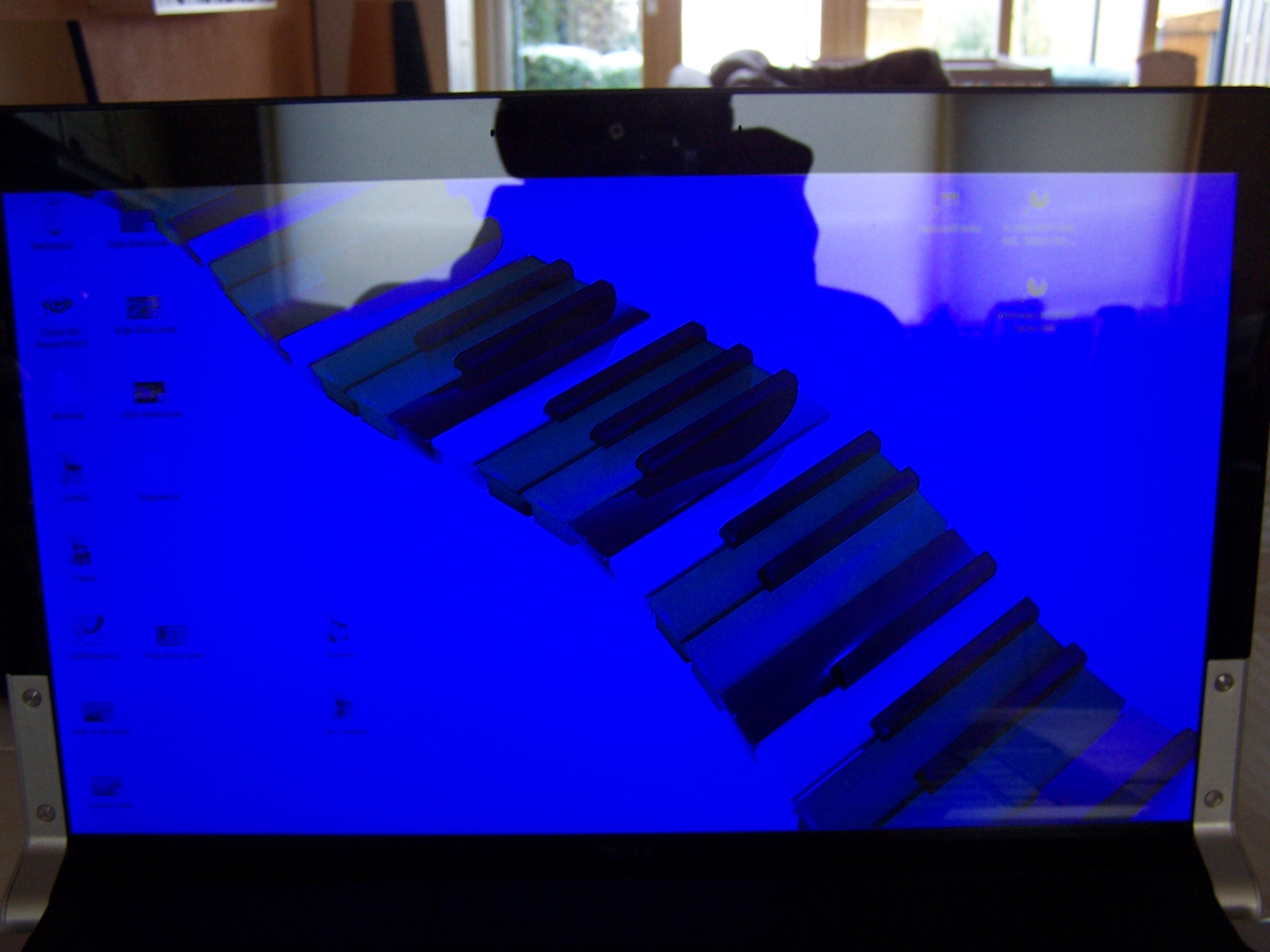
One other thing, now and than when i work on battery and the battery start running low i get a blue or pink screen, see the enclosed photo's.
The only way to get rid of it is to take the completely battery of, than i get a normal screen again.
Anybody who had the same issues or somebody an idea what the probem can be?Attached Files:
-
-
Get ready to spend time on the phone with TS. I would call and ask for a replacement. I think its the color inverter busted.
-
FYI, at CES, Dell is showing off a concept XPS 16 with an OLED screen. It's not for sale:
http://www.engadget.com/2010/01/08/studio-xps-16-oled-concept-laptop-hands-on/ -
Thanks for posting this.
-
Interestingly enough, CPU-Z shows my 6GB (4GB + 2GB) as running dual anyways. I was under the impression that it requires identical sized sticks, but that's down the drain.
@lowlands
From my frustrating experiences with the Bluetooth: if you ever actually lose the entire icon (not there, not running in Task Manager, either), the only way to get it back is to reinstall the drivers. It blows.
I have changed the radio button (in the BIOS under Wireless Settings) to only affect BT. That way I can turn it off/on, but the icon/process is still there. If you ever disable it (end process through TM or using msconfig or through the settings of it), you've lost it for good until you reinstall the drivers. It blows.
~Ibrahim~ -
That's intel flex memory technology. It's faster than single channel but slower than dual channel.
-
Oh...so it fits within that 5% gap in those select applications, lol?
Thanks for the info, didn't know about that.
~Ibrahim~ -
ok, so does the 1645 feel faster in day-to-day stuff compared to the 1640? I mean in terms of bootup times, and general application responsiveness
-
I understand that something is wrong, but i do not get it why the problem only occurs when working on (low) battery?
What replacement would you ask, only a new screen or completely new laptop?
I have the icon and also see it in the task manager, but not in windows mobility center.
The radio multimediabutton (above the keyboard) only shows the wireless on and off picture when i press it, though it connects and disconnects both? (bluetooth and wlan) shouldn't it also show the BT picture? -
I would push for the new 1647 as a replacement hopefully it fixed all the throttling issues.
-
Ohhhhhhhhhhhh. You want to see it in WMC. Well, Dell doesn't include a tile for it by default. If you google for it, you can find one for 32-bit Windows: just look up Bluetooth tile windows mobility center. But, unfortunately, as I've tried, it isn't compatible with 64-bit. Which does kind of suck.
Oh, the picture just refers to the button. The picture will be the same for whatever you have set it in the BIOS to. Mine is set to BT and I still get the little "radio tower" icon.
~Ibrahim~ -
Anyone have exp. with dead pixel clusters on this laptop? What happened when you contacted Dell. They are now ignoring me, email and phone.
Is there any chance of a refund? Of course it is more than 30 days - the reason I say this, if they replace the laptop, they don't have any i7 with blu-ray available (who ever heard of a company downgrading a congfig.!) so I don't want an i5 with DVD - what rights would I have? If they can't replace it with something equal, they surely don't have the right to replace with a downgrade!
Or is my best bet to insist on a screen replacement instead? Problem is, I have lost faith in this model, great idea - crap output and would rather go Sony or HP at this stage, its like Dell have a concept laptop and then started selling it on dell.com before testing it.
What do you guys suggest? Dell is really silly, you can't mess people about and win, end of the day - you will never buy dell and tell 100 people why they shouldn't too. -
Ah Thanks, that explains it.
I am not quite sure of good working of the Bluetooth appl.
I have an Logitech 555b bluetooth mouse, it works but when i do not use it for a few seconds the connection gets lost.
I have to disable BT and enable again for letting them get connected again... -
Oh..that might be an issue with the BT radio. Check Device Manager with the BT radio on. Right-click and go to Properties on the Dell 370 card thing. Far right tab, uncheck the thing that says "turn off to save power".
~Ibrahim~ -
Hi,
I have the SXPS with the 15.6" 1920x1080 display. Is my monitor 1080P or 1080i?
Thanks -
1080p = 1920X1080.
1080i is 720p interlaced, so 1360X768 resolution. -
Thanks for the quick response
-
Thanks, i unchecked it but unfortunately the Bluetooth is now not working at all.
(Do not think this had to do wtih it )
I got a message that the card was enabled due to a problem, i uninstalled the software and driver and tried to reinstall but now in the middle of installation i am asked to activate BT with the wireless button
tried Fn+F2, the radio button but nothing works.
The BT light at the front is on canstantly, but in de device manager is no BT module...
Think maybe de BT370 module died on me. -
Oh, darn. Right, mine's been unchecked for a while now after I had some problems with my phone. Where did you get the drivers from? I never had to "activate" my BT during the installation.
Hmmmm....maybe it did? I'm sorry...
Could it be hidden? Check the View menu in Device Manager.
@1080p
He's right in that it is a 1080p screen, but that definition of 1080i is incorrect. It's only 540 lines resolution per frame. It alternates the even-numbered lines with the odd-numbered lines in each frame. So frame 1 has the even 540 lines, frame 2 has the odd 540 lines. If you play them quickly, you can't tell your missing half the lines in each frame because the missing ones are just in the next frame which is a tiny fraction of a second later.
~Ibrahim~ -
are progressive scan and Interlaced related?
well as far as i know LCD and computer monitors are mostly p(progressive scan) and the Interlaced scan is found only in specific types of CRT's.
@D2K9
if your resoultions is 1920x1080 then it is 1080p and it's a Full HD. Though, 1080i is also Full HD but its just a diffrent method of getting the full picture produced on the screen.
p mean progressive scan , thata means line after line
and Interlaced (i) means alterenat line which depends on thte method of input signal encryption.
If i am wrong, please correct me .
Last edited by a moderator: May 8, 2015 -
1080i is not Full HD. 1080p is. If you see Full HD, it is supposed to refer to actually 1080 lines of resolution available. Of course, 1080p screens can display 1080i, but 1080i screens can't display 1080p because they don't have enough lines. A 1080p screen HAS to have 1080 lines. A 1080i screen only requires 540, which is fine since most HDTVs have that 1366x768 resolution which has 768 lines.
Interlaced is found in many TVs: CRT, LCD, plasma. Progressive is also found in those same ones.
I'm not sure if Windows even supports interlaced resolutions? Never heard of them. It can view interlaced video, but it's just decoded to progressive, I think.
~Ibrahim~
P.S. A lot of this gets complicated because some screens/TVs decode interlaced to progressive so you're actually seeing progressive, but some don't. It just combines the two 540-lined images into a single 1080-lined image. I think, then because now you have half the frames, it just displays all frames twice?Last edited by a moderator: May 8, 2015 -
1080i actually have 1080 lines, but it will only change 540 of them every 1/60 second.
-
Oh. So the information for 1080p is actually found in all 1080i media? I thought 1080i actually was missing information, but a not a visibly noticeable amount: that's why it required less bandwidth.
~Ibrahim~ -
If it's still image, 1080i will look as good as 1080p. But in motion, you miss half of the resolution on moving part, your brain or tv up converter will make up the rest of the picture.
On a CRT or Plasma monitor, the electron beam only hit half of the screen when displaying interlaced content. -
A de-interlaced 1080i image will look as good as a 1080p image. I mean, I don't think there is a 1080i still image. Just a frame of 1080i video which will only have 540 lines. If you combine the two accompanying 540 lines (thus de-interlacing), then it'll be a 1080p image.
Huh. Interesting. So it's an energy-saver?
~Ibrahim~ -
energy-saver may be, but an bandwidth saver for sure.
Thanks for the detailed info.Last edited by a moderator: May 8, 2015 -
oops..sorry for starting this whole 1080p/1080i debate but thanks for answering my question on if my screen was definitely 1080p. I sort of knew it was but got confused when I was reading up on it today.
If any of you know the answer to my question in the throttling thread, could you please answer it? It is the last reply on that thread as of now.
thanks. -
Indeed is was hidden, tried to update the drivers and found some other threads about the 370 BT from wich i am going to try some things.
The software/drivers are from Dell, i think these were okay because it did (more or less) work
BTTraye.exe starts up and is in the taskmanagers but there do not appear any BT icons, very strange.
edit.
now it is visable again in Devicemanager but now as an unknown device.
I am out of options, going to contact Dell (again)... -
@lowlands
Blast....yeah, maybe they know something we don't.
@D2K9
Not a debate: discussion. Don't see your post, though?
-
have u tried flashing the BT 370 minicard ?
go to C:\dell\drivers\R226750\R226750\Win64\svcpack
there's a utility called SetupBluetoothDFU.exe run it. It would ask for a firmware which is the"LR.dfu" file in the same folder.
Try flashing it and then install the drivers again.
hope this works for you .
Last edited by a moderator: May 8, 2015 -
Sorry it is in the S-XPS 1645 Throttling Info. and Updates thread but it I already got a detailed reply from Uncleweb.
Thanks. -
Indeed this did the trick! Couldn't you tell me this sooner
I allready also found this on an other forum, see below.
I fixed my Blue tooth! Dell he directions just suck. For Windows 7 64 Down load the following link. (this is for when you try to install and it state turn on blue tooth radio).
Down Load the following Driver Pack.
http://support.dell.com/support/dow...typeid=-1&dateid=-1&formatid=-1&fileid=325098
Dell Driver R226750
Once downloaded Double click to un-zip. If the program tries to load it will probably ask for you to turn on the wireless Radio. Hit cancel installation. Go to you main computer hard drive. Open up "DELL" Folder. Go into "Drivers" Folder. Find the driver Marked R226750. Open folder. Towards the top on should be marked Win64. Open this folder. Look for folder named svcpack.
svcpack folder should have three files in it. Double Click SetupBluetoothDFU to run. This program re-flashs the internal firmware on the Bluetooth Device. It will ask you for the DFU file to use. The DFU file is in the same "svcpack" folder. Once this is finished. Re run the original driver file from dell. Figured out on Saturday and today my Microsoft mouse is still working perfectly!!! Hope this helps.
Also since i disabled the powersaving setings the mouse now stays connected.
BT is a real pain in the ... but finaly it is working now.
Thanks all for the help and information.
The folowing item now is to get my travel remote working
This one also does nothing, although all the HID IR drivers are okay and working just fine in de devicemanager.Last edited by a moderator: May 8, 2015 -
I have xps 16 with rgbled.
But I 'm still trying to fix the color problems, i checked other thread already.
The red color of my screen is too bright , no matter how i changed Ati CC , it won't change...
I played with every options....
does anyone know how to correct it?
I also tried windows 7 color mangement, but i failed...color is still to bright -
I thought the new 1647 was only with i5, or is this one also available with i7?
**The Official Studio XPS 1645 Intel Core i7 "Owners Lounge"
Discussion in 'Dell XPS and Studio XPS' started by Cin', Nov 9, 2009.