Problems? See this thread at archive.org.
May I say:
I was at college fair and I used my friend's Dell 14z laptop, and the keyboard had a crapload of flex and was very painful to use... this experience made me realize how perfect the HP DM3z keyboard is... fullsize chiclet keys with absolutely ZERO flex. It's wonderful.
I need more battery life than my HP DM3z provides now that I'm going in between my high school and the college so I was thinking about selling my DM3z for something with better battery life, but all the options are missing something that is more important to me... The ASUS UL30Vt has a flexy keyboard and glossy craptastic plastic, the DM3t doesn't have a graphics card unless I upgrade to the SP9300 Core 2 Duo which only gets about an hour more or the SU7300 which isn't switchable so still only gets about an hour or two more for costing me about ~200 to upgrade. Not worth it. So I bought an HP DM3z car charging adapter and it solved the problem.
The HP DM3 is a great laptop for the price. I still love it and really there is still no other laptop that really compares to the minimalistic look/build quality/performance/portability at the price.
-
This SSD and HDD review was done on my HP DM3.
SSD vs Hard Drives: A Beginner's Guide to SSD Upgrades
Gives a nice impression of what you can expect from SSDs, HDDs and the Seagate Momentus XT hybrid drive. -
If SSDs weren't so expensive for the size I'd go for one, 30 minutes of extra battery life sounds pretty good.
-
Hi, I'm having an annoying problem with my screen since a couple of months. I have the amd version (DM3-1030us, bought in November 2009). When the lid is open the screen is ok, while I close it the screen is still normal, but while I open it, it gets temporarily blank (but still has backlight). While it does not affect functionality, I would like to arrange it.
I'm currently running Ubuntu on this laptop, but the same problem occurs in Windows and also while the BIOS is loading, so my first guess would be a connection problem. Should I open it to check?
Thanks. -
I would consider a chat with HP tech support before just opening it up, although it could be a cable problem
-
Hey guys. Question here.
I opened up the ram door at the bottom and I can see that the DM3 has clear access to the processor. However, the processor had over it a thin clear orange plastic coat plastic sheet over it. Is that supposed to be there?
And I was also wondering if it would be a good idea to put some thermal compound on the processor? Would this void my warranty? Is it easy to do? -
Wow phil, that's a great review.
The hybrid drive is very very tempting... -
TSE that isn't your processor. The processor will be under a copper pipe connected to your heatsink fank. I'm guessing you're looking at the network controller.
-
It says AMD on it...?
-
Amd makes the chipset for the motherboard, not just the processor.
The processor is in this general area
![[IMG]](images/storyImages/s58vo2.png)
-
Ah, okay. Thanks for that, it looks like a really difficult task. Nevermind then.
-
Hi all, just picked up a new 2010US.
The 2010 is a solid performer and I have no complaints, great form factor and power. -
Welcome to the forums Wormbrnr. Discussing installing OS X on PC hardware is against the forum rules, so I've deleted parts of your message.
-
Apologies, Phil. As for the computer, still getting used to the trackpad. I did read where folks are using screen protectors however I was only able to find a glossy one. Which, I can safely report, doesn't do a darn thing and feels exactly the same way it felt before. Gotta track down a matte finish one
-
Type this in eBay's search bar:
ANTI GLARE MATTE SCREEN PROTECTOR IPHONE -
Can you recommend which iPhone screen protector variant fits the best?
-
I thought all Iphones are 3.5".
-
Okay....well I've gotten over the cool aluminium finish and now wish to sell
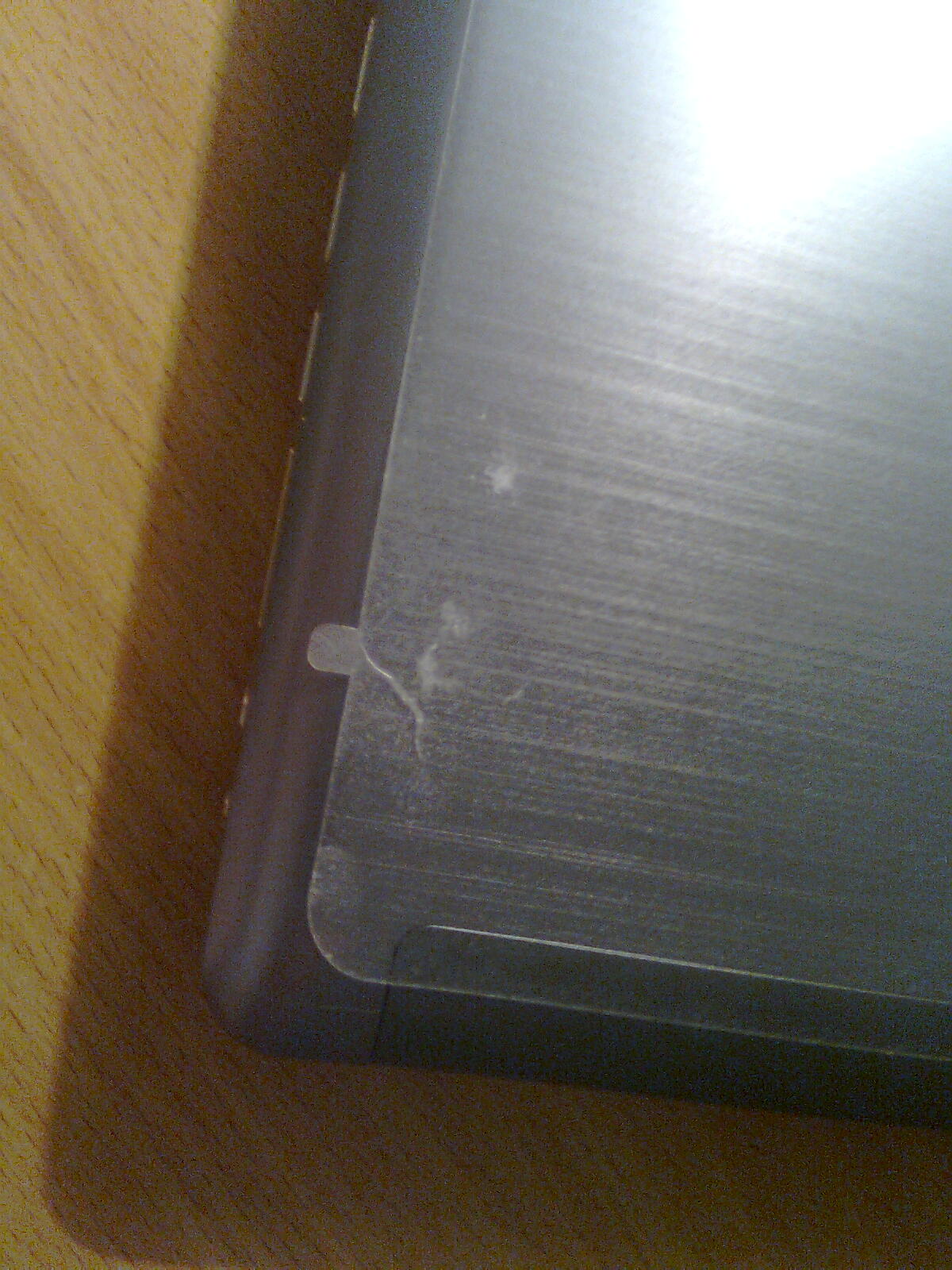
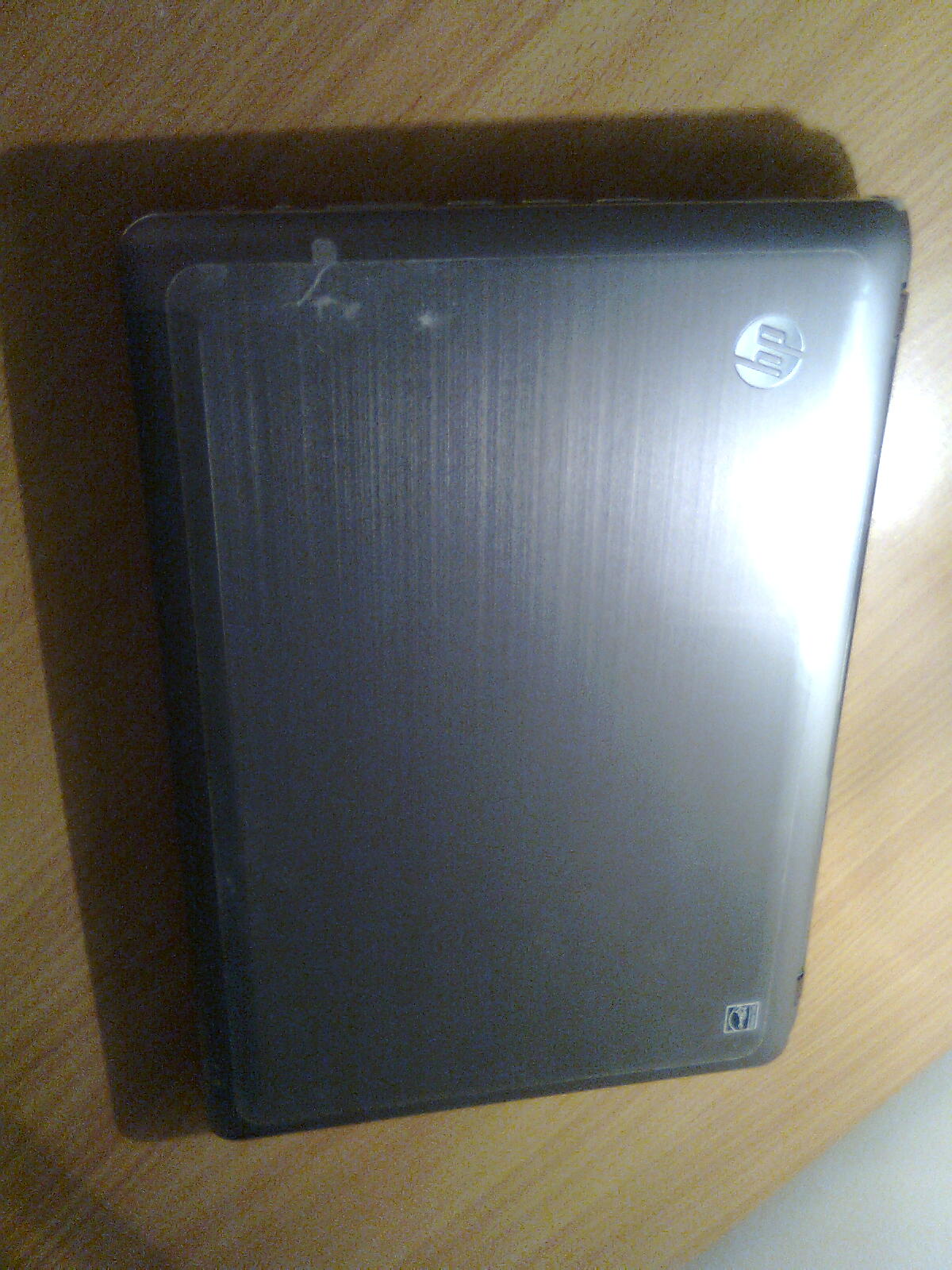
However, before I do list the notebook for auction, I want to know should I remove the protective plastic on top of the notebook? As it looks kind of hideous (due to the scratches on the plastic, the slight rip (looks like a crack) and dust surrounding the protective plastic).
I've attached some photos.Attached Files:
-
-
It doesn't show bad on the pictures. I'd keep it on as it gives the impression it's really new.
-
Well.. It does kind of make it look like you haven't been keeping the laptop very safe/clean.
My suggestion is to remove it, wipe with some soft cloth and take a lot of close-up shots, if you want to give the impression of it being new. -
Hi,
I have a DM3-1039WM coming today! That's the AMD 1.6ghz neo x2 cpu with ATI 3200 HD GPU.
I have been reading through this forum, and it sounds like the performance of my machine will depend heavily on having the best/most up to date, drivers. This seems especially true for the touch pad drivers and perhaps the video drivers.
My questions are,
1. Will the HP update software scan my computer when I start up, and direct me to the proper installation of updated drivers, or will I have to do this manually by searching the HP/AMD/ATI web sites (for example to find drivers better than than the HP standard recommended ones)?
2. Will it be necessary for me to make recovery discs, and if so, how? Is it possible to connect to a laptop that has a disc drive using a cross over cable, and make the discs that way? Or can I make a recovery flash memory stick instead of disc?
3. Is it possible to add a discrete video card and have switchable graphics as some of the other DM3 models do?
4. Is the HP media software and HP system software worth keeping or should I delete it?
Thanks! -
1. The HP updated software will give you driver updates from HP, but it would probably be better to get the latest drivers yourself from ATI. Also the drivers for the touchpad rarely update so I personally found hp's update software useless.
2. If you got a warranty with the computer, making the discs is sort of important. For any case when a HP Support Tech might ask you to do a restore from the discs, talking your way around it isn't always an option so its nice to have them on hand. To burn them I just used a USB Dvd burner, but I don't know how you can burn them to USB since it uses windows built in dvd burner software.(I'm sure theres a way, I just don't know it)
3. On a Dm3 it would be very difficult to add discrete graphics since the gpu is soldered on the board, and there isn't an express card slot for anything external
4. Most people find those just a waste of resources but you could use them for a week and see if you like or dislike them -
Thanks for the info nikeseven. So, for the touchpad drivers, what is the best way to make sure I have the best? Will they be on the HP website, or where?
And for ATI, does their website detect your hardware and point you to the right download, or is it more complicated than that?
I would like to have an external DVD burner, but don't really want to lay out the cash if my only use for it will be to make recovery discs! I'm thinking there must be a way to connect to another PC through a network connection and use it's dvd drive. Has anyone tried this?
Another idea, since I have an external hard drive, would be to make the disc images and store them on the external hard drive, then move the hard drive to a PC with a DVD burner and finish it that way. Will that work?
Also, if I did get an external burner, would it be worth it to get blue ray, or would my DM3 not handle hd video anyway? I've read in the forum that watching streaming video at the highest quality settings is not always possible with my set up. Does watching HD through an optical drive use the same system resources as streaming high def through youtube or Hulu? -
For drivers you can type in your model number here. 24/7 Online support for HP's Home and Home Office Products - HP Customer Care (United States - English)
For the ATI driver you can plug in your info here.
Graphics Drivers & Software
I've never networked a dvd burner, and I know external blue rays are quite expensive, but it would use less resources than playing HD with flash, which is very resource intensive -
I prefer the default Microsoft driver for the touchpad. No need to install anything else.
If you install the HP one it offers more features but it's not nearly as smooth. -
Yeah as Phil said, the HP touchpad drivers gives a lot more features such as multitouch gestures, but they aren't nearly as smooth.
The default Microsoft ones work better, only problem is you can't turn off the touchpad with the button but that is a minor issue. -
I found the above info on page 15 of this sub-forum. That answers my question about Blue Ray. -
Only the manufacturer can add dedicated memory if that's what you are trying to get at.
-
You might be able to adjust it in the bios(Use Ram as dedicated video memory)
-
I got my laptop last night. I only played with it a little bit, and did all the recommended updates.
So far, I think its great. No problems with video or with the touchpad, which works fine. I guess I was overly concerned from reading to much.
Using RAM as dedicated video memory is an interesting idea. I wonder if it can make a significant improvement?
4gb ram is a lot for this machine. I'm sure I could spare a few MB for video dedication, if it would be useful. -
I know alot of desktops with integrated graphics have the option in the bios, the only way to know if your machine supports it is to check
-
I had the well documented problem of the mouse pointer freezing when waking after sleep. So, I rolled back the driver to the generic microsoft version, and sleep problem solved. Other than this problem, however, I liked the Alps driver. I experienced none of the problems others have noted, with smoothness, taps, etc.
So, now the microsoft driver works fine, but with less bells and whistles, and most disappointing is that the touchpad off button doesn't work.
Isn't there a driver out there that works for this laptop? -
FYI, I went to the HP website and searched for drivers for my product (DM3-1039), and downloaded the Alps driver for my touchpad.
After trying it out and waking up from a couple of sleep cycles, it seems to work fine, with no freezing, smooth tracking, and the off button works. -
Thats good to hear. I've never really had any issues with the alps driver, and my only problem with the touchpad is the fingerprints and size compared to MBP's.
-
The HP software is really getting on my nerves.
Start up is too slow, and it takes a few minutes before that HP advisor dock at the top finally loads. I shut off HP advisor in msconfig, and it started up anyway!
Also, when I open a jpeg it opens with HP media center, which is also slow.
I went to control panel and made the default program for jpegs windows picture viewer. Open a jpeg, and it still opens with HP media center!
Sheesh. I've always found HP software to be obnoxius. Buy an HP printer and watch how the printing program takes over your life.
I'm not sure I want to delete HP advisor or media center right now, but I'd like to turn them off. I don't see way to do it (can't find options or settings for these programs).
What are others doing? Are you running these programs? -
I had no trouble with either of those you tried. Disabled everything-HP in msconfig, except for the wireless app (easier to turn bluetooth on/off).
Also set default apps for images/movies/etc. to something other than that HP crap.
I have no idea why you couldn't... -
For the bloat that comes with it most people here have seen good results doing a complete clean install, and as for Hp's printer I use the microsoft drivers for the one I use
-
Why a clean install vs. just deleting the stuff you don't want?
(It seems a bit radical)
I've had a Compaq for over 2 years and never felt the need to delete HP assistant. It never seemed to slow down my system as it is with my DM3.
I always figured it was useful, but now that I think about it, for what???
I'd probably never miss it. -
Even after you delete it there will be traces left in the registry and in other directories. A registry cleaner can only do so much.
When it comes to speed a clean install is king. -
You might not think it slows you down, but most people just grow used to what it was like when they got it from the store/factory etc. I can guarantee that you won't be disappointed in the performance boost
-
HP Adviser didn't start up today and it made a huge difference. I guess it took another restart for my msconfig settings to work.
Also, my jpegs were opening with media center because I changed the default program to Windows Picture viewer for .jpeg, but forgot to change .jpg. Now that's ok as well. -
Do they have a downloadable on screen display yet? Reformatted and I still can't get the display to show when I press the volume or brightness keys.
-
It comes with the MediaSmart package, I think.
You probably don't want to install all that, after reformatting.
There is a pretty good third-party app, 3RVX -
Hi all - Wife and I are taking a nice road trip this week and I am in the market for a car power inverter. I see on the brick the output 65W, which I assume to be the max load used when charging and multi-tasking. With that said, is getting a 75W inverter OK? It's more than the highest rated output, but want to make sure I'm not missing something here.
Thanks -
Yes it would be adequate. Rarely would your laptop use the max rated wattage.
-
Alright the SU4100 feels slow, Can't do much with virtual machines running, but still manageable. Can I buy, say a SP9300 or SU7300 and just install it? Would the motherboard support it? Heatsink and all that would be able to cope with the heat output from the cpu? Really thinking about it, and then maybe buy a SSD later on and make it one fast notebook!
Edit: Did some research, can't seem to find anywhere that sells just these laptop chips? Checked ebay, newegg, etc. -
CULV chips are soldered on. Upgrading is not an option as far as I know.
-
I was also under that opinion Phil, so the only way would be to switch to a sp9300 motherboard
-
XDviper, are you sure it's your CPU bottlenecking the performance?
VM depends a lot on memory. Upgrading to (a) 8GB and (b) SSD may sort more effect.
*HP dm3 (1XXX series) Owners Lounge*
Discussion in 'HP' started by ubercool, Oct 22, 2009.