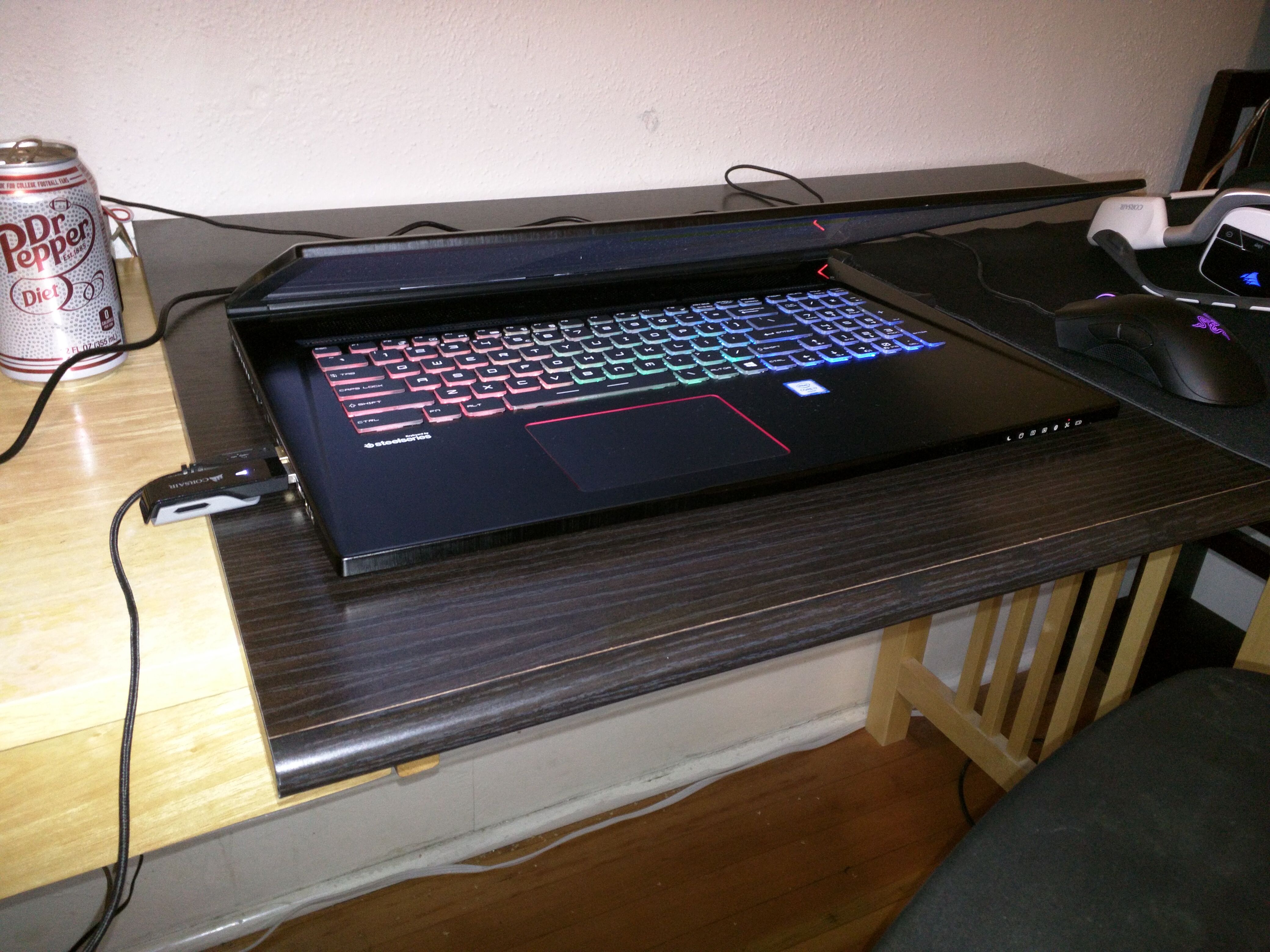
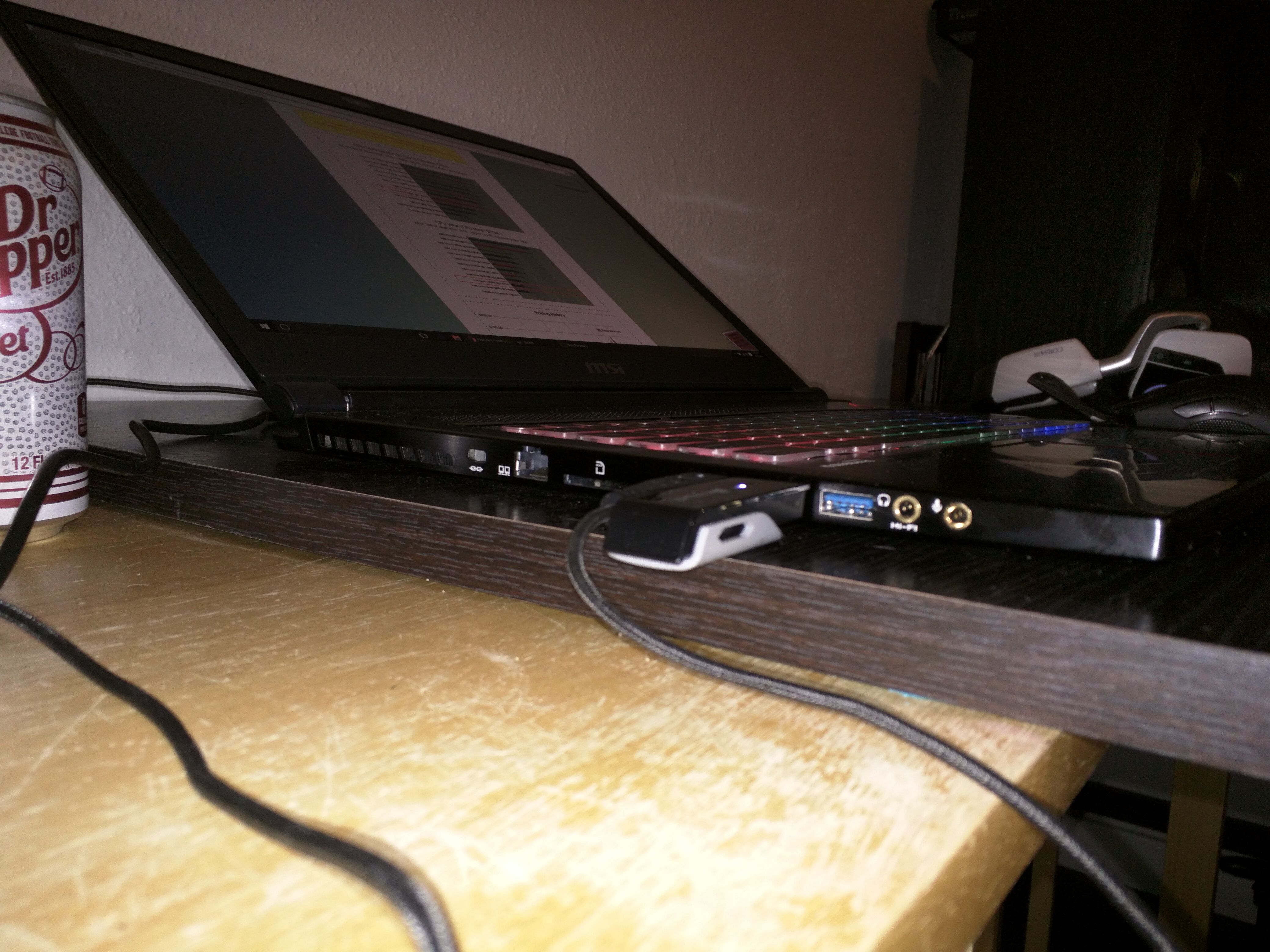
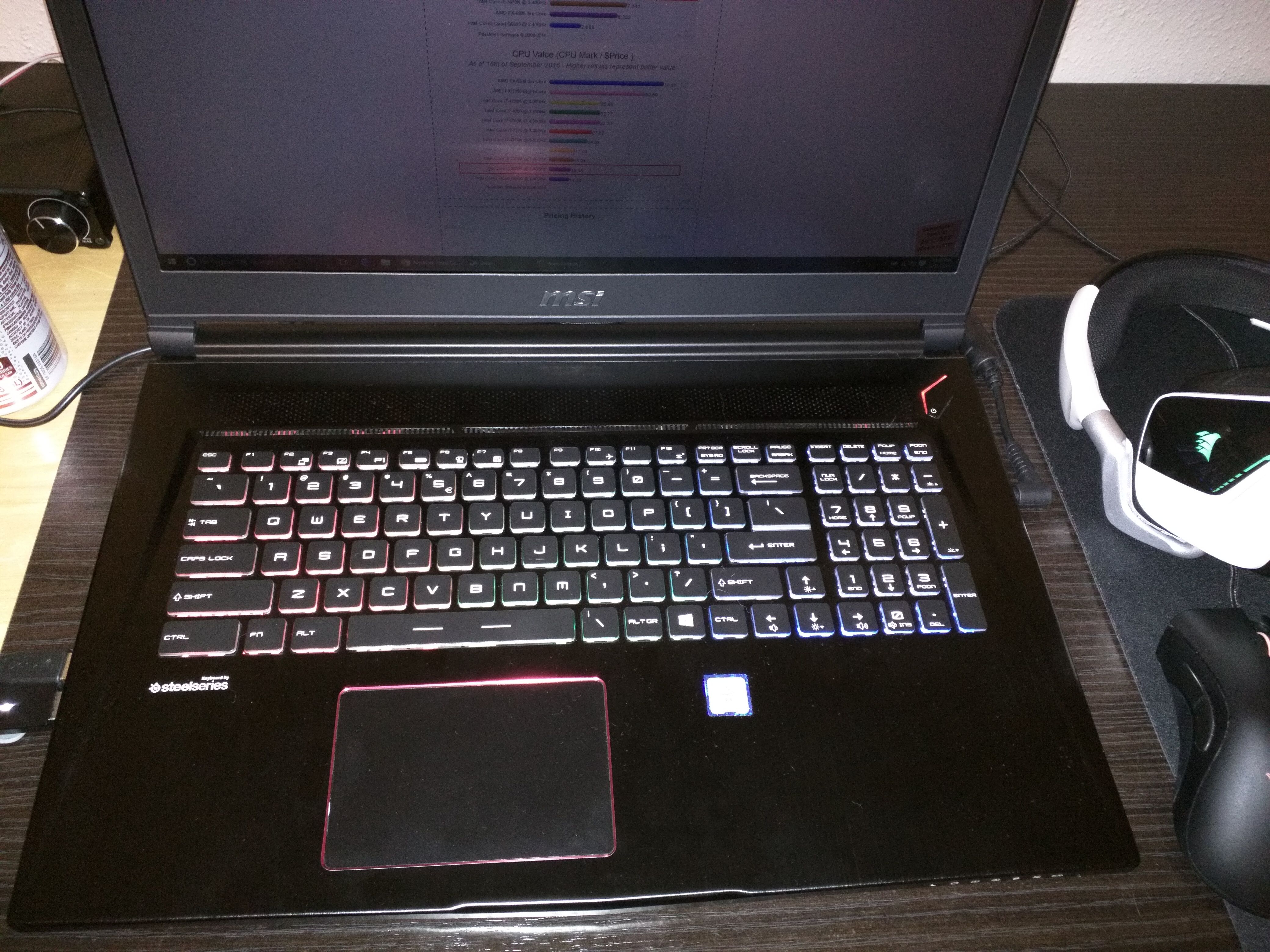
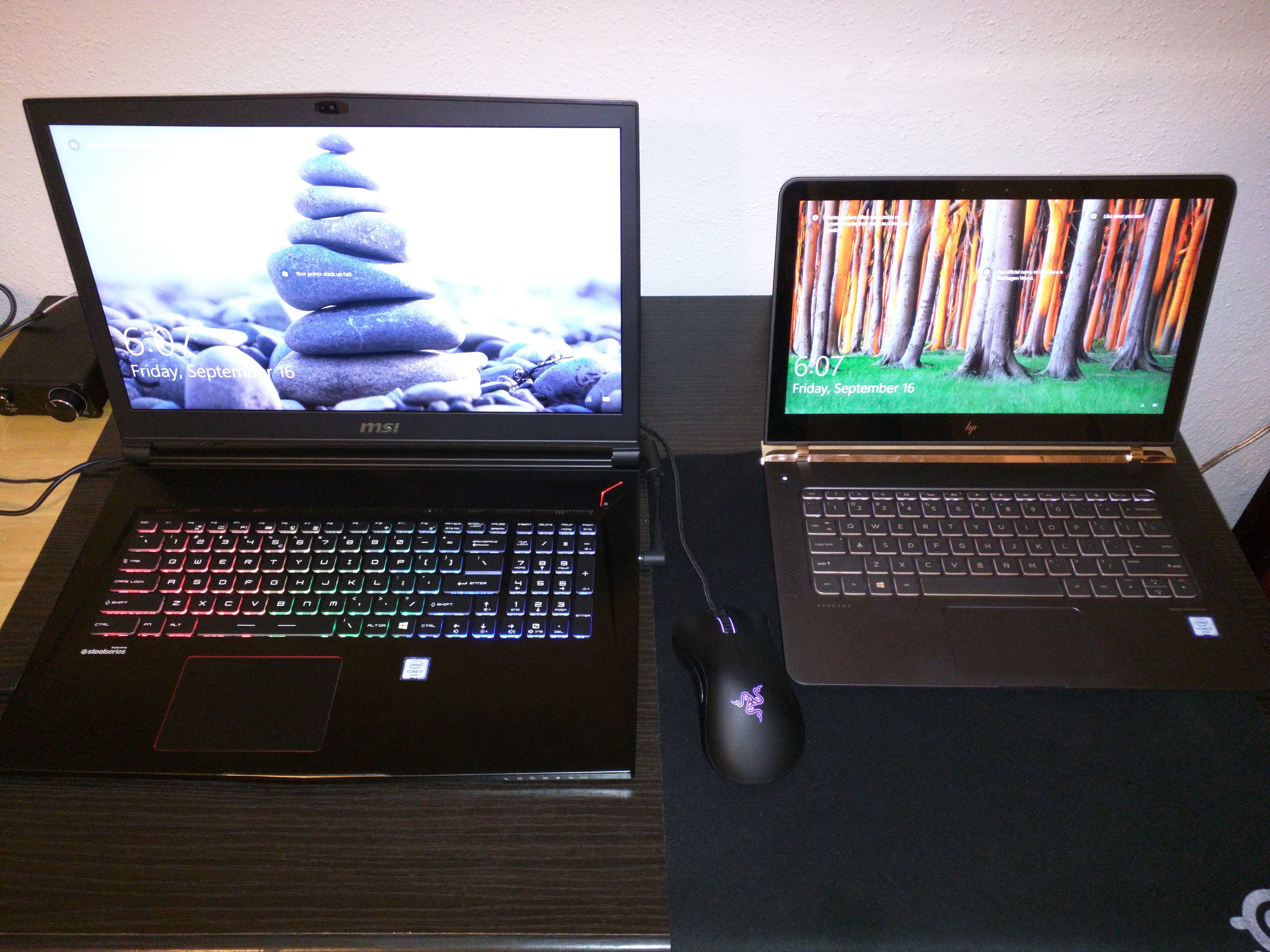
Problems? See this thread at archive.org.
Has anyone gotten the 4k model?
-
So I really want this laptop for my gaming and designing needs BUT i feel the 4k IPS too much at 17.3" and scaling windows and each program i use is going to be an annoying and imperfect work around, on the other hand the it seems clear, despite my hoping otherwise, that the 120hz screen is a TN and that im going to be disappointed with the colour reproduction.
So I have two questions.
1) Has anyone seen the GS73VR with the 3rd monitor option, the 1080p IPS panel (none 120hz) which is shown as optional on the MSI website, I cant find it anywhere.
2) I know this is a bit drastic but how practical would it be to replace the TN panel with another, IPS, monitor such ass one from the GE series laptops
Thanks -
Assuming it fits, it's just a matter of removing the bezel. You also need to do your due diligence and make sure the connectors are the same on the screens. It's not hard but tedious because the bezel has plastic clips and double sided tape holding it on. If money is no object, order a replacement bezel from Tom Ho at MSI in advance. Then you have nothing to fear.
If you do this, please try and take pictures and post what you did.
Btw, if you get time, can you please open hwinfo and post the part number and model of what screen you have? -
the stutter might coincide with when optimus switches gpus. Try opening fraps or something that forces the gpu on and see if it continues. This is a known issue with the gs63 and 43 as well. I'm not sure if it's across other devices as well.DukeCLR likes this.
-
I really want to pull the trigger on the GS73VR, but is anyone else worried about the response time?
BtW is 9.6ms and GtG is 28ms, I know this is very fast for a laptop, but shouldn't the response time be < 8.3ms on a 120hz screen for all frames to display correctly?hmscott likes this. -
Hi All,
Bought this sucker as a work laptop replacement and I'm quite happy with it... with the exception of the below niggles;
1. The space bar responsiveness isn't there unless you're tapping right in the middle section, off to the side isn't recognised
2. Bloatware up the ying yang - seriously I had to spend a solid day removing/fine tuning things and forcing the use of non-intel graphics (the GTX is now used for everything)
3. The 5400RPM hard drive - I removed this and it cleared up a lot of stuttering issues, although there are still some when moving between apps or shutting them down. The M2 is an OCZ rebranded Toshiba and I believe it to be the cause of this
4. I'm in the process of replacing the M2 with a Samsung 950 Pro 512GB drive... which I'm having a mission doing
Does anyone know of any resources I can use to double check how this puppy comes apart, as I've got to the point where I can almost get the motherboard out, however the heat pipes are pretty solidly stuck to the components... as I can't lift the board enough to see what it is still attached to, I'm worried if I try to push my luck it will break something - bye bye $3000 laptop. Instructions or a youtube link would be amazing if anyone has stumbled upon such a gem!hmscott likes this. -
Hi had all sorts of hell with overthrottling to begin with. Google Drive set it off as well, once sync'd though everything was happy. I updated all the drivers which solved the killer nic issue. Removed as many startup processes as possible and ended up reinstalling the OS twice before the system was more responsive, ran cool and didn't go batshit insane every time task manager was opened.
I'll admit, I did think of returning it before the issues were sorted out, now its just a case of upgrading the M2 for greater storage, battery life and no more stutters (my previous OCZ drive had the exact same symptoms, so fingers crossed the Samsung solves it). Agreed, the keyboard feels very tactile, just sucks that unless you hit the space bar in the right spot it ends up one giant string akin to a hash tag.hmscott likes this. -
Can anyone with the 4k version comment on the battery life?
hmscott likes this. -
It's not going to be dramatic in difference but it will definitely be shorter than non-4K screens.
-
does anyone knows how to use only Nvidia card and disable intel vga ?
-
How did you force the laptop to use the GTX for everything? Did you set it in the NV control panel?
-Sent from my TMO Galaxy Note 7 -
i have received mine from newegg and i must say i was worried about the display after reading this. he is wrong. i have it sitting next to my GS60 with the 1080p IPS screen. the GS73 is brighter and has better color accuracy. viewing angles are almost similar EXCEPT for when the screen is tilted back past the 90 degree angle at which point the IPS screen is far superior for viewing clearly and the GS73 starts to wash out. i would guess around 120 degrees open and it is washed out badly.
however i have never used any laptop at such an extreme angle so i don't see any functional issue. so far happy with it. -
If the laptop has Optimus, you can't. You'll have to get laptops with G-Sync certified panels. For G-Sync to operate properly the internal display will be entirely wired to the dGPU.hmscott likes this.
-
Basically I set it in the nVidia control panel, that's the best you can do. I've just installed the Samsung 950 Pro with authorisation from MSI to do so without voiding the warranty. Works like a gem, feels smoother, no more stuttering... proves my point that the Toshiba (OCZ) is a pos. Had the same issues with an old Asus some years ago. From now on its Samsung or Intel for me.
EDIT: Note, getting to the M2 and RAM slots on this is a painful process... take off EVERY pieceof sticky tape on the board and holding down fan cables. I found two screws hiding from me that held it down. The board comes off with the fans attached as the heat pipes are fastened to the CPU/board. My coworkers were having bets as to whether it would start up again. Patience and beer helps, take that for what its worth.hmscott likes this. -
One week old owner. 4K IPS is really awesome. Best display I've ever seen.
Only tested one game 4K MadMax 60fps (sync active), all options set to maximum.
The laptop is totally silent when not gaming after configuring custom fan speeds. Allways the three fans off. The chasis gets hot when you do intensive CPU tasks. If you prefer you can start fans from any custom temperature. This is my first noise configurable laptop...
The hard disk 2Tb driver have been replaced by a crucial ssd, it was really noiser than the fans.
Keyboard spanish layout is really bad, too much keys in the wrong place.Last edited: Sep 16, 2016hmscott likes this. -
Yeah, I just found out that the panel in the 4k model is the same as the one in the Alienware 17 r3. Easily the best screen I've ever seen. I think I think I'm going to buy that one.
How's your backlight bleed? Can you also confirm your Hardware ID for the monitor in device manager? Should be AUO109Bhmscott likes this. -
How I check the hardware ID?
About backlight bleed I'm impressed about the black level, at maximum bright (really intense bright), the black corners of start bar are more black than the aluminium beside it. Black levles are the same from any angle, but the white levels are not the same from any angle, but are the best ones I've seen. The light in the screen borders when all screen is black is nearly not appreciable. -
Battery life is 3.5 hours while internet surfing. Screen Bright at 80%. I have not tested while gaming.
-
Easiest way is to do into device manager, go to monitors and right click on the panel. I think in the details tab or something like that(I'm on my phone or I'd check), about 3 or 4 items down is "hardware I'd". Click that and it should show up in the text box.
Nice to know they are paying attention to backlight bleed and keeping it minimal on these models. That can ruin an otherwise excellent viewing experience.hmscott likes this. -
The first thing I did was a clean Windows 10 install no drivers needed except for the card reader. Lighting fast, before the clean install windows explorer opens only afet 1 second lag, now the windows explorer opens inmediatellyhmscott likes this.
-
Hardware information about the monitor in device manager:
Se configuró el dispositivo DISPLAY\AUO109B\4&1820ddd1&0&UID265988. -
Ive never had a 4k screen on a laptop, how are you finding it?. are you scaling windows so icons a more readable?. I use adobe cs6, rhino 3D, Autocad etc, I dont know if you also use these programs but are you able to scale apps well, if at all?hmscott likes this.
-
damn, I thought as much, I really dont want to get a 4k screen just to have to compromise on scaling etc.....I think I will take the plunge on the 120hz screenhmscott likes this.
-
the 120Hz screen would be fine for photo editing. The color space is large and are reasonably accurate.hmscott likes this.
-
i am experiencing some micro stutters while gaming, specifically SMITE which is a low demand GPU game. anyone know the cause? i have replaced the HD with an evo 840 ssd but the original 256gb ssd still remains with the OS on it.
-
Applications scale mostly well. Default scale is 250% that is a bit more big than a full hd 125% scaled 15 inch laptop screen. Windows 8 and upper enhaced high dpi screen support. If an app is not "dpi aware" the system scales it (pixelated effect), if the app is dpi aware (the developer states his app works in high dpi) depends on the developer implementation. I use visual studio and other development tools and they looks great.
In desktop, the clock and the trash can looks very clear (no pixels even at very short distances). Mad Max looks great, I did not test other games, but I think antialiasing off may enhace performance without quality loss.
So it depends on the app, for example terminal server connection can be scaled but mouse cursor remains small. Virtualbox allow scaling...hmscott likes this. -
e
Attached Files:
Last edited: Nov 11, 2016 -
-
How is this laptop's performance on dota 2? does it stay locked at 120fps or does it dip below that sometimes? I know the GPU can handle it easily but can the i7 6700hq provide locked 120fps?

-
Yup, a clean install of Windows 10 is certainly needed. I merely took the opportunity to improve the system a bit more.
-
So my gs73 came with windows 10 home installed on it, I replaced both hard drives in it with new Samsung 850 drives and reinstalled windows 10 home via usb and now it says it can't activate windows on this device as it is already in use on another device. error code 0xC004C008
I didn't type any keys in when I was installing and I don't know how to find my old key as I heard windows automatically grabs it from the bios when doing a fresh install regardless of new hard drive installations.
can anyone help me please?
thanks -
Do you still have the recovery partition on the old hdd? Might be worth trying to restore via that and see if the key gets picked up. If not, you have a bad key(probably stolen from someone) and the only way around is through msi. Don't bother asking MS, they will not help you.
-
Just went through this very process. You have to do the over the phone activation, call microsoft, explain that you've changed the hard drive (SSD). Took me all of about 5 minutes to sort out.
hmscott likes this. -
Does anyone know where to buy an extra power supply for this? I wonder if the Razer one will work, it's 19.8v and a little lower amperage (and only 165w). I think Asus also makes a slightly slimmer power brick that is closer to 19v that might also work. Would rather get an official one though.
-
I tested my old razer 150w one and it works fine. 165w should be ok for the most part, but you probably won't be able to fully load both the gpu and gpu without a little occasional throttle. Turning the screen brightness and other things down would probably prevent it. Who knows, you may never notice.
I spent a good deal if time hooked up to a power meter hooked to my outlet. The max I saw was 163 watts but that doesn't mean it didn't creep higher every now and then. I was trying my best to max it out, so I had performance mode turned on, screen at full brightness, etc. You really have to get the gpu and cpu at full load to hit where I hit. Furmark and prime 95 probably would have pushed it to the limits. -
Just so you know, this is how people fry their laptops... plugging in other make power adapters hoping they work.
Some times the polarity is reversed (I can't believe I said that) between the pins of the connectors, and you can do serious damage quickly this way.
Get the *correct* part made by the manufacturer, the same one you have that came with the laptop.
You should be able to order one from where you got your laptop, or an online vendor like Amazon carries them.
IDK what the part number is for the model you have, but look it up online.
Every single time I see someone asking about a cheaper 3rd party power supply I read later from them or another person on that thread that they bought one and it gets so hot - etc etc - and it failed.
You can't cheap out on power supplies
praetorianx, Dark_ and montobrah like this. -
Start listening to loud rock and roll music for hours every day at high volume, those annoying coil whine noises won't even register after a while
Killer has a new Sept 15th driver release, that might help...
Killer Suite (uninstall the old version and reboot before installing this)
http://www.killernetworking.com/product-support/driver-downloads/item/killer-suite
- Last update: 15 September 2016
- Version: 1.1.62.1727 Windows 7, Windows 8.1 and Windows 10
Standard Drivers (no Killer features)
Updated on 15 August 2016
http://www.killernetworking.com/product-support/driver-downloads/standard-drivers
Maybe wait on that version for the Sept 15 Suite release to make it to the Drivers Only page... -
Gotta love Windows 10, it's the Free Gift that Keeps on Giving
praetorianx likes this.
-
The history of my coil whine:
- The coil whine from my new system was noticeable only after replacing the noisy mechanical hard drive.
- Using Dragon Center (Shift), on Sport mode it was specially noticeable while moving the mouse using the touch pad or scrolling the chrome window.
- Changed to Eco mode and coil whine disapeared but CPU Turbo was disabled in this mode.
- Changed to Power Options mode and coil whine disapeared and CPU TurboBoost worked.
- I do not hear coil whine while gaming maybe because fans usually start.hmscott likes this. -
Got mine on Sat and I replaced the M2 SSD, RAM and 1TB HDD with the following: Samsung PM951 512GB NVME M2 SSD, G-Skill Ripjaw 32GB RAM and Seagate 2TB HDD.Did a fresh install of W10 Edu x64 and experienced a little delay in opening things, so I updated the lastest Killer Suite drivers (thanks hmscott) but forgot to do some testing before going to bed last night. Will report more tonight when it get a chance to do some testing.
PS: Changing the SSD / RAM was extremely easy, unscrew a bunch of screws and unplug some cables.Last edited: Sep 19, 2016hmscott likes this.
The Official MSI GS73VR Owners' Lounge
Discussion in 'MSI Reviews & Owners' Lounges' started by NHF, Aug 23, 2016.