Problems? See this thread at archive.org.
If you use anythingelse between 64 and 128 you have a very ong boot time (2 to 4 min) and you have pcie lane error and next you laptop turn off.
-
On 1.07.27 right? That won't happen in 1.07.26 or it will?
Are you working on a fix with @dsanke ? -
The v.27 is dosent compatible with 128 is only .26
I make available the version 128GB ram tomorrow (I live in France) it is not my job I want to specify but it is that of danske.
Go give him some love to thank him
I forget is only for p775dm3 and p775dm2joluke likes this. -
Thanks. I'll stay in .26 in this moment until its fixed
-
Hello everyone,
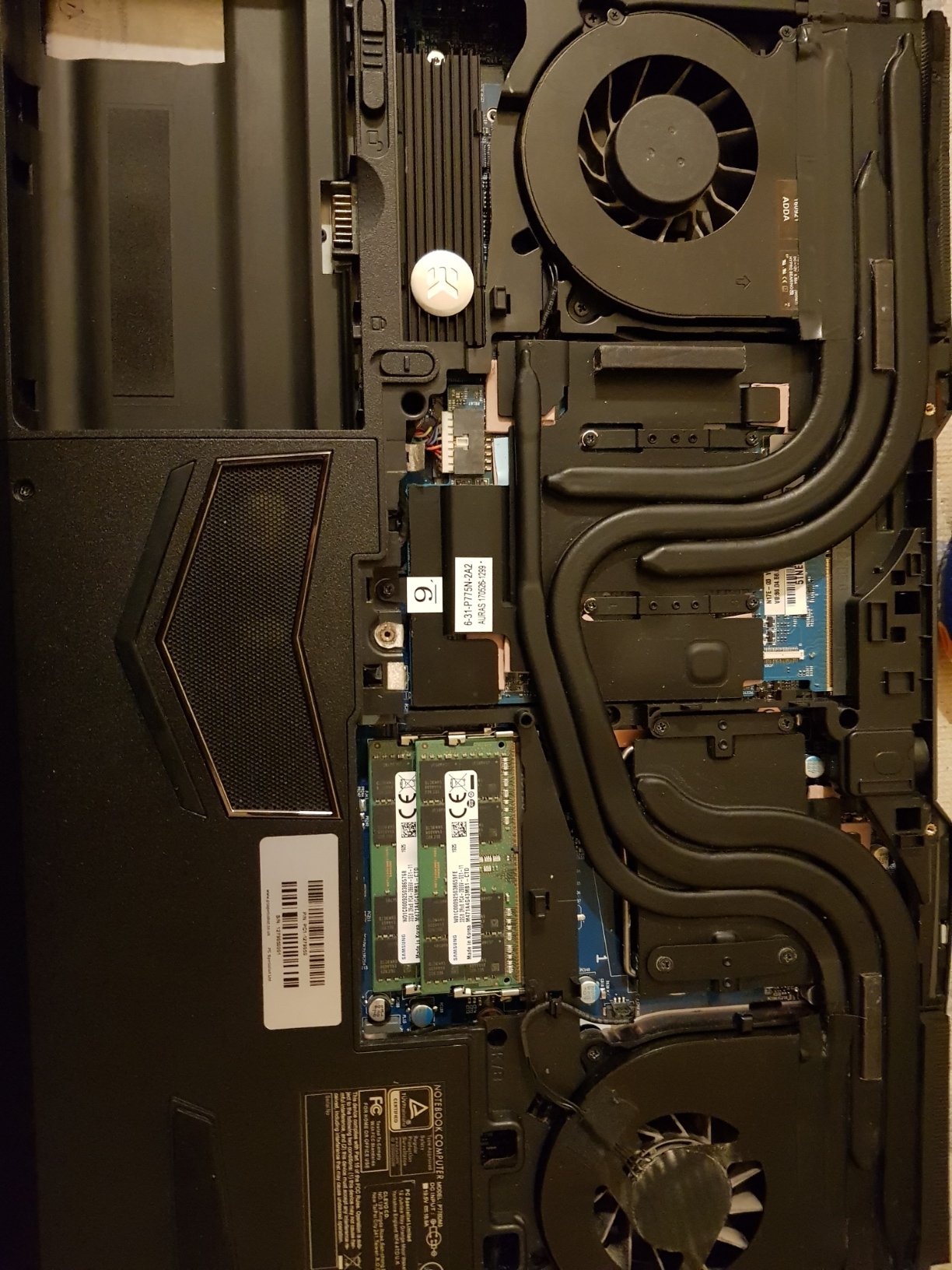
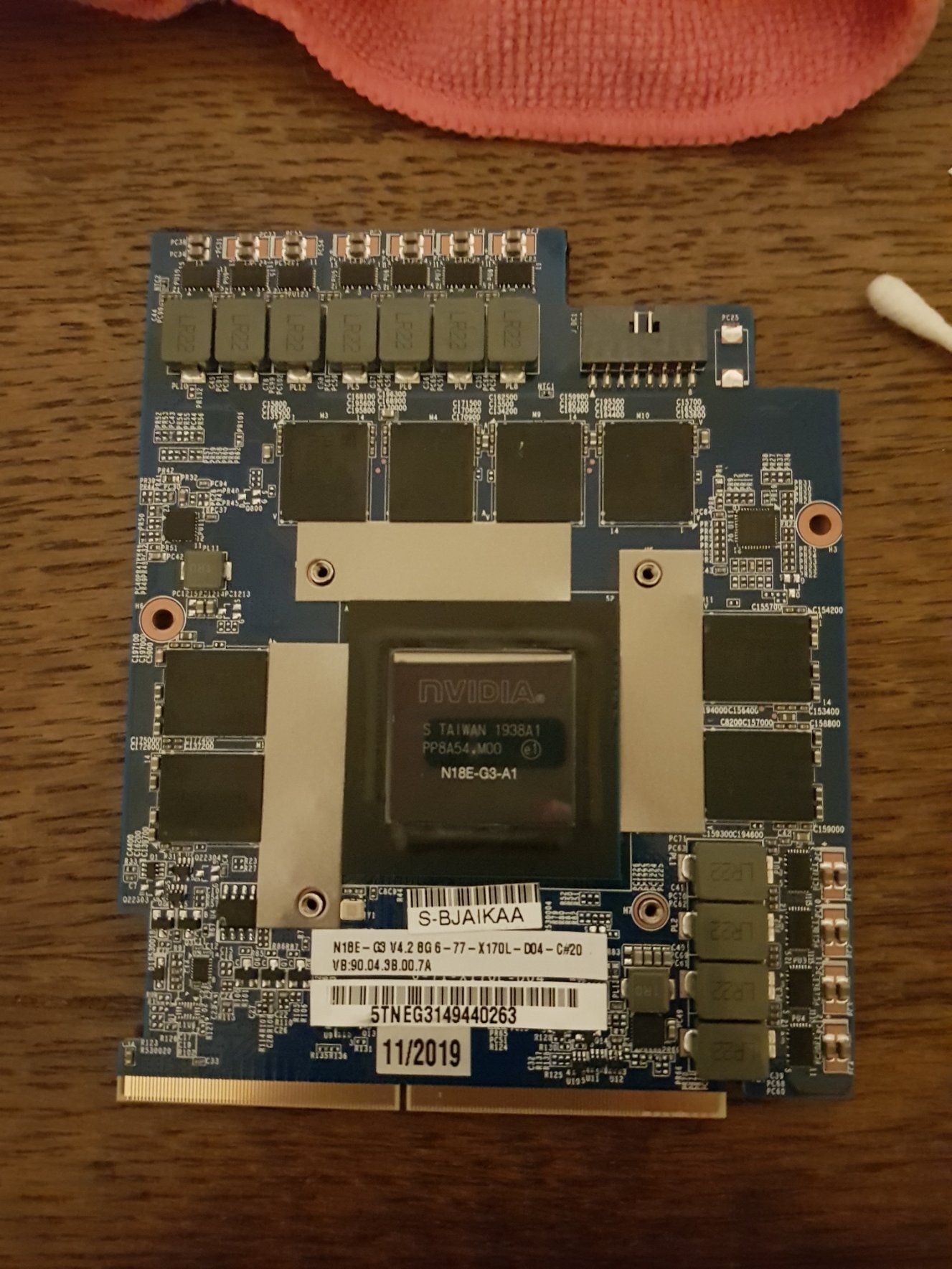
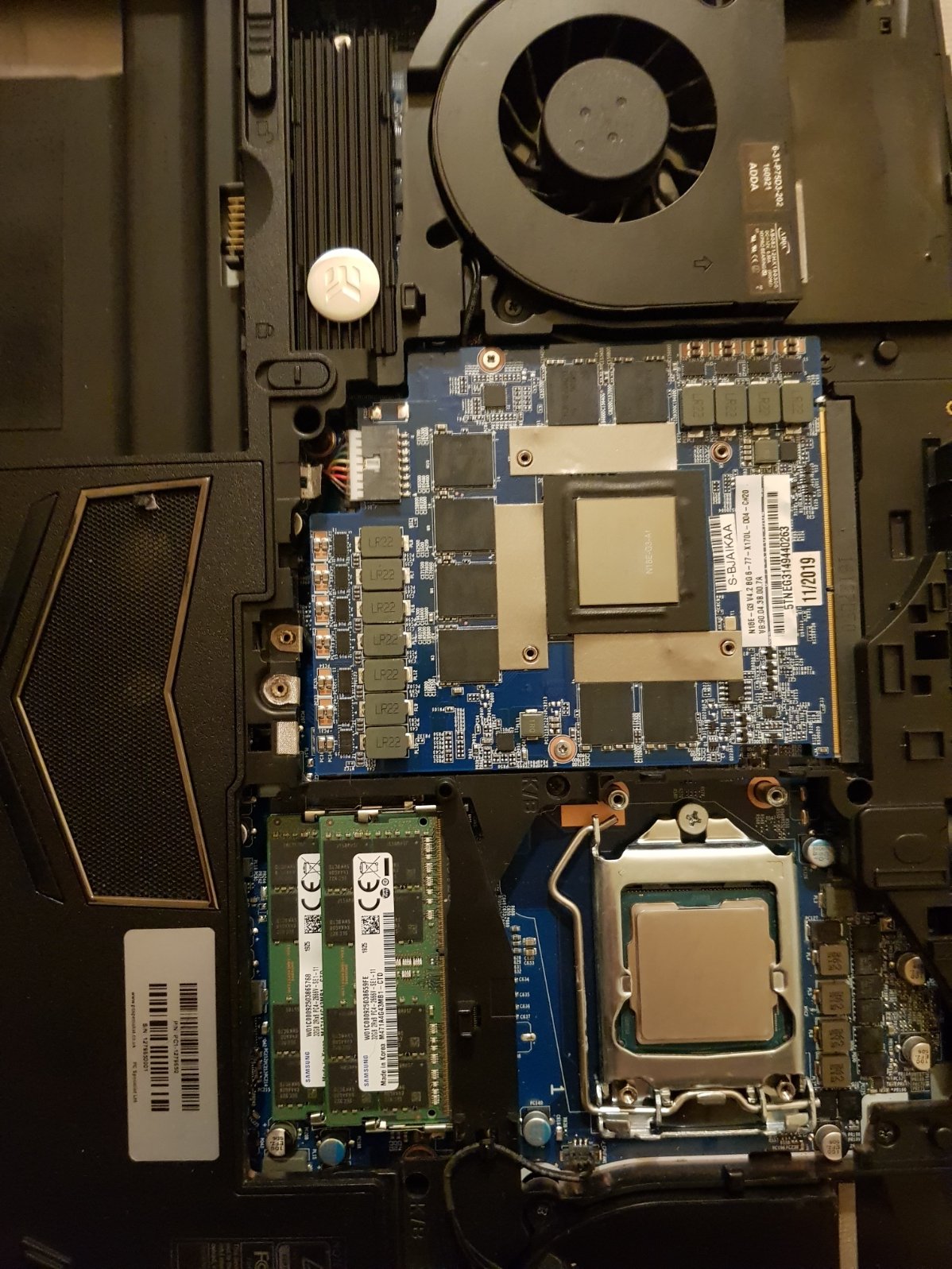
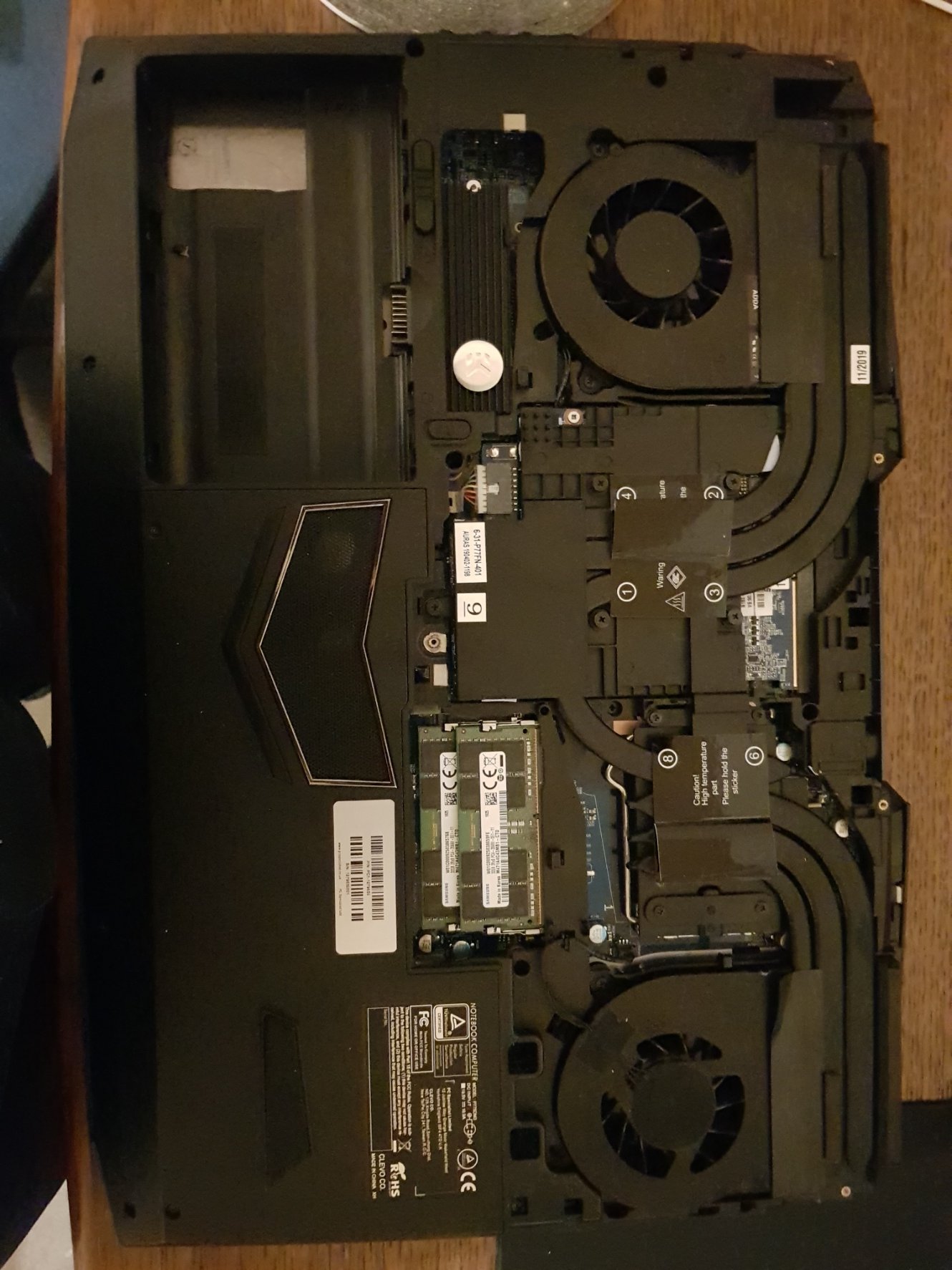
Here are my results concerning my upgrade, basic I use a 1080 gtx to rtx 2080. To speak first of the brand that sold me this card for the sum of 1168 Euros. The package was super clean. However, I noticed the heatsink that was again used and twisted.
I took some pictures for you!
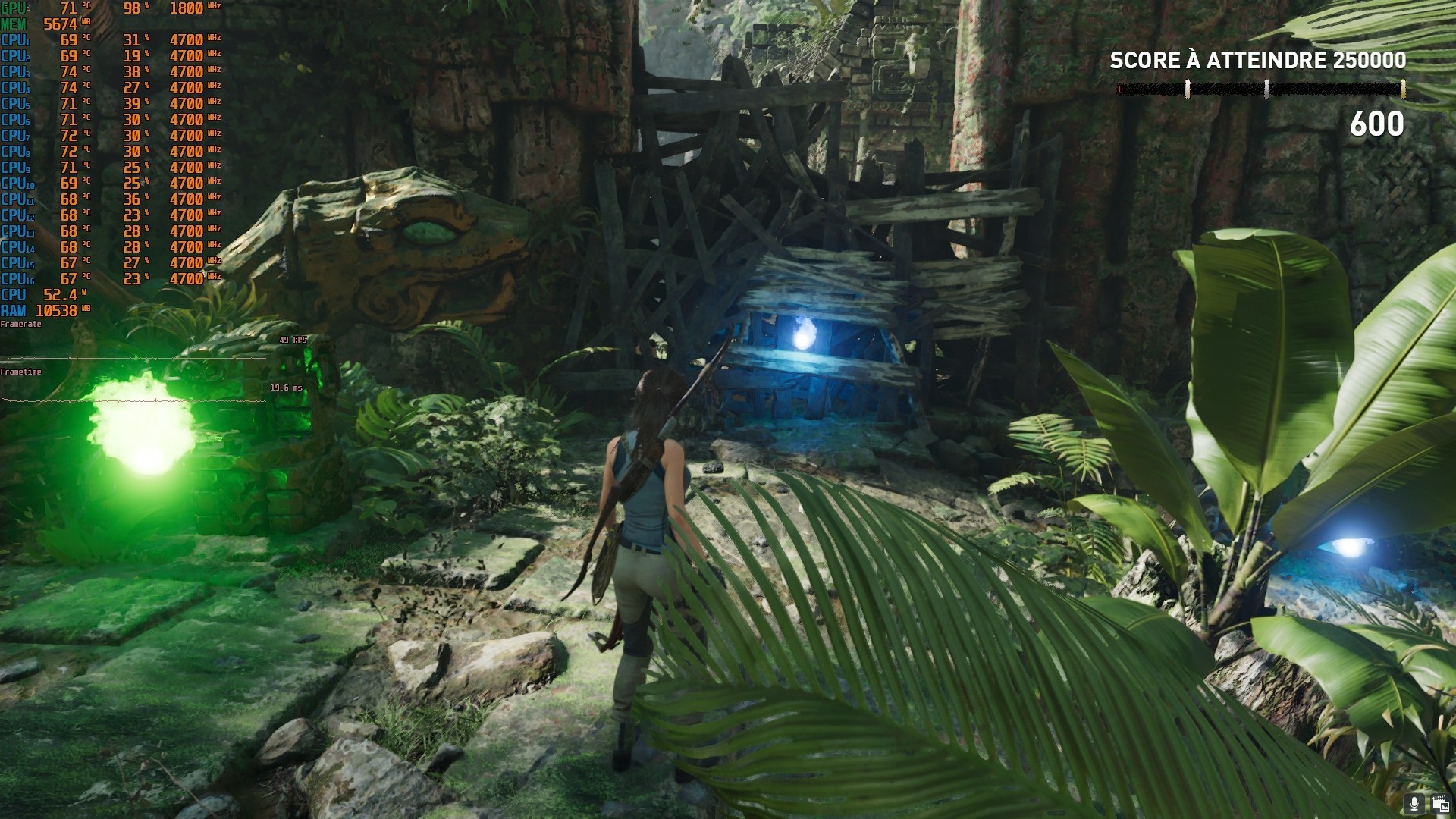
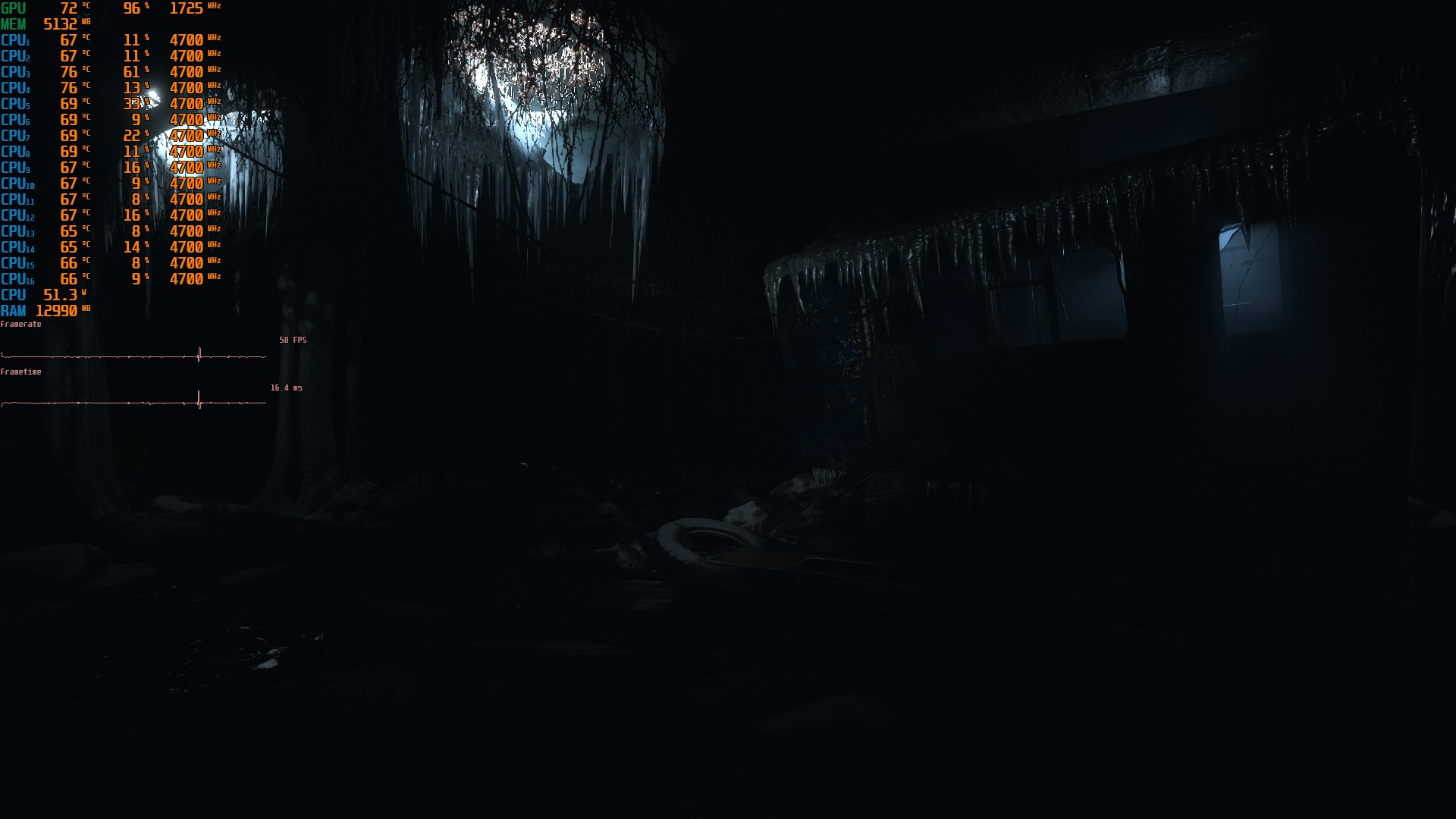
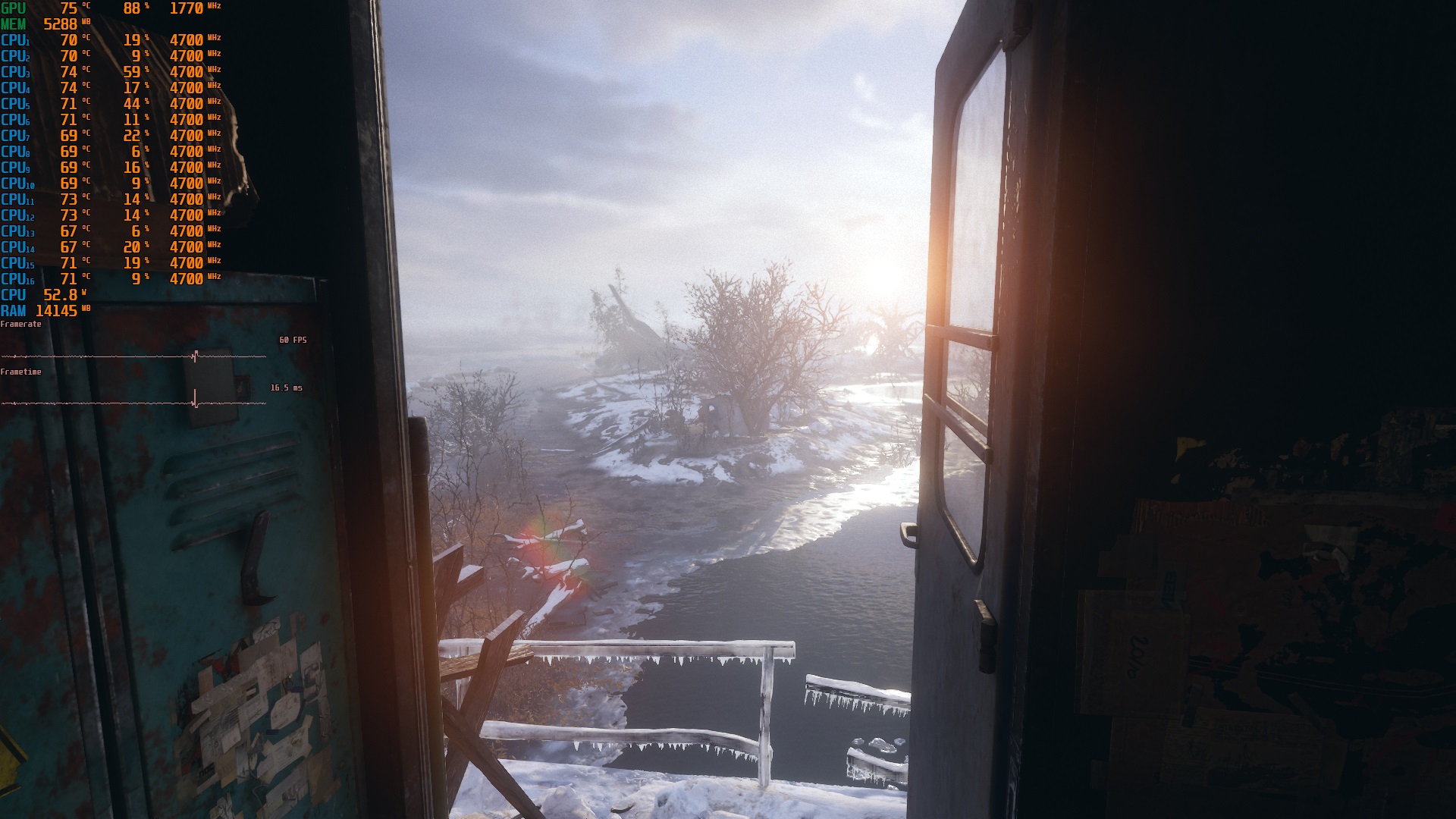
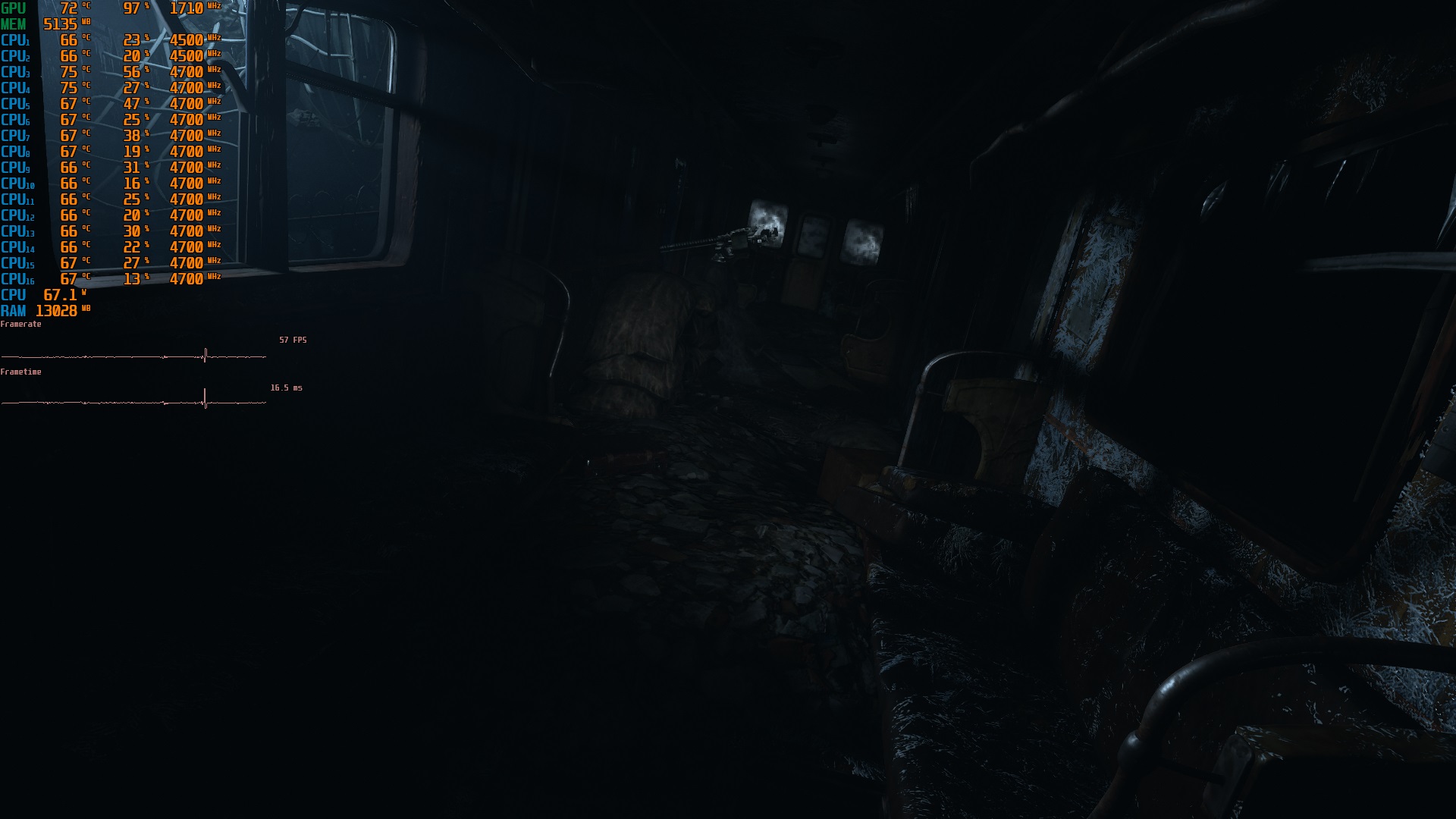
For performances the gain and there !!! however I am quite mixed because the shadow performance of Tomb Raider Ultra RTX on I am at 40 FPS I put you a Screenshot.
The positive:
The pc is initiated faster because the RTX has a Vbios UEFI
The card consumes less (150W)
The heatsink is much more efficient with the i9 9900k
The bug when the screen turn off is fixed
The bugs:
The g-sync does not work
For the 128GB compatible bios try with this one.
https://drive.google.com/file/d/118dnd5fDGKLYXxbE6Ci_2jgsI17YIdH5/view?usp=sharingAttached Files:
Last edited: Dec 12, 2019Shreyas Shetty and IllusiveMan like this. -
-
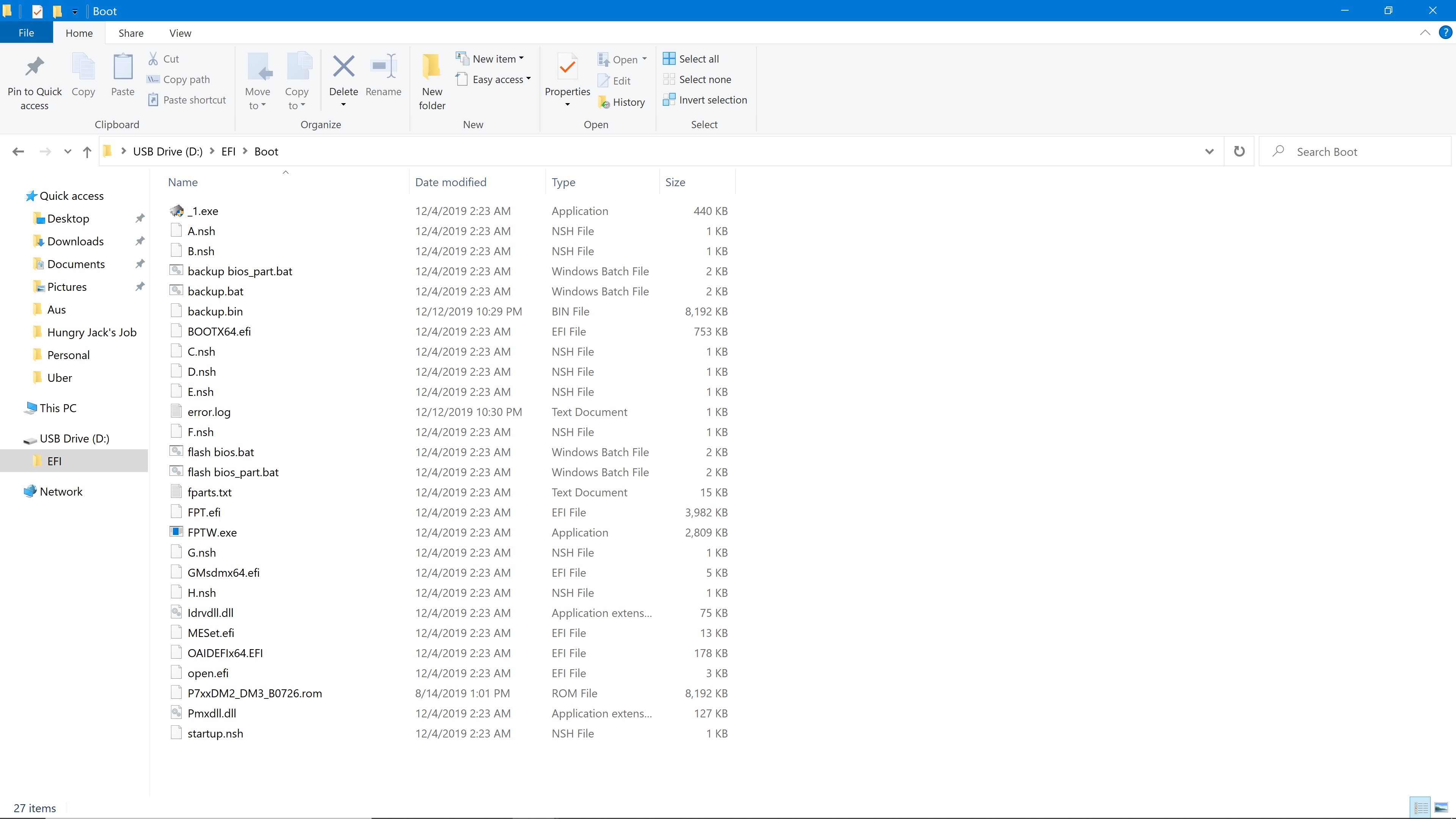
while flashing i get an error that bios file could not be found? do i have to rename the .ROM file to something?
-
The bios file work with my p775dm3 ! Try with spi programmer
-
i am not getting fpt error. i am getting error that the file is not found. do i have to rename the .rom file to anything else. i am trying to use the bios files from op
-
Try rename the bios
-
do i have to rename the .rom file to anything else. To .bin or something.
Attached Files:
-
-
rename bios to what?
-
rename to BIOS.BIN from P7xxDM2_DM3_B0726.rom ?
-
Put the bios to you usb drive/efi/boot
Try to rename the bios to anythink.binShreyas Shetty likes this. -
worked changed the .rom to BIOS.bin and it worked. Just finished installing the 9900KF, next month ill buy the rtx 2080. thanks for the help.
-
does this bios work without the pcie lane error for 128gb @Tryner ?Last edited: Dec 12, 2019
-
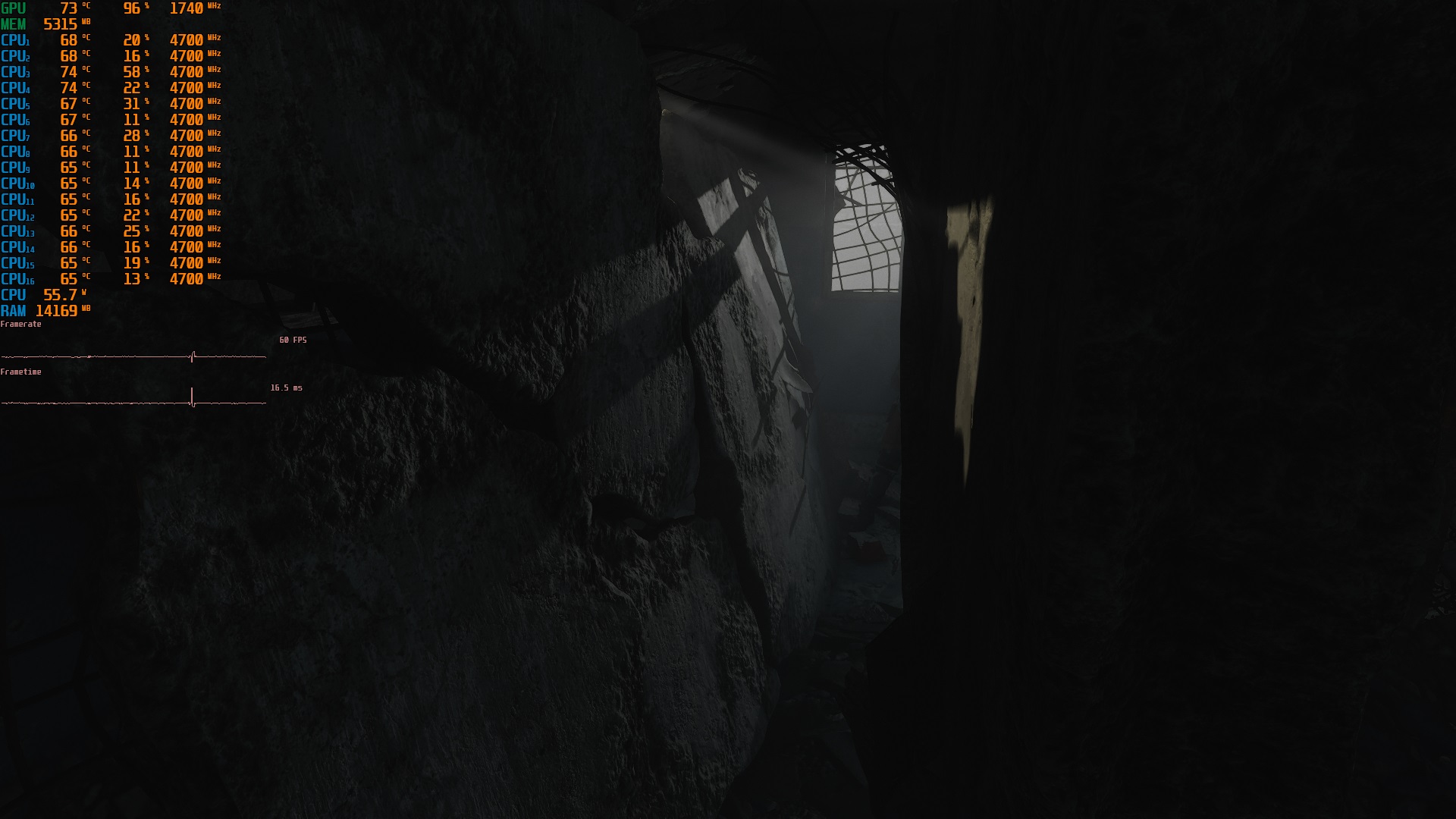
i give you some one screen shoot
Metro exodus : extreme serttings rtx : ON dlss :OFFAttached Files:
joluke and Shreyas Shetty like this. -
-
@joluke if you want the original driver from CD to p775TM1 check this.
Is works of course with P775DM3 (Mod DSANKE)
https://drive.google.com/open?id=1sd-4QdVHxQgbv3ihSWBsEEIBC43hKRrxjoluke likes this. -
Just to finish up my efforts. 9700K working nicely in the P750DM3G - need to stress it a little more, but the thermals aren't as bad as feared and I have still to really tune things up. Pin masking was only lightly annoying.
Thanks to everyone involved.joluke likes this. -
if you want mod the RTX 2080 to 200w check this :
http://forum.notebookreview.com/threads/hp-omen-17-2019-rtx-2080-vbios-modding-190w.830760/page-2
and thanks you @DaMafiaGamer YOU ARE INSANE !joluke and DaMafiaGamer like this. -
Thank you lol. There are some insane MacBook Pro 16 mods coming too. CPU performance you just wouldn’t expect from something so slim
 Tryner likes this.
 -
Is that the one with a keyboard that actually works? I suppose you could tweak the firmware to stop it gimping itself in windows.
-
i wonder....is there a gtx 1050 ti mods passing Watts limits for w659kk1?
-
Use this tool for it and ask there:
http://forum.notebookreview.com/threads/mobile-pascal-tdp-tweaker-update-and-feedback-thread.806161/
This is the wrong topic to ask such questions
Might need a spi programmer to flash the modified vBios though but redirect all questions to that topicTryner likes this. -
Reading the Excel suggests that the 1.07.26 BIOS may restore G-sync with 9700K and 10th series card. Have you any experience with this?
-
Which model do you have? I have g-sync working with the laptop in signature
-
P750DM3G/1060 with 3000A firmware applied. Currently, the gsync feature is missing - it was there with the 1.06 BIOS (now 1.05.11) and the 6700K in the socket before
-
With 1.07.26 and 1.07.27 you'll get it back if the combo cpu/LCD supports it. Might need a 8th gen or 9 for it to work again. My LCD is a AUO B173HAN03.1 with 144hz and working g-sync. Which one do you have? Can see the model with hwinfophilstopford likes this.
-
I used the 1.07.xx BIOS from the initial archive in this thread; works beautifully to get g-sync back with the 9700K. Thanks for the advice. I am always nervous about the firmware update so this was a huge relief. Thanks again.
joluke likes this. -
Can anyone confirm that with this BIOS a 9900KS works in a P775-DM3?
I flashed the firmware (and also the GPU vBIOS) successfully, and the laptop is working flawlessly with the 6700K I was using before.
When I plug in the 9900KS with the pin mod, the screen stays black and the laptop shuts itself down after about 1 min.
When I put the 6700K back in, it works again.
Unfortunately, right now I lack a compatible mainboard to test the 9900KS. It is brand new and broken CPUs are extremely rare in my experience bu who knows.
I'll pass by a friend to test the CPU there in the next days, and will also test another 9-series CPU in the laptop.
Is there something I could do wrong or am I missing something? Any idea is appreciated.
In any case thx a lot for the BIOS and instructions! Flashing worked flawlessly. It's great to have people out there helping the community. -
Are you sure that the pin mods are right? There is another bios however that one is not compatible backwards, so if you do not have programmer do not flash in it, as you cannot go back if the KS does not work.Last edited: Dec 25, 2019
-
Read the excel which bios are compatible with which cpus
-
Thx for the reply. I don't know if I miss something, but in the Excel I do not see any particular CPU models. I am using the P7xxDMx.rom, which should be compatible to 9th series coffee-lake refresh CPUs, if I understand correctly.
In the meantime, I have verified that the 9900KS works correctly in a Z370 desktop board.
And, I have tried a 9600 CPU with the pin mod in the laptop, which worked well.
I did the pin mod on the 9900KS 3 times from scratch, so I am quite sure it is done correctly. I also took some pictures and magnified them to verify it, and it was also working on the 9600.
So my conclusion is that the BIOS works for the 9600 but not for the 9900KS. I have seen some posts stating that the 9900K works. Perhaps it works only for 9900K but not for 9900KS? -
When you open the excel scroll up to see the compability of cpus
-
Are we talking about the excel same sheet? I am looking to the one included in the "BIOS Clevo ALL 9th.zip", and it lists bios file, compatible clevo models, and whether it is compatible to 6/7 gen CPUs. Is there another list which particular 9th gen CPUs are supported?
-
Try this BIOS since it's modified from TM1 for the P775DM3-G:
P7xxDMx_RTX.rom -
OK, thx for pointing that out, I was thinking about that already but was wondering whether it would work with my GTX 1080.joluke likes this.
-
For your clarification it's the BIOS I'm using with my 8700k and 1080. No issues
-
Nice! Glad to know and help of course
-
Can you post a few screenshoot of temperature ? Is very interessing for futur upgrade
-
Hi,
I have realized an issue which might comes from bios. My audio headphone does not work with realtek driver. Speaker works flawlessly, however if I plug in the headphone, windows realtek driver detects but the sound still comes from the speaker. I have wipe down all the dirver and use the microsoft high definition audio, not all works fine. What could be the issue? THX -
check this audio driver
https://www.clevo.com.tw/en/e-services/download/ftpout_download.asp?sno=11121&no=3 -
Hello everyone. I'v got a p870tm1 with stock eurocom bios. Is there any point flashing dsanke modded BIOS to p870tm1? I mean except for unlocked menus?
-
Usage of coffee lake cpus up to 9900kf and RTX gpu's. If you don't wanna use another cpu/gpu there is no usage for it
-
My p870tm1 already came with support/installed 9400F and RTX 2070.
So if i flash it, basically i get just unlocked bios? -
Basically
Official Coffee Lake Refresh Thread/BIOS for ALL Clevo Laptops - RTX CARDS NOW SUPPORTED
Discussion in 'Sager and Clevo' started by DaMafiaGamer, Oct 25, 2018.