Problems? See this thread at archive.org.
Yes, it's annoying. But it obviously depends on how much you use them now. I personally tend to miss not having Home/End more than PgUp/PgDn. You can of course use Fn+cursor to get them but it's a bit awkward. (It would be less awkward if there was another Fn on the right side of the keyboard, but there ain't!)
For me, the many plus points of the Z make the lack of navigation keys an inconvenience rather than a deal-breaker.
-
-
Hey, MrT-Man made a good suggestion a while back that may mitigate this problem:
I think I'm going to do this as I always use the left side Ctrl and Shift keys anyway. -
w00t, my Z CTO just shipped 2 days early!
Anyone know how long it takes after shipping confirmation to arrive to Canada? I almost kinda wish I had express shipping now. :S -
Most probably mistake, but go to this page and in the pattern options (next to the big picture of Z) choose premium carbon and you'll see....Z with black hinge...Yaaay, that would be beautiful
-
OooO Ahh I like it!! I hope its the coming of the...Z *REFRESH* (clears throat) lmao
-
Oh my gosh! So not only is their a prem. carb. lid., now Sony is making one with a black hinge. I noticed that. Thanks for posting Metsn.
Yeah, if you flipped from non-prem. to prem. you see that the hinge changes color. Do you really think that's going to look nice? IMO, it will look similar to the black hinge on the TZ. I don't know, but maybe it will look good. I think the contrast of the black lid (prem carb or non prem.) with the silver hinge gives it a hi-tech contrast look.
But then again, my SZ was all black and I thought it was cool, so maybe this all black Z will look fantastic.
Has anyone found real-time photos of it (lol). Here we go again...... -
ok... wow.
I <3 Sony.
Placed my order last wednesday for a Z590 CTO, order confirmed Friday evening, order shipped Tuesday. My Z590 CTO is now right in front of my face having arrived at 1:40 pm MST less than a week after I put my order in.
I have nothing but respect for Sony's prompt and efficient service so far.
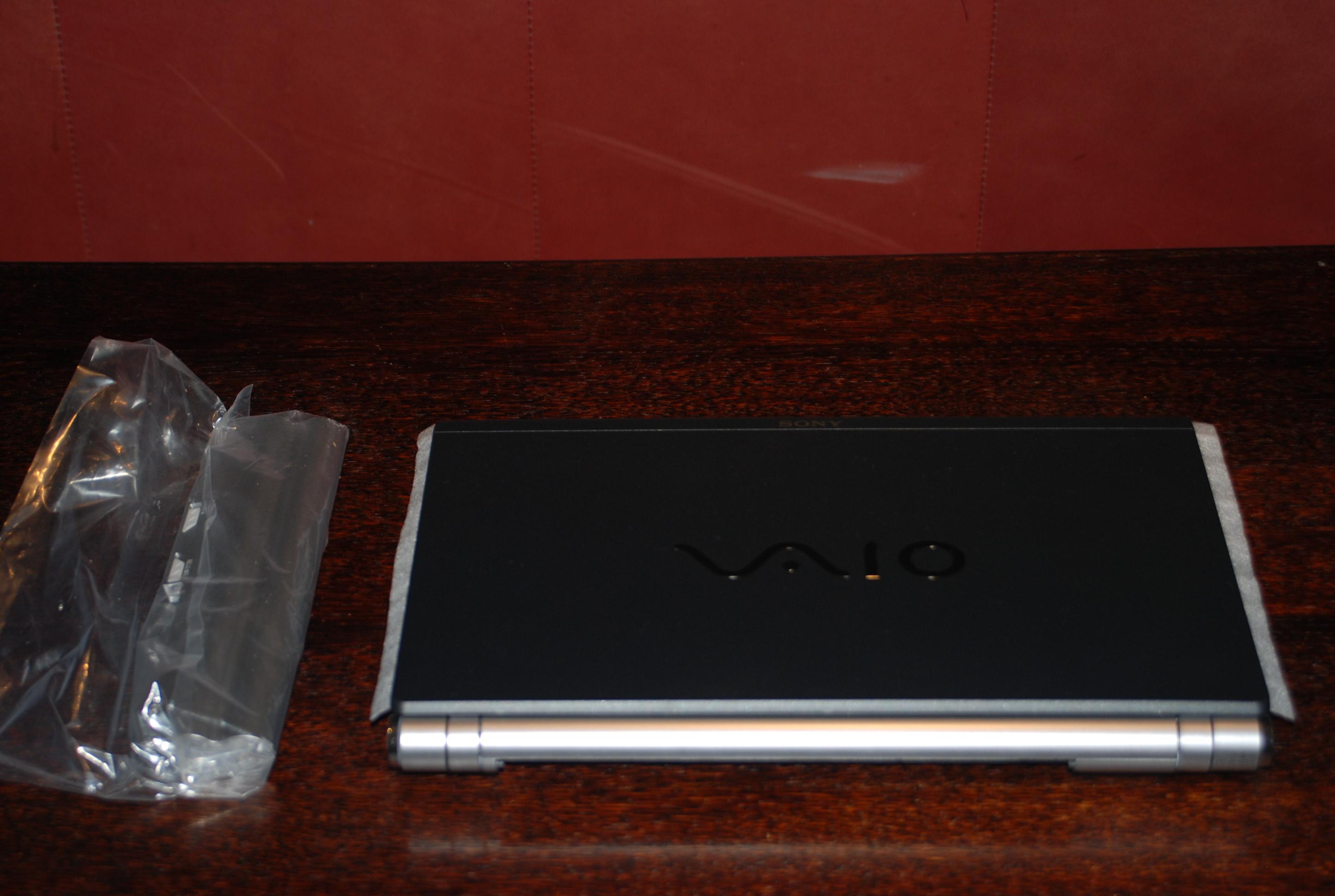
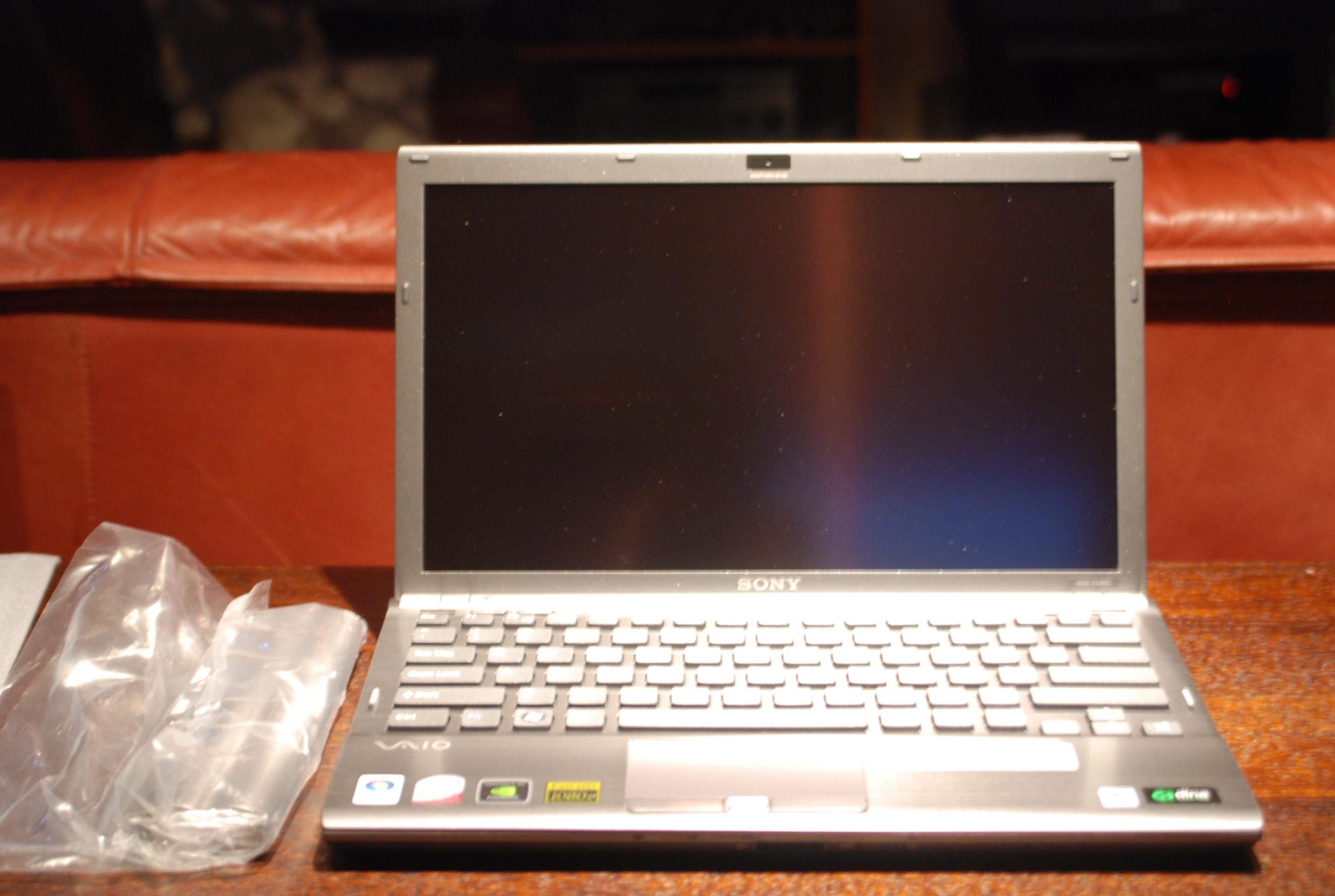
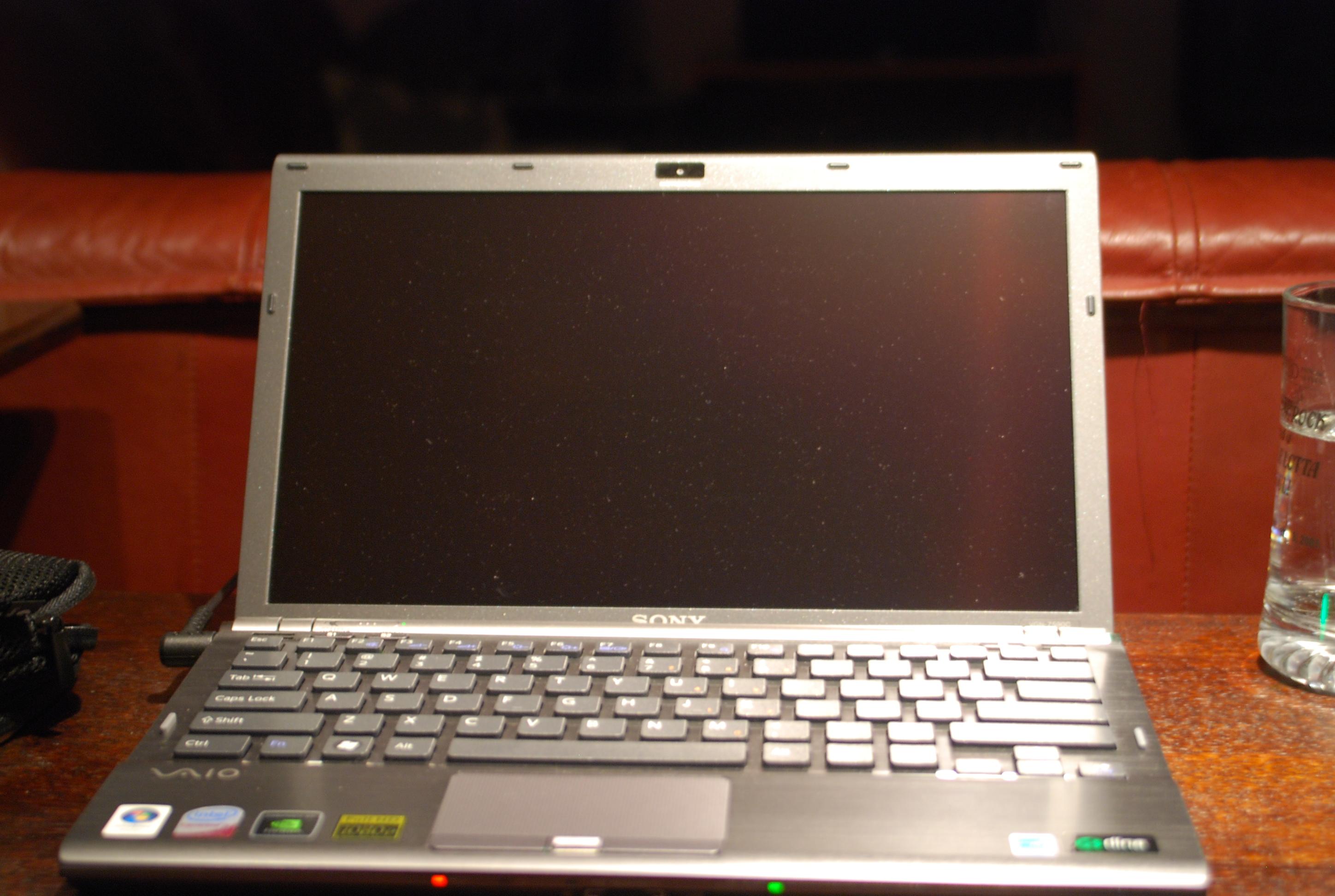
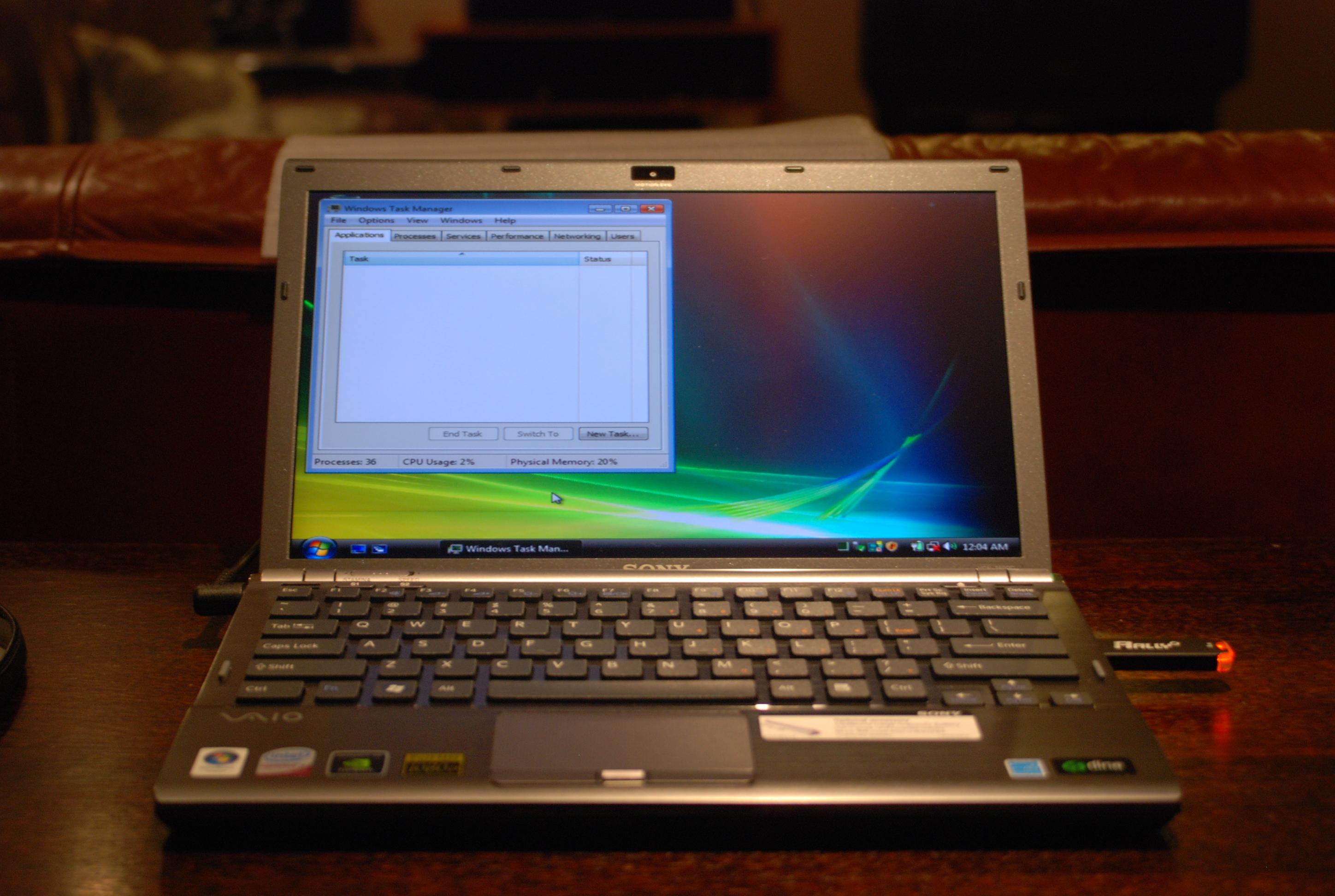
Pics of my new Z once I clean up all the drool. -
Awesome. Congrats on your purchase and don't forget to give us a mini-review if possible.
-
Initial Impressions:
...Frick wow.
1600x900 isn't NEARLY as small as I though it would be. I'm so stoked. This already feels like a laptop I know I'm going to enjoy.
Right now, just doing a bit of light typing, I can tell I'm not used to this keyboard style, but I don't find it cumbersome, or have any double type issues either. Very please here.
Heat... what heat. The base of my Z only feels slightly warmer than my hand, of course, this is only at idle, so I can't say how hot it really gets. Might stick Everest on later.
I haven't had a chance to check startup times yet (config... updates... bleh.) but it's a bit slow here, which I can blame bloatware for. A whopping 79 processing while loading Vista dropping to 75 at idle (EDIT: Bloatware startup time roughly 66 seconds from power switch to user login screen), and another two more down after I shut down the silly sidebar gadgets (i just want my core performance gadget... that's it. Oh... and maybe weather.)
The screen is absolutely beautiful, and the laptop is awesomely lightweight. I don't really see any "palm rest flex" or anything, but I couldn't care less about that. Quite a bit of hot air coming out of the side vent on the left, however at least this indicates to me that the cooling system is doing something. I'm a Canadian, a warm laptop will keep me warm in the winter. (I wish.)
Touchpad seems pretty responsive and just the right sensitivity. One quirk is how small the touchpad buttons are... but that's something i"ll probably get over with time.
More detailed review probably after once I finish clean install.
-
well it's been 48 hours with my Z550N so far...and I LOVE it!
Few notes:
The keyboard has been great. I had an SZ for 3 years so i was a little worried about the new sony keyboard styling (SONY not Apple should be credited with that invention :-D)...So far, soooo good...Im typing as fast as ever...LOVING IT
The screen, the screen THE SCREEN! WOW, what can I say...This is the most brilliant display I've ever had the pleasure of working with...I was so worried that i'd be yearning for the 1600x900, but that has not been an issue at all thus far...In fact, when scrolling across the 1366 screen with the touch pad, it's almost felt TOO big already haha...In reality, it's just perfect...Loving it so far
It's soooo light...Somehow, Sony have topped themselves...Never have I seen just a magnificently built laptop...Absolutely top class!
Updated the BIOS last night...Seems to be going just fine :-D
Thanks again to the board for all the great info! -
Great to read that everyone are enjoying their Zs. Pics please, if possible. I'm sure most people are dying for more photos of the Zs. We just can't get enough of the Z!
-
Dude! you should have gotten a Toshiba! lmao
Anyway, glad you're lovin your Z - I also agree, I never felt the heat or the fan that alot of folks talk about being on all the time..it never got warm on the base for me to worry about it!
Also dont forget if you do clean install or got Fresh Start, follow the Vista Tweaks and Tricks thread - it reduced my boot up time and I think the running processors were only 59-60
Woohoo!! I felt the same way when I first got my Z, congrats and as said above - pics, pics! (not that I havent seen Z, or its 100 videos on youtube already! shhh)
-
Today, all I did was make all the possible pros and cons list about purchasing a Vaio Z and some other laptops (Macbook, Vaio SR, Thinkpad, XPS, etc). After giving it A LOT of consideration - and some constant bickering to myself - I finally ended up clicking the "place order" button, and purchased a Vaio Z. This is my first laptop purchase - a whopping $1350 (with tax). I'm only a student with a limited budget, and I had to rethink again and again if its an investment to surpass my budget.
Well, I just want to thank you guys for helping me choose this laptop. I've been searching for the right laptop for almost a year, and I came into the conclusion of buying this. Hopefully, this will suffice my needs for all 4 years of college.
Now I just need to find those posts/threads about getting a fresh clean up for my Z. -
Shojun25
I go to school part-time and I think the Z is the perfect college laptop. You should ask other students in this thread for their experience. What Z did you get for $1350 and what were your CONS on the Z? -
Any of you game on your Z with the 1600x900? How do it perform? I was looking for some feedback on the two Z's as far as games go.
-
HI Guys I am considering buying the Z notebook and had two questions. I travel monthly overseas and wondered how the quality of the webcam is in SKYPE. HP laptop webcams are very good - did Sony maintain quality webcam in this small package? Second. Is the power converter a big brick or fairly small & light weight. Any input would be greatly appreciated. Thanks
-
IMO, the AC power adapter is quite small & light.
-
Post Vista re-install status:
36 Processes. Drivers still not yet reinstalled.
Bloatware... ...wow. XD Double the processes of a Vista fresh install. Sure there's still drivers... but jeez... that's nuts. -
expensive
.3mp webcam instead of the 1.3mp webcam
battery leaks
fan always on (minor)
I got the Z540 CTO. Cheapest possible configurations. -
Vaio warranties are not international, right?
-
Where are you buying? US does not provide international warranty.
-
i have a question that i hope has not been answered already, but i was wondering if any of you guys have found that the place where the a/c adapter plugs into the side is kind of flimsy? on my computer (just got it yesterday) it does not seem to solidly lock into place and u can easily jiggle it around while its in..
-
Mine jiggles a bit too, but as long as the connection itself is good, it doesn't bother me too much.
-
Z refresh coming to the US:
http://forum.notebookreview.com/showthread.php?t=325259 -
I'm just curious... I've had my Z for about a month now, and I use it about 15 hours a day (workday + evening surfing).
Has anybody noticed that the keyboard surface wears down from the nice "sandblasted" feel to the shiny black plastic really quickly? I've got a nice big shiny spot on the right side of the spacebar already... -
I've not got a full-on shiny patch yet but I can tell some of the most hit keys are wearing a bit. ISTR I read the TZ suffers from the same thing. Doesn't bother me especially, but it does seem to have happened pretty quickly - I've only had my Z since late August.
-
That must have been the result of Sony cutting costs to maintain and/or increase profits...
-
It might be wishful thinking, but maybe they improved the finish on the keyboard with the new 6xx models. Some companies respond to feedback from their customers. Like I said, wishful thinking.
-
It happens to all keyboards, it has happened to my TZ and all my other previous laptops. I don't like it either but its just something you have to get used to. There are keyboard skins for certain models like the TZ which I believe can prevent them from wearing down.
There are some laptops that already come with shiny, glossy keyboards such as all of the current Toshiba Satellite notebooks. I wonder what they look like after a while of use, how they wear down? -
Those still in search of an ultraportable with a capable GPU (and anyone else) are invited to my The Ultraportables List thread.
The thread nbr is 325757 (sorry, I can't post links yet).
Hope to see you there. -
Pics!
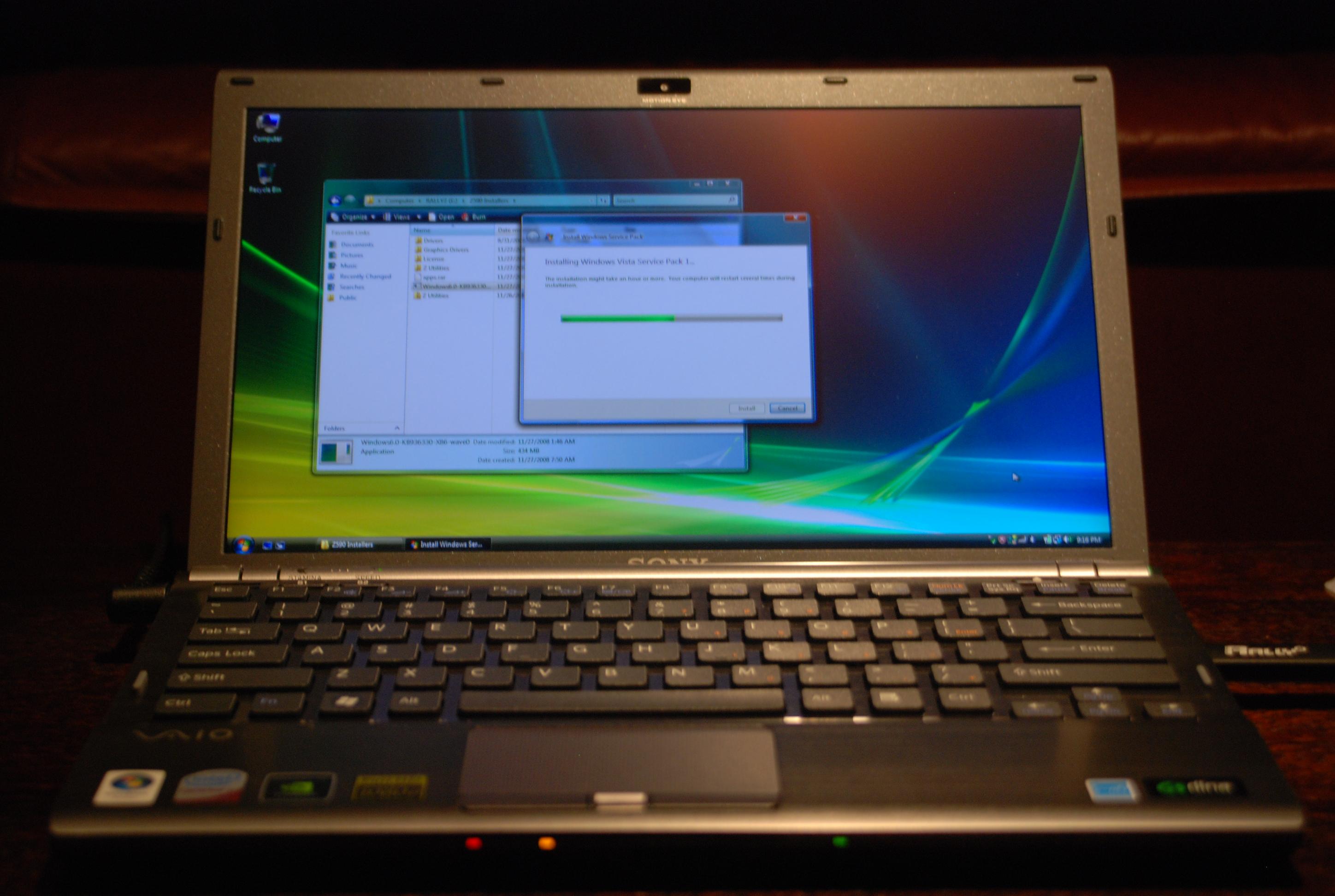
Tada... as promised. And for those Canadians wondering, yes, the Z CTO is a US english Keyboard, not bilingual.
-
Thanks Tremjin!!! I hope you're lovin the Z
It sure deserves CARE!
-
I've had my Z25 for a week now - I had the same problem with battery leaks overnight. It seems to be OK now after using the laptop for a week, there's still some power drop (from 80% down to about 70% overnight) but it seems to be much less than before so maybe the battery needs conditioning.
Also I think my fan is much less noisy (almost silent now) than when I first got it - I've got the P9500 chip.
I've had no problems with doubling of key presses and my keyboard has no flex anywhere.
The touchpad is Ok but I think I need to play with the sensitivity a bit as I find it a bit unresponsive at times. I also find the touch pad buttons quite awkward to use - they're a bit too near to the base of the keyboard for me.
I tend to use my laptop on my lap a lot and I find it hard to use the buttons with my thumbs - they need a firm click. I'm hoping I'll get used to this.
As other people have said I found the 1600x900 screen very readable without needing to resort to 120dpi in vista.
I haven't got round to a clean install as yet - I wanted to live with the installed software first and see if there was anything useful.
A word of warning about the stickers on the palm rest. I thought I was being careful when removing them but I've been left with some marks which I can't shift. They look like scuff marks but I used a fingernail/plastic card so I'd be worried if the finish is so easily damaged.
Overall I'm pleased with the laptop so far - I had a really nice Acer Travelmate 370 previously so this isn't quite as big a jump in quality for me but it's a definite improvement all round - weight, features, dsiplay, performance. -
You'll find it's still pretty noisy under high/full CPU load though, I bet. To help with this (and also decrease power consumption), try following the undervolting guide.
Are you sure it's not just stubborn glue residue? I had marks left after I removed my stickers but successfully got rid of them using brown plastic parcel tape and sticking and removing the tape over the marks several times, until the glue all stuck to the bottom of the tape.
Alternatively, you could try using a solvent such as dilute isopropyl alcohol, but I found that less effective, when I tried. I've heard 'Goo Gone' is good for removing sticker gunk, too. -
I think that ill order Z from Microwarehouse.co.uk. Ive found there Z21WN/B for only 1665 pounds witch i think is great instead of sonystyle price, 1949 pounds. But i dont know this shop at all, and i dont want to risk my money. Is here anyone who knows that shop?
One more thing. Ive found on sonystyle page that from now till 30 jan (if im not wrong) if you will register your vaio you will have 3 year warranty. The only thing is, will i have warranty when i buy that laptop from microwarehouse? -
Just to give you an update on my keyboard experience:
I defenitely have now after 4 weeks of usage a squeaky Spacebar. It only happens when I press the left side of it, but you can clearly hear it.
Not really what you would expect from a EUR 4000 device.
-
Where is that sonystyle page regarding warranty?
Personally I am buying the Z11 from Amazon for 1500 pounds. Can't see difference between it an Z21. -
go to sonystyle.co.uk, then Z laptops and find one for 1949,00 and there you will have under photo
# Claim your 3 Years Warranty!
# 3D View
# Photo gallery
# Discover 3G Mobile Technology
# VAIO Accessories
I want model with 2.53 Ghz CPU, but now im not sure is it worth to pay for 153Mhz and who knows what else (can't see difference between z11 -> z21) 165 pounds more. Too bad that they dont have version with SSD or even Blue-ray -
Which z11 and which z21?
The z21 could have - 7200rpm hard disk, carbon fibre back (/X instead of /B). -
I'm ordering mine soon (Getting the Z11 with the 2.4Ghz and higher res screen) I'm also ordering the LG external blu-ray rewriter that plays blu-ray and HD-DVD and comes with the software for it too.
-
Yup, it is more noisy under load no question, I'll be trying the undervolting once I do the clean install.
I tried the packing tape method on the glue but it didn't help, rubbing my finger over the marks they feel smooth so I doubt that it's glue but if it is hopefully it'll wear away. Sadly I think it's just that the plastic has got scuffed. -
I bought my Z21 from Microwarehouse and as far as I can see I've only got a one year warranty after registering. It doesn't bother me too much but unless there's something else you need to do to get the extra two years it looks like the extra warranty is a sonystyle exclusive.
-
something like this?
http://www.microwarehouse.co.uk/catalogue/item/SONB0299
Don't see any mention of 7200, is the carbon fiber + faster processor worth £180? -
Both /X & /B have carbon fiber lid.
Differences:
/X - Premium Carbon Fiber ("special weave" pattern on it)
/B - Regular Carbon Fiber ("Black colored") -
This one has a 5400 drive and no premium carbon fibre.
-
How can I turn off that annoying FN keys sound ?
Never mind, got it: "Rename the pi.wav file in %programfiles%\Sony\VAIO Event Service to something else." -
Or you could just mute it in the audio section
-
after reading over 500 pages, its time to order Z21WN/B.
Processor - Intel 2.53GHz Core 2 Duo P9500
Memory - 4GB DDR3 SDRAM
Hard Drive - 250GB
Display - 13.1in TFT active matrix 1600 x 900
Optical Drive - DVD±RW (±R DL) / DVD-RAM
Wireless - 802.11 a/b/g/n (draft), Bluetooth 2.1 EDR
im so happy :- ))
later on i might upgrade hdd to ssd. -
Wish they had the Intel 5300 card and a backlit keyboard
the wireless card is one of the things that is keeping me away from buying this laptop. -
12345: what is wrong with the wireless card?
Official VAIO Z Core 2 Duo Series Owners Thread
Discussion in 'VAIO / Sony Owners' Lounge Forum' started by DiscCollector, Jul 15, 2008.