Problems? See this thread at archive.org.
Sounds wierd.
Run memtest or even the sony integrated memory checker, and also other hardware tests?
-
Tried! no memory issues.
The driver/util re-intsallation issue (some not finishing) that I refered to, has been happening since I got my first Sony VAIO. I have never been able to install a new operating system on a sony VAIo laptop and install all the utils and drivers FOR THAT OPERATING SYSTEM in full.
It is just disparaging that years after the first VAIO, sony still has the same MO. -
You know what's funny though....
I configured/ordered the notebook before the SSD price drops (and it showed 64GBX2 RAID 0), in fact the day that it shipped I checked and the SSD price drop was effective and the same configuration was $250 less.
Needless to say I paid the price of SLC 64GB x 2 RAID 0, but got MLC 128 GB. -
You have every reason to be upset. Good luck in getting a fair resolution.
-
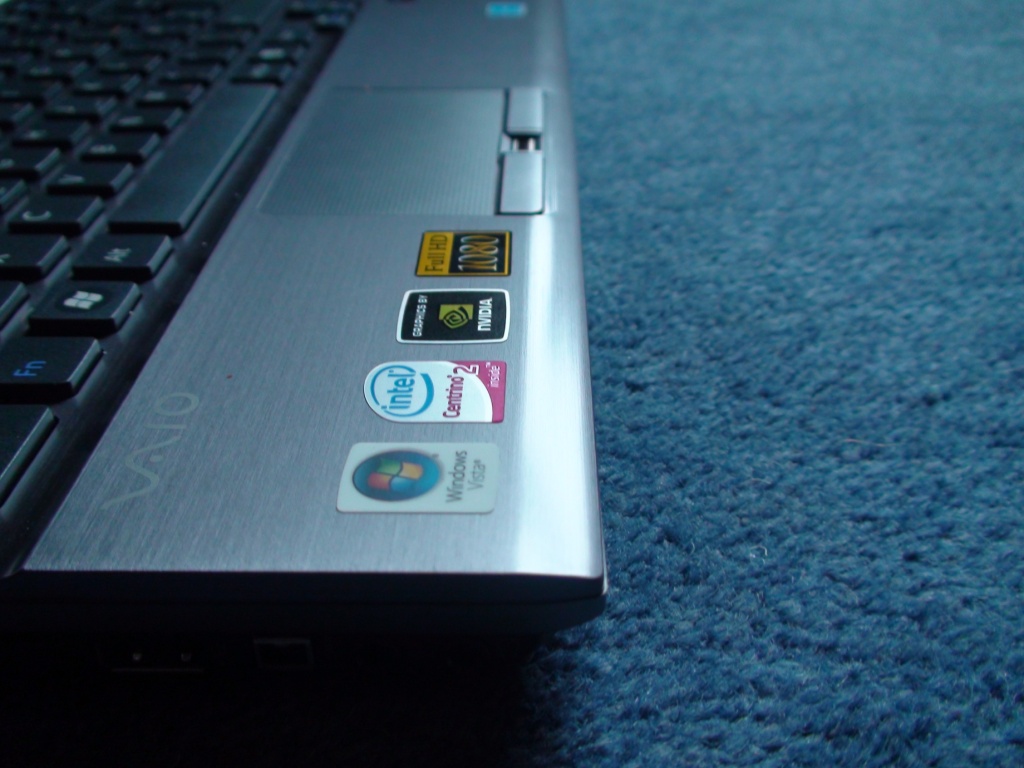
I think I remember reading in this thread but I can't find it now through browsing or search, has anyone used goo gone to remove the "stickers" on the palm rest? Did it discolor the chassis at all? I am probably going to test it out but thought I would check first. I was pretty sure I read someone had done it in this thread. ??
-
Coincidentally, I sit here typing this in Fedora on just a Dell D630.
64-bit Fedora 10 running under VMware, that is. Because unlike Sony, Dell didn't cripple the BIOS, so I could enable VT in the kernel and run a 64-bit guest OS. With my much more expensive VGN-Z590, there's no way to do that, cause the BIOS is crippled.
I really expected the Z590 to be better than the D630 in all ways, given the huge price difference. It's not. It wins hands down on design and graphics, but that's it.
The D630 has never crashed on me from overheating, despite hours and hours of heavy compiling. But would I buy one for myself? Heck no -- it's too unwieldy, and the screen leaves a lot to be desired.
Would I buy a Z590 again? Probably not, because of the overheating[*] and the lack of VC support, both of which are showstoppers. It's a sexy thing though. -
I need to change te name model of my VAIO it is setting other model that not correspond with the original . How can I change it.?
-
Go to CONTROL PANEL > PERFORMANCE AND MAINTENANCE > SYSTEM > COMPUTER NAME Tab
This will enable you to change your computer name. -
Erh. You know that the lack of hardware support doesn't *prohibit* you from running a virtualizer right? And that it's probably going to be fast enough? Given the size of the motherboard, I think VT is something that they validly dropped.
-
I don't know vmware, but for virtual box you can't run a 64-bit system without VT.
Can you explain us the dependency of the motherboard size and VT ?
Beside this for my company I'm working for, a lack of VT is a showstopper. -
Hi
in case any one is interested, I think there is a new bios for the Z on Sony Asia!!
I wasn't allowed to post the url but you can easily find it.. -
Hi, I wonder if someone have the same problem as I,
with the VAIO vgn-z11xn
After a couple of hours of usage,, surfing downloading(bittorrent),watching movies, even wordproccesing, the ing computer slows down...
The sound starts clipping and it really isn´t possible to do anything..
Restart is requierd,which helps, but it´s really disturbing that a high end computer should have these problems...
Also I have gotten a mark on the screen from the keybord(probably dirt or something) see pic [/URL]the line in the upper middle of the screen...
Does anyone have a solution,? I have tried to clean it with ionised water, but that doesn´t help...
Does anyone know sonys policy on this kind of screen problems?
..
P.S Using fruitloops the sound is clipping, is there a solution to this awell.
P.S the sound in msn is clipping aswell around 3 or 4 times when starting..
Peace out.. thankfull if someone knows anything -
I can't comment on goo gone but the packing tape method worked fine for me for removing left over glue. Just be real carefull getting under the labels - I managed to scuff the finish just using a credit card.
-
I don't know when Sony will offer REAL customer service, I guess it is because of people like me who have been buying Sony for years in spite of consistently horrible customer service.
Anyway, here's the first response to my issue:
Sony CSR:Thank you for contacting Sony Style. In regard to your inquiry, the notebook was built on the configurations specified on the order. The order was for a 128 GB Solid State Drive. The available configurations does not offer an option for two 64GB SSDs.
The options available are below:
64 GB Solid State Drive [Regular price $450] [subtract $300.00]
128 GB Solid State Drive [Regular price $750]
256 GB Solid State Drive (Windows XP Professional downgrade disk not included when this option is selected)
Sony's own support does not know that their order detail page dynamically updates when the options get renamed on SonyStyle. As an example, when I ordered the notebook, the first two options looked like this:
64 GB Solid State Drive
128 GB Solid State Drive (64GBx2 RAID 0)
In fact the change is so recent that my configuration still shows on the Z-series page, as well as the Z590 PDF accessible below:
[CANNOT post URLs yet, just go to SonyStyle USA → Notebooks → Z]
Overview TabEven better, the Z is available with a dual-channel 128GB (64GBx2) SSD for even quicker boot-ups, application launches and overall performance.
Features Tabselect models feature a dual channel 128GB8 (64GB X 2) solid state drive with RAID technology
Specifications Tab
Up to 128GB (64GBx2) Solid State Drive, Ultra ATA with RAID technology Last edited by a moderator: May 8, 2015 -
Is there any hardware difference between identically configured CTO Z590 as follows:
VGN-Z590E, Windows Vista Home PRemium
VGN-Z590N, Windows Vista Business
VGN-Z590U, Windows Vista Ultimate
I just figured out that the model on the second Z is Z590E as opposed to the Z590N on the first one. Can this have anythign whatsoever to do, with me not being able to fully install Vista Business drivers/utils after a clean Vista Business install on the Z590E? -
The only difference is the OS version. You should have no problem installing Vista Business on the Z590E
-
Thanks. That's what I thought. But most of the drivers/utils downloaded from Sony Support do not seem to install fully i.e. I do not get the finish screen.
Here's a video to show what I mean:
It's the only one in that account...
youtube.com/sonyvaioworld -
Actually, it does. There's no way to run a 64-bit OS under virtualization on a Core 2 CPU unless VT is enabled by the BIOS.
Speed has nothing to do with it. It's not binary compatible with my other machines which run x86_64 apps and libraries.
The size of the motherboard has nothing to do with it either. It's a CPU feature that can be turned on in the BIOS if the BIOS supports turning it on. Sony's BIOS is the most dumbed down bios of any manufacturer, and this switch simply isn't made available to the user. Unfortunately, it's left in the OFF position, which makes no sense at all, unless the machine can be had with CPUs or motherboard that don't support VT. And the Z series is most definitely not going to be sold with a Celeron or a VIA motherboard, for that matter.
The only reason for Sony to have disabled this is that they have it disabled on older BIOSes. It makes no sense whatsoever to disable it when it's supported, because it doesn't incur a speed penalty to turn it on.
It's like buying a car with a turbo, but where the turbo has been welded stuck because older engines couldn't use the turbo. -
Picking up a Z series tomorrow. 2.53ghz 4gb ddr3 320gb 7200rpm 9300gs 1600x900 blu-ray.
My only concern is will i be able to play my beloved World Of Warcraft at native res 1600x900.
Is anyone playing Wow on this machine or similar? How Is performance? -
Indeed. This continues to confuse me. The usage with the Spacebar is ok for some applications, but in Word it does not work. So then you have to rely on the FN-Arrow method. A bit frustrating at times.
-
do a search for the Z or SR gaming thread...its there i promise! They both have about the same capabilities, and yes you should be able to play it.
-
I have the 2.4ghz Z 5400rpm 1600X900 blu-ray and I play WoW and it runs smooth. I do turn down some of the visual options but I'm pretty sure I can turn it up and the 9300GS will handle it. I even run Itunes and firefox in the background and WoW handles fine. It will even better with the 7200rpm as WoW data is run from the hard drive.
-
I ordered a Vaio VGN-Z21VN/X from my local Sony centre (Ireland) about 6 weeks ago. This is the highest spec model available here but still does not have Blu-ray or SSD (although it does have the premium carbon lid) and is ridiculously overpriced compared to the equivalent US model, coming in at 2719. I got a reasonable discount from the rep and it was bought through work so I'm not feeling the pinch.
It was due to arrive 4 weeks ago but apparently went missing on transit! The rep, who it has to be said was excellent and really knows his stuff, managed to get a second machine ordered and sent out, which arrrived a few days ago. Through some mix up, they sent the wrong model though! I was sent a VGN-Z21ZN/X, which I thought wasn't available in Ireland. This model has the added additions of a Blu-Ray drive and 128GB SSD, and would cost in excess of 4000 over here. I'm afraid to go anywhere near the Sony Centre in case they try to take it back from me
I am very happy with the laptop. As reported by many others on this thread, the fan noise is present but tolerable, the screen is amazing and it is incredibly light. My only issue is that the sharp aluminium edge extending the full width of the laptop separating the keyboard and touchpad can sometimes leave a mark on the screen.
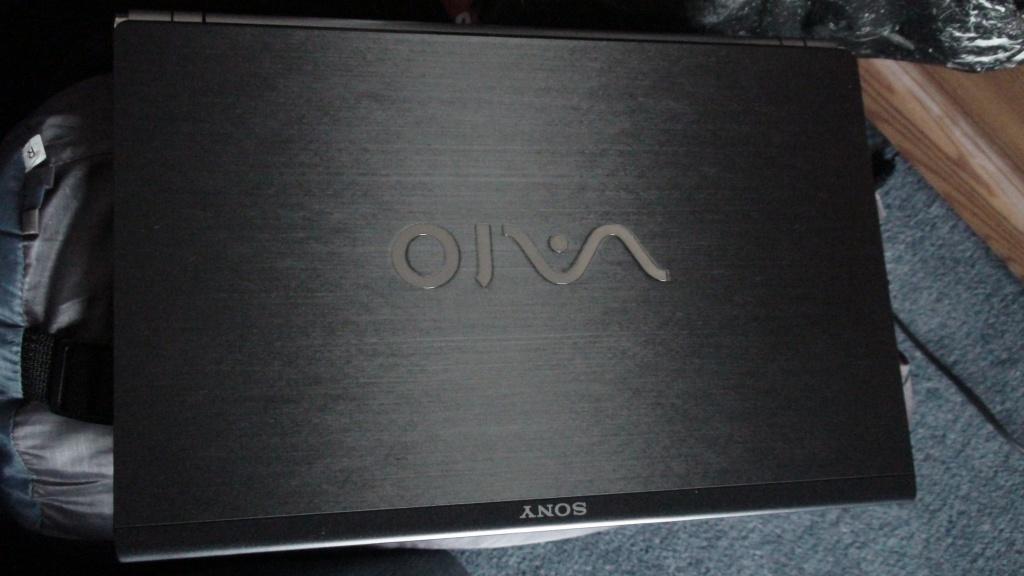
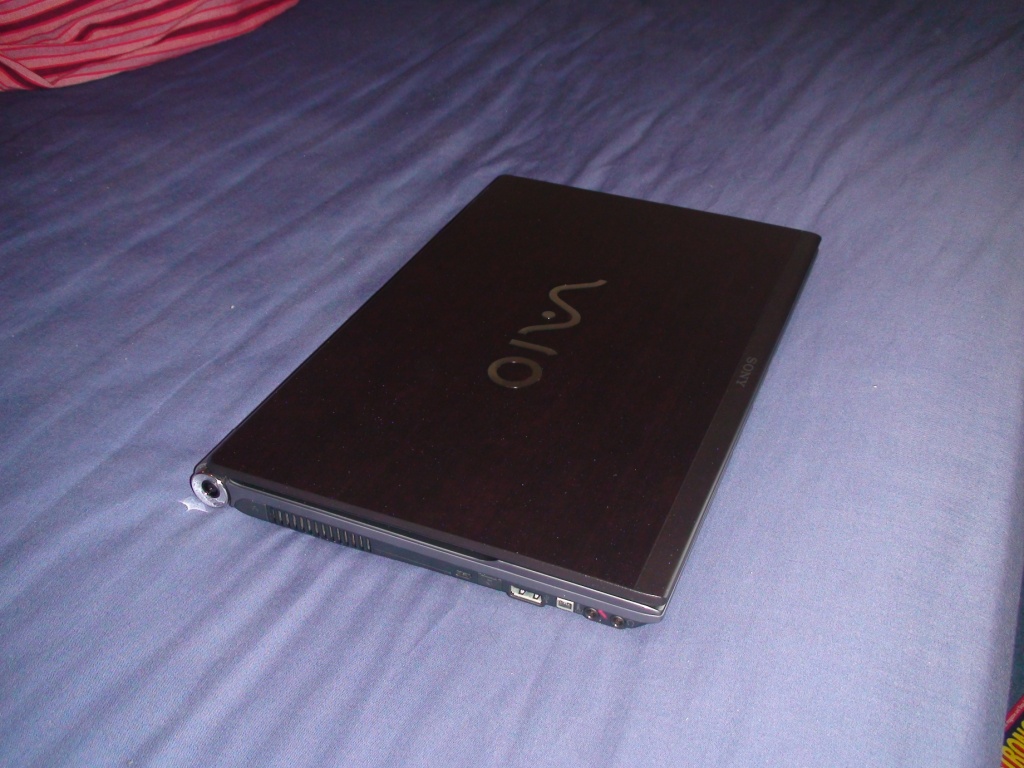
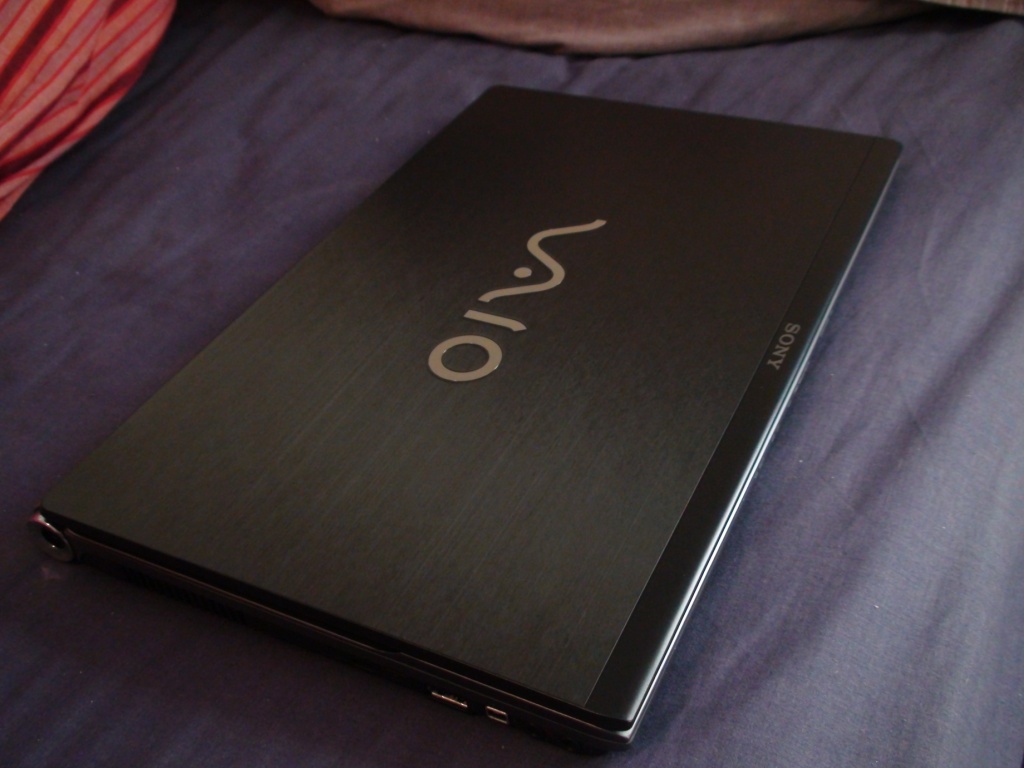
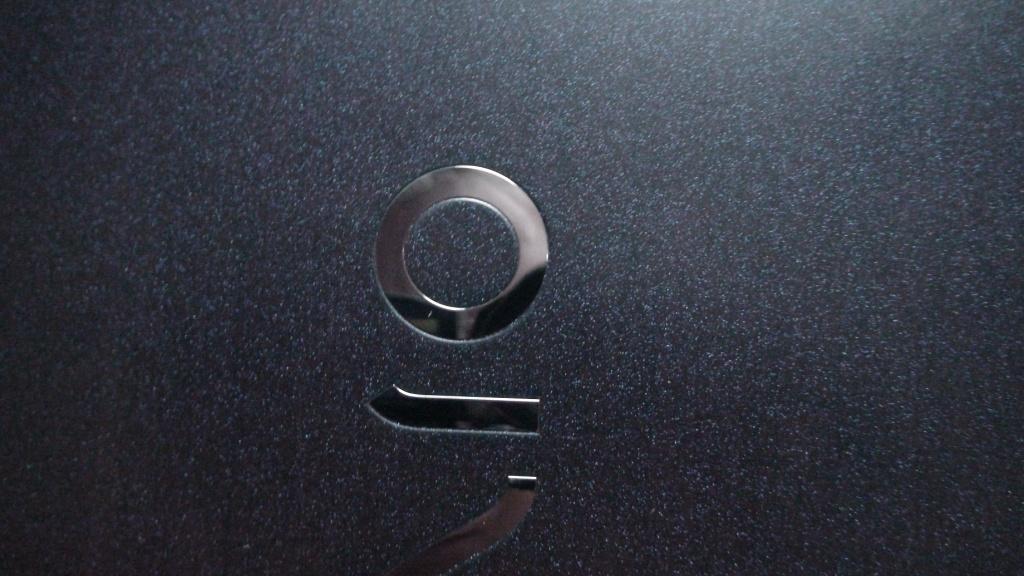
Although there have been a number posted already, I have attached some photos of the premium carbon lid (which I really like!). It can look very different based on the viewing angle and lighting conditions. It varies from black horizontal lines, to blue sparkles to reddish tinges. I tried to catch all three in the photos.Attached Files:
-
-
Awesome pics!!!!! thank you!
-
Could you go to Device Manager and find out what the model of the SSD is, and whether you have one or two of them?
-
Hey guys. I just bought a VGNZ590UAB. $2,262.74 before tax. Used coupon code Z590SAVE300 for an additional $300 off. In stock and is supposed to ship tomorrow. I'm pumped. Current laptop is an original McBook Pro, 2.3Ghz, 3GB, etc. The Z-Series looks to be better in every feature. I can't wait.
-
I have the same 128 GB Samsung MLC drive as you. I meant to mention that in the original post. I really hope that your situation is resolved by Sony, because that really is unacceptable.
Do you have a Blu-ray drive in your system?
Is it possible that there is an issue with having Blu-ray and the Samsung 64 GB SSD drives, be it a power, heat, space or connector issue? When the first iteration of the Z came out with either Blu-ray or SSD, but not both, it was suggested that the issue was that Sony did not want to include both because the read/writes required for Blu-ray would severely shorten the life of the SSDs. This didn't make sense to me at the time and now I certainly don't think it is true. Sony seem to be moving towards the 128GB single MLC SSD drives to accommodate the option of Blu-ray, so either having two drives in RAID 0 or the Samsung 64 GB SLC drive itself must have been the issue all along.
I'm thinking the latter may be the factor as I tried to configure a Z590CTO on the sony.com website just there now and it will only allow the 256GB SSD option with Blu-ray. This option is also RAID 0, but it consists of 2x128GB drives. Therefore is the issue that Sony are having just specific to the 64GB Samsung SLC drives?
Anyone else have any info on this? -
No BD-RW on mine. But I just think it costs Sony less to do 1 MLC 128 instead of 2 x 64GB RAID 0 SLC drives. So they decided to take my extra money and give me the cheaper option
But they are really lowering the prices on the Z-500 series. YOu can get the Z590UAB for under $2300 on SonyStyle today. I wonder how big of a difference the Z600 series will make. Because they usually don't give away the current model at this rate, unless the new model is more than a minor refresh.
Congratulations! You'll love it... Good move form Apple...
When you get it, could you check to see if you have one MLC 128GB drive or the actual 2 x 64GB SLC drives. It should be the latter, since it is pre-built.
Also, would you mind running Crystal DiskMark, available below:
crystalmark.info/software/CrystalDiskMark/index-e.html -
I know you could replace a Z HDD with either single SSD or RAID0 setup.
However for the raid0 setup where would you get the bracket, connectors and bios if you decided to do this yourself.
Also in JP you can can SSD and HDD combo (No Optical drive) where can u get the drive bay and necessary connectors to do this yourself.
Sony will not sell these parts direct as far as i can see? -
Do you guys get the extended service plan when you buy your laptop? Like is it worth it?
-
I've also noticed the nice mark-down in prices for the Z500s. So far the only difference I can see between the Z500 and Z600 is the latter having Bluetooth 2.1 vs 2.0 technology. Your right, for them to price the Z500s hundreds lower than two months ago, there has to be a significant difference in these new models, perhaps in build quality?
-
Interesting. Didn't know that. You can't do this even if you're running a 64bit host OS?
Well, I know that for the SZ, people managed to switch on with a baio hack, so you could be right. Do you know for a fact that NO motherboard-level additions are required to enable VT? I was giving Sony the benefit of the doubt
You have any proof of this? -
having played with a Z16 (500 equiv) and owning a z27 (600 equiv) i really don't think there's a difference.
The only reason I bought a 600 equiv was because this was the only way to get the 320GB 7200 + /x
-
I did not purchase the service plan with mine. It's obviously a gamble, but I was feeling lucky today. ;-)
In my past experience, not with Sony, these service plans can be very difficult to work with at best. You need to read the fine print very carefully before shelling out $300 or $400 for the service plan. -
If its portable device, accidental plan is always a great thing to get. Normal manufacturer warranty may not be worth it, because if it will fail due to poor workmanship or bad quality, it will do so the first year. But with accidental plan, you never know when you're going to drop it, or spill something on it, or crack this or that. The plan covers it.
-
I can't post URLs, so go to VMware's site and grab /pdf/asplos235_adams.pdf
Most of the benchmarks in the paper are for comparing VT (hardware virtualization) with BT (software), but there's also a preliminary benchmark with NO virtual machines running, to get a base. The scores are almost identical with vanderpool (Intel VT-x) or AMD-v enabled to it being disabled. The minor differences (both ways) are within the limits of measurement.
But don't take my word for it -- if you have access to a machine with a VT option in the BIOS, try running some benchmarks with it on and off. There will be no noticeable difference (unless you happen to run something that uses VT, like VMware or a couple of experimental virus killers, in which case you'll see a benefit in having it turned on).
The thing about VT is that if it isn't used, it doesn't do anything at all -- negatively or positively. The reason for it being a BIOS option in the first place was to make it easier for OEMs to use both VT-capable and VT-incapable CPUs.
AMD chose not to have this be a BIOS option -- it's always on if the CPU supports it (stepping 11 or newer, I believe).
When all CPUs for a system VT-capable, it makes no sense at all to have it disabled. And it never makes a sense not to even present the option when the northbridge supports it. -
Sorry arth1 - I should have been clearer - i was really asking if you had some reason for saying that "The only reason for Sony to have disabled this is that they have it disabled on older BIOSes." (i.e. conjuecture, because it doesnt' make sense otherwise? I can't imagine that Sony actually gave this as a reason...)
And yes - because performance is quite nearly the same (as you pointed out in your message above) - I guess the only thing is that you won't be able to run a 64-bit guest OS (irrespective of whether the host OS is 32bit or 64bit?) -
In fact I believe you can't do that even in Japan...you could do it with the T series though...
-
This doesn't necessarily seem to be the case these days. With an Nvidia GPU in the system, you'll never know for sure IMO.
-
Nvidia GPU's are mostly failing after a year? That's statistics defying, and quite weird, but alright. I'd think that if they had flaws, they'd do so within the first year. In that case, perhaps the extended warranty is justified. Although, I'd think Sony would offer an automatic extended warranty just on that GPU chip, like Microsoft did with Xbox for its "ring of death" failure for the overheating issue that led to PCB board bending, which caused IC's to become deattached.
-
Anyone else with the same provblems?????????????????,
with the VAIO vgn-z
After a couple of hours of usage,, surfing downloading(bittorrent),watching movies, even wordproccesing, the ing computer slows down...
The sound starts clipping and it really isn´t possible to do anything..
Restart is requierd,which helps, but it´s really disturbing that a high end computer should have these problems...
Also I have gotten a mark on the screen from the keybord(probably dirt or something) there´s a line in the upper middle of the screen probably from the spacebar.
Does anyone have a solution,? I have tried to clean it with ionised water, but that doesn´t help...
Does anyone know sonys policy on this kind of screen problems?
..
P.S Using fruitloops the sound is clipping, is there a solution to this awell.
P.S the sound in msn is clipping aswell around 3 or 4 times when starting..
Sadley I would say that my asus a8js runs faster and is more alert in everyday tasking that the vaio Z,, even if the spec are not so god as in the sony´s comp..anyone else feeling that the Sony could have made z11 faster???
Peace out.. thankfull if someone knows anything -
In france, I have been told by a French official Sony resaler, that the RAID 0 dual SSD 128 G0 exists. The are getting the bracket from Sony US to build the connection. I already have an estimate.
I am expecting to fly with such a spec ! -
Yes, it's conjecture, supported by Occam's Razor. I can't think of a reason with fewer variables than it being done this way now because it was done this way then.
If you can think of any other viable reasons for it not being available, feel free to share them! Possibly that it would mean one extra line of script for the 1st level support people who might be asked what the heck VT-x in the BIOS means?
-
Anyone knows something about it?
-
So how is WoW playing for you? What kind of framerates are you getting? -
From what I understand, if you use your Z with the AC most of the time, and prefer the battery connected, you should use "battery care settings" in Vaio Control. You can elect 50% or 80% maximum charge, to prevent overcharging. The Z will stop charging the battery at those percentages you selected. That way, it won't affect the longevity life of your battery.
In other words, it will affect your battery if you have it connected while using AC and the battery has reached its 100% full-capacity charge. It will wear your battery down quicker. -
How do I get to bios on my Z?
-
If I remember correctly you press F6 or F3 lol when startup
-
i have problems finding the "F3 lol" key
Do I have to press F3 + LOL key or what? -
Shut up smarty pants! you know what I meant!
Official VAIO Z Core 2 Duo Series Owners Thread
Discussion in 'VAIO / Sony Owners' Lounge Forum' started by DiscCollector, Jul 15, 2008.