Problems? See this thread at archive.org.
Out of curiosity does the Z's 9300GS come with DDR3 or ddr2 memory? (talking about gpu mem, not the system memory which i know is ddr3)
-
Yes, indeed, I own a Z46, it does come with 6GB and vista64bit. the sony site state it will support up to 8gb ram
-
I've never owned a Sony VAIO before, but I've been looking at them for several months and am about to buy a Z (having decided against the TT largely due to the need for a more powerful yet mobile machine with a comfortable and responsive touchpad). I was looking at one of the models that includes 2 SSD drives (either the 2x128 or 2x256 version). I did a few searches, but I was unable to find a post or a thread that listed the brands of these SSDs or their quality. I have seen several posts stating that the Intel drives are superior, but does anyone know how the 128GB and 256GB SSDs that come with the new Z's compare?
Thanks in advance. -
It has been discussed in this forum quite a bit. Sony uses "customized" Samsung "dual-layer" SSDs. Good luck.

-
Hi, just a quick question, can the 1600x900 screen be fitted into Sony Vaio Z520 (1300x700 screen)? because I'm planning to replace mine (due to lightning unevenness). I understand that the size of the screen, cables and drivers is not a problem but I'm worried about the BIOS or the Graphic card not being compatible to the 1600x700 screen.
thanks -
Neither. It uses GDDR3.
GDDR3 is not the graphics version of DDR3, despite the name, but an independently developed RAM standard, partially based on DDR2 and RDRAM. -
Neither should have anything to do with it, I don't think -- but I have never attempted nor heard of this. Second opinions?
-
WIN7 shall give extra usage for the Z
http://www.viddler.com/explore/engadget/videos/85/ -
Thank you!
-
Thanks, I think your right, but I'm just being cautious before i made my purchase
Any one have any info of what technical issue that may stopped me from swapping my LCD screen from 1300x700 to 1600x900?
Thanks -
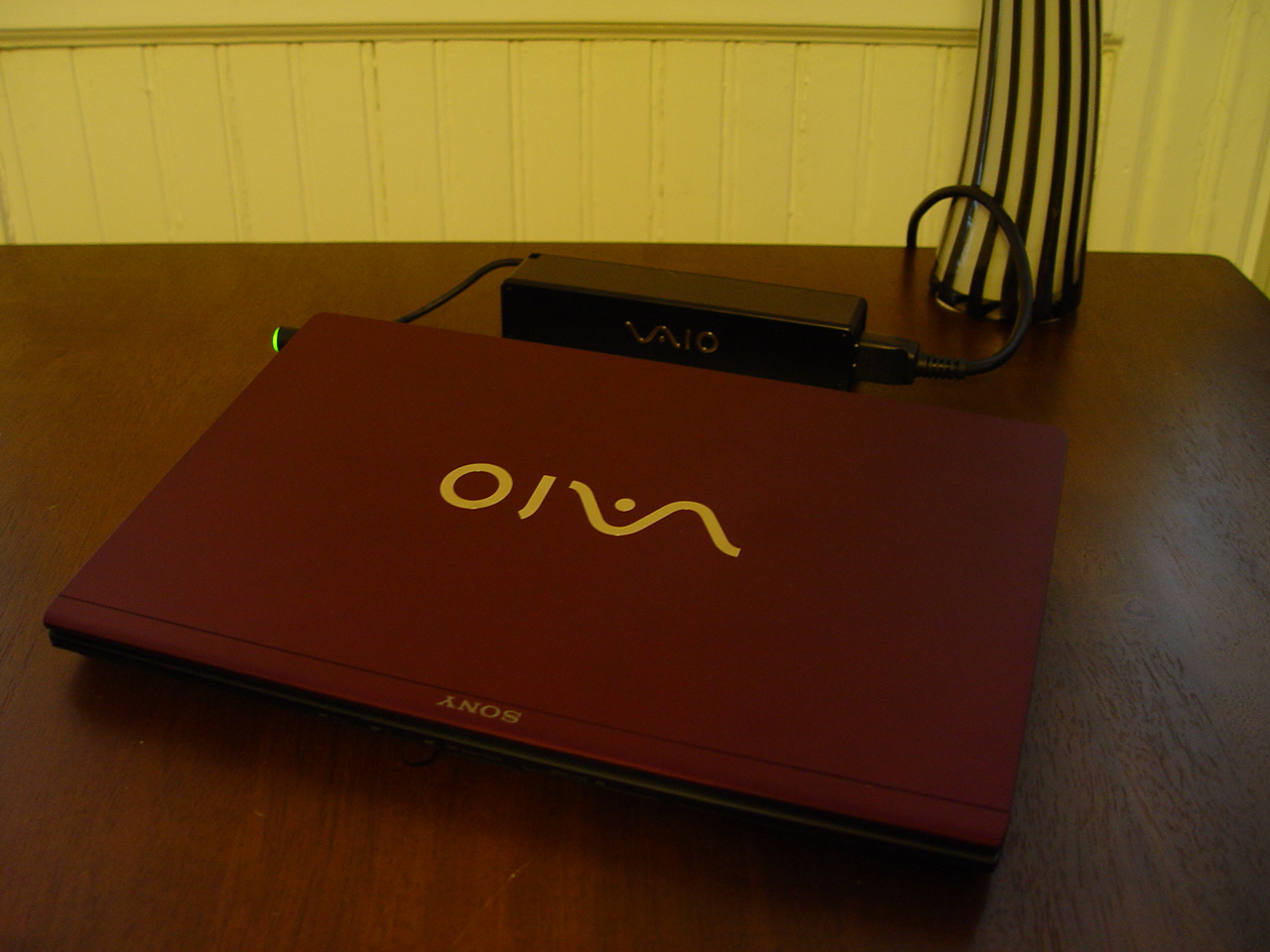
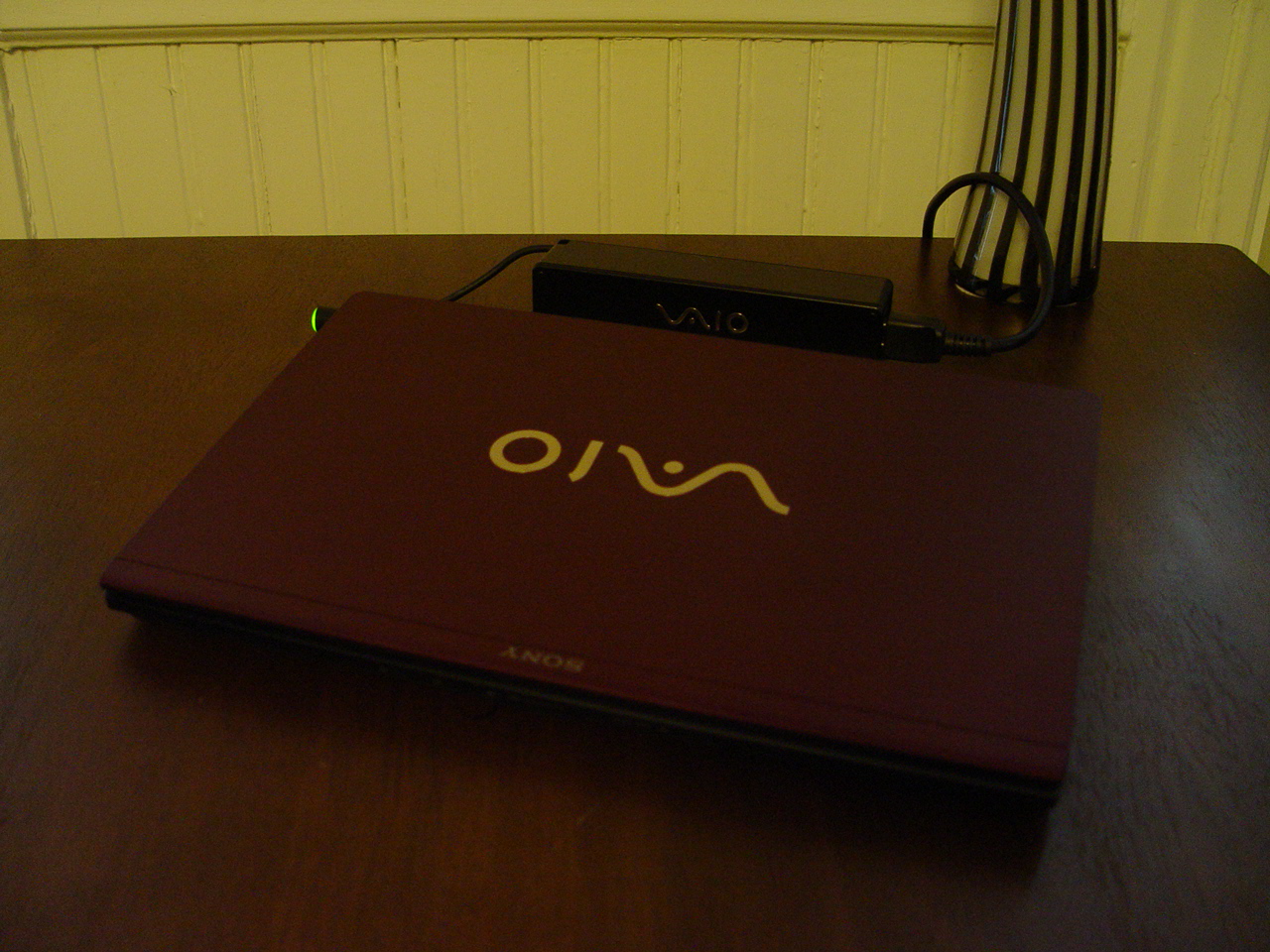
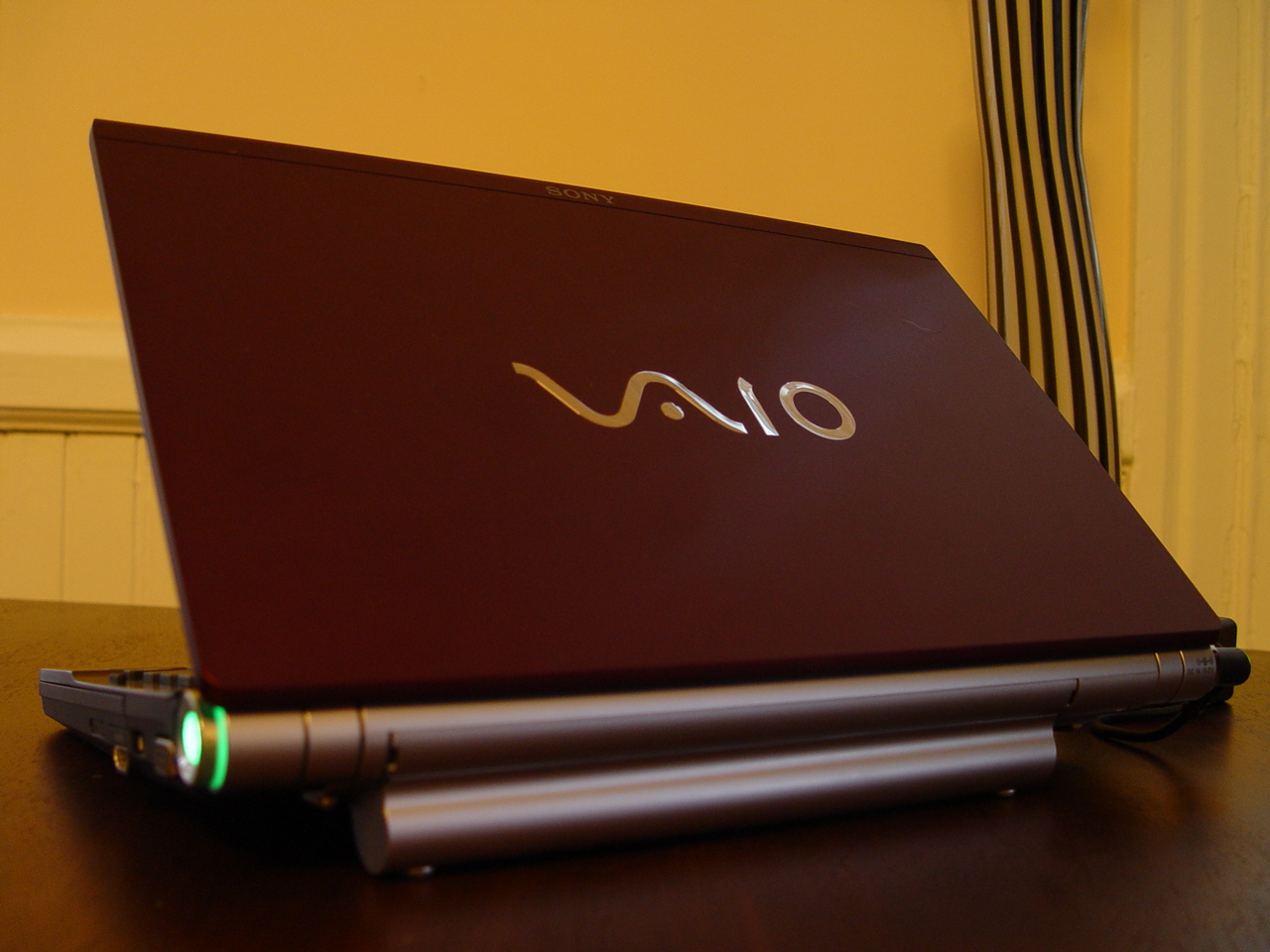
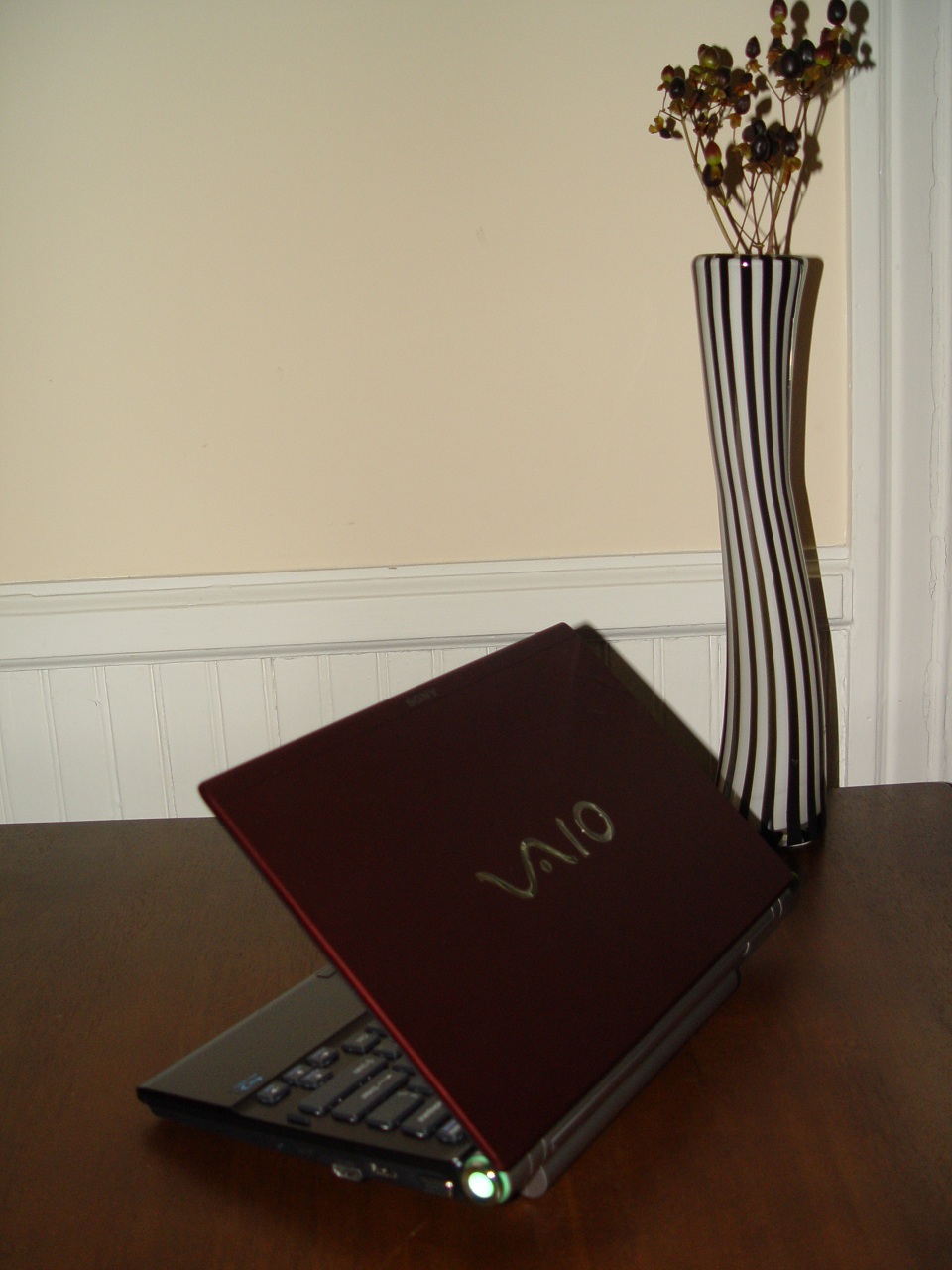
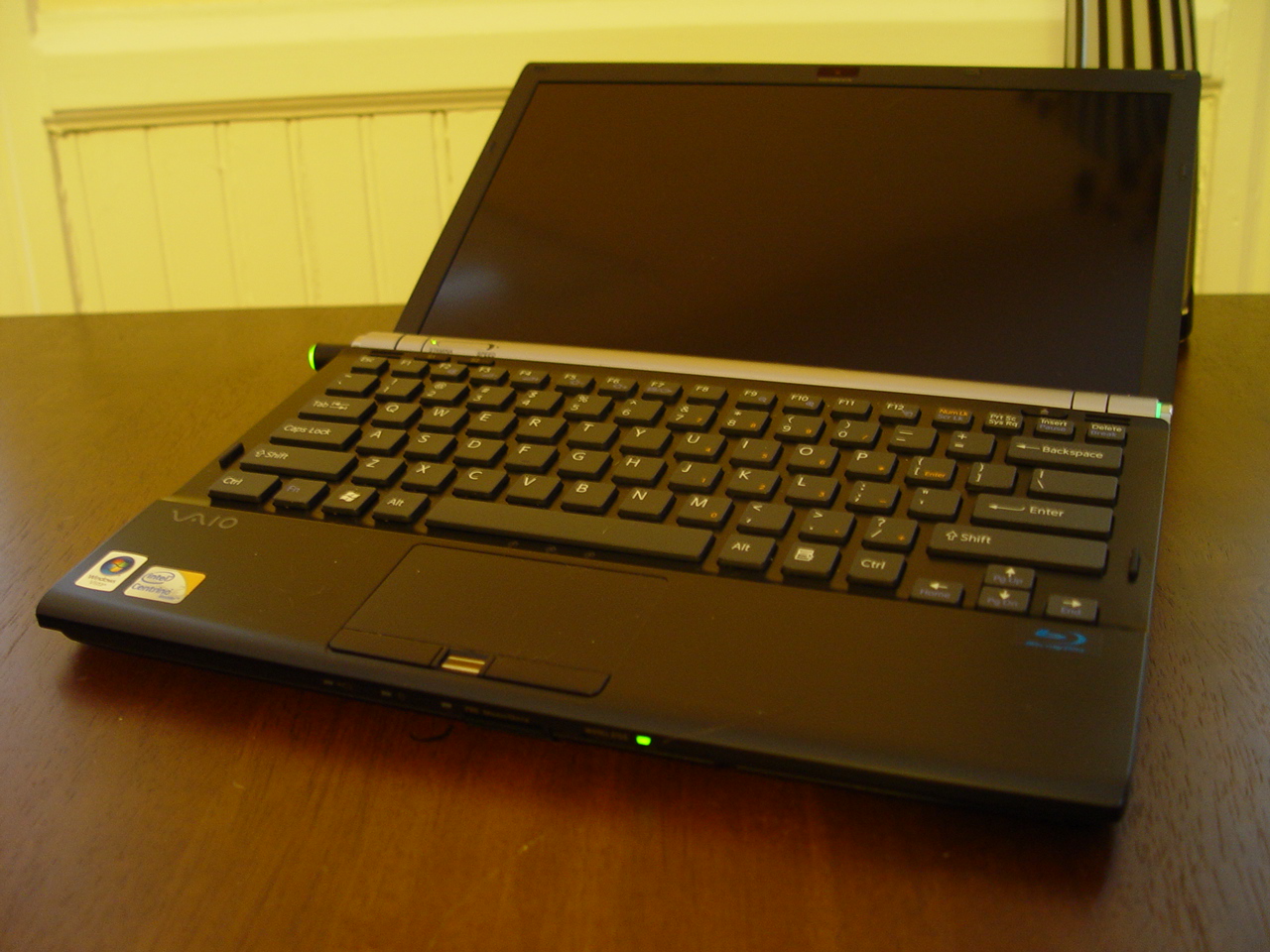
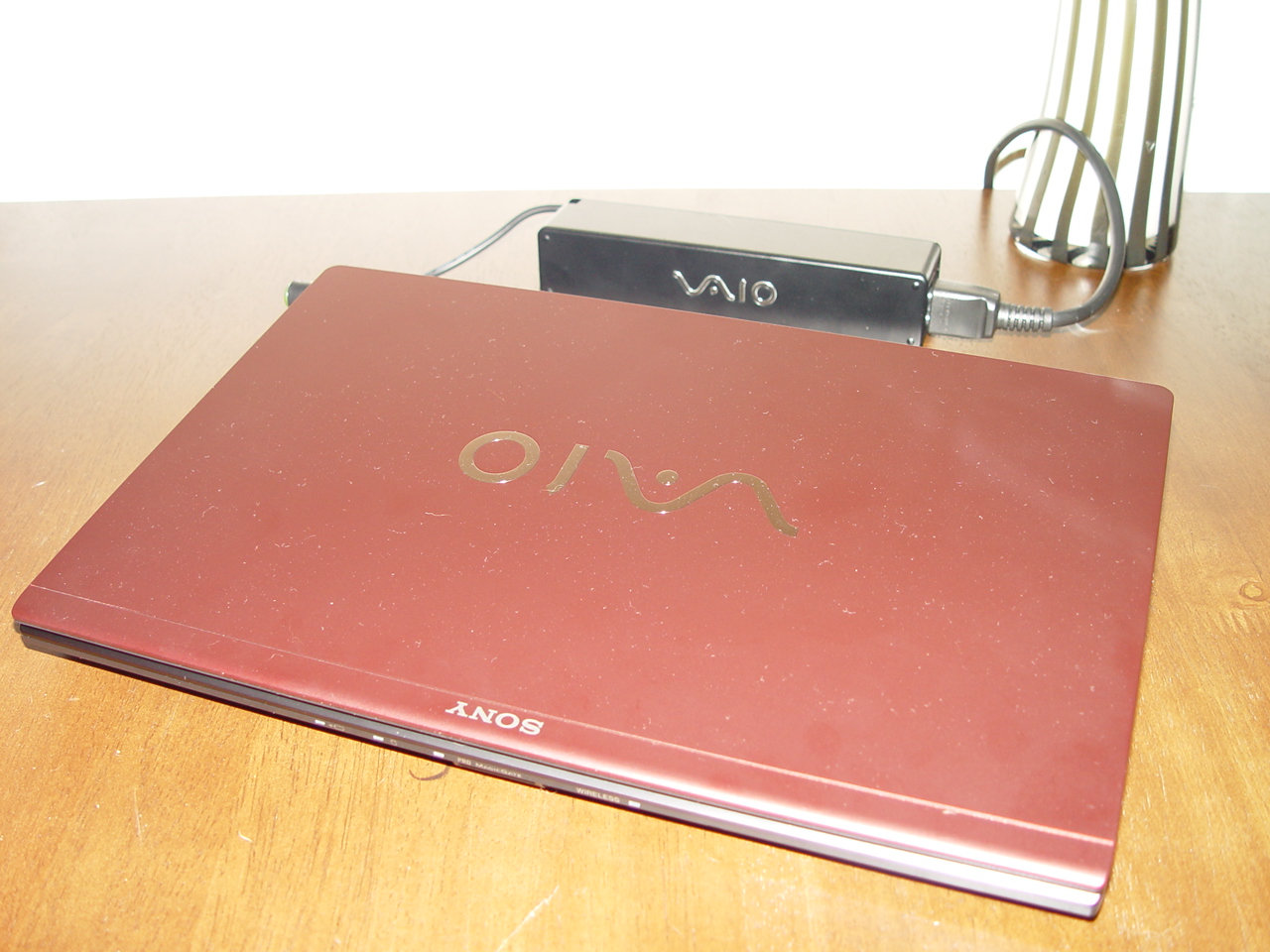
Just received my Z790 and I must say the Bordeaux is my most favourite compared to the premium carbon fiber I had on the Z690 and the blsck on the Z590.
However, the online picture--even the ones on SonyStyle--do not do it justice, as they present it as a "plastic red" color, which it is quite far from. It is actually a very stately bordeaux, much like a good wine. It has much more of a purple/burgundy tint than red.
But when I decided to take my own pictures to show the true color, I realized why the rest of the pictures online are so different than the real color. Under the light of flash and photography the resulting image barely resembles the physicial appearance. SO I pulled out my trusty DSC-F717 ancient digital camera and tried some different settings. I hope it helps...
The one before last is to show the darker chassis color.
The last one is for comparison purposes to show how the color ends up showing as a bright red in photographs.Attached Files:
-
-
wow! that Bordeaux red looks be-a-utiful, I'm definitely getting that color when and IF it comes available in the Netherlands. Right now I called my store 4 times the last month and they keep saying "nothing new, but they are coming soon", arg...
-
Well, I've been using W7 RC1 for just about 2 months now. It is definitely faster than Vista, but on the Z790 (installed two days ago), I do nto see a battery improvement.
Also, I do see a much worse battery life on this than my Z690 and Z590, attributing it to the 2 SSDs.
Yes, it is very nice. It is a very dark and stately burgundy, very much like wine. I was worried about having a bright red notebook at business meetings and in front of older executives, but this in color not only is beautiful, but also extremely understated and definitiely professional. -
I have not read the guide yet. I just thought I would cross-post here for reference.
-
SonyWorld
Notebook Enthusiast
Join Date: Dec 2008
Posts: 27
Rep Power: 2 SonyWorld is new here but already liked
Default Re: Official VAIO Z Series Owners Thread
Quote:
Originally Posted by zimbros12 View Post
WIN7 shall give extra usage for the Z
http://www.viddler.com/explore/engadget/videos/85/
Well, I've been using W7 RC1 for just about 2 months now. It is definitely faster than Vista, but on the Z790 (installed two days ago), I do nto see a battery improvement.
Also, I do see a much worse battery life on this than my Z690 and Z590, attributing it to the 2 SSDs.
On what powerplan do you have it set up to??Yes the SSDS may use up mor juice>> -
SonyWorld, thanks for taking the time & effort to take & post photos of the Bordeaux Red lid & share with us the beauty of the lid. It is a "hot & sexy" lid IMHO. Man, that color makes the Vaio Z notebook looks a lot more classy than the other lids.
-
Really is. Wish I'd have gone with that color.
-
If you have just bought your Vaio Z notebook & are within the 30 return policy (if bought from SonyStyle), you can still choose to return yours & repurchase another Vaio Z notebook with the Bordeaux Red lid. Good luck.
-
Forgot to ask in my previous post, my current laptop has german keyboard layout and german plug. Will it still qualify for the Trade-In Program?
And, I agree on Bordeaux Red being SEXY but i haven't seen a matching vaio bluetooth mouse I should go for prem carbon then.
It'd be weird to have the black mouse with a bordeaux laptop. Ewww. -
Why will it be weird? When you're using your Vaio Z notebook (with the lid open up, of course), you wouldn't be able to see the color of the lid anyway, no?
-
I'll always be happy with more battery life
I wouldn't wanna use that thing in direct sunlight....
It is VERY pretty though. -
Oh, bummer. Now I really want that Bordeaux lid.
I wish it weren't so expensive as a spare part. I just love laptops that are a little different (ie: red) without looking like a kids toy.
Has anyone successfully changed lids? I'm also not sure how risky/complicated a move it'd be. -
yea again, forgot to mention. Trade - in program in USA, i mean... Will sonystyle USA pay 300 for my german laptop (with the german keyboard and german plug)?
-
No luck here -- it requires booting from a USB drive, and I have yet not been able to boot from a USB drive on my Z-590, no matter how I configure it (even when the same USB fobs boot on other machines, it's no go on the Z).
I'm looking into whether it's possible to add the PE executable in as a boot entry with vista's BCDedit. -
could always use a cd. No different from a USB boot.
-
I would love to know if anyone has gotten it to work on a z6xx series?
-
I agree the Bordeaux Red is very nice. I mentioned it in a previous post when I saw it a few weeks ago. The color is a little more deeper than those posted when seen in person. Perhaps, if you took that photo outdoors without flash. Would that provide a more accurate depiction of the color? The contrast with the black key board works. The premium carbon with the new keyboard just makes the notebook too dark (IMO).
I'm actually getting rid of my Z550 and opting for the Z790DMR (Boerdeaux) or one with 128SSD. But I'm gonna hold off the purchase until a week before Black Friday (Nov.) and when W7 is released (Oct.). I got my Z550 for under $400 less during Black Friday, so I'm hoping the same will happen for the Z790DMR. -
The chassis is dark (almost black), so it woudl not look odd with a black mouse.
On both Vaio Maximum Battery and Vaio Optimized. Usually, if I am at a coffeeshop or home I use the former, and if at the office or a meeting I use the latter. And so far the Z790 has not been better, that is certain. But it could also be due to RC W7 reporting the wrong length of time left before battery drain.
I got mine with almost $700 under the regular price. $250+ edu discount, $300 Bundle discount (service plan + 2 acc) and $100 off extended battery (on-site promo), so do take a look to see if you can buy it more cheaply now. Even though I am quite certain that by Oct, it will be cheaper at the regular price anyway and there will probably be a Z890 out
-
Yes, it is different, in that an EFI will only scan native FAT volumes. Not ISO-9660, or emulated boot images.
But that made me investigate more. It appears that my state-of-the-art-six-months-ago Z590 can not grok exFAT and not even FAT32 at boot time. Only FAT (FAT16). Which limits you to 4 GB, but if you format a USB drive as FAT, and place the file on it as /EFI/BOOT/BOOTX64.EFI -- why, then EFI magic takes place, and it's executed instead of the Vista boot manager.
And you can then follow the instructions on the site to enable VT-x.
And lo, and behold, it works:
Jul 19 21:25:48.465: vmx| HV Settings: virtual exec = 'hardware'; virtual mmu = 'software'
Earlier, VMWare would report:
Jul 05 23:32:31.421: vmx| HV Settings: virtual exec = 'software'; virtual mmu = 'software'
(For hardware MMU, you need a Septium or newer Xeon) -
I overlooked a lot of things...long weekend agreed - dropping the efi does the trick and contains all you need.
confirmed to be working for a 690z here. -
and thanks to arth1 for pointing out the obvious for the stupid
-
Slightly off topic & I apologize for that.
Does anyone else have any experience with SonyListens in terms of how long they take to reply to your email? It has been a while & I am wondering if I should just shoot them another email or just give up on this whole rebate thing...
-
They took about 4 business days to respond to my query about whether Sony provides 32-bit versions of Vista for laptops that only ship with 64-bit (such as the Z7xx).
-
Hi guys,
Having ordered my Z 2 weeks ago, the shipping process has been a nightmare. I called a week after placing the order and was told it was being held-up by the fraud department! Turns out the sales rep had mispelled my delivery address and email - so I was not told that they held up my order for a week because of a one-letter spelling difference between delivery and card-billing address! Argh! Really annoying, especially as their fraud concerns did not stop them actually taking the money from my card! Order is finally being worked on and they now think it will be with me in two weeks, so here's hoping...
Anyway! More positive thoughts! As I await its arrival, I was wondering if any of you could answer a question about the WWAN:
I don't plan on using WWAN regularly, but it would be great for the occasional train ride (once every 3 months or so). My vodafone phone contract has unlimited-data included - will it be possible to just pop the SIM from my phone into the Z? Because I'm going to use WWAN so infrequently it just doesn't make sense for me to get a separate SIM and contract just for my laptop WWAN. What are the issues to be aware of if I want to use my phone SIM in my Z from time to time? Is it even possible?
Any help greatly appreciated - you guys were great when I was hesitating over whether to order the Z!
Thanks,
Kavb -
When it comes to something like that you should have argued to get next day air or the fastest shipping since as you said they had no problem withdrawing the money from your account but delayed themselves on your half. You should have threatened to cancel your order with them if you didnt receive some sort of compensation for their errors. (I went with the faster shipping since its only logical that because they delayed your receiving of the notebook they should do everything possible to get it to you asap!).
Whee, ordering my Z in a week or so... waiting for couple more ebay auctions to sell for some extra buying power.
Just a question though, so many offers and rebates everywhere. Can anyone suggest to me the best way to order?
So far i have (10% student discount, which kind of covers sales tax, thats all really) and the productivity bundle (i want the Bluetooth mouse to free up a usb port, and will sell the docking station) and as of now 100 free song downloads (which is useless to me since I attain my music in other ways =D )
I heard about some things like, buy 2 accessories and get $300 off? or buy a 2yr warranty and get more money off? any of that still around? -
Of course you can, it's a european Z right or one with a SIM slot? WWAN is not locked to any provider and you can put any SIM you want even phone only SIM if you use SMS a lot. It then becomes so easy to just chat through SMS using your PC keyboard. Only drawback is the card does include voice features but is not connected to audio so you can't use it as a phone with a headset connected to the PC (you will still see call arriving and getting logged though so for an urgent incoming call you could just put the SIM back in your phone and call back).
-
I see... It is 19 days (including today) since I sent my email.... I guess they couldn't help me out then.
Anyway, thanks for your info. I appreciate it.
-
Please kindly let me know what price you'll be willing to let go of your Vaio Z docking station. Thanks in advance.
-
anyone ever order a z from portable one? if so what was your experience? getting ready to get ready to order a z7. Advantages/disadvantages?
-
This is on PORTABLE ONE FORUM:
http://forum.notebookreview.com/showthread.php?t=383229 -
Just tried out undervolting my Z. I thought it was too much of a hassle. After 2,3 hours of tweaking and stress testing, I feel that it is definitely worth doing.
My CPU temperatures under max load in Performance Mode used to be 83|82 degrees. After the undervolting, I've been getting 66|65. That's a 17 Celsius difference! My idle temperatures have also decreased 1 degree or 2 at 35|33 now.
I have only manually undervolted my highest multiplier (10x), and used auto-adjust for the lower multipliers. For those who are interested, here are my results:
6.0x--- 0.8750V
7.0x--- 0.9000V
8.0x--- 0.9250V
9.0x--- 0.9500V
10.0x--- 0.9750V
I'm surprised by how much I could undervolt it. Other people with Intel P9600 have been getting BSOD at 1.0000V @ 10.0x, (I encountered the BSOD @ 0.9250V). I'm going to run additional test at the current setting. I won't risk going lower, I like to have a nice voltage margin for guaranteed stability.
I strongly suggest those of you who hasn't tried it yet to test it out. You won't suffer from any performance loss, the worst that can happen is getting a BSOD during the stress test. Just follow the undervolting guide if you are interested. -
Well, I have a P9600 and I'm getting 0.9500V at 10.0x. Problem: My temperature idle is around 50°C.
-
Wow. That's really low. I wish I can get something along those temperature. I've also not tried under-volting.
Sad to say, my idle temp is way "too high." I'm getting about 51-55 degree C on my Intel P9600 (2.66GHz).
This temp is after I've done a semi-clean install of Vista Ultimate.
-
How low did you go before you encountered the BSOD? I kind of just stopped testing at my current voltage. How big of a margin should I leave? 0.05 or 0.025?
Hum... I just test it out under silent mode on battery, my idle temperature is around 40|39, much higher than the temperatures under Performance mode.
Did you guys see an increase in battery life? I know it would be very minor.. but so far, I haven't noticed any...
Edit: Just tested at 0.9500V @ 10.0x, got BSOD immediately after Orthos started running.... I'll stick with my 0.9750V then..
-
That depends on which CPU you have. If you have a CPU with a "half" multiplier, you will lose half the bus speed in CPU speed, due to RMTool not understanding half multipliers.
And if you have a CPU with Intel Turbo Boost, you will lose the turbo mode.
For your particular case, a P9600, there's no down sides, but this is not the case for everyone. With a P9500, for example, the speed will immediately drop down from 2.53 GHz to 2.40 GHz, and the turbo boost speed of 2.67 GHz for single threaded applications will never occur.
I'd call that a performance loss. -
I would try and give em another email.
I've got a docking station I dont really use.... -
Interesting, thanks for the info.
One question for those who are familiar with undervolting:
When I'm running stress test with Orthos, my max voltage never exceeds 0.975V. However, when I'm running games, my voltage would constantly fluctuate between 0.975V to 1.075V. Anyone knows why? -
Thats the reason I haven't under volted, which is a shame. I wish I had known about that before buying, I would have sprung for the P9600.
-
FAT32 and Z590 worked for me
-
Can someone with the Intel P9600 tell me your default maximum voltage at 10.0x multiplier? Mine says 1.0750V, seems kinda low to me. I wonder if RMclock read it wrong.
Also, it is really buggy me that when I render and convert music and videos, my max voltage fluctuate between the default 1.750 and 0.9750 that I set it to. However, it remains constant at 0.975 when I run the stress test with Orthos.. Anyone care to explain to me why it's like this?
Thank you!
Official VAIO Z Core 2 Duo Series Owners Thread
Discussion in 'VAIO / Sony Owners' Lounge Forum' started by DiscCollector, Jul 15, 2008.