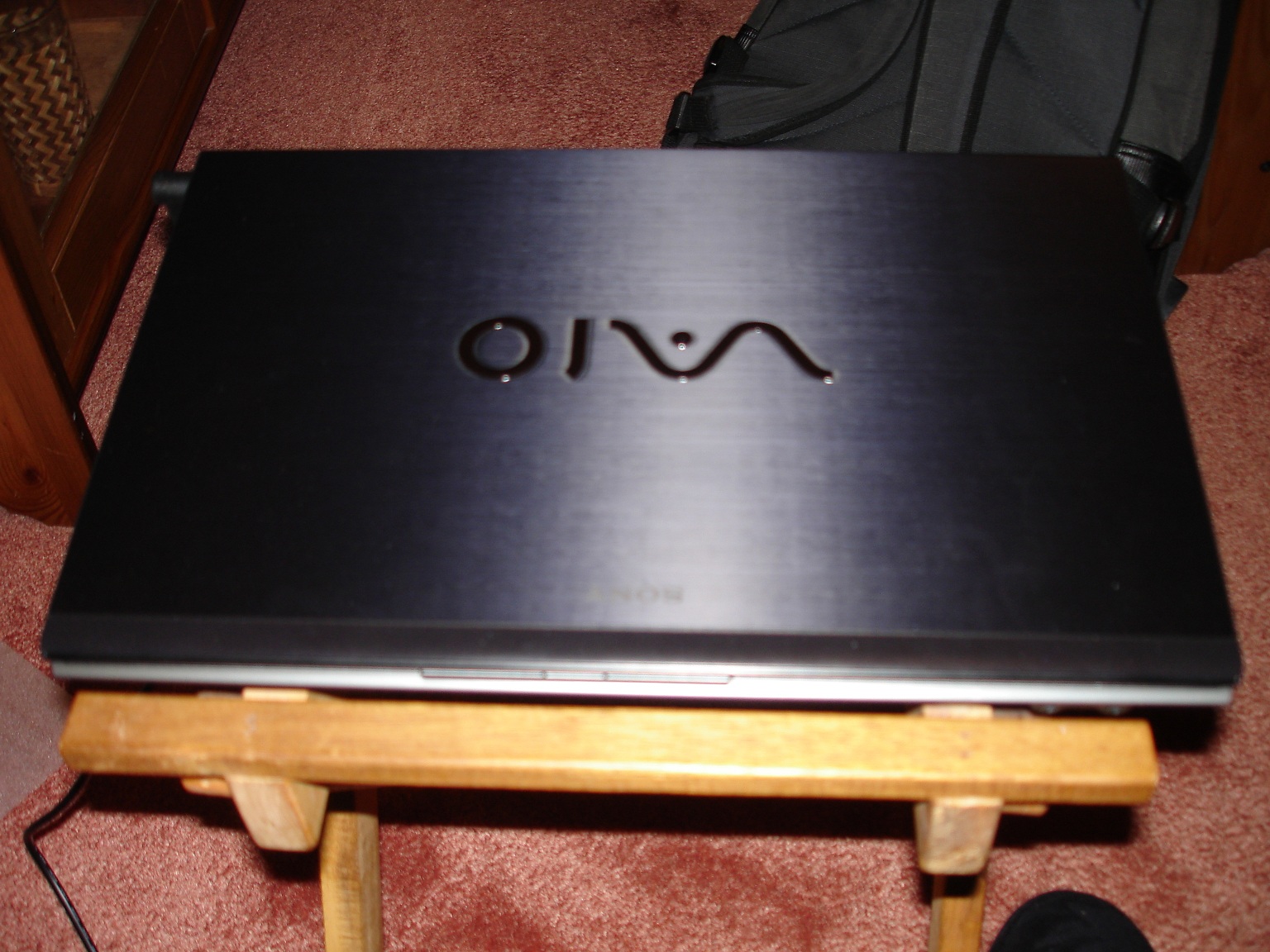
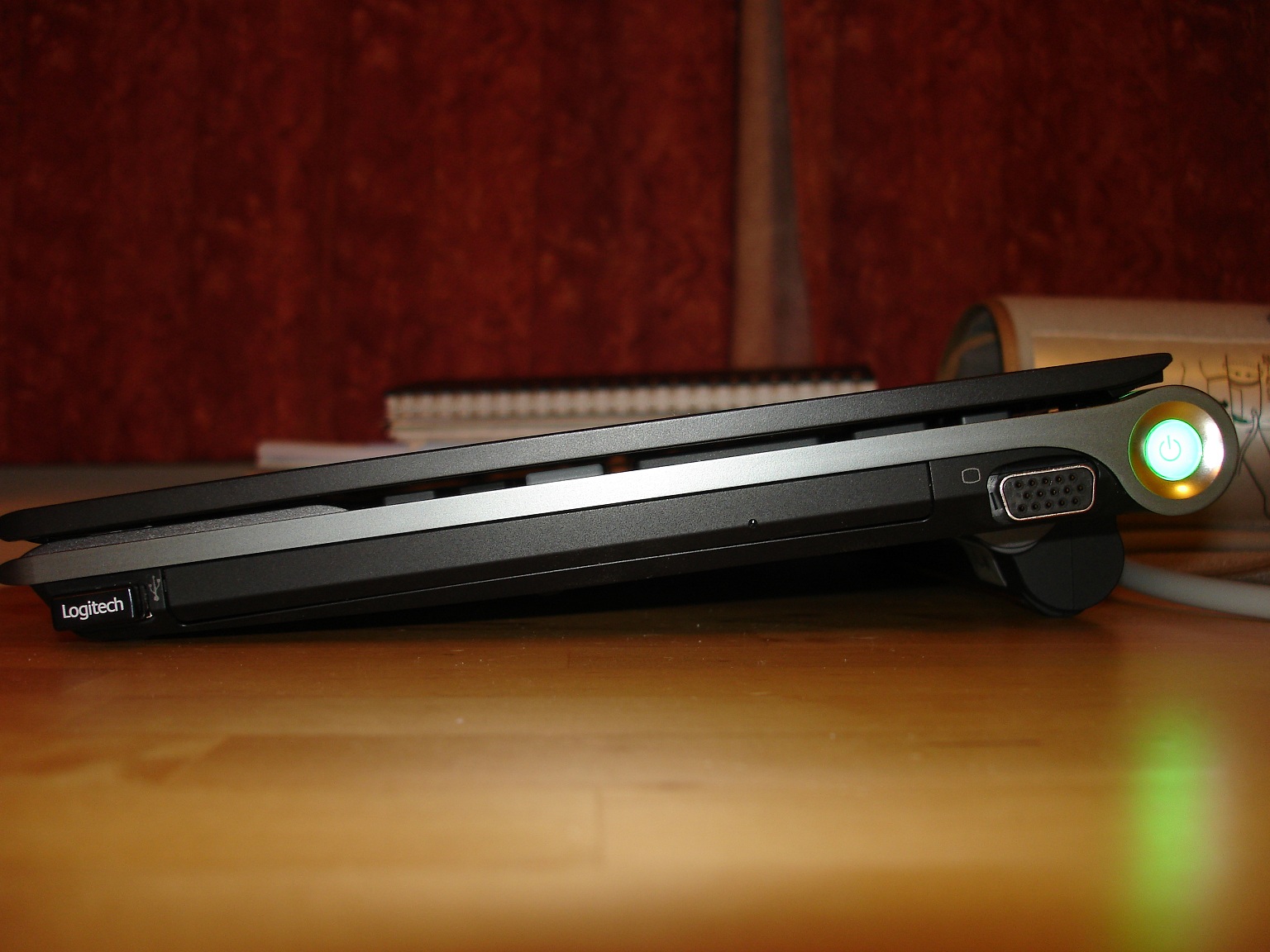
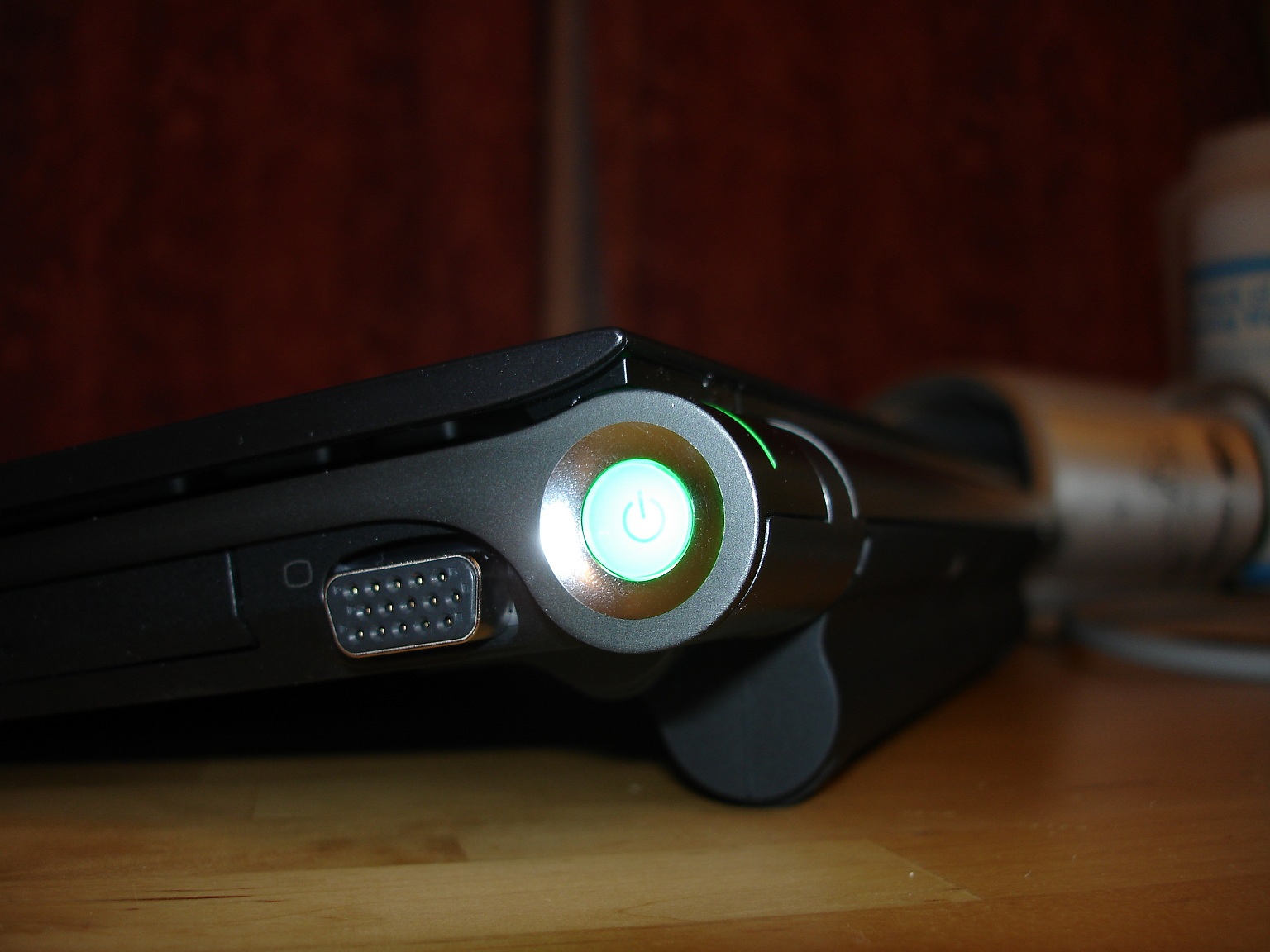
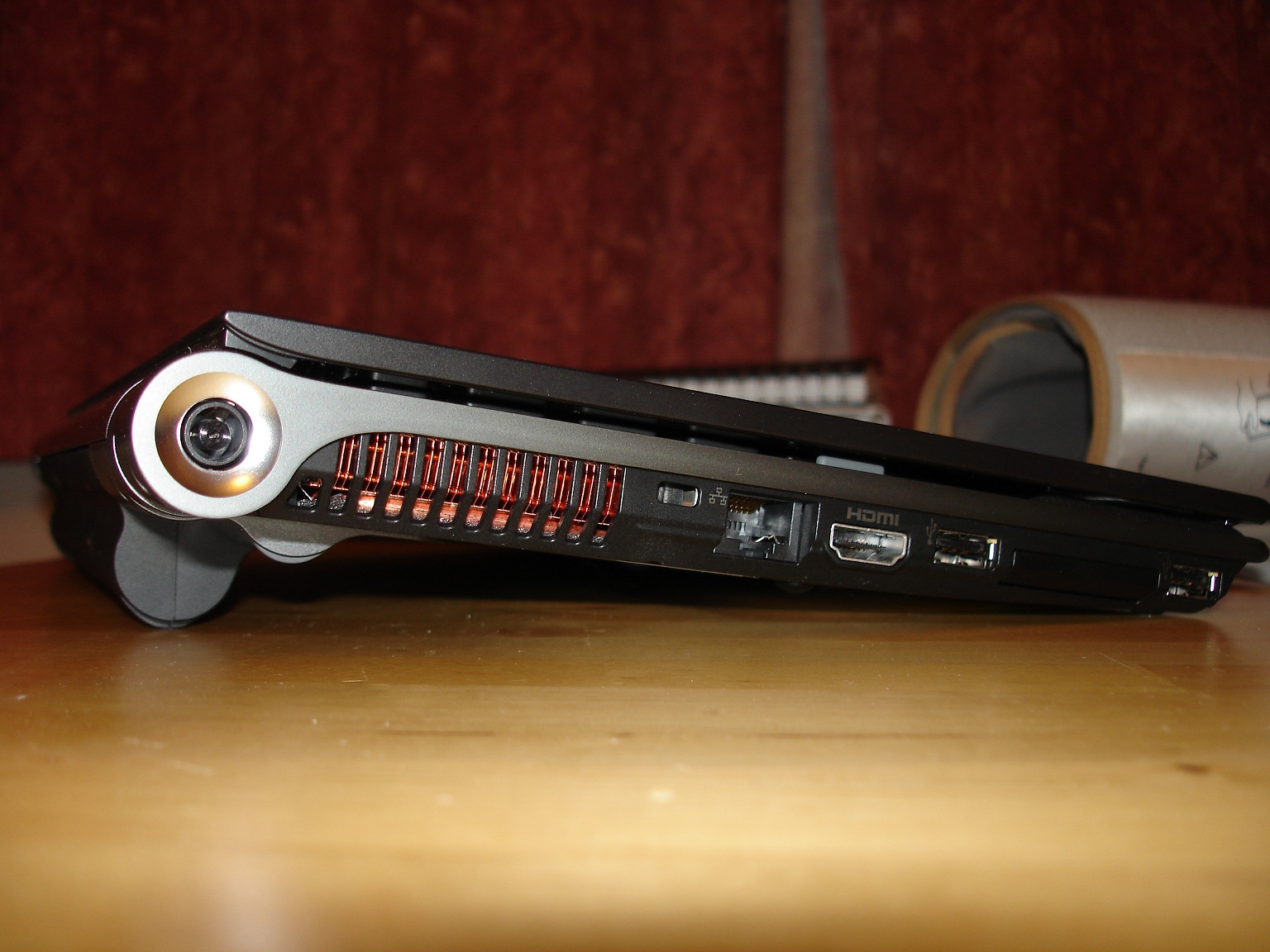
Problems? See this thread at archive.org.
Is the gloss like a lacquer or just a thin film?
-
Hey,
I live in Boston. The order went to 'Ready for Shipment' on the 18th... I had it on the 19th! Quicker than that you don't get.
Stefan -
DROOOOOOOOOOLL.... if its not too much trouble can u post some more pics please... thank you
!!! -
Feels & looks more like a lacquer.
-
Thanks for your answer, so do I. I had initially ordered the 1600x900 model but decided to go with the full HD model in the end - as in the past I have never had too high a resolution on anything - rather the opposite actually
-
Sexellent, that's what I was hoping.
Please do some disk benchmarks and post them in the SSD thread. I'm going to need to live vicariously through you until my VPCZ11FHX/XQ arrives (3/31). -
Maybe someone could take some photos of their (non-glossy) premium carbon Zs?
-
My non-glossy premium carbon Z will be in my hands in exactly a week (it's shipping to my father's house this Wednesday, but I won't be there till next Sunday), and I'd be more than happy to take some nice pics, but I'm pretty sure other forum members here should be receiving theirs before then.
-
Ehhhh Am I blind or is the one 4 posts above yours one ...
Sure it has a glossy lid but the front isn't glossy. -
He wants to compare the non-glossy to the glossy one that you refer to
-
Hi guys, first of all thanks for all the objective information on this thread! (well I didn't read it all, but I did read the 1st 20 pages and from 45 onward
)
Can someone with a non-American, non-Japanese keyboard please post a picture of their keyboard?
The reason I'm asking is, comparing the american layout to most (if not all) european layouts and even the canadian layout, the keys around the enter key are sorted differently and more importantly there's one key missing (next to Z)!
us/jp:
![[IMG]](images/storyImages/500x_vaio_z_-_4.jpg)
fr:
![[IMG]](images/storyImages/IMG_0223.jpg)
I'm probably being too anxious about ordering my Z (with portuguese keyb layout)... which I'll do tomorrow first thing in the morning
-
So hoping Sony Style hits that refresh button and releases some 1920 x 1080 Full HD screen goodness within the CTO process. StefanB, I am envious. Congratulations on your new Z.
-
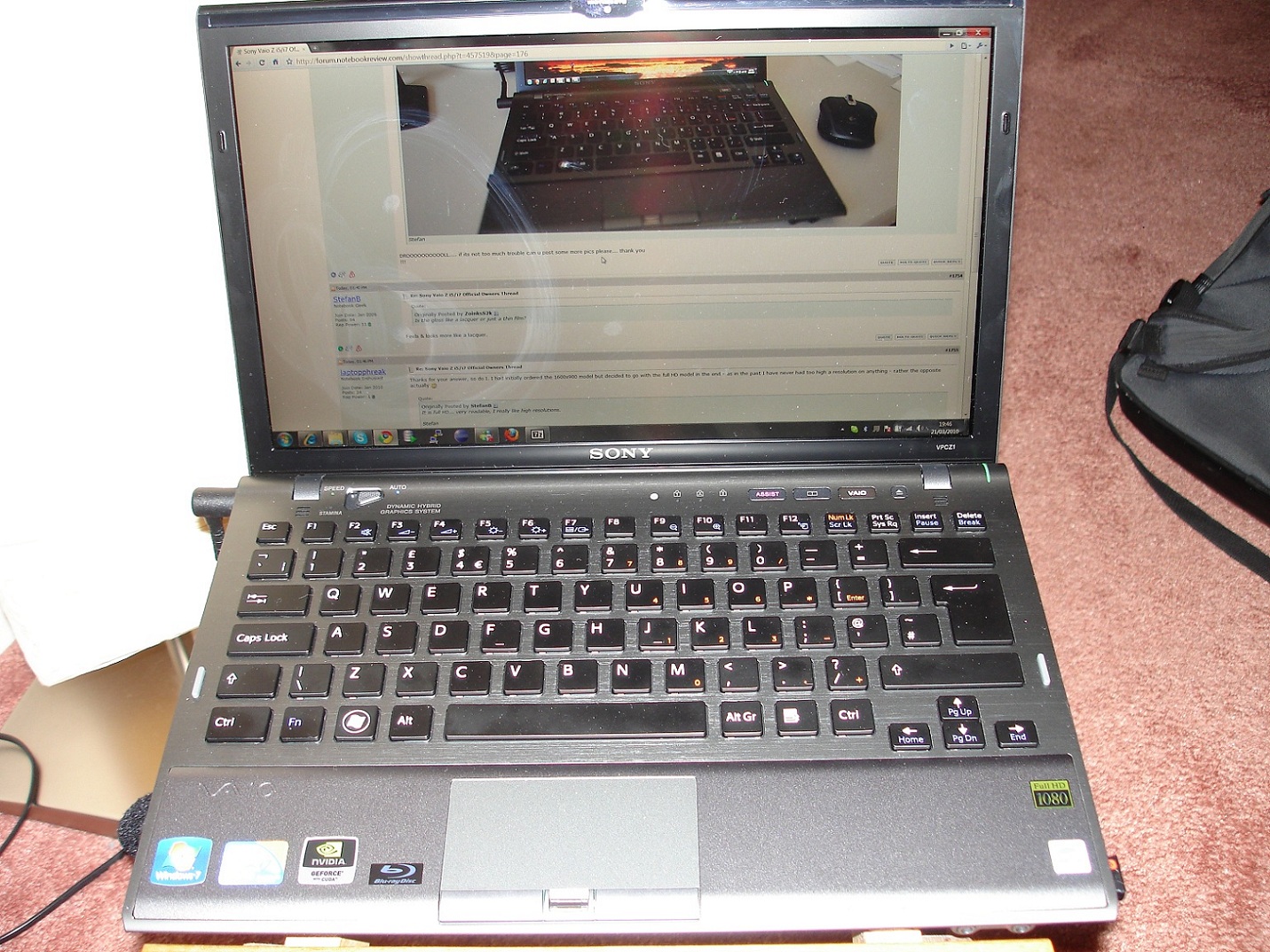
Here are some pics of the Premium Carbon & Extended Battery and UK keyboard
I've been using this machine for a few days at work now (I'm a software developer).
Power wise it easily has enough grunt to get through my day to day tasks at
work - running app servers, running virtual machines, running Eclipse....
Screen - In my opinion the screen is the best quality notebook screen I've ever seen / used.
BUT in full HD mode the text size is straining on the eyes, I have it on 125% text size and often find myself hitting the zoom buttons in browsers and word.
Its not so bad for me because I normally have it hooked up to an 24inch monitor at work and at home, but I don't think I could spend 8 hours a day in front of this screen without going blind.
MappyAttached Files:
-
-
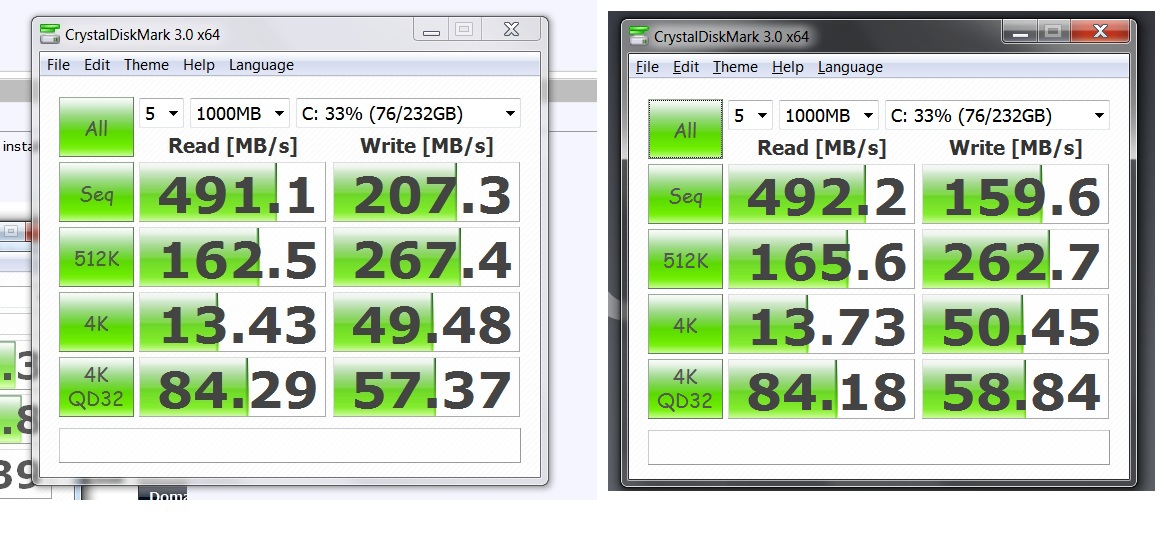
Wow, that made a considerable difference. At least 5 points on reads and over 20 points on writes.
Thanks! -
Hey Mappy, looks like you have an awesome machine there I think it's the first one around with extended battery, so if you can post some numbers on that later on, it will be very interesting!
Now if it isn't too much to ask... could you post a picture of the actual keyboard? hopefully it will make me
^ very happy
EDIT: I just saw the additional pic, thanks a lot let me get a bucket to hold all this drool now!
-
Thanks for the Great pics... btw, how is the typing on the raised kyb...? I was thinking of getting ext. batt. too and after looking at ur pics I think I just might, that is if its comfy to type in!!! THANKS again.!!!
-
Typing on the raised keyboard is great, The keys on this vaio are excellent !
I think some members on the forum mentioned that it may also help cooling - the intake vents are on the the underside of the vaio.
I've just updated the RST drivers to 9.6 and run Crystal Disk
I have a Quad 256 SSD -here are the results ( i have no clue what they mean )Attached Files:
-
-
Hey All; A couple more pictures showing off glossy and the keyboard.
Stefan
![[IMG]](images/storyImages/z4.jpg)
![[IMG]](images/storyImages/z5.jpg)
![[IMG]](images/storyImages/z6.jpg)
-
So i just ordered the configure to order and opted to exclude the WWAN.
My understanding is that i will still have GPS enabled in the laptop? -
Mine are about the same as yours with RSD 9.6
Stefan
![[IMG]](images/storyImages/cdm20100321.jpg)
-
Hello,
I have few problems for installing few old softwares under seven 64 bits. Did someone find out how to enable VT ? I'm using virtual box right now and I want to get rid of it...
Thank you, -
No, GPS is part of the WWAN adapter.
-
ok I'm about to pull the trigger on the new Z.
any help appreciated, my concerns/questions are:
(im in the US - Florida)
-Which ssd options are the fastest, I don't care much about the capacity. Is 192 faster than 256, and slower than 512?
-How does the full hd screen affect battery life (compared to 1600x900 one)?
-How does the i7 affect battery life (compared ti i5)?
-What are my best bets for where to buy the laptop from? Is the deal on newegg for 384ssd better than if I buy, say the lower signature model from sonystyle? (I guess newegg doesn't charge tax, but ppl get discount from sonystyle) -I'm a student as well.
And, I don't care about bluray - I don't think I can justify paying $500 for something I won't ever use.
(Plus, I'm planning to get some accessories, like the mouse and the sexy leather case) -
512GB will always be the fastest, because of more headroom. But the quad 256GB models will come pretty close. Don't know if US models are quad 256GB tho, you'll have to check that. Lower options are just (way) slower. You can say the speed rises the bigger drive you pick (at least that goes for the Z/raid0).
Don't know about the full HD display, but about the processors, the i7 gets about 5-10minutes less battery life, so nothing really. -
512GB is fastest because is guaranteed to be Raid x4. 256GB is just as fast if you can get 64x4 but, at least in the u.s. so far has been shipping as 128x2. 384GB and 192GB are raid x3 so are only a wee bit slower than the x4 versions. 128x2 and 64x2 are the slowest (not to say that the difference will necessarily be obvious on anything except benchmarks).
hd screen probably has a significant effect on battery life but no data available yet.
i7 doesn't seem to have much effect on battery life. The numbers I have seen from the i7 people closely match what I have been seeing on the i5.
Blu-Ray: I agree, that is one expensive option
-
I'll be ordering my Z soon - planning to check out the full HD screen first (local Sony Centre will be getting them in about two weeks time). Just wondering if you tried out Firefox with the "No Squint" add on. It allows you to set a default zoom level and also custom ones (which it remembers) for individual websites. It worked very well on my old 1600 x 900 Z (now RIP thanks to a unfortuante encounter with a bowl of soup!) There's another similar add on called Default Zoom Level - haven't tried it myself - not really necessary on my wifes crappy Dell 10v that I'm reduced to using
-
I'm not entirely sure what you are asking. But if you are saying that you need to run old Windows apps as in XP mode. Then as long as you got the Win 7 Professional. You can install the VirtualPC/Windows XP thing from Microsoft. When installed it integrates into Windows and allows you to run XP apps from the Win 7 start menu. It runs them virtualized them using VirtualPC:
http://www.microsoft.com/windows/virtual-pc/ -
Hello:
I am looking to buy a Z from importers, I live in the USA.
Does anyone know of any decent importers other than Conics.net & GeekStuff4u.com?
I am really looking to avoid the $860 price for the quad ssd (4x64GB) from Conics & GeekStuff4u. If anyone can find a worthy suggestion, please post here. Any help will be greatly appreciated!
Other specs I want with it for sure are:
i5-520/540M & Glossy Premium Fiber & 8GB RAM, US Keyboard
I am looking to keep the price under $3300.
Thank you,
Jack (shadowrizer) -
Any reason you're trying to import? Do you want the Full HD screen? If you don't want the Full HD screen, you should really just order it from the US
-
Just letting everyone know I get well over 7 hours (on stamina) with the extended battery.
My set up is the i7 cpu and the 1600x900 resolution. Screen refresh at 59 hertz, brightness set to 60%
Ill keep testing the extended with different settings. -
Yes, I want the Full HD Screen, and the Glossy Premium Carbon Fiber, and I really don't want to spend $4500 for the max model.
-
Another question regarding the extended batt. How is the fitting? is it flush, does it rattle when shook as compared to the reg. batt.. ( like he reports on the Alienware M 11x vs VaioZi5 Comparison and benchmarks thread)
Thanks -
What are some of the WEIs you guys are getting? I have to admit, I'm intrigued by the Sony Z. I just bought an Envy 15, but I'm still within my return phase.
I greatly prefer FHD screens, as I like having the real estate. I know that won't be the case on a 13" screen...but I am intrigued nonetheless. -
duplicate post
-
Well, not a single retailer, let alone Sony, would allow you to play the game of buying a product on-line, shipping the product to you on THEIR dime, allow you to play around with the product and thus diminishing its value and then PAY you to ship it back to them. And all of this when the product is performing perfectly and as designed.
I call it the game of home-showrooming-on-somebody-else's-dime. I also call this practice a "retailer's nightmare".
If that game is played enough number of times by a sufficiently large number of people, the expenses will obviously add up and that in turn gets added back into the product, so that EVERYONE who wants to buy a VAIO will pay for it.
With most retailers, where you do a return, you will have to pay them a 15% restocking fee, in addition to paying for the return shipping. Sony does not charge any re-stocking fee but YOU will have to pay for returning the perfectly functioning product back to them, after playing around with it. -
I tried an Envy 15 for a while, but in the end it was the weight of the whole kit that got me. Sent it back after a couple of weeks in favor of the Z.
I did, however, love the speed and the screen was pretty nice also.
There were other oddball things, though, that for their top of the line consumer unit I felt HP should have done better, like a backlit keyboard, etc. -
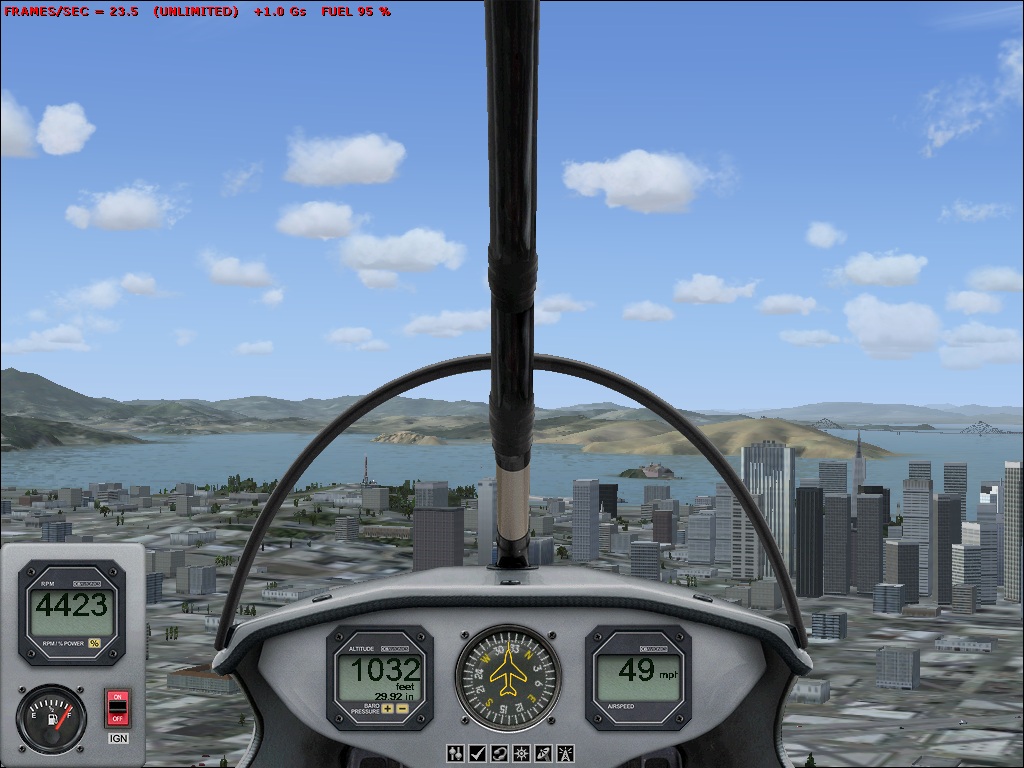
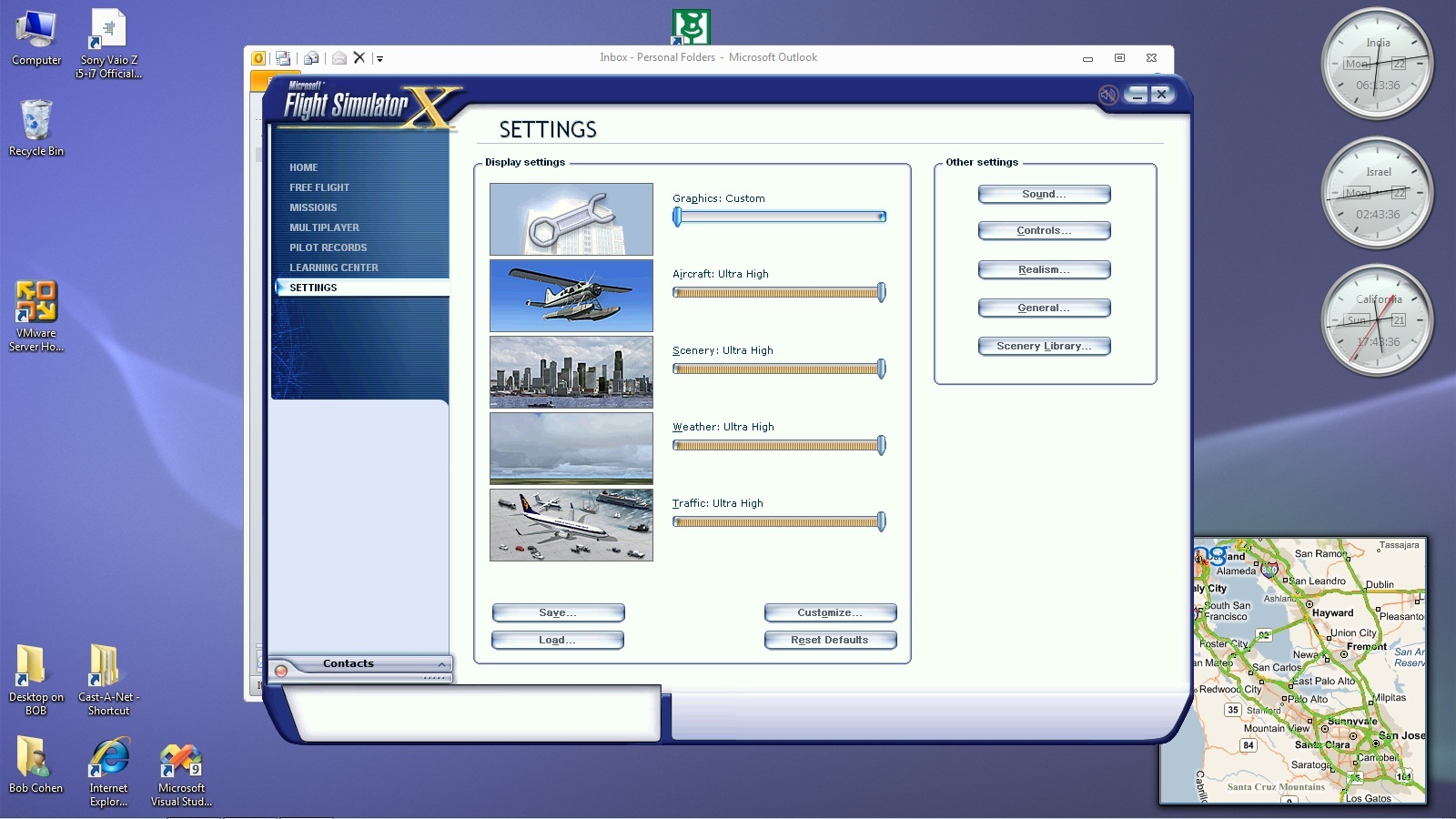
More Flight Simulator info:
I bumped all the settings up to max and flew over San Francisco again. As one person said, with a lot of detailed scenery, things did indeed slow down.
The FPS centered around 20 and fluctuated between the high teens and the low 20's.Attached Files:
-
-
I have a Dell SXPS1640, and I never use the backlit keyboard.
I really like my Envy 15, actually. The weight doesn't bother me; without the slice, it's extremely light. With it, it's still manageable. I'm a biggish dude (6'3, 215) so that may be why it doesn't bother me.
If I were to go this route (right now it's about a 5% chance), I'd be going the route of your setup, most likely. Could you tell me what your WEI is? I'm curious. -
Appreciate this information! +1 rep for you!
Just wondering whether you did install the service pack which enhances the frame rates on FSX? -
Thanks for posting a screenshot of FSX. I'm glad that you are enjoying FSX even though you say that you are not a gamer. However, you said that the settings is maxed out, but it seems that it is not maxed out entirely because i can see that the ground in FSX is blurry.
-
@heavenly wild
Are you talking about service pack 1 or 2? -
I agree. Also, if you buy from an exporter like Conics, check out their return policy. I believe Conics has a 25% charge, which isn't evident unless you read the terms and conditions that aren't included on the order page. If you buy online from SonyStyle, by contrast, you can return the unit for any reason w/in 30 days for a full refund (other than return shipping charges).
-
Actually there is only one, Service Pack 1.
-
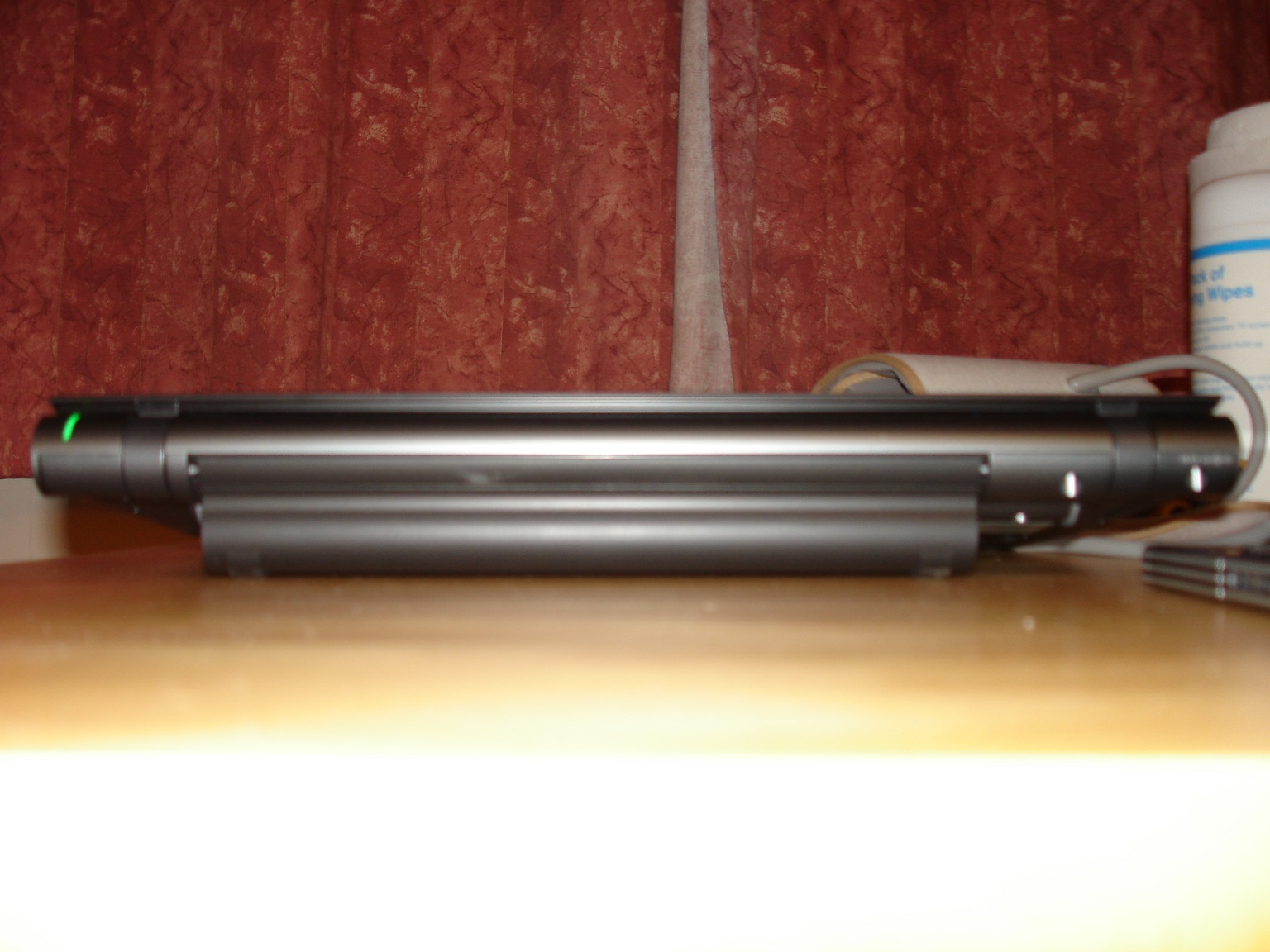
That battery feels pretty loose and if you try to move it, you will notice a wiggle. Here is a picture of how much it protrudes out. It doesnt bother me, but then ive never had a problem with a little extra bulk. Still very light. And it makes typing easier.
97% battery and it shows 7hr and 22 min left. So id say youll get a good 7hr 30min at full. But remember, this is me with my screen refresh at the 60hz and then my brightness could be lower too.
Also, funny glitch
![[IMG]](images/storyImages/batteryz.png)
-
Yeah, I'm a bit smaller and probably a lot older!
This was from the first day I turned it on:Attached Files:
-
-
@heavenly wild
Mate,there are actually two. Source wikipedia
Service Pack 1
Microsoft released Service Pack 1 (SP1) for Flight Simulator X on May 15, 2007. It addresses the following problems:
Activation and installation issues
Performance enhancements, including multithreading of texture synthesis and autogen to provide modest performance improvements on multi-core computers
Third-party add-on issues
Content issues[10]
Service Pack 2
Microsoft released another service pack for Flight Simulator X about the same time as its expansion pack (below). The update is primarily for Vista users that have DirectX 10 (DX10) compatible graphics adapters. The DX10 version takes advantage of DX10's improved shader model and more pixel pipelines and increased performance for Vista, approaching overall FSX performance on XP. It also adds the capability for players who do not have the expansion pack to participate in multiplayer activities with users of the expansion pack, along with support for multi-core processors.[11] [12] FSX-SP2 also fixes some more bugs over Flight Simulator X. SP1 is not compatible with SP2 or Acceleration in Multiplayer. People with SP1 cannot enter a session with players who have SP2 or Acceleration in Multiplayer. According to the documentation you are required to install Service Pack 1 before installing Service Pack 2. -
No, but will go hunt them down.
-
The only other setting I fiddled with is to set the frame rate to be unlimited.
Attached Files:
-
-
BIG DIFFERENCE: I installed SP1 and FPS hovered around the low 30's...nearly a 50% increase!
I was unable, however, to install SP2. It said I had to have an English Edition!!! What's up with that??? -
Since someone mentioned about a day ago that the palm rest and lid is in fact plastic, could you both, and anyone else, tell us if it's really apparent the lid and palmrest look and feel like plastic? Thanks.
Sony Vaio Z i5/i7 Official Owners Thread
Discussion in 'VAIO / Sony Owners' Lounge Forum' started by SurferJon, Feb 6, 2010.