Problems? See this thread at archive.org.
PhilFlow: This is the statement I was referring too re: native resolution. I too work on my SZ for hours, so I was thinking if this pixel pitch on the Z is the same as the TZ, perhaps I would be making a mistake in considering the Z as my overall entertainment and daily work computer.
Please explain, what exactly do these calculations mean? I realize it has to do with overall resolution, but according to some posts, why is the Z resolution(13.1) not desireable for daily work, but I understand it is great for entertainment?
So is the Z not recommended as an everyday business laptop which I need? I need an everyday laptop for daily work and a laptop for entertainment when traveling for work which is sometimes 50% of the time. I have the SZ750/Carbon and I'm looking for a change. I've been very content with it, but I don't want to make the mistake of getting a Z if its not recommended for everyday use. Keep in mind it will be my only computer for email, work, and watching movies and listening to music on the road. And its always a benefit to go lighter in weight. I hear Z under 4lbs. SZ slightly above 4lbs.
LOL... Ok, now this posts states that the DPI on the Z will be similar to the SZ. That would be great, but who really knows the answer to this question.
Is the DPI on the Z similar to TZ or SZ?
I agree, only if its as thin as the X505,with a built-in dvd drive, mouse pad, ethernet, modem, normal size keys. You get the picture......., but as light in weight as the X505, but with a 15.4 inch screen. That would be "Totally Awesome".
I agree from looking at those pictures. The Z reminds me of the TZ. I actually borrowed a friend's TZ and it looks cheap and to me, it looks like a toy. It feels like plastic throughout, it seems like it can easily be scratched , and after just 2 days of using it, I've had to polish the keyboard area several times.
Considering how expensive the TZ is in comparison to the SZ, you would think the materials Sony uses, would be far more superior. I think the SZ is quality all the way. It's quality when the carbon lid is closed, and its quality once its opened.
-
The Z comes in two resolutions: one (1366x768) is similar to the SZ in pixels-per-inch, and the other (1600x900) is similar to the TZ.
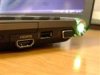
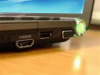
P.S. In case anyone missed defcon6's avatar (which seems to be gone now), I've attached a copy of it to this post. It appeared to be a real photo of a Sony Vaio Z, from the port layout at least.Attached Files:
-
-
Geeee, the higher the ppi number, the smaller the text will appear.
This of course is when all things are equal, without anything zooming the text. -
Hey... I noticed that Avatar too, but I didn't pay very close attention to it, until I read his last post speaking about how plastic the Z felt. Then as soon as I flipped to read his other posts, he had deleted it - his avatar.
Then I read your post calling him out on it.... that was great. I was one step behind you. He's probably with Sony. probably testing the bugs to see what issues it may have. That's definitely the Z, because it has HDMI and one USB on the same side. LOL......
I increased the size of his avatar. This is the best I can do. View attachment 20909 -
I heard Windows Vista 32 bit can only recognize upto 3GB of ram, so anything more than 3GB on Vista is useless. Unless u have the 64 bit version.
-
Thanks..... so your saying based on AC500's post:
My SZ at 113.49 DPI, the text is larger than say a Z with 1366 x 768 (119.61 DPI) and a Z with 1600 x 900 (140.13 DPI).
But if I had to choose between the 2 resolution on the Z. That a DPI of 119.61 is better than 140.13 in reference to reading text. You said, "the higher the DPI, the smaller the text". Good to know. I learned something.
How do you calculate DPI? -
I do hope that in their next T series notebook, Sony will incorporate HDMI out as they have with the Z. Asus has done so with their 11.1" TZ competitor, the Asus U2E.
-
I'm sure Sony will incorporate HDMI on the TZ4 later this fall. Were you the one that owns a TZ. I recall you saying on an earlier post that you had a TZ and agreed with me that you didn't like that black piano finish around the keys.
My question is, based on your observation on the Z, pics and manuals, do you think the battery placement will be like the TZ. When you open the lid to a TZ, you see the round long bar between the screen and keyborad. I actually don't like the way that appears in comparison to the SZ. Do you think the Z and SR will look like that? In other words, will the placement of the battery be the same? -
I didn't mind the piano finish around the keys on my TZ too much at first, but now just noticed some permanent scratches and marks on the finish to the left of my Caps Lock key, looks quite ugly. I really dislike glossy surfaces like on the Ipod, just gets scratched up and ugly real fast and you have to spend extra on protection for it.

There is a keyboard skin sold specifically for the TZ to protect it and the glossy finish though. Info on that below.
http://forum.notebookreview.com/showthread.php?t=186970&highlight=cooskin
To me, the Z's battery placement looks to be the same as the TZ, between the hinges of the laptop, between the screen and keyboard that looks like a "long, round bar" as you said.
But it looks to be much more subdued, its flush with the keyboard instead of slightly higher than the keyboard as with the TZ. You really wouldn't notice it like you do on the TZ.
You can see for yourself by the black and white pictures of the models from the accidentally leaked American manuals on the first page of this thread.
-----------------------------------------------------------------
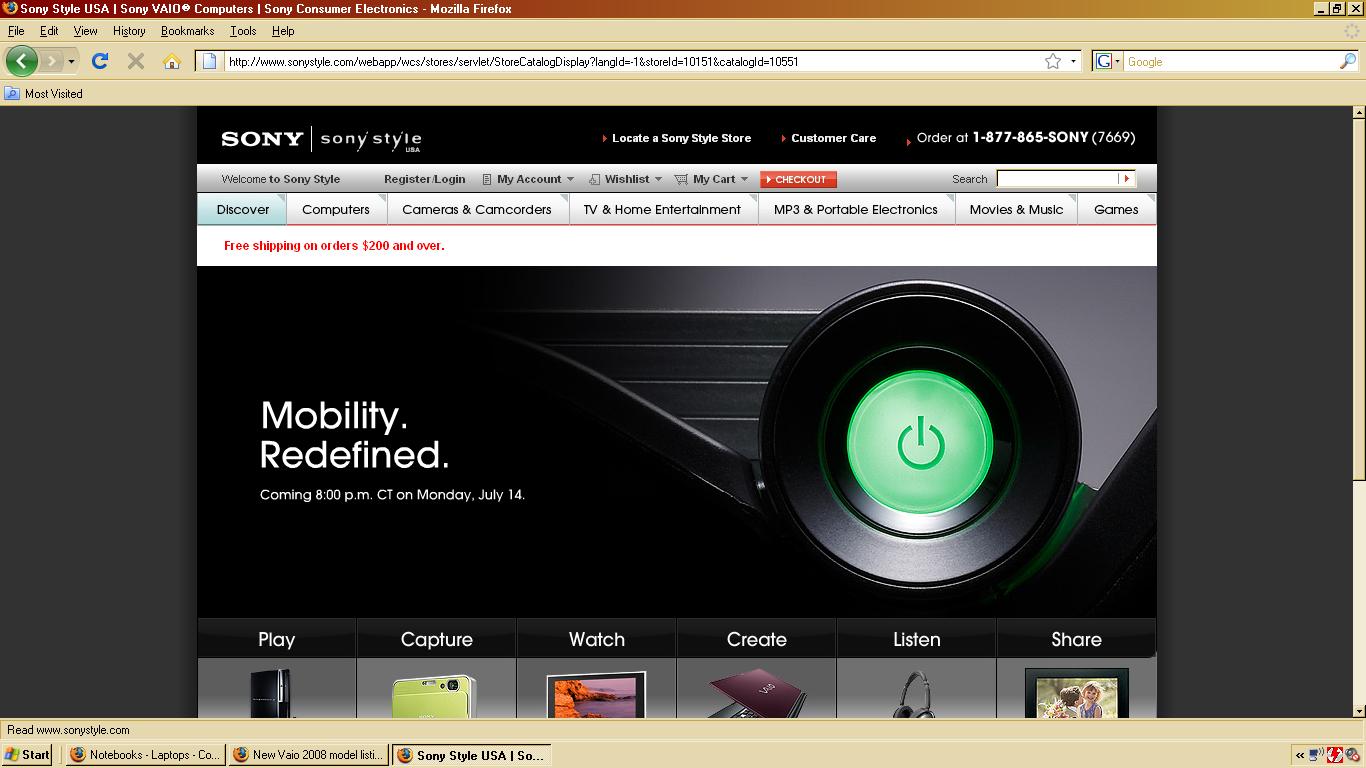
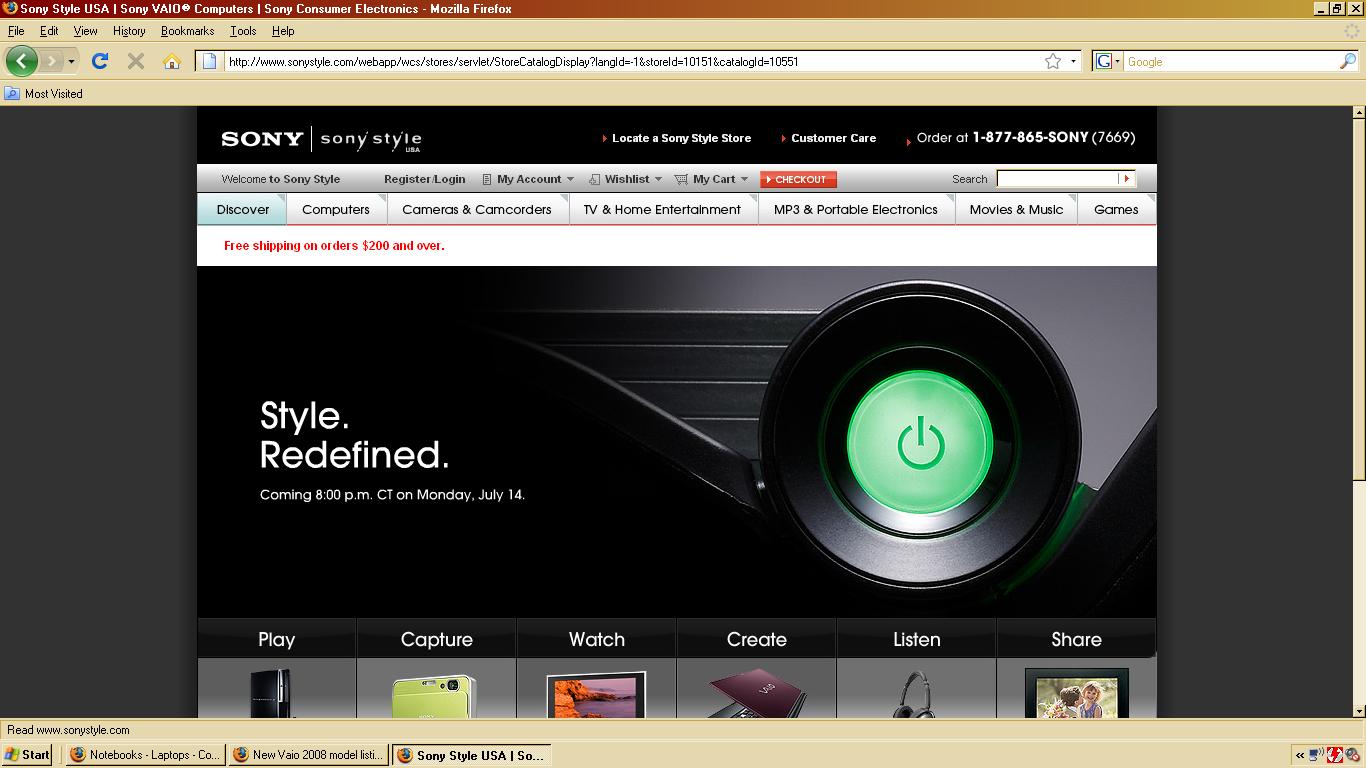
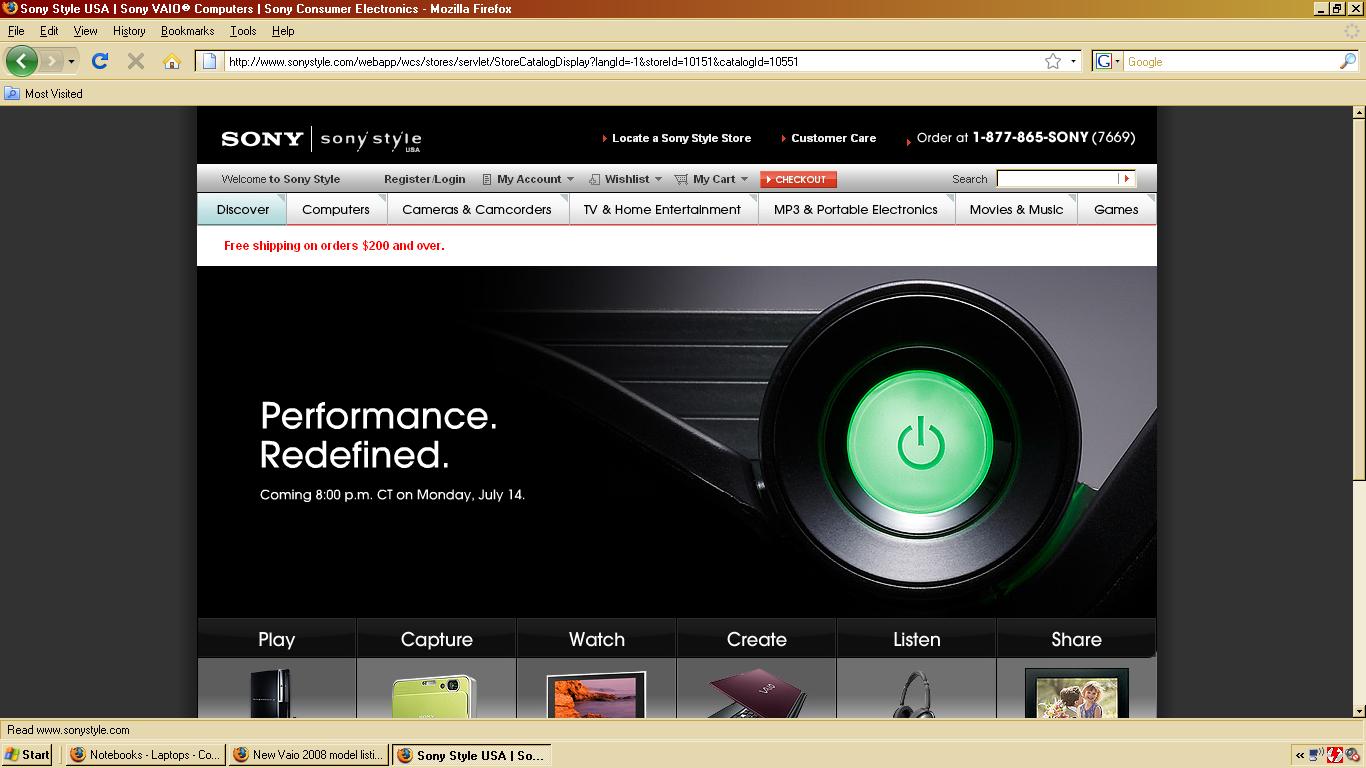
Good news, it looks like the new models will be announced this Monday instead of Tuesday.
Go to SonyStyle.com right now and there's a teaser for the models on the front page right now, says Mobility Defined, Style Defined, Performance Defined, Coming 8:00 p.m CT on Monday, July 14th.
Pictures added if its been removed.Attached Files:
-
-
1. How do I find out what version of Vista I have? I bought
my SZ750N/C before the release of Vista Service Pack 1? -
All Vaios are preloaded with 32bit versions. Virtually all manufacturers (at least for the consumer market) are shipping only 32bit operating systems.
-
That's good to know that the battery placement is flushed with the keyboard and screen. So you know EXACTLY what I'm referring too. I just dislike that long round battery hinge on the TZ. It's an eye-sore to look at. That hinge along with that black piano finish will keep me from purchasing the Z. Thanks.....
-
Ok, because according to a reply I got from this thread, I was told upgrading my SZ from 2gb Ram to 4gb ram would be useless if my version of Vista is only 32bit. What's the purpose for Sony allowing the SZ upgradeable to 4gb Ram?
-
The 32bit version's recognize up to around 3.2gb of ram, so maybe upgrading to 3gb instead is a better idea.
I'm sure you can upgrade your SZ to Vista 64bit, I think I saw a thread on it here. I don't think Sony provides specific 64bit drivers though, that may take some effort. -
Yes, I have heard the same. And I most likely will upgrade to 3GB, but check this out, there's aSony SZ791N/X Premium Carbon with 4GB, why would this model have 4GB of Ram if OS Vista is only 32bit. This model has a price tag of $2369.99. For more specs. here is the link...
http://www.newegg.com/Product/ProductList.aspx?Submit=ENE&N=2030260032+50011447&name=Sony+VAIO -
I think I predicted this several days ago in this thread. It's been known since May that Intel pushed the Montevina launch because of issues with the integrated graphics. The good news is that FW and SR won't be much impacted...just the Z (which is bad news if you want a Z).
Hopefully we'll know more on Monday about the status of the graphics. The drift I've heard on some Intel blogs is that they'll be rolling out the full chipset in August. -
For curiosity sake, if any of you were looking to purchase an SZ, which of the 3 models would you choose and why? I may have to make another purchase.......THANKS!
1. SONY VAIO SZ Series VGN-SZ780N5.....$1649.99
Intel Core 2 Duo T9300(2.50GHz) 13.3" Wide XGA 2GB Memory 160GB HDD DVD Super Multi NVIDIA GeForce 8400M GS and Intel GMA X3100 NoteBook - Retail
* Operating System: Windows Vista Business / XP Professional downgrade
* CPU Type: Intel Core 2 Duo T9300 2.5G
* Screen: 13.3" WXGA
* Memory Size: 2GB DDR2
* Hard Disk: 160GB
* Optical Drive: DVD Super Multi
* Graphics Card: NVIDIA GeForce 8400M GS and Intel GMA X3100
* Communication: Modem, Gigabit LAN and WLAN
* Model #: VGN-SZ780N5
* Item #: N82E16834117717
2. SONY VAIO SZ Series VGN-SZ730E/C.....$1449.99
Intel Core 2 Duo T8100(2.10GHz) 13.3" Wide XGA 2GB Memory 200GB HDD DVD Super Multi NVIDIA GeForce 8400M GS and Intel GMA X3100 NoteBook - Retail
* Operating System: Windows Vista Home Premium
* CPU Type: Intel Core 2 Duo T8100 2.1G
* Screen: 13.3" WXGA
* Memory Size: 2GB DDR2
* Hard Disk: 200GB
* Optical Drive: DVD Super Multi
* Graphics Card: NVIDIA GeForce 8400M GS and Intel GMA X3100
* Communication: Modem, Gigabit LAN and WLAN
* Model #: VGN-SZ730E/C
* Item #: N82E16834117685
3. SONY VAIO SZ Series VGN-SZ750N/C.....$1549.99
Intel Core 2 Duo T8100(2.10GHz) 13.3" Wide XGA 2GB Memory 250GB HDD DVD Super Multi NVIDIA GeForce 8400M GS and Intel GMA X3100 NoteBook - Retail
* Operating System: Windows Vista Business
* CPU Type: Intel Core 2 Duo T8100 2.1G
* Screen: 13.3" WXGA
* Memory Size: 2GB DDR2
* Hard Disk: 250GB
* Optical Drive: DVD Super Multi
* Graphics Card: NVIDIA GeForce 8400M GS and Intel GMA X3100
* Communication: Modem, Gigabit LAN and WLAN
* Model #: VGN-SZ750N/C
* Item #: N82E16834117686 -
But with 4GB (2 x 2GB) you have symmetry which allows dual-channel memory access on the entire address space. If you have 3GB (2GB + 1GB) then only the first 2GB of memory is dual channel, the last 1GB is single channel. Something to think about when considering that extra 1GB only costs $25-$50.
-
Honestly I'd hold off on getting a SZ until the Nvidia issue get cleared up. It's not clear at this point whether they will re-manufacture boards.
If you're hell bent on getting one of those three the VGN-SZ780N5 is nice.You can get a VGN-SZ780NW (LED, Carbon, WAN, and 2.4Ghz) for $100 less; there's not much of a real world difference between the T8300 and T9300 processors. Plus you get the WAN card thrown in. Both have the LED and Carbon. -
Anyone know if its possible to upgrade the optical drives on notebooks, particularly the SR To blu ray? just wondering, I know itll have a huge price tag on it
-
yes it is possible to change them if you have hot swap and can remove the drive from laptop
-
whats hot swap
-
That's the way it is. Go with 4GB. Vista uses 3,25 I believe. And since the X3100 uses integrated memory the extra 0,25 may be nice.
-
Plus the cheapest SR model might be affected.
What i don't understand is that you are looking at very similar models to the one you already have. Why is that?
By the way the Z is fine for everyday use.
Of your list that one is the most interesting imo. But what I really prefer is to have a good harddrive. PortableOne delivers SZ with better harddrives. Or do it yourself. With possibly risking avoiding warranty. That SZ with a really fast harddrive will outperform the Z with stockdrive in most situations.
Geeee, the 1600*900 resolution of the Z will give smaller letters when in default settings. However Vista has many options to increase fontsizes. So I really don't see this as a problem. And there is a cheaper Z model with 1366*768 resolution.
If you want Vista to start up faster you need SSD or a 7200RPM harddrive (preferably a 320GB or Hitachi 7K200 200GB). 4GB is nice to have but does not do much to boottimes. OCZ is releasing SSDs that will be very affordable. Another good way to increase Vista boottime is with software tweaks, you can halve it that way.
The cheaper Z model is not carbon fibre, the more expensive ones are. The premium SZ models have carbon fibre palmrests. At least, I had one and I thought it was carbon fibre.
No, it uses 2.5" I'm pretty sure of that. No manufacturer makes 1.8" 320GB drives as far as I know. -
Anyone check Sony's US website?
http://www.sonystyle.com/
so close.... -
I remember having read somewhere that Windows Vista 32 bit actually does recognize 4GB of ram, ONCE you have done Service Pack 1! However, I am not sure it also uses it...
Could anyone confirm that? -
Sorry, ended up in a double post...
-
Do you mean rightclick onto my Computer then "Eigenschaften" in German, probably sometihing like options in English...??
Under System Vista will, with Service Pack 1, list 4 GB.
At least my SZ does... -
Man These are going to look good- I wonder what the Top model is is it SZ or just Z-
-
Well, it can't be the SZ as sadly it is going to be discontinued.
-
I am debating about selling the notebook in my sig. I could probably get a good deal of a dealer. I need to see more pictures of the Z model though. To me the Z model just does not look all that ergonomic.
Everyones version of what ergonomic is will differ. To me the SZ looks more comfortable to use.
As i said in another post i am not a power user.
It is a shame though that the SZ71WN/C replacement will only have a 3MB of cache. Sony should have used the same processor on both of the premium models in the EU like they do now. -
Unfortunately the only thing SP1 does is report you have 4gb of physical memory installed in the properties window (but it still recognizes/uses around 3.3Gb, which is what vista32 RTM used to display). This being said, given the very minor cost difference, I would always prefer to have two identical chips of 2gb than 1x2gb and 1x1gb. First because you get dual channel over the whole accessible memory, second because they are usualy twin pairs, coming from the same batch, hence better compatibility/stability (especially useful if you plan to overclock your laptop). It also mean that should you upgrade to a 64bits system later (ie when all the drivers are available ) you're ready to access 4gb and get even better performance. Or course if you're not obsessed with performance and if saving $30 on a $2000 laptop makes you grin, go for 3gb!
-
DPI = dots per inch. Every screen has a vertical DPI (height in pixels / height in inches), and a horizontal DPI (width in pixels / width in inches). Usually the horizontal/vertical DPIs of a screen are identical or very close.
-
Yeah, without a doubt it's the Z - the ports, the optical drive borders, and all the lines match up perfectly.
Anyway, here's my try at "enhancing" the image (removing JPEG artifacts, sharpening, clearing up blurry spots, softening, replaced screen image, etc.):Attached Files:
-
-
Yeah I am not that impressed either, but i am expecting it to be better in real life and on different pictures.
Actually all the pictures on the specsheets of SR/Z/FW look pretty bad.
I believe you mean pixels per inch. -
I guess PPI would be less ambiguous than DPI, but in almost all cases DPI = PPI for computer displays.
-
The way I understand it: DPI is how many the dots the OS uses per inch and this is not the PPI. The difference is that one can change the DPI, but the PPI is fixed.
This may seem like a detail but since many people are afraid the PPI of the Z series is too high, this is not the case imo, because one can change the DPI. -
Thanks again for your replies and I apologize for any confusion...
-
Oh yay they are advertising it...no pics though. wow... the SUSPENSE IS KILLING ME INSIDE!!! their teasing! their teasing!!!!
SONY HAS SOME BALLS to have that advertisement up yet still don't lower any of the existing prices. the damn SZ has been the same price for months now... they really can care less about good deals. -
Mobility redefined
Style redefined
Performance redefined
Cmon Baby !!! Some pics ! -
@Geeee, the SZ model I recommended has the most powerful CPU in it. My reasoning is this: While it is very hard to upgrade the CPU, it's fairly easy to upgrade memory and HDD later. So if you buy an SZ get one with a powerful CPU. But I don't know what she does with her PC so it might be overkill. T9500 2.5Ghz 6mb cache is a powerhouse.
-
Thanks, I really appreciate the advice. I made a few calls to a local electronics store: Fry's Electronics and they have one SZ780N5/Carbon left in stock, however its an open box item, meaning someone bought it and returned it for whatever reason. I called on it and its on hold, so we may pick it up later this evening, however the costs is $2137.49 far from newegg.com's price of $1699.99.
Because Fry's has a 15-Day return policy No questions asked, she is able to try it out for 15days before she commits to it entirely. Newegg's return policy is only if there's damage, and will only exchand the item for the same model. NO REFUNDS! . So she may pay the higher price tag of $2137.49 knowing she can get out of it before the 15 days are up. The price hurts.....:cry:, but it's safe. The sad thing is for $2k it's used not even brand new (Not USED in every sense of the word, but it's been tampered with). -
I am really curious to see the Z in different pictures and the official specs so I can decide if I wait more for a TZ based on Centrino 2 or pull the trigger on the Z. Hope the Z will have smaller footprint than the SZ...Some parts are not clear like if it will have the blu-ray or not, the HDD, and the resolution. Monday all this is going to be cleared. I was expecting more SSD options in the new models of Sony.
-
At least we are going to see improvements over the SZ. Finally Sony heard the majority of the people that didn't like the cheap keyboard of the SZ and they changed it. Montevina chipset is going to offer also better battery life and less heat so the Z into the Stamina Mode I expect it to have a good battery life. The Z is close to the perfect laptop imo, if it only had SSD, the amazing screen of the TZ and a blu-ray drive... But as you said let's wait Monday the official specs and after judge. The design is great as quite all the models of Sony. I might consider the FW as well.
-
Here are my notes on some sizes (no guarantees since I compiled these myself):
Sony Vaio TZ---> 10.90 x 7.80 x 0.80-1.17 @2.7 pounds
Dell Lat. E4200--> 11.40 x 8.00 x 0.60-0.80 @2.2 pounds
Dell Lat. E4300--> 12.00 x 8.50 x 1.00-1.10 @3.0 pounds
Sony Vaio SZ---> 12.50 x 9.30 x 1.00-1.50 @4.0 pounds
Sony Vaio Z----> 12.36 x 8.27 x 0.96-1.30 @3.3 pounds
Thinkpad x300--> 12.52 x 9.01 x 0.73-0.92 @3.2 pounds
Voodoo Envy---> 12.65 x 9.04 x 0.70 @3.4 pounds
MacBook Air----> 12.80 x 8.94 x 0.16-0.76 @3.0 pounds -
The Z will have a smaller footprint than the SZ.
I remember there being mentioned the Z would have a Blu-Ray drive but the leaked European models only have DVD drives. It has HDMI out so I assume it will have Blu-Ray......I hope.
I think the Z will have an option for SSD. In the leaked Vaio Z American manual on page 22, it says "Your computer is equipped with a built-in flash memory storage or a hard disk drive depending on the model you purchased".
But then again, the European models only have hard drives. Maybe Blu-Ray and SSDs are not for European models yet.
We know some models will have 1366x768 resolution and higher end models with 1600x900, 13.1" screen, LED backlit. -
Blu-Ray and SSD will probably be on CTOs only for awhile. So your probably gonna have to order that sonystyle, don't know if sonystyle will offer the same options in US as in Europe.
On another question, I'm thinking of getting the FW ... anyone know of a good laptop cooler for the FW? I'm thinking it might be hard to find on since the FW is a atypical 16.4. -
As always SSD will be offered through customization (CTO), like with existing SZ71, for 64 GB SSD you need to add around 900 EUR; same goes for DDR3 and other DDR3 memories faster than existing 800MHz. Maybe Sony will introduce them through iterations (Z21/Z31....), but you can always purchase faster memory modules.
Cheers,
Miki -
Interesting comments here:
http://www.trustedreviews.com/notebooks/news/2008/07/11/Sony-Z-Series-Leaked/comments
I really hope as rahul things that SSD/Blu-ray will be possible with customization. In this case I will order from Portableone or even Japan from Conics.
The Dell E4200 is also an interesting ultraportable, even if the screen will never equiparate the Sony's one. -
True. But I changed the DPI (from 96 to 120) on an older laptop of mine since the resolution made text too small for my eyes. I hated it. It threw the size of everything out of whack, screwed up the layout on certain web pages and made designing a web page very difficult. Unless something in Vista has drastically changed from XP, I'll never change the DPI setting again.
Man, that E4300 is lookin' nice!
New Vaio 2008 model listing with indication prices - FW - Z - SR - BZ
Discussion in 'VAIO / Sony' started by Phil, Jun 23, 2008.