Problems? See this thread at archive.org.
ooo what were your configurations?
-
-
Thanks for the shipping update...I would have been going nuts starting the 30th. I hope August 4th is firm as I just happened to have scheduled a short "staycation" (stay at home vacation) Aug. 6-9. I too opted for the standard battery to minimize weight and bulk.
-
Any one know if ican get the hi color one in cto with out ati card ???
-
For those who have seen or already owned a FW, how portable is this new FW model in ur opinion ? I know it's not that much heavier than a regular 15 inch laptop, but it is still bigger. If someone who travels occasionally and wants to use it on plane or simply carry it between home and office, do u think it'd be a bit inconvenient ? How many of you would still prefer a 15 inch notebook for portability despite its superior performance ?
-
"Any one know if ican get the hi color one in cto with out ati card"
No.
You can only get the HiColor screen when you get the ATI card. -
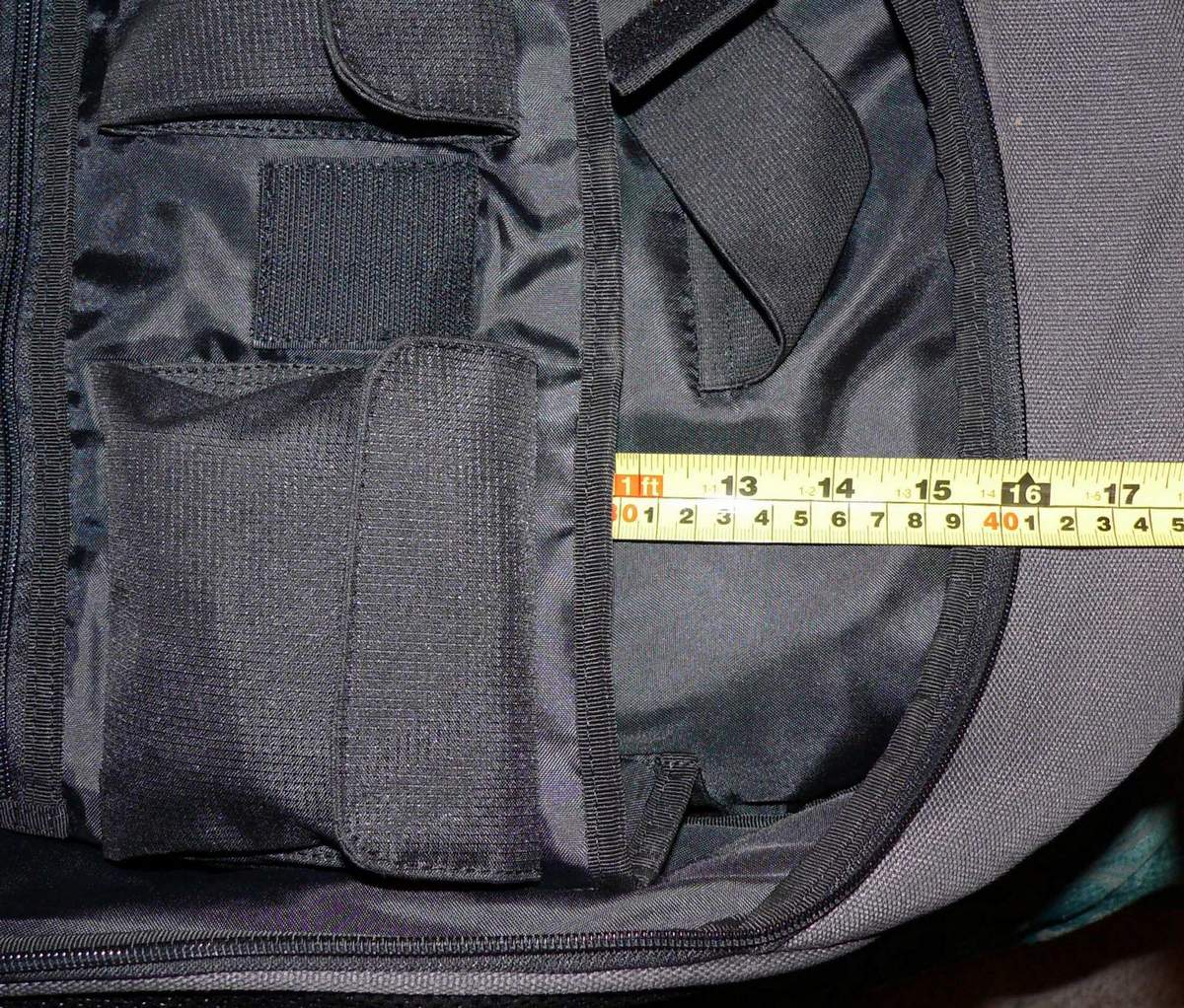
Im thinking about backpack for my future FW. Some of them look like huge beatles, and others designed for 17" models don't fit them! Any suggestions?
I really like Mobile Edge Express Backpack. However, Im afraid it won't fit FW with 15.1" (W)...Attached Files:
-
-
I seriously doubt you'd be able to use it on a plane. Simply carrying it between home and office should not be a problem, though (unless you walk to work
 ).
).
I'm considering something smaller. But my reason is due to the footprint size, not portability. I'd rather not take up quite this much space on the desk/table -- then again, the larger screen is a plus. Tough choice. -
I've just finished installing Vista Ultimate on my FW11S.
I tried to install some of the drivers and applications from the recovery dvds and I had trouble with the ATI drivers and several applications.
For the ATI drivers I ended up downloading the latest Catalyst drivers and modding them using Mobility Modder.Net.
For the applications, it seems there are some dependencies that need to be respected otherwise you will be faced with a very insightful "Error: 29".
On the drivers front I noticed that Realtek released this week two set of drivers, one for the "high definition audio codecs" (1.99) and the other one for the "ATI HDMI Audio" (2.0):
http://www.realtek.com.tw/Downloads...=24&Level=4&Conn=3&DownTypeID=3&GetDown=false
First time you launch the installer it will just uninstall the previous drivers and then you have to restart, Windows will then use its generic drivers and then launch again the installer and you're done. -
And I forgot to mention that I did manage to get digital audio going through the HDMI adapter to get played by my amplifier (Pioneer vsx-ax-2s).
IIRC Windows Media Player was sending the signal to the amplifier when I selected the HDMI device as main output and it worked as well with Windows Media Player Classic (I think I set AC3Filter to use SPDIF) so all in all I'm pleased with the FW11S.
Now let's see how tough construction and plastics are! -
I need to warn about the tool called "Battery checker", it comes with the recovery dvd and I guess its function is to check if the battery is genuine from Sony.
Anyway, I installed that and after the next reboot the application kept on telling me my batter wasn't a Sony one or that it wasn't attached correctly, I had a look and I noticed one of the latches wasn't on so I put it on but still it would complain, the only option it gives is "Ok" and then you're asked to check the battery after the machine went to hibernate.
Now the annoying bit is that there is no uninstaller for it so I had to use msconfig and disable the application to launch at startup and then physically delete from .\Program Files\Sony\
For 10 minutes I was dreading the Vista re-install (cold sweat and stuff).
So it's all ok now but Sony could do a better job with the installers from the recovery dvd/partition.... -
I had some time to play around with the FW E(single lamp) today again and I must say it's screen looks really nice.
I've noticed a lot of people saying that the single lamp is not good enough and they want the double lamp. But I doubt if most people really need it. As long as you're not outside the single lamp does quite well.
The testing I did was on 80% brightness, I did not look how it looked at lower brightness.
Ofcourse some people will still benefit from a double lamp, I'm saying don't just assume that the single lamp is not good enough. Check it out for yourself.
. -
The model available at newegg. the one with the $1099 price tag
-
Dingbat, where's your review??
-
how can u tell what ATI version you have? when i go to display properties it says ATI 3400..isnt it supposed to say 3470?
its $999 at bestbuy -
natte, so far all american FWs (or canadian since best buy exists up here as well) are equiped only with the 3470, no 3650 model for NA for now.
-
Checked out the FW-139 at Best Buy today, here's my impressions:
-Good overall design, not much bigger than 15.4" laptops
-Mouse keys are much too stiff, plus they have that mechanical 'clack' to them
-Keyboard is fine, didn't mind the old style either though
-Single lamp display is OK, viewing angles are poor, but the screen is uniform with no signs of grain
-Unit was warm just to the left of the touchpad area -
I totally agree about the mouse buttons. They are WAY stiffer and harder to click than my current laptop.
It bugs me a lot, actually. -
Natte is asking why the video card is listed as 3400 series and not 3470. I guess he is asking how does he know whether the card is really 3470 and not 3450, which is the older model of 3400 series.
-
because all FWs in the states come with the 3470 and not anything else, check sony style. the only other graphics card is the IGP from intel.
why would sony mention 3470 on their site and stick in a 3450
-
Is the FW even out in Canada yet? Has anyone actually seen one in Canada? At a Best Buy? At a Sony Style store??
I'm thinking about getting the premium model thats $1699. I can't seem to get a sure date on when it comes out. I would prefer to buy at the sony store. I guess I should go ask them. -
Yes it is out in canada, don't buy at best buy, they might stick you with a restocking fee if you decide to return it.
I'm probably ordering mine off the sonystyle.ca website, CTO. The stores should have the FWs in stock, at least one on display or somewhere in the store.
When I was there this past thursday, they had one, the $1359 model, he had to unpack it for me and turn it on, since they haven't even taken it out of the box.
the 1699 model is out apparently on the 4th of august, that is according to the sonystyle website, if you order now, you might get it then, if no maybe a bit later. -
u hit it on the spot.how big of a difference is the 1 lamp vs. 2? in brightness or viewing angle?
-
It's a HUGE difference. I noticed it right away when I saw the demo model from Sony Style. They don't have the double lamp model only single lamp and I knew it right away without even looking at the spec.
The double lamp model, like those from FZ, has much richer color. It is brighter and most importantly, has much less reflection than the single lamp. For an entertainment notebook, I would say get the double lamp model, it is the most worth upgrade part of the notebook. -
The single lamp is still a good screen though, and will be good enough for 80% of the people. As long as you are working inside.
-
It is fine if you don't have annoying light source from your back, such as office lighting. The single lamp is quite more reflective than the double lamp.
-
I had no problem with it when I was in a bright store.
-
You will if you have dark background. No problem for most applications though although it will bother you when watching some movies.
-
I am curious Hendra, how much time did you spend working on the FW single lamp?
I've spend time on three different FWs in three different stores and at no time was I bothered with the reflection. -
Anybody knows if the FW11 sold in the UK is single or dual lamp ?
I've no idea myself but so far I've been pleased with the display, contrast and brightness seems better than my previous Asus U6Sg LED display. Watching movies with it is really impressive. -
I think its an ECO so a single lamp.
-
In that case, just let it go at that and be happy.
-
SoungsGood : I never complained re the screen, just to mention that it's not obvious what display is sold in the UK because we don't have CTO.
-
Note to myself: RTFM
Anyway, the FW11S is a dual lamp display:
https://www.sonystyle.co.uk/SonySty...2BC29B8647C30590E6490078E10080022BC29B74)/.do
"16.4" WXGA++ (1600 x 900) Widescreen X-black LCD screen with double lamp technology"
I've ordered a Vaio Z as well for its mobility, can't wait! -
Oh, I know. I meant don't bother trying to figure out which screen you have.
-
Well no wonder you love it!
-
wow both a FW and Z. You seriously have money to give out. lol. Enjoy them.
-
Hinduemperior : I'm getting rid of two Asus laptops (V1jp and U6sg)
Got bad experience (hinge breaking once and going to again, drive failed twice on the other) and Asus UK support is not the best in the area so I'd rather pay more to get some good support and hopefully reliable hardware. -
ahh lucky uk ppl and your 3650s in the FW. I think you'll thoroughly enjoy your vaio experience.
-
LOL :laugh:, I knew I'd see some familair names on this thread. Some of us are over at the Z thread, and it's so strange posting to different usernames, I was so use to the same group of people from the other thread. Come and post over at Z Thread. If you decide against the FW, the Z is always a nice alternative.
-
Dark. Scary.
Besides, I heard it was only for the rich folk, so I thought there might be a cover charge.
-
If I could handle staring at the small screen all day without an external monitor (I won't be using one) I'd strongly consider the Z.
-
Maybe for the same reason they put Atheros WiFi cards in the first FWs instead of Intel Centrino 2 (as advertised on Sonystyle)....they weren't available at the time?
-
you had a Atheros WiFi card in yours? did you call them and demand a change?
-
The preconfigued ones being sold in stores right now are not officially Centrino 2 because of the WiFi issues that Intel had...so Sony put Atheros in those (I double checked on Sunday at Best Buy). The CTOs we are getting are supposed to be Intel Centrino 2 per Sonystyle description.
-
sony better not mess with out CTOs.
-
Originally Posted by ascariss
because all FWs in the states come with the 3470 and not anything else, check sony style. the only other graphics card is the IGP from intel.
why would sony mention 3470 on their site and stick in a 3450 "
It's simply identifying the *series* of card and not the specific version. I don't think it's anything to worry about -
I'll be howling at the full moon if they do!!
-
hey everybody, i have a question. what do you think of the FW160DH as a college Graphic design laptop? i will be needing one for college where it will be used for things such as graphic/web design, video/audio editing, 3-D rendering, photography etc. the only thing i am really worried about it is the video card, i'm not sure how good or bad it is...thanks for your input
-
Hey guys, does this RAM work on/with the FW?
-
The video card will be just fine for your requirements...it actually has a powerful 3D processor. If you are into high frame rate gaming, it can't push as many pixels as other more powerful cards. But it is by no means weak for what you need.
As for the computing performance of this notebook (which for you is more important than graphics), it is quite good and will handle your rendering very well. If at all possible, you may want to do a CTO on Sonystyle.ca and get a HiColor display for your graphics & photo work and a 2.4Ghz CPU for rendering.
What do you think of the NEW Vaio FW?
Discussion in 'VAIO / Sony' started by TrisTan 08, Jul 17, 2008.