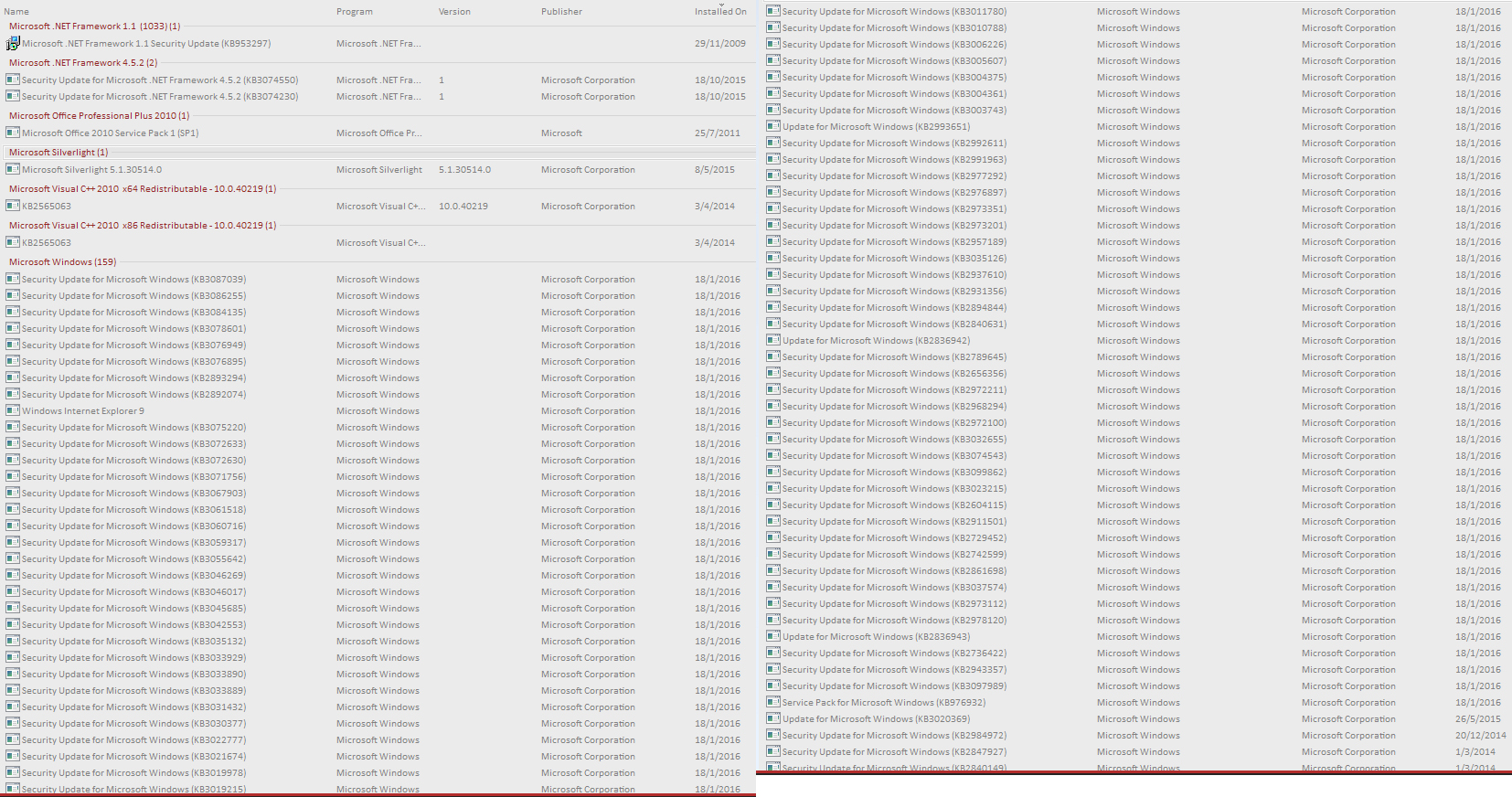
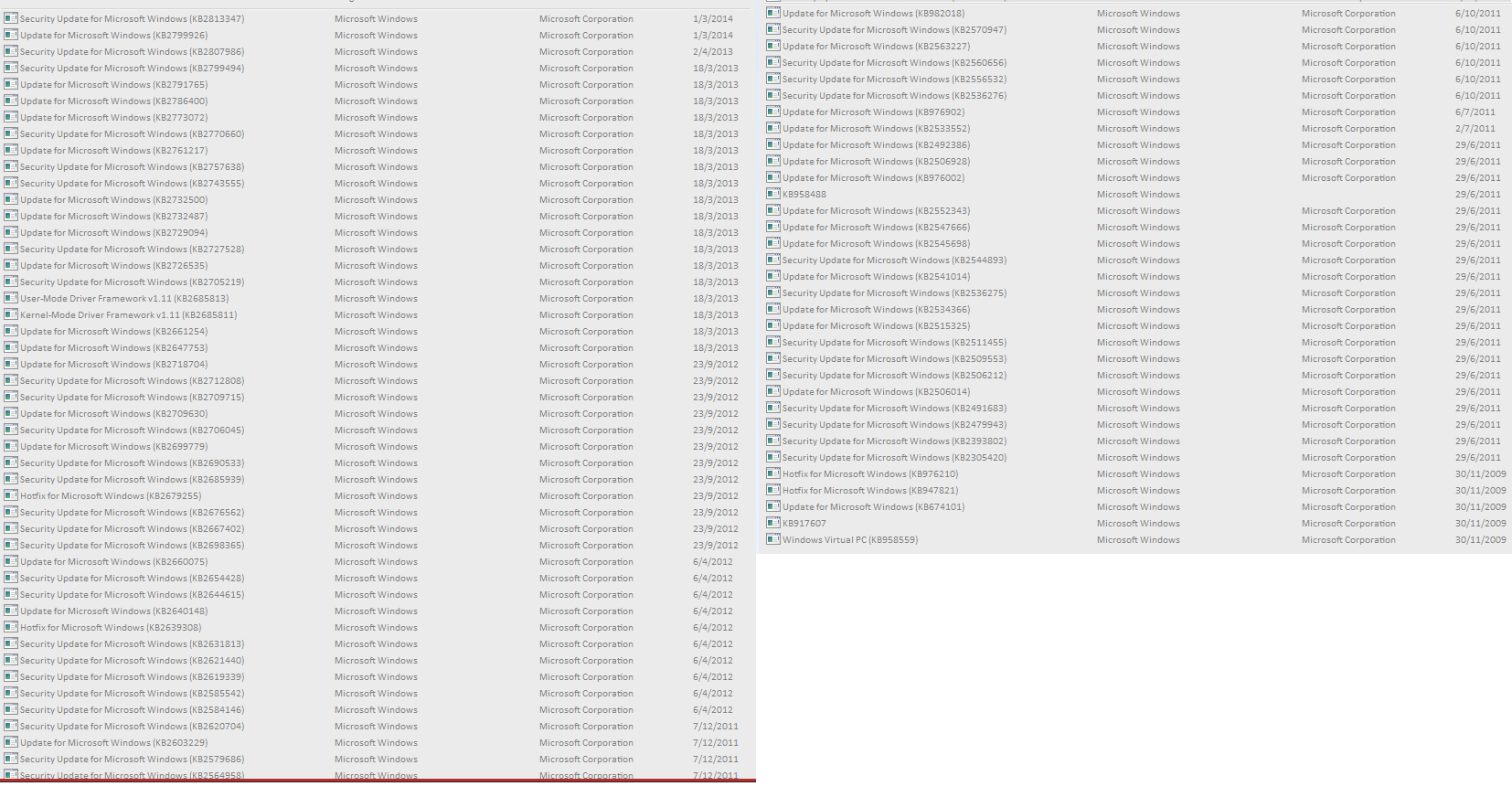
Problems? See this thread at archive.org.
It's a process
Let's not mix motivations here, lets keep our focus on the work - on the actionable items - clean from the political, idealogical, unnameables.
We only want to protect our privacy from those that seek to deny us of it - whoever they are and for whatever is their motivation - whether this motivation is rational and clear to us, or not.
The "bad" guys don't need to be named to be a "bad" guy to defeat.
MS clearly stated they are going to access our private files, activities, and we don't want them to do that to us.
It's that simple.
And, no, I can't promise that anything we find to use to defeat these invasions of our privacy are going to be perfectly clean.
Even if it runs ok for me, at a specific time, at a specific place, there are too many variables that can enter in to the downloading and use that I can't promise anything.
You need to be alert and attentive and verify it all yourself - before and after.
What I can say is that when I ran Aegis / Destroy Windows Spying / GWX Control Panel they worked nicely, and they all had things in them that the others didn't, and I found them all useful as a team of tools.
They are all definately a work of time, care, and effort.
-
-
One new thing that the Aegis scripts provide, that I have been looking for from the beginning, is a tool that runs Windows Update after removing all the nasty KB's, because only then do you have the ability to "Hide" specific KB's - after MS presents them to you as available Updates.
So that's pretty cool
Don't forget to Run As Administrator, and reboot after running these tools. The shutdown / reboot will take a little longer - 15 seconds for me, as they are completing the uninstalls done.
Note that block.cmd affects the running system, and needs to be re-run upon each reboot. Unlike DWS that actually puts entries in the hosts file and Windows Firewall, the Aegis block.cmd is a run time only solution.
I think I would like to add many of the block.cmd runtime blocks to my Norton Security "DWS Block List", so they are immediately active at boot time.Last edited: Jan 18, 2016toughasnails and iunlock like this. -
Indeed. Nothing is perfect, but that doesn't mean that we can't do the best that we can with what we have eh? For us who are taking measures to be proactive is surely better than one who doesn't do anything at all.
The fortunate thing here is that we're not trying to tackle an invisible bull by its horns, rather we already know who the bulls are. Thanks for sharing your experience with the confirmation that those three combined are working for you.
This is surely a journey that will always be progressing with many variables. That's what makes it fun in a way...toughasnails and hmscott like this. -
Aegis tool seems very complimentary to Phoenix's tool. As mentioned aegis tool is very potent, which I like, however, in order to white list some urls that I might use, that would require editing the 'block.cmd / unblock.cmd scripts' before running the script yes? Would anyone be so kind to walk me through the procedures of what to edit, decompile (if necessary) and put it all back together (if necessary)? I'm a fast learner...it's more so for confirmation than anything as I'm pretty familiar with this stuff...ie. ..it's to satisfy my OCD.
Would there be any conflicts of running both Phoenix's and Aegis? Wasn't sure, script wise...didn't want anything to be canceling itself out to where it does a 360 on me.
Is it possible to white list on demand or would I have to run the script (aegis) every time I make a change?
Any harm of running the script over and over again, due to making changes to the 'block.cmd / unblock.cmd scripts' with all the urls?
Thanks for your time and looking forward to many more discussions on this fascinating topic.
Cheers.Last edited: Jan 18, 2016 -
I already did mention the names of the scripts to edit, please re-read my posts - the info you seek is already there - just give it some thought.
Hint: When I say "comment out" entries you don't want. When you open the script, you will see comments. What begin's the line for each comment? If you put that character as the first character - in front of each command line you want to *not* run, you have "commented out" that entry
The tools do some similar things and some different things. So far I can't find anything that one does that the other undoes.
The DWS tool works through the hosts file and Windows firewall to remove access through to those destinations. These are persistant changes.
The Aegis script, block.cmd needs to be run at every boot as it only adds the block to the running route table. Nice trick.
So when you reboot, the Aegis entries are lost. I rebooted and I can connect to MSN.com unless I rerun block.cmd - which does applies the changes to the live running tables all over again.
So from that point of view, Aegis needs work.
The other tools can also be run multiple times, and in any order.
Again, you need to keep in mind that these tools are a work in progress, with the Aegis scripts just ahead of the one here, and a step on the way to an application like DWS with more refinements.
Pay attention to what you are doing, and the results you get.
Last edited: Jan 18, 2016 -
For some reason I was under the impression that something else had to be changed as well.
>>> 'block.cmd / unblock.cmd scripts' <<<
...as you've noted. Thanks.
I did not realize that the aegis script had to be executed upon every reboot...I'm okay with that as it only takes >1 Min or so.... Work in progress eh?
I like that this thread is progressing.... -
So I ended up using the Destroy Windows Spyware tool... and I think that was a HUGE mistake. After rebooting my computer it seems I lost Service Pack 1 completely... and ALL the updates that depend on it. What the hell..?
I'm currently following the pictures in the first post to try to get my updates back. A big chunk of them don't even appear in my windows update?? And I have other updates that aren't shown in the screenshots at all... I am so confused now. I will post some screens of all the updates that are left after I finish going through the ones listed in the OP. -
I fixed the typo, not the aegis.cmd script needs re-running every boot, it's the block.cmd script
-
Don't Panic... more to follow
-
Lots of people have been running these tools for months, if you are having a problem, don't Panic, figure it out before taking actions, you can make a bigger mess than you "think" you have now.
-
Noted.
-
Ok, I hope I got your attention, and stopped you before muddling around to no good effect.
Did you run the script As Administrator?
When you did, and it removed KB's that were part of a bundled Update, it might be that it won't show as a bundled update any longer.
DWS doesn't Hide updates - even though it says so - it can only hide them if they are ready to install - Windows Update shows them in the Update queue.
What DWS does when it uninstalls KB's, you need to follow up on by running Windows Update again and Hide them by hand. Look to the DWS.log for the list of Updates it tried to remove, look for those in the queue of Updates to Apply after running Windows Update to find available Updates.
If DWS unbundled an update package, there may be Updates to install that DWS didn't uninstall - they can be re-installed individually rather than as a package.
A service pack is actually made up of lots of individual updates. Once you remove 1 or more of that service pack, they are all treated as individual updates once more.
It's inconvenient, but not a disaster.
Patience and paying attention now will leave you with a clean update queue and hidden updates to avoid long term.
The next time you run DWS - an updated version or the same one - the unbundled package of updates won't be a problem a 2nd time.
Good luck, and please let us know how it works out.toughasnails and iunlock like this. -
Actually I did this last night, and already installed some of the security updates listed in the first post. Also reinstalled SP1.
No. I am the only user on this computer and I do have admin rights, so I didn't think it was necessary to right-click and use that Run as Admin option.
Yeah I guess that's why some updates don't show up.
I'll look for that after this post then.
Here are the updates I've installed so far...Attached Files:
-
-
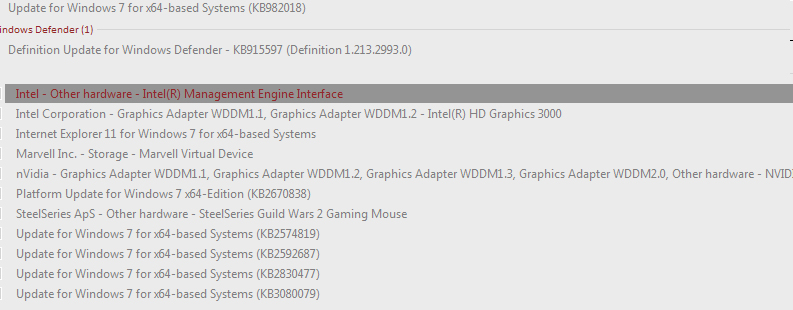
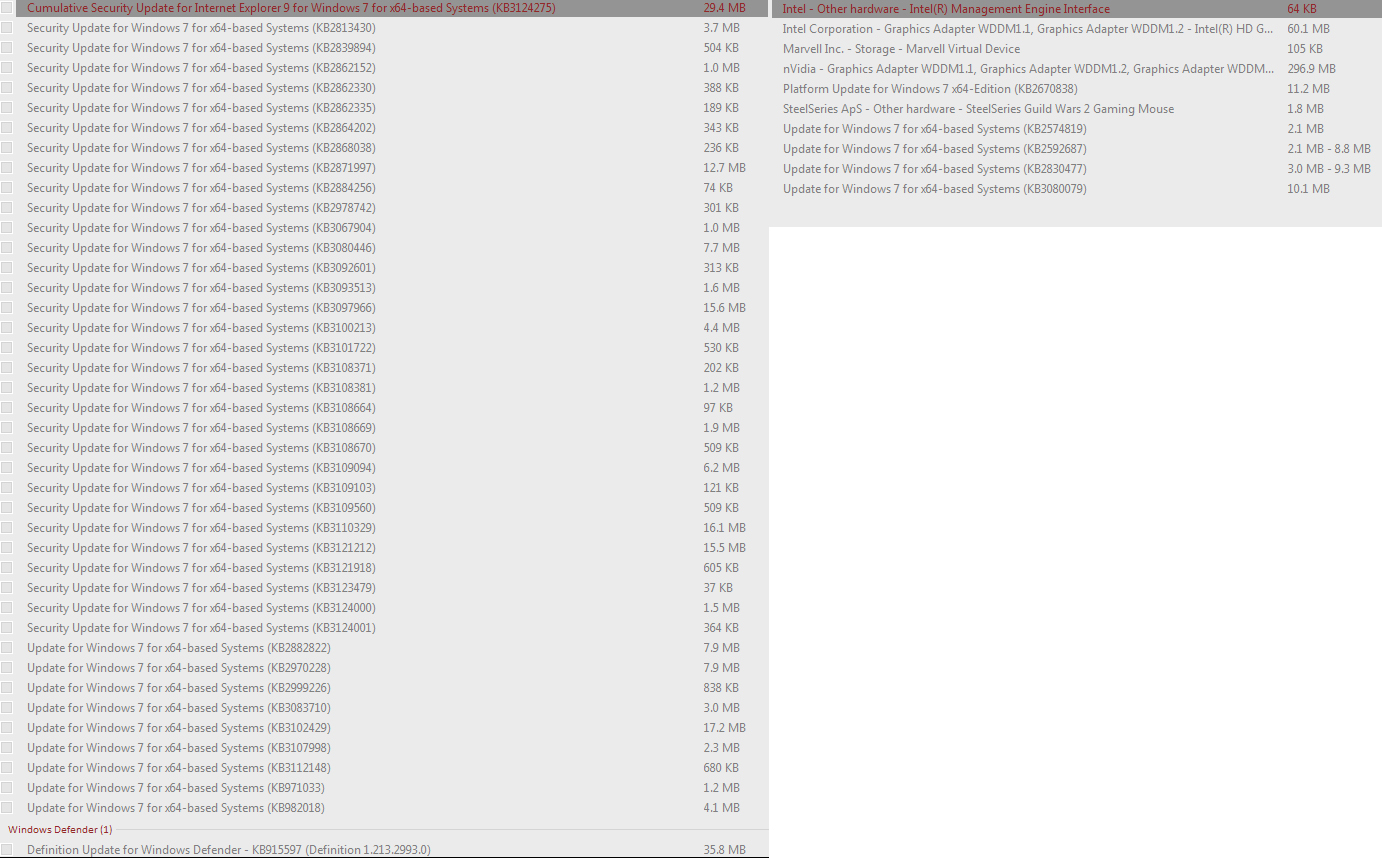
I haven't finished going through the list in the first post yet, but here are the updates that are left to install still:
Attached Files:
-
-
I've been following the recent posts and reading through the update list you've provided. Good stuff....
Also see that you're on Windows 7. Would you mind sharing your opinion on what made you go 7 over 8 or 8.1? Maybe I'll PM you before anyone barks about getting off topic. =)
At any rate, liking the flow of all this...very informative.
Sent from my SM-N910T using Tapatalk -
Actually you do need to Right Click and start the app As Administrator... sorry.
Also, you did the 1 thing not to do when recovering from an unbundled service pack, you reinstalled the SP1 patch bundle...
When you Run As Administrator DWS it will refind and uninstall patches from SP1, it's going to unbundle the SP1 patch set again, and you will need to do this all over again.
You were actually done when you reinstalled the patches that weren't the ones to hide - the one's uninstalled as part of others in SP1. Those were the unbundled SP1 patches that are now dealt with independently.
You didn't need to re-run SP1 again, as it reinstalled the patches DWS removed, so they will need to get removed again.
It's minor details like this that are important to follow when reading instructions.
How to proceed, what to run, and how to run it are the 1st things you look for; then read all the surrounding words to see what else to look out for.
You can always recover, but now you are back where you started
Give it a shot again, it's going to work ok this time, as long as you Run As Administrator DWS, reboot, be patient on reboot as things are completing uninstall - it could take 10 minutes or so depending on many factors, then run Windows Update - and using the list of patches removed by DWS - "Hide them", and install the others.
Not so bad, really, and now you know
Last edited: Jan 18, 2016toughasnails and iunlock like this. -
Using the list of patches in the DWS.log, click on each of the KB's in the Update queue on that list, and select Hide.
There is a search box in Windows Update to make the finding a bit easier.
Then you can proceed with installing the rest.
Also, each time you re-run Windows Update, it might "un-hide" them, MS is getting nasty about this, so recheck and re-hide them before installing.
If I was you, I might re-run DWS now to uninstall any KB's that got reinstalled - since you installed them from SP1, running DWS might re-uninstall SP1 - as I mentioned previously.
Also, to save time, you should be able to select all the remaining KBs to install at once... there might be some that fail, but in my experience you need to re-run Update a few times anyway.
Also, Hide all those damn Language KB's, unless you are multi-lingual
You can select them all at once - don't check the check box, click on the top one, hold Shift and click on the bottom one, right click on the selected list, and select Hide.Last edited: Jan 18, 2016 -
But the first post in this thread says to install SP1... It's in one of the images.
It took 30 mins the first time I used DWS. I was worried that something had broken because it stayed on "Configuring Service Pack 12%..." for a very long time. Then it auto-rebooted 3 times. Getting stuck on "Configuring Service Pack" again. Until it finally booted up and SP1 was gone.
I'm not sure I like that it unbundles SP1. Some programs require SP1 or else they refuse to install. For example CCCP Codec Pack refuses to install on Windows XP SP2. It says it requires SP3 or later version of Windows. I don't want to run into that problem with Windows 7.
The list in the DWS log is pretty short... and none of the patches appear in windows update currently.
Oh.. didn't know that box worked here. It says "Search Control Panel", not "search within windows update" so I thought it would take me out from it.
Are you sure about this? What if Microsoft has updated the KB number on the patch that I hid? Making it a new number patch but with the same spyware in it.
Microsoft should die in a fire...
I don't know if I'll bother with this again. Kind of worried about future programs checking to see if Windows says it's SP1 or not. And then refusing to install if it isn't.
The first post says not to "installed mixed updates" because it might break Windows...
I am actually. I speak 3 languages. Don't know if I'll ever need to switch to a different windows language, but if I do I would need to unhide the hidden updates... which will unhide all the ones I don't want as well, right? -
You should check and ask on DWS support site / GIT hub forum, as those are the support areas for that tool, not this thread.
The 1st post in this thread explains in detail what to do manually to fix the problems, remove the KB's, and then provides a simple script that only deals with the KB's, nothing else, no other tools - it's not prep work for DWS, GWX Control Panel, or Aegis, it's an independent manual method.
Don't worry about SP1. If you really come across something like this later, then install SP1, otherwise it's a Red Herring.
Alot of people installed individual patches instead of SP1, so for them and you the programs will check for patch compliance instead of just SP1. Same for SP2/3.
It's possible that your particular config had a mix of SP1 / patches that was particularly affected, as a number of people have run DWS on Windows 7 and never run across this problem. You are the first to mention it here.
I only know about it from previous work, not using DWS.
I am not running Windows 7, and haven't for a long time, so maybe someone else can speak up if I am missing something.
Use the list within DWS, you can run it and click on the 2nd tab, and it will have a scrollable list window with all the patches it looks for, click on Professional Mode if you can scroll it.
You can also look at the full list in the 1st post.
Sorry you have so many updates to redo, but it will be worth it in the end - don't let MS's annoyances dissuade you from keeping their noses out of your business
Last edited: Jan 18, 2016metacarpus likes this. -
I'll try it again maybe when I have more free time. Thanks for all your help
Edit: This is what I'm left with as updates to install with SP1 still on:Attached Files:
Last edited: Jan 18, 2016hmscott likes this. -
-
So it seems I lost the ability to update other Microsoft products as well, when I ran DWS.... The option in the settings for Windows Update is missing. I managed to get it back by installing Silverlight and choosing to receive updates for other MS products.
Now, the question is: are updates for Office 2010 also filled with spyware? Googling shows that Office 2010 SP2 has caused a lot of installation problems for people, but I don't see anything about spyware. Am I safe to install all those "security updates"?hmscott likes this. -
Unknown to me, I have Office 2010/2013 in a box somewhere, and use 2016.
There are things that DWS blocks for Office 2016.
So, what was your update situation just before you ran DWS the first time?
Had you installed SP1, and *all* the MS updates offered, running Windows Update until every update was installed?
From reading your text I was wondering if you had done the SP1 update install, but hadn't rebooted, and then ran DWS, which would make sense given the fallout.
I don't think any of the KB's uninstalled by DWS would be as old as what was contained in SP1.
How goes the recovery?
-
SP1 has been installed for over 4 years. I haven't updated Office for a long time though. Office is still on SP1. There is an SP2 Office update now and I don't know if I should install or not.
So far the situation is the same as yesterday. I have not ran DWS a 2nd time yet. -
Had you been keeping up with Windows Update, was it completely updated before you ran DWS?
Just trying to help figure out what happened
iunlock likes this. -
Nope, it was last updated in October 2015 before I ran DWS.hmscott likes this.
-
It's a dilema, once you can't trust MS to not pack in some surprises in your otherwise innocent seeming updates, it's a matter of frustration every time you see an update.
I would go ahead and update everything completely, and then uninstall the list of Updates here, and whatever you find elsewhere - the list provided in DWS for example.
Then rerun Windows Update and check the updates for the ones you just uninstalled - and check against the list to uninstall - then hide those updates.
Gather a list of sites/IP's/IP ranges blocked in DWS.log, and listed elsewhere - Aegis's script has a nice list too.
Then add those sites to your Windows hosts list (0.0.0.0 or 127.0.0.1), then add the IP's/"IP ranges"to be blocked in Windows Firewall + your 3rd party firewall, like Norton, and?
Then add all those IP's /"IP range" (resolve the site names to an IP/range) to be blocked in to your perimeter router(s).
That way if MS sneaks through privacy sucking software through an as yet unfound KB, or other software install...like Office 2016, you will at least be covered for the known telemetry, spying, "otherwise unecessary for your use" sites.
You can also benefit from looking at the list of tasks, scheduled jobs, services, etc that DWS and Aegis stop/disable.
The available lists and tools still don't get everything, I found Remote Desktop set to Manual instead of Disabled after running everything on a new Windows install... sigh.Last edited: Jan 19, 2016toughasnails, iunlock and metacarpus like this. -
Just two short things:
1. The policy in the group-policy-editor doesn't work, I have it enabled, I'm offered an optional update to prepare my Windows 7 install for Windows 10 about every 2 weeks.
2. I also didn't like what DWS did. If it's really irreversable, like said, than it can't be the right tool imo.. Adding the domains manually to the host-file, maybe even adding firewall rules manually, that really seems to be the way to go imo., while really paying attention to which updates one installs, so not installing any update in the list in this thread and hiding them manually again.
I know, that that's a lot of work, but when I hear, that DWS de-installs Windows SP1, I'm just shocked, that goes too far. If Aegis script needs to run every time when Windows starts, I'd still prefer it greatly, over a program automatically doing such deep alterations of my system, but I guess, there just is no way except to do it manually. If I don't find info on a KB, I don't install it. This hasn't been the case yet though, Microsoft may be partly evil, but at least they're fair enough to at least label their evilishness that openly, that advanced users are able to identify it, when it comes across them. -
All the tools implement specific changes that can be done manually, but it is very time consuming, especially if you realize you need to do this every few weeks after running Windows Update.
DWS does a number of useful things, look at the tabs and tools. Some are reversible, some aren't as individual changes, only through a restore point restore.
In DWS Utilities tabs, there are lots of options, some to reverse changes:
And, in the Settings Tab you can select the features run:
As far as messing up SP1, I can't test that because I don't run Windows 7, but we haven't seen anyone else complain about it.
Aegis has 2 scripts, the first one, aegis.cmd does permanant changes, and you *only run it once*.
Aegis has a 2nd script, block.cmd that only applies host blocking through "route". Those changes disappear after a reboot, and you need to run block.cmd again.
As I said before I would add those hosts to the hosts file, and add any IP/IP range blocks directly to the firewall you are using, and the permeter router to make sure there isn't an possiblity of circumvention of those blocks on the PC.
If any of you do run DWS on your Windows 7 system, please let us know how it works out
Last edited: Jan 19, 2016toughasnails and iunlock like this. -
You can't count on the MS KB descriptions to explicitly list their actions of invasion of privacy imperitive.
We can't do this on our own, we need everyone contributing what they have found and share it so everyone can benefit.
Some are more dedicated than others and will use their talents to put the manual steps into a script, then into an application, then over time add all the options desired.
We are only partly there yet, use what you want.
If you don't want to install any updates after a certain date of release, that's a reasonable path, but opens your system up to security holes unpatched over time.
MS isn't fair, can't be fair, they have invested $Billions in new Data Centers world-wide in the last few years.
MS have literally delivered the Trojan horse to our doorstep's, and started banging on the door to let it in.
How is that "partly evil"?
It's frustrating, and it's not going away any time soon. We are all going to have to help each other, and get along doing it.
Sometimes things don't go right, and we need to work together to figure it out and fix it for the long term.
Giving up isn't an option
Last edited: Jan 21, 2016iunlock and toughasnails like this. -
By the way, what do the update numbers in the purple/pink notes mean? There are purple/pink notes in the screenshots in the first post of the thread. I see some of those updates in my list as well.
-
You want to direct that question to @Phoenix, he is the OP.metacarpus and Spartan@HIDevolution like this.
-
This is me simply creating a sticky note and copy/pasting all the bad update KB numbers in the sticky note so I can easily compare them against the list of available updates. It's easier than having to ALT/TAB between a notepad or browser to see them. This way, you don't miss anything. Just my way of doing things.hmscott, toughasnails, iunlock and 1 other person like this.
-
@hmscott
I agree with you, that we can only do this together, but when I see the options of DWS, I don't know what to say. "Restore System" : How is that supposed to work? Failed backups and restores can destroy a complete OS installation, not in the world would I entrust that option to a small script that's still in developement. "Disable UAC" : Horrible. 1. An experienced user knows how to turn off UAC, but probably even won't, because UAC, how controversial it may be regarded, actually offers a certain protection that Antivirus can't. It's probably the medium experienced user that turns that off, because he finds it annoying and doesn't know how valuable that feature actually is. Again, this shouldn't be done by a script in developement, but regularly via the Windows settings and if that option doesn't exist in Windows 10, then edit the registry, but save the key you're editing so you can restore it and then you actually know what you did. I had DWS installed some weeks ago, I believe I clicked that button, I'm not sure, if it was possible to turn on UAC regularly afterwards. Disable Windows Update, how does this work? I'm also using Win 7 currently again, but wasn't there the option to use the "metered connection" setting to do that? If not, then plz, invest those 30$ or whatever it may cost and get the upgrade to PRO. And fix screen rotate is just a joke imho., what does that option have to do in a tool that shall destroy spying?
What I agree on in that tool are the host-file changes and the firewall-rules, especially as those can be easily removed. That the tool only offers this for the Firewall rules imo. shows, that it's not only a DWS script, but also a DWI script ^^ .
Delete all metro apps btw. again is imo. not the right way, I still know, how difficult it was to re-install the Windows-store only because I wanted to get the calculator, and One-Drive imo. shouldn't be deleted but be shut off, but be disabled, reversably.
This btw. is, why I greatly preferred O&O Shut Up 10, as it at least claims to do the same, but none of its actions permanently modify the OS irreversebly.Last edited: Jan 19, 2016 -
Any thoughts on other available tweakers like this one? Would it compliment or complicate?
I'm wondering if things like this would conflict with OP's work and others like the aegis? -
This is not a tweaking thread!
-
I saw this coming. Not surprised. Time to just start a new thread.
We all appreciate your work. Also, the word, "tweaking," is just another general term for mod, beef up, fix up, alter, configure, to remove/add (in some cases), to set etc...toughasnails and Spartan@HIDevolution like this. -
NP bro, just wanting to make this less crowded than it already is and focus on the topic at hand
-
Fair enough. Completely understand. Looking forward to seeing this thing progress as it's helping us all tremendously to fight this mess...toughasnails and Spartan@HIDevolution like this.
-
The DWS developer included those helpful Utilities to compliment the core features of DWS. Those were his choices to add as helpful features that he felt would be relevant to the user.
After reading each and every complaint you made, I have to disagree with you on every point. Every one of those Utility Tab features work, and are useful to someone.
Update: On Windows 10, don't use the Disable Windows Update function if you want to eventually reverse that with Enable Windows Update, as that function is reported to not work on Windows 10.
Those Utility Tab features may not apply to you, but they do apply to someone, and I am sure that for every Utility Tab feature that the DWS developer included, there are many people very happy that he did take the time to assist them with their need.
Your comments are relevant to you, but not to me or the developer, as they are your personal preferences, which matter to you, but don't include the needs of many others - the users the developer wrote those features to help.
You can't expect software to be completely customized to your personal preferences, I know I don't.
If there are features that I don't use in a software tool I do use, I ignore those features irrelevant to me in a nano-second, I use the tool for the features I need, and I move on.
Over the years I have occasionally seen well meaning people spend a lot of time obsessively criticizing developers over minute details in otherwise extremely useful and popular software.
That is very frustrating to developers, as they are there to help people, but they can't please everyone about everything all the time.
I have seen well meaning developers waste a lot of time being polite with these people, to no benefit of the software or the community it serves.
The best response I have seen to such situations, after determining that the complaints are personal preference and not relevant to the rest of the community, the developer calmly and respectfully replies:
If you don't like it, you are free to ==> Code it Yourself
Frustration with available software is the beginning of many a developer on the path to creating their own open software tools.
Frustration with what is or isn't out there, enough frustration that they make the immense effort to create their own open source software tool, freely publish their software as open source to a wide audience, and add their helpful efforts to the world of free software.
Only to have some of their users make clueless comments about how their software tool has features that don't make any sense to them, and why don't they include these features instead - just like the xyz tool has.
It's a circle of frustation that only you can break
Be appreciative and happy for all the hard work someone freely gives in writing software to help others. Forgive them the imperfections, and thank them for the utility their tool provides you.
Please save the nitpicking trivial complaints for the circular file, and spare everyone the time reading them
Last edited: Jan 23, 2016toughasnails, 6730b, Papusan and 1 other person like this. -
DWS admits in its documentation that a lot of the changes it makes are irreversible even with a System Restore. Worst case scenario you have to reinstall the OS which these days doesn't take long but before using it, I would make a Macrium Reflect backup of your system in case you have any problems with it (especially if you remove Metro apps, there is no fix for that). With that said, I tried it out and I haven't had any issues on my Windows 10 Pro install.
hmscott likes this. -
Here is an alternative method to DWS uninstalling Windows 10 Metro apps, with the option to reinstall them as a group or individually:
How to Uninstall Windows 10’s Built-in Apps (and How to Reinstall Them)
http://www.howtogeek.com/224798/how...-10s-built-in-apps-and-how-to-reinstall-them/
DWS doesn't uninstall the Metro apps in Windows 8.1, but there are tools that do that for you, and don't offer reinstallation. AFAIK there is no reinstalling Windows 8.1 Metro apps once uninstalled.
Although, once the Windows 8.1 Metro apps were removed, I couldn't see any reason to restore them
My Windows 8.1 Metro
DWS didn't mess up anything on my system, any of the many times I have run it. I haven't needed to reload Windows, or do anything at all as a consequence of running DWS on Windows 8.1.
DWS runs great, does what it says it does, and I appreciate DWS and the developer that wrote it. Because without DWS, I would be doing a lot of manual work to accomplish the same results.Last edited: Jan 21, 2016 -
@Phoenix is right, that general Windows Tweaker is too far off point
Windows Privacy Tweaker 1.2 I have found relevant and useful as it only tweaks privacy settings.
It works on Windows 7, 8, 8.1, and 10:
Windows Privacy Tweaker - September 01,2015
https://www.phrozensoft.com/2015/09/windows-privacy-tweaker-4
The interface is a bit different, as you click each option the task is done, rather than selecting a bunch of tasks and then clicking on an Apply button.
As you look at each tab, there will be Green and Red rows. The Green rows are secure, the Red Rows are insecure.
Select all to secure them, or check/uncheck each individually.
I should mention that this time that I ran Windows Privacy Tweaker, Norton Security complained about it and deleted it. I have the rejection settings very high in Norton, so maybe only I would see this action.
I checked the security details and Norton's complaint was only based on the small community of users it see's WPT installed, and based on that threshold and the commands it runs, Norton thought it prudent to uninstall it.
I opted to Restore it in Norton, and then re-ran WPT and Norton deleted it again
I finally worked through that and ran WPT to get the screen shots above.Last edited: Jan 21, 2016Spartan@HIDevolution and iunlock like this. -
Apparently they must have fixed removing metro apps in 10 because when I was having trouble with FXNow in 8.1, I removed it and all the dependencies and was unable to get the dependencies back so the app would open and then shut down again.
Anyway, the delete all Metro apps option in DWS says it can not be reverted which leads me to believe it does more than remove the base apps but removes the frameworks like I did to my 8.1
hmscott likes this. -
Removing Metro apps in Windows 8 isn't reversible, as far as I have seen. Which again, is fine with me. Once uninstalled I haven't missed a single Metro app once.
DWS only removes Windows 10 Metro Apps. And, I haven't tried that feature because I don't run Windows 10.
Thinking about it for a few minutes, I think that the DWS developer thought Deleting All Windows 10 Metro Apps was a useful enough feature to include, but the coding for selectively removing and restoring individual Windows 10 Metro Apps would be over and above the goal of the DWS app.
So, rather than encourage users to ask for that feature, he completely left out the reinstallation option for Windows 10 Metro Apps.
If you want to install Windows 10 now during the time of constant bugs and feature fixes, I would think you should be prepared to be reinstalling Windows 10 over and over and over. So one more time to restore Windows 10 Metro apps would just be another "walk in the park".
If I were playing with Windows 10, I might try using DWS to uninstall all Windows 10 Metro apps, and then use the command line to restore them, just to see if it worked. I am just that curious.
Thank goodness I am not wasting my time with Windows 10
I posted that link on how to Uninstall and Reinstall Windows 10 Metro Apps as an alternative method to that Utilities Tab feature in DWS.Papusan likes this. -
I totally understand your reason for posting that link, I just thought that I would point out that it is possible to permanently break Windows Store by removing the base dependencies. Since I've done it.
As for expecting to have to reinstall Windows 10, they've refined it quite a bit. I'm even considering turning on fast ring updates because I haven't had a single issue other than the fact it takes about 10-15 seconds after I wake it from sleep to become responsive. That's not really a big deal.hmscott likes this. -
How many times have you installed / reinstalled Windows 10 on the same computer so far?
-
I would never touch DWS again, I call it, DESTROY WINDOWS not Destroy Windows Spying, it broke my Windows 10 last time I used it.
I just uninstall all the metro apps using CCleaner with the exception of the Store app. That way, if I ever needed an app, I can simply reinstall it from the store although I would never EVER touch any metro app.Seraiel likes this. -
That's too bad, I wish you would have said something, did you file a bug report with nummer at his development site?
What were the specifics of the issues you ran in to on Windows 10? -
it was really long back, since there is an alternative (O&O ShupUp10), I didn't bother to file any report. The damage it did was irreversible I had to format.
I like how transparent O&O ShuptUp 10 is, I feel more in control with it.
Windows7/8 - Updates to hide to prevent Windows 10 Upgrade / Disable Telemetry
Discussion in 'Windows OS and Software' started by Spartan@HIDevolution, Aug 23, 2015.