Problems? See this thread at archive.org.
Everything is still connected and running,I took my hhds out and the computer still shuts off in bios after about 45 secs
-
-
Does the area around the DC port feel really hot when it happens? Could be upstream of the CPU that's having problems and the CPU wouldn't show abnormal temps.
-
No its cool to the touch
-
There's an unlocked BIOS which allows you to disable the GPU, if you can't find it you can talk to Svet to get it done.
-
Thank you for the pointer, I'll look for the bios.
Who is Svet ? -
Svet is the expert in BIOS, EC firmware, and VGA BIOS modification. He's a moderator at MSI forum and you will be able to find him there.
 Cyclonus likes this.
 -
Svet (you must register to log in) https://forum-en.msi.com/index.php?action=profile;u=29469
Cyclonus and Kevin@GenTechPC like this. -
Thanks guys, I will contact Svet and hope for the best
Kevin@GenTechPC likes this. -
Hi again,
I'm considering replacing the dead 7970m, can you tell me what cards are compatible with my system?
Also, I fully unlocked the bios and can post it here if anybody is interested?
ThanksThatOneName likes this. -
I'm interested in an unlocked bios for the GX60 1AC. I want to unlock its potential.
-
There's not much you can do with the default spec of GX60 unless you can upgrade the processor. This machine was infamous for its weak processor which bottlenecks the GPU.ThatOneName likes this.
-
As always with these things, be careful, there's no warranty, run at your own risk, I don't know how to unbrick things if the worst happened somehow, etc.
Anyway I've zipped (using 7zip) & attached it. It's based on the latest bios from msi: E16FKAMS.50A.
You'll need AFUDOS.exe, efi_auto.zip, and a usb drive.
Instructions (hopefully clear) :
1- create bootable usb
- format usb as fat32
- extract efi_auto.zip onto usb [just dump all the files there]
- extract your bios files there [E16FKAMS.50A] [just dump all the files there, right next to the files of efi_auto.zip]
2- disable "fast boot" from within windows -> control panel -> hardware & sound -> power options
- click on Choose what the power button does
- click on Change settings that are currently unavailable
- turn off "fast startup"
3- SHUT DOWN
4- Boot into bios
- when booting, at msi logo screen, click delete button
5- Disable secure boot
Security > Secure Boot > Disabled
F10 / Save & Exit
6- Reboot
7- Keep clicking F11 key to get boot device selection menu & choose your usb key (the one with the bios flash stuff)
to update bios from EFI shell
1- type `map` to find out which is your USB drive -- hint: look for `Removable HardDisk`
(for me it's blk4)
2- type `blk4:` [or whatever you discovered in 1]
3- ls to see your folders/files
4- cd into the folder with the files
5- type flashxxxx.NSH [whatever your NSH file is]
IF THAT FAILS, It probably spat out what it was trying to do and failed because of the directory structure. Simply type what it was doing:
AfuEfix64.efi E16FKAMS.50A /P /B /N /K /R ### NOTE: If you are using your own unlocked bios, not the original, then append /GAN and hope that works (it didn't for me, I still get 18 - Error: Unable to start a Secure Flash session.)
So do this instead:
AFUDOS.EXE <my_unlocked_rom> /GAN
6- Once done, type `reset`
7- Enter BIOS when it reboots by mashing `delete` button
8- Press F9 to load bios optimized defaults [DON'T FORGET THIS STEP]
9- Press F10 to save & exitAttached Files:
Last edited: Sep 5, 2018 -
-
Where do I get the "AFUDOS.exe," and where do I put it? AND do I need to download the "E176KAMS.50G" Bios file from MSI also?
-
Hi.
Sorry for the confusion, the original MSI Bios that I used is `E16FKAMS.50A`. You can find it at the MSI support page for the GX60-1AC. I think `E176KAMS` is just bad copy/paste instructions on my part and I'll edit my previous post to fix it.
If it's not the same bios / machine for you, you should not proceed..
Anyway, you should download that and unzip it so that you have a folder structure that looks like: `<my usb drive>:\EFI\BOOT\<all the files>`.
I recommend you back up the bios file on the usb as well (so just copy E16FKAMS.50A to E16FKAMS.50A.bak or something) so that you can recover it just in case.
Then copy the unlocked bios to the same place.
I think I got AFUDOS from here: https://www.wimsbios.com/amiflasher.jsp, but I can't seem to find it there right now.
Then you should also copy that file AFUDOS.EXE to the same folder and follow the rest of the instructions in the previous post.
I uploaded the entire thing to here. The link should expire in 24 hours or after a few downloads, let me know if you need me to re-up it.
Can't stress this enough: be careful, double check everything, there's no warranty and I don't know enough to fix things if something breaks. I risked it because my machine was completely dead and I still didn't manage to get 100% what I wanted.
Good luck and have fun! -
Ok so just to make sure I understood. I downloaded the file that has everything in it and I extract it to a USB with fat32.
Ok, so I'm at school right now. So I open the file and found that there are (2) E16FKAMS.50A. do I delete the non-unlocked one? Or do I keep both? -
Keep the one you want to use. You specify which one to use in step 5 of the instructions where you run AFUDOS. I recommend keeping both so you can revert if something goes wrong.
-
I'm planning on replacing my GX60 keyboard with a GX70 backlit keyboard. I saw a post here of someone that successfully replaced it with a GT60 keyboard.
This one: https://www.ebay.com/p/MSI-Gt70-Series-Laptop-Full-Color-Genuine-Keyboard-V139922AK1/1022610245 -
Also, Question about the keyboard. Does the S-Bar backlit option automatically start working after the keyboard is installed? I guess not ill probably have to use a program to get the keyboard working.
Last edited: Sep 6, 2018 -
So, I use a different bios I just figured that out. I tried to update it but it wouldn't work as it says when trying to do so. "unable to find update script". So I'm sorry for asking you this but. Can you create an unlocked bios for the version? E16FKAMS.509?Last edited: Sep 6, 2018Hutermix likes this.
-
Hello guys. I have MSI gx60 a-10 4600m + HD 7970M with windows 8.1 64bits and windows autoinstalled my drivers, I dont know why I cant play fortnite or Counter Strike GO because FPS are 10 or 20 always. How can I install drivers for 7970M? I think games are running under 7660G although I have put high performance. Please help, im getting mad. (SORRY MY ENGLISH) thanks!!!
-
If the light above the power button is orange then it is running the 7070M. If its wite than its running the 7660G. I'll make a video on how to install the latest graphics driver and change the GPU. But I'm at school right now ill do it when I get home.
-
Oh! Thanks , im waiting for your post!! Thanks thanks thanks!!!
-
Sorry I still don't have it I promise I have it 8 hours. I had a lot of homework to do.
Last edited: Sep 11, 2018Hutermix likes this. -
OK!!!! still waiting for u mate
-
I can't find the E16FKAMS.509 bios rom here: https://msi.com/Laptop/support/GX60-1AC#down-bios, are you sure it's for the GX60-1AC? Where can I get it from?
-
I know that's exactly the problem! Try looking online I'm SURE you will find it there.
-
I'm currently uploading the videos to youtube. They're gonna take a while so be patient, please.
Hutermix likes this.
-
Yeah I'm not going to do that.
But if it's telling you "unable to find update script", you might have missed a step in the instructions, are you sure you followed everything right? I think the bios I uploaded should work if you're using E16FKAMS.509. -
Nice!
-
So you're saying I can use the unlocked bios with the bios I currently have?
-
So the files I was trying to upload youtube said they didn't meet the supported file type.
. I'm gonna get OBS back again. I'm sorry this thing is taking so long.
Last edited: Sep 12, 2018 -
So I got the first part of the video recorder I checked it out and it was good!
. The next one should only take me a couple of minutes to record. When I get home ill get right to it!
-
Why wouldn't you take your time and show up when you're ready instead? Sorry but I got myself tired of watching the list of your big images from the signature from doubleposts trying to keep up with information in topics I am subscribed to. Information on forum should be easily accessible to the eyes of other people while.
-
Sorry that you don't like the massive image. But because you asked nicely (Kinda) I will be happy to take it down. And for the other people.James D likes this.
-
Yes, the idea is that you're replacing your current bios. If your system supports the new bios, it works. If it installs and it's not supported, I don't know, maybe you brick things.
If you're on the MSI GX60-1AC with the bios you mentioned then it should work, from what I know which isn't very much. -
Ok ya, I'm using the GX60-1AC ill do it tonight.
-
How To Update Your GX60 GPU And Change The GPU configurations For App And Games
Ok here are the videos watch them in order please thanks!
Part 1:
Part 2:
Download AMD Autoupdate tool: http://www.mediafire.com/file/mcguz61y8qldyr6/USE_THIS.exe/file
Enjoy! I hope it helps. If you have any questions don't be afraid to askLast edited: Sep 13, 2018 -
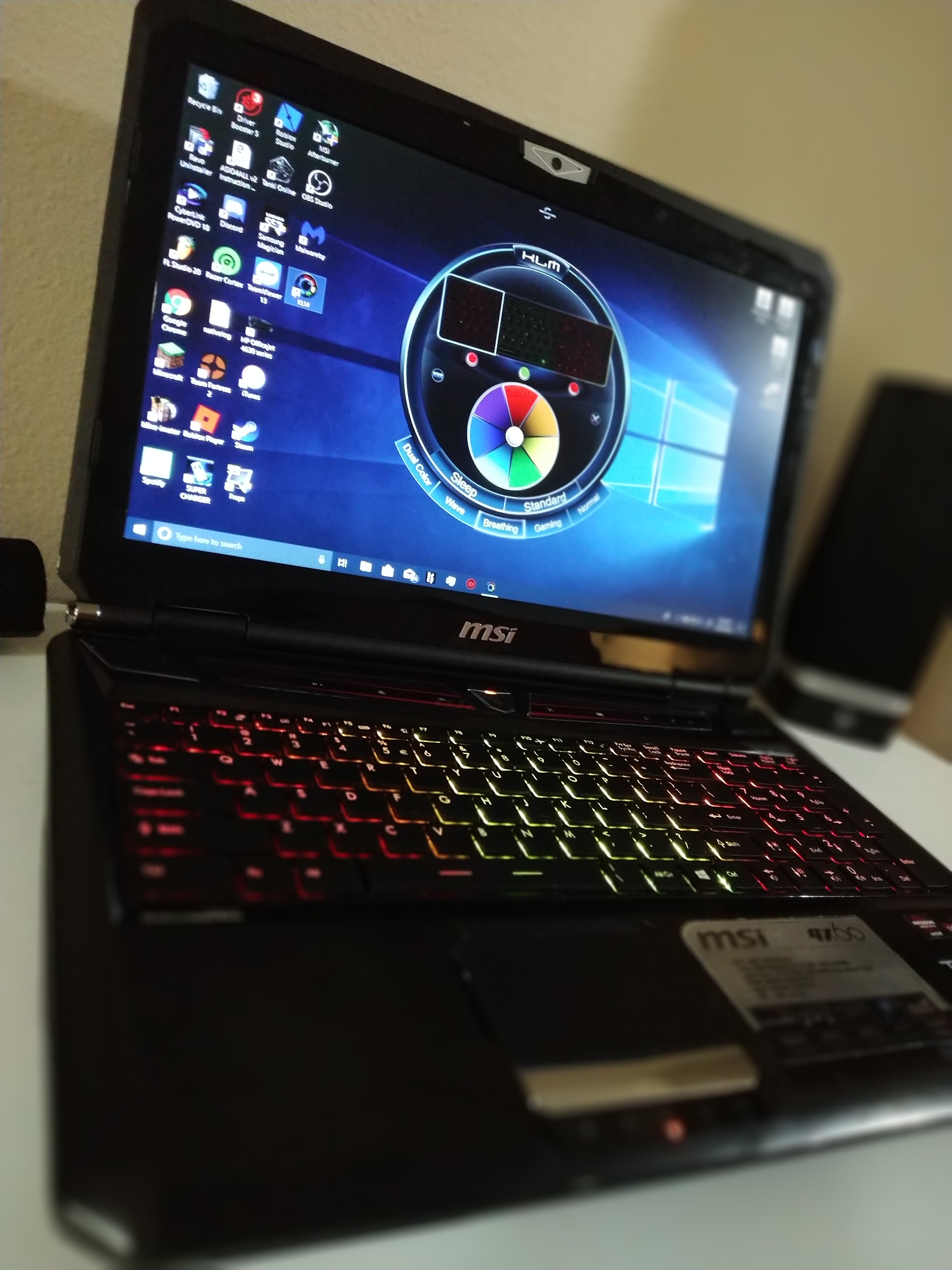
Proof that the GX60 1AC supports a GT70 backlit keyboard! Got the keyboard today!
ALSO: Does anyone knows an SCM that sold work for the GX60 backlit keybaord version?
Attached Files:
-
-
The newer version should still work. Try the one from GT72.
-
Should I make a restore point il? try it out thanks.
-
This one correct?
Attached Files:
-
-
Nevermind I'm good some of the keyboards Keys didn't work. Then I was like "Excuse Me What The FUUCC**** so I just remap the keyboard it worked thanks for the suggestion though.Kevin@GenTechPC likes this.
-
-
I used a program called. "KeyTweak" it uses registry hacks.Kevin@GenTechPC likes this.
-
Hi everyone! I made a guide on how to install windows 10 on this laptop. Take a look!
https://forum-en.msi.com/index.php?topic=310150.0 -
Hi, I tried your guide but I don't understand your first video.
You just seem to install the unified drivers but it seems you already have previous drivers installed but you do not mention it anywhere. I'm a bit confused actually.
I tried an alternate way via a youtube video and it works on my GX60 (7970m) but it does not on my GX70 (R9 m290x).
Any thought?
Thanks mate
EDIT: got it working. Your guide did not work at all... Had to follow again the youtube video but with different drivers. And it worked. Followed your tip about the win10 auto update. Thanks man!Last edited: May 4, 2019 -
Hello everyone!
Mates, is there a way to run on integrated GPU only (without dGPU in MXM slot)? I want to move my 8970M to a more recent hardware and leave my GX60 on iGPU. Without dGPU installed, laptop doesn't POST.
UPD: Found the solution. You just need to disable Port 3 in Advanced >> Demo Board >> PCI-E Port. Jeez, as it seems, MSI is as bad at developing BIOSes as spoken.Last edited: Oct 1, 2019James D likes this. -
Hmm, wonder if similar approcach could be used in GT783/GT683 Intel-based models...Kevin@GenTechPC likes this.
-
Probably, if this option is made available in the hidden menu.
-
It can't. The BIOS of 2nd gen MSI barebones doesn't implement iGPU functionality. There is even no vBIOS for Intel iGPU inside. I've tried modding it, but result was not that good. I guess, it's much easier to buy 3rd gen mobo if you want wider GPU support.Last edited: Oct 2, 2019James D and Kevin@GenTechPC like this.
*The Offical MSI GX60 Owners Lounge*
Discussion in 'MSI Reviews & Owners' Lounges' started by layjohn, Oct 12, 2012.