Problems? See this thread at archive.org.
I just installed the new BIOS. The laptop is working normal. Keep in mind that if you want to update the BIOS you must disable Intel BIOS Guard Support, otherwise the process will fail
-
-
I just installed the new BIOS. The laptop is working normal. Keep in mind that if you want to update the BIOS you must disable Intel BIOS Guard Support, otherwise the process will failblacklupus and Kevin@GenTechPC like this.
-
Hey Folks! Need some advice. I misplaced my keyboard / screen cover sheet / cloth and I start to realize how badly I'd need it. Any tips for a working replacement or how I could obtain an original? I looked for cloths like that, but they seem to be too thick.
Thanks in advance! -
-
Don´t exist for MSI GE75 9sf or 8sf
-
Hi guys, dont spend much time in the MSI section but I have been considering picking one up the last few months. I have been thinking about going for the new GE75 with 2080 super from HID with with the liquid metal option and upgraded thermal pads. How is quality of MSI, I have never owned one. I think I will start my journay with MSI by first picking up the new GE66 with 2070 before I go for the new GE75 though. I really like what MSI is doing with this refresh, It would have been nice though to see a new style of case for the GE75.
Last edited: Apr 7, 2020Kevin@GenTechPC likes this. -
If I was you, I would wait a bit.
GE75 has not evolved, so cooling system is the same than 2019 and 2018 models, and thoose ones were hot like hell.
On the other hand, you have the new Asus SCAR G732, which has a revamped cooling system, with 3 fans and factory liquid "metaled".
I believe, without any good review, like notebookcheck for example, it's dangerous to buy 10th gen Ge75, you can have all the problems we have, aka playing days with throttlestop to cool down CPU with the less loss in horsepower.
Personnaly I have a Ge75 SG (9750h/2080) and I want to go to 10th gen for a better cooling, and so a better usable system, and for now, GE75 10th gen is not on my list, because of lack of evolution.
Maybe MSI will release a GE76? A 17" GE66? Don't know and I found nothing on it. -
Hey guys I have RTX 2080 and i7-8750h. On load my gpu is 86 celcius. Is this normal?
-
Either you have bad heatsink mounting pressure or a really ****ty factory paste job.
Open it up to repaste. If that doesn't help then try to claim warranty and get a new heatsink. -
CPU and GPU having very high temperatures. I did repaste 3 times in a year, stock was also the same.
IDLE CPU:57 celcius GPU: 46 celcius
Room i think 20 celcius, connected to external monitor and some books under so airflow is okay. Throttlestop @ 3.6 ghzAttached Files:
-
-
What fan speed?
-
Auto on dragon center
-
Try running unigene heaven and prime 95 small fft at max fans. I need a baseline.katates likes this.
-
Cooler boost on, Small FFT started with 95 celcius @3.6 and throttled to @3.1 and Steady 80 celcius.
Heaven at 2K Ultra Extreme, GPU %98-%99 became steady at 71 celcius -
The gpu side is fine, cpu side is pretty bad.
Do you dare to use liquid metal? -
I don’t think i have the skills to do a delicate job. But seems to be there is no other solution?
-
Your temperatures look in line with paste results. Liquid metal is the way to go if you want good cpu temps. It's a 15-20°C temperature drop from just using regular paste.
-
I disagree, my machine is an Intel 8th gen from 2019 and everything is working good including temperature side. Always below 80c when gaming heavily.
-
Try IC diamond if you haven't tried yet. It's the only paste that worked well for me (tried 4 different pastes)
-
Hello There,
I've been reading multiple pages of this thread, but still I did not found answers to some of my questions:
1. How is this laptop behaving in a normal day to day usage? It is loud for ex when win updates are kicking in?
2. The power brick- is it getting extra hot?
3. Noise - only with software can it be timed? I mean UV will do some magic here? The nosie itself is it high pitched? Does any of you have MacBook 15, and can compare?
4. 144hz panel - can it be set to 60 (I don't need extra frames, and capping GPU and cpu will probably help with fans)
Thanks for all of your answers. I can swap out my MacBook for this (2080, i7 // or i7 10th gen and 2070 super) - the new revision bring anything new to the design (except of 240Hz screen)? -
Screen refresh rate can be set to 60Hz in Windows.
MSI is generally good with mitigating fan noise.
There are several fan settings in the Dragon Center Software, but I found that using the MSI Silent Option Software instead makes it possible to lower the fanspeed even more.
Under load the fans normally ramp up, but that goes for every gaming laptop on the market.
There is no high pitched noise or rattling.
I'm playing Elite: Dangerous on highest graphics and locked to 60 FPS and don't even have to use headphones.
What I like most is that you have tons of tweaking possiblities in the advanced Bios menu plus presets and settings in softwares like Throttlestop and MSI Afterburner.
I would suggest thinking about replacing the factory thermal paste with some more quality one.
But then again, that goes for every gaming laptop out there.
No manufacturer uses high quality paste, except when you order from special resellers who do it for you. But you could just keep it at stock and simply use Throttlestop to undervolt the CPU.
It's easy and there are simple guides on Youtube.
In Windows I can't hear the laptop at all. The power brick is warm but not hot at all.
Would go for the 2070 Super, not the 2080, better price/performance.
In MP games like Battlefield or Call of Duty you are limited by the CPU anyway. GPU load is at 60%, so the 2080 performance would just be wasted.
Only in GPU bound games like Red Dead Redemption 2 you would notice a performance gain for a lot more money. But not worth it, imho.Last edited: Apr 15, 2020KTOS_INNY likes this. -
Thank you so much.
-
Can i use this bios tweak on ge73 i78750h 1070?
-
So, how are you people feeling about GE75 after months of usage? Are you happy? Hinges did not fell apart? Would you reccommend this honestly or maybe try a different model/brand?
Still conflicted if it is worth spending so much on the GE or GS. I would actually try sth like MSI Creator 17/M17 for the sleek looks but not sure if the cooling solution will be comparable with GE. -
I'm happy with my GE75 Raider 9sf, would buy it again.
Was aware of the problematic hinges with previous models before I bought it, so I'm opening it very slowly and carefully every time. Not sure if the problem persists...
Wouldn't go for a GS Model because of the size and the flipped Motherboard in the 2019 Models.
The cooling definitely needs more space. I doubt that you can get 3,8GHz all-core in the small chassis.Jacol likes this. -
Oh it's possible, you just need liquid metal to keep temperatures in check and bypass the power limit in the bios. My GS75 has been running at all core 4ghz since last year.
-
Well with this laptop u cant go wrong.but for me all the powerfull laptop it's like racing cars.a simple user will not "enjoy" it like an experience user.
What I mean..after of fresh windows-undervolt- repaste- modding bottom cover with grills-tweaks bios-rams 3200mhz ,the laptop it's so far better than stock. About 30% better perfomance and stable after 10hrs use like the first 15 minutes.now with carantine I turn on the laptop the morning and i close it the night.every day.
even if not using it I let it at idle.
Never got a crash,never the temps go high.
The only think that I would have on it its an unlocked cpu.seanwee likes this. -
I really would know what the cost to replace the motherboard with that one. 10980hk cpu 5,3ghz
Damn.. and super rtx2080
https://us.msi.com/Laptop/GE75-Raider-10SX/Specification -
I am an experienced user and overclocking a laptop does not interest me completely. I plan only doing an undervolt and maybe repasting after warranty period. Stock power is enough for me and couple of games I play preffering stable fps than looks.
I am looking for a rigid machine with enough headroom in terms of a cooling solution to be able to play in 1080p comfortable, without ultra setting to keep the temps in check (I don't like all the shiny effects like HDR, blur, flares,post processing etc.)
Would be nice if the machine would survive 4 years so that's why I am asking how the hinges are keeping up.Last edited: Apr 17, 2020 -
I 100% agree. Using it to play games and just enjoying how good it is is just half the fun. Tweaking, overclocking and benchmarking the laptop is where the other 50% is at.greninga likes this.
-
Maybe but from my own experience, I had a Vaio 12S, now Probook 470, all with additional low performance AMD GPU and the cooling slutions after 3 years is not enough and they can overheat (I swap paste every 6 months with Grizzly Kryonaut nad Noctua when I had Vaio). Becuase fo the high temps, they stress to components around the socket. In Vaio it weaken the structure enough for one socket screw of cooling plate to be broken. High temps also affect springs tension and after 3 years there is not the same pressure applied to the CPU by the plate because of he weaken springs. I use laptop only in my apartment driving is as a dsktop replacement and I am not looking for additional performane just to prolong the life of the internals. Cant aford swaping notebooks every 2 year so I want to spend a bit more once and hope it will not break.
-
For sure noone want that.we dont talking to get a laptop and just overclocking it for raise the temps.we talking to made a machine to work with better perfomance and better stable cause the temps its decreased.the big enemy of laptops it's the temps.stock laptop hit 90c+.I am not sure will survive for many years with that temps. Now I have turn on my laptop about 10hrs every day and the temps never go more than 80c at cpu and 70c at gpu. Really a stock laptop cant compare to that one about perfomance and lifetime.
-
Two years is too early. Usually its 3-4 for me.
At least 2 gpu generations have to go by. -
Well. I opened today my laptop for clean the fans for dust (inside fans) so it was a good time for I repaste it.i did the wrong to clean all the old paste from gpu cpu and vrms.i was thought I have enought kryo for paste all,and I got suprice the 5gr used kryonaut was enought only for gpu cpu.so I found at home some.kryo thermal pads 0,5m. Damn it's bad.. very bad.. my cpu runs so good. I play gta at 3,8ghz and the temp its max 70c. (We see if raise tommorow cause of use.) But my gpu runs hotter than before about +6c. I had max 70c and now 76c.wtf that pads do...I ordered kryo asap.
Also I thought my fans at cooler boost before was about 5800rpm. Now runs almost 5600 rpm. Someone with ge75 if can to check it will be good.
Ofc didnt restart.maybe need it.i will check it -
Well mates...my gpu hitted 78c and then I open the laptop again to see what happens.when I removed the heatsinc I surpriced that the heatsinc dont have good fit with gpu.so even 0,5 thermal pads its enought thick for it go wrong..I removed the thermal pad and I let the vrams with nothing.no paste no thermal pads.ofc I ordered thermal paste to add at vram. At wwz now gpu max temp 69c and cpu at 3,8ghz max 70c. Advance fans.. so for me stay away from thermal pads at ge75.
-
Edit: someone with the latest firmware please can post here the fans rpm at cooler boost.thnks or just the rpm if dont know what firmware it is
-
Thermal pads are squishy and you can squeeze them down to 0.3mm. Just apply more pressure onto the part where you apply the thermal pads. Massage them down to the right thickness.
-
I tried to make them about half like u said maybe to 0,3. I opened the laptop and.i pressed the pads ( removed heatsinc) with big pressure with my fingers.all the pads one by one.then I close it again and was really bad temps.then I opened again and I removed the pads and works like never before. From zero to hero! Hahah..now I need open it again in some days for add paste.
-
Maybe the gap really is too small for thermal pads. Ah well, you can use K5 Pro in that case.
-
Dont know maybe I use kryonaut again like before.i really never had problems at gpu with kryo.never push more than 70c at turbo. And I am thinking vrams it's not so importand what u will use on it..even with nothing works fine.its like memory chips.
I thinking just need something to help cooling the vrams but not so thick who can make problem to fit the heatsinc at gpu. -
Anyone using cooling pads ? I can not manage to lower temps on my 8750H and its getting hot here 30 celcius in the mornings
-
What ur temps with undervolt? U can make some space down of ur laptop about 3 cm.u will see difference at temps
-
Cinebench R20 sees 95 celcius with -143.6 uv on cache and core. I put iphone boxes under the laptop so air intakes are definitely clear. Fan curve is aggressive. I have pasted 3 different times over a year with Arctic Mx and K5
-
Strange that temps for repaste undervolted ge75. So it hit 90c at gaming? 3,9ghz
-
Yeah throttles sometimes but not always due to thermal limit.
-
U have change anything at stock cpu pads? Or u have add extra thermal pads somewhere?
-
What is the supposed temperature for 3.9GHz in Cinebench?
Mine goes up to 85-95C depending on the core with 3,7GHz at 20C room temp.
Sitting on an inactive cooling pad as a stand.
-40mV with unlocked power target.
Kryonaut CPU/GPU + Mastergel VRMs
78-87C while gaming depending on the cpu load.
Silent Option on Auto Fan Speed
With Cooler Boost @3.9GHz getting 2840 Points in Cinebench R20. Throttles down to 3.8GHz after a while.Last edited: Apr 20, 2020 -
That's actually a very good temp with paste.
-
Unlocked power target, u mean u have change that imon on bios for false watt at cpu?if yes u did all the bios tweaks or only for imon?
-
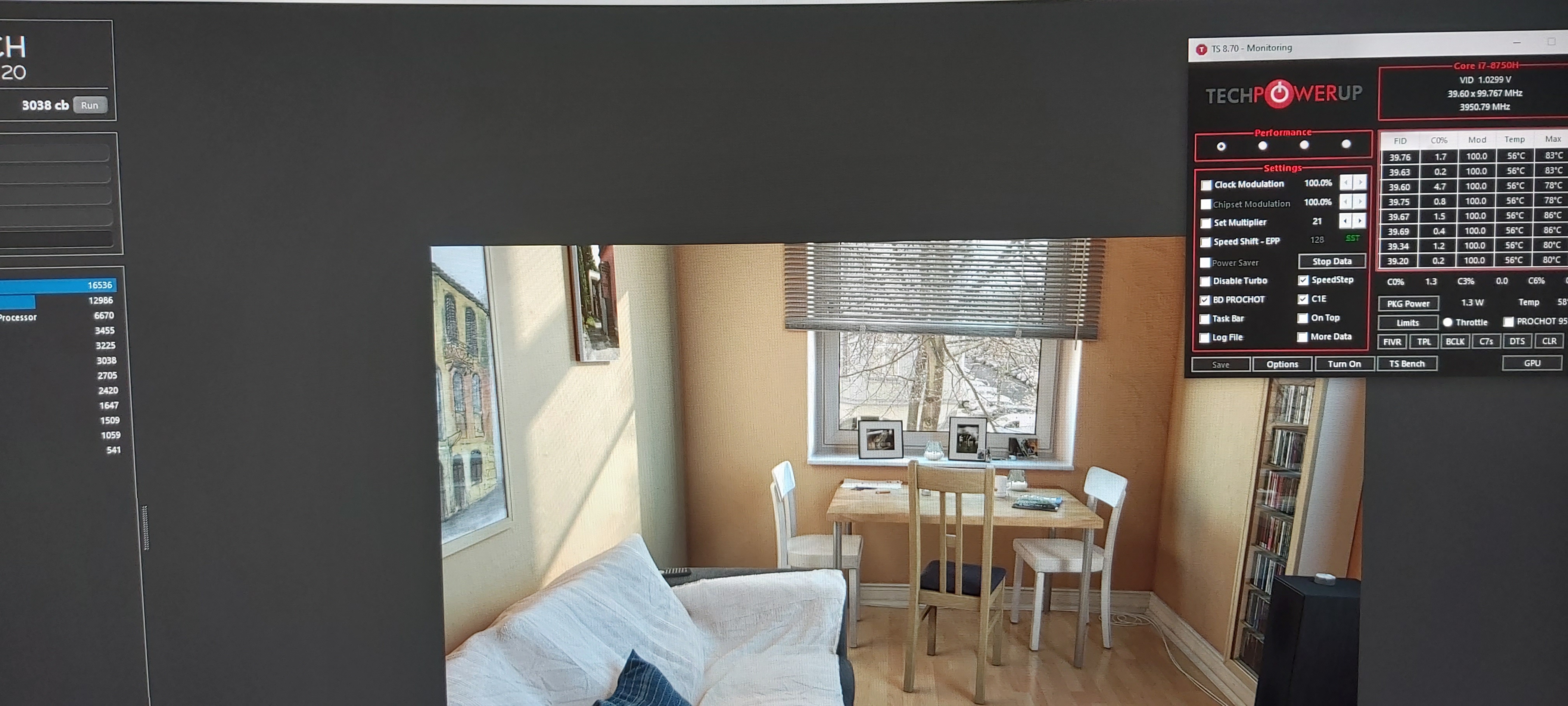
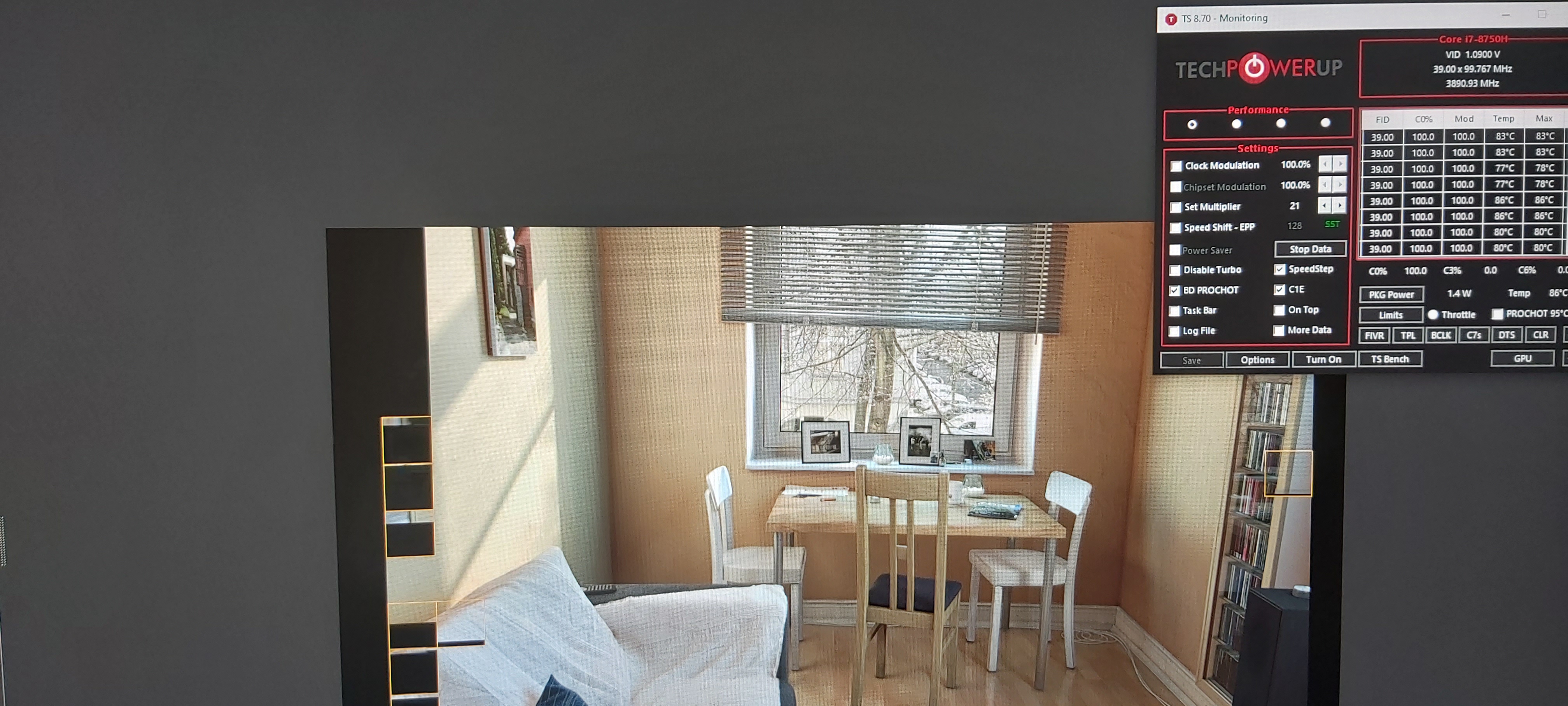
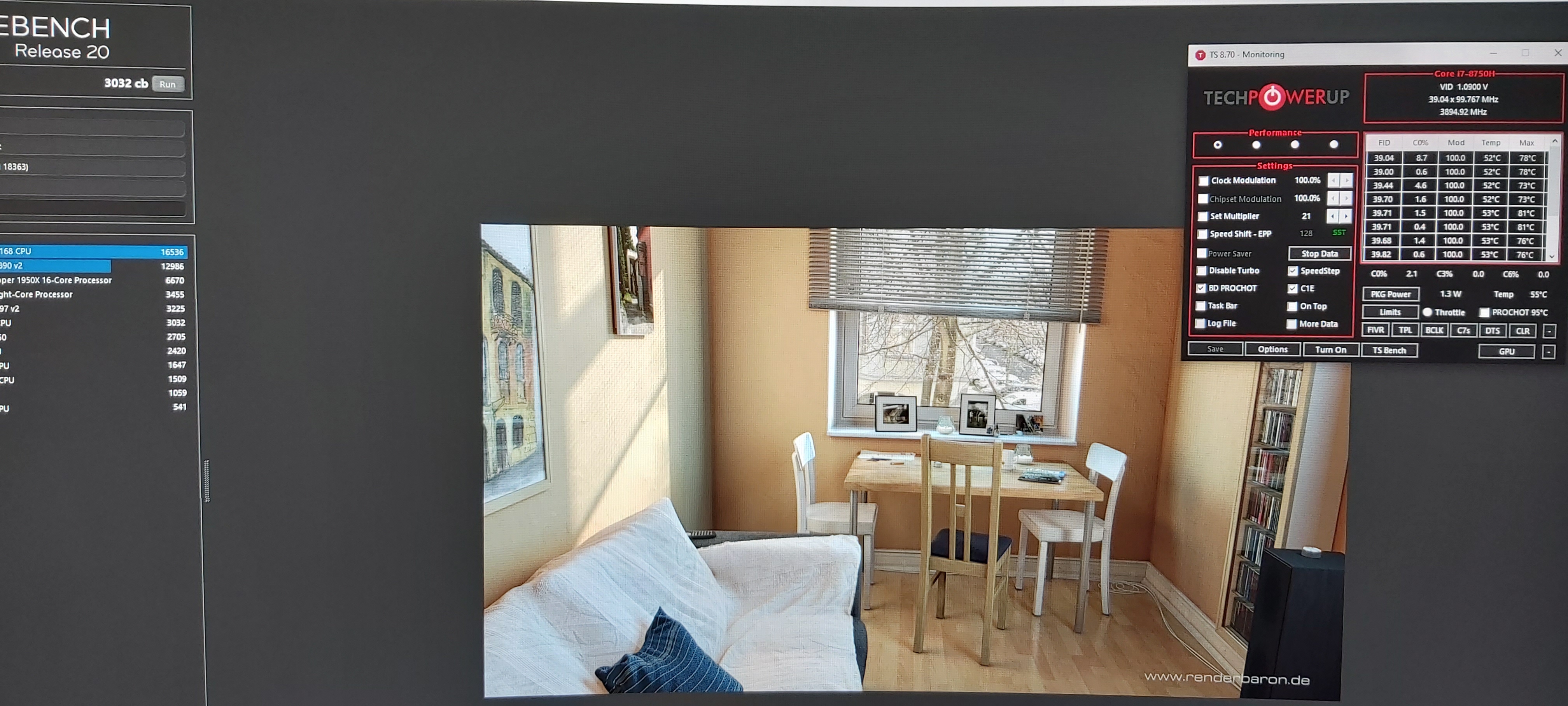
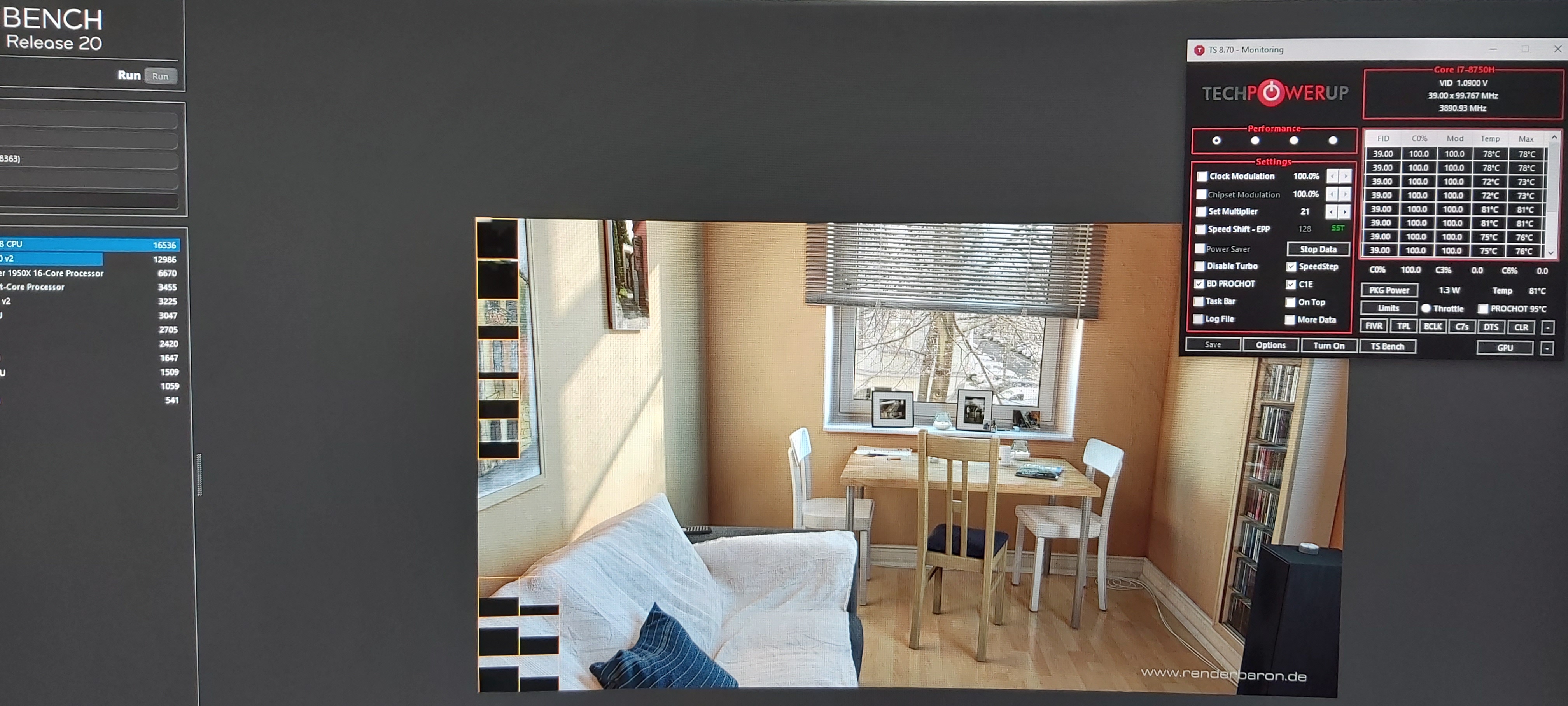
Well here is a test with auto fans and one with cooler boost at 3,9ghz
Max 81c at cooler boost and max 86 at auto fans.i thing it's something about ur undervoltAttached Files:
-
*** The Official MSI GE75 Raider Owners and Discussions Lounge ***
Discussion in 'MSI Reviews & Owners' Lounges' started by Spartan@HIDevolution, Nov 12, 2018.