Problems? See this thread at archive.org.
Maybe it's my paste job or issues with the heatsink. I'm hitting 84C on one core and 96C on the other even with Cooler Boost. But can't be bothered right now to redo everything again...
I did the IMON Slope Tweak from page 30 and everything else from those pages after...
No idea if it actually helps. Still running at only 3.7GHz for the temps and acoustics.
Think more useful would be to just buy faster RAM.
-
-
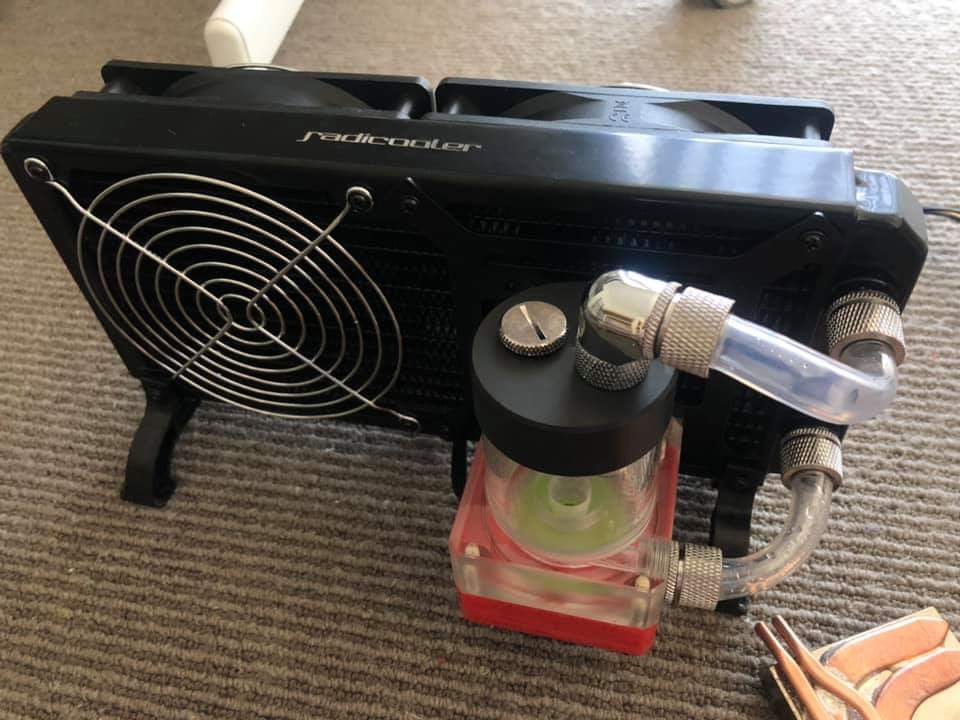
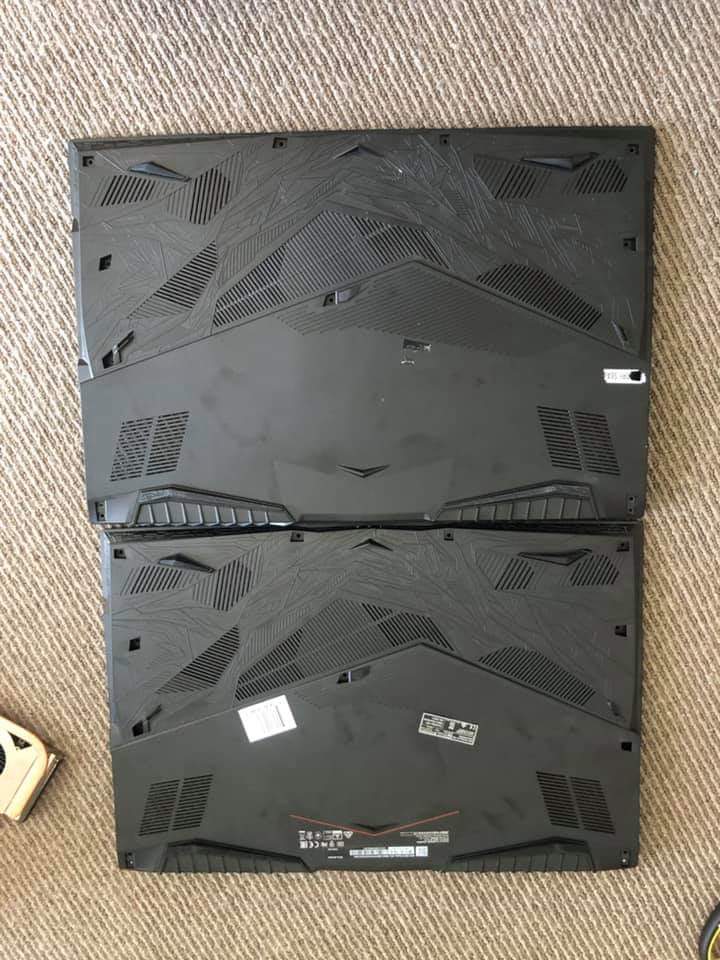
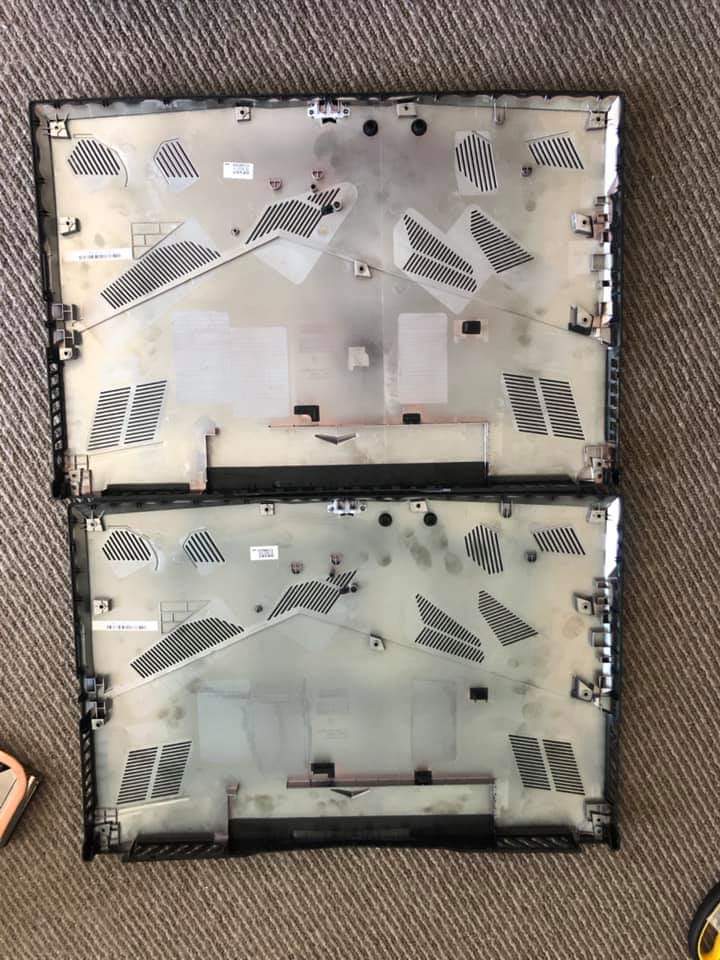
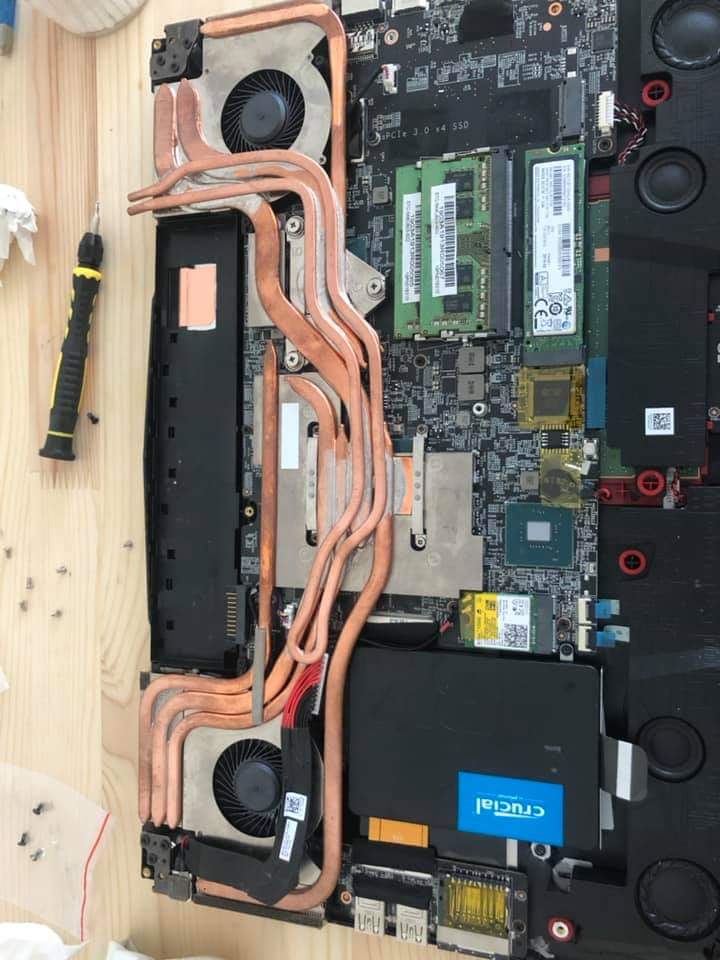
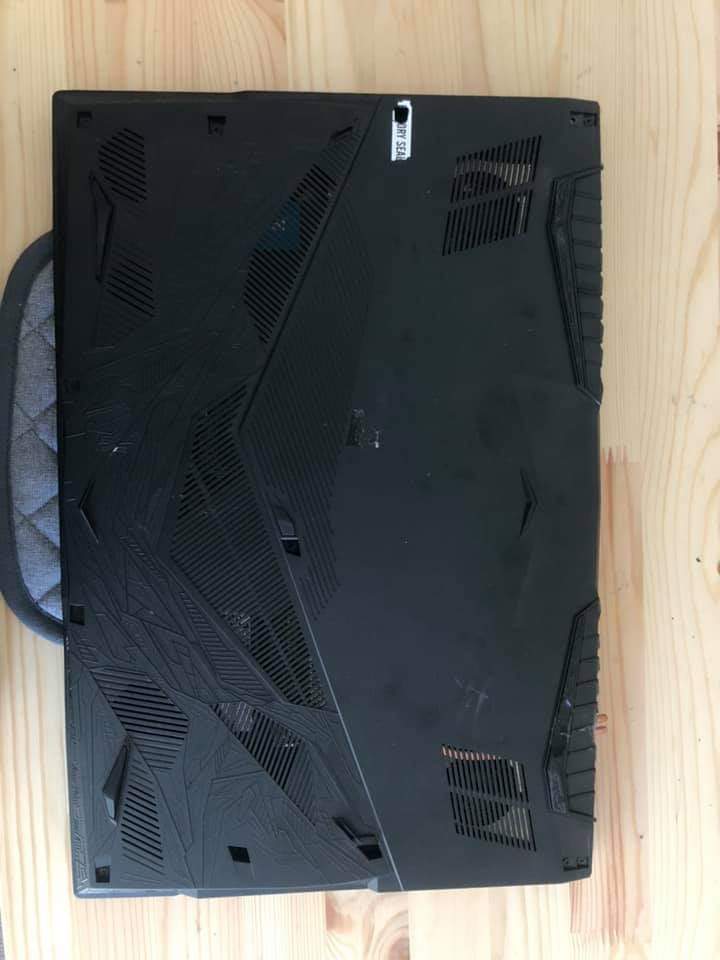
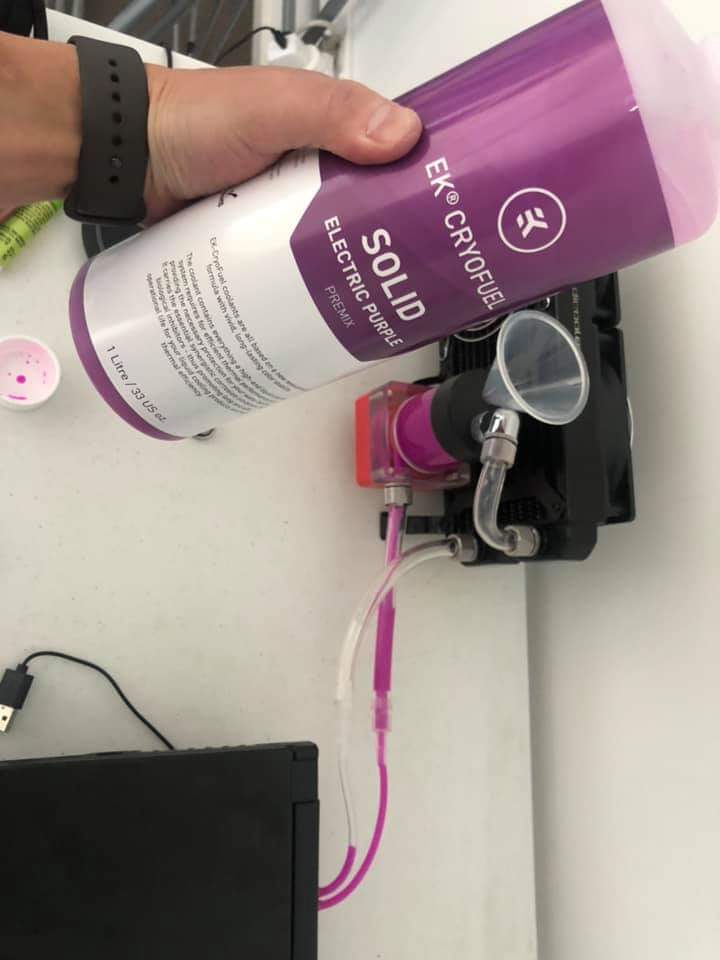
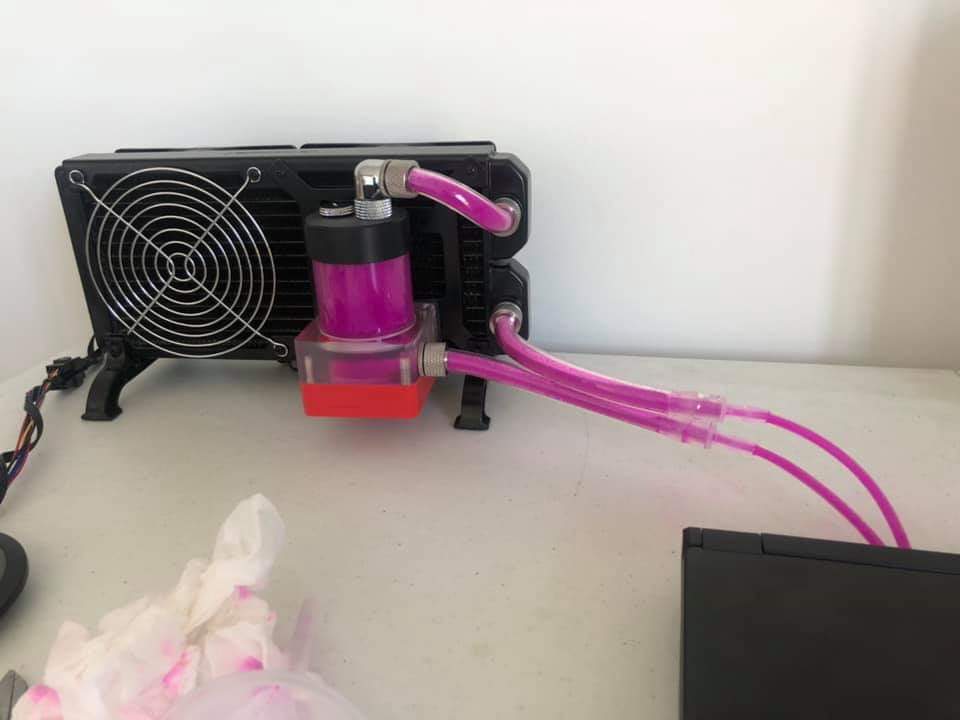
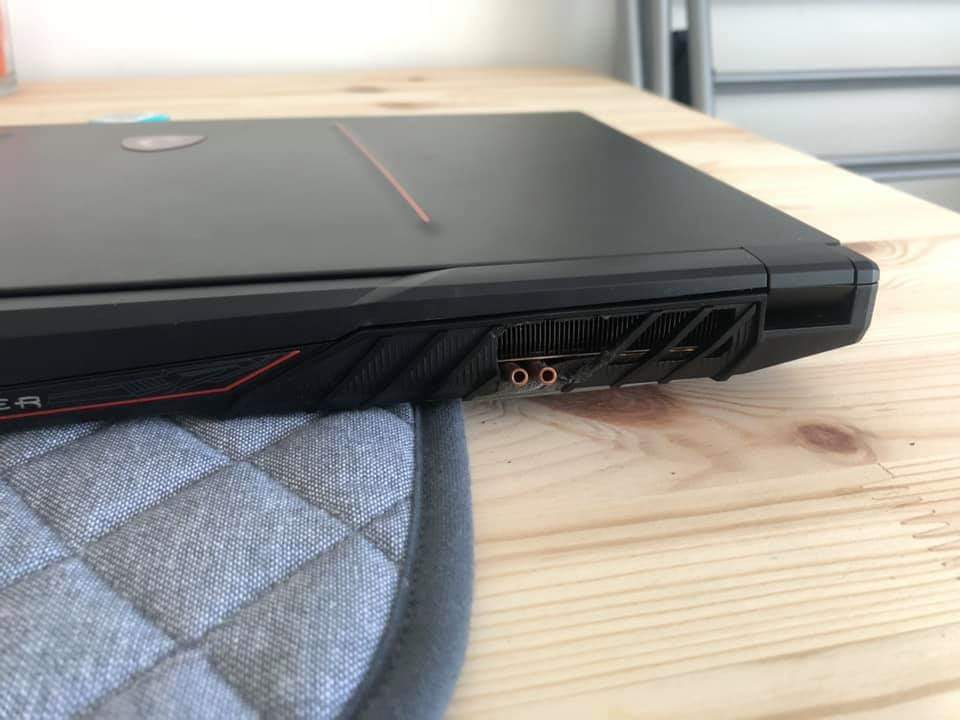
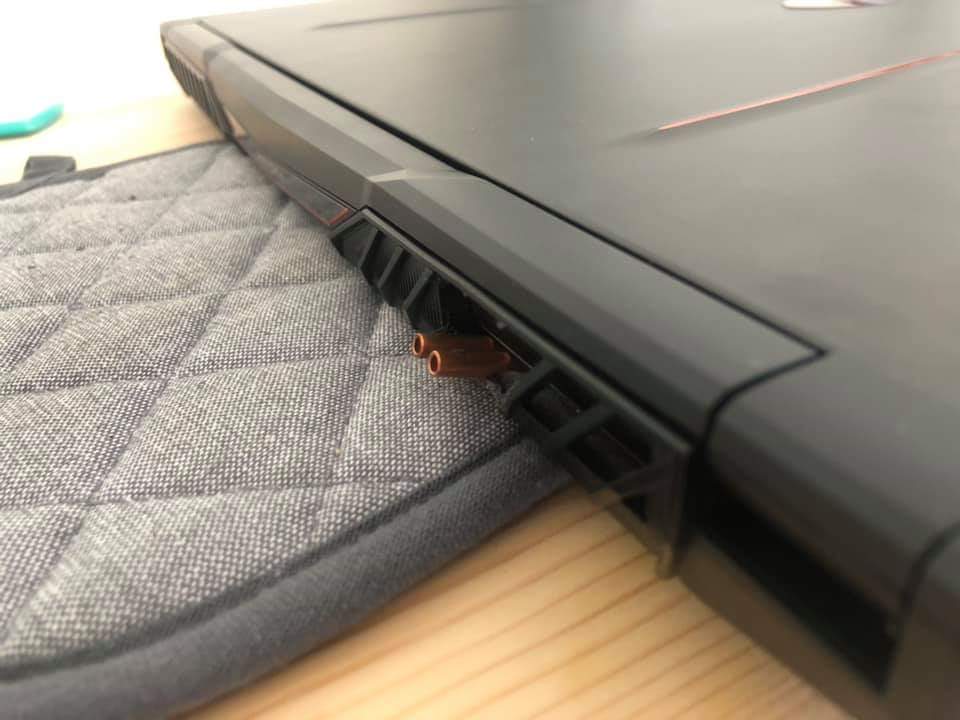
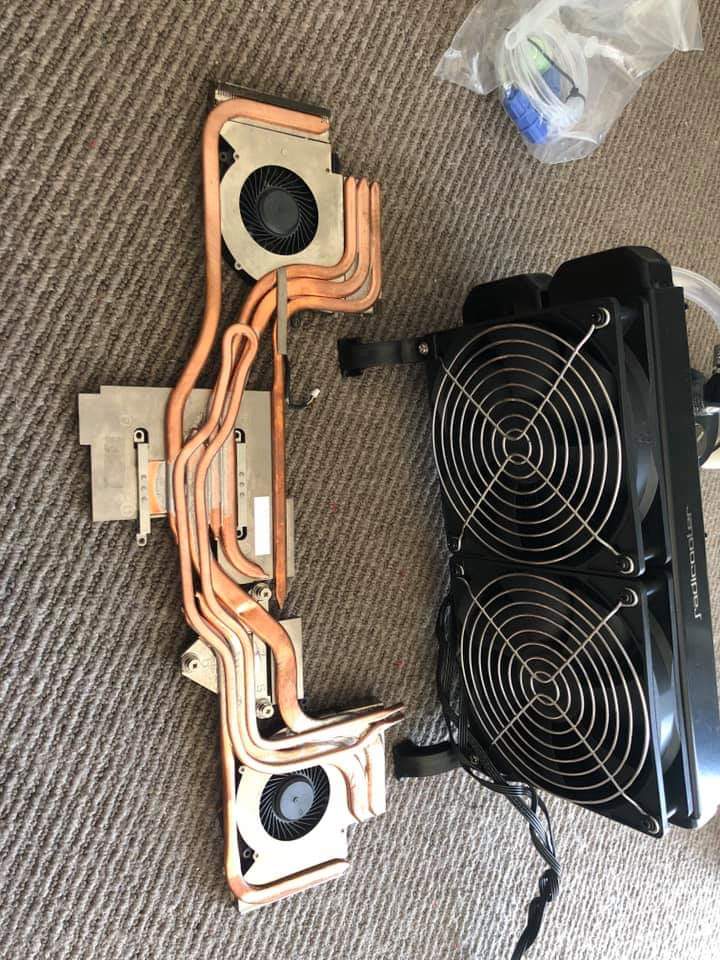
It's not mine but a guy project.he bought a 2nd heatsink and cover.also he said.use thermal paste not liquid metal.its under warranty for this he bought 2nd parts
Attached Files:
Last edited: Apr 20, 2020 -
-
It say works about 55+ c
Attached Files:
-
-
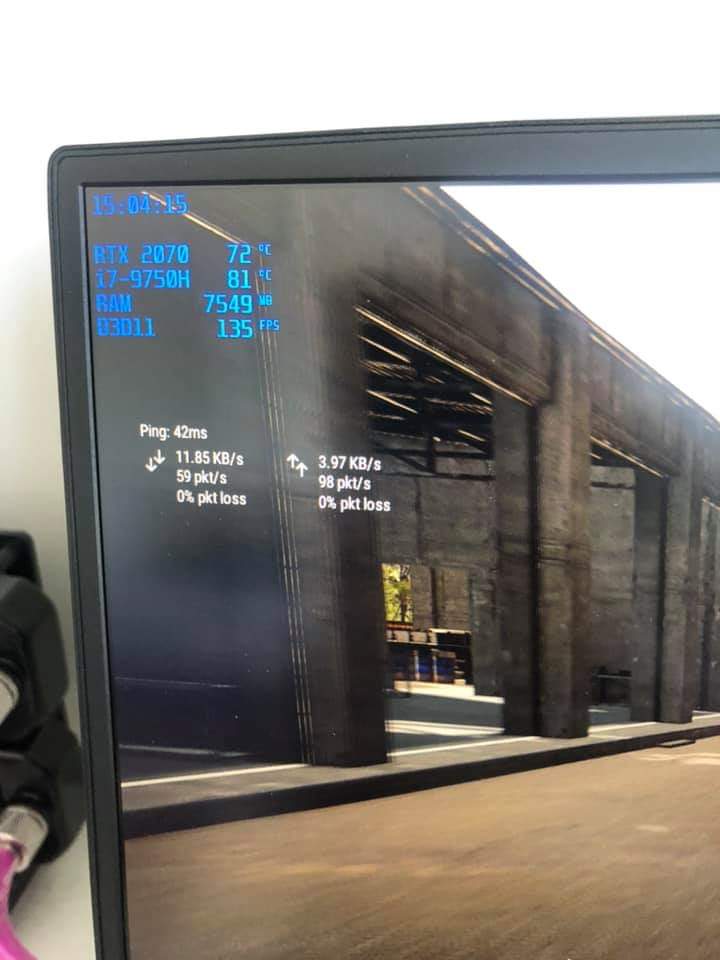
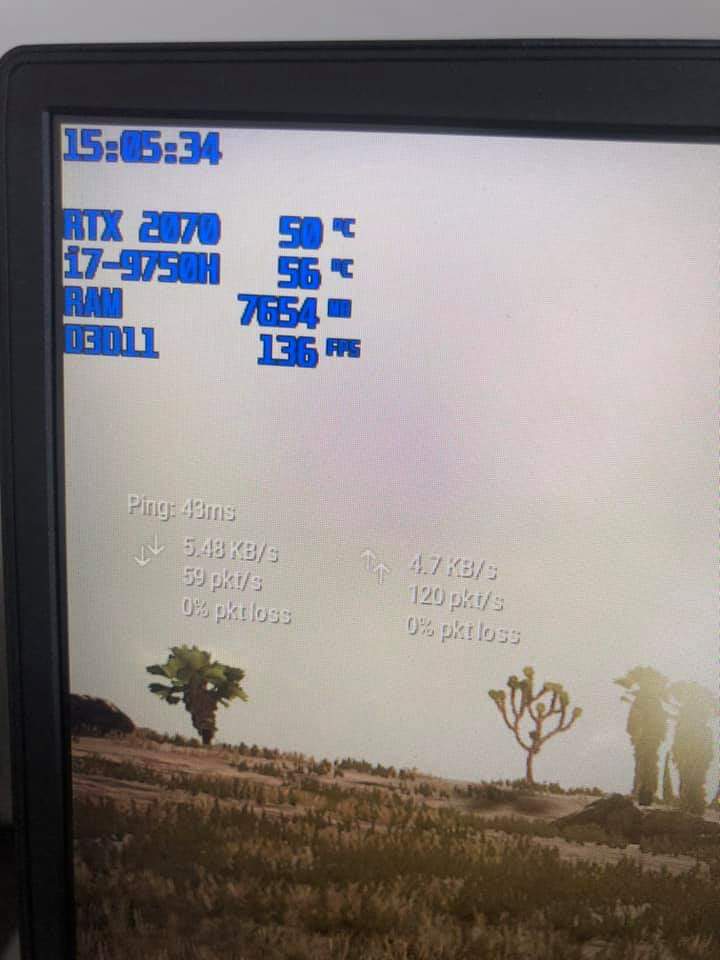
Before and after
Attached Files:
-
-
thats pretty high especially for a 20c room temp
my results in a 20c room
Sitting on an inactive cooling pad as a stand.also
repasted with gelid gc extreme cpu/gpu
-154mv TS
3.8ghz
auto fans
gaming (COD MW)
cpu 72-77
gpu 64-67 -
Are you using Silent Option or Dragon Center?
Silent Option seems to keep the temps around 83C on Auto Fan Mode. But they don't go much lower with Coolerboost anyway.
I have some screenshots somewhere where it says, when you do the Power Mod in Bios it won't be possible to go lower than -40mV in Throttlestop, but I can't find them right now so would have to do some additional stress testing. Maybe that information was wrong.
Ran prime95 (FFT's in place) for 10 minutes with -60mV and it seemed to be fine. Would crash on -100mV so there definitely is a difference to stock setting.
Right now it sits at 79-86C in prime95 with -60mV @3.7GHz. Not too concerned about that.
Coolerboost drops them to 75-82.
EDIT: The 4k Iterations bring the temps up to 83-95 and CPU down to 3.4GHz.
5450RPM on CPU fan. 2711 GPU fan.
Silent Option doesn't want to ramp the fans up any further. Not sure how that compares to Dragon Center.
Room temp during the day around 24C.Last edited: Apr 22, 2020 -
The amount you can undervolt depends on your cpu as well.
Did you change both the imon slope and ac/dc loadline?
I also changed my imon slope but for the ac/dc loadline part instead of 1 I put 130 and then applied a - 120mv undervolt. That gets me a cpu voltage of 1.14v when running prime 95 small fft at all core 4ghz. -
Did this. Dont see a "1" though...
Set AC Loadline between 5~10, this one decides how much the CPU should increase the voltage.
Set DC Loadline between 5~10, this one decides how much the CPU should decrease the voltage.
Set IMON Slope to 50
Set IMON Offset to 31999
Set IMON Prefix to " -", This is important, if you set it wrong you'll throttle like no tomorrow.
Set VR Current Limit to 928
Set TDC Enabled to Disabled
Set TDC Current Limit to 0 -
AC/DC loadline settings do not affect the power limit. They change the voltage behavior as the cpu clocks higher or lower.
For example, at stock the loadline is 180. That overvolts the cpu during load which is unnecessary and undervolts the cpu when idle/low load. At low loadlines the cpu isn't overvolted during load but is overvolted when idle/low load.
I did a lot of trial and error setting the loadlines and for my i7-9750H the best was to set a loadline of 130 and then undervolt the cpu by 120mv. That allows me to run at peak efficiency both at load and at idle/low load. (1.14v when stressing with prime 95 at all core 4ghz and 0.56v when idle at 0.8ghz) -
With Loadline 130 it's now thermal throttled at 3.9GHz with 1.09V.
Only able to undervolt to -80mV.
-90mV immediately freezes
But better than before.
btw should I use Speedstep or Speedshift and/or C1E? -
That's a pretty good result.
I use speedshift, it's newer and built for core i processors. Makes no sense that laptop makers still default to speedstep which was made for core 2 processors. Speedshift has much more frequency steps and reacts faster to loads. Use 63 for max performance (0 just runs it at boost clock even at idle), 128 for balanced and 192 for power saving. -
Great! Thanks a lot Dr. seanwee M.D.

Now I only need to get that RAM speed up, which is another set of nightmares and catastrophes waiting to happen.
-
No problem
You already know how to overclock ram right? -
Don't really know much about Ram OC but I tried a couple times to get the timings down at 2933MHz but everything past CL18 seems to fail.
Guess it's not the right kit for that. Some 2400 CL14 Hynix M-Die. H5AN8G8NMFR-TFC
Others were able to get it to 3200 CL18 on desktop systems.
https://www.reddit.com/r/Amd/comments/6miv2s/anyone_with_ram_settings_tips_tricks/
https://www.reddit.com/r/Amd/comments/6kcdga/timing_suggestions_for_reaching_3200_mhz/
Running XMP with a small change of Command Rate 1T instead of 2T. -
Loosen the timings to 22-22-48 first then try getting the memory speed to 3466, if not then 3200.
Only after you determine your usable memory speed then try tightening the timings. -
Can't get it to 22-22-48 no matter the frequency. Always reverts back to XMP timings.
I might get it stable at 2933 CL18 but thats not even worth it compared to 2400 CL14. -
Well, what you want to get is higher bandwidth with similar/very slightly higher latency.
-
http://imgur.com/gallery/CvcZVYO
At these settings now.
Can't get 3200MHz to boot. -
Try TRFC 570-600 and trefi 12000+
-
Hey guys....I'm having some issues with my GE75 9SF. GPU utilization is usually in the 50s - 60s but the issue I have is that I'm getting frame drops in games that aren't that demanding. I play Paladins and when the match starts the majority of the time the fps is locked at 175, but towards the end I get frame drops down to 100 then down to 80's which is very noticeable. Temps for my GPU are in the high 60s to low 70s and CPU are in the high 70s to low 80s. Any ideas?
-
http://imgur.com/gallery/mx8Wfmj
Got it down to 16-17-17-37 @2933MHz
It really doesn't like 3200MHz, no matter the timings.
If I can optimise other timings, let me know. Much appreciated.seanwee likes this. -
You could try these settings. I don't have all knowledge about this except the basics but a friend of mine put mine on these and it's working without issues for weeks already with improved fps.
If these settings are bad though. Please someone let me know lol.
https://imgur.com/a/LVaPnyH -
Single channel ram?
-
I have try in games
CL 17 2667mhz
Cl 18 3200mhz
CL 19 3200mhz
Cl 22 3470mhz.
All that at games was different about 3 4 frames.
The big deal was to move from stock rams. Cause of high CL and low mhz.
Btw stock rams cl 20 3200mhz it was really nice. I have got boost to some cpu games 10% + -
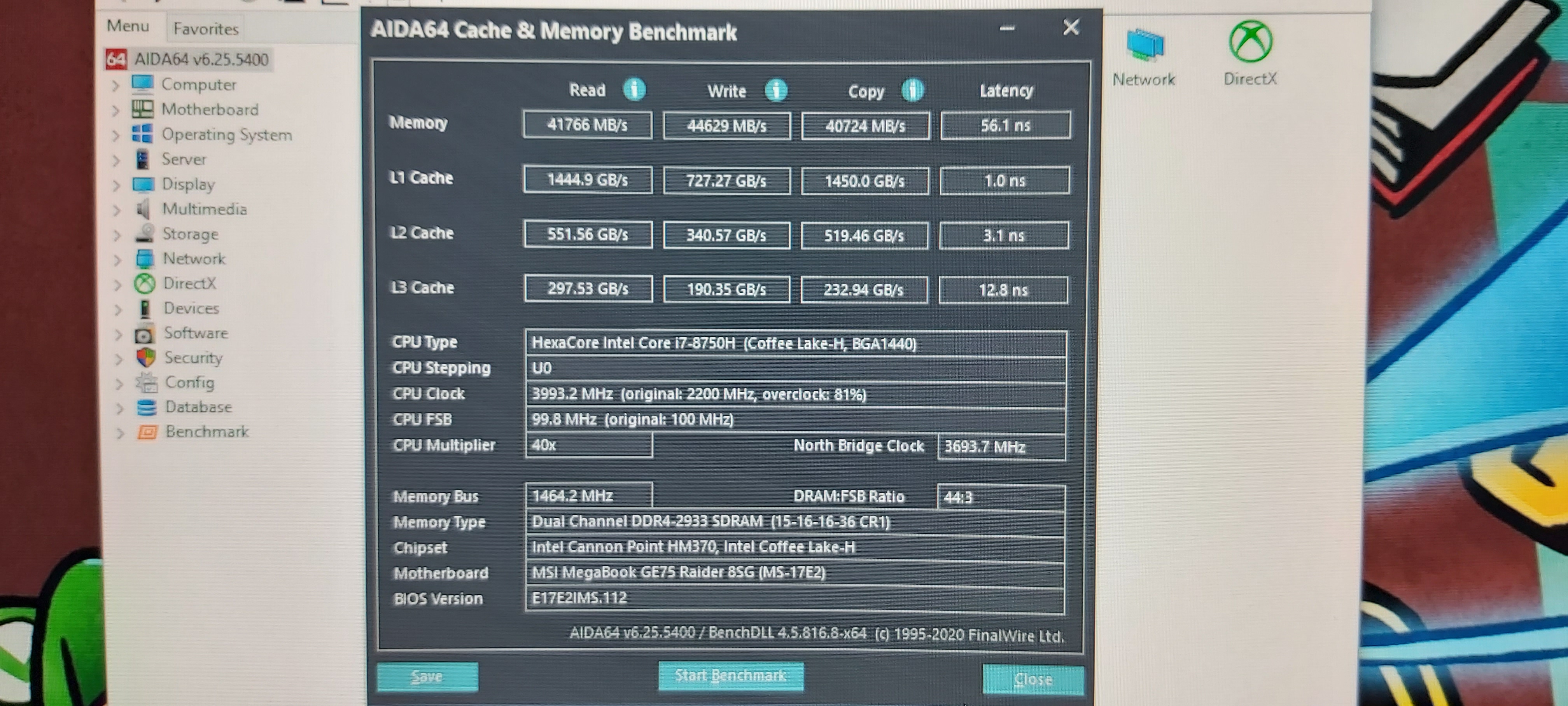
I'm using different Ram than stock. Got them further down to 15-16-16-36 @2933MHz.
They still refuse to boot @3200MHz, which can happen with the specific kit I got.
Already seeing improvements in games. -
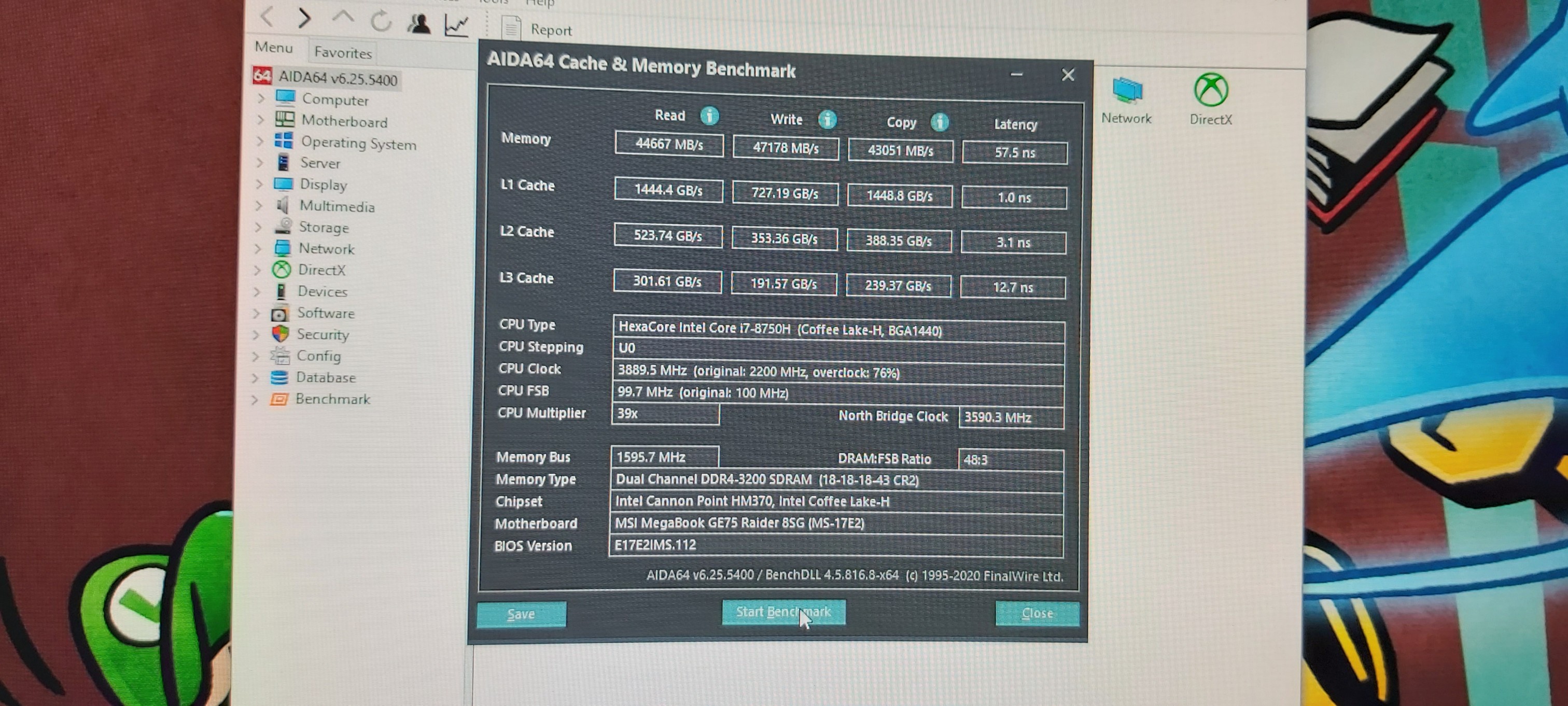
Can you run aida64 memory test?
-
What ram u use? I use gskill cl18 3200mhz
-
For runs stock at xmp profile,just choose xmp profile and make uncore +125.
It need a little bit feed more than stock -
There's no need to make uncore +125, it just generates more heat and wastes power.
Intel desktop cpus run up to 3800mhz just fine without any offsets. -
I thought he talking about laptop
-
Laptop 8750h 9750h are the same thing as the desktop 8700k
-
With 8750h if I'd i dont feed the memory control at stock 3200mhz rams the laptop doesnt boot.
-
Tweak your timings. Increasing system agent offset works but it's a brute force method.Ulukai likes this.
-
I mean the stock gskill rams at xmp profile not.at custom
-
XMP only contains primary timings, secondary timings are automatically set by the motherboard and they are usually quite bad.
-
Yea that I mean if I dont raise the uncore like hackness guide the laptop cant handle cl18 3200mhz. Btw I dont see any difference temps compare cl17 2667mhz 0 uncore to cl18 3200mhz 125 uncore
-
Nah....dual 8 gig sticks
-
And ur gpu load when playing it's at 50-60%?
-
Yea...it's weird. At times it hits 90%+ GPu load and I get 160+ fps, then the more enemies that spawn (talking about Warframe btw ), the GPU load decreases and fps tanks to the 80s. BTW this is a brand new laptop I got from GentechPC...got it last week. Maybe there's something I haven't done yet idk.
-
What ur cpu clock speed when happens this at gpu? U have seen?
-
It's between 3800-3900Mhz
-
If u have still full cpu when happens this then something to drivers or at game.check some settings at game like vsync.sometimes vsync its bugged.try turn it off
-
Vsync is always off...one of the first settings I turn off in games I play lol. It may be the drivers but I DDU'd and reinstalled the driver. Tried the driver on MSI's website too.
-
Oh warframe, it has really poor multi core usage. It's usually limited by the single threaded performance.
-
sigh....so I'm stuck with that 3.9Ghz huh?....that sucks.
As long as my laptop's ok I don't really mind. Either way thanks for the help guys. -
Thx for sharing this !!!
I put those timing on mine with stock ram ! Works great for now and the best improve I tried.
I also undid the uncore overvoltage (thx seanwee) --> -5° for the CPU, now it works @ 4Ghz at 82°c maxblacklupus likes this. -
But what about the the 1,35 ram voltage
That I dont know if have any hide bad effect -
Attached Files:
-
-
And.this is 3200mhz cl18
Attached Files:
-
-
Note that this is not the RAM that came with the Laptop. Listed the module description on a previous post.
You might get yours to 3200 CL18/19.
Was able to get my timings down to 15-16-16-36 with 1.30V @2933MHz
Rest was the same as in the picture.
Seems to be stable so far in gaming.Attached Files:
-
*** The Official MSI GE75 Raider Owners and Discussions Lounge ***
Discussion in 'MSI Reviews & Owners' Lounges' started by Spartan@HIDevolution, Nov 12, 2018.