Problems? See this thread at archive.org.
so would you happen or anyone else happen to have have links to what i would need to buy exactly for the GT72 2QD setup. i cant find a site to purchase the stuff from. thanks for the help. its very appreciated
-
Yo check that link I sent you earlier it explains your problem and how to fix it and even gives u model numbers of compatible drives. And you can buy them on newegg.
-
all that pdf did was confuse me further. so there are like 5 different types or what???? sata interface and PCIe and type b and m and bm and and blah blah blah. all i want is a link to buy the chip. THATS IT.
4 x M.2 Socket 2 for B Key Type 2280 is that what im looking for cuz i have no clue, or......... ??? how ridiculous.
this is the most confused ive ever been shopping for upgrades EVER. then i look online and sata chips dont look like they will fit and the pcie ones look like they would but then i read that i cant use PCIe and wtf?Last edited: Mar 21, 2015 -
I'm sorry I can't help you then. It was pretty straight forward to me. I don't know what to tell you. If you can't figure this out, then it might not be a good idea for you to be upgrading, because it gets alot more complicated after you install the drives. I suggest you read up on SSD technology before you attempt this.
-
what do u have installed in your laptop.its the same setup more less right
Last edited: Mar 21, 2015 -
http://www.newegg.com/Product/Produ..._re=M.2_2280_sata3-_-0H9-00AR-000A9-_-Product doesnt look like it would fit, but that pdf says its what i need.
http://www.newegg.com/Product/Product.aspx?Item=N82E16820147349 this one looks like the one i need but im told its not what i need.
so which is it. we are using the same laptop on this thread arent we so whats hard about telling me what chip u have installed guy.
not meaning to offend. this is just getting frustrating lol.
I DO appreciate the help ur trying to offer me. i really do. it narrowed my search down, but i want to get this right. bios configs are easy its just finding what i need it=s the issue.Last edited: Mar 21, 2015 -
I understand, no worries, I am not trying to offend either. Let me see if I can help narrow this down for you. There are a TON of different m.2 formats unfortunately. What the PDF was trying to get across was to show you what to buy and what not to buy. So... basically there a three main differences in cards...
1. There are three main connectors on M.2 cards which are M, B and M+B. M+B is your best bet because it can be installed in either M or B so look for an M+B card. Most new cards are coming out M+B anyways. You also need to be very careful not to install it backwards one side has 6 pins and the other side has 5 pins, so you need to make sure that you look at the connectors carefully before inserting the card.
2. There are 2 interfaces which is basically the pathway that the information from the Drive travels through the board. The two options are SATA and PCI Express. MSI uses the SATA only.
3. There different sized of cards as well. This is a quote from wikipedia on the different sizes, "T he M.2 standard allows module widths of 12, 16, 22 and 30 mm, and lengths of 16, 26, 30, 38, 42, 60, 80 and 110 mm. Initial line-up of the commercially available M.2 expansion cards is 22 mm wide, with varying lengths of 30, 42, 60, 80 and 110 mm." So in a nutshell there are a crap load of sizes BUT, the only size you need to worry about is the width which is 22mm and length which is 80mm.
So MSI only uses one form factor 22mm x 80mm or 2280 and they only run on an SATA interface. They use both M and B keys so just buy one that is compatible with both which would be a M+B card.
So to sum it up. Buy a M+B card that runs on the SATA interface and the size of the card should be 2280.
If you go to newegg.com, Computer Hardware, Storage Devices, SSD. On that page you will see some options in the middle. Click the one that says "M.2" On the left hand column under Interface select "SATA III." Then select the capacity you want on the left hand column and price it low to high and SLOWLY go through each card to find a 2280 that fits your specifications. That is how I did it. Crucial sells a pretty good card from what I understand.
I hope that helps. -
ok that makes plenty sense now! i was reading something earlier about m+b crap when i decided to start searching on these M2 cards. i was thinking samsung. they haven't done me wrong in the ssd department yet.
-
Just remember it needs to be the sata type and you should be ok

-
Samsung is great, but I believe crucial has them beat I the m.2 field of cards.
-
In sata samsung never offered a propper evo type m.2 ssd which is annoying.
-
Agreed. And why not? They are such great drives... That was the first thing I looked for when I was looking to upgrade my M.2, I wanted a vertical drive.
-
They seem to be focusing more on the pci express side (which is where things are going so research is valuable) of things. I think samsung considers it to niche for m.2 SATA.
-
Selling my top of the line MSI GT72 Dominator Pro-445 for a great value:
http://forum.notebookreview.com/thr...laptop-gtx980m-i7-4980hq-17-ips-panel.773232/
IPS panel 1080p
i7-4980HQ 2.8GHz - 4.0GHz
NVIDIA® GeForce GTX 980M (8.0GB) GDDR5
16GB DDR3 1600MHz
128GB(x2) SSD in RAID 0
1TB 7200RPM HDD -
Now your moving in the right direction
-
And now I must depart the 880m owners thread... BECAUSE I JUST INSTALLED MY GTX 980M!!! Oh yeah! If anyone has any questions about how to go about it, feel free to hit me up!
-
Hey may I ask where you got your 980M? I can't seem to find any. Though I live in Turkey that might be why. But I still wonder where you got yours? Maybe I could get it as well and install it here.
-
I had ALOT of trouble finding the kit. Most places won't sell it outright or were marking up the price outrageously. I finally found it here... http://www.memorydepot.com/detail/957-178111E-001.html But I bought the last one, it is now on back order, but if you pre order it from them, you can get it at the price I got it just in case it goes up.Morgoth55 likes this.
-
Hey thank you! That seems quite cheaper than I thought. Better for me I'll be sure to get in touch with them as soon as I can. Thanks again!
-
-
Has anybody update this laptop to windows 10 ? did you do a full install or just a upgrade ? did you have any driver issues with anything ? (Video card switch button, keyboard, USB, etch...)
Thanks -
The GT72 fully supports windows 10 so there should be no issues
If you run into anything just grab the latest drivers from MSI.
-
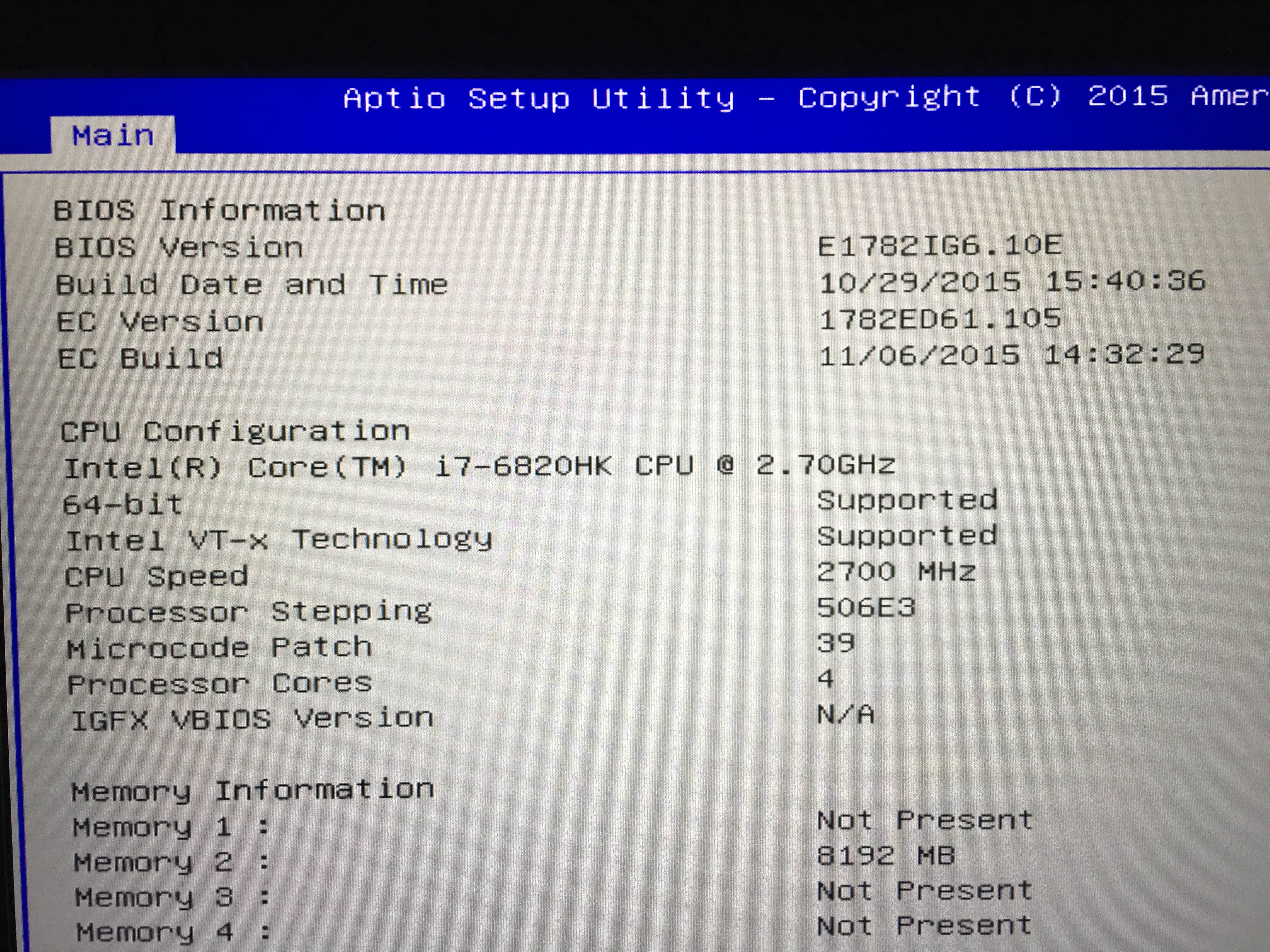
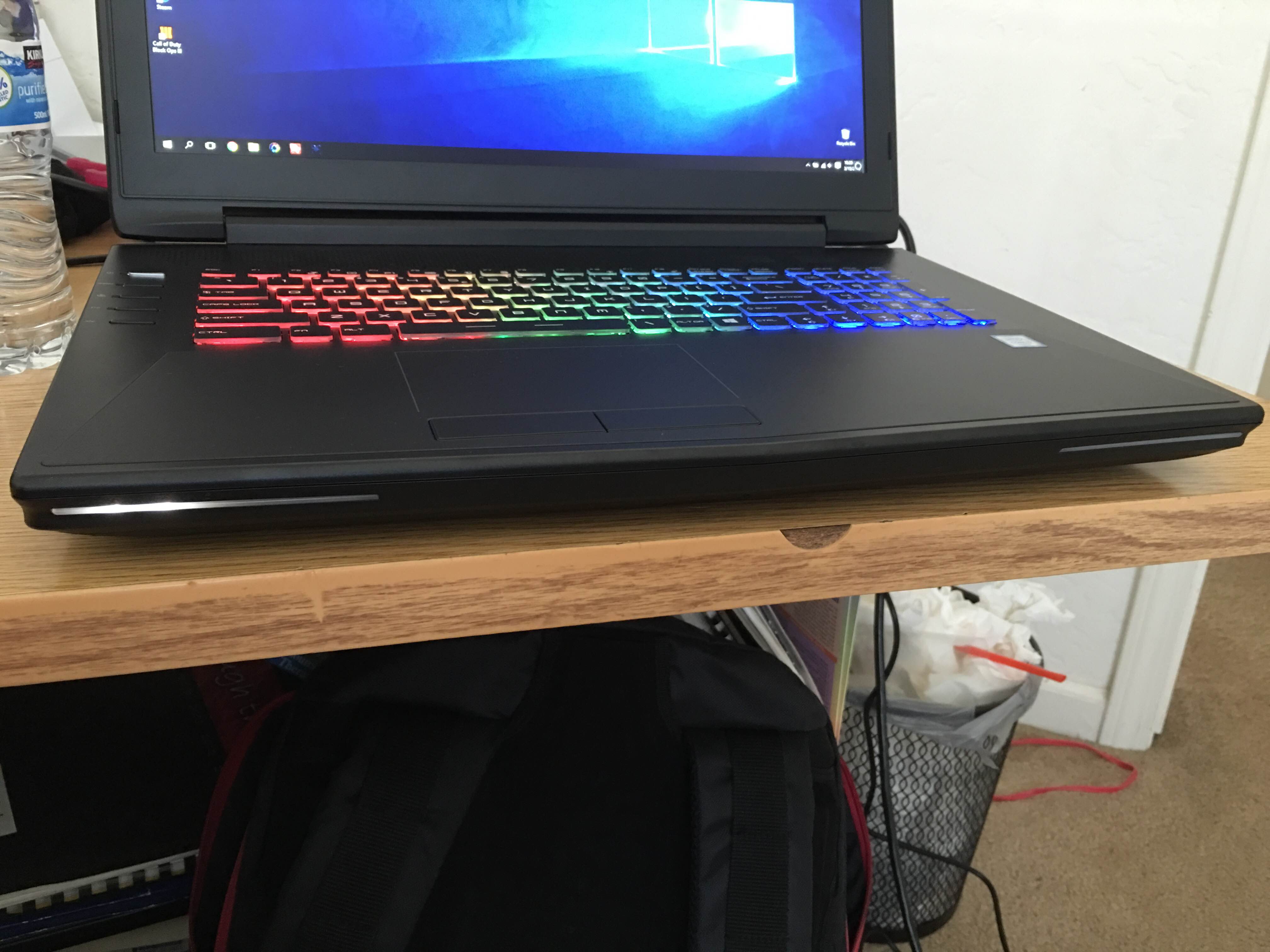
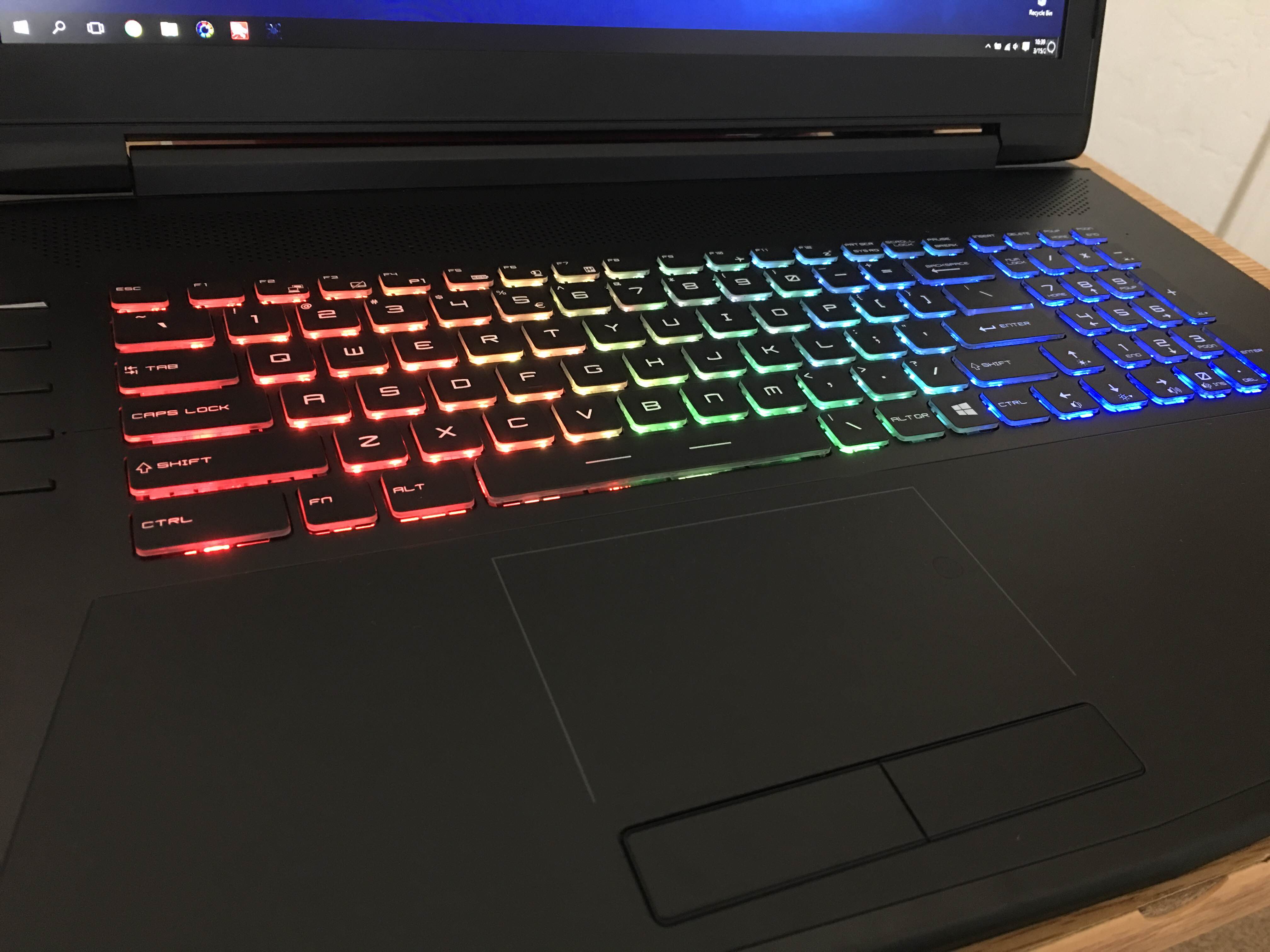
Hey everyone, please help me with my issue. I ordered the MSI GT72 barebones with the 6820hk and gtx 980m. I received it and got the keyboard lighting to work with KLM but not with steelseries engine. Also my touch pad lighting and front LED lighting does not work! Is it due to the BIOS on the barebones being different? Here are pictures to show what I mean and my current bios. I'm using Windows 10 as well. Is it safe to install a gt72 branded bios into the gt72 barebones?
Attached Files:
-
-
Unfortunately, SteelSeries engine doesn't work on barebone unit due to licensing restriction.
And it is possible that the limitation has something to do with BIOS, or recognition on the keyboard itself.
Flashing a MSI-branded BIOS onto a barebone system can be risky as the system can be bricked upon a forced flashing method. But if it works then you may be able to use SteelSeries Engine. Please note that you are going to do this at your own risks.
***The MSI GT72 Dominator Pro (GTX-880M) Owner's Lounge***
Discussion in 'MSI' started by -=$tR|k3r=-, Jul 17, 2014.