Problems? See this thread at archive.org.
Zero dead pixels here. If you are really concerned about dead pixels, then PowerNotebooks has the Elite series:
http://powernotebooks.com/configure.php?special=351
...which have a no-dead pixel warranty.
-
-
The HEL80 has the better build quality and materials, and by quite a margin.
-
hm... what about the heat and noise level compared to the s96j? same, better, or less good? (33percent seems to suggest/implies it gets warmer easier than the s96j, or im just out of my mind)
-
Is the bluetooth version 2.0 EDR or just 1.2?
-
I don't think anyone, including 33percent, other than a dealer would have both models side by side to make the comparision you are asking for.
What I can tell you is that the HEL80 is unusually quiet, and runs unusually cool. -
I'm also curious about this........
?? -
I am too. It is the Foxconn T60H928 Bluetooth module, but at the moment I cannot Google and find anything out about it. Sooooooo, I have contacted Taiwan and should have an answer by tomorrow...with any luck...stay tuned!
-
One of the many strengths of this model. Even at full tilt, the fan is not bothersome and it keeps the notebook well-cooled.
-
Ok so i'm not ACTUALLY a Hel 80 owner but don't shoot me. I was just wondering what made everyone choose the compal over the S96J. Or (if applicable) why you didnt consider the Asus at all? Thanx..
-
Check the first page of this forum...
http://forum.notebookreview.com/showthread.php?t=60006 -
Just read through the 21 pages of information. I must say this forum has kept me from getting a full 8 hours of sleep, but I love reading every post. I too, am waiting for sufficient funds to purchase one of these nifty little machines. When I purchased a laptop for my g/f it wiped me out. I can't believe I was so set on buying a Dell when there were so many other great options and sellers available. The HEL 80 has everything that I could want and everything that I can upgrade later, including the coveted Memrom processor. I don't think I "need" a tv tuner just yet, but again it can be added on later. I think we are all waiting for the Chaz review.
-
I DEFINATELY considered asus. ive been waiting for the z96j since end of MARCH. after a few delays and many months later, i came across the HEL80. s96j was tempting, but i wanted high res. I also knew i wanted 9cell battery, and that is standard in the compal and probably wont be in z96j, which saves me 110$ on getting the 9cell spare. Judging from reports, the build quality is as good or better than the s96j (i assumed they were equivalent in my decision making process). I also liked the feature set of the HEL (fingerprint, bluetooth, etc) and bluetooth isnt offered in s96j.The biggest one though was availability. i was really really sick of these delays from asus on the 96j models. they really dont care much about the north american market; we come last after the rest of the world and all of their manufacturing contracts, hence the delays. I was geared towards the WSXGA glossy as opposed to matte, but i really doubt that the glossy on z96j will be substantially better than compal's matte offering, especially after hearing what people have said about the matte screen... the glossy one may even turn out to be worse, depending on asus. i goto UCLA, where it is very sunny, and i would like to be able to use my laptop in more places without annoying glare.
one complaint i have so far though is being unable to find a barebone or *partially* configured WSXGA+ HEL80 since i baught an HD and ram from newegg last month (in anticipation of z96j that never came), but things worked out well with powernotebooks anyway. its definately worth calling in for their promotional stuff over the phone. all in all, when i weighed things out in my head, i really dont see the z96j, which is unavailable, being significantly better than HEL which IS available ... so i realized i didnt have much reason to wait. -
I know I have been since it was mentioned he was doing one. I'm not sure I can wait, though. I have what I think is an ideal config of the PowerPro L 8:15 spec'ed out.
I really only have a couple remaining things keeping me from calling to order, and all but one are just config decisions -- like what proc to spec: shoot low and plan to upgrade to Merom, or get a faster one and wait until the next machine to go 64 bit? That sort of thing.)
That last niggling issue is that darn fan intake on the bottom. It looks like it'll fall right on top of a user's leg when using it as an actual laptop. Seems suboptimal, and might be a problem for me. However, after weeks of research, there doesn't seem to be anything else that meets my most important needs, so I may just have to suck it up and get/make some sort of laptop pad for use on my lap.
I guess I'd just feel more comfortable if someone (preferably with something like Chaz's credibility, but any feedback would be helpful) could say if it is possible to use the HEL80 on the lap comfortably. -
i went higher on processor speed because i will not be upgrading to merom right away. definately waiting about a year when it will be less expensive. the transition to 64 bit will be anything but quick, so i thought going with 2ghz over 1.66 or 1.86 was the way to go, given the may price drop.. alot of RAM is good either way, so i maxed that out too.
im also curious about the lap issue, but i know i read somewhere on this forum that its definately not a problem. either way, i already ordered... waiting anxiously!
-
Will this be a trade-in sort of thing, where we get some sort of credit for the proc we're sending back toward the purchase and installation of a Core 2 Duo? Or will we just be purchasing a new CPU and paying you to install it? If the latter, what happens to the old CPU? If the former, would the credit be based upon the speed of the trade-in?
I'm sure it's too early for specifics, but I guess what I'm trying to figure out is what speed processor it makes sense to buy now, if the Merom upgrade is a near future possibility? It looks to me like the 2.0 is the current optimum from a price/value standpoint. But, depending upon how you think the upgrade program might work, it might make more sense to just get a 1.67 for now, if you see what I mean. -
I am sorry but we have no more use for an outdated and used processor than you do. We only sell brand new laptops, so the processor upgrade will not include any sort of credit for your old processor. Once we have done the upgrade for you we will return your old processor to you.
The difference between the T2300 and the T2500 is only about $100...that is less than $10 per month over a year's use. Get what you want, use it fully, and upgrade when you are ready. -
With the outdated processor, one could always eBay it or post it up on Craigslist.org You'd be amazed at the stuff people buy. A Yonah processor is still a great processor regardless when Memrom comes out. People are still using celeron chips, and if you get someone who likes barebones systems buying a used cheap processor wouldn't be such a bad idea.
-
My main issue was the nVidia graphics set. Availability was also an issue. I had to wait another 2 weeks for the ASUS.
-
I figured as much; just wanted to be sure. The possible Merom upgrade isn't really that big a draw for me anyway, but I thought it made sense to ask. Thanks for the info.
-
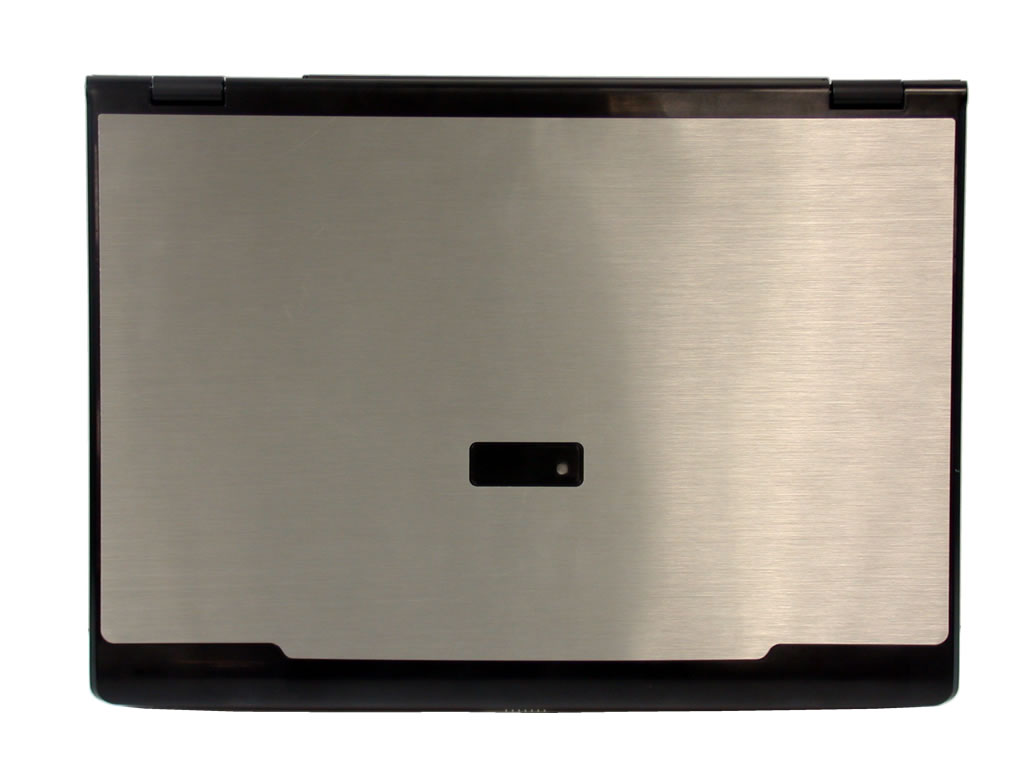
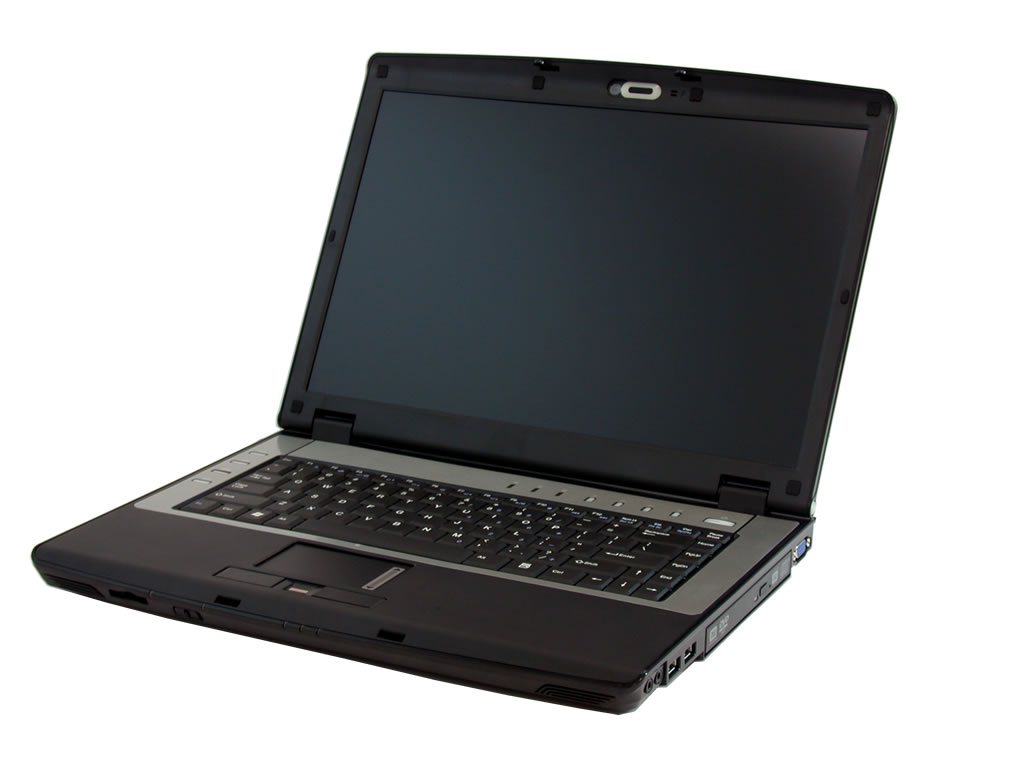
does the HEL80 differ from country to country? I just saw one that looks exactly like the North American one.. black with aluminum trims and lid.. BUT where it differs is that there's no copper around the keyboard.. and the lid is black and aluminum rather than silver and aluminum.. it was quite attractive!
-
Give us a link so we can see what you are looking at.
-
come on, this is quite sexy
Attached Files:
-
-
I like the coloration of back lid on this one! Do you have any pics of the keyboard area you can show us?
-
Wow!
Any chance of that coming to the US?!
Where did you find it? -
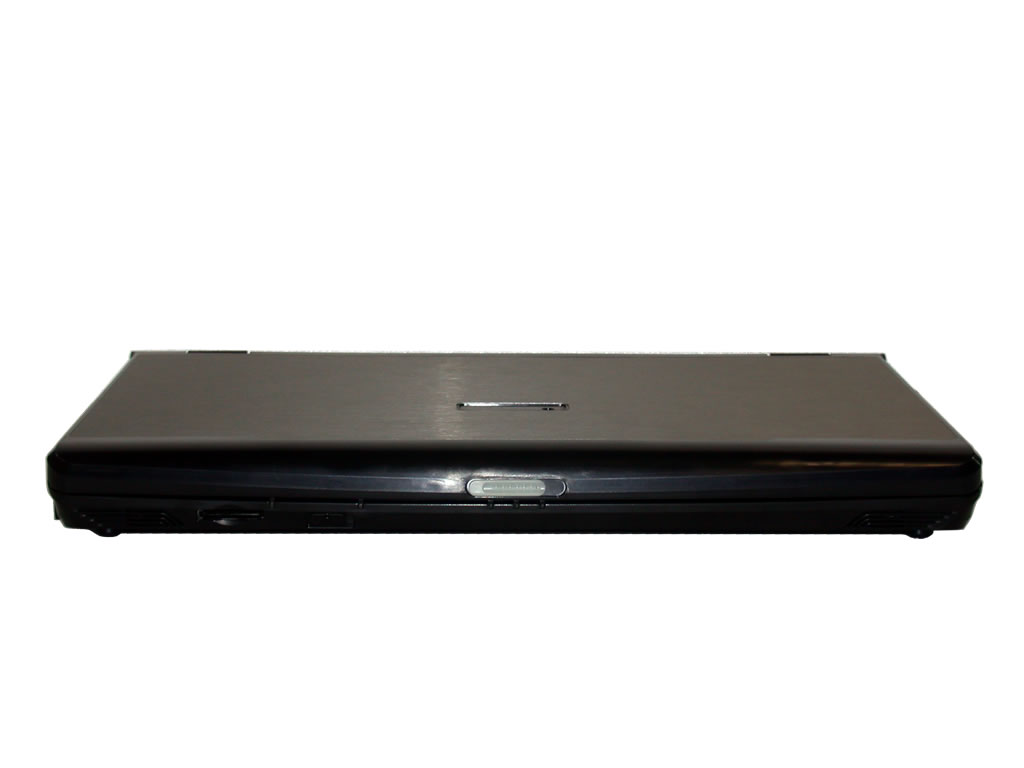
here's the front, and here's the keyboard. As you can see, no copper lining around keyboard.
From the front angle, it looks like a bigger W3J!!
I found them on Anadem's site.Attached Files:
-
-
I wish this was the version in the US. I like the black touch pad and mouse buttons also. I wasnt very fond of the copper ring around the keyboard
thanks for the pics -
Now why'd ya have to go and show us all this? I thought the HEL80 was gaudy enough w/o having an actual example of a good looking one to compare to.
For those interrested in torturing themselves further, more pics are here. -
it seems like the hinges would be more susceptible to stress cracks without the brushed aluminum going all the way down to the hinge like on the models we've been looking at.
edit: just to clarify, i'm talking about stress cracks on the lid around where the hinges are located. i have this problem with my current sager, and i was glad to see that the entire lid of the hel80 appears to be aluminum. paladin, can verify whether the entire lid is aluminum or are the bottom parts by the hinges painted plastic? thanks! -
Well after i've just learnt by getting a rather large deep scratch on the top of my hel80(dont ask how it happened lets just say it involved a child and a screwdriver) underneath the silver plastic edging it is black, also, the temperature of the laptop is cool on the outside possibly the arm rest gets slightly warm its quite nice really
-
I guess the grass is always greener...
I prefer to deal with what is instead of wishing for what isn't.
The copper trim really sets it off nicely, and so far all of our customer's that have commented on it after seeing it have said it is one of the nicest cosmetic features of this model. -
If you look at the pictures in the HEL80 review Justin posted (warning: *lots* of pictures), you'll see that the actual hinges are metal. The plastic, whether aluminum covered or not, is just a covering.
-
A post for Sindisil regarding the heat when using the machine as a laptop.
I've been using it on my lap for a while, and it's fine. I actually find that the intake sits mostly off of my leg. -
That's good to hear. Thanks for the info!
-
Quick question... Before I buy my HEL80 does anyone think that the Thermal paste upgrade is really needed with the Hel80 because so far everyone generally agrees it never really gets that hot...? Thanks!
-
Please do a search on Arctic Silver 5 and you will find many posts about it.
The bottom line is that anyone saying that it is not needed is correct, but it does lower your temperature by 3 to 12 degrees Celsius and that will make your laptop more comfortable to work with, quieter because the fans don't come on as often or spin up as high, and will give you better battery life because of the lesser fan activity.
Just read the posts on this page http://forum.notebookreview.com/showthread.php?p=1418610 -
I was just wondering, what kind laptops do you own Donald?
-
PowerPro C 3:16 (Quanta Z500...a classic), PowerPro A 2:17 (ASUS Z83V)...my wife's, PowerPro M 5:6 (Compal CL56)...our #2 daughter's, PowerPro III:19 (Compal CL00 - now that is a real classic!)...our #3 daughter's, and of course a PowerPro L 8:15 (Compal HEL80).
Nice collection eh?
-
Thanks to everyone at powernotebooks. i received my HEL 80 Wednesday and have been playing around with it since. The machine is a joy to work with and will probably be even better once I figure out how to work a couple of things, namely the OmniPass and the fingerprint scanning software (yes, I will be taking advantage of your tech support, Ron and Donald!). My only beef is that the Fn key is at the lower left with the Ctrl key to its immediate right. I'm used to it the other way around, so while cutting and pasting (CTRL+C and CTRL+V) I have to consciously not reach for the outermost key. I wonder if I can pry up the keys and remap them?
Eric
Tucson, AZ -
has anyone played Battlefield 2 with the hel80? if so what settings could u play at and with what fps?
thx -
We are so glad you are pleased
Unfortunately most laptop keyboards reverse the Ctrl an Fn keys from the desktop keyboard position (doesn't make the desktop keyboard "right", they are just different so retraining is involved). Very few laptop keyboards can be remapped and the HEL80 is no exception. I hate to say this but something else has to be remapped instead
-
Congratulations on the machine.
Don't worry, you'll get used to the Ctrl and Fn keys being switched after a few days of working with it, I use the laptop as if they aren't even switched now.
Chaz -
Just got the laptop today, and the only complaint that I have is that the cd drive is very,very loud. It sounds like a jet turning on its engines. Is there any way to stop this noise. It is very annyonying, and is any one else having the same problems? Other than that this notebook is sweeeett!!!!
-
If you have a dv8000t, then the HEL80 will be slightly loud in comparison, but it will only be that loud at maximum RPM. If it is overly loud and you fear something is going to go wrong with the notebook, then you can always call technical support. I think it is normal though; optical drives aren't that quiet.
-
Due to a failed BIOS update my Compal HEL80 doesnt boot anymore. Any clue if theres a recovery mode on the motherboard or does it need a complete motherboard replacement?
-
But is anyone else having a loud cd drive when it reads?
-
It can be loud, but not everytime the drive is in use. It seems like it's loudest when installing programs from CD, but not when reading if I am not mistaken. I am quite sure that this is standard on laptop optical drives. The HEL80's drive is slightly louder than I'm used to though.
-
i have a problem now guys, my pass doesn't work, and my finger print doesn't recogznie me, is there any way to reset it?
-
nevermind all i had to do was restart it!
-
Few questions:
Anyway to change the quick mail button to mozilla instead of outlook?
What do the 3 led lights turn on for at the top of the keyboard caps num lock and ?
Last but not least anyone know of a sleeve that will fit this computer due to battery sticking out in back? I went to best buy and bought a laptop sleeve for a 15.4" lappy and it did not fit. I may go back and buy it again and just take the battery out when I go out and about. -
You will have to send your notebook back to your dealer to get it fixed. They will have the tools to do it.
Set Mozilla to your default mail client and see if that helps.
Scroll lock maybe?
Hel 80 Owners Lounge
Discussion in 'Other Manufacturers' started by 33percentlonger, Jun 17, 2006.