Problems? See this thread at archive.org.
Ok, understood. Even if I use CB or Aida it clocks down to 3,8 or 4Ghz. I do not want to much, just to have 4,2Ghz from bios without any TS or XTU.
it is also wierd, that I set VR current setting to max 8191, but after each reboot it set back to 496...
-
I realized that after restart the bios loose the VR current setting, and set itself back to 496. Now it seems it can remember 680, which is enough for 4,2ghz (knock on wood). I follow Mr Fox tutorial and set to 8191 (the max) but it reset itself.
wersuss likes this. -
Quick question. I know if you don't do the pin mod on the CPU that it will burn. Will it render the laptop useless as in not operable? I forgot to do the pin mod on my 8700k. It is why I am asking
Thanks -
Did the socket pins burn out?
-
If you are responding to me. So far no as I used electric tape and it was a pain to get them on. Tweezers are a lifesaverIllusiveMan likes this.
-
Now I am trying to undervolt and see if I can get it stable at 4.7
-
If you burn that two legs it is not a problem at all.. both are grnds. It can be only an issue if you go back to 6-7 gen cpus...
-
Quick question, has anyone got "current EDP Limit throttling" on your 8700k? If so how do I solve it? I am currently running 4.6ghz turbo at -110v I can go lower, but the current limit is bugging me. It only occurs when running bench marks
-
Set VR current limit (ICC max) higher, also P1 and P2 limits.
-
What would be an acceptable VR limit?
Thanks for the quick reply -
Max out at 8191
-
Slamming limits straight to max is never a good idea.
-
Yeah the bios structure for the later gpu models to support 8th gen and latet is not supported.wersuss likes this.
-
Strange I had mine set to 8191 from the get go already. I had it that way when I had my 6700k
My P1 and P2 were at 300000 as well with Prema bios. Then again Prema wasn't as robust as Dsanke so I will go back and check it out againLast edited: Oct 24, 2020wersuss likes this. -
Prema has EC as well, that bios knows everything what a bios need to know, plus the EC.
-
-
You mean that's why CPU throttles always even with stock clocks? Or it's using set clocks even EDP limit always blinking even on small loads? XTU benchmark passes with 2350 - 2400 score , score is always random that's strange.
 With all 6 cores at 5Ghz i get highest score on CPUID bench, but XTU benchmark scores higher with lower clocks like 4.5Ghz.
-
The actual structure changed going from 7th gen chipsets to 8th gen meaning the old editors would no longer be writing to the right regions. However the old structure won't boot with the newer system bios.
Last edited: Oct 26, 2020wersuss likes this. -
Got it thanks ☺️ The way to overcome limit to get newer main board maybe?
-
An unlocked BIOS and secondary power limits and shiny modding for GPUs if you want no power limit.
wersuss likes this. -
I just tested P870KM.rom from this 128GB version library (had not tried the RTX version at all) on my KM1G from early 2017 with 7700K CPU and 1080SLI (display 3K 120Hz AUO B173QTN01.0).
With 4*32GB Crucial Ballistix it worked worse than the normal bios or the one from the initial thread post. The computer didn't boot from any drive (internal or USB), ended in the bios screen after 1 reboot. In more details after a computer start / restart, there was a quick fan blip then long waiting for reboot, and then long wait for the bios screen. Until bios poped up the screen was only black with no Dsanke logo - tested several times, allways the same behaviour. I changed RAM back to previous 4*16GB this got me into windows , however G-Sync menu disappeared from the Nvidia panel.
Then I flashed the bios from the initial thread post, which behaves like my former bios - the computer can use only 64GB of the 128GB except the G-Sync is still disappeared. The VBIOS I changed some time ago to 86.04.80.00.21:
I'm going to swap 7700K to 9900KS, currently waiting for the new cooling parts delivery. -
@albert.zweistein Does usb-c port work in your clevo? I have P870DM3 with that 128GB updated P870DMx_RTX.rom, 86.04.2A.00.2D vbios. and no usb-c works.
There is also no G-Sync with LG Philips LP173WF4-SPF1. -
@Aerokski - I didn't test USB-C - after several reboots and tests I changed the RAM and flashed the P870KM bios from the original post library - with that one the USBC works. My G-Sync issue is with the built-in laptop panel (G-Sync was working before) , I don't have any external displays to test. Why did you flash the RTX one , there are 2 others for P870DM in 128GB Dsanke's library?
I bought those 128GB Ballistix just during yesterday black Friday sale with a very nice discount , its pitty the P870KM cannot utilize them. I even tested to use just 2 of them and they work correctly, so P870KM computer can handle the 32GB modules well. -
I read that RTX bios has improved compatibility with screens, so I thought that maybe i can bring back G-Sync/usb-c support but it not
-
Hi. Anyone knows why GTX1070 with unlocked TDP and same settings scores lower on Heaven benchmark with coffee lake bios and 8700k than with Baked bios and 6700K? I can see that 8700k does VR current/ EDP limit throttling. Can it be the reason? Computer - P775DM3-G
Is it possible to unlock this bios to remove all limitations?Last edited: Nov 1, 2020 -
Check your clocks and usages during the bench for both CPU and GPU.
wersuss likes this. -
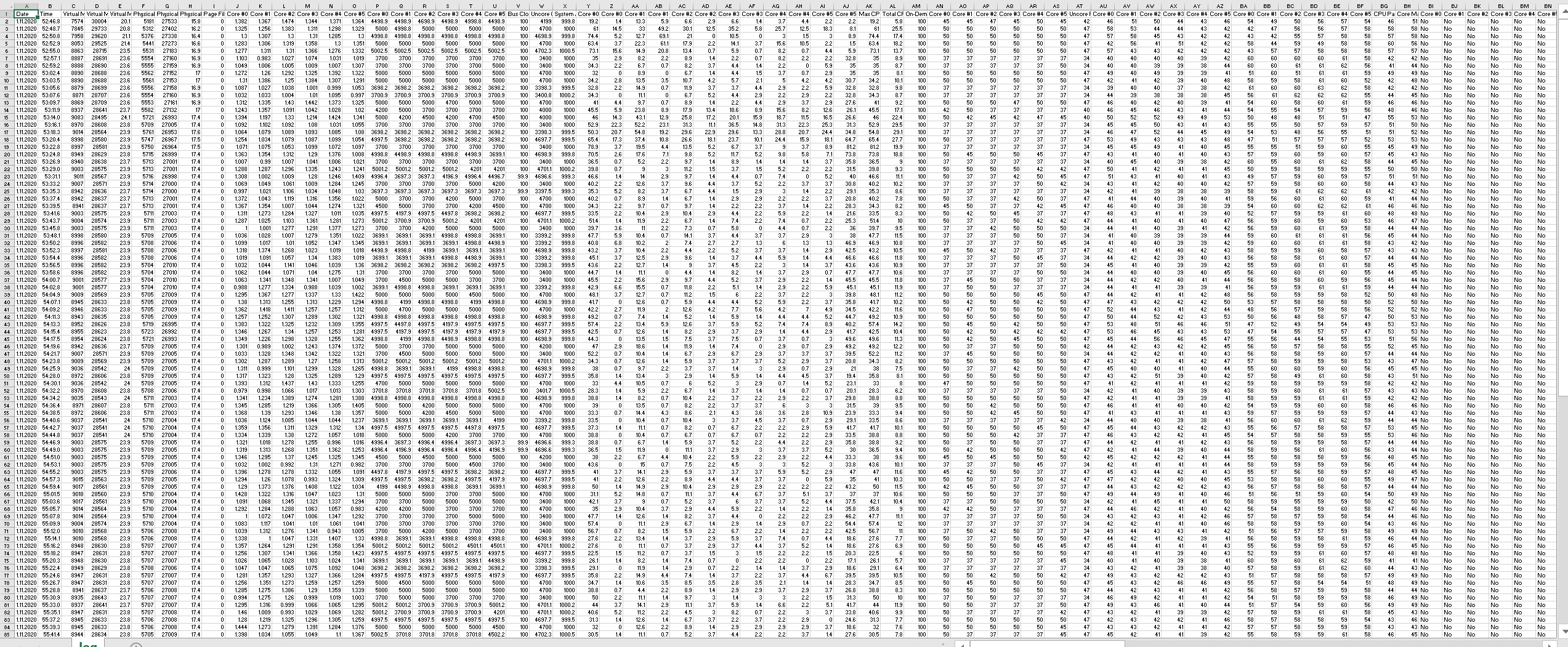
Hello. Here's the log of HW64. Ran same Heaven benchmark.
Attached Files:
-
-
Quick question can I flash the P870dm3-g_RTX.rom and still use my gtx 1080 until my 2080 arrives?
-
As i understand processor is all over the clocks?
-
Are there parts from the p750tm like the heat sinks that will fit in the p870dm3-g chasis for the 2080 or should i aim for the 2070?
-
https://drive.google.com/drive/folders/10swCBXWO3idepNc9GtbK2fUYCJiIuIoo?usp=sharing
Updated some BIOS.
New method to unlock options and all locked to 64GB DRAM because the 128GB DRAM support need some more tweak that I don't want release it now.
Default PL1=PL2=4095.875W, Core IccMax=255.75A.
All BIOS here are 9900KS compatible.joluke, Papusan, wersuss and 1 other person like this. -
Hey great job! Is it 8700K compatible?
-
Do you have p870dm3 9900ks version? thx
-
Does the USB type c ports work on P775DM3-G? Don't want to update just find that they don't work
-
Post the graphs over time of both if you can.
-
I won't make it more incompatible than official one.
Need some adjustment. Will add later days.
I don't see any comment about this issue in Chinese forum , I don't know what happened on your device. By the way, the new BIOS worth a try.Last edited: Nov 2, 2020joluke likes this. -
I'll give it a go
Edit: @dsanke USB type-C aren't working in 1.07.29 for data transfers. Tried 3 USB sticks, they don't work. Latest working version is 1.07.24.
Edit2: Reflashed my backup 1.07.24 and ports are working normally.
Sorry i can't test 1.07.29 further but i need USB Type C ports working in a daily basis
Its a known issue ever since you released 1.07.26 that USB Type C ports stopped working. I'm not the only one that reported that issue here...Last edited: Nov 2, 2020dsanke likes this. -
@dsanke : Could you provide some detail on what has changed from 1.07.24 to 1.07.29? I'm cautious, but if there are critical fixes, I could be tempted.
-
I don't know too. Clevo do not release the changelog.
But I made it support 9900KS. Clevo officially never done this on their Z370.
Intel's old RC Code do not have the whitelist of 127W TDP CPU.Last edited: Nov 3, 2020 -
Can you please check what was changed from 1.07.24 to 1.07.26 that broke the USB type c ports and see if you can fix them?

-
I already told minutes ago.
Thunderbolt(TM) Enumeration Mode
Because not everyone have this issue so I think I'd better don't touch this option. Leave it as default Native from TM's BIOS.
I remember why I change it to Legacy in 1.07.24, yes, it was someone reported me this issue so I changed it. I forget that yesterday.joluke likes this. -
So. Flashing the new 1.07.29, what exactly do I have to change in the bios to have the ports working? (sorry I'm kinda noob)
Edit: saw your reply above. Will try it later since I'm not in the laptop right now and I'll let you know my friendwersuss likes this. -
@dsanke is this the setting you mean I should change?
Photos of BIOS settings:
![[IMG]](images/storyImages/e1e1920c29624dc24956fcc4cf7c615d.jpg)
![[IMG]](images/storyImages/3e8b09b93650cb62115a142ebfa0c99e.jpg)
![[IMG]](images/storyImages/18d286e4bf1523e27160e1c732bafa8f.jpg) Last edited: Nov 3, 2020
Last edited: Nov 3, 2020 -
No. I see 2 different Intel TB in Advanced. Maybe it's inside other one.
-
Edited my post above with the correct setting to change. Changed the settings to Legacy and USB Type C don't work yet
http://forum.notebookreview.com/thr...s-now-supported.825558/page-200#post-11056319
Any other tips? Else i'm going back to 1.07.24
-
That's the only difference between 1.07.24 and 1.07.26 in default setup options. Let me check what's else happened later.joluke likes this.
Official Coffee Lake Refresh Thread/BIOS for ALL Clevo Laptops - RTX CARDS NOW SUPPORTED
Discussion in 'Sager and Clevo' started by DaMafiaGamer, Oct 25, 2018.