Problems? See this thread at archive.org.
lol yeah. i just realized i can make the dock items more sharp. it looks even better now. ah i should sleep its almost 12 here
-
-
thanks bud/dudette
-
![[IMG]](images/storyImages/2znzk04.jpg)
wife aka mrs moo
-
Here's mine atm.
Attached Files:
-
-
Classic. Mario games are still the best.
-
![[IMG]](images/storyImages/windowsclassiclandscape.th.jpg)
I love this wallpaper. Cool how it's a winter shot (see the snow?). -
![[IMG]](images/storyImages/th_mynewdesktop.png)
that's my new one as of today. it's a vista theme, btw.
-
This weeks BG...
![[IMG]](images/storyImages/desktopagain.th.jpg)
Changed some icons in my dock...still working on it. -
Awesome desktop...2 thumbs up!!!!:yes:
-
This one rocks...nice optimus BG!
-
Mullen my man...great BG...but what really got me is the dock...is it Objectdock??? If not what is it...I just think that will be the idea of the desktop I would like to have in my future netbook
-
New week, New background for me
Hope you likey!
![[IMG]](images/storyImages/th_ScreenShot031-2-1.jpg)
Cin
-
Me LIKE!!!!! Nice one there Cin!!
-
That's pretty eye catching. It's too bad the Wii only has that and Smash Brothers (drinking game).
The hot air balloon makes it happy lol
I'm glad I held onto the original picture I took, since my background is just a quick & dirty crop and auto-adjust with Paint.NET. I actually found out how to modify that blurb and after I fixed the screwy system info, I decided to keep the HP logo because I couldn't think of anything better.
-
i managed to change out all the system tray icons, battery, network, volume, and security center, on the taskbar and in control panel, to the windows 7 ones. only things i have left to change is wmp, and explorer.exe
evAttached Files:
-
-
looks nice
-
niceeee
-
yep
-
lookin gud there
-
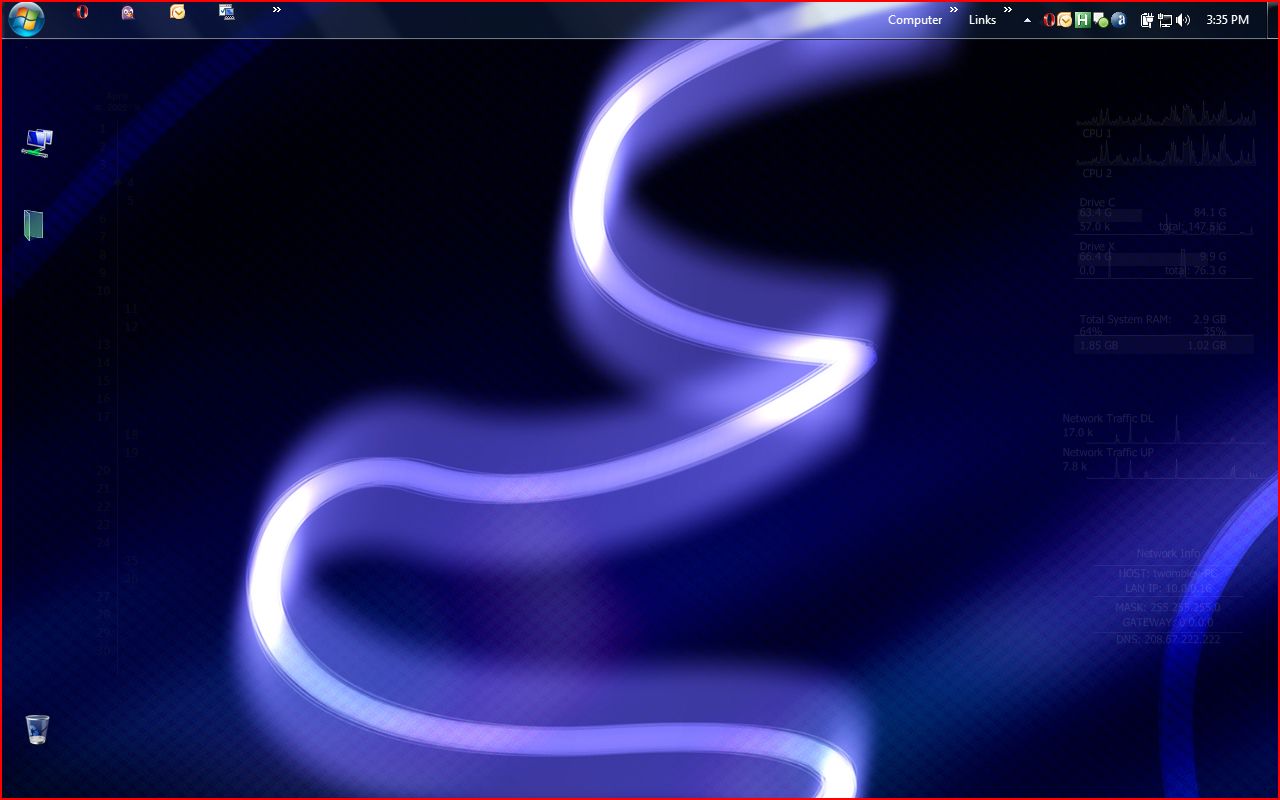
Finally the new one
![[IMG]](images/storyImages/t_Untitled1m_7b2c90b.png)
-
here's mine, its pretty simple
Attached Files:
-
-
this background is pretty cool.
looks great
-
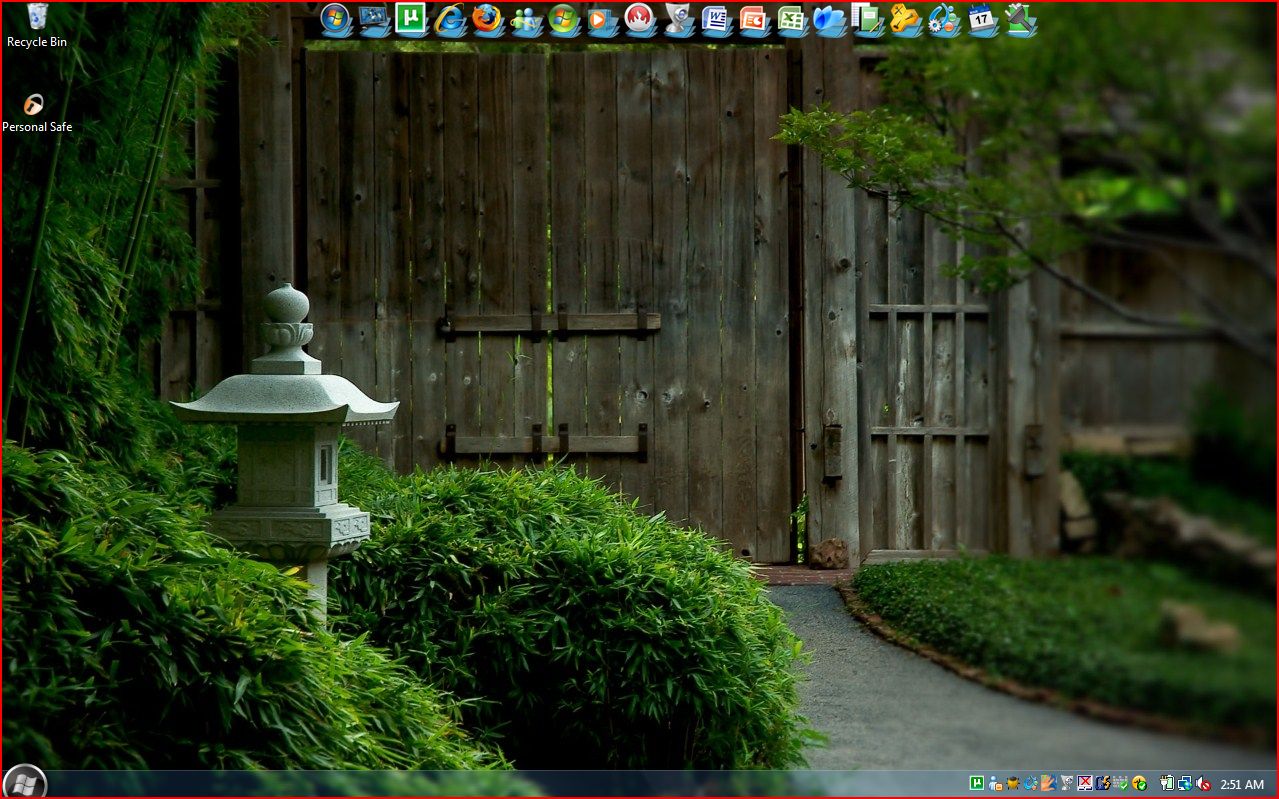
![[IMG]](images/storyImages/th_desktop-2009-03-17.jpg)
It's been a while since I've used a Monster Hunter wallpaper~
-
Update ;D
Clicky for my desky\
Yes, Photoshop CS2 (happy with it) runs on my MSI netbook
-
-
Very nice and clean desktop!
-
I like the dock icons...
-
Awesome dock and even better desktop!!!! It rock!
-
Lil Noob question...I have been looking around on how to change the taskbar...night kid, taruian, cathy, can you gimme a hint please????
-
That's pretty cool!
McCin'
-
Quad post
Edit please.
Windowblinds or uxtheme can change the taskbar. -
Theme looks pretty good. What is its name and where you got it from?
Thanks. -
Got a little bit over carried...I will make sure I hit the multiquote next time
Thanks for the response about the taskbar -
I used the uxtheme method and manually swapped out the dll's. worked like a charm.
ev -
Awesome desktop...!!
Could you tell me the name of the skin you are using? -
Up until now I had uploaded my DV7´s BG, here is my Vaio CR´s BG...
![[IMG]](images/storyImages/vaiocrdesktop.th.jpg)
-
@Rjbg -- cool wallpaper
Hey what Visual Style are you using? Is it XP OS or Vista?
-
It is for Vista and it is called "Satin Remix." You can get it off deviantart.com
The skin is nice, except its hideous in Firefox, makes the tab bar a different color that I can't stand. -
Thanks, for the name, T-Mac. I gave you some rep. It looked kind of like Xp.
-
![[IMG]](images/storyImages/30bg4lc_th.jpg)
Only made a few changes here and there.
@Nightboy, awesome desktop dude, really like the desktop icons (rainmeter?)
btw, you are Malay?
-
Looks like avedesk to me.
-
Changed up most of my desktops. here's the four sides of my desktop cube,
evAttached Files:
-
-
Always in style, my friend.
-
got a new one:
Attached Files:
-
-
How does everyone get those docks with all their programs? How does this cut your notebooks performance? - I am new to Vista.
-
www.rocketdock.com
www.objectdock.com
Doesn't cut performance at all. -
Well, to be fair, anything that uses resources (such as these docking progams) can be said to cut performance. The real question is, will it be a noticeable cut in performance?
-
It's a negligible performance loss.
-
Very nice and clean!!!
It does not cut performance, or as previously stated, its not noticeable...I had it on a dell inspiron 6400, with a Core Duo T5600 @1.86ghz, 1 gig of ram, and on XP, and worked wonderfully...they are very low demanding softwares...you can find either Rocketdock or Objectdock, both work amazingly well, I do prefer Rocketdock since I've had it for almost 4 years now. You can reproduce the stack effect on both of them. Either are a good choice, you can give them a try...
Oh, by the way, I do recommend you to get some nice icons on deviantart or on customize.org, the standard ones are hideous...
Show off your Vista or XP Desktop - Second Edition!
Discussion in 'Windows OS and Software' started by ATG, Feb 27, 2009.




![[IMG]](http://img152.imageshack.us/my.php?image=windowsclassiclandscape.jpg)

![[IMG]](http://s707.photobucket.com/albums/ww74/tailx22/?action=view¤t=mynewdesktop.png)

![[IMG]](http://img23.imageshack.us/my.php?image=desktopagain.jpg)

![[IMG]](http://s278.photobucket.com/albums/kk108/cinders0808/?action=view¤t=ScreenShot031-2-1.jpg)



![[IMG]](http://www.picoodle.com/view.php?img=/3/3/17/haokepa/f_Untitled1m_7b2c90b.png&srv=img06)

![[IMG]](http://img21.imageshack.us/img21/1870/desktopfwi.jpg)


![[IMG]](http://s137.photobucket.com/albums/q210/neoncrew/desktop/?action=view¤t=desktop-2009-03-17.jpg)


![[IMG]](http://img18.imageshack.us/my.php?image=vaiocrdesktop.jpg)


![[IMG]](http://i40.tinypic.com/30bg4lc.jpg)