Problems? See this thread at archive.org.
Click me for my desky on my desktop
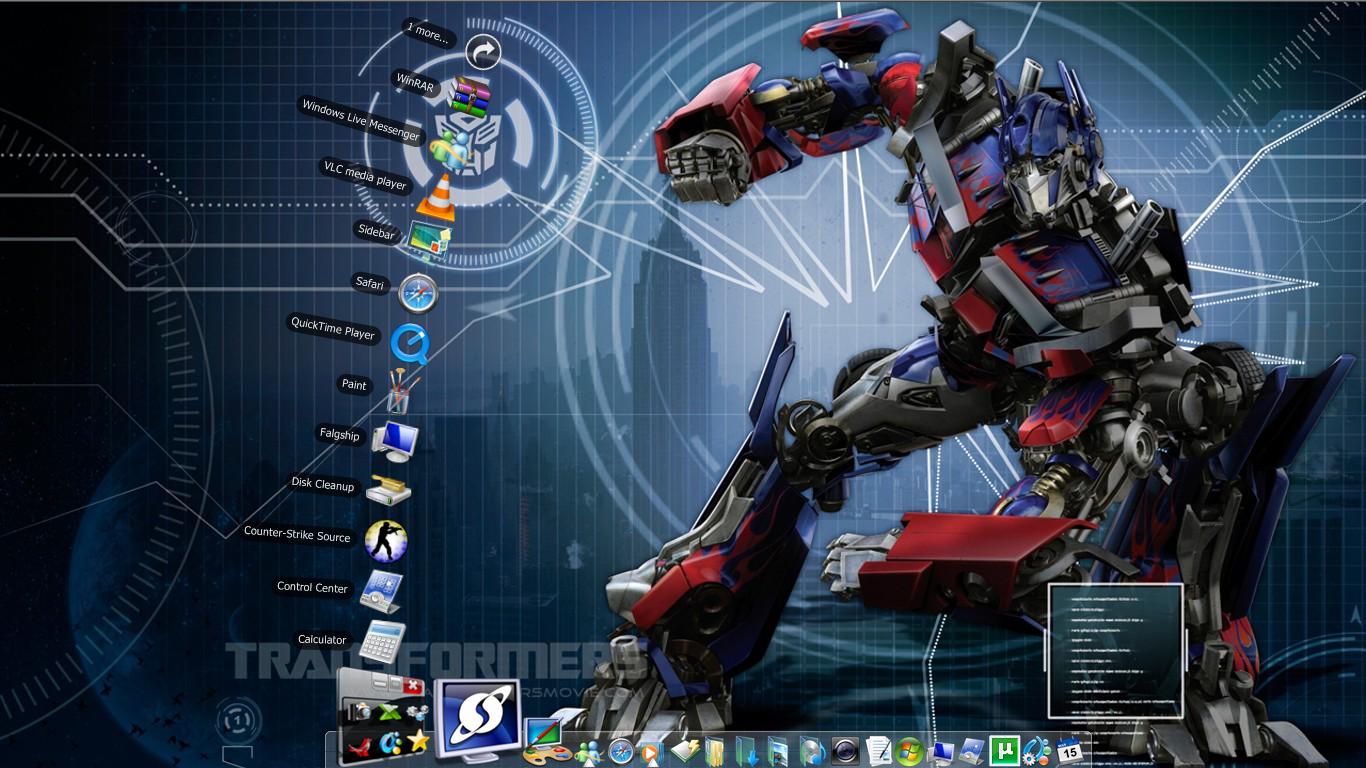
The night city theme just matches the Royale Noir theme. Will post my new netbook's desk soon when I get it . Gotta love InterfactLift
-
Hey alienized where did you get your wallpaper?
-
That looks very cool. Is that a night-shot of Tokyo? I was there last summer, and it was amazing.
-
my current desktop.
evAttached Files:
-
-
-
I like how you keep changing rainmeter and it look good.
-
Looks good. Like the *gleam*
Cin
-
A wee bit disturbing...
-
Thank you.
-
My current desktop:
(Click the image to see the full-size version. )
![[IMG]](images/storyImages/march132009thumbnail.png)
Do you like it, people?
On-Screen:
Stardock's WindowsBlinds 6.0 + StealthOS Skin.
Stardock's Desktop X (VG Cats Aeris, Hard Drive, SpeedTest Widget and DVD Drive).
Stardock's ObjectDock W/ Mac Icons + Assorted Icons + Extra Dock.
Rainlendar W/ Default Skin. -
Yeah, it's Tokyo. I like nightshots. I wish I could go to Japan in real life though
-
Aeris where did you get your wallpaper?
-
www.wincustomize.com's "WallPapers" section, that is where I get most of my skins / widgets / objects from, too.
-
-
-
Not bad! Grat's on your new netbook! they are nice! I have a mini 9 and enjoy it very much! I need to post my BG for that soon!
Cin
-
So, i think i found the limit of my tweaking today. haha, i figured out just how important (all over again, dunno how i forgot) imageres.dll is.
I was attempting to change the logon screen to the windows 7 one without extra software. i dont want the software and the processes it entails.
SO i found a win7 logon screen, followed the creators instructions, and replaced original dll with his, and added pic like advised, and bam. totally jacked up windows.
took system restore 5 tries to run, and that finally corrected the issue. just a small anecdote.
ev -
Have you tried using Logonstudio? Much more simple and safer to use.
http://www.stardock.com/products/logonstudio/
Windows 7 theme for logonstudio -
well, i was trying NOT to try logon studio. i dont know if it has to run in the background or if you just change it and forget it, or what. i dont want any more programs really, and i dont want any more processes running in the background. the neat thing about all the tweaks i've made so far, is that i didnt need to do any of that. added theme and shell files, changed it up, and it runs works and looks great. was hoping to do the same with my logon screen and all it accomplished was destroying imageres.dll.
It's not the end of the world if i cant get the logon screen changed out. woulda been neat but not essential in any way shape or form. i can do without. i think fixing this once it was broken was warning to quit while i'm ahead. lol
ev -
Thank you, this is much appreciated, but i am gonna stop right here with the tweaking for a bit. I think i am gonna consider this my warning to quit while i am ahead! lol
ev -
My new MSI Wind U100
.
![[IMG]](images/storyImages/desktopdlo.th.jpg)
-
Awww, that is pretty sweet! Nice..where did you find this?
Cin
-
been using this wallpaper for about a week or so.
Attached Files:
-
-
it only changes the image, nothing else. nothing in the background.
-
where can i get that background ???
really clean desktop!!!!!! -
Ok, here is my own made BG for my Mini 9 Netbook, it's of my Mini 9...
For this one..I tried to mesh 2 colors together on the border black, and of course....*red*!!
![[IMG]](images/storyImages/th_ScreenShot021-3.jpg)
Cin
-
Nice homemade background there, Cin Very red indeed and good work on the boarders.
-
here is mine
Attached Files:
-
-
I've used logonstudio since it was released. It doesn't install a separate process or service for it to work. Install size is 4MB. Once you set it, forget it. How much more minimal do you need it to be?
+1 for Luka ^^Last edited by a moderator: Feb 6, 2015 -
![[IMG]](images/storyImages/th_mydesktop.png)
Here's mine. Desktopia rules! You should try it.
-
www.wallpapers.org for me...this is my current on the new lappy...note crappy watermark...(haven't found a good way to remove it that doesn't break something else during the process)...anyway...
Attached Files:
-
-
Looks good Tommy
Cin
-
Very wintry....and very nice! I like how the Sun sneaks in, in the background!
Where did you find this??
Cin
-
Very nice...I've visited it before Thanks!
Cin
-
-
Hey what is that little icon in the taskbar, the circle one with the three colors?? what is it, what does it do? never seen that before.
ev -
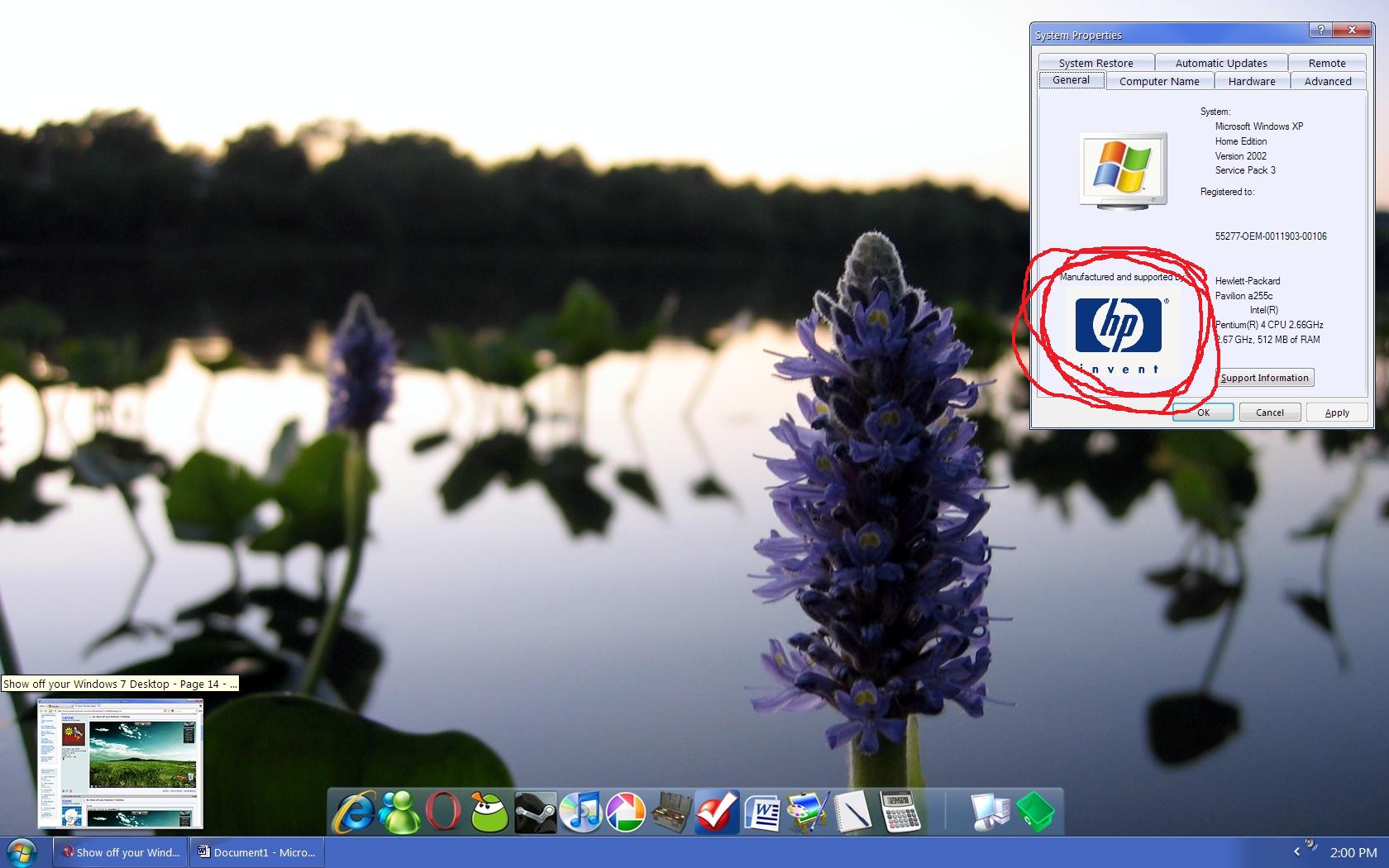
While I love this background, there is an element in it that I despise. I circled it in red, using Paint... J/K
Attached Files:
-
-
Google Chrome, theres also a shortcut on the desktop that gives it away.
-
Opera....?
-
Looks nice.
Cin
-
Here's mine:
Attached Files:
-
-
AH! i see. i didnt even look at the desktop for it. that would qualify as my noob moment. lol.
ev -
ok so I made it better
...check
Attached Files:
-
-
I like it. thumbs up!
ev -
Nice! That's more BG changes than I make on a daily basis!
lulz.
Cin
Show off your Vista or XP Desktop - Second Edition!
Discussion in 'Windows OS and Software' started by ATG, Feb 27, 2009.



![[IMG]](http://s51.photobucket.com/albums/f389/veeduby/?action=view¤t=Desktop16.jpg)


![[IMG]](http://img17.imageshack.us/img17/8228/march132009.jpg)

![[IMG]](http://img3.imageshack.us/my.php?image=eeepcdesk.jpg)


![[IMG]](http://s137.photobucket.com/albums/q210/neoncrew/desktop/?action=view¤t=desktop2009-03-14.jpg)
![[IMG]](http://img211.imageshack.us/img211/6051/desktopdlo.jpg)




![[IMG]](http://s278.photobucket.com/albums/kk108/cinders0808/?action=view¤t=ScreenShot021-3.jpg)




![[IMG]](http://s707.photobucket.com/albums/ww74/tailx22/?action=view¤t=mydesktop.png)


![[IMG]](http://img7.imageshack.us/my.php?image=backgroundqye.jpg)

![[IMG]](http://img142.imageshack.us/my.php?image=pseudo7.jpg)