Problems? See this thread at archive.org.
Nope afaik, because HDMI 2.0 and Thunderbolt 3 both support only 60Hz at max
Edit:
But displayport would do that as I see
-
-
I'm no expert; but I had crashing from Sleep and Hibernate problems. They went away after I disabled Bitlocker. It seems to be a problem with Windows "anniversary update" effecting many different computers, even after a few patches.
-
Thanks for the revert but I am not yet on the anniversary update. And I don't have bitlocker enabled.
Any other ideas or tips please?
Sent from my SM-N9005 using Tapatalk -
Looking up your specific crash message I found that it seems to be a problem with a wifi driver. Try a clean install of an earlier driver.
Probably caused by : Qcamain10x64.sys ( Qcamain10x64+111adc )
Can you try uninstalling and reinstalling the Qualcomm Atheros driver and see if it helps. (Try a verion from the DELL drivers website if they have one) -
Thanks! Let me try that and revert!
Sent from my SM-N9005 using Tapatalk -
Hello
While I am searching for this, another (related?) issue is plaguing my AW15.
I am using a power profile with hibernate and also the laptop is set to sleep on lid close. I closed the lid this AM and this is what happened post then (the laptop was in the bag till 9:41PM)
Below is a snippet from the event logs from windows -
10/8/2016 9:26 Kernel-General The system is entering sleep. Sleep Reason: Button or Lid
10/8/2016 9:26 Kernel-Power The system time has changed to 2016-10-08T03:56:47.500000000Z from 2016-10-08T03:56:49.436224800Z.
Change Reason: System time synchronized with the hardware clock.
10/8/2016 9:26 Kernel-Power The system has resumed from sleep.
10/8/2016 12:26 Kernel-General The system time has changed to 2016-10-08T06:56:47.500000000Z from 2016-10-08T03:56:50.562433100Z.
Change Reason: System time synchronized with the hardware clock.
10/8/2016 12:26 Kernel-Power Firmware S3 times. ResumeCount: 1, FullResume: 890, AverageResume: 890
10/8/2016 12:26 BTHUSB Windows cannot store Bluetooth authentication codes (link keys) on the local adapter. Bluetooth keyboards might not work in the system BIOS during startup.
10/8/2016 12:26 Power-Troubleshooter The system has returned from a low power state.
Sleep Time: 2016-10-08T03:56:47.755395900Z
Wake Time: 2016-10-08T06:56:48.177473700Z
Wake Source: Unknown
10/8/2016 17:55 Kernel-Power The system is entering sleep.
Sleep Reason: Battery
10/8/2016 17:55 Kernel-Power The system time has changed to 2016-10-08T12:24:59.500000000Z from 2016-10-08T12:25:01.079023200Z.
Change Reason: System time synchronized with the hardware clock.
10/8/2016 17:55 Kernel-General The system has resumed from sleep.
SO the Laptop came back from sleep (while in the bag) and went to sleep and back again a couple of times. I guessed the issue when I opened the bag (9:40) and found the
battery out of juice with the chassis burning hot.
I am going to do a driver update search for all the h/w I can possibly check, but could it be -
a) Hardware issue or
b) BIOS be an issue?
Appreciate any inputs! -
Something isn't right with the bios clock and regular clock sync. Shouldn't have to wake up to sync clocks at all.
Go into "set date and time" by right clicking on your clock and turn off all the "Automatic settings" should be 3 boxes to check no
see what happens then. -
OH I remember this problem now; you can disregard my previous message.
Its a wake from sleep timer somewhere in your system
Control Panel\Hardware and Sound\Power Options\Edit Plan Settings
Click "Change advanced power settings"
Go to "Sleep->Allow wake timers" and change the setting to "Disable" for both battery and plugged in.
![[IMG]](images/storyImages/eAsRQ.png) Ckhurana likes this.
Ckhurana likes this. -
Ok, checked this as you suggested @ThatOldGuy !
The battery setting was already disabled but I set the Plugged in as disabled as well.
Not sure if that would help though, sadly! -
So does our laptop have display port? Can USB-C support displayport? I think so....but please clarify. Thank you!
-
The R1 has got displayport. The R2 hasn't got
-
Guys anybody can suggest me a screen to change on my 15 r2?
Would you guys suggest me the ones here?
https://www.laptopscreen.com/English/model/Dell/ALIENWARE 15 R2/
Also,
anybody solved the secondary ssd disappearing problem? Sometimes i have to restart 3 times to get it back. -
Hello,
I got the anniversary update (Windows 10) today. Strangely which the experience seems snappier, the blurriness on the screen (4K scaling) seems to have increased.
Also, the touch-pad stops responding at times, i reinstalled the drivers which only helps for a little while and the problem comes back (am on EVO m.2 SSD but any disk access slows the touch-pad pointer/response).
I was also planning to update the BIOS.. Does anyone have an experience or knowledge of known issues in the 1.3.6 BIOS version?
Kindly let me know!
Thanks -
Anyone have a recommendation of what the best replacement wifi card that fits would be? Would the Intel 8260/8265 fit? Or any other recommendations?
-
Try the screen calibration tool in windows. after calibrating the colors etc you can calibrate the font settings. This should the crispness of the fonts.
Bios 1.3.6 is currently the best out there. -
I have exactly same question. Killer 1525 looks to have point for mounting screw not centered. Looks like Killer width is smaller than intel's. Is Intel 8260 fit without a problems? I had no problems with killer from months, but two days ago without any action from my side it started again to drop wifi connection... With the driver one more version older than actual. I have instlalled newest but still drops. Now I deleted everything in killer suite and establish again connection with wifi. I will see if any positive change...
-
Good night guys
Sorry to ask a random question ,but has anyone found a way to repair the 7 beeps after a bios flash failure issue with a 2015 15r2. I swear I have searched the whole internet for an answer to this riddle have tried the blind bios flash I have also tried to clear the cmos via the jumper amongst other things. I am at the point of trying to solder a new bios chip on the board to try to I fix the issue but I am not even sure if that will work. Any and all advice would be greatly appreciated thank you very much. -
This is kinda disappointing to realize.... the USB-C port on our laptop only supports the INTEL video card. The only way we can get 144hz or probably even 120hz refresh rate with an external monitor is to get the Alienware Amplifier. Explained by Alienware-Emmi on this forum.... http://en.community.dell.com/owners-club/alienware/f/3746/t/19988804
I am currently using the non-native 1920x1080 75hz with my cheap Acer display which apparently supports 75hz via HDMI.
Can anyone confirm? -
Yeah. You need external monitor + the Alienware Amplifier if you want G-sync. iGPU doesn't support more than 60Hz.
-
I don't care about G-sync...I just want at least 120 or 144hz output to an external monitor. Not possible without the amplifier eh? That's disappointing.. But again, I am getting a true 75hz via hdmi 2.0....so. Tested on the UFO frame skipping test.
Thank you.Papusan likes this. -
Is anyone aware of Dell AW 15 R2's secondary m.2 ssd security freeze or not detected during cold boot. Can I hope there's a way around this by means of a BIOS update? BTW, the secondary m.2 sata ssd is samsung 850 evo 250GB w/ Ubuntu 16 installed. I'm using AHCI instead of RAID because Linux wasn't performing well on RAID. If I go to BIOS, sometimes the shipped HDD (HGST) and 850 EVO isn't listed. After a soft reset or switching to RAID detects all the drive. Is it some kind of limitation on AHCI driver?
-
Try bios 1.3.6. I dont come across the issues you have. P951 as nvme ssd1, Crucial MX300 as ssd2 and a 1tb 2.5 mechanical harddisk are installed in my system als in AHCI mode.
-
I forgot to mention that I devised a workaround through Windows Adv. startup, its accidental but works 90% of the time than 33% by hitting F12 button. Thanks @rinneh.
-
Anyone here experiencing crash while resume from hibernate (Windows 10 Aniv Ed.)
My system crashes every 2nd day
-
Disable Hibernate and you're good to go. Hibernate isn't needed for systems equipped with SSD(sata or pci-e).
-
hello. i've bought alienware r2 15. bios version is 1.2.15. Should I update it? i've read that this version is bad version but my laptop works correctly. What can you advice?
-
Try imaging everything before upgrading, just to be safe. I was in the same boat, just update to the latest one 1.3.9. No problems whatsoever.
-
Hello,
I seems to be getting lots of random BSODs especially on suspend / resume with the culprit being " qcamain1.sys".
WhoCrashed says -
On Wed 11/16/2016 7:13:23 AM GMT your computer crashed
crash dump file: C:\WINDOWS\Minidump\111616-13140-01.dmp
This was probably caused by the following module: qcamain1.sys (Qcamain10x64+0x11552E)
Bugcheck code: 0x1DF (0xC0000001, 0x0, 0x0, 0x0)
Error: CUSTOM_ERROR
A third party driver was identified as the probable root cause of this system error. It is suggested you look for an update for the following driver: qcamain1.sys
Google query: qcamain1.sys CUSTOM_ERROR
I had tried to re-install the WiFi Killer drivers but no luck.. Anyone else facing this issue?? -
Trying to decide if I want to snag up a 15R2 cheap from the outlet or keep my 15R3. Would be about a $700 difference and since I really game 80% of the time on my desktop I am not sure if its worth that cost.
What do you guys think? -
This is exactly why I'll be keeping my 15R2 for the foreseeable future, I have a decent desktop that I game on mainly. The 15R2 is more than adequate for the odd trip away plus, to upgrade and only get close to my current spec (except GPU of course) for £800 more than I bought my current machine for is just silly. For that money I could buy another GTX 1080 for my desktop and have change for a real good night out!
That said, the upgrade itch is real....... Fortunately my brain sees sense!
rinneh likes this. -
this on top of the fact that I'd be using an AGA when mine is docked anyway (desktop 1070 IS faster than the laptop 1070) it's a no brainer not to upgrade.rinneh likes this. -
Yeah its indeed a fair bit faster. especially if you have some nice boost clocks. mine goes up to 2100. i also use an AGA as dock.
-
Try v1.65 from Rivet Website. They mention it in their changelog.
-
What's better to buy, maxed out 15r2 or an maxed 15r3
R2 £1300ish
R3 £2138
Could by a GA AND 1070 for £500.
Does the Hk cpu run better in the R2? -
A mid end R3 crushes a maxed out 15R2 already. The 1070GTX is as fast as a 980M sli setup.
-
Do you intend to carry it during travel or just as a desktop replacement? If its 2nd option, go for 15 R3 for gaming at Ultra settings and all Eye Candy graphics turned on.
-
No, no it doesn't. All the reviews I've watched make it at a push 10fps faster than my 980m.
Sent from my SM-G935F using Tapatalk -
I dont know which reviews you checked. but my 980m is around 60fps in bf1 @ fhd. with the 1070gtx and an external monitor i have 90fps at 1440p thats not just 10 frames.
Here you can here it is rated above the 980m sli http://www.notebookcheck.net/Mobile-NVIDIA-GeForce-GTX-1070-Laptop.169549.0.html -
Hello Everyone.
A tweet by Dell, which should be useful to all fellow Alienware owners.
https://twitter.com/Alienware/status/797211032901054464
Thanks!
Ckhurana -
then check the 15r3 and 17r4 topics and see that that post was ********. almost every new laptop is malfunctioning, and they did not fix the issue, even with the new ones...Papusan likes this.
-
-
Yes, my 15R2 is throttling as well in low 90s and 2 cores occasionally hit 100 (with crashes thereafter). I had complained to DELL but they say the BIOS upgrade will take care of it, BS.
My only option seems to redo the paste it seems.Papusan likes this. -
Make sure Dell Vault, Foundation services, Dell Update, Support Assist is set to manual or disable(if you don't like it!) in services.msc. I'm still on stock paste and my XTU score is around 963 with 84C because my room temp is around mid 30s.
-
-
@Papusan : I think the difference in cooling systems of 15" and 17" systems. I can tweak it to get a high score, but I feel the cooling isn't enough for longest duration.
Is your BGA killer a 17" heavy weight champion? -
500g heavier than AW17R4. But it's OK I can handle it
![[IMG]](images/storyImages/1200045264.jpg) Vasudev likes this.
Vasudev likes this. -
Got my Alienware 15 R2 last week, purchased from the outlet during their sales. Very happy with it so far but I'm trying to get the 6820HK clocked to 4GHz, the chip does it no problem but my voltages are really high. I'm seeing close to 1.3V under load with 0 offset set in the BIOS. Am I doing something wrong or do the new BIOS push that high of a voltage? I tried setting it down with XTU but a lot of the settings don't seem to stick... Any recommendations? I'm on the latest 1.3.9 BIOS.
-
Hello,
So after much persistence I finally got DELL to replace my bleeding AW15 R2 LCD (Sharp) with (what they say) is a better model LCD (again Sharp, different model).
Edit#1: Part Details as below -
Details of the display currently in the system:
Aspect Ratio : 16:9
BLU (back light Unit) : WLED
Brightness (nits) : 300
Display Surface : Antiglare
Mech Type : flat
NTSC Color Gamut (%) : 72
Panel Interface : eDP1.3
Pixel Type : RGB stripe
Resolution Type : UHD
Size(in) : 15.6
Special Features : IGZO
Viewing Angle : super wide
Marketing Name : LCD,15.6UHD,EDP1.3,AG,SHARP
Vendor Display Name : SHARP
Alternate part for LCD replacement:
Aspect Ratio :16:09 16:9
BLU (back light Unit) : WLED+RG
Brightness (nits) : (typ) 350
Display Surface : Antiglare
Mech Type : flat
NTSC Color Gamut (%) : 100
Panel Interface : eDP1.3
Pixel Type : RGB stripe
Resolution Type : UHD
Size(in) : 15.6
Special Features : IGZO
Type : Premium (Zero Bright Dots)
Viewing Angle : Standard
Marketing Name : LCD,15.6UHD,IPS,AG,EDP,SHARP
Vendor Display Name : SHARP
The technician came and replaced the LCD 3 days back and my initial feel was that it is a huge improvement on the initial bleeding model.
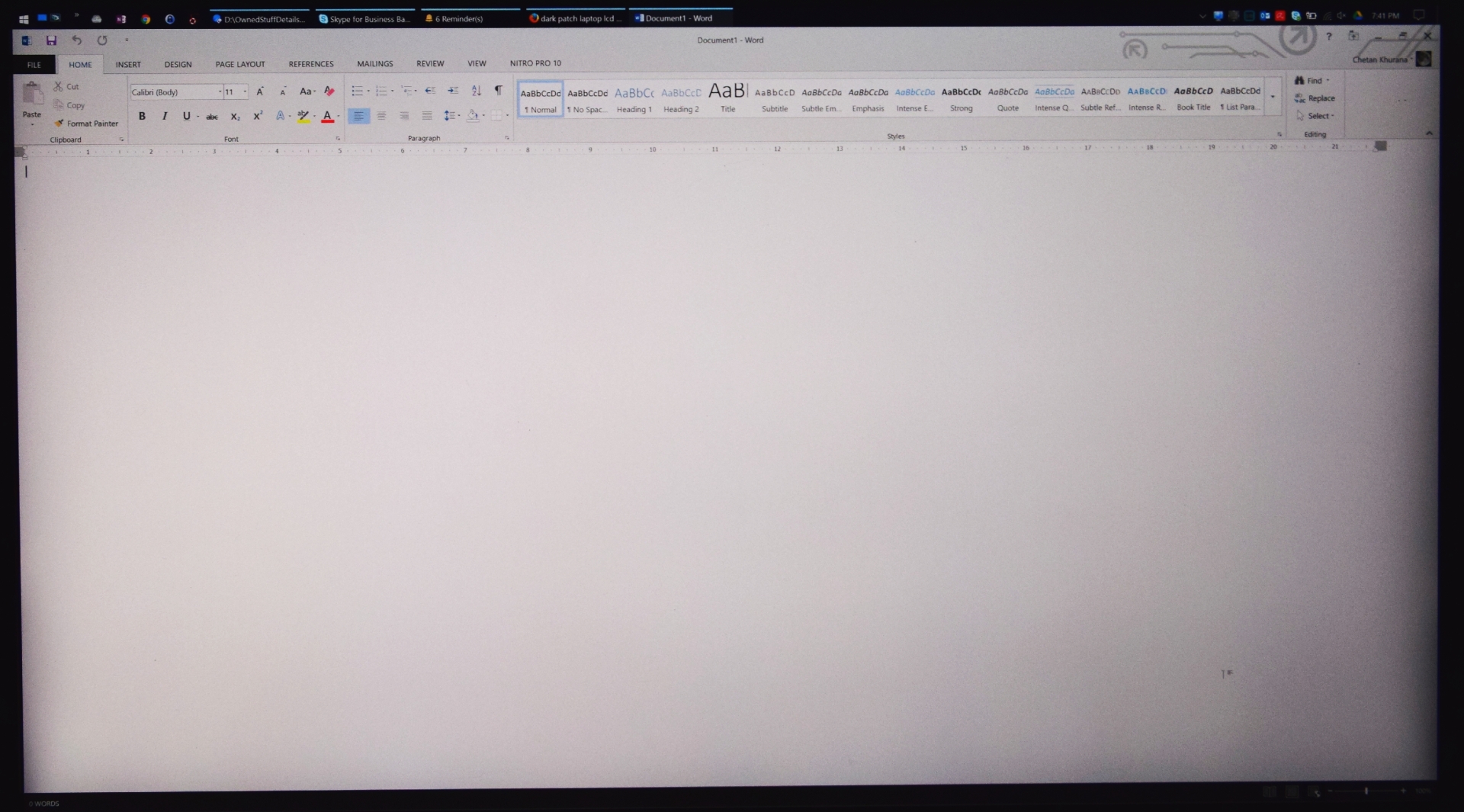
But now, after a couple of days usage, I am seeing dark/black shades or bands of low back-light along the left and right edges of the screen (top bottom are fine). More on right than left.
This remains proportionally dark with increasing darkness. Even the colors pop out as too vivid for my taste but that's adjustable. (check attachment please)
Now I have a couple of guesses... either there is some issue with the back-light OR here is some flex in the screen due to the mount in place (causing the screen to bend or something?)
I have also tried driver updates for Intel and nVidia graphics, no change what so ever sadly.
Has anyone seen this issue in their LCD?
Thanks!
Ckhurana.
NOTE: ATTACHED PIC FOR REFERENCE.Attached Files:
Last edited: Dec 11, 2016 -
-
Ok, A couple of updates.
1. The dark bands on left and right screen sides - they go away if I change the viewing angle. So the screen could be fine but probably the mounts or fitting is causing the screen to flex which in turn seems to be causing the issue (since I discovered which screen this is).
2. The screen model - I searched and this is what they have fit in my AW15 R2 as a replacement LCD - Dell Precision M4800 15.6" UHD LED LCD Widescreen Matte - 71YHK
Link here - https://www.parts-people.com/index.php?action=item&id=18796
Not sure if this is 100% compatible? It is fitted in and running as of now but the black bands on the sides are driving me crazy.
Ideally they should have fit in this - https://www.parts-people.com/index.php?action=item&id=19650
Can anyone confirm please?
*OFFICIAL* Alienware 15 R1/R2 Owner's Lounge
Discussion in '2015+ Alienware 13 / 15 / 17' started by Mr. Fox, Dec 10, 2014.