 Problems? See this thread at archive.org.
That's the latest version, which includes a new skin. I really like it. Looks better than any others, I think.
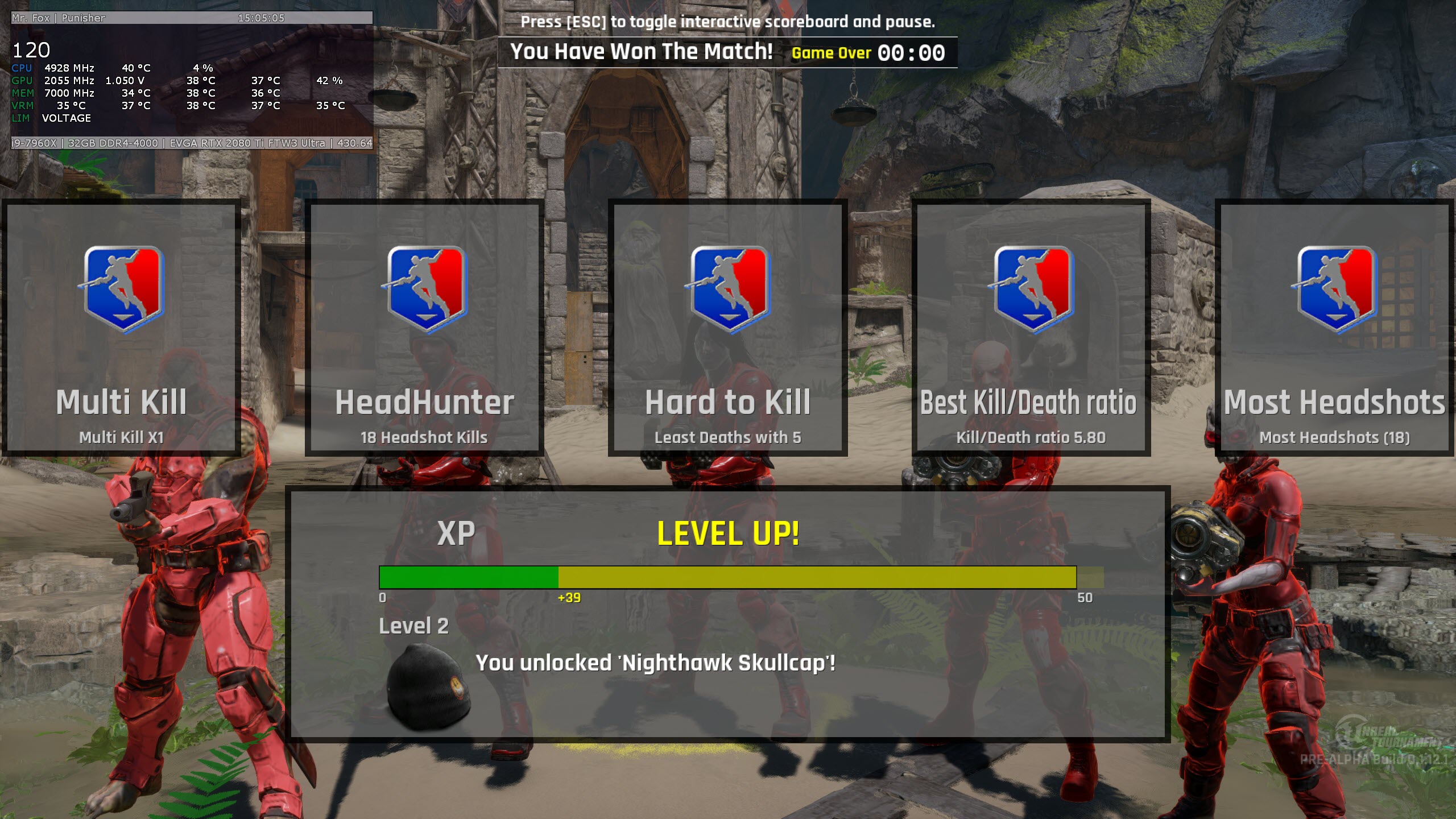
I discovered an OSD theme that I like a lot. Example below.
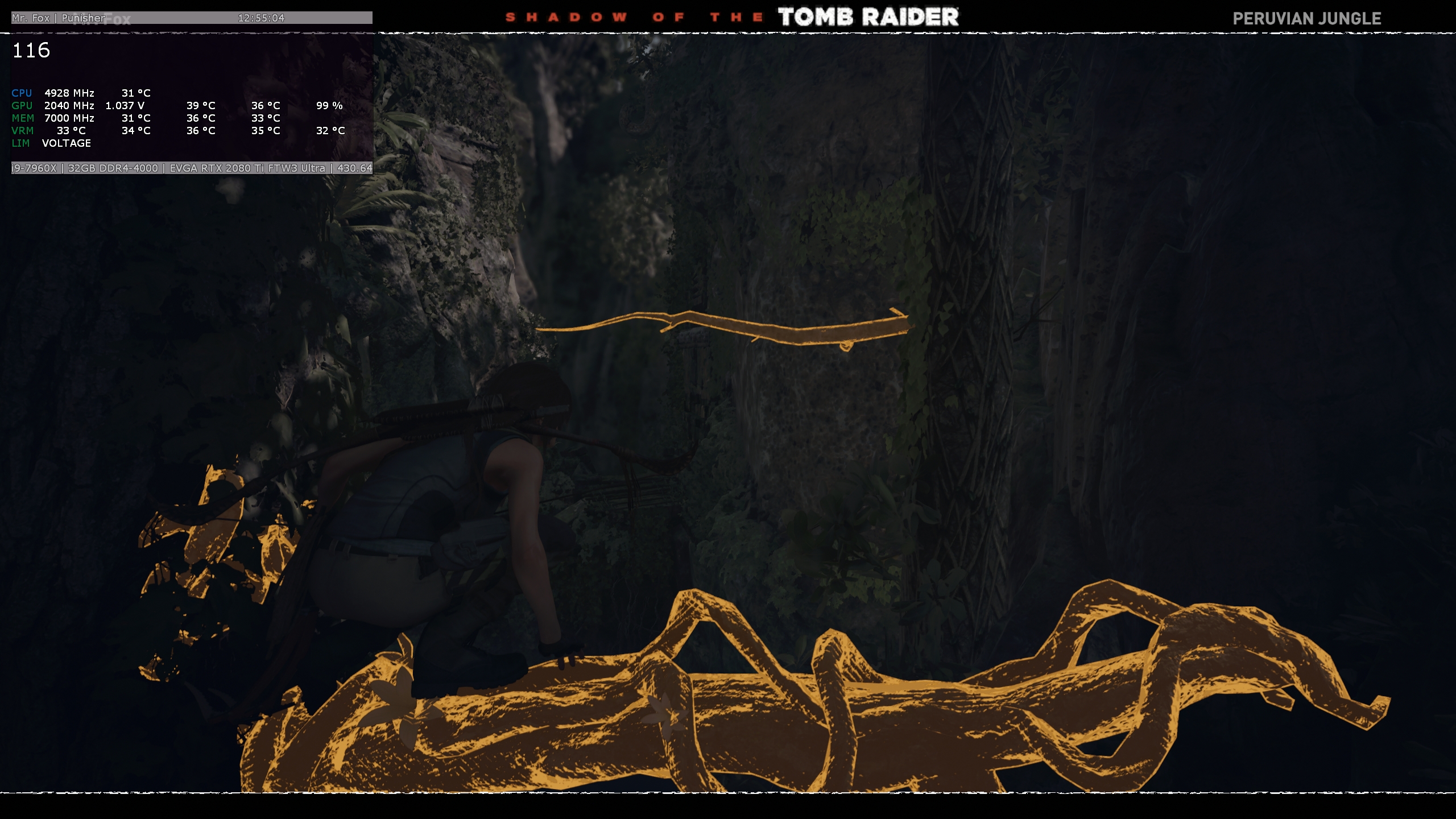
Hey, any of you Shadow of the Tomb Raider fans... I cannot get past this point in Peruvian Jungle challenge tomb. The cliff in the distance is climbable, but I cannot seem to jump far enough from the limb to reach it. I looked at some walk-through videos and I must be missing something. @killkenny1 might know.
-
-
It was just a matter of time
 Johnksss, Robbo99999, Papusan and 3 others like this.
 -
-
-
Yeah ... but the real score with kingpin is this
https://www.3dmark.com/pr/91935Johnksss, iunlock, Papusan and 1 other person like this. -
Nice? Here's mine with the FTW3 using the KP XOC vBIOS. Well within a normal margin of error with your score... 0.2% difference.
https://www.3dmark.com/pr/91642
It seems that Port Royal is mostly CPU agnostic, which is unfortunate. Probably why HWBOT doesn't include it. -
Yeah ... I would say so
Anyway ... I have just stock bios for now and no special "tweaks" (like Classified tool to increase vcore / vmem) ... I am still waiting for some more blood to flow thru my balls to go for the "extreme stuff"
Mr. Fox likes this. -
Well, your Z390 Dark should be an excellent mobo for CPU overclocking. A good/easy place to get your feet wet is the Bios OC Robot feature. Have you tried that yet? It will automatically find stable settings that run cool, but are not too extreme.
-
Aaa the cpu is overclocked
I am running 5 GHz all cores on 1.2 V no LLC without passing 70C under heavy load (AIDA64 stress)
(this little bugger can do 5.4 GHz in benches, but is stable up to 5.2 with too much vcore for my likings) ... I want to move it in my Area51m replacement when it arrives due to very low vcore on high frequecy ( managed to run it at 4.9 all cores with 1.085)
Above I was talking about GPU as there are special tools for kingpin board ... Classified tool allows to modify vcore/vmem change the load line etc. I am thinking to invest in some LN2 pots and go for dry ice
but .. not just yet
Convel, iunlock, Robbo99999 and 3 others like this. -
I can't seem to find the RTX Classified Controller for the KP. I've been searching. I only see old versions of the Classified Controller software floating around.hmscott likes this.
-
Official -> EVGA RTX 2080 Ti KINGPIN Edition Technical Guide
-
-
No worries. I'm being conservative. I've installed the XOC vBIOS and I know I'm still limited by the stock AIO. EVGA and the KP Team needs to hurry with those blocks. I wondering if the reason for the delay is because the blocks for the KP cards will have the OLED screen built-in. That means these blocks are probably going to cost 300 to $350 each.
-
I think “Tim” showed how to reinstall the LCD screen, I personally don’t think the new blocks will have anything special, is just hard to produce and will cost a lot, probably kingping cards are in the hundreds compared with FTW3 that are in the thousands.
If they don’t sell at least 1000 cards I am not even sure there will be a block
Mr. Fox likes this. -
This zip download is from 5/13/19:
Technical Guide and candies for RTX 2080 Ti Kingpin
https://forums.evga.com/Technical-Guide-and-candies-for-RTX-2080-Ti-Kingpin-m2942975.aspx
EVGA RTX 2080 Ti Kingpin Edition card Technical Guide
Grab some tools and enjoy the card.
Classified tool. (Updated)
Interesting someone complained about the original zip file, so a .rar file was posted, and it unpacked larger than the zip file... so the zip file download was updated too, both should be sync'd up now, but just in case:
Try this rar one?
That looks like a good thread to monitor for updates moving forward...Last edited: May 13, 2019 -
For the record, that score is exactly where it should be for the core and memory clocks that you had set on your first 10K run. I just ran this one, and it validates that.
Last edited: May 13, 2019iunlock, Rage Set, rodarkone and 1 other person like this. -
It's probably going to be just like the 1080 TI KP Hybro Copper block, one run and done. I'm determined to get two blocks this time around. I don't need the blocks to be special, only allow me to cool the core and memory with my own radiators and fans. I already have my pump/res and two 360 radiators (30mm and 60mm) ready for the blocks. The one thing I dislike about EVGA is how long it takes for them to release a product. For example, they teased the Z390 Dark for nearly two and a half months before releasing it. I was going to pick it up for my 9900K but I got tired of waiting. I know some here are going to defend them about the quality and I don't deny the quality of their hardware (software can still be better), but when you see some OC'ers "testing" the hardware a month before it's released, you know some politics come into play. Before anyone says it, I realize and understand that EVGA is small compared to Asus and MSI. Their support (when I had to actually use it) is better than any of the major brands. /end rant
-
-
Amen to that .... No brand loyalty... just give us the best and our wallets will be waiting...
It's always how it has been for me... I LOL all the time seeing all the fan boyism with certain brands, because for most of us it's very straight to the point.... in that "Our loyalty is in whoever offers the best lol.." simple as that...
On one end we appreciate more competition, but in reality the truth is that there are only a few who offer the best at the moment, so for that very reason..."hey give credit to where it is due and appreciate it eh?"
#1 Samsung, NVIDIA, Intel etc....
There are no if's, and's or butttttt's ... it just is what it is...
So say brand "gravy on top," comes out tomorrow that can skooool all of the best out right now.... I'm sure we'd be jumping ship lol...
Competition is very healthy... we are the consumers... so give us the best and the money will flow towards you...
Oh gosh so true... NVIDIA is becoming so bad now.... their telemetry crap is like M$'s rubbish... unreal...
Looking forward to it!
Great! Thanks for sharing....
Haha...
Lol all good..no days are perfect...
Highest efficency at the best frequency..... win win ...
Nice! Thanks for sharing...
When flying at anything after 5.0GHz... it's mostly a "want," at that point and not a need....aka... for giggles...
Great stuff!
True that lol... fun bench to run nonetheless...for comparsion sake...
The z290 Dark is an excellent board... I like mine a lot and IMO it's among the top 3, if not the best board around in its class...
Very nice... that's excellent voltage for 5.0GHz....
Great point... it may very well be due to the OLED screens, but who knows.... All I know is that I'm ready to order it as soon as it becomes available...
Great posts as always.... You're a gem to the community @hmscott
Nice... so far my max has been 2250, but hope to close in on 2290+ very soon..
It's crazy fellas...even when on my vacation I'm thinking about gettin back to benching and reaching new heights lol... @Mr. FoxJohnksss, Robbo99999, Convel and 4 others like this. -
-
Change your driver to 425.xx
At least here FS GPU score on 430.xx are a lot lower...Last edited: May 14, 2019Robbo99999, Papusan and jaybee83 like this. -
That is Windows 10. But, check out the 3DMark 11 below. Will re-run Fire Strike with these CPU and RAM settings.
-
Almost 29K on Physics Test
https://www.3dmark.com/3dm11/13305538 | https://hwbot.org/submission/4154591_
https://www.3dmark.com/3dm11/13305526
@Johnksssiunlock, sweepersc2, Robbo99999 and 5 others like this. -
Hi, is there a small program that checks memory in windows? I have used it before but forgot the name. Thanks, JoeMr. Fox likes this.
-
Hello brother, do you mean Thaiphoon Burner?
-
No it checks ram for errors and it runs in windows. It's a small program. I've used it before but can't remember the name. Only 24gb of 32 is showing up in the bios. I guess I'll have to check each ram stick one at a time in each slot.Mr. Fox likes this.
-
-
Now it's showing all 32gb. I'll run that test now. Thanks Premajaybee83, Mr. Fox, Papusan and 1 other person like this.
-
Yep, I noticed the same with my GPU, a drop in the Graphics Score by about 1.5% or 300 points. Timespy was ok, but not Firestrike.
-
I had the latest driver installed for Port Royal. While most benchmarks have been generally higher with 425.XX, the exact opposite is true for Port Royal... about 500-800 3DMarks higher using 430.XX drivers on Port Royal. Using 425.XX drivers for Port Royal my scores were consistently too low (9500-9800) and after installing 430.64 that jumped to a 10.2K score with no change in settings. That being said, my 3DMark 11 scores with 430.39 are the highest I have ever seen them. Fire Strike seems to be the primary exception.Last edited: May 14, 2019iunlock, Prema and Robbo99999 like this.
-
Hey guys, I re-seated the ram then I had 32 gb showing in the bios. I ran Passmark cpu test at 51x18 and got 36,760. I also ran the memory test @3800Mhz. and got 4150. I then ran Prime 95 stress test and got a blue screen and when I rebooted I was at 24gb showing. After rebooting I went into the bios and it was again showing 32gb. I ran the Intel Processor Diagnostic tool and it passed. I ran MemTest86 and it froze up 20 minutes into the test with 1544 errors. I've got TM5 running for 20 minutes with no errors. Any thoughts? Thanks, Joe
-
Those are 3600 rated sticks? How much voltage are you running through them?
-
Yes the default is 3600. I run @3800 @1.35v
-
Here's a Linux run at 5.0GHz. Still no luck getting R20 to run on Linux.
iunlock and ALLurGroceries like this. -
-
Sounds like one of the sticks is going bad. You're going to have to test them in pairs with MT86.JoeT44 likes this.
-
-
Damn everybody has high core CPU's ... I need to get me one of those
- does anybody knows a for sale 5 GHz (or higher) 7980xe/9980xe
as I have already the x299 Dark (and a crappy 7920x that is very "temperamental" sometimes 4.4 / sometimes 4.9 .. never stable
)
-
Now, how's that for close? Only 8 CB points difference between Window 7 and Linux running at the same clock speed.

Arrrrbol, Prema, Robbo99999 and 4 others like this. -
Thumbs up for Linux!Convel, Arrrrbol, hmscott and 1 other person like this.
-
Not my highest AIDA64 "read" benchmark, but across read/write/copy and latency, I think it's pretty sweet.
Vasudev, custom90gt, Arrrrbol and 3 others like this. -
-
-
Mod over at EVGA forums beat out Kingpins score on TS Extreme with 4x SLI 2080 Ti at minimal overclock or stock it would seem. Kingpin was running 4x 1080 Ti with 2400mhz core clocks. Looks like it requires some sort of work around to get it running.
https://www.3dmark.com/spy/7185899
https://www.3dmark.com/spy/2557010
@iunlock How many 2080 Ti's do you own? -
@Vasudev, yes my son is doing fine and he's going back up on the skyscrapers Monday. I appreciate your concern and well wishes.
Convel, Arrrrbol, Robbo99999 and 8 others like this. -
-
-
*Official* NBR Desktop Overclocker's Lounge [laptop owners welcome, too]
Discussion in 'Desktop Hardware' started by Mr. Fox, Nov 5, 2017.


