Problems? See this thread at archive.org.
I am getting max dl 46-49MB/s (megabytes) over WiFi so it's around 400-425Mbps. Can't get any higher because of the stock TV cable ISP router so the speeds are ok.
You sure no other device connected to your WiFi network is downgrading it to lower bandwidth?
-
I don't think so, my old laptop is much faster.
-
Did you try the drivers only package? I'd recommend doing a clean install of the Killer drivers before buying new hardware (though I do see the appeal in buying something that doesn't require all of this hustle).
Download the Killer Software Uninstaller, with that you can disable the killer background services and uninstall the drivers along with all the bloat.
Then install the Drivers Only Package. As it says on the label, it's just the drivers without the bloat.
Windows 10 will try to push you the Killer Control Center and maybe some more bloat though Windows Update, so you need to disable those when they show up in the Windows Update menu. To do that, download this tool from Microsoft and select the updates to prevent them from installing. You should also be mindful not to install them through Lenovo Vantage. -
Actually that's exactly what I did (minus the part about windows update, I just paused windows update for now).
-
Fair enough.
A network card only costs around 20 USD last time I checked. If the speeds don't improve from swapping the card, at least you won't have to deal with Killer software anymore. That alone can be worth the money to some people
-
Unless you upgrading your WiFi card to something much faster and have hardware to actually saturate it's potential, swapping Killer branded Intel WiFi for Intel WiFi will not improve anything. Both Killer and Intel will work the same with drivers only.
Maybe this case is related to the hissing mic sound because of the defect inside and electrical interference? -
Well, we'll see. I hope it isn't because I don't want to send in my laptop for repair if at all possible.
-
Don't send for warranty to Lenovo, you must have local laws mandating that seller needs to provide fully functional unit, swap for new one or do a full refund. Use that option.
-
What does everyone's Windows Update say regarding version 2004? My optional update changed from 1909 to 2004 about 3 weeks ago. Then last week it changed from 2004 'download and install' to 'learn more', now saying my PC isn't ready. I'm still on 1903 Home. I was planning on upgrading to 2004 after making an image backup but I never got the chance to.
Did anyone else's Windows Update message change as well? I'd like to upgrade but don't really want to risk doing it manually. I find it odd the 2004 upgrade was available for about 3 weeks but now Microsoft is blocking it for some reason. I downloaded the Windows Update Assistant and it says my PC is compatible though but I haven't attempted to update yet. I'm on the refreshed 15in Y740 9750H 2070MQ model. -
I did the 2004 update through Windows Update less than a week ago and everything seemed to work fine. Since the laptop was a new purchase for me, I decided to do a clean install regardless by making an install media USB drive with the Windows Media Creation Tool and everything seems to work so far.
I have the Y740-15IRHg (15", 9750h, 2080mq) -
Wow really? I know for sure the message changed and has been blocked for at least a week. Same exact system except I have a 2070MQ. I wonder why I can't get the update.
-
MS could pull the update to fix bugs, happened before. Or the windows update service is bugged. Overall there is nothing to be worried since pretty much 2004 update didn't influence my daily work or gaming scenarios.
-
Be patient, I get the 2004 update 2 days ago.
-
Anyone here did manage to flash the BIOS of the 80W 2080MQ to 90W version ?
I ve found a 90W rom for 2080MQ from another notebook vendor that bricked my GPU.
I managed to flash back the original which I saved. Still no rom W90 Legion Y740 around ? -
The Y740 2080mq works at 90w when you're in performance mode.
-
Never heard that a card flashed with a 80W performace can switch to 90W by software.
But I will try and take a look at GPU Z while testing and report back.
How can I activate the performace mode ?
PS: I dont use the Lenovo desktop software anymore. Do I need it ? -
I'm not sure if you need it, but you should at least have the LenovoUtility program installed to see if Fn+Q swaps between modes for you. Then use something like HWInfo's sensor panel to see how many watts the GPU pulls. Mine hovers around 90 and peaked at 95 when under load.
If Fn+Q doesn't swap performance modes for you, you might need Lenovo Vantage.WhiteLi0n likes this. -
Worked like a charm! Thx !
-
Does someone have the v1.08 bios file? for Legion Y740-17IRHg.
-
Strange thing, I can't delete my own post. See my next post.Last edited: Jul 19, 2020
-
Lenovo has it, as always:
Info here: https://download.lenovo.com/consumer/mobiles/bvcn12ww.txt
File here: https://download.lenovo.com/consumer/mobiles/bvcn12ww.exe
Just replace 12 with:
07 => v.1.03
09 => v.1.05
10 => v.1.06
11 => v.1.07
12 => v.1.08
14 => v.1.10
for other BIOS versions.Nicram, Iwashere0 and KarenNikoghosyan like this. -
Nice find! I have used v1.10 without any issues since the start thou.
-
Thank you, nice find!
-
Until now I still can't figure how to lower my VR VCC temp when running prime95 stress test.
My CPU temp is quite good (max 80°C) and FYI I use LM for my CPU.
But my VR temp is unbearable, only after 3 minutes of running p95, my VR VCC temp already reach 90+°C and stay at 95°C (VR thermal throttling)
For VRM, i use thermal grizzly minus pad 1mm
Any one can help me to solve this out?
*it only happen when running stress test using p95. When for daily use and gaming it never reach that hot, maybe just around 60°CLast edited: Jul 19, 2020 -
Ended up returning my y740 for a refund due to the problems I had (sound and wifi). Waiting now for the 7i with g-sync to be available in the UK.
-
If anything, I think this model is being discontinued rather than restocked. All of my local resellers removed it completely and the models left are about 50% more expensive. :-/
-
-
Still available in PL without problems in 3 configs with top one under 1800EUR.
-
I swear I have used the RGB keyboard capabilities 3 times in 4 months, for less than 1 minute each time. After last rotation between Fn+Spacebar until I got back to default blue keyboard light, my Z key is now purple instead of blue. Very annoying. I wonder who is the person who came up with this stupid fashion of adding RGB led lights in laptop keyboards, taking into consideration that these tiny led bulbs can break so easily. Who would have thought that some designer will add this useless feature where is does not belong?
My phone does not capture the color difference as seen with the eyes, but the difference is big. Anyone else having this kind of problem ? I wish they have used classic white backlit. Other than this and others, this is still a great laptop. -
Will any of the Y740s with Max-Q GPUs get Dynamic Boost like the 7i? It seems to be a software and not hardware-related feature. If the GPUs are exactly the same, why wouldn't Lenovo add it to all their Max-Q laptops? Having an extra 15W of power would be extremely nice. Also, It's not just the new SUPER GPUs that have it. The regular 2070 and 2080 Max-Q 7i laptops all seem to have it.
-
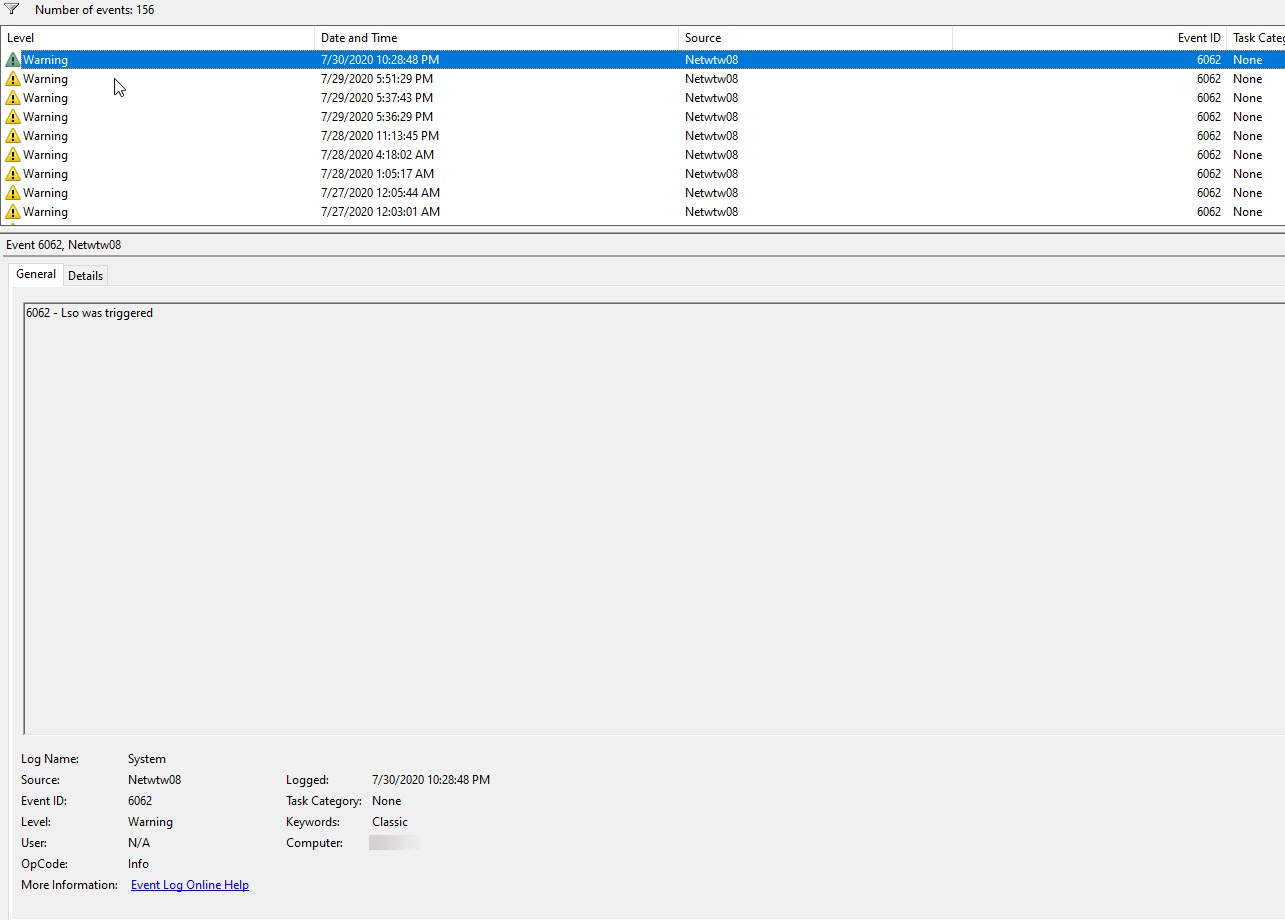
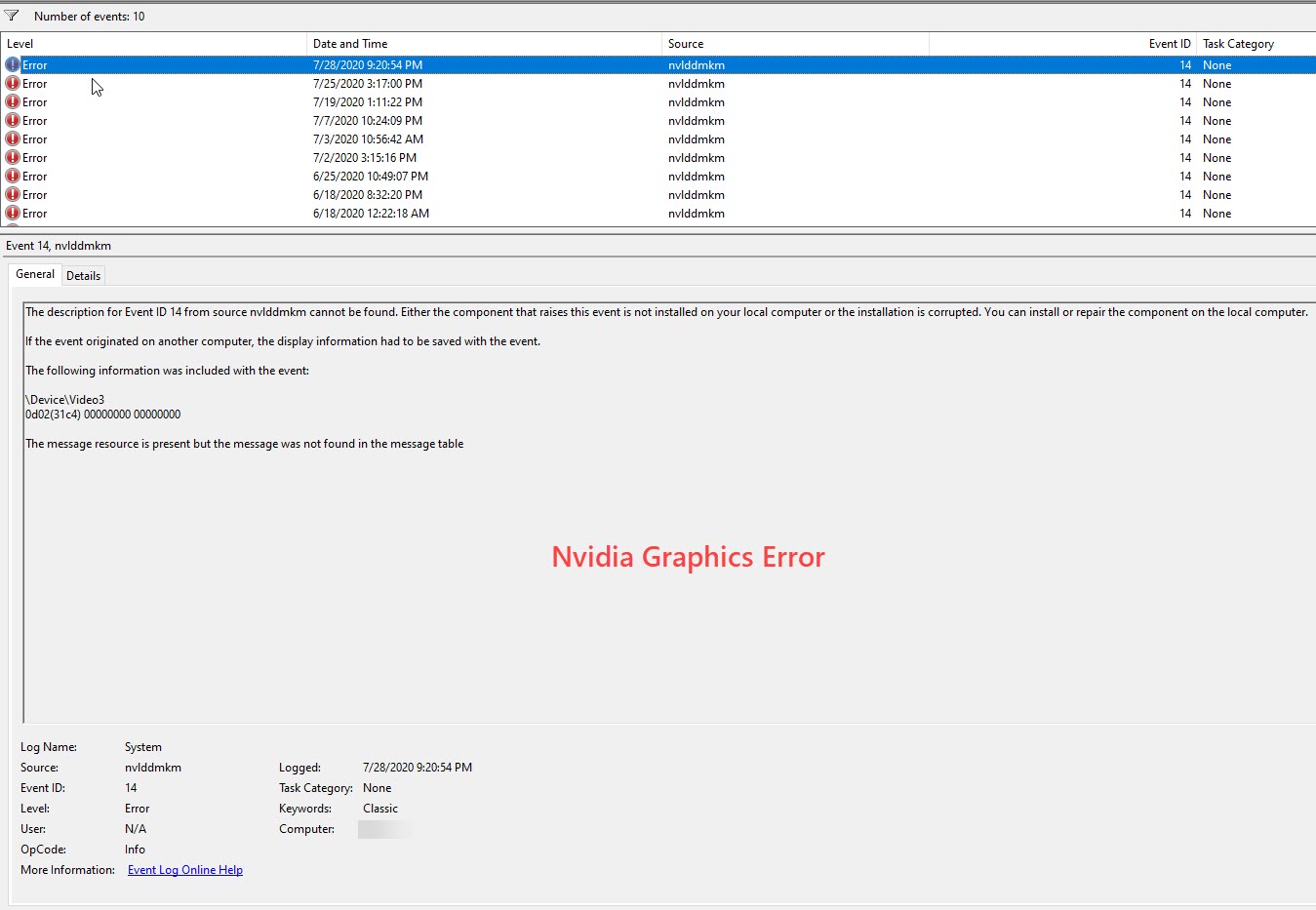
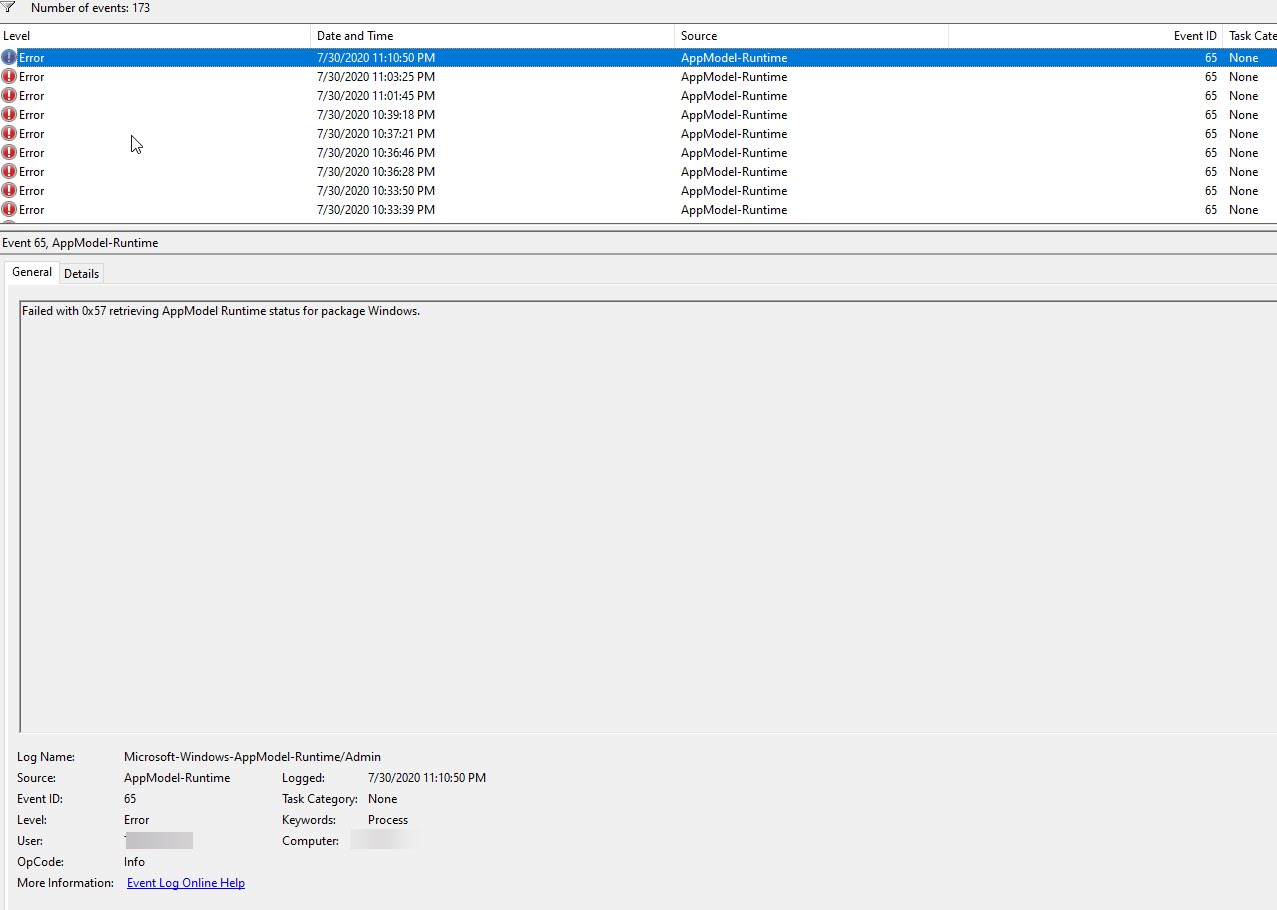
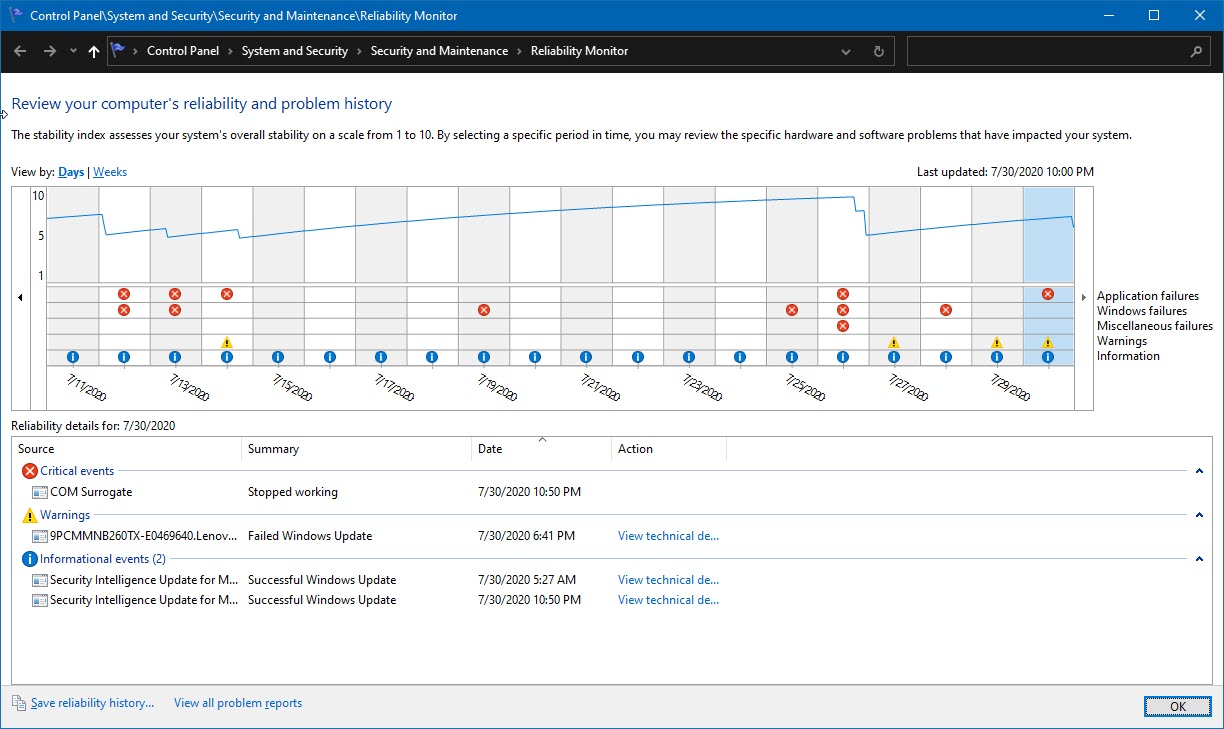
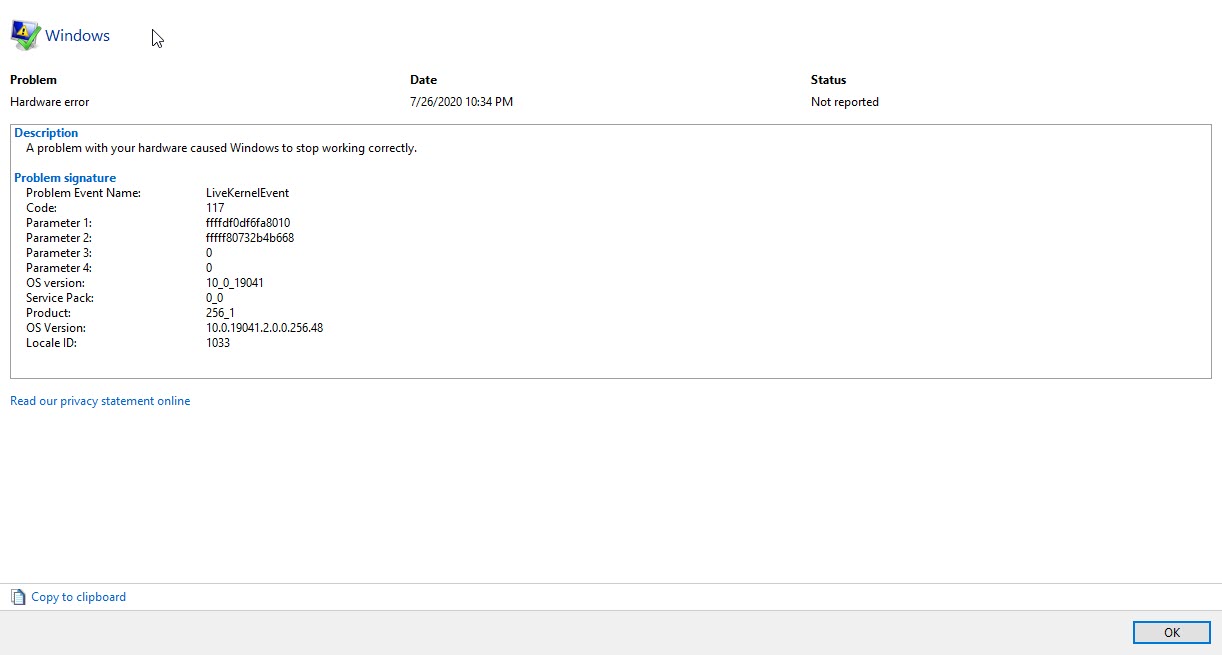
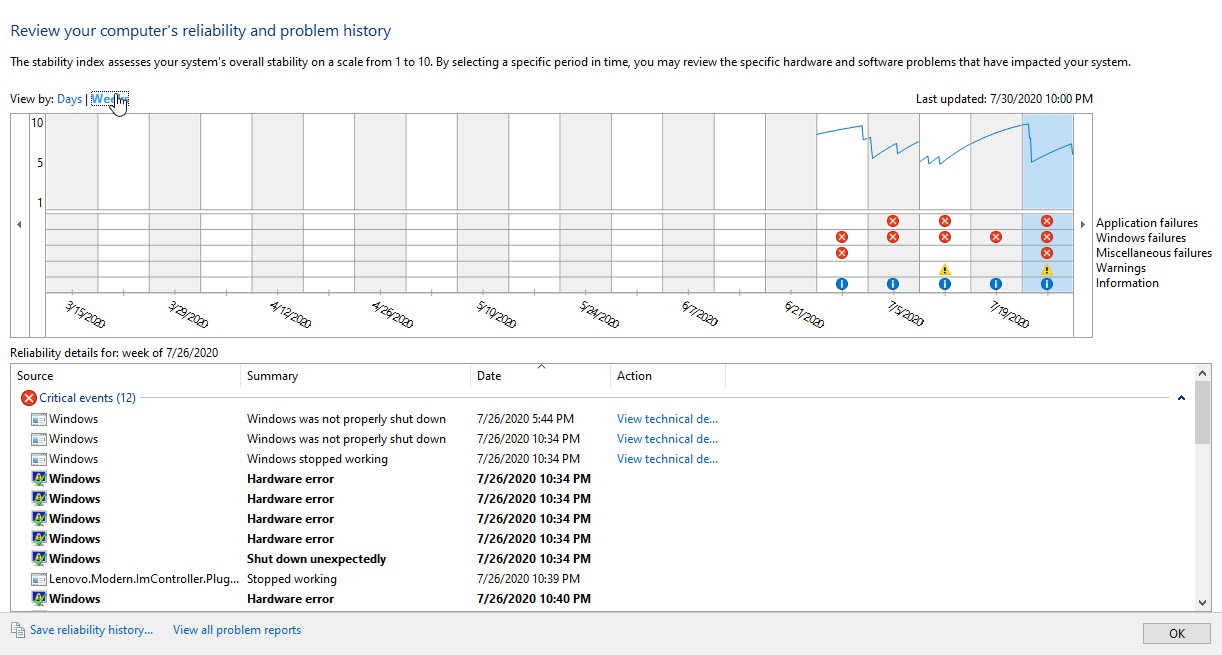
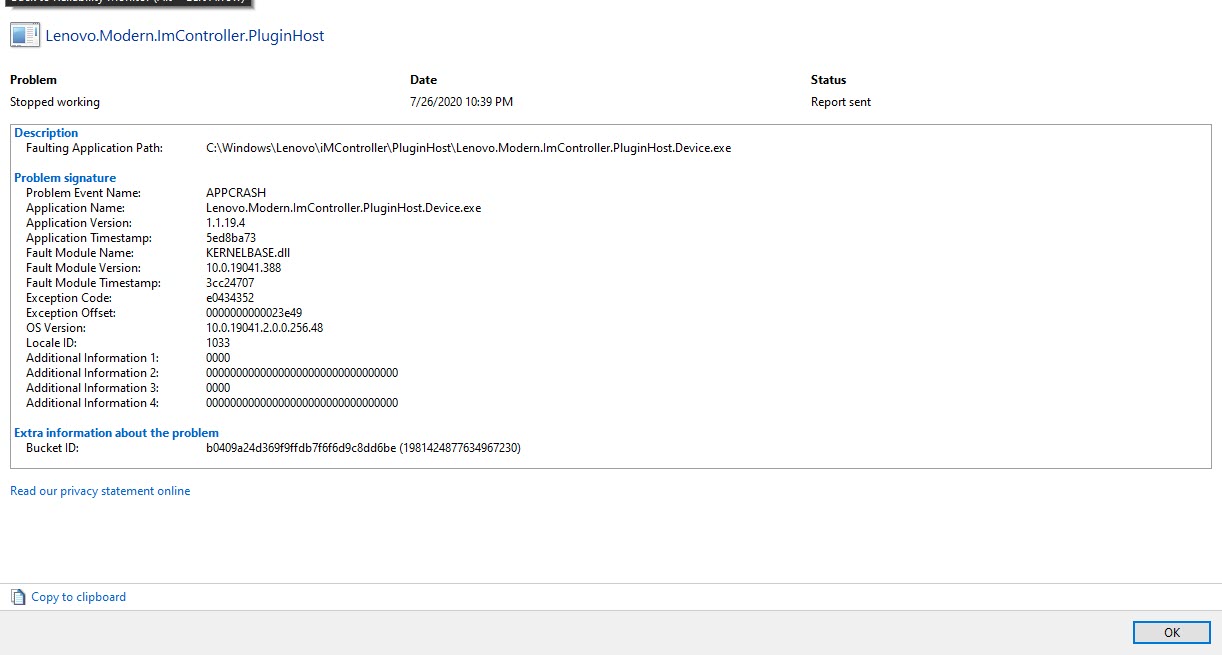
So I have had my Legion for pretty much a year now and it's been good all that time I have had some random system crashes at times overall it's been good but recently maybe the last month or so , My laptop has been system stopping and rebooting , I'll provide an error log when I get home tonight of the "reason" it has been crashing. Also randomly the nvdkrnl has been crashing also, I'd say this started probably a few days before the warranty expired and I've also had a loose left cntrl key. I'll provide screenshots tonight of the windows crash logs for you guys to take a look at not sure if anyone else has been having similar issues as I.
-
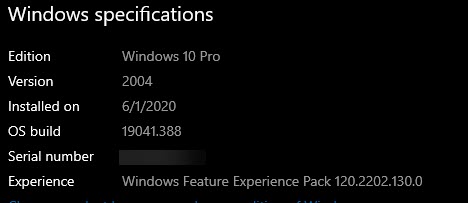
Are you on the latest 2004 Windows update? I have almost the same exact system and have had mine right at a year as well. No crashes or anything here. What does your reliability report say? Might be a certain program or something causing it. You could do a fresh windows install as a last resort too if needed.
What do you mean by "loose" left control key? The only issue I've had with mine, my 'E' key has started to sound a bit 'clicky' for the last few weeks. Then about another week ago, my 'D' key started doing the same thing. They maybe feel a little different than the other keys (not as hard to press down), but I can't really tell, as I notice the sound the most. Is this probably just wear and tear from using the keyboard? I game a lot and so it would make sense the E and D keys are used some of the most, so would wear down the fastest. I wouldn't expect a well-made keyboard to experience this though, so not sure if it's normal over long periods of time. I tried cleaning the tops to make sure it wasn't just dirt or something. Could be debris underneath but it feels more like the mechanisms underneath are rubbing on something. Anyone have experience with this happening? I have the full 3yr on-site warrant so I could just get the whole keyboard replaced, but I'm not sure I want to deal with that since the whole chassis needs replaced I believe. -
What thermal paste is recommend for y740? As the mx4 lasted me for about 2 weeks and now i am sitting at over 90c at 3.4ghz with an undervolt. I was thinking on trying phobya nanogrease extreme but can't seem to find it anywhere, I have also heard good things about gelid gc extreme, so what thermal paste will be the best for an uneven heatsink?
-
Hello,
i have tried both gelid nanogrease extreme and phobya nanogrease extreme.
Temp results after hours of stress testing where the same, but i left the phobya nanogrease because of recommendations from this forum and friends.
Also they said the phobya would last a bit longer.
Now phobya is in my Y740-15ichg with 2070mq for about 4 months, temps are like on the day when i have applied it.
I will "refresh" the thermal paste in about 8 months, within this i will change my FCN fans to new Delta fans, cause i still don't stop researching youtube and forums and i've got some samples that other Y740 don't have the jet engine whiny fans which i've got twice.
Hope this helps a bit.
Best regards,
Itzap -
Thank you for your reply, I have also heard good things about the phobya nanogrease extreme, but unfortunately can't seem to find it anywhere as it sold out everywhere I look.
-
IC Diamond is also said to be a very good choice for laptops, especially for longevity.
-
I have read that it may scratch the die, so not for me. I have been also looking into junpus dx1 as I read somewhere that its a rebrand of the phobya nanogrease extreme or the opposite, not sure though.
-
A thermal paste should be fine for a few years if applied correctly. If it is too much paste, then it will not conduct the heat as expected. Make sure you don't put too much of it.
-
Apologies for not posting pics or those reports , I was occupied.
I'll try and get a video or pics of the ctrl key tonight and hopefully post those reports -
I did a fresh install when I got the laptop because I swapped the NVMe with a Samsung one.
I'll have to make a video of the CTRL key later... I'll have that sometime tomorrow hopefully.
here are the pics of the error log:
Edit: Added Reliability ReportAttached Files:
Last edited: Jul 30, 2020 -
-
The rest of the reliability report
Attached Files:
-
-
Which nvidia driver version do you use right now?
-
Thermal Grizzly Kryonaut have worked best for over several years and machines.
-
Attached Files:
-
-
I'm aware of the problems that this driver has with madvr with MPC-HC certain videos I play have caused the driver to crash but I haven't had any crashes recently due to video playback, I stream with this machine about three days a week also.
https://forum.doom9.org/showthread.php?t=176013 -
Thank you for the feedback, but I have also wondered on how to apply the new thermal pads, do i need to place them directly on the heatsink or directly on the motherboard, because the last time i took the heatsink off i have seen some were left on the motherboard and some on the heatsink.
-
Doesn't really matter, as long as they are placed at the correct place so to speak. If I were to put on new pads, I'd place them on the motherboard because that would most likely be easier.KarenNikoghosyan likes this.
-
Do you think it will help with the temperatures? I have read here in the forum that it supposed to help, not sure though.
-
I've been using liquidmetal, 0 issues, runs incredibly cool
Danny Utoyo likes this. -
Ctrl Key video I promised:
https://streamable.com/z01v5f
Lenovo Legion Y740 17" 15"
Discussion in 'Lenovo' started by victorgm, Jan 30, 2019.