Problems? See this thread at archive.org.
No offense taken, I have been transporting mine between home and my university. But the damage at the screw seems to be related to a too hardly fastened screw. while the edge protection broke when I put my computer onto a shelf and hit the wall at an slight angle. (When I say "hit" I mean slow touch as in placing something as far in as possible, not slamming the computer into the wall) I have had mine since late July, and I think that multiple minor hits might have weakened the plastic so be careful. Other than this I love the computer and its just a shame that the build quality is less than what I expected, my old Acer was built like a battleship, but weighed 50 % more...
-
Wow ,, u did really bricked ur Y50 twice,.. hehhehe, , so i've heard, the offset voltage settings inside BIOS, is causing many Y50 to brick , it happened also to Y510p if not mistaken, but y510P got this JCMOS2 jumper below ram modules to recover from brick .
btw what's happen to mine was actually same as you , i was fool to play around with Voltage offset then bam , cant boot up , ony black screen, fan spinning and keyboard backlit. I unlocked my BIOS to have whiltelist removed n Advance tab unhidden.
Fortunately , my Y50 was ony 1 week old, so my authorized reseller i bought the unit from, was kind enough to not care anything but the unit wasnt boot up , so they replaced mine with new unit. I've never played around with Advanced Tab again, since.
BUt now you discovered how to bring back from soft brick , i might try somethin else than changing Offset Voltage perhaps,,
btw , have you found any really useful settings inside unlocked Y50 BIOS ?? cos back then, i tried fan control didnt even work, its locked by EC.
i havent played much with settings tho , other than fan control , OC and Voltage.
rgds, -
Replaced thermal paste after a little while with some MX2. Nothing crazy. I like the results. I think (but really, I didn't do any full test) I dropped 1-2 degrees C.
Usually, I run undervolted by -90mv which right now means 35-37 C with Google Chrome only (Full boost set at 36 for 1-2 cores & 35 for 3-4 cores). Lately I've played Tomb Raider (2013) with maximum OC on the 860M. I think I've stayed in between 78-81 C. Note that I live in Canada and it's freezing cold out there. Room is at 21 C.
Just hit 75 C with the 1024M TS Bench. 2 hours ago, it was 79 C under XTU CPU stress test for 15 minutes.
I'm happy to know I wasn't the only one with Adaptive voltage problem. The moment I input something (ie. -1 mv) it won't boot. What I noted though with XTU is that Core voltage should be set at around 1.031V. That would make me hit the VID Default value of 1.051V. However, into the BIOS, it was set at 1.2V. So I wondered if there was maybe an overvolt problem going on. Food for thoughts
Yeah well I was somewhat disappointed with all that unlocked BIOS to tell you the truth. I haven't tried everything out there and, clearly there's a bunch of things I don't understand at all haha. But yeah, no access to fan control from what I've seen even though I disabled the Automatic control and changed a couple of temperature settings. No control over the TDP max too (gosh this one pissed me off).
Unless someone out there knows better about the advanced tab?
Next step will be the vBIOS I guess. I can surely hit +180-200mhz on the GPU core instead of +135mhz. -
anybody?
-
Thanks for the reply I will give it a shot.
-
Your idle temps seems lower than mine. Although on TS Bench (16/1024M) I had 67C max temperature. Interesting. -
I am wondering what kind of replacement for the Wireless card there is out there.
I play games quite a bit and this card just seems so terrible. It constantly drops/laggs.
My other laptop never has issues whatsoever with the wireless internet at all.
I knew that when I bought this laptop that the wireless card was going to be an issue, and until recently I never had issues because I was always hard wired.
Can anyone offer another card that is compatible with this laptop. (I have already purchased a new panel and installed it because the standard one it came with was unbearable.) -
Hello happy owners!
I have a cooling question. I was too rush to buy nice looking belkin cooling pad that can be used on any surface but when I checked at home it doesn't help and likely increase temp buy 1-2 points. I am doing XTU stress test and temp is arround 78 on 2500 Mgh with or without pad.
My question is maybe that cooling pad not suit Lenovo cause it blowing air to center of the laptop bottom, but isn't it cooling system also blow out hot air at the bottom so need sucking cooling pad rather blowing? -
You did not even say what card you have.
Also, I have no problem with mine (Intel 7260) at all. -
That seems very low to me! What were your TS settings at that time? Continuous 35T boost during the test? If yes, impressive. I don't know what to think!Last edited: Feb 3, 2015
-
I don't think you can smooth the game play on Battery actually. The best you could do is to stay on Windows High Performance mode I guess. You could use ThrottleStop too in order to set the CPU clock at full boost. You'll probably have an hour of gaming on your full battery though.
I was under the impression that air was suck into the bottom of the computer and blew out from the front of your screen. Therefore, you would need a blower under your Lenovo. Anybody can confirm? -
Yes, bottom is a sucker, screen hinge is a vent - out.
There is a lot of dust in the bottom filters even after few days.
To my temperatures, I also have undervolt by -60mV, can't get any higher and even this one is like 99% stable (had one BSOD regarding this in one month).
I also do not have i7, but i5 version, which is supposed to be somewhat cooler (and I guess it is seeing the results). It was set up to 35T whole time during the test. I posted the max reached temperature in the end. -
So my Belkin pad http://www.belkin.com/us/F5L091-Belkin/p/P-F5L091/ is useless for cooling?
On belkin website it says compartible with Macbook not mentioning PC
It only protects my legs while I lay with laptop but maybe I should return it to shop. Even on idle temperatures it have no effect. Are there any good cooling pads that working well with Lenovo? Or maybe all are useless until boost CPU, overvolt etc -
Last night I had something strange happen on my Y50. I opened it up and it wasn't showing any wifi connection (it was acting like wifi was off or something, as I couldn't even find any available wifi signals). This happened once before, a couple months ago, and it was fixed with a reboot. So I shut down and instead of restarting, I got the message "Unauthorized wireless card is plugged in. Unplug it and reboot." This came up after the Lenovo splash screen but before the Windows splash screen. The computer won't boot.
This isn't a whitelist issue with the wifi card. It's the same card that came with the computer (Intel 7260) and the same card that's worked in the computer from Day 1. So I thought maybe the card got knocked loose or something, so I opened up the case (first time I've done that) and removed and then reseated the wifi card. Tried to reboot but got the same message. Using my phone, I saw someone previously posted about this on the Lenovo support forum, and the recommendation was to disable wifi in the BIOS and then update the BIOS. So I did that, but that still didn't help.
Has anyone else experienced this problem? Any other suggestions on how I can fix this? -
I've also only transported mine home to university within a thick pad with no banging on the edges what so ever. It was unfortonate for it to snap when I literally opened the lid one morning and pop it goes. My repairs costed me $269 and it took 4 weeks to get it shipped, repaired, and back.
-
Hello all I had a quick question that I couldn't find anywhere else.
First off, I'm using the 4K UHD model
As the 48 Hz refresh rate lock is slightly annoying, I was wondering if purchasing a new 4k screen to replace it with would allow me to change the refresh rate to 60 Hz, and if not, what about a regular FHD screen? I haven't been able to find exactly where the bottleneck occurs so my thought was that a new screen could possibly fix that. Thanks! -
So far nobody has succeeded at exchanging the UHD 4K panel to another model or FHD, so I'm afraid at this point you're stuck with what you have..
-
Thanks for the quick response, kinda sucks but I appreciate it!
-
Hmm, I didn't know about that.
I'm trying out conservation mode, but I'm not sure I'm understanding what I'm seeing. I plugged it in near max charge and turned on conservation mode and it's been saying "94%, plugged in, not charging" for a while. That is, it's not going down at all. Is it just using power through the adapter and bypassing the battery or something?
Also, would it be safe to leave the laptop set to high performance and plugged in if conservation mode is on? -
Alright! Good to know. So I might have lower idle temps because of my -90mv undervolt but clearly i5 produces less heat than i7 on full boost. Interesting as you said.
From what I can see, this cooling pad should be working correctly. Sucking air from the back and into the bottom of the computer. However, restricted airflow might be the problem. It says something about passive cooling, like it doesn't have any real power to it.
If you ever want to return, check out on Amazon/Newegg for the best deals and reviews. Might be a good start.
While plugged in, the computer will not use any of the battery charge, all through AC cord as you said. So, staying @ 94% is all good. Whenever, you use it on battery power and then replug, it should not charge up more than 60%. And yes, my computer is always on High performance mode while connected to AC. I change it manually when on battery.Last edited: Feb 4, 2015 -
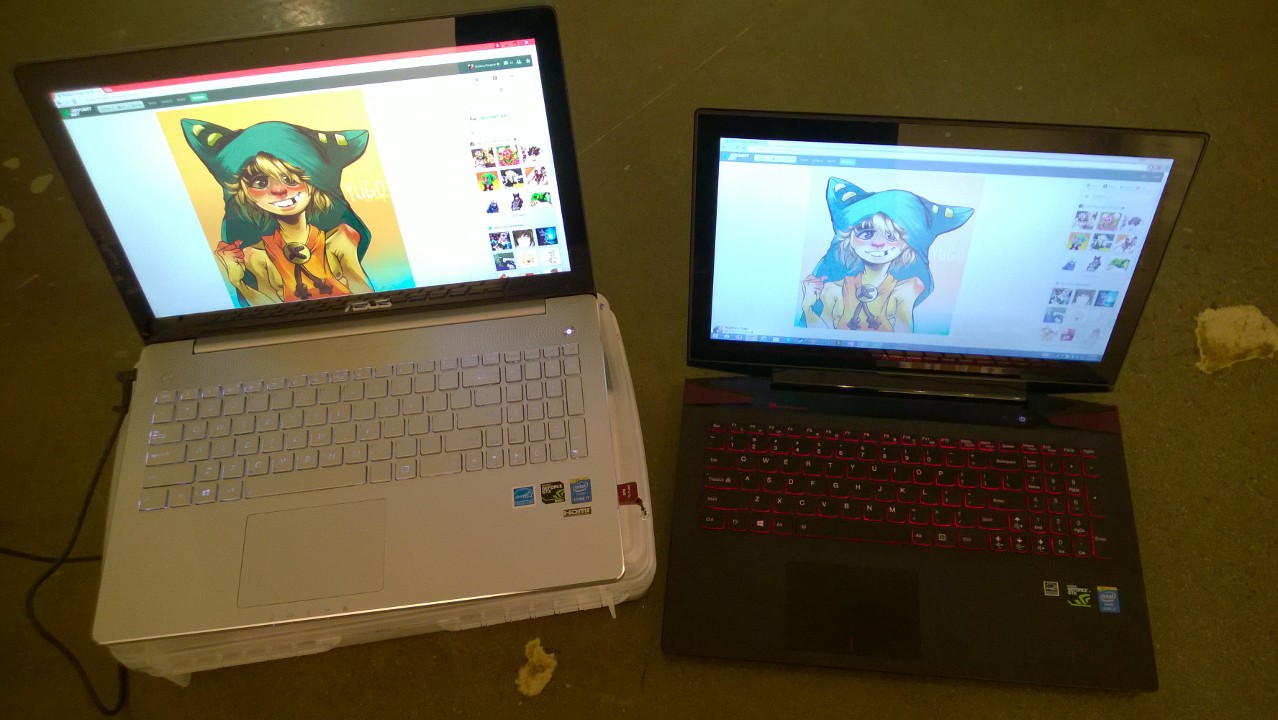
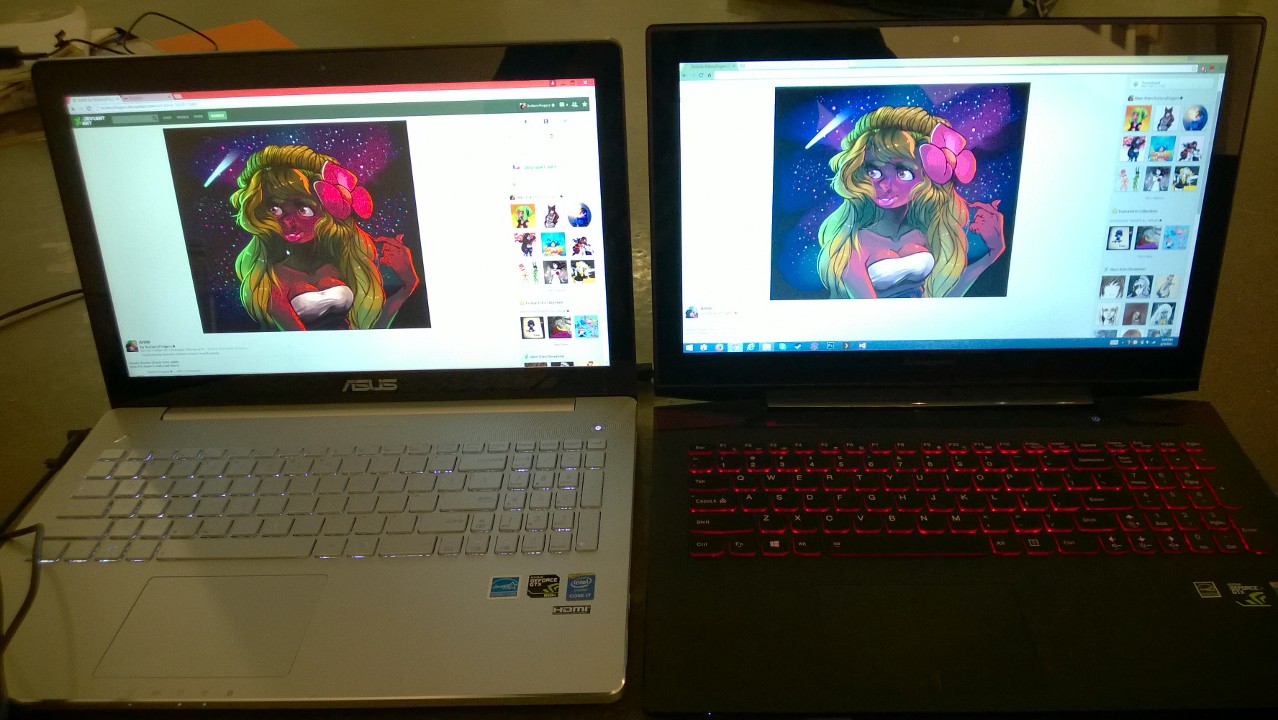
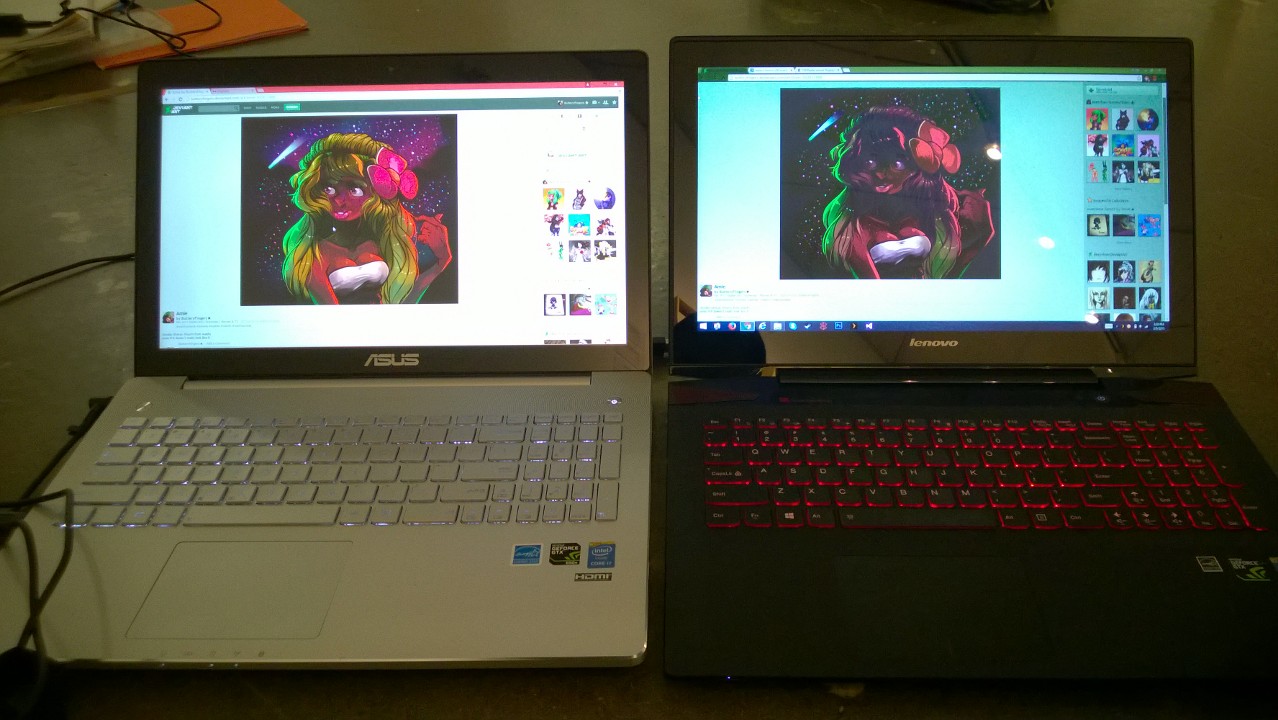
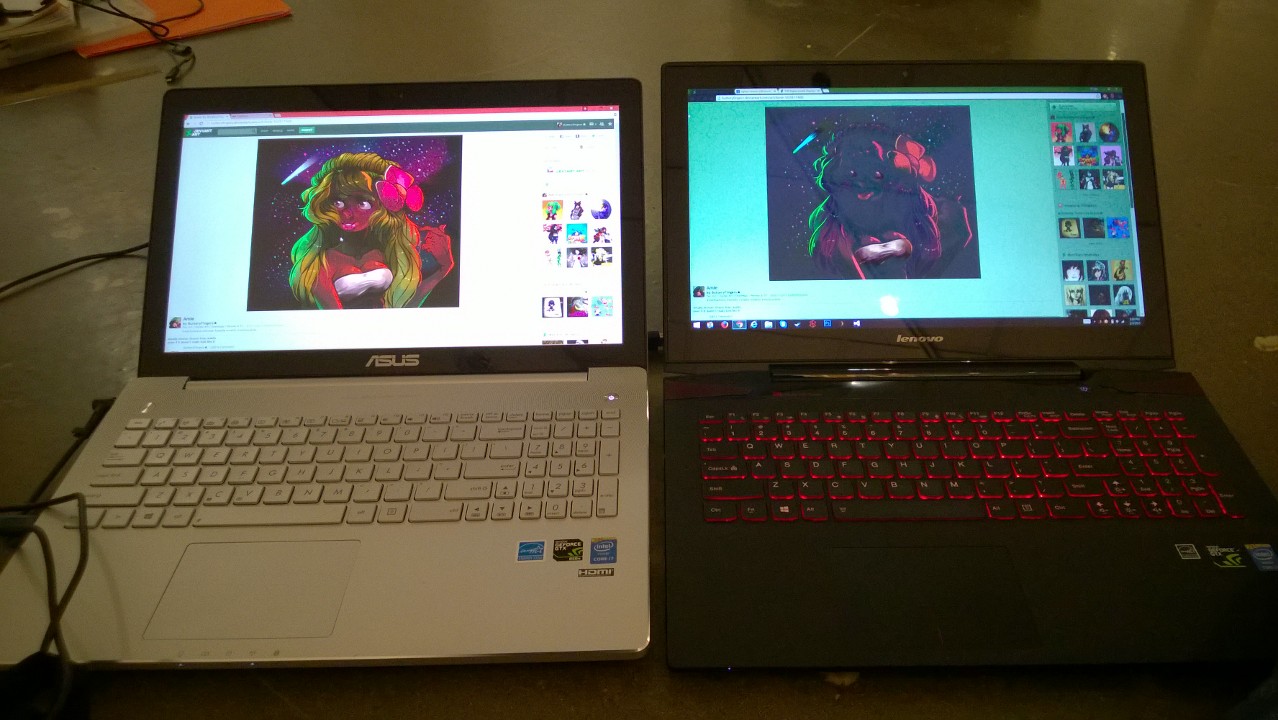
I recently just compared my y50 screen to my girlfriends recently bought asus n550jk(I persuaded her to purchase for SCAD) and now i'm jealous.
I really did not think that the IPS screen would be that much better than my screen but boy i was wrong, it puts my computer to shame.
Was going to get the asus before the y50 but didnt because of the 850m.
Also the headphone jack does not produce the white noise sound like the y50 does -.-
Now i'm having buyers remorse. XDAttached Files:
-
-
You can change the screen in Y50 easily in 5 minutes for less than 100 bucks. There are tons of info about this on the internet, check it out.
Also, I do not have any white noise in my jack. But I remember reading somewhere it was something with drivers and that some drivers helped to get rid of this, try to look for it.
And I have to say I'm using Y50 laptop screen right beside 23" IPS (matte) monitor and I can live with it pretty OK, it is not that bad. -
I think my Y50 has become self-aware.
I changed my windows lock screen months ago. Just now it's reset to the default rainbow colors thing. Why would it do that on its own? -
Should i replace the stock thermal?
Any video guide?Last edited: Feb 6, 2015 -
If you recently bought it, and your load temps are fine, I don't see any reason to.
-
actually hand abit itchy, haha but when i throttle it to 30 multipler, it can reach up to 90++ degree
-
Well, keep in mind that replacing the paste may void your warranty.
With that said, your temperatures seem a bit high. What program are you stressing the CPU with, and how many cores do you have set at 30x? -
using throttlestop just set multiplyer to 30T , playing cs:go, but not constantly 90ish
-
That's still quite high in my opinion. Have you tried undervolting at least -50mv with XTU software? That would clearly help with that. I'm hitting 80C with multiplier 35T playing Tomb Raider lately. I've changed the thermal paste on mine with some MX-2. Did not find any video of it at that time (for Y50) but you can find A LOT of information about repasting on internet.
I'm also pretty sure it won't void the warranty since there is no way Lenovo will know you popped off the heat sink. Well unless you burn that CPU/GPU
-
undervolt at 'Dynamic CPU Voltage Offset'?
Currently i having noctua thermal paste that can be useLast edited: Feb 6, 2015 -
I would change it but i'm scared that I might mess
everything up. I am also not sure which screen would be compatible with my y50 touch.
Everything that I find online seems to be towards the non touch models. -
I've just received my new Y50 and have finished reading the 177(!) pages of this thread hoping that I could find a solution to my issue.
Everything is perfect so far with the small exception of Google Chrome (of all things). For some reason, while playing Youtube at 1080p I get a rather choppy unsmooth playback. This isn't the case with Internet Explorer which plays back silky smooth at all resolutions.
I've tried forcing Chrome to use the nVidia card (no change). I've disabled hardware acceleration on Chrome (no luck). And I've tried disabling the standard Flash plugin (Pepperflash) in favor of the Adobe one. Again, no luck.
Running out of ideas here folks, but I'm loathed to switch back to Internet Explorer
Help! -
Redid my thermal paste, now thermal max at 80 when throttle to 30T
for the stock thermal, i found out that the thermal paste were mostly on the green part of the chip, is this an example of lousy thermal applying skill? -
Yeah Dynamic CPU Voltage Offset. Start with something like -20mv and gradually lower it. I'm stable @ -90mv.
Manufacturers usually go all out on thermal paste in order to minimize the chance to have it fail/not enough/melt. -
do u need to keep xtu on to keep the changes? can exit the program after tuning but still with the effect?
-
Generally XTU retains any settings you make, though experiences and effectiveness vary from hardware to hardware. (For example XTU only retains settings on one of my laptops.) Also keep in mind you will definitely lose the settings if any unexpected power loss occurs.Jarn06T likes this.
-
thks for the info~
-
What he said. I'm actually trying to understand why it will usually retain my settings but once in a while it will not. That pisses me off
Might have something to do with booting on battery and TS too. Anyway .. -
Yeah I wouldn't recommend having both at the same time, the two might be conflicting.
-
but there is no way to undervolt in ts right?
-
With TS v.7 you can. But this beta version is expired so you pretty much have to wait and pray unclewebb comes back. You might as well give some love in the throttlestop guide thread too.
Thing is XTU won't keep turbo boost at all time. I can only get it to work with TS so I have to make both work together! Most of the time it does work actually. -
So after looooong wait, I've finally received my Y50 today !
I'd like to know how can I create recovery disks (before I replaced the default drive with an SSD) ? THIS link gives instructions for OneKey Recovery 7.0, but my Y50 comes with OneKey Recovery 8.0, which does NOT have the 'Create Recovery Disc' option. So how am I supposed to create the darn recovery discs ? -
-
Thanks. So I guess there's no way to create any recovery discs as such ? Wow, that was unexpected :/ .. Anyways, I went ahead and replaced the HDD with my SSD anyway as I couldn't wait
.. To hell with the recovery partition ..
By the way, Lenovo seems to love screws a lot - I had to remove like 15 screws in order to install my SSD .. Took me over an hour to do it (while be careful, etc.) ... On most other laptops, this is a 10 minute job .. -
Hello everyone! I'm looking into possibly getting one of these computers for school and some gaming; specifically the FHD, i7, non-touch, 16GB RAM version. I was wondering if there was any place where I could get a good deal for one online? Newegg has it up for $1000 which is pretty awesome for what you get, but I was wondering if there was any place to find it for even cheaper.
Also are there any issues I should be aware of with the laptop itself? I've heard about the poor display, so that and the Hard Drive will likely be getting replaced down the road. Is there anything else to be aware of that could potentially be a deal breaker with this laptop? Thanks so much in advance for your response! -
Guys, I installed Classic Shell because I'm not a big fan of windows 8 but when my wife uses her login she gets an big on-screen pop-up every time she hits caps lack. It does not occur on my login. I've seen some instructions online on how to turn this off, but I cannot find the on-screen display area most instructions refer to. Any suggestions on how to turn this off?
-
Fan clicking noise between 37-41 C degrees. Some have (I do) and some don't, it seems. No definite answer yet from Lenovo. You can find videos on youtube.
-
Just a quick question about the keyboard backlite.
Can it be set to turn off due to inactivity? If not with included software, but 3rd party? I tend to get up and walk away from my desk frequently and would love it if i can set it up to turn off the keyboard lighting after X minutes.
thanks. -
I don't think it can be set that way. It's hardwired to the machine from what I can tell and its either off,low,high.
Some laptops run the lighting thru software but you can change the lighting on this one purely with keyboard controls no matter the environment you are in IE the BIOS.
Lenovo Y50 Owners and Information Thread
Discussion in 'Lenovo' started by kingfirejet, Jun 5, 2014.