Problems? See this thread at archive.org.
That's a keeper, IMO, Zoid. I like it.
-
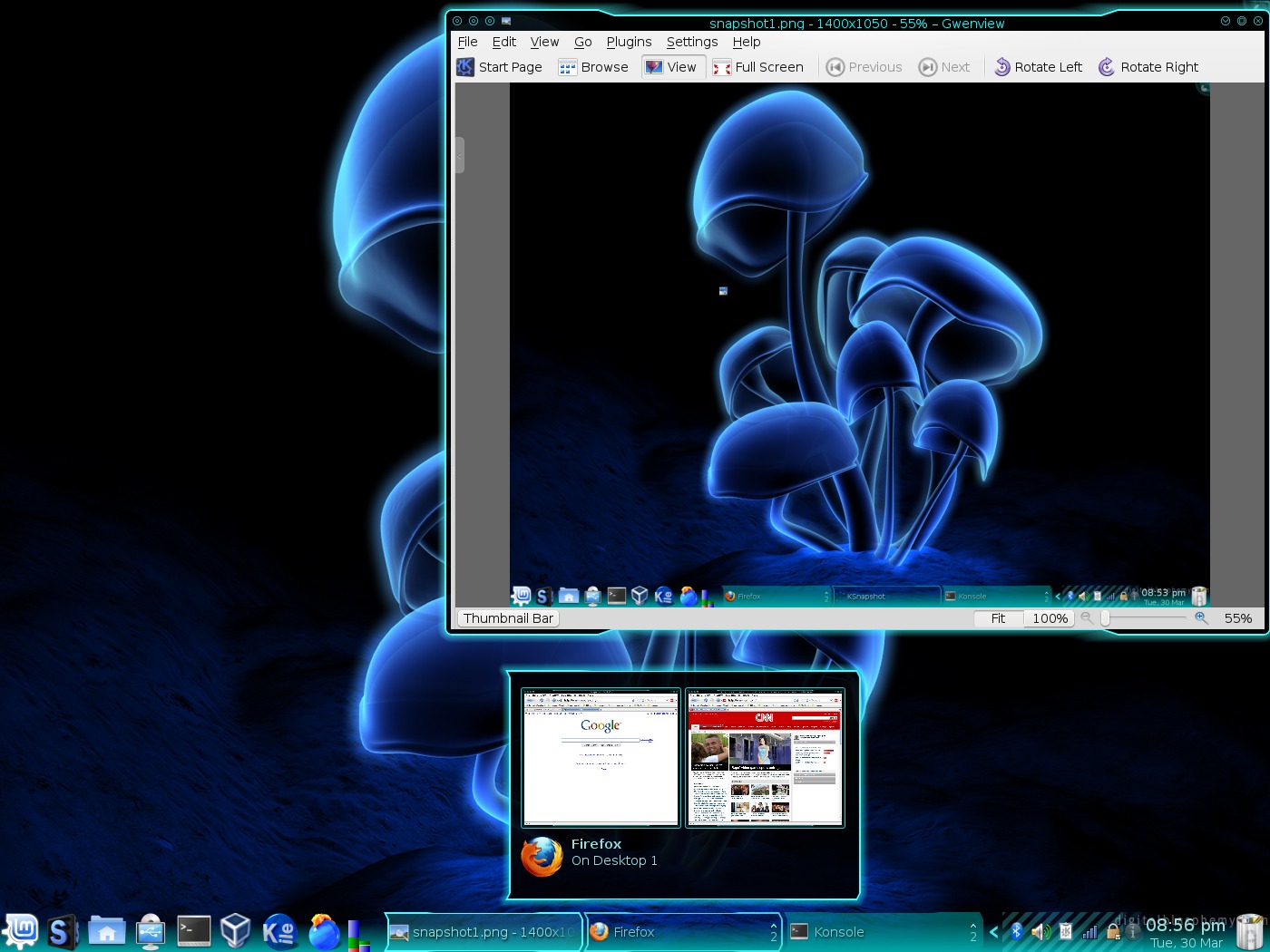
don't know...put Knapshot into Xubuntu....already had the libs because of Amarok
 Notice I've replaced network manager with the monolithic pythonithic Wicd for wireless
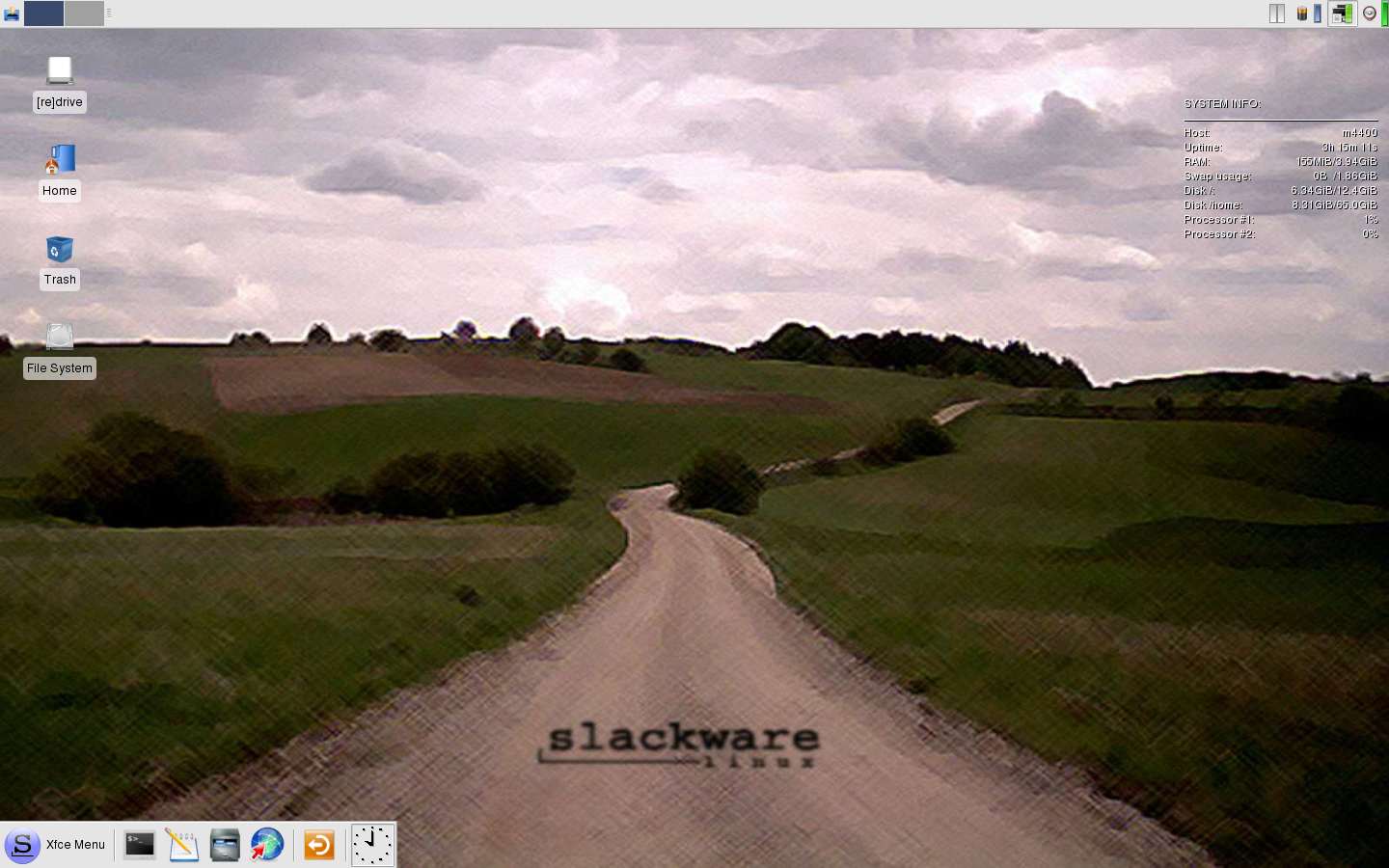
EDIT: let's make my post a slideshow lol PS, 'rob on the Gant above, I'll look at it again after some sleep when my eyes are clear...didn't I see a penguin somewhere jumping head first into a frozen pool? LOLAttached Files:
-
-
Applications > Accessories > Take Screenshot > Grab after a delay of ___ seconds
-
ubuntu 8.04, gnome, txutxu gtk, allblack icons
![[IMG]](images/storyImages/screen2.png)
-
Or you could just doas it works on all systems, rather than just on *shudder* gnomeCode:
sleep [u]# of seconds to delay[/u]; xwd -root | xpmtopnm | pnmtopng > ~/screenshot.png
-
Who would post such a ridiculous picture??
![[IMG]](images/storyImages/3.gif)
-
hehe....I've been dancing around gnome, from Xfce to KDE, back to Xfce......gnome is the bloat king now I believe
Back to looking for another icon set.....
-
Dude, estrogen kid, that desktop is awesome.
-
Lawlzy. That's handy to know, but if you're on Gnome, you might as well take the shortcut, so long as you know the "real" method. :laugh:
-
strange....definitely like some opines on this one!
Attached Files:
-
-
Oh, and I almost forgot. If you want to do that without having the terminal window in the screenshot, you can just add a '&' to the end of the command (that will work on any command, causing it to be put into the background). I believe doing "Ctrl+Z" when the command is running will do the same thing. Or you can run the terminal session in screen, and then close the window, causing the terminal session to be 'detached', while the process is still running.
Just FYI
-
Just posted my Linux Mint Review.
http://forum.notebookreview.com/showthread.php?p=3525448#post3525448
On another note, 3400 post!
-
Damn, that's about 10 posts/day.
-
I had 16 post a day at one time...
-
Definitely a strange one indeed. O_O
-
hehe.....yeah, it didn't last long......
-
Different, but awesome. I love the colors. It reminds me of roytse's desktop.
Thanks for the info.
I'm at 16.80 right now.
-
hehe....my 15 year old son walked in the room, laughed, and said "what were you thinking?" when he saw that desktop......wallpaper is "king of trash" on DeviantArt.....
-
cool....conky is wondrous thing especially for GTK desktop E's like gnome and xfce.
-
http://i27.tinypic.com/14vi7aa.png
Core 2 Duo 1.8GHz
4GB Crucial Memory
14.1" SXGA+
Intel X3100 Graphics
80GB HDD
CDRW/DVD-ROM
Bluetooth
Intel 4965AGN
brand new Keyboard
6 cell Battery
Running Linux Mint 5 Elyssa and XP SP3 in Vbox -
Well, I only got my Linux installed yesterday, and it took a while to get everything up and running correctly, so tomorrow I should be able to show you all my Openbox setup.
-
Openbox? That's an interesting choice for a first time Linux user ;/
-
Lysander, you are far from a first time linux user right?
-
I think someone who's run Arch isn't a first timer.
-
Ya, I ran arch...
VERY hard to set up, lysander is by no means a "first timer". -
Arch is easy to set up, i just really don't have the time or enough effort stored up to go for it. If you keep telling yourself it's hard then it'll really become hard.
-
Ya, its not terrible hard, just takes a long time.
And how would you know if its hard or not, calvin?
-
I've messed with Arch in a VM, it's problably easier than Ubuntu to set up, i'm just too lazy to go for it, and Ubuntu is already set up how i like it.
-
Oh, from the way he put it ("I only got my Linux installed yesterday") I thought it was his first time. And it says in his sig that he's using Xandros, which is a nüb distro ;/
-
Actually its quite hard, but the documentation helps a lot.
-
It's quite easy because of the documentation, they put it there for a reason. You'd have to be a complete Linux newbie to try and install Arch without the documentation (unless you memorized it) in which case installing Arch should be the furthest thing from your mind. People who install Arch read the wiki and they're just fine. The wiki explains everything so simply i was tempted to install it for a little while but i decided to stick with Ubuntu.
-
Done playing with KDE4....back to Ubuntu....
Attached Files:
-
-
It's also what comes installed by default on my Eee 701. Gives me best battery life too. Though I have recompiled the kernel to support 2GB of ram and other nifty features.
I've been using Linux full time for the last two years, with a short break due to a really bad choice and an Apple salesman. -
Doesn't anyone else hate the brown/orange theme of Ubuntu. There is a reason why the majority of Linux and other OS's don't use brown.....its ugly.
It looks like someone just took a dump on my os, when I had ubuntu installed the first boot made me fell all dull due to the brown theme.
Yes, I know its linux and easily changeable, however the majority of users ubuntu is aimed at dont know how to do so, wont be bothered to do so.
I recon if it wants to attract more people it should leave the feces look -
LOL I take it that "really bad choice" was getting a Mac?
That definitely is a very bad choice
I believe they're going to change this in Intrepid Ibex. It just hasn't been a priority until now. Besides, I don't think it's that big of a deal. The people that are complaining about it are those who know how to/will change the theme. Those who don't know enough to change the theme really don't care about the theme at all.
LOL the theme now is nothing compared to how it was back in the day. I remember installing Breezy Badger....it was nothing BUT brown. -
Here's mine, Ubuntu 8.04. Nothing fancy, I use my laptop for web surfing only
Attached Files:
-
-
I'm not a fan of brown but i don't really care because i have Bluman, and if some of the ideas in BrainStorm get implemented in Intrepid then i'll get my blue color ready out of the box.
Looks good.
-
If you have a separate /home (and even if you don't now), you don't even see the defaults when doing a clean install. The defaults should be used to attract new users.
-
Tell me about it. I'm just glad I could sell it for a good price and now have my cute Asus.
-
I don't like the orangish brown in Ubuntu....actually, I'm changing it right now....I hope they change it in Ibex.....ahhh, might as post another screenshot.......
Attached Files:
-
-
Nice, Lomaster. Did you find that picture somewhere or shoot it yourself? -
Why would he have taken a picture from somewhere else and posted it here? This is "Show off your Linux desktop". Besides, you can see an instance of Firefox, showing this thread, minimized in the toolbar.
-
I think he might have been referring to the wallpaper in the pic.
-
LOL I can't believe I didn't think about that. I was wondering why he used the word 'shoot' though - now I know why ;/
-
I was, blackbird, and was impressed with the shot, that's all.
srunni, in the future, don't cross this line ____________ ! I'm thoroughly upset, and out to get you now! Watch your step if you know what's good for you, got it? You obviously have no clue just who you're dealing with here:
![[IMG]](images/storyImages/murf.jpg)
-
LOL (10 char)
-
Yeah, that _would_ be pretty cheap to copy and paste someone's else desktop off the web....LOL
-
Calvin, I've lost my notes on how to get rid of the orange between Usplash and GDM, and GDM and Desktop. Have them by any chance? I've changed my Grub, Usplash and GDM to blue, but need to get rid of the final bits of Orangutan Brown
-
I was actually wondering about that myself. You're talking about the screen of orange that comes up before the GDM comes up and after you login but before the desktop loads right? I'll be interested if anyone knows how to get rid of it, it's probably very simple.
-
It basically involves editing a file, which I've done in the past....but when you update the system, sometimes it get's overwritten and you have to do it again....I'll find it, it's on Ubuntu forums.
Show off your Linux desktop
Discussion in 'Linux Compatibility and Software' started by pixelot, Mar 22, 2008.