Problems? See this thread at archive.org.
And that's another reason we undervolt!
Stock: ~3.5GHz @ 45-50W
UV: ~4.0GHz @ 45-50W

-
I am curious about the new bios. It states update vbios but is that for the Intel GPU or nVidia? I am assuming intel because I thought you use a different software to update the nvidia vbios.
-
The temperatures will still be accurates right ? I did modify the bios with the values you mentioned above.
Thanks for the answer
-
I don't think it's enough. I use -250 mv on the 9750h and consumme more than this (easily ~65 Watts) with some heavy tasks.
But in most game, you'll not see any difference.
Yes.
But cpu power consumption will be innacurate -
Yes temp will be right . Also if you want to know what your Watts are just add 32 to want it is showing you if you are using thermal stop
This value will allow you to falsely report the TDP measurement of the processor, allowing you to reach much higher TDP without PL1/2 throttling. Throttlestop will show an inaccurate TDP reading after this. To see the real value simply add 32w to reported value ( Ex, when I am under max load I report ~33w. 33w + 32w = 65w actual).
http://forum.notebookreview.com/thr...-owners-and-discussions-lounge.825828/page-48Last edited: Nov 12, 2019 -
So I have a GP75 with damn Thermal Grass all over.
Can I replace it with thermal paste or what would u recommend? I don't know the thermalpads thinkness.
Thanks -
I don't understand how the white/orange power LED works, I've been told that it's orange when the RTX is active, yet the Nvidia activity indicator says otherwise but the LED stays orange...
+
I think I got it, Afterburner running in the background keeps waking up the RTX...even though Nvidia says the card is inactive at the moment.Last edited: Nov 13, 2019 -
Yes, you're right. Msi Afterburner is the reason -
So far I've found 2 programs that keep the RTX awake:
- Silentoption.exe (MSI fan controls)
- MSI Afterburner
Kinda insane to have it run for almost 6 hours without charging when I'm at work, just capped the CPU @ 5W so it stays at 800MHz all-core. Plenty for any office usage. -
hi. can u send a pic of how you customized it? thnks
-
How can I set a permanent UV in BIOS?
-
Lovely temps with UV so far. This is with Kryonaut btw.
Protip - use silent option software to control the fan and make the GPU fan always spin. Really helps when stressing the CPU as the heatpipes are connected.
![[IMG]](images/storyImages/bpTdp6l.png)
-
Do you use the Bios tweak ?
-
U can set ur throttlestop start with windows startup.
But I have seen at bios menu like throttlestop menu I thing for uv
Sometimes it's good underclock the cpu.when play modern warfare I have same frames (144)with underclock cpu clock 3,4mhz 3,5mhz..so I let cpu to that mhz and play with 65c cpu temp.its really good.and ofc lower gpu temp too.65 67 tooLast edited: Nov 14, 2019 -
Ok I will soon
-
Nope, I have throttlestop set to run in task scheduler but when it starts at boot, it keeps running in the background and I can't open it, unless I kill the process and restart TS!
I've noticed TS is buggy and somehow it caps my CPU at 35W after reconnecting the charger... -
Thank your for your answer. That's probably why you uv is so small.
There's not a lot of people here with the 9750h. In my case, with the bios mod to power consumption and loadline, I have -250mv in TS. I didn't try to go further.
I don't have your issue with throttlestop -
Photo works?
Attached Files:
low9 likes this. -
-
thank you!)))
do u repaste GPU & CPU? -
U tried remove throttlestop restart and install it again?
-
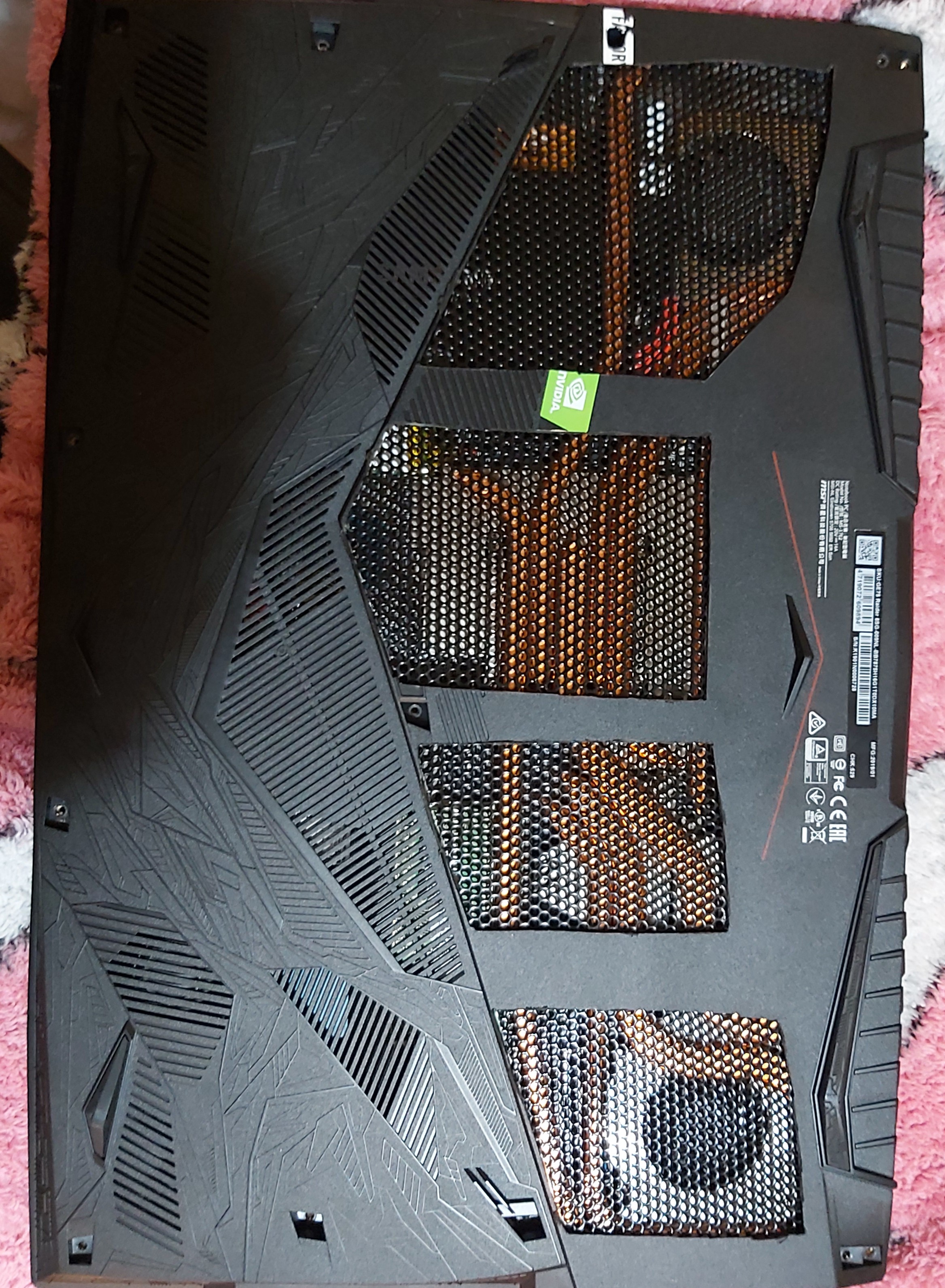
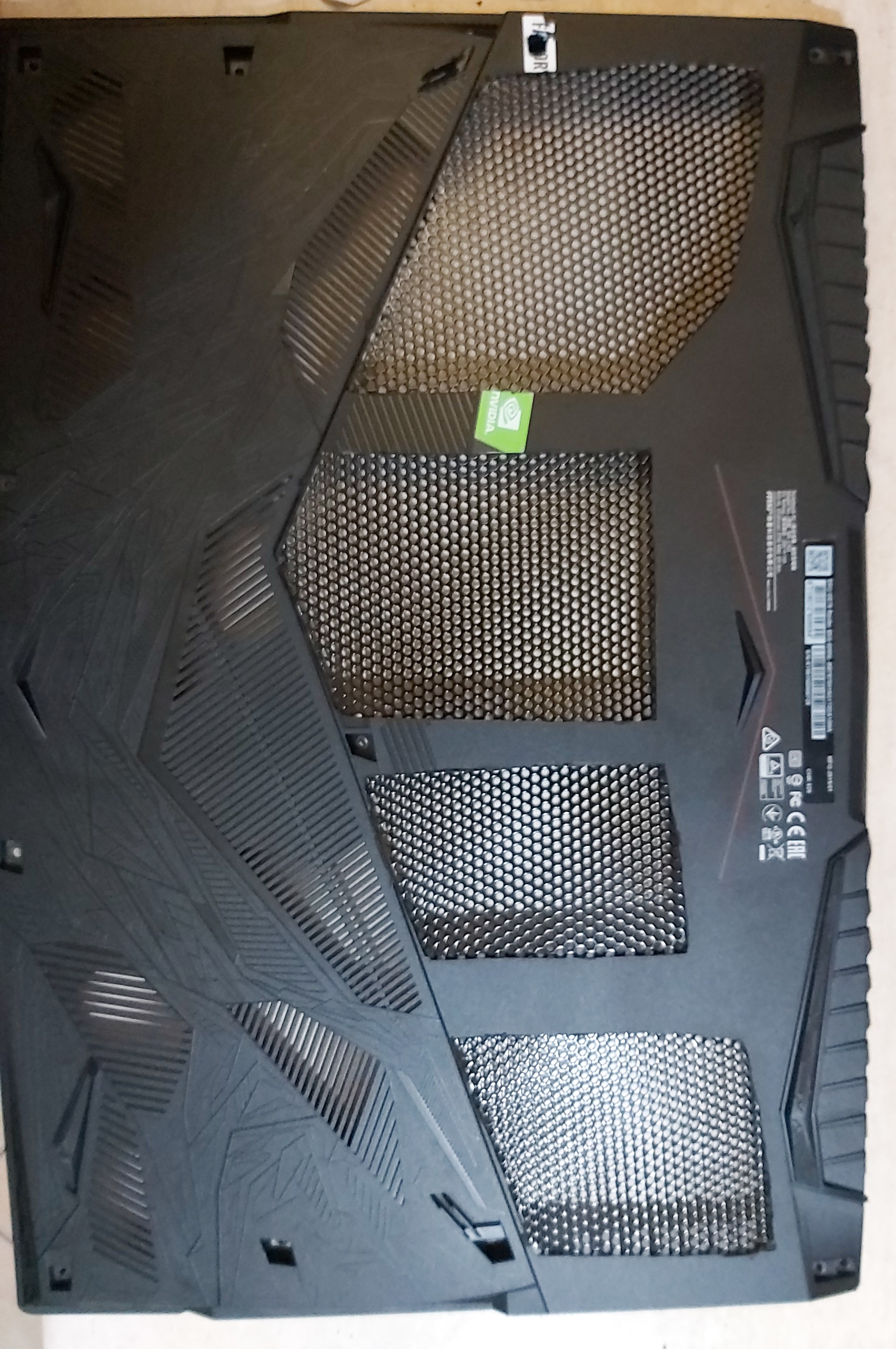
Yea but for the truth I didnt see much different from stock with grizzly kryo.some guys have problem and with undervolt still hit 95c.there maybe need repaste.mine stock hitted 95c but with undervolt and stock paste 85.but with stock bottom cover....this modified cover and cooler pad gave me around 7c lower. Never see now more than 80c.and more than 70 gpu.
I repaste cause I opened for second ssd.i had no problem with stock paste.i thing repaste for me was -2c
What ur temps with undervolt and some space under the laptop? -
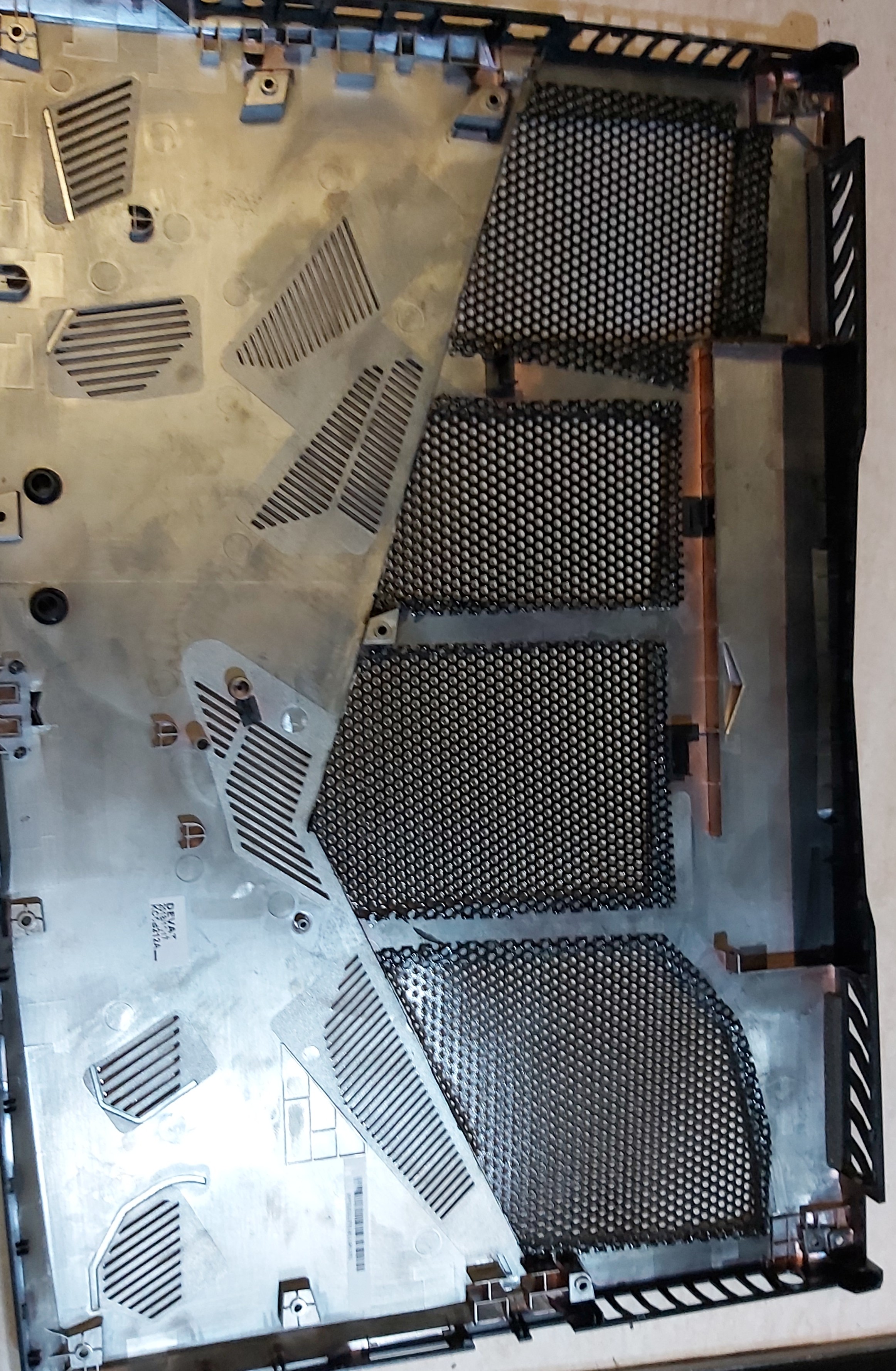
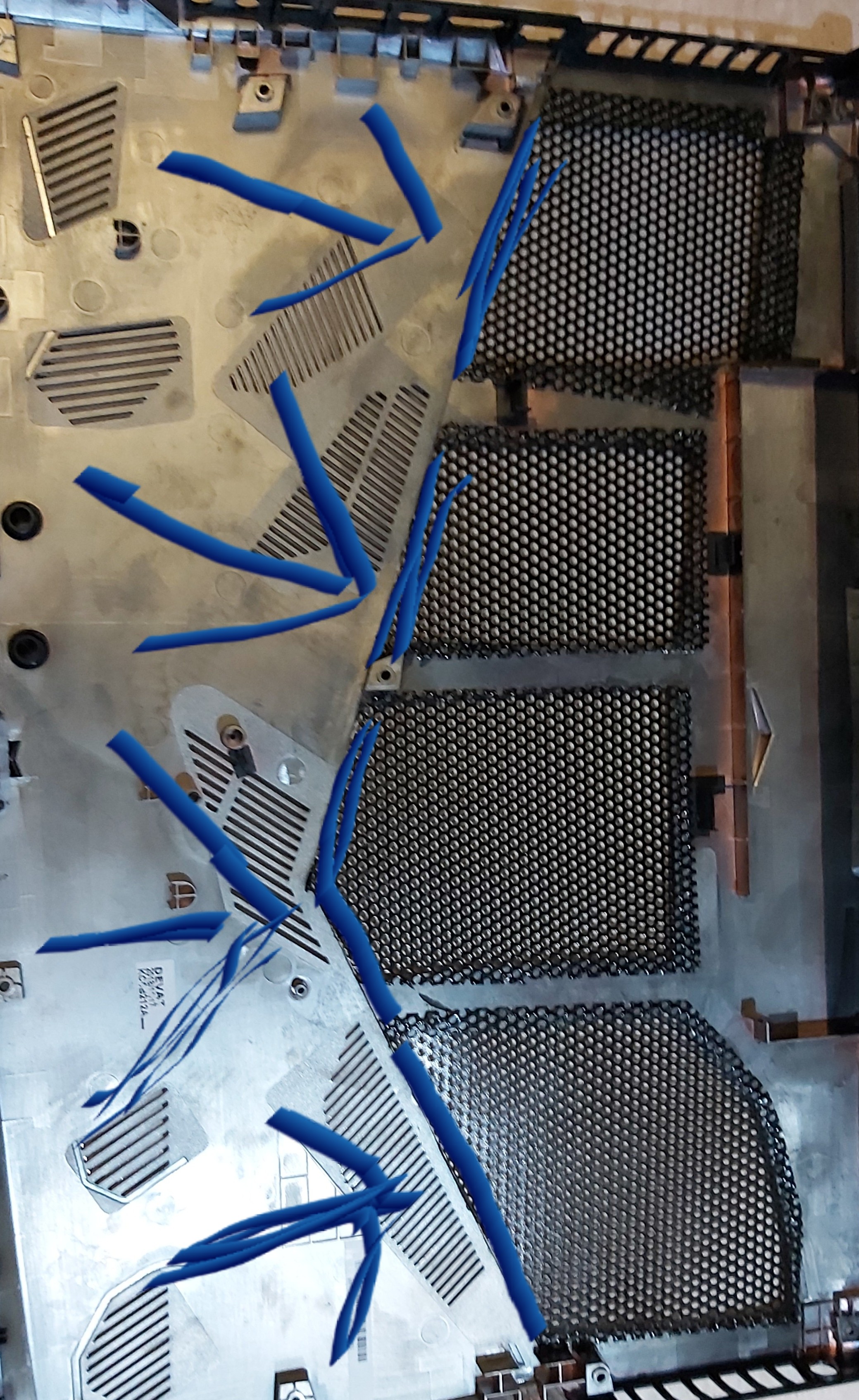
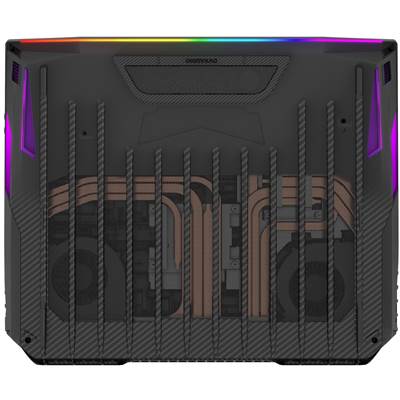
If someone want cut the plastic let some plastic there I show u at this pic.dont cut like mine.have no problem but it's better if u let some plastic there. its bested
Attached Files:
Benro2211 likes this. -
-
Haha it's not same but that was an idea for me.damn worked so much..cool and 1250 at cinebench 15 (i7 8750h)
Attached Files:
Last edited: Nov 14, 2019 -
-
Cool!
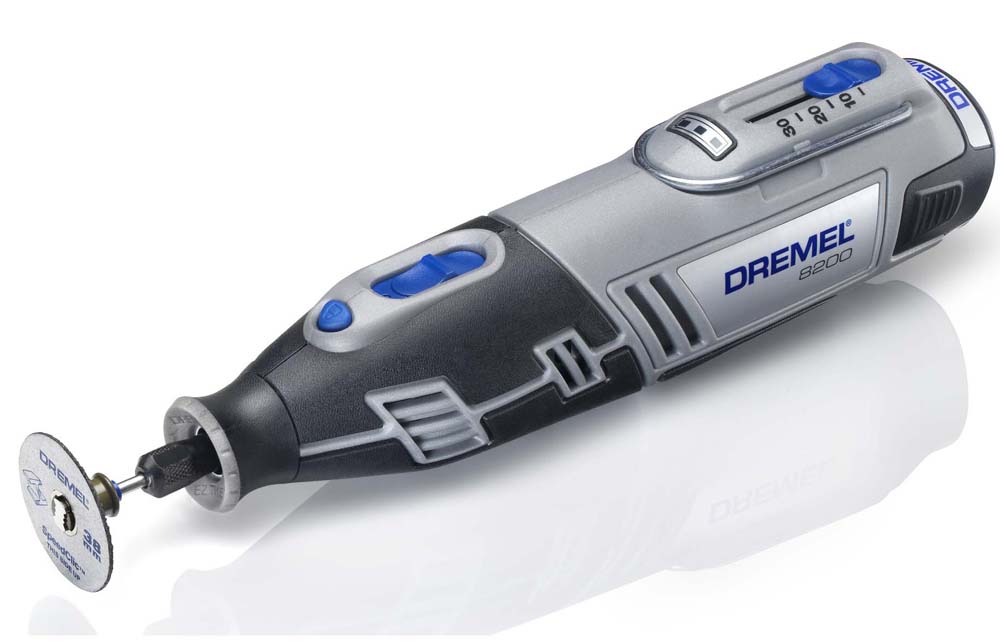
What tools did you use to cut the cover?
And what material to cover the holes?
Thanks! -
I have at home exhatly this.the front its for cut metal.and.some plastic grills With good glue.
Look temps if I let the laptop with cooler pad at idle for some time.Attached Files:
-
-
yeah i too. no differents between stock and kryo. after that i repaste gpu with thermalright( no LM), and CPU with LM!(thermalright silver king). in stock IDLE i have ~41-43C CPU. in games around ~70C, max - ~77C( example last assassins creed with force 4ghz). GPU undervolted to 0.900v and 1785mhz( rtx 2070) - temps around ~75C. and i have another low temp profile in msi afterburner - 0.800v with 1650mhz - temps 70C and low.
p.s cover is stock. in future i want cut like u, but not large hole))) -
Go into properties, check Run with highest privileges
-
Doesn't help either, it still runs in the background.
-
What should I set in TPL to lower the temperature?
-
Depends but 45 short / 30-35W long should give good performance and thermals. When I'm on battery I use very low limits like 5-10W.
-
Hey everyone, So after a lot of tweaking and stuff (As I still couldn't get my hands on 33+ or kapton to continue with LM) Today I reapplied my kryo and temps are just unacceptable.
And this is with -50mv under volt (With ac load at 5) So this is the highest under volt possible on my machine.
I am starting to think that my heat sink is kinda damaged as I am getting same insane temps either with stock or just undervolt or the settings i am on right now (It doesnt look totally smooth even after hours of cleaning) I game at max fans with a U3 with two modded sickle flow 120mm fans and it still goes this high.
I am worried if I apply liquid metal that it wont be enough as it won't make full contact with this heat sink.
One more important thing I have read from some people that said after applying -31999 on the imon slope they get 20-30 watts on the cpu (Which means 52-62) but the max i registered was 7 which means 39w is that normal? -
I now can run -250mV core. No idea how.
As they say - weird flex, but ok. -
what u do?
-
Damn what grafiks card have this laptop? 8250mhz??? U have overclocked it? Mine with rtx 2080 is 7200mhz 144 frames at ur place (Alex legends) something wrong there.maybe this is ur issue.big GPU temp cause of overclock give more temp to CPU too
-
That's GDDR6 overclock. If there is something I wouldn't do and try to avoid overall - is VRAM overclocking. To me it gives diminishing returns and only increases the chance of a memory chip failing.
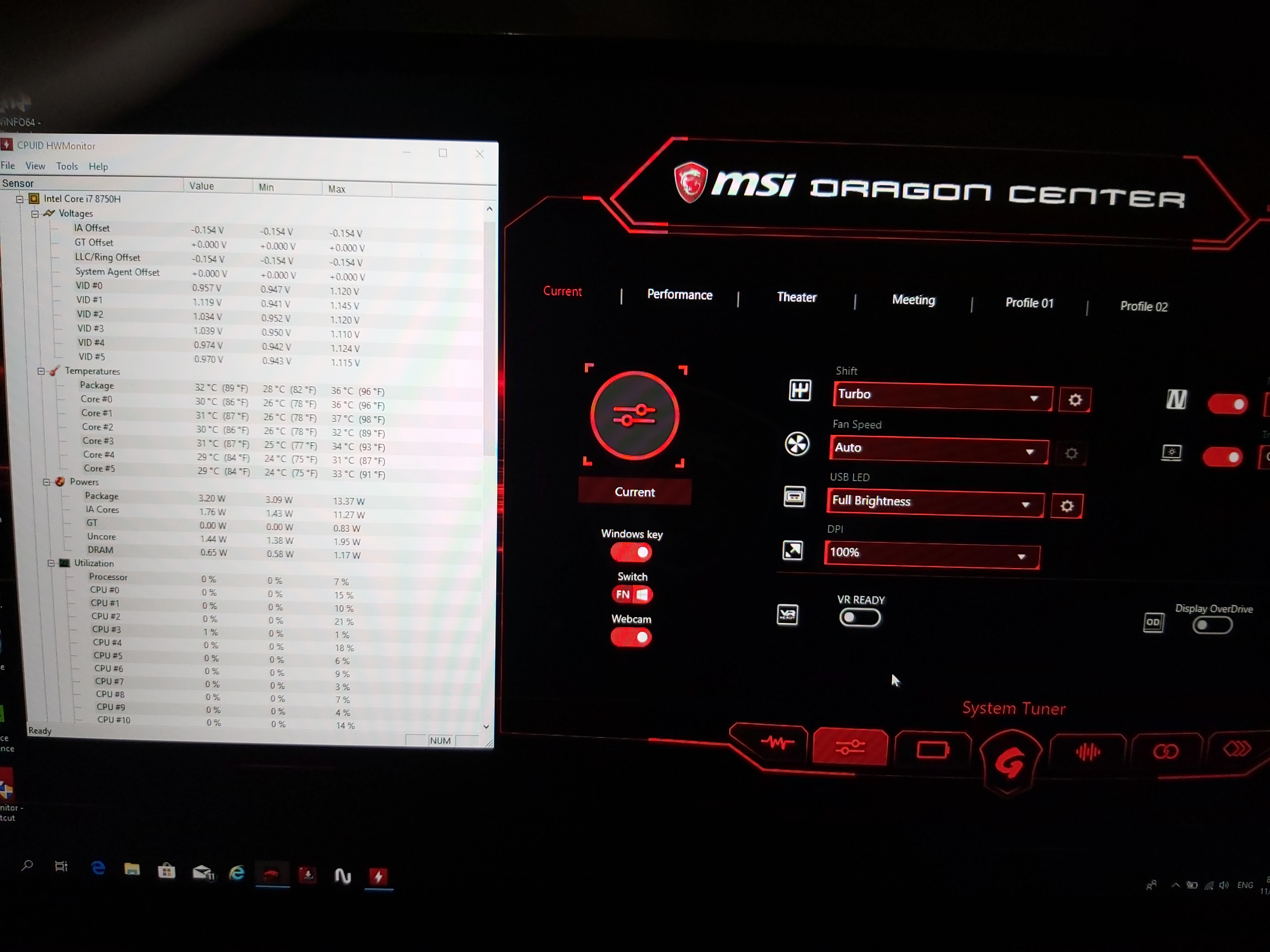
etrock, no idea. These are my load voltages now, temps are after 1 cinebench R15 run:
![[IMG]](images/storyImages/Edhuf3J.png)
-
Yea this is his issue with laptop.he has overclocked so much the GPU and temps it's high.ofc lose performance and no get more cause temps...core clock go down.and transfer high temps at CPU too.
-
Yes, I can confirm the GE75 CPU temp is very, very dependant on GPU power and temperature. I found that under load, every additional *C on the GPU translates roughly x1.2 *C to CPU temperature. It's such a shame they linked both cooling assemblies together, I have to tinker around with the GPU fan, what it does to the CPU temp when only the CPU is loaded.
What makes me wonder though, some said that 9750H is TDP locked @ 45W on long term and you can't bypass that, unless in BIOS.
Yet my GE75 throttles at 55W long term, GE75 is overriding Intel values at stock?
Have to say P775TM1G with 9900K and 2080 still itches me like hell, to get one. G-Sync, 8 cores, undervolt and underclock the thing to ~4.400 all core and let it fly.
Ultimately I'd love that big Clevo 870 with vapor chambers and a single 2080 but I think they're EOL?
This is newest prime95 blend with AVX disabled, after 15 minutes. Max temp -3*c would give you roughly the average core temp when running only the CPU fan. The current temperature is with Cooler Boost enabled:
Have to say that Throttlestop / BIOS isnt working properly, not sure what is happening but I can set -1000mV and it does nothing. Like there is a limit ~-150mV and no more, even tho the values show otherwise.
![[IMG]](images/storyImages/rMCTAIg.png) Last edited: Nov 15, 2019
Last edited: Nov 15, 2019 -
tdp stack in 45w if u set comfort mode in dragon center(45w for long, and 60w for short).
in sport and turbo mode tdp sets 55w and 60w. -
i set that numbers in my laptop, and its work fine.
can u tell me u Unervolting parameters? maybe i set wrong numbers)
what is a program in background? -
Nah, man. I get the same-sh temperatures if I run Apex on ultras and get 90C CPU(-110 undervolt), 85C GPU (0.925v). Have to enable speedshift epp (100, less will push CPU past 80C).
-
Trust me I get the same results with stock settings, and no its not the overclock.
My problem is that when i received the laptop I averaged at mid 70s for the cpu and high 60s on the gpu when it had LM but it kept getting worse until it reached throttling (The reason i removed the LM application) thats what makes me think it damaged the cooler a little too much as I already cleaned it as much as its physically possible and it still aint getting better. -
Some people suggested the BIOS mod making the laptop think it's never reaching power limits, I've tried it and suggest against doing it because of very high temperature spiking.
-
Hey guys, i have bought 2080 8750 version 6-7 months ago. I repasted 3 times. Yesterday i did with Arctis Mx4 and replaced pads with k5 pro. I get 97 celcius when playing BFV FIFA20 Jedi, with throttlestop only undervolt i get 95 celcius. Also when ı fixed 6 cores @3.6 i get 90 celcius. On the other hand 2080 is at max 85 celcius on %100 usage. Something is definitely wrong im not having any problems but the temperature frightens me.
-
Its only recommended if you're using Liquid metal or are a master at using high end paste.
-
The core slider doesn't do anything if you take a look at the core voltages.
The cache undervolt is the one that's actually undervolting the cpu. -
Trust me nothing can satisfy the GE75 I tried every possible way and it's just screaming for LM.
-
Did you mean to say it needs LM and no paste can satisfy it?
Or is even LM insufficient? -
"it needs LM and no paste can satisfy it"
The GE75 is like MSI's bastard son its not the huge and powerful GT and not the slim and sexy GS.
With performance worse than the GT and temps worse than the GS. -
LM won't help you a lot, there is not enough heatsink in the GE and the stock voltages are very bad. If I run my GE stock, it will be screaming like a banshee and still stay at 90-98*C in games all the time.
-
I had an LM application (By HID) that went to **** after some time, It was actually doing a lot of work as I was hovering at 70s and 60s for the CPU and GPU.
*** The Official MSI GE75 Raider Owners and Discussions Lounge ***
Discussion in 'MSI Reviews & Owners' Lounges' started by Spartan@HIDevolution, Nov 12, 2018.