Problems? See this thread at archive.org.
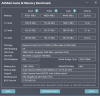
https://valid.x86.fr/l1uwkv
Got highest singlethreaded performance in may on CPU-Z bench, second highest multi. (for 8/16 cpus)
-
-
I have the stock ram too, when you say it doesn't boot, it's windows doesn't start or the "true" boot ?do you see the msi logo ?
-
You sitll dont have the same ram as us, we dont use stock ram
-
Also tried above settings with no success. How we can check what die type ram is this?
During weekend, if I have time I will check also my stock Samsung 2400 RAMs behavior. Maybe its my CPU or maybe is some screw up in BIOS System Agent configuration. I really don't know.
In BIOS I only have change the followings:
1. CPU Flex Ratio Override: Enabled & CPU Flex Ratio: 8
2. SGX: Disabled
3. Intel Speed Shift Technology: Enabled
4. IMON Slope 50, Offset: 31999, Prefix: (-)
5. AC Loadline & DC Loadline: 130 both
6. Secureboot : Disable
I also have occasionally an EDP Other Error on the Ring section of the throttlestop but this is appears only occasionally and cannot get rid of it even if I change the VR & TDC Current Limit Settings, power management etc. Don't know maybe is irrelevant have not any idea. -
It means ur reaching ur turbo boost limit. -
I tought It was the same Samsung in all GE75, mine is M471A1K431-CTD in CPU-Z
-
Did you try to put the ratio at 12, and all other settings on auto (0) ?
-
http://www.3dmark.com/fs/22638080
My best FireStrike yet. I feel like I'm not getting the most out of my 2070 super, however my CPU had an insane score of 23680. I overclocked my GPU +150 core and +800 memory. Any tips? -
Not boot at all, waiting 2-3 minutes each time, no MSI logo no windows logo. Then I hold the power button for 45 sec in order to perform a bios/CMOS reset and start over again.Last edited: May 14, 2020
-
I tried what greninga advise, same settings as default with ratio x12 trfc 560 and trefi 10420 and uncore +125 (volt stock). Not boot at all. Go back to stock setting for now.
-
Not at all. I receive this error on idle state. When heavy gaming or heavy load of cpu I don't have any error. Only this EDP Other thing appears on idle occasionally. But I can leave with that no problem.
-
The strange it's that very high latency on ur memorys.
Even at stock Cl and 2666mhz it's very good timmings. But cant understand why so.high latency. -
I did the same changes you did yesterday DimitriosMSI, results are fantastic. Shame you get high latency...
Attached Files:
-
-
Glad to hear. Maybe I 'm not so lucky with the RAMs I have, what I can say.
-
Cannot explain too.
-
Maybe try default settings at bios?
-
Dimitri, can you check if your ram are running dual channel when you are getting that bad latency and R/W?
-
Hi everyone I’m a happy new owner of a GE75. I just received my laptop a few days ago. I ordered from @Donald@HIDevolution with the thermal compound and fujipoly upgrades. This replaced my Clevo P870DM3. Its nice not having to carry around the big heavy 780w psu anymore. In the few days I’ve had it I found I didn’t care for Dragon center but I do like silent option. I copied someone’s settings from an earlier post and they’re working well with my 10980HK and 2080 Super. Let me know if anyone has any recommendations to improve the experience.
Here are my scores.
https://www.3dmark.com/spy/11992313
https://www.3dmark.com/fs/22623939 -
hey congrats! Your 3dmark links didnt work tho

-
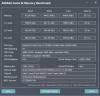
It is reported by all the software I use that it is running in dual channel (CPUz, task manager, AIDA64, etc). How can I check tt during the benchmarks it is indeed working as it should in dual channel mode? I also made some tests with all BIOS default settings (except the RAM overclock section), but with same bad latency results. Finally I replace the two RaM sticks with the Samsung 2 x 8 GB 2400 MHz came with my laptop. Same bad latencies 80-90 ns.
-
For cl20 2400mhz u can say its normal 80ns.
For cl 15 17 .. 2667mhz something wrong
Let's see overclock ur stock rams to 2933 or 3200mhz. -
Gratz! Damn this is a monster! U got it with grizzly optional? What paste and how is the temps?(undervolted) really I would like to know on any game u have what frames runs,to compare with my ge75 2080/8750h
Ur scores its awesome
My scores it's about 9900 time spy and 20700 fire strike.but my 8750h its fully optimize with no limits etc..stock was about 19k
U will love it! I have it more than year and really never got any issue
Here is my channel testing some games. some old videos it's with just undervolted cpu and stock rams. At 1440p the perfomance it's so good
The temps that week raised cause summer it comes. At video its 20c roomLast edited: May 15, 2020 -
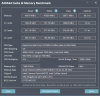
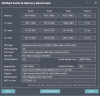
I did the stock rams 2x8GB 2400 MHz upto 3200 MHz and here are the best results I can get
Attached Files:
-
-
Hi,
I have the same ram as you (2x16 GB HyperX)
+40 uncore
Other settings didn't work for me neither.
I'm still tightening
Sorry, I don't have the paid version yetAttached Files:
-
-
Well maybe u try format? It's good to start with fresh stock ge.
Something hiden running behind? What ur cine 15 20 benchmarks?
Try with no tdp limitLast edited: May 15, 2020 -
I will replace my stock rams to hyperx and will try your settings too. Tnx
-
I dont thing its rams issue.i am sure something else using ur cpu all the time. Cinebench maybe will show thatDimitriosMSI likes this.
-
Last month I installed win 10 LTSC. But to make windows work as good, the procedure to installdrivers and all staff properly takes long time. Don't think it is OS Issue here since I had the same results with win 10 pro 1909. The only thing comes to my mind is that I have read that if you had installed the dragon center in the past, somehow it is messing with the Bios and some settings cannot return back even with CMOS reset. I did CMOS reset a couple of times abt 2-3 weeks ago. Also I believe that the dragon center is probably responsible for the "EDP Other" ring error I receive occasionally during idle system in throttlestop. Sorry for the long post.
-
I only try cine 15 with good results undervolting CPU SCORE 1230 TO 1267. Also on idle I cannot see any program use any system resources (system runs at 800 Mhz idle and temperatures are at high 30s with fans not run at all). Also memory doesn't seems to be overload too. In use on idle use any 3 GB paged pool any 150 mb and non paged pool 200 mb.
-
I have no problem with dragon center.i thing many ppls here too.try update ur chipset drivers
-
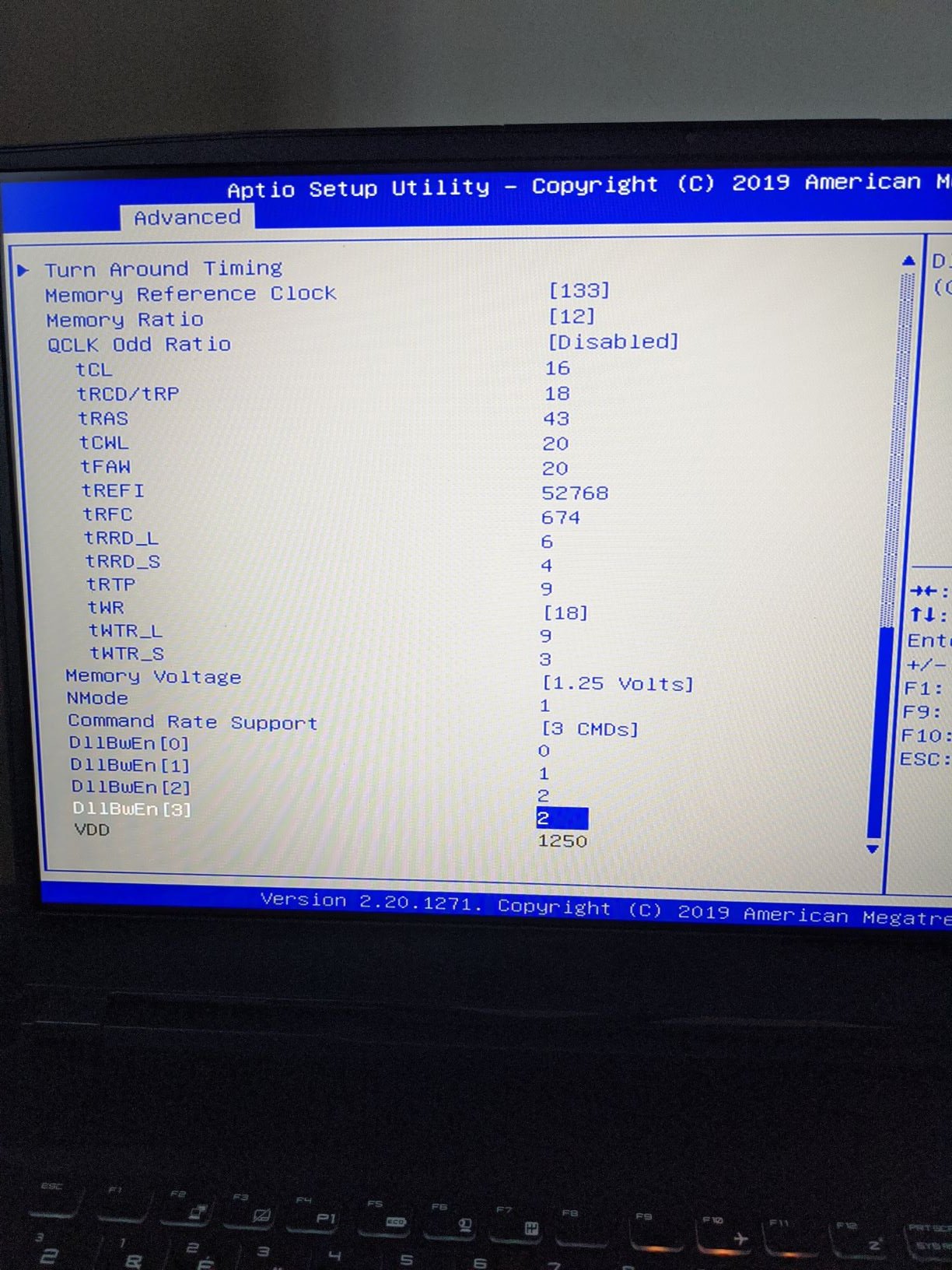
There are some general rules when it comes to memory overclocking. For example TRAS should be 2x or 2x+2 TRCD
That and memory has a sweet spot when it comes to latency. Get it wrong and you'll have bad latancy. I'm not sure how to determine the sweet spots though so i just do trial and error until i hit the sweet spot. -
Thank you !
Here are my results
I was able to lower tRCD/tRP to 17Attached Files:
Last edited: May 15, 2020greninga likes this. -
-
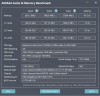
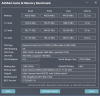
Tried yr settings with tRCD/tRP to 18 and here are my best results so far. Still testing
Attached Files:
-
-
Change your TRAS from 42 to 34/36. That should further decrease latency.
-
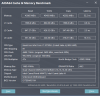
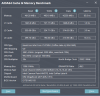
After a few mods new best results but unstable
Attached Files:
low9 likes this. -
-
But u are already tried that timmings before.what u did now?
Try 18 18 43 if unstable .I have post it again to try it. This is my stock timmings at gskills. -
I will try them later. After almost 2 days testing, my latency improved (but a bit unstable so far). What I did is to set the speed shift to 0 in order to spike the cpu with out delay during the benchmarks.
-
I ordered the Thermal Grizzly Conductonaut on CPU + GPU, and Fujipoly Extreme option. I undervolted 65mv. I’ve been focusing on running Games with the quietest fans right now (to make my wife happy) so my frame rates are lower than what it can do but GTA V was was above 120 initially. I’ll do some more FPS tests. One of the first tests I did was to see what setting would keep me below 80c. That was 4.3 with -65mv.
-
I need some help from you guys, can you download rweverything, go into the embedded controller section then take a screenshot?
Or just tell me what value you have in row E0 and column 03
-
Nice ! 65mv it's the max u can push on that cpu or u have do some bios tweaks for voltage override?that loadline.
-
When I be at home I will ,if noone post this till eveningseanwee likes this.
-
It'd be great to have multiple results as this changes from machine to machine depending on your configuration.
This value is supposed to be for the total device power limit in case anyone was wondering. -
I didn’t tweak tweet anything.
-
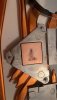
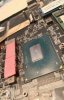
Well guys,how its looking this to u? It's a friend ge75. Repaste and till hit 95c at 3,ghz
This black stamp its cause high temps or what the hell? Heatsink and cpu its cleaned that stamps cant be removeAttached Files:
-
-
Isn't it supposed to be :
Edit : 34 didn't change my latency ~49Last edited: May 15, 2020 -
It can be 2 formulas for tunning the rams.
Some guys follow that u posted and some other that seanwee posted. But many test have show the tcl +trcd + 2 has better perfomance if its stable. I thing depend of rams -
Ram timing rules:
tRAS = tCL + tRCD/tRP + tRTP
tCWL = tCL or tCL-1
tREFI = affecting read speed the most.
tRFC = Laptop won't be able to boot or brings error if set too low.
tWR = tRTP x 2, laptop won't be able to boot if set too low.
thanks to @ hackness -
I've always used 2xTRCD/2xTRCD+2 and it's worked fine.
*** The Official MSI GE75 Raider Owners and Discussions Lounge ***
Discussion in 'MSI Reviews & Owners' Lounges' started by Spartan@HIDevolution, Nov 12, 2018.