Problems? See this thread at archive.org.
There is an unwritten rule tt the core offset should be same as the cache, So advice you to make cache -140 and see the results.
Another thing is tt you underclocked cpu too much with out reason. Your clock multipliers are ideal for me in gaming only and I'm having an 8th gen cpu (8750H).
Regarding the speedshift, only on benchmarks you should leave it at 0. For normal life / use you can make it half (127) on power and full (255) on battery profile. But in order the windows to follow the speedshift settings you can do the trick in the following page and leave the C1E checked.
Chapter 4: Make the way the Speed Shift to work as it should be
http://forum.notebookreview.com/thr...trol-of-the-i7-8750h-advanced-version.823065/
Regarding the paste, I have very bad experience with MX-4 (sure not for GPU at all) and Noctua NT-H1. Both pastes are good on pcs but not ideal for our laptops. Advise you to use a more stiff paste.
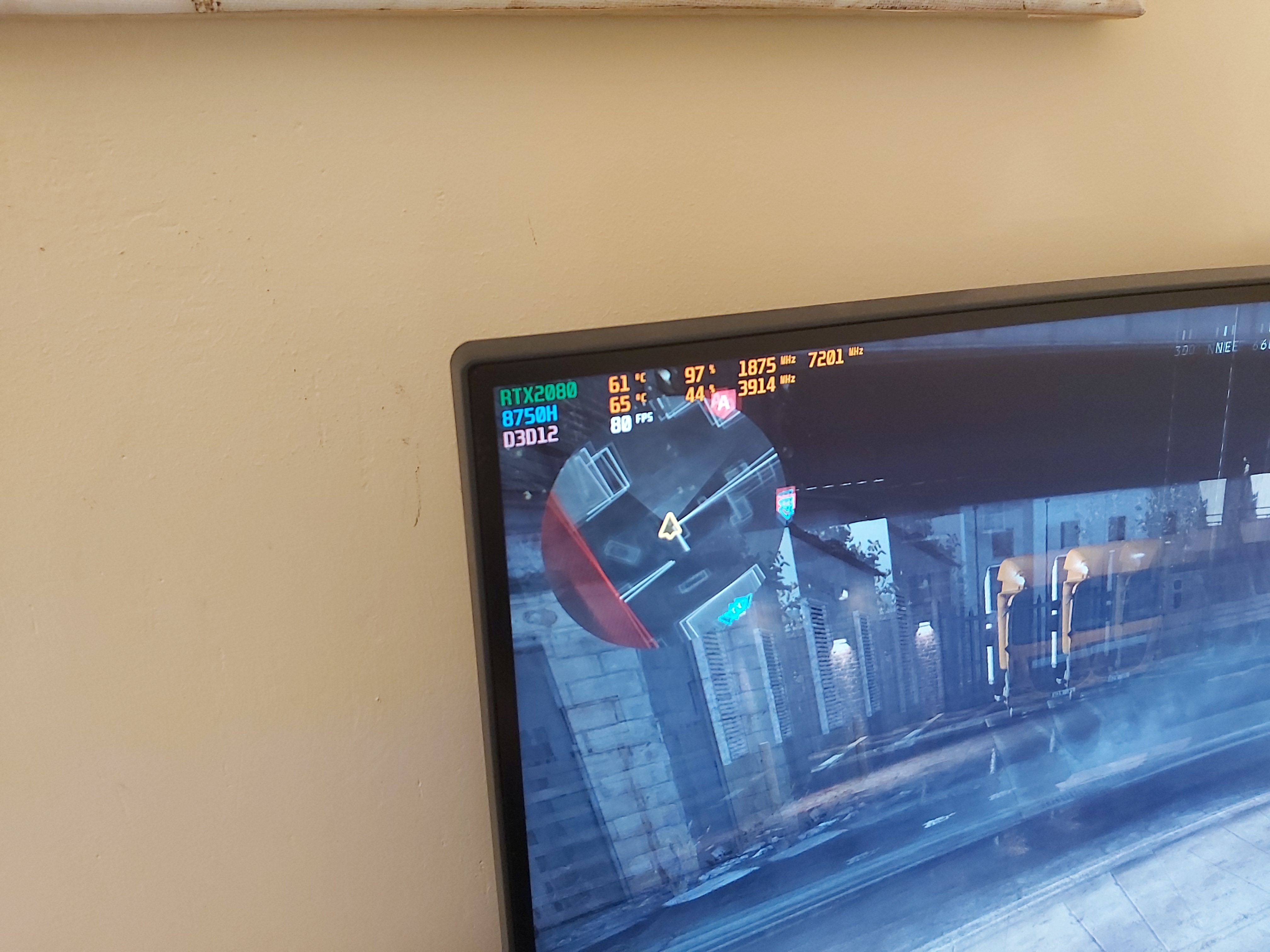
Some suggest IC Diamond and some others the CM mastergel pro. I personally use the Noctua NT-H2 which is very good but I try to avoid reaching very high temperatures (more than 80s). With my setup I play the most demanding game with GPU max at 70s and CPU max at 65s. This way I avoid or reduce the possibility of the "pump out" effect and the paste stays longer on its place.
Hope tt I help you.
-
-
Even If u put 5gr thermal paste on gpu will work max 70c.the problems it's the vrams.i had the same problem when I have replaced the gum vrams with thermal pad 0,5MM.i had 85c.
Maybe u put too much k5 pro? But for happens this need really put TOO MUCH.
I am using now k5 pro at vrams.before that I used grizzly thermal paste at vrams for one year with no problems.the vrams it's so close to heatsink that really can use thermal paste too.for this the problem with 0,5 thermal pads.
For me grizzly it's better than noctua at gpu about 2c.
And noctua it's better for cpu
Grizzly at cpu go higher temps every day
But at gpu it was stable at 68c for many months. -
Very helpful, thank you so much! I saw some conflicting ideologies with the cache and core being the same. Unfortunately, it crashes after the cache goes below -120mv, so I’ll have to lower the core.
I had initially put MX-4 on both but discovered my missing tube of Kyronaut after looking for the thermal pads to put on the CPU VRM. Took that off when I realized the pads weren’t high enough and just threw on the Kyronaut. I honestly just hate cleaning MX-4 out of anything. Boards, carpet, etc.
I’ll look into Noctua NT-H2 and the CM MasterGel. I’ve seen both mentioned around a lot with good praise all around. The IC Diamond seems to only get praise when you have a really, really bad fit lol Thank you for your suggestions
-
Yeah I think my problem may have been that I was putting on too much K5 Pro and worrying about the VRAM and not putting on enough/the right kind of paste. I’m not sure if I put on too much, but if I pull it off and it’s more than the factory... I’ll know lol
I chose not to replace the gum with thermal pads after reading about a few members who tried that and ended up with very small air gaps between their heatsink and GPU :/ but hey, I’m really glad it worked for you! Did you use Fujipoly? -
No i am using k5 pro at vrams max gpu 70c.
I was tried grizzly thermal pads 0,5 and had 85cVincent Van Goku likes this. -
Experts on undervolt say tt the cache actually do the cpu undervolt. That is the reason they suggest both core & cache to be the same value. Also iGPU no need to be very low on voltage. It is useless. Just keep it abt -50 or -70 mV tops.
Regarding the VRAMs it depends. Some GE models have 1.0 mm gap (mine is 8RF and has 1.0 mm gap) so I prefer put thermal pads on them (Easy for repaste and cleaning tho). In some newer models, the gap is 0.5 mm or less so the K5 pro is the best solution.
Mastergel performs a bit worst than Noctua NT-H2 but they say tt its viscosity does not allow the heatsink to spit it out (I did n't try it yet, so have no any experience) and stay there for years. -
I got a question about Speed Shift Throttlestop. I know that when changing from 0 to 255 changes your performance in games and that there is a Processor energy performance preference policy number that should match it otherwise Windows keeps using a different number. However i'm asking if there is another way you can edit this. I don't remember what i've done exactly in the past. But changing the number in Throttlestop or in the Power settings don't effect it anymore at all. I feel like it's always running at 63 now. Is it possible i somewhere changed this in regedit? I really don't want to reinstall Windows just for this. Tried TS Bench knowing that if i'd put it to 255 and run, it should lower the speed. But the CPU is always the same fast speed i put it too.
Last edited: May 31, 2020 -
The Speedshift does not improve the performance of yr system, neither increase the speed. Speedshift is how much fast sparks the cpu in order to reach the max performance in less time possible.
Hence 0 means tt the cpu will reach its max performance in zero time and 255 means tt there will be some milliseconds of delay. That's it.
Explanation here:
"Intel Speed Shift technology also known as HWP (Hardware p-state) or Hardware Controlled Performance delivers quicker responsiveness with short duration performance shifts, by allowing the processor to more quickly select its best operating frequency and voltage for optimal performance and power efficiency".
Pls read the following article and check yr registry settings accordingly
Chapter 4: Make the way the Speed Shift to work as it should be
http://forum.notebookreview.com/thr...trol-of-the-i7-8750h-advanced-version.823065/
FYG in my setup on power mode I set speedshift at 127 and the Processor energy performance preference policy set to 50%, On Battery I set speedshift at 255 and the Processor energy performance preference policy set to 100%, For Benchmarks I set Speedshift to 0.greninga likes this. -
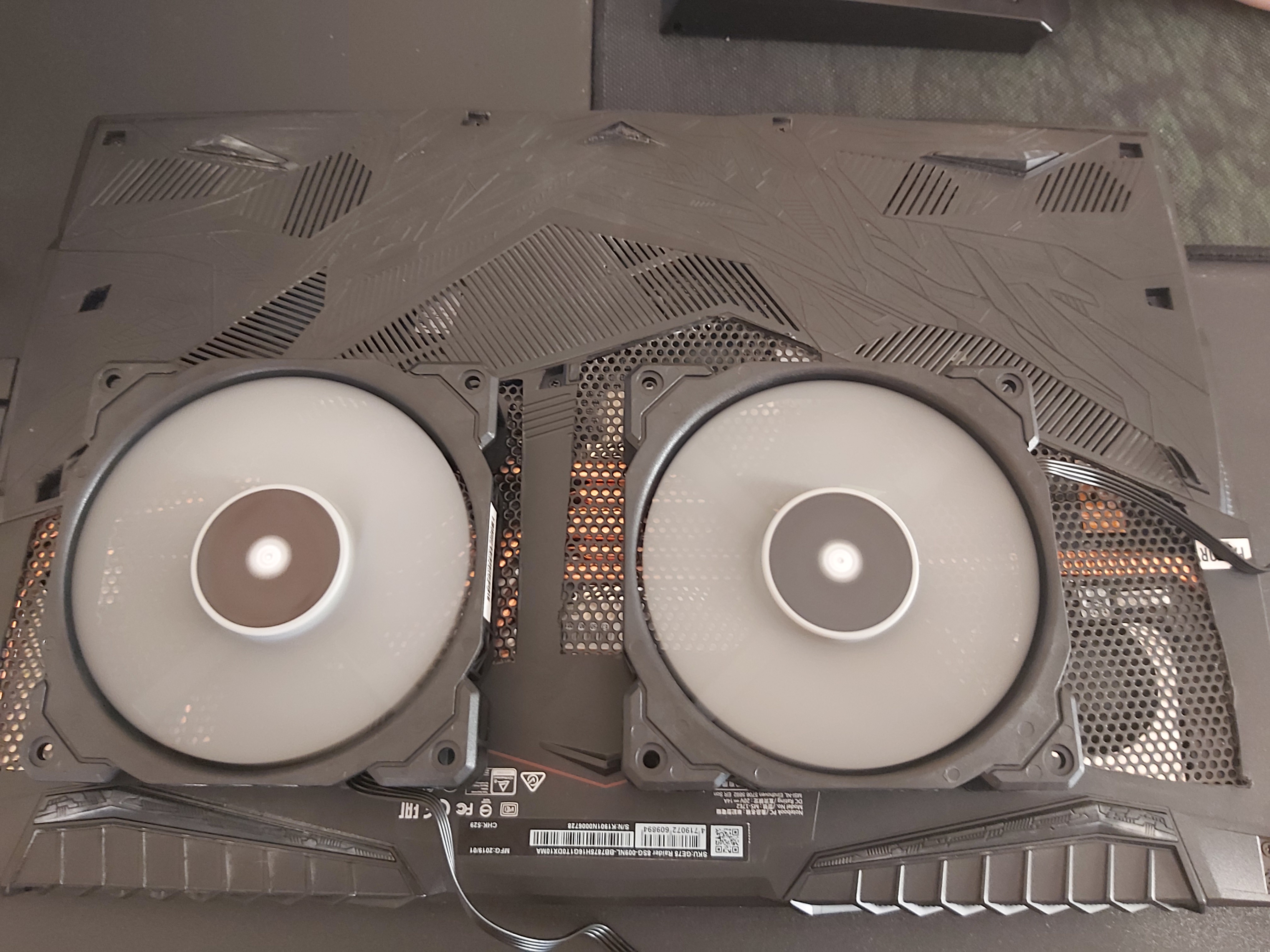
The temps go so low just to removed the old crap fans of cooling pad and added one stronger fan in the center under of cpu,gpu chips and no under the laptop fans.i have order 2 fans to make my custom cooling pad.(custom bottom cover)
Ulukai and DimitriosMSI like this. -
Nice temps, but we need photos of this setup ^^
Did you change your custom cover ? -
Hi everyone,
First of all, i would like to thank everyone contributing and helping each other (and me) in this thread.
I'm a GE75 9SG-283 owner and I have been following this thread for some time now.
Recently (received it yesterday), I upgraded to the GE75 10SGS-223 which has an i7-10750H and a RTX 2080 Super with 2x16 GB 2667 MHz Samsung RAM.
I would like to contribute to this thread by informing about it. BTW English isn't my native language, sorry for the mistakes i will make.
This is my FireStrike and Timespy score after undervolting the CPU Core with -125 mv and CPU Cache with -60 mv. The GPU is overclocked with +200 MHz Core Clock and 900 MHz Memory Clock.
Dragon Center on Extreme Performance with +200 MHz Core Clock Offset and +300 MHz VRAM Clock Offset.
https://www.3dmark.com/fs/22795673
https://www.3dmark.com/spy/12311267
Cinebench R15 Score: 1350
Temps didn't exceed 85C on CPU and 77C on GPU with cooler boost ON after repeating those 3 benchmarks 5 times in a row. Didn't repaste it and no bios settings were changed.
TS Bench 64 MB: 5.7 sec
CPU-Z Multi-Thread: 3470
CPU-Z Single-Thread: 465
CPU Turbo Ratio Limits all on 43, since I only can run at 4.2 GHz on all cores.
CPU ran on 4.2 GHz on all cores for the whole time of all of the benchmarks.
I would like to ask for any suggestions for the undervolt and overclock I did and some overall thoughts. I did test it and it was stable. Would like to have the opinion of you guys.
Thank you all.Last edited: Jun 2, 2020greninga likes this. -
I tried this with k5 pro instead of thermal pads on CPU VRM , and.... I have 5°C less on core 2 & 4 than before (will see in time cause I used kryonaut), Thx for this tip guys
-
No my bottom cover it's that I had made
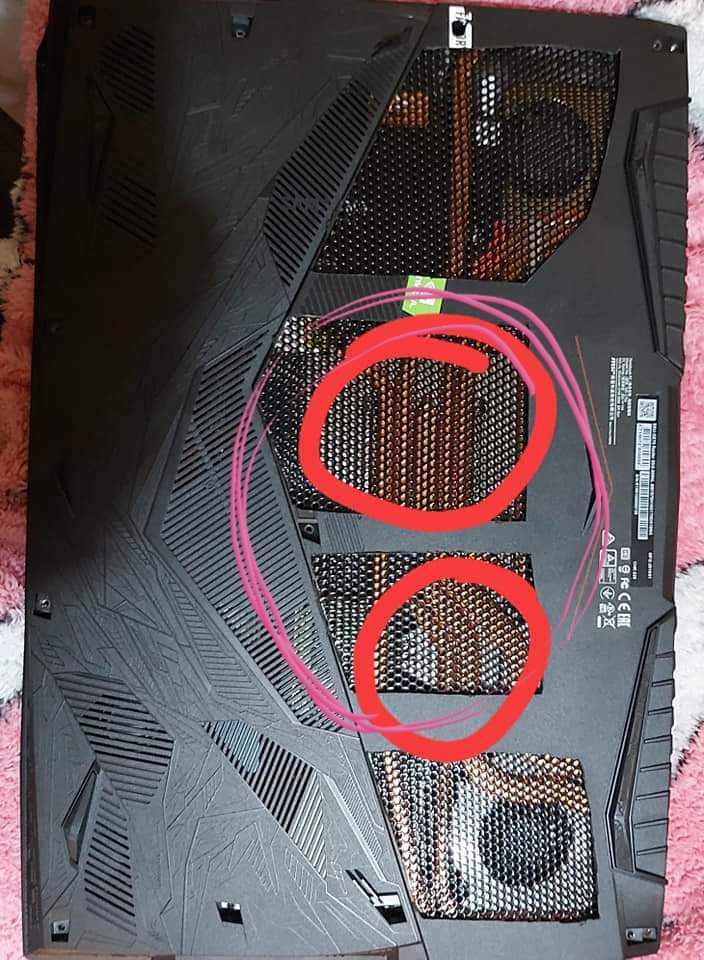
I just removed from my cooling pad that 4 crap fans it has.and i added only one strong fan in the center and push air that I show in pic. Fans under laptop fans doesnt do nothing.u need push air at gpu and cpu chip.
Now I have ordered 2 120' fans for I make a custom cooling pad with fiberglass.
Here(pic) is where need push air. It drops the temps around -8c compare to stock cooling pad.Attached Files:
-
-
On my custom pad I have 29-30 C on idle in both cpu & gpu, but no much difference while heavy gaming.
Maybe 2-3 degrees less. Dunno why... -
Hmm u have the fans under of chips? Cause if mine it's not under chips doesnt effect.maybe that fan I have it's very strong?.
We will see when I replace it with 2 120' fans
We talking about for huge drops temps. GPU from 71 to 65 and cpu from 80 to 70 -
Just for me I didnt notice any difference when push the memory clock.even +1000.so i let it at +200.
It's good u use "user" profile at dragon center and make ur curve fans -
I did make a profile and did set up the curve fans.
But i do have a weird problem. When i use Cinebench or TS bench, i'm clocked at fixed 4.2 GHz. But when i play COD: Warzone its fixed at 2.6 GHz. Why is this? CPU stays below 60C -
This is the speedshift. U can set different speedshift values. It using 128 now? Try 84 speedshift at cod
-
I did try it, I checked speed shift EPP and did even set the value to 0, but no difference at all. In Throttlestop the "Throttle" indicator (left side of BD PROCHOT) is checked. But i cant see the limits, its greyed out. It isnt the thermals as i said, its 60C. The GPU draws 155 Watts, the power limit is set to 200 Watts as default. This CPU should draw around 55-60 Watts at full usage, but in-game it only draws 20 Watts. Could this be the reason?
EDIT: I did let Throttlestop create a log file in order to see the limitations. It says PL1 and PL2. Thats stated for Power Limit 1 and 2 which are set both as 200 Watts. The CPU draws 20 Watts maximum while in this situation.
Any suggestions?Last edited: Jun 2, 2020 -
Do the imon tweak
Get in the BIOS and unlock the BIOS,
Then go to Advanced > Power & Performance > CPU - Power Management Control > CPU VR Settings > Core/IA VR Settings
Set IMON Slope to 50
Set IMON Offset to 31999
Set IMON Prefix to "-"
You will get rid of the PL1 & PL2 Limits -
Can i use the exact same numbers for this model?
edit: Trying it out now, thanks.Last edited: Jun 2, 2020 -
I think yes you can do but I cannot guarantee. This tweak makes the system believes tt its -32 w so on the throttlestop and on any other program y have for monitoring power settings, it will show a number tt if you add 32 that is yr actual power. You can try with less imon offset (21999) but proceed w/caution and prefix always to "-".
-
Amazing amazing amazing!! This is 1hr gameplay! Now I have to see how the hell I make that cooling pad to stay at that place.the fans need touch the laptop.
With turn off the fans the temps its 71gpu and 80 cpuAttached Files:
rushtim3 likes this. -
-
Sst at first page of throttlestop its green?
At fivr page what speedshift value shows? -
Kosta, what is your idles temperatures with this temporary setup?
-
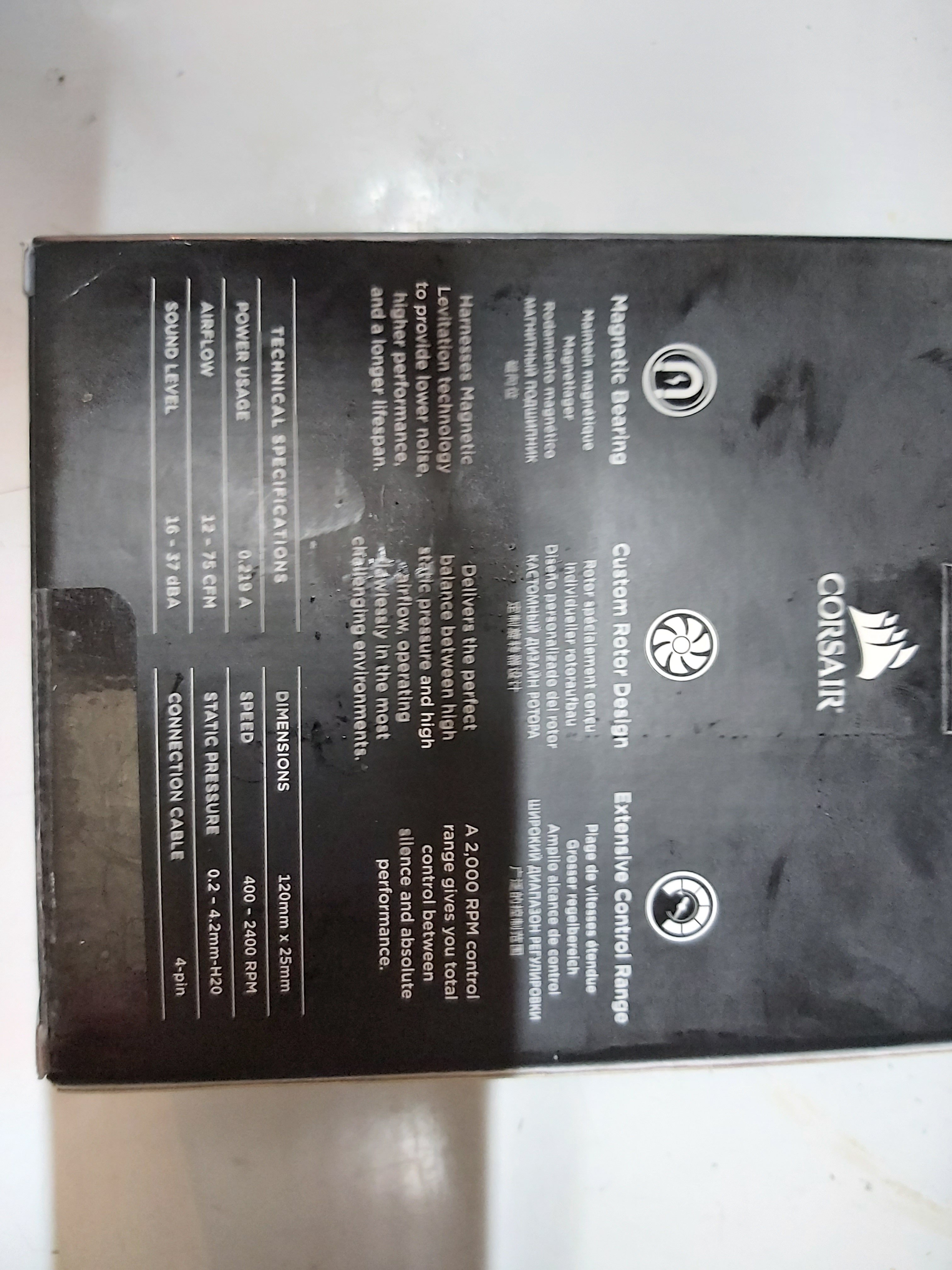
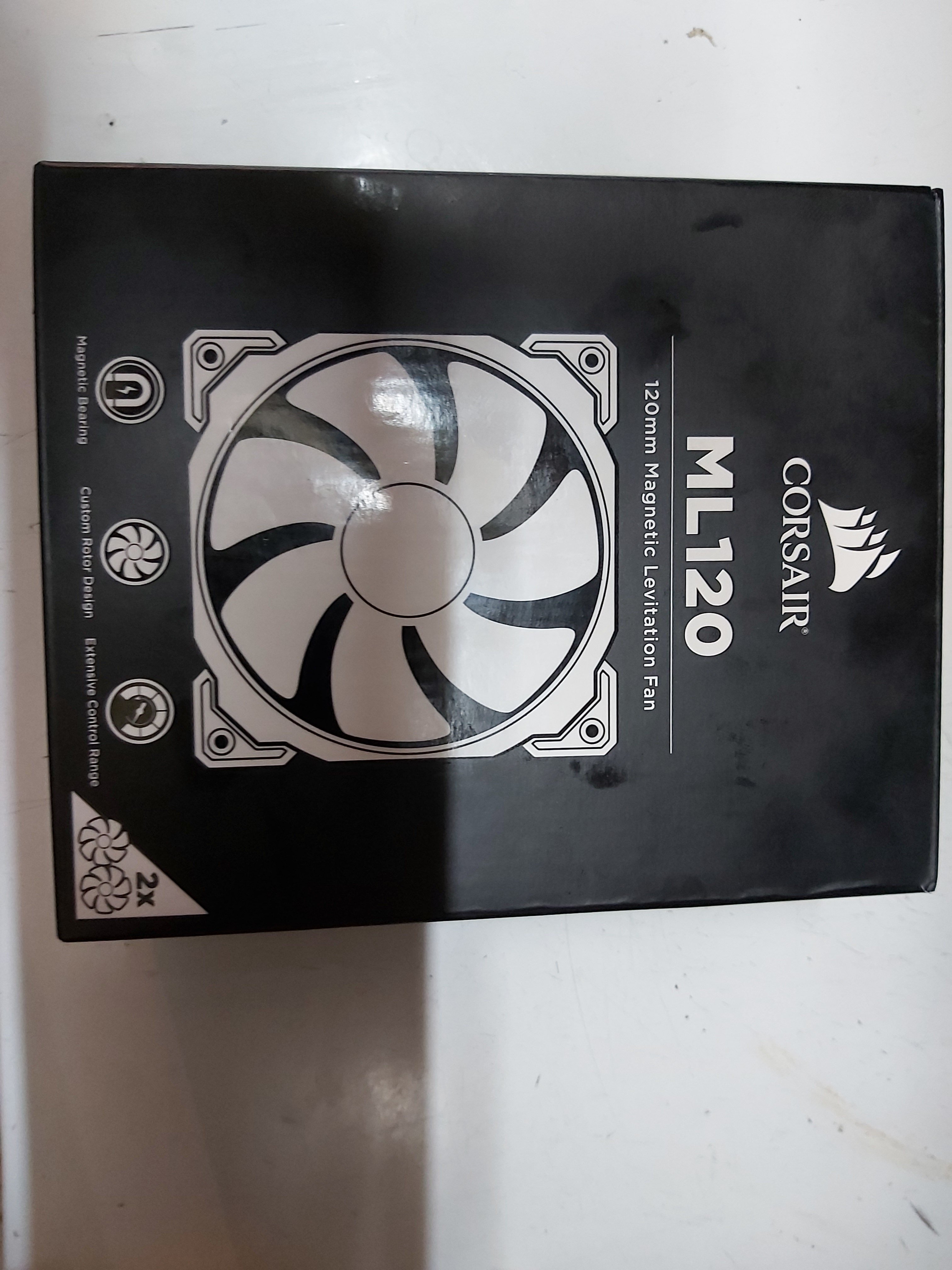
Ok I close the game and we let it 5 minutes to see.btw this is corsair twin pack fans.
I got this cause was cheap Compare to noctua. 33 euro the twin pack -
And there I uploaded the pic its exactly the place with lower temps. I am moving the fans 30 minutes now to check where have the lower temps
-
30 cpu and 28 gpu.but my gpu its active cause of external monitor.
Attached Files:
-
-
GREAT!! I did it with 31999 and no PL1/2 throttlig anymore. Fixed 4.2 GHz while gaming now. Thank you!
Got a instant boost of 40-45 fps on Warzone, ultra settings except for Raytracing, getting 170 fps.
Thermals are good, around 80 for cpu and gpu. I'll try to equalize the core clock offset and the cache offset and adjust them a little bit more in order to stay around 75C.
Thanks a lot! -
Wtf that cpu.45watt at 2,6ghz? What false watt show now at 4,2ghz?
-
Yes, its green. Speedshift value at fivr page at 0. I think the "0" is because of the windows power plan which i dont have a option to set it to "balanced". Have only 1 power plan named as "Final Performance" aka Max Performance. No slider after clicking on the battery icon right below either.
-
No, 20 Watts at 2.6ghz. False wattage is 8-10 Watts for 4.2ghz now, 40-42 Watts in total for 4.2ghz.
-
If u show false 10 watt it's about real 80watt.
This count like seanwee said.
80watt*50 slope =40 watt -31999=8 watt. -
That shouldnt be right, right? As far as i know is that this CPU is a 65 Watt CPU with a thermal design power of 45 Watts. How can it be 80 ?Last edited: Jun 2, 2020
-
I did undervolt a little further to -70 mv for cpu core and cpu cache. Now getting 4.2ghz all time while being around 77c. 37c on idle.
Updated firestrike score: https://www.3dmark.com/fs/22801337 -
With stock bios.what watt peak.for some seconds when press a benchmark?
And.my 8750h its 45watt limit but with no limit draw 90watt at prime.and if it's not undervolt can be 100 watt. At throttlestop benchmark about 60 65. -
Just make immon and slope stock and press benchmark at throttlestop.and check what watt peak at first seconds.with false watt that it's not peak its stable
-
At stock settings, I've got stable 60 Watts, peak 65 Watts at firestrike, timespy and TS bench.
-
@greninga hey can I ask you for a favor.
Will you be able to do some tests on if the fans will be better going full blast directly on the chip or a little slower directly under the fans feeding the fans air.
Thanks -
I tried all the position.direclty under chips give +3-4c and under fans give more.
I was spend about 30 minutes to change places at fans. -
Strange that draw same watt as 8750h and lower than 9750. U try with full clock speed?
-
I did try it again but this time I checked it with HWinfo. After imon and slope set to 50 and 31999 peak draw is 19 Watts, full clock. Which, according to seawee's calculation, corresponds to 98-100 Watts.
TS doesnt show it properly, its still at 7-8 Watts in TS. HWinfo is more accurate. -
Hey @seanwee , can you help me out with my ram overclock? It seems like we have the same rams in our systems. Its the same 16x2 DDR4 2667 CL17 Samsung C-die RAM (m471a2k43cb1-ctd) I think.
I would like to have an overclock to 3200 MHz, I did manage to overclock my previous GE75 with kingston rams to 3200 MHz but this GE75 10sgs 10750h 2080s model keeps giving me a blue screen or will not start up at all.
Can you give me all the numbers that you used in bios? -
@DimitriosMSI
Bro you know the RAM settings you showed me a few weeks ago? I am able t orun it stable on 1.2volt without Uncore offset.DimitriosMSI likes this. -
-
Good news. Did you try gaming and all? Are they stable 1.2 v without uncore? What abt temperatures on cpu ot RAMS?
-
Thanks! Do you have Uncore offset?
-
btw I forgot to mention, on this GE75 10SGS with 10750H there is a GUI in the bios, made by msi obviously. But in the "hidden" settings, under overclocking menu, there was an option named "easy overclocking". It stated that it would increase all-core frequency with PL1, PL2 and IccMax. It could only be disabled or enabled. I enabled it. Now its running 4.3 GHz on all-cores. I'll have to test the power limit out. So maybe i won't have to change the IMON settings anymore. let see..
my cpu-z scores got allready boosted:
from 3470 to 3750 all core
from 465 to 485 single core
TS Bench got 5.53 at 64mb test
new firestrike score: https://www.3dmark.com/fs/22815800
gpu temp max 75c
cpu temp max 83c
EDIT: INTRESTING! I did have stock imon settings so no offset no slope, and after that "easy overclock" option I have 4.3GHz in-game all-cores all time, with NO PL1-2 restriction!Last edited: Jun 4, 2020seanwee likes this. -
That's good news for the 10th gen cpus GEs fm MSI.
Fun Fact: Mine (8750H) scores TS Bench at 64mb test:5.645
seanwee likes this. -
Yea, dont know why that ts bench result isnt near 5.0. Couldnt overclock my rams btw
*** The Official MSI GE75 Raider Owners and Discussions Lounge ***
Discussion in 'MSI Reviews & Owners' Lounges' started by Spartan@HIDevolution, Nov 12, 2018.