 Problems? See this thread at archive.org.
What's the difference with Nahimic2+ from their website? I tried checking the changelog on msi's support but it's not updated because it says "[Release Notes]Nahimic 2.3.14"..
-
nVIDIA GeForce Driver updated to v381.78
@John@OBSIDIAN-PC -
Report Problem after instal latest nvidia driver 381. I see a tearing when playing games
Last edited: Apr 15, 2017 -
I am having the exact same issue as you. I also have a GTX 1080 variant. It is frustrating because following a restart/driver reinstall, fps rate is high for games and benchmarks. However, once I close my laptop lid and come back later, I am back down to 20-30fps for everything. I also have low fps the moment the laptop is unplugged.
Anyone else have this issue and manage to solve it? I know it is a super fast system but I shouldn't have to fully restart the laptop every time just to get the fps the laptop should be giving me, especially considering I paid so much for it. -
Somehow now the nvidia driver 381.78 is no longer available in nvidia download website.
Sent from my Redmi Note 4 using Tapatalk -
Nvidia being Nvidia...
Sent from my MI 5 using TapatalkSpartan@HIDevolution and Papusan like this. -
Just as a follow up to my previous post, I did the BIOS update and it looks like it has fixed the problem. I think you should go for it
-
good to hear, how did you update your bios? did you follow the instructions in the msi website? what is your current bios version now?
-
System Control Manager updated to v13.017.04187 now supports the Windows 10 Creators Update
-
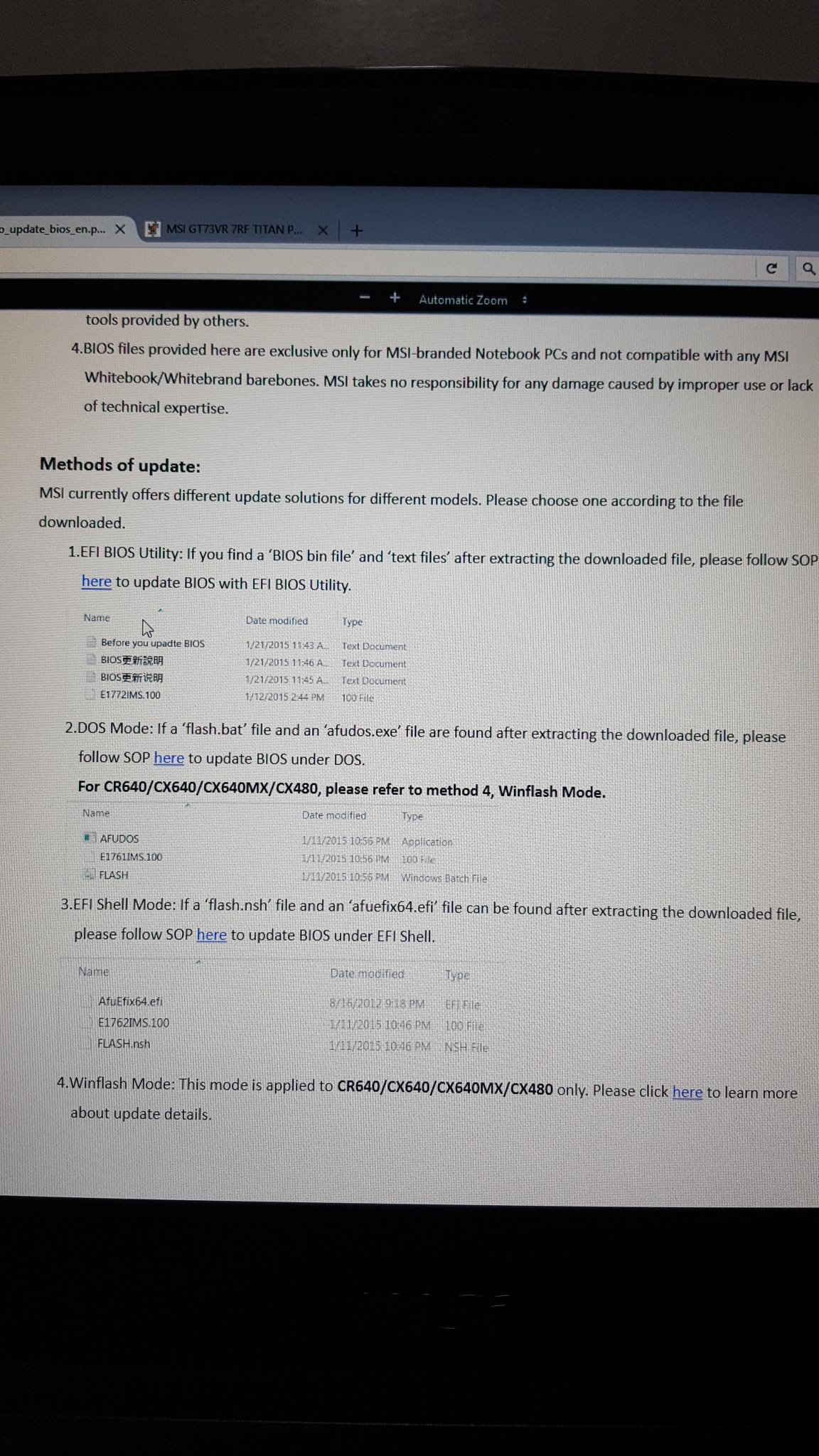
What method do you use in flashing the bios? I saw 4 ways in the msi website, can someone tell me which one is the safest and has the lowest risk?
Attached Files:
-
-
Yes I followed the guides on the MSI website. I used a USB flash drive to do the update. My current BIOS version is E17A1IMS.313
I would recommend getting a USB flash drive and then following Part 1 of this guide: https://www.msi.com/files/pdf/17A1_BIOS_Update_Instruction_DOS_v2.3.pdf
Then download the latest BIOS version and use the pdf guide that comes with the BIOS
Good luck with it and if you have any more questions, let me know -
Download and unzip the files to an USB flash drive, and then flash the BIOS within In-BIOS flasher.
-
Hey Phoenix
Are these drivers compatible with the GS73 models? Cause there is no such comprehensive guide for GS series and most of the drivers on MSI's page are way older than what you have here.
Thanks man -
I'll make a guide for you like this one in the next 72 hours. Please standbysteberg and praetorianx like this.
-
Intel Rapid Storage Technology updated to v15.5.0.1051
@John@OBSIDIAN-PC -
![[IMG]](images/storyImages/58fc071fd9133c51252368aa21d244d3.jpg) how can i remove/uninstall this?
how can i remove/uninstall this?
Sent from my iPhone using Tapatalk -
-
Why have people the big love for Bloatware?
 Every single ODM push trash!! Even M$ Morons have discovered this now and let people make a cleaner Windoze X OS
Spartan@HIDevolution likes this.
Every single ODM push trash!! Even M$ Morons have discovered this now and let people make a cleaner Windoze X OS
Spartan@HIDevolution likes this. -
-
Thanks I'll try this later when I get home.
Sent from my iPhone using Tapatalk -
nVIDIA GeForce Driver updated to v381.89
-
Do we need intel RST if not running RAID setup? Maybe just normal NVME and / or SATA drives on the system?
-
nope, no need. if you have an NVMe drive, the NVMe driver will only be used. and the default AHCI driver will be used for other connected SATA SSDs/HDDsPapusan likes this.
-
@John@OBSIDIAN-PC
Intel WLAN Driver updated v19.50.1.5 in the OP -
Realtek S5250 Card Reader Driver updated to v10.0.14393.21296
-
Updated those two long ago
@Phoenix
Djadit and Spartan@HIDevolution like this. -
-
Its ok phoenix just keep on updating us. Thank you very much.
Sent from my iPhone using Tapatalk -
True Color updated to v2.0.0.028
-
Please phoenix share link on the op
Sent from my Redmi Note 4 using Tapatalk -
Hello
What is the software name of msi to check for automatic updates. Which usually appears at the bottom right hand side ?
I just fresh instal my system .sorry for bad english
Sent from my Redmi Note 4 using Tapatalk -
There isn't one that works
The MSI Helpdesk app is a waste of time, don't bother installing it.
Download the latest apps, drivers, etc directly from the support pages for your laptop model (get the right one).Djadit likes this. -
How shall people manage to find drivers themselves when the ODM don't bother pushing out new drivers anymore? Rely on Windoze Update?
 Spartan@HIDevolution and Djadit like this.
 -
Nah, MSI is good at keeping up with updates in each model support area, better than others, but they've never kept up a good automated updater app for laptops.
For Windows 7 / 8.1 there's no need to be on razer's edge looking for new updates in the MSI support area's.
For Windows 10, that's another matter... sad but true, you gotta keep looking for new updates whenever there is another Windows 10 update pushed. So probably 3x weekly you gotta forage for new updates, until vendors pop out new ones to fix the new bugs from new MS updates.
Windows 10 is such a huge waste of time to keep up with, I can't imagine putting up with it with MS continually messing things up.
New Nvidia drivers to fix problems, new wifi, new BT, rolling back drivers, rolling back updates.
It's not worth the immense waste of time.
I guess you can get sucked into it pretty easily, gradually, and you don't even know it's happened.
I haven't needed to worry about MS updates or driver / app updates on Windows 7, 8.1, or Vista for "Eons"
Last edited: Apr 29, 2017DukeCLR, steberg, Papusan and 1 other person like this. -
-
Thank you for the answer. So I recommend downloading updates from the official msi website only. Because there are many problems with the latest updates ?
Sent from my Redmi Note 4 using Tapatalk -
If you are running Windows 10, and haven't successfully blocked updates from MS then you are gonna want to keep an eye out for driver, app, firmware, BIOS, vbios, etc updates from MSI for your laptop to fix problems introduced by Windows 10 updates.
If you can follow the fine guides here by @Phoenix and others for taming Windows 10, and can stop updates - driver and feature - then once you have a set of MSI downloads that are stable and run well with your configuration, you can kick back and rest until MS sneaks an update through
-
What Nahimic From Dekstop And Notebook is same or no?
Last edited: May 2, 2017 -
only download official drivers that come under your laptop's model's support page. The only exception in this list that I made is the LAN/WLAN Drivers since MSI doesn't include the Intel Drivers but only the Killer ones and are usually very outdated but they work just fine if you use the latest driver since the Wireless Card is the same
-
Okay phoenix . Thanks
Sent from my Redmi Note 4 using Tapatalk -
New update in OP: Realtek ALC899 HD Audio Driver v6.0.1.8083/Nahimic v2.3.17
-
Thanks to @Djadit for letting me know about this:
I was on the latest BIOS from MSI E17A1IMS.313
Then I went to device manager > Firmware > expand the firmware > right click on whatever device is in there > choose properties > drivers > update driver > then let it search automatically for the driver
It will take about 2-3 minutes to complete the search then you will be informed that the firmware has been updated.
Once you reboot, you will get a message saying updating firmware then the system will reboot. You will notice you only have a blank screen with the power button lit up, don't worry, it will take some time and a few reboots until the BIOS is fully updated.
The BIOS will now be reset to defaults but I still recommend you enter BIOS, then load setup defaults, then reboot again. Once you do that, shutdown the laptop by pressing the power button for 3-5 seconds then remove the power cable from the back for 30 seconds then plug it back in to perform an EC Firmware reset
![[IMG]](images/storyImages/20170503_135003.jpg)
![[IMG]](images/storyImages/20170503_135242.jpg)
![[IMG]](images/storyImages/BIOS_Update.png)
-
I'm surprised this didn't end up as a brick... -
-
Yeah a black screen for clear cmos process
Sent from my Redmi Note 4 using Tapatalk -
New driver updates in the OP:
Killer E2500 LAN Drivers v9.0.0.44
Killer WLAN Driver v12.0.0.307
@John@OBSIDIAN-PC -
Have yoo forgot that the Redmond Morons can do what they want in your OS? Backdoors everywere in all their OS. NOT YOUR OS bruh!! Below is the real owner of your Windoze OS...
hmscott and Spartan@HIDevolution like this. -
Where the link location ?
Sent from my Redmi Note 4 using Tapatalk
MSI Laptops Drivers
Discussion in 'MSI' started by Spartan@HIDevolution, Jan 20, 2017.




![[IMG]](images/storyImages/EeChF7M.gif)

