Problems? See this thread at archive.org.
Yeah, looks like you're using HD4000, not the GTX 600M.
Open up nVidia Control Panel. Go to Manage 3D Settings. Go to Program Settings Tab. Go to Add and find the KillingFloor.exe and add it. Then set it to use the 660M.
-
-
thessdreview.com has put up reviews of the Micron C400 mSATA SSD aka Crucial M4 mSATA SSD in 256GB and 128GB flavors.
These are SATA III mSATA SSDs.
256GB:
Micron C400 256GB 6Gbps mSATA SSD Review - Crucial M4 mSATA SSD in Disguise - The SSD Review
128GB:
Micron RealSSD C400 128GB mSATA SSD Review - Performance and Capacity At Under 10 Grams - The SSD Review -
well it depends what you are doing... and windows setting i guess.. i did modify my "balance" setting so everything uses as little power as possible...
If you browse flash website it does consume more power...
But the main reason why its probably silent is... the AC at work is really strong... and its really cold in here... that might help a lot...
maybe change the setting in cooling policy from active to passive...
laptop will wait till its a lot warmer before kicking in the fan... -
Thanks. I went the control panel but it seems since killing floor is ran by steam theres no .exe app in the folder so i just set it to steam.exe would the work the same way?
-
It's in your steam folder, path would be something like
C:\Program Files (x86)\Steam\steamapps\common\KillingFloor\KillingFloor.exe -
It's in the system folder. I dabble in modding so I'm familiar with all them little folders, haha.
Path would be:
...\Steam\steamapps\common\killingfloor\System\killingfloor.exe
And, by the way, I'm always looking for good KF players. -
Awesome thanks got it running now. Are you running on high and getting like 35-40+ fraps? on medium I can get 90. I know my cousin has the AsusG74 with the gtx 560 and says he can get 90 fps but idk if he is running on high settings or not. JW. Thanks for everything tho haha
-
I think I have everything maxed except shadows (blob), AA (none) and the crosshair (textured). I'm usually hitting 60fps with vsync.
-
Damn.. i think i got it running now that i forced on vsync. Don't think I'm hitting the same fps as you but ill figure it out sometime. In the meantime have you had any problems with you audio. Like if you plug in headphones you only hear out of one side?
-
My audio functions just fine. Maybe mess around with the RealTek settings a bit.
Also, have you tried other headphones, specifically USB headphones? -
Don't have usb headphones but I have tried messing with RealTek. The interesting thing was realtek allows you to test both sides of the headphone/speaker It plays one side at a time and I did that but in the end only the right side plays. I have tested this out with an aux cord connected to my stereo. Same problem the stereo only plays on the right side. You think it could be the audio jack?
-
It could be. The fact that the laptop speakers play fine, but your aux speakers and headphones don't makes it look like hardware.
Does the problem persist if you remove Realtek and just run on default audio drivers? -
I've disabled realtek ... how do I get the default to run?
-
Uninstall it completely. Then MS should install some default generic drivers.
Oh, also if you can, see if the problem persists if you use HDMI and play on a TV. -
Okay did that now tested the default audio. Still have the same problem. I then checked the laptop speakers and played each side and both sides work. When I attempted to play left side only on the headphones/stereo you can't hear anything still only the right side. I'm about to hook up my laptop to my tv and test the HDMI
-
Just finished testing HDMI. Works perfectly both right and left sides. Seems like the only thing wrong with the audio is when I plug something in. hmmmm
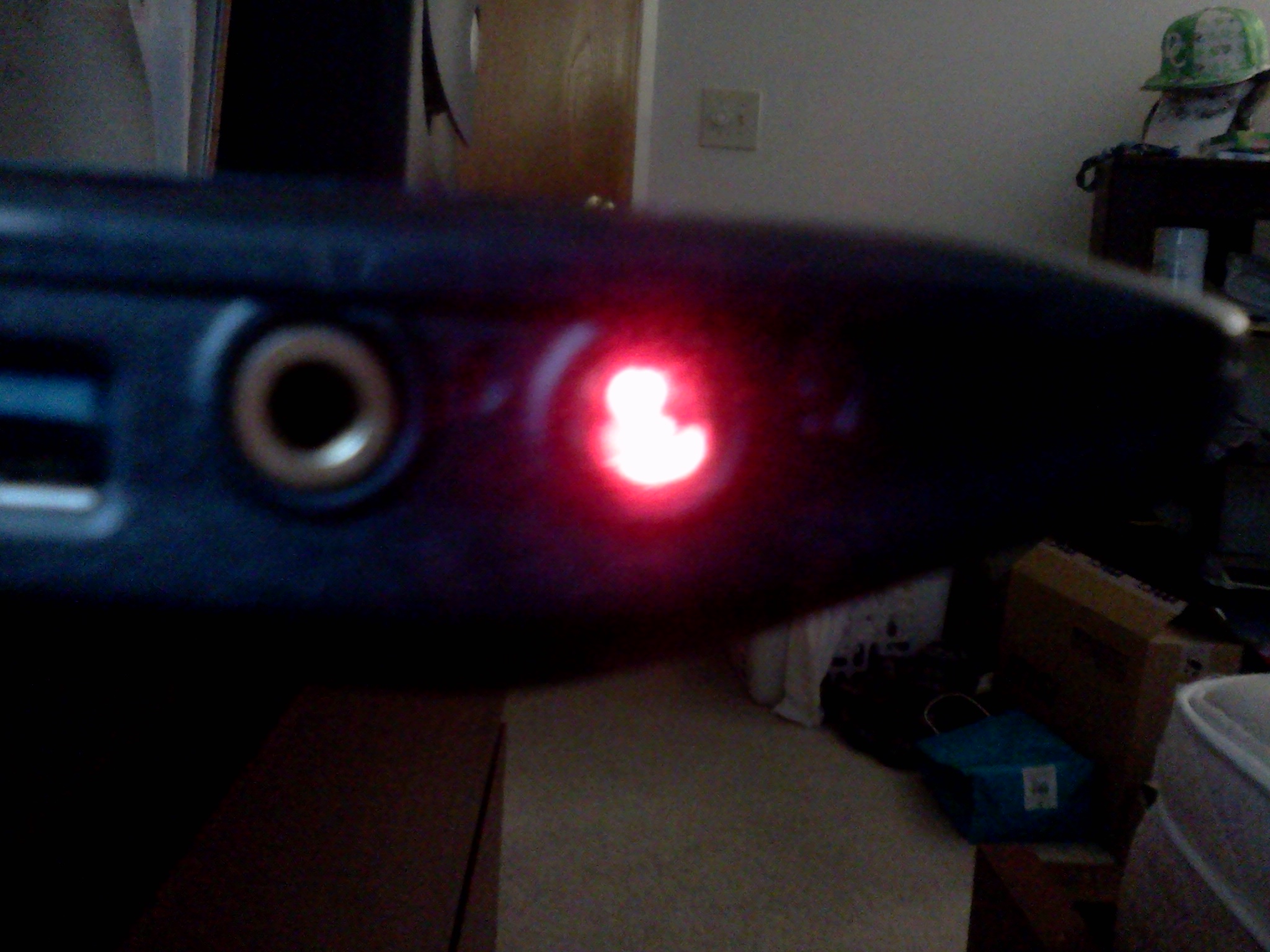
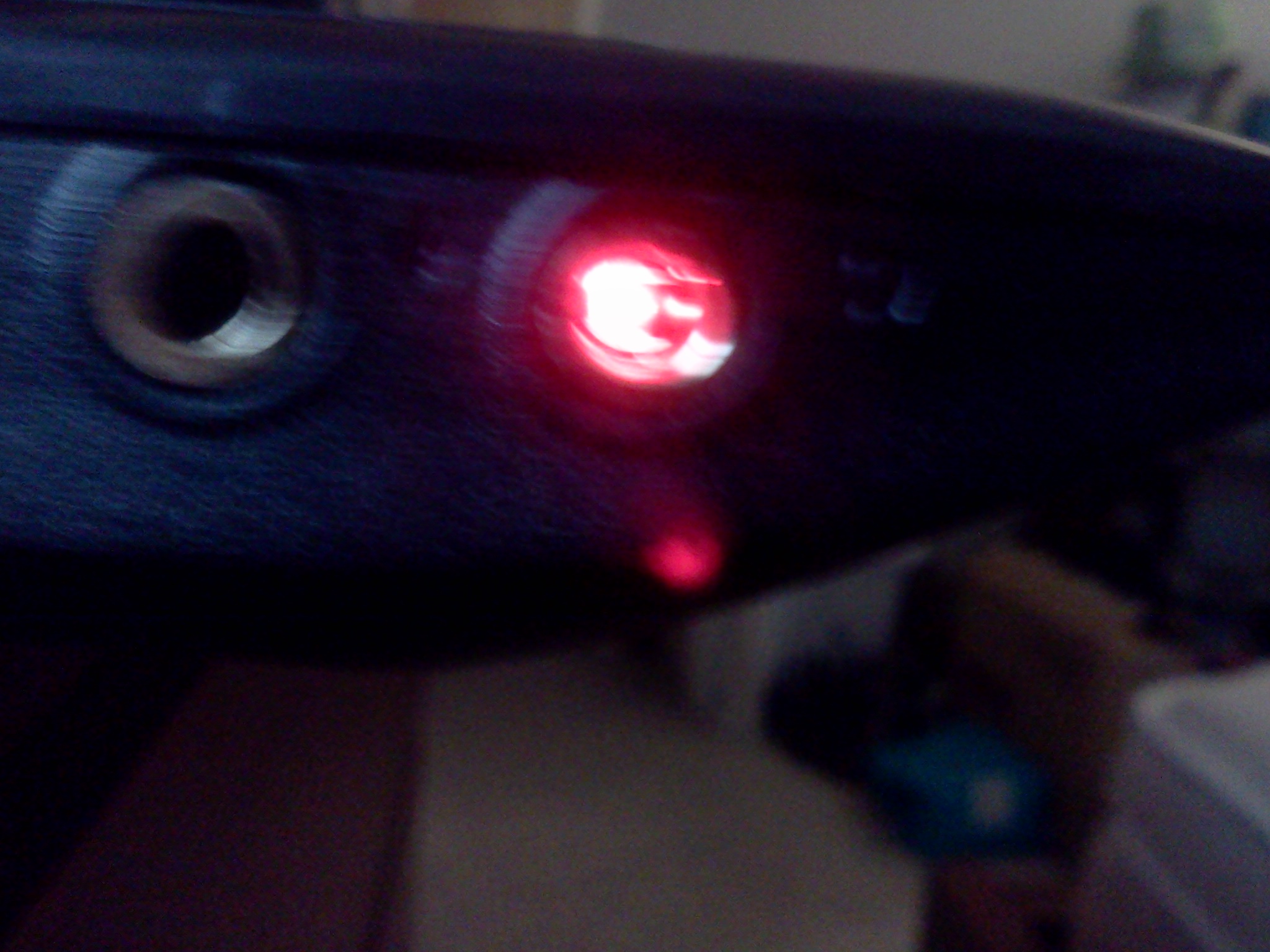
one more thing. Does your audio jack light up red because mine is atleast when nothing is plugged in. -
I don't see any lights in my jacks. Do you mean physically inside the jack?
-
yeah in the jack a glowing red light... um ill try taking a picture of it and posting.
-
Here i attached some pictures. I'm not sure if this is normal... i've never seen a laptop that lights up like this wonder if it would be a coincidence sense this is where my problem is hahaha but are you sure you don't see the same thing in urs?
Attached Files:
-
-
Nope, no lights in my jacks, sorry.
-
Good find! I was wondering why my turbo light never turned off. And unless I have GPUz running, the clocks of the gtx660m stayed at stock settings 835/1250, never downclocking. It is indeed GPUobserver who is the culprit. As soon as I removed it, the turbo light turned off.
-
Damn. Me and my bad luck its always like this. Well im just gonna get some rest and call MSi & Newegg in the morning and hopefully one of them can help me out. I hope I won't have to RMA cuz i've never done that before and it seems like a big pain in the .
-
Happens to the best of us, and good luck with the RMA.
Next time you want a laptop though, try one of the resellers, like Xotic, PowerNotebooks, or, my personal favorite, GenTechPC. They'll take care of you well, and they have a presence on the forums so you can talk to them here, too. -
I see the same thing... guess ill have to find some headset and try them.... too bad my current headset is wireless/USB...
I tried with cheap headphone... works #1 -
You're not the only one who has bad luck. I ordered my GE70-0NC from NewEgg and my laptop came with a bad VGA port. Never had an issue with a laptop before. My VGA port would just display a green/yellow image on the monitor, but that was the only issue I had, so I didn't RMA my laptop, and instead first I got an USB to VGA adapter for general use (I'm starting university so I'll be presenting lots of powerpoints), and later I got an HDMI to DVI cable to use my 21 inch monitor. Problem solved for my laptop!
-
Appreciate it man. Yeah that sounds good... just this time newegg had a promotion i could not pass up. Got a free xbox that i'm going to resell which made this laptop a lot cheaper. hahaa
-
Damnnn that sucks I'm sorry bro. The little things always bother me and unless I get it perfect I know i'm going to get annoyed and regret it in the future so while im still under 30day warranty and the MSi warranty ill do what i can lol.
-
someone knows what's the exact size of the screw for the msata ssd?
because these ssd in general does not come with it -
Called Newegg & MSi today. I think my final decision is to RMA. The tech support guy said could be bad jack. Anyone wanna link me to a forum page that has information on RMA'ing for newbies lol or give me some quick&simple tips here. thankks
-
i went through the RMA process with newegg. Its actually not too bad. Just check out their FAQ section, and if needed, you can chat live with someone.
-
that's really relieving to know. My day has been so stressful i've been having to deal with so many other things and with the laptop problems on top of it I might explode hahah. I'd be soooo happy if newegg is able to easily replace me with a quality GE60. When you RMA'd did you restore your laptop back to factory with recovery?
-
well my case might be a little different since at the time it was the gt650 version which was EOL, so they refunded me and i bought the gtx660m version. If you have the 660m version right now, they may elect to repair it... but i'm not sure. their customer support center is actually pretty good, and prompt, so you may want to check with them before you send it in
so to answer your question, no i didn't do a factory restore, since it was brand new. I did however pick up an msata mushkin ssd, so i did a clean install on that... haven't had too much time to play around with it, but you made me paranoid and i checked mine to make sure there wasn't any lights coming out of it! hopefully its functioning properly too... -
I'm not able to play BF3 with the 660m on windows 8, I'm even not able to install the latest beta drivers to test, any idea?
-
The only place on the web i could find these was ordering direct from Cruicial.com.
Many other places claim to have them in stock, but actually do not. I had to cancel 4 different orders from online vendors who claimed to have the part..only to days later admit it was on backorder.
I finally placed my order with crucial on Monday for $225 for the 256gig version and it shipped same day, should arrive Friday. Other re-sellers where charging $260+.
I'll install next week once my ge60 comes and report back, if anyone's interested. -
Complete newby to any sort of modification. Is it possible to replace the GE60s DVD drive with a blu-ray drive? Don't they just pop out? If anyone could point me in the direction of a drive that would work I'd greatly appreciate it.
-
Has anyone else noticed that new video drivers for the GE70 were released on the official MSI product page this month? Around the 7th I think. Up till now I've been using the ones that were available when I got my laptop in April/May. Any significant changes/improvements?
-
That's a very good price for a SATA III 256GB mSATA SSD
SSD upgrades from Crucial.com -
Holy Cow Snickets, great find!!!!
This msata 3 drive is top rated:
Micron C400 256GB 6Gbps mSATA SSD Review - Crucial M4 mSATA SSD in Disguise - The SSD Review
And that's a hell of a price, also I got an additional 5% off bringing it down to $214. Free shipping too!
Crucial Coupon Codes: Get $4 Off w/ July 2012 Coupons, Promo Codes
The link to the product itself was almost impossible to find for me, maybe this will help someone:
CT032M4SSD3 - 32GB, mSATA Solid State Drive , from Crucial.com
CT064M4SSD3 - 64GB, mSATA Solid State Drive , from Crucial.com
CT128M4SSD3 - 128GB, mSATA Solid State Drive , from Crucial.com
CT256M4SSD3 - 256GB, mSATA Solid State Drive , from Crucial.com
it's only going to be 238 GB after formatting, but that's plenty for me -
You can install an mSATA SSD into a normal SATA II or SATA III drive bay with an adapter.
Renice mSATA to SATA II SSD Adapter | My Digital Discount
![[IMG]](images/storyImages/RN-MSATA-ADPT.jpg)
-
even surfing the web,this laptop is pretty loud. is that normal, or should it be quiet? my last laptop was very quiet, just a slight hum from the fan, this is kind of jarring. the fan isn't blaring, but I can hear it across the room pretty easily. how quiet should the ge60 be when just surfing the web?
-
When just using a browser my ge60 is dead silent, cannot hear even the slighestest whisper from the fan. I have the 660m version and latest graphics drivers
-
Crap on a cracker - I just paid $150 for the 128gb version. Oh well - such is the nature of technology.
-
Anyone notice that crucial "memory advisor" says this drive is not compatible with the GE60/70?
-
Yes, you can replace the DVD drive. I replaced my DVD Drive with an Optical Drive Bay Hard Disk Caddy, so now I have 2x500gb hard drives plus 32gb mSATA SSD on my GE70.
You just have to remove the drive screw and carefully remove the faceplate, then use the faceplate on your blu-ray drive. -
i wouldn't say mine is dead silent, but its pretty quiet. obviously if you have the turbo fan on... you can def hear it
crap on a cracker... thats a new one! -
Ordered my MSI GE60 from GenTech last night. Very excited!! Has anyone bought from them on here using PayPal? I haven't received any notification that they received my order or my payment. I am trying to figure out the tentative delivery date. What have been delivery time from them for everyone on here?
-
I'm not sure the mSATA slot is listed in the specs, so the Crucial people probably just looked at those and decided it didn't have a slot. They listed one of their normal SATA SSDs as being compatible, though.
-
My order took about 6 days I believe before it was shipped.
No notification for me but you can view the order on their site and the status will update there.
However it was just a day or so after the cc authorization and it was done so not sure if the
build status was ever updated.
Did get shipping notification and of course they do respond to emails for those of us that are
very impatient.
-
I think Beane is right.
Mine just came in the mail today, everything checks out and I don't see any reason why it wouldn't work in our GE60/70s...but I'm still waiting for my GE60 to arrive the mail on Monday to stick it in
P.S. ....and BLAH!!!!!! for missing that coupon and free shipping. Guess i paid 30 bucks too much....although it still ends up WAY cheaper then the other vendors that claimed to have it. -
That headphone port is probably a combo port with S/PDIF support. You'd use a TOSLINK optical fiber cable to connect the audio to the input on home theater receiver or other audio device with a S/PDIF input.
There might be a way to disable the S/PDIF output on an audio control panel if the correct drivers are installed.
I'm totally guessing and brand new here, but that's my guess.
Official MSI GE60 & GE70 2012 Owners' Lounge
Discussion in 'MSI' started by asurania, May 9, 2012.