Problems? See this thread at archive.org.
Where did you get that Sbios from?
Yes. You will lose all data. That's if you haven't already.
-
the previous one, only reflashed it, prema mod v5.
the data is Intact, only the controller gone crazy.
problem is not with the bios, its with my foolishness that I had a problem with hard drive and didn't get a backup. -
Then if that's the case. it's like a "foreign" controller.
If you install a working version of rst, then you should be able to reset the controller. You can't do it from the bios. The bios version doesn't have that option to reset a foreign item.Solariseir likes this. -
So I'm going to install windows on the 3rd drive, then install rst and see what can I do.
thanks man. -
You don't need to install another copy of windows. It will fix it on the fly.
No problem. -
I've got everything back with the help of this thread
windows is not booting which is not a big deal, a fresh install or boot repair will do the job.
I found out it may happens to any raid controller during bios update , I've learned a lot but in a very painful way Bullrun and CaerCadarn like this.
 -
Yeah I had my raid array get eaten a few times after updates. Seems the controller is a little twitchy about flashing.
Solariseir likes this. -
I might be able to help with that as well.
You would need to run bootrec on the drive in question and then eun the four commands that come with it.Solariseir and Bullrun like this. -
@johnksss pcie 950 pro is out review on tomshardware.. raid 0 loses performance in some occasion thats awkward
-
@johnksss , Thanks, I got back the windows with bootrec
@Meaker, the problem with long shut down and bios startup time, didn't solve with the flashing.
this time I flashed to non 3D model, at least i got back my brightness control ( In 3D model, the lcd brightness level doesn't change, always at maximum brightness) -
Glad it all worked out.
-
hey guys what are the chances of 980 with 180w type work in this machine? the 200w version pcb is way too wide but 180w seems to be even smaller than older type of MXM 3.0.
according to photo up at techinferno, this is NOT 980m but 980 right?
http://forum.techinferno.com/attach...ounges/16300d1445274347-n16e-gxx_v2_front.jpg
http://forum.techinferno.com/attach...lounges/16301d1445274239-n16e-gxx_v2_back.jpg -
Yes that is one of the 980 (desktop) variants, 180W model.
-
so i guess it would fit, but then heatsink isnt enough to carry away the heat lol.
-
You MIGHT be able to squeeze one into the primary port of the P570WM but then the heatsink wouldn't cover the whole card.
Also for slot two, the PCH cooler would get in the way so it wouldn't fit in slot two. -
this is not the 200w card, not the fat pcb but the 180w card with smaller than regular size pcb, unless its thicker.
-
it seems longer than 770 and 780. I'm not sure it would fit in any of slots.
-
-
And then there still is the problem with the power connector. Dunno if the P570WM has them on the Mobo?
-
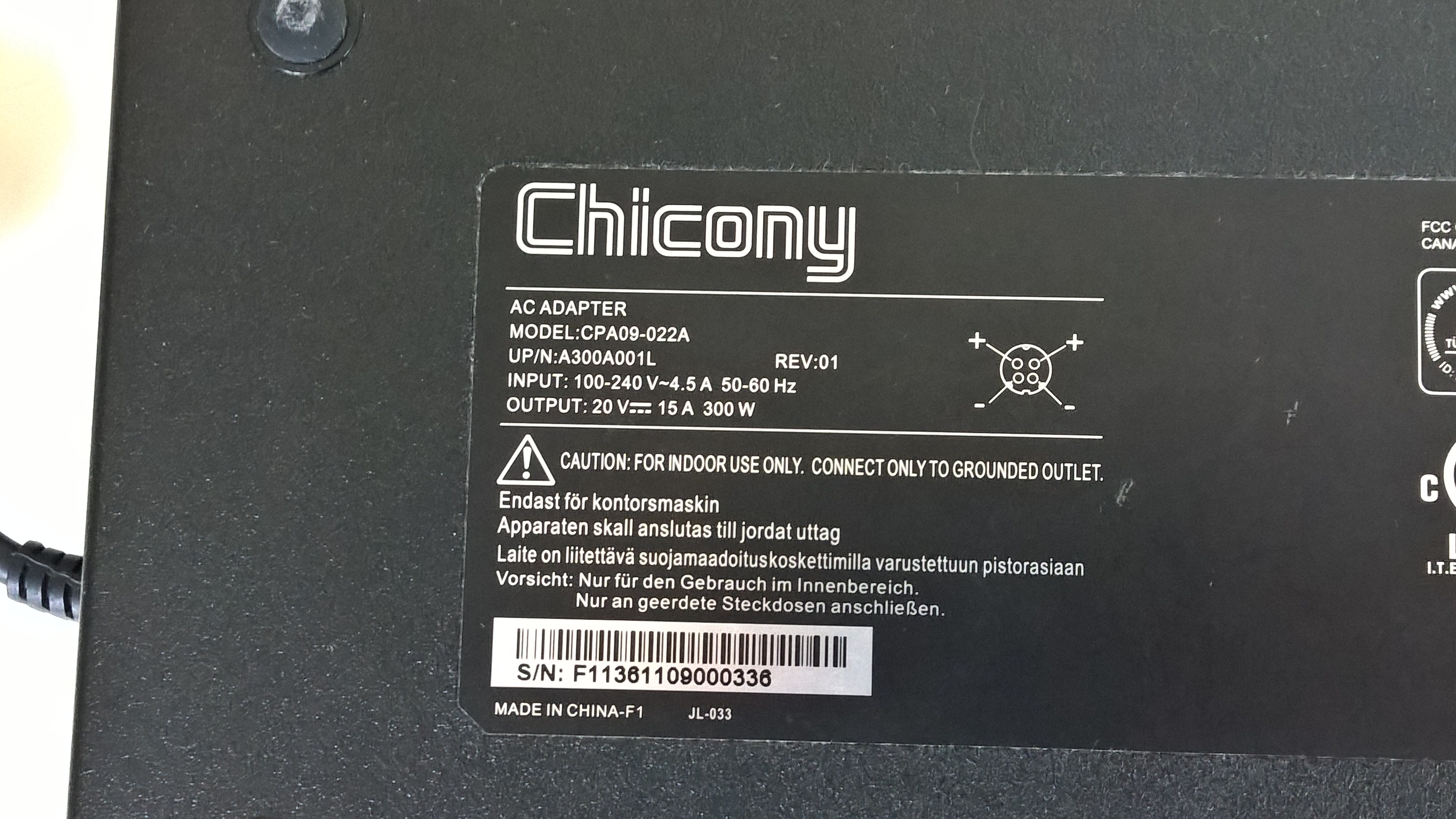
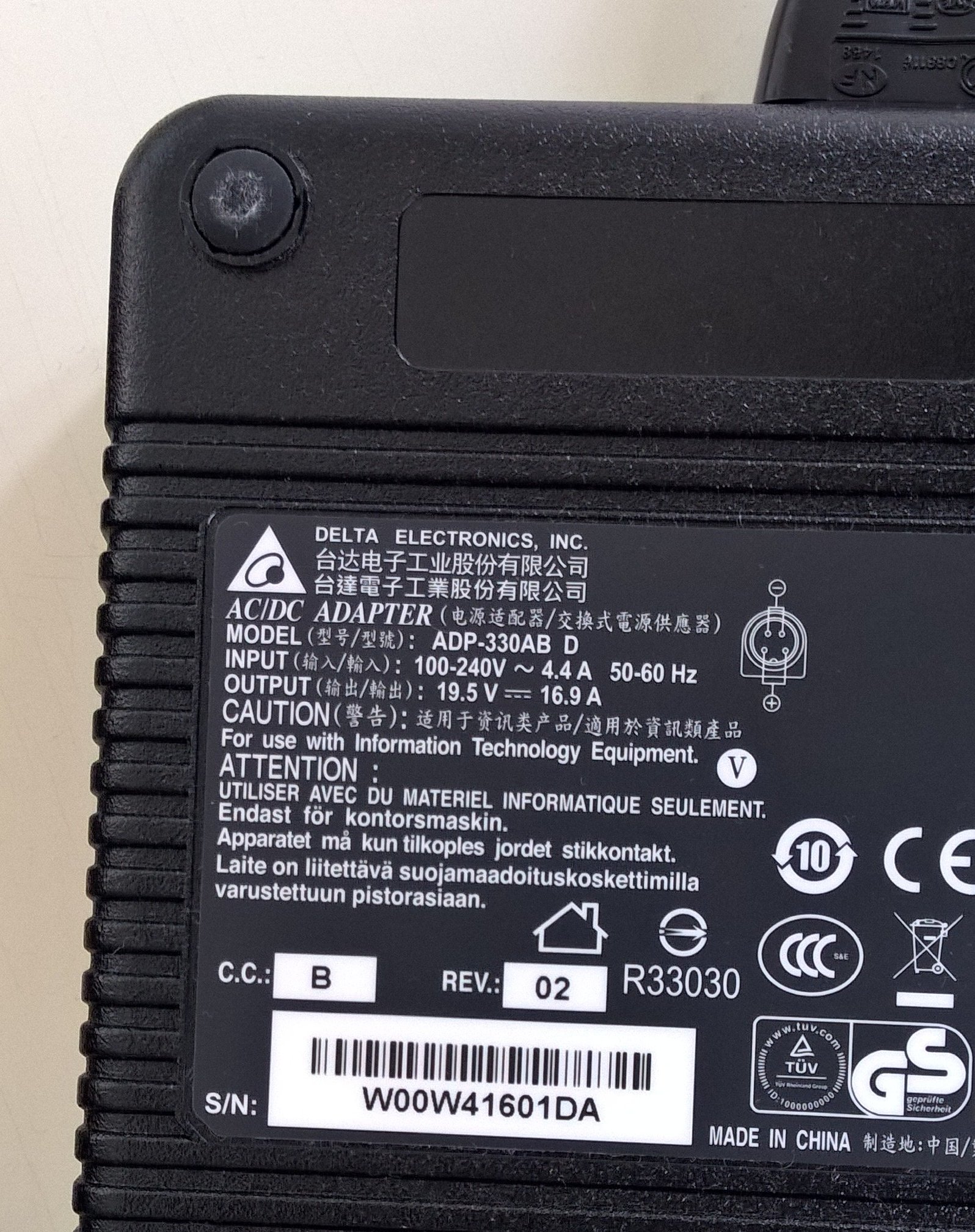
Btw, does it make a difference, if I am using two different power bricks while oc'ing? I have one "old" spare 300W from Chicony (X7200 era). I noticed slightly different specs, so I'm not sure, if using them both together could damage something?
Attached Files:
-
-
The 180W version is still longer than standard MXM, look at the pictures @Solariseir postedole!!! likes this.
-
Damage? No, but it makes it harder for the chip in the converter box to work properly, you may get issues at very high overclocked loads.CaerCadarn likes this.
-
I would like to, but atm I'm busy with CPU heat issues. Getting up to 85 degrees in XTU stress test on stock levels with ICD. Perhaps I am sporting a warped heat sink....
-
In fact the voltage difference is not very appreciated by the converter, the current difference is not very important. I'm not sure about the IC in the converter box.
however if simply connect power sources with same voltage together the current output will be the sum of two currents with the same voltage (kirchhoff law)ssj92 likes this. -
Yes but you are talking about perfectly balanced supplies, it's actually really tricky to make sure the two are both loaded equally.
Takaezo likes this. -
I think they will fit, There seems to be enough horizontal clearance, I would consider using regular stick-em on copper heatsinks for the modules that are not covered by stock heatsink. I am not sure that the C600 x79 mobile board could supply 180watts of power to these cards though.
-
Mostly the issue is the heatsink dissipating that much heat, the board can give the power.
-
Wasn't there mentioned a low power mobile SLI variant (120W)? If this isn't only a rumor, that would be a possible choice, wouldn't it?
-
Even the lower power ones are redesigned like the one on the left to cope with higher memory speeds and slightly higher power draw.
-
I don't think we have seen the 120W version yet that will be in the GT80 so you never know.
TomJGX likes this. -
Well if you kept the clocks the same you could get the 980 to run on the 980M PCB (same chip after all).
It's whether anyone will bother with the work of validating that with an existing design in place and if Nvidia are offering it even. -
When is that GT80 shipping? @Meaker , @Alex@XOTICPC, @Kevin@GenTechPC ? I really want to know about this low power 980... So far only seeing unicorns...CaerCadarn likes this.
-
Just wanted to find out what to get out of my rig, only to find out that essential oc functionalities are missing (in XTU):
Mine's like this:
If I use the latest version it stays the same albeit "Benchmarking" won't function any more. Don't know, if this is Bios-related?
So actually I am only able to oc the 780m's. In the first run, I was able to get +304Core/+500Mem/+50mV.
http://www.3dmark.com/fs/6330699 (it's not bad, but it isn't really good either)
But without additional CPU and RAM tweaking this means nothing! Would be great, if someone could explain what's behind these missing features and how to enable them.Daniel R likes this. -
It would make the EC panic, as for the above, the board does not have the capability of tweaking all the really nice CPU tweaking settings, it's fairly basic.
-
Mine is like this :
only difference is turbo boost power short time window, it can be due to xtu version difference.
where did you get that image from?? -
He will have got it from a desktop X79 board.
Solariseir likes this. -
regarding to that long shutdown problem I had (black screen for one minutes before notebook turns off) and I thought the RAID is responsible for it. well today I spent hours to find the problem, so I disabled the raid, install windows on each ssd separately, then activate the raid, switch the ssds places, installed windows again. checked all the different combination. Then tried to uninstall drivers one by one and guess what? RAID was innocent. I found what caused this much pain. VGA driver, when I uninstall it notebook shuts down in seconds.
I have no problem with my VGAs, I play games, push them to their limits and still never got a blue screen or driver failure.
anyone has any experience about it or any suggestions ?
By the way I use stock VGA bios and nvidia driver, the latest three versions have the same issue on my system. -
Does it happen the same with SLI on and off?
-
has anyone actually been able to get into the bios recovery menu on this machine? And i don't mean going through the motions of holding FN+B and pressing the power button.
-
This is a dumb question, but where is the wireless card located on this machine? I recently got a dual band router and I'm finding out I can't connect to the 5ghz band with the card on my machine, so I'm planning to upgrade the card but I'm not exactly sure where it is, and before I completely take everything apart, I figure I would ask if anyone knew offhand. I remember upgrading the ram and it was located in the really inconvenient area of under the keyboard but I can't remember if the wlan card was there too.
-
under the keyboard.
-
Yes, remove the screws under the panel above the keyboard, then unclip it (watch the cable underneath), unscrew the keyboard and carefully pull it out and unclip the cables from the motherboard (1 data and 1 LED power cable), unscrew and lift off the support brace. This should get you in.
-
SLI on and off, in both cases same problem. I think the machine trying to tell me to upgrade my VGAs
-
Depends on the specific board as it has to be enabled by board resistor (check service manual for details).
-
Did not know that. And I have two boards and neither of them will go into recovery.
-
-
Ah thanks. I figured as much when i couldn't find it anywhere on the underside, but I almost broke the panel above the keyboard last time because I almost didn't remove all the screws when I was adding ram, so I wanted to be sure before taking it apart again.
-
thanks. none of that worked unfortunately....
-
A single 980m or sli 970m cards would be VERY shiny
Solariseir likes this.
-
in fact I was thinking about it. The upgrademonkey store, sells 770M (used) for USD298 and 970M (new) for USD538. So my two cards worth around $596.
I'm ready to exchange my two cards with one 970M. They can get $58 benefit in this exchange however I'm not sure if anyone wants my old 770m cards
*** Official Clevo P570WM | P570WM3 / Sager NP9570 Owners Lounge ***
Discussion in 'Sager/Clevo Reviews & Owners' Lounges' started by jclausius, Feb 5, 2013.