Problems? See this thread at archive.org.
Hi guys,
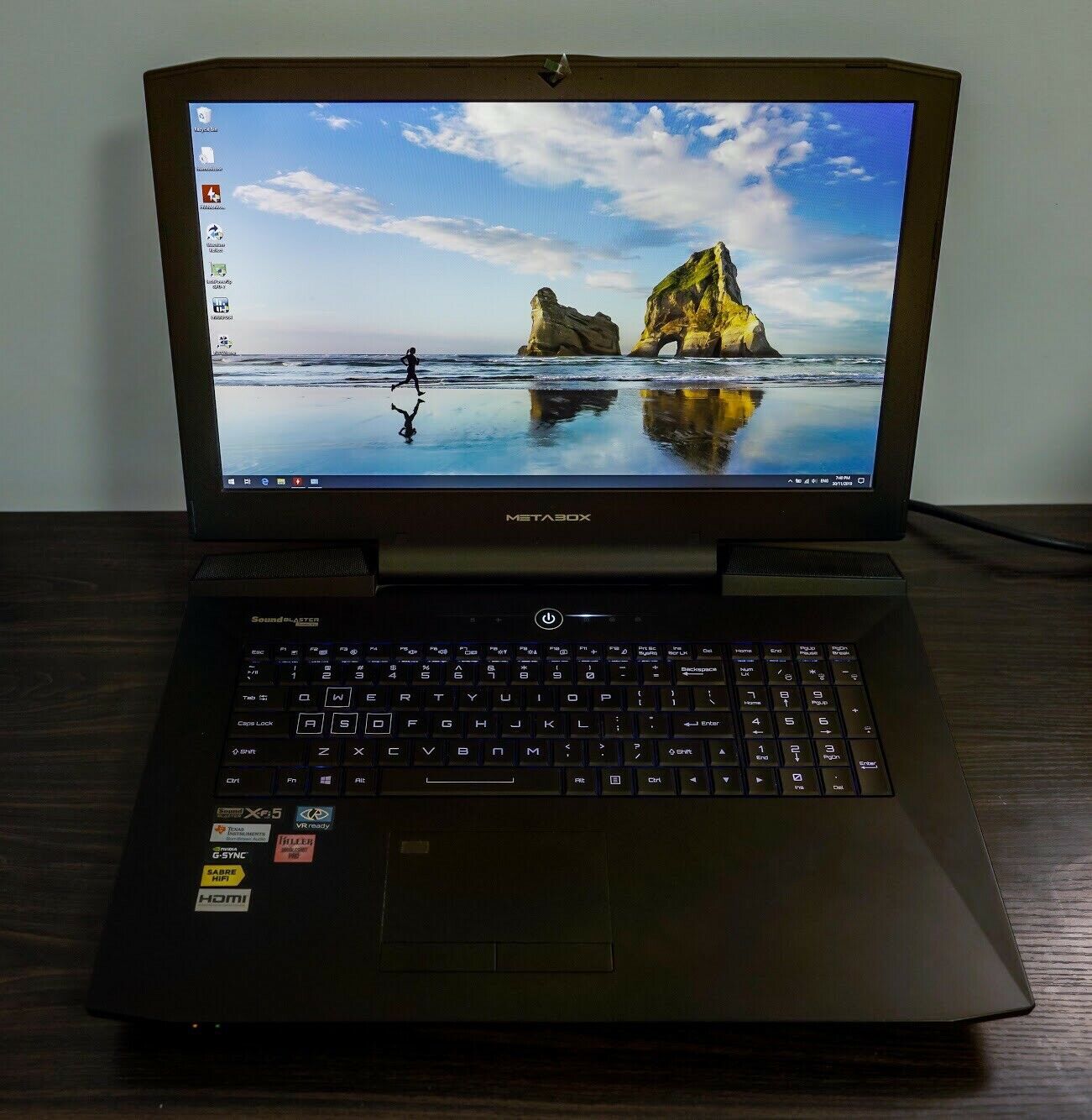
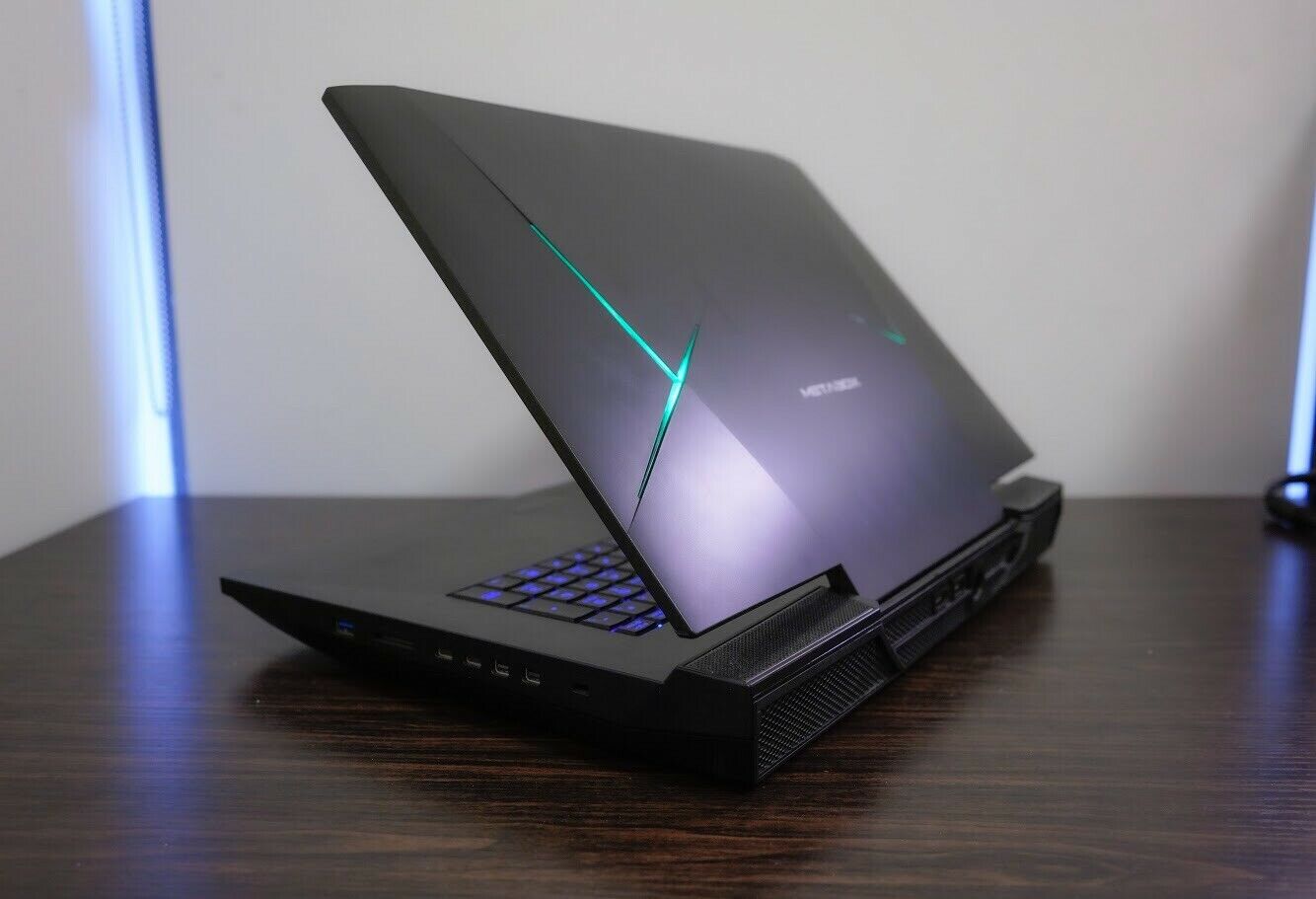
I will share what I finally finished improving the Phoenix II (Btw my own litle firm is Phoenix CNC).
This is the same post in the thread about modding the Bios for the P870DM-G by DSAnke (many many Thanks my friend).
http://forum.notebookreview.com/thr...clevo-laptops-rtx-cards-now-supported.825558/
Well after a few issues my new (almost new) Phoenix II is moded with the absolutely perfect DSanke Bios....why I say perfect? beacause I do not need to modify nothing on Bios for the i7 7700K and the i7 8700K ( buttttt was not the same with the i7 6700K, with this one dont't work well).
ALL IS WORKING....and I mean ALL...every original Clevo Software as well my owns from work to gaming...I did running Stress Test and lot of benchmarks with not even a single dissapointment. I did a lot of softwares test by trial and error using from P870DM-G to P870TMs ( to use the Control Center of the P870TM, the new Sound Blaster X-Fi and Killer Etc Etc).
The Bios I used was for P870DMx (not the RTX one at least for now), I followed all the instructions step by step...from VBios to Bios itself.
Actually with the i7 8700K and coming by mail the i7 9700K....I do not tend to buy the i9 because is to much cost for a too litle gain (my point of view)....I dream with the RTX 2080 and I will buy soon as I can (or find one).
As thing going on this Phoenix will serve at least for two more years.
After flashing Bios by DSanke I started Boot and test with a i7 6700K with Core Speed Issues!....after confident followed the i7 7700K (from my desktop) and here things become really good because all work as intended even with few OC tweaks...finally the i7 8700K running at:
1 Core 4.7
2 Cores 4.6
3 Cores 4.5
4 Cores 4.4
5 Cores 4.4
6 Cores 4.3
I know this are Stock Speed Clocks but dont want (yet) to force anything (because i'm so happy now rsrsrs)
-
Attached Files:
moral hazard, jc_denton, Donald@Paladin44 and 1 other person like this. -
-
Yes my experience as well was the dsanke bios doesn't clock a 6700K properly. For the few minutes I used a 6700K post flash, before the CPU upgrade ;PKrumrick2 likes this.
-
It's not really designed for the older chips though the stock bios is not too limiting on the 4 core chips.
Krumrick2 likes this. -
But whats is interessant is the fact of the i7 7700K run fine....indeed really fine.
-
There are micro code differences between the two.
Donald@Paladin44 and Krumrick2 like this. -
maybe I'm lucky here, I’ll buy a top cover clevo p870dm2 or higher with trackpad buttons
Krumrick2 likes this. -
There is a members market where you can look.
Krumrick2 likes this. -
Hi guys,
It seems this Phoenix don't stop to be always a good surprise.
I easy peace overclocked the Hyper Impact DDR4 2666 to 3200 (CL 15 to CL 17....1.2 Volts to 1.25 Volts).
Till now stable and not even a single issue...my question is: i'm a Silicon Lottery winner or is so simple to Overclock memory ....or Kygnston modules are just fantastic as it seems?Attached Files:
jc_denton likes this. -
-
Yes it's a silicon lottery thing with memory going above the rated speed.
-
Hi everyone,
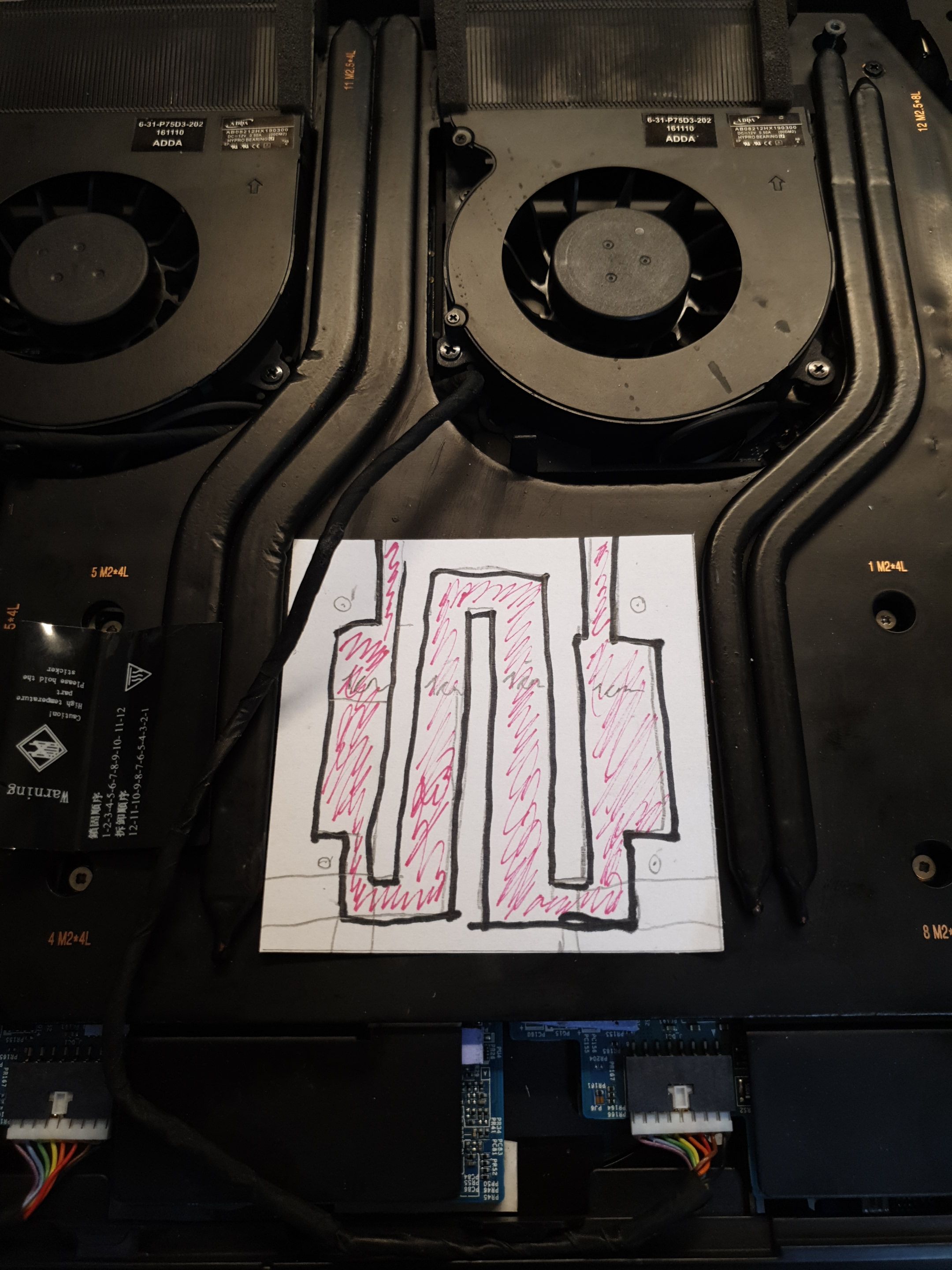
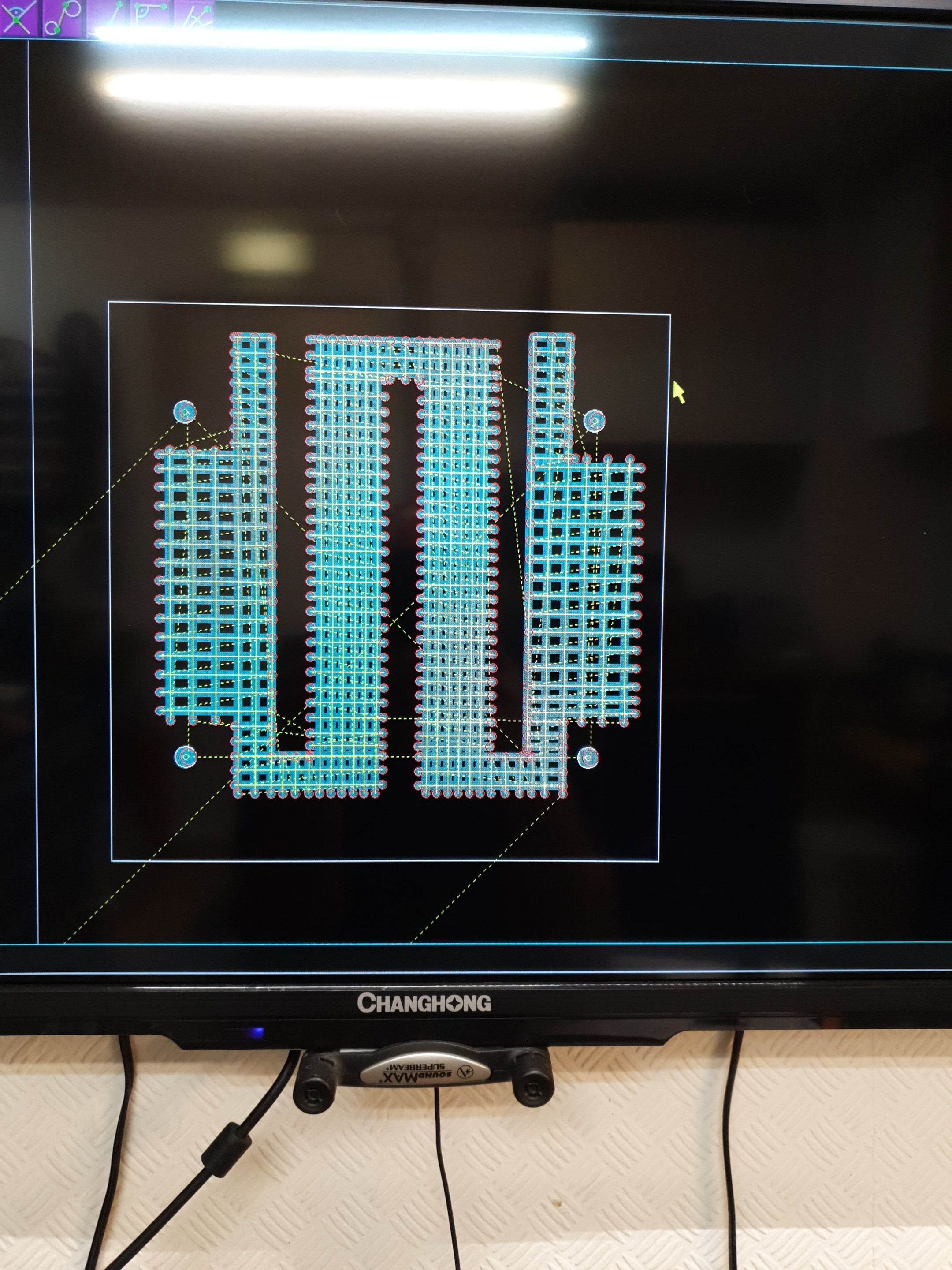
Need a help, I want to buy and upgrade the GPU GTX 1080 to the RTX 2080....I took photos of boot (1080 & 2080 ) and through Corel Draw make a schematic of both, then superposed to be sure the heat sync will serve...and it does!.
I found in E-Bay for the Clevo P775DM3 and similar.
My question is: this one is the same for the Phoenix II...it serve without restrictions ???
Please I will appreciate any advice...and much more if anyone had one to sell.
Manuel -
The tm series needed a bios update to work with the cards iirc so you might need some bios work done.
Krumrick2 likes this. -
Indeed there is a Bios update required...but Dsanke already did that...i´m using his version without RTX card support actually but I tested before and worked fine beside don´t have 2000 series card.
So Bios is not a problem, my doubt is related to the MXM slot Etc. -
The slot is standard.
-
Awesome!
-
Hi guys,
I just bought a used Clevo P870 dm2. The specs are as follows:
i7 9700
GTX 1070
16gb
The seller says the laptop is flashed with a custom BIOS modified by Dsanke. What does it mean by this? Sorry I am an Alienware guy, so im a noob in Clevo.
Also is it possible for me to upgrade to GTX 1080 or the RTX later?
Here are some pictures of it.Attached Files:
jc_denton likes this. -
-
See the dsanke thread on here, it's for the 9th gen cpu support which was never official. 1080 is possible yes but cards are a lot of money for the gain you will see.
Duck W likes this. -
Thanks for your respond. Can I ask what the differences between the dm2 and the tm-g?
From what I research I can upgrade the cpu heatsink to tm-g heatsink for better temps. But it requires some modification to chassis. -
Chipset and heatsink design. Some other electrical differences, there was an entire thread about that too. Mostly I'd want the heatsink, the DM3 vapor chamber is more plug and play but worse for the CPU.
Duck W likes this. -
Yup, it requires a little cutting, since the TM1 heatsink has an additional radiator stack for the VRM's.
http://forum.notebookreview.com/thr...0km1-p870km-to-tm1-partial-conversion.829358/Duck W likes this. -
I saw brother Johnksss had put his GTX1080 for sale. To leverage full potential though, I'd suggest pairing it with a vapor chamber.
-
Thank you for suggestion. For now, I'll stick with what I have and put money for more RAM and an SSD.
 jc_denton likes this.
 -
SSD upgrade over mechanical HDD is a world of difference.
-
Having to use a HDD system again is just torture.
Papusan likes this. -
Spinning rust?
-
Spinning rust nails digging into your brain
-
Ah yes, the 10k WD Velociraptors
-
15k SAS all the way lol.
-
You would need to run that in a bunker for the missis not to kick you out of the house.
-
Ugh, my beautiful 4K screen went out on my Sager NP9873
- it flickers while opening and closing the lid so I'm thinking maybe the ribbon connector is shot? I'm pretty decent at building and working on desktops but finicky laptops are a bit intimidating, what do y'all suggest. I need this machine to stay functional, can't really afford to send it away for weeks for repair.
Is this a known issue as these get older and anyone know about replacement parts if that is what it needs?
TIA! -
I'd take the panel out and just make sure the ribbon cable is not loose.
-
What meaker said first, otherwise #2 thing would be a new cable since they fatigue over time from lid opening and closing. If they work loose from their retention tags and clips they can get chewed up very quickly you'll easily see from a visual inspection any areas where they have been pinched and squashed
You'd need the 4K / QHD 120Hz cable not the standard 1080p one, I've seen them on aliexpress and taobao for a lot cheaper than through 'official' reseller channels if you don't mind the wait and risk of using those sites. -
It could be the connector coming loose on the panel in an edge case but most likely cable related in some way.
-
Hello
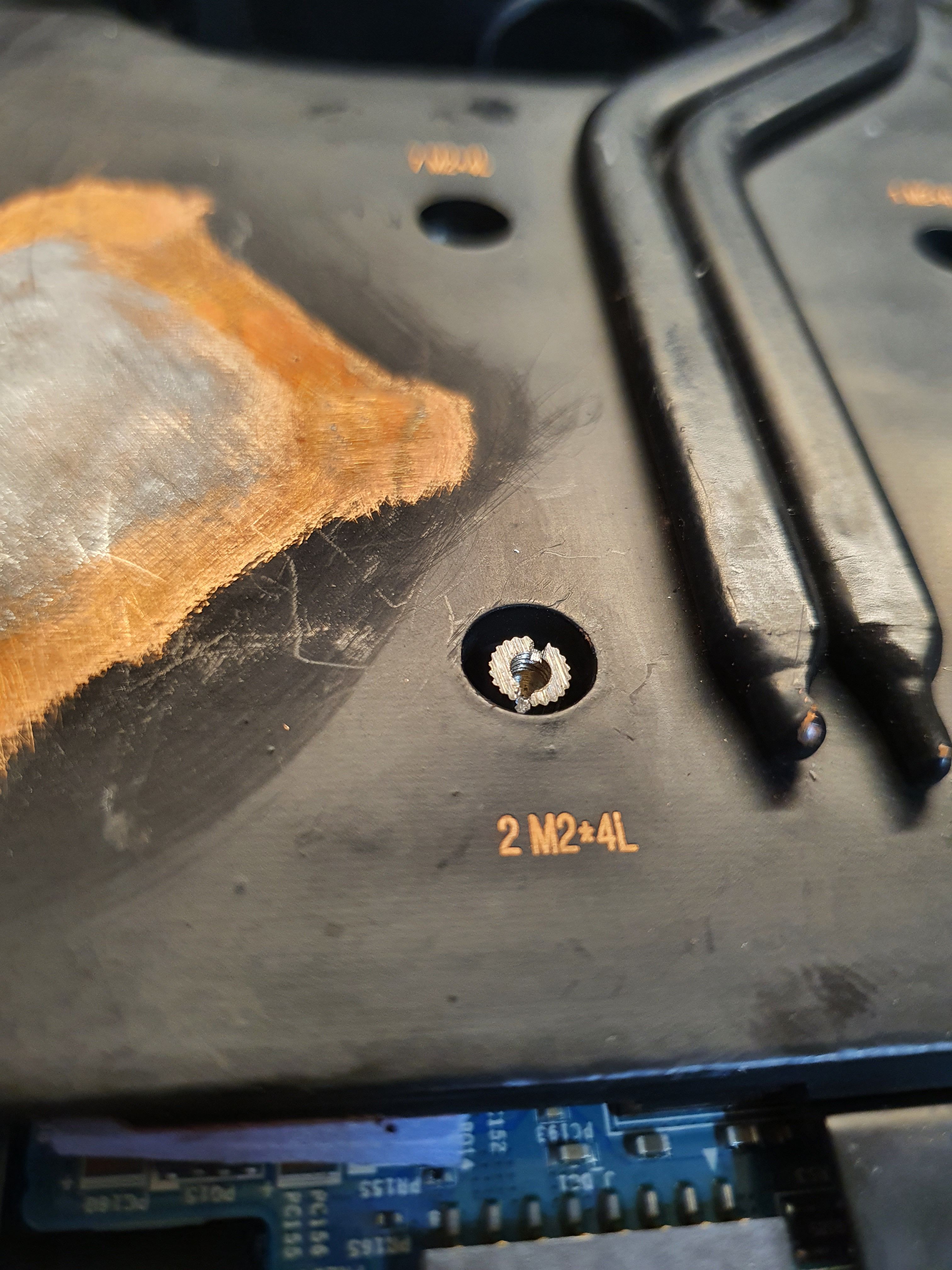
What are the screw sizes for the 16 slots to remove the heatsink? Is it M2 4mm?
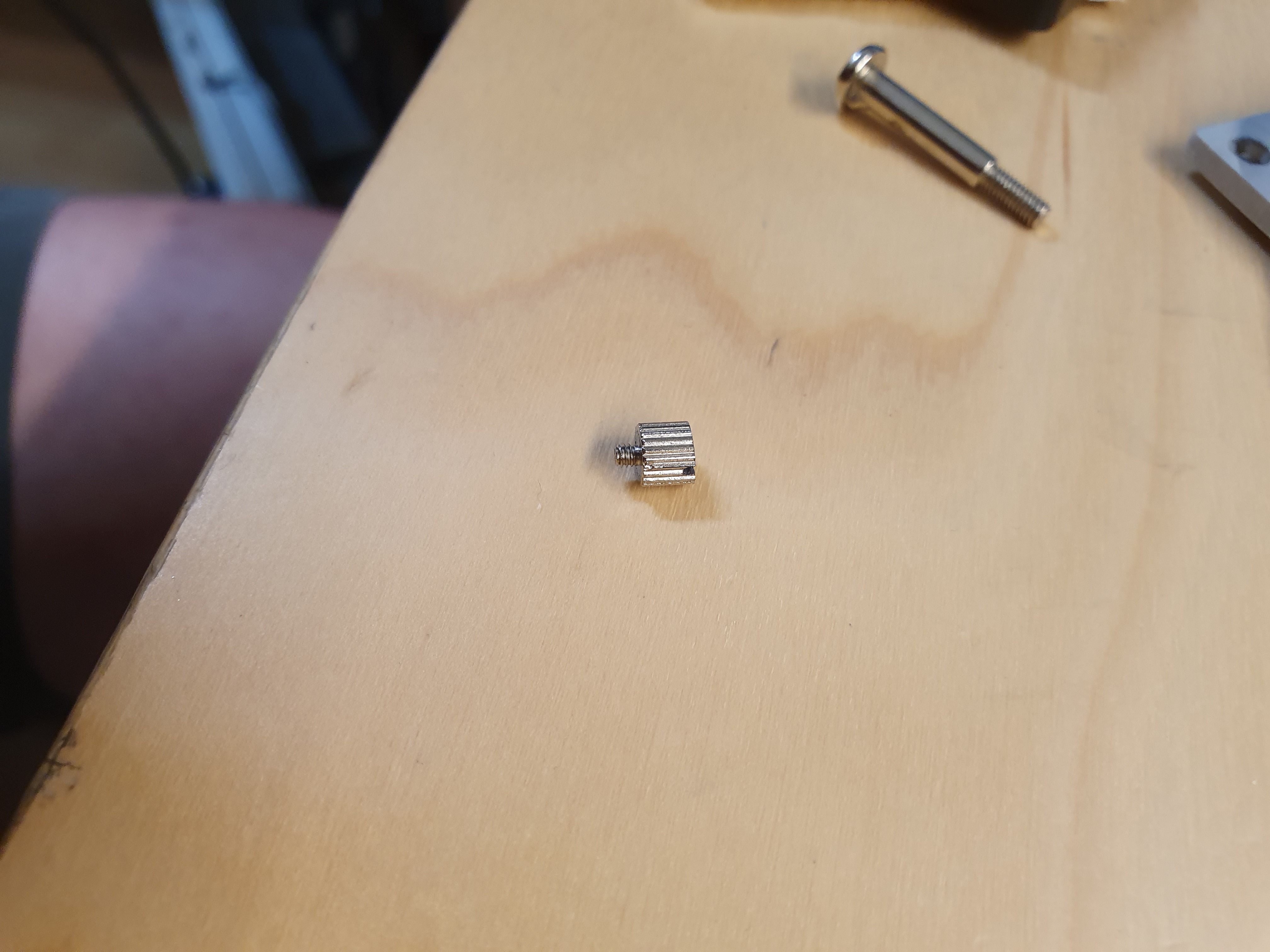
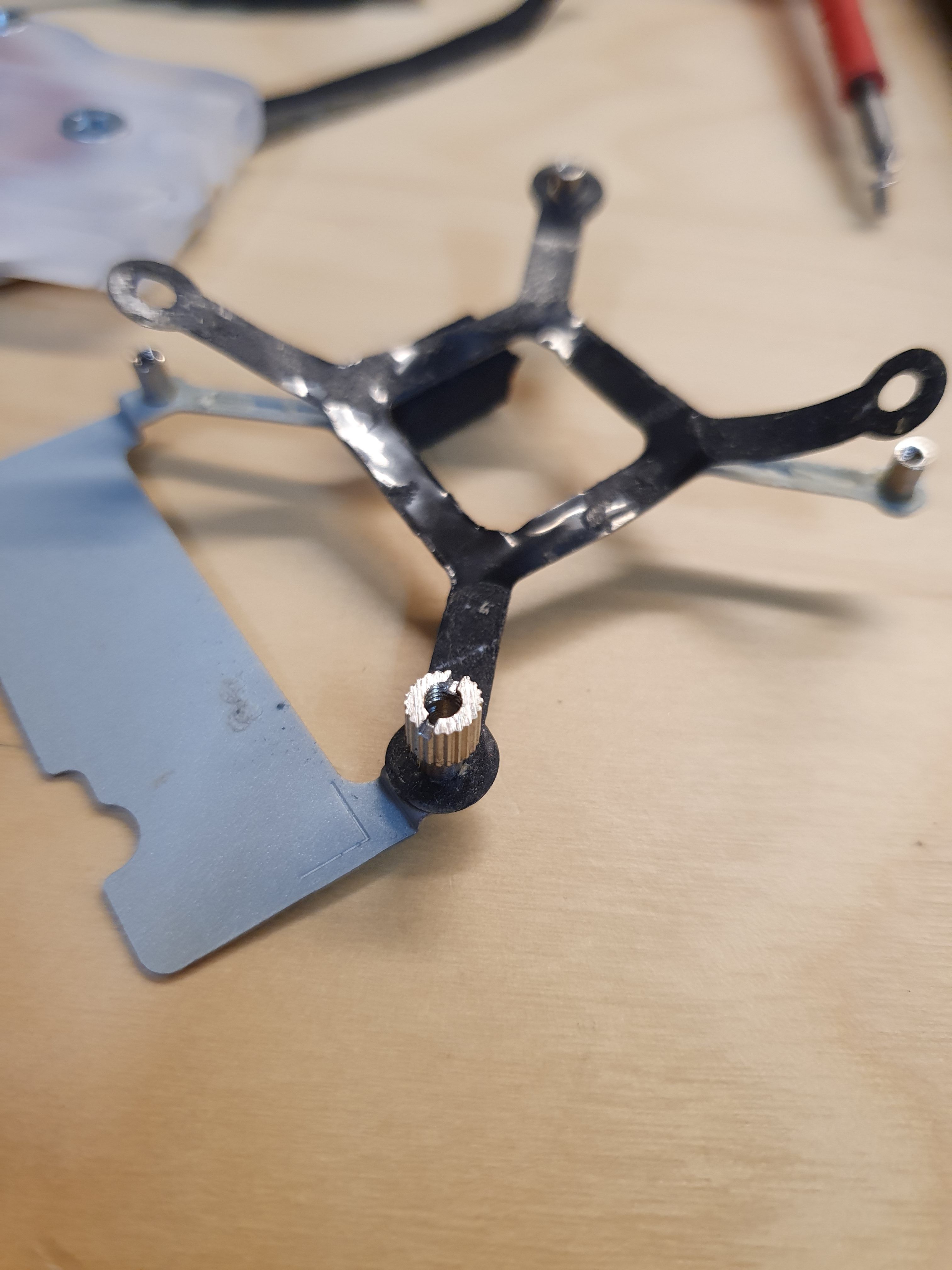
And i have a stripped screw in one of the slots. Can’t seem to open it with rubber bands. Any idea on how to open it? -
dremel and flat head is the most reliable yet extreme.
-
Hmmm.
Alright, ill take that as a last resort though. Cause i dont have the rotary tool now.
Been watching videos and guide. It say better to try with rubber band and super glue first.
Thanks for the tip though. -
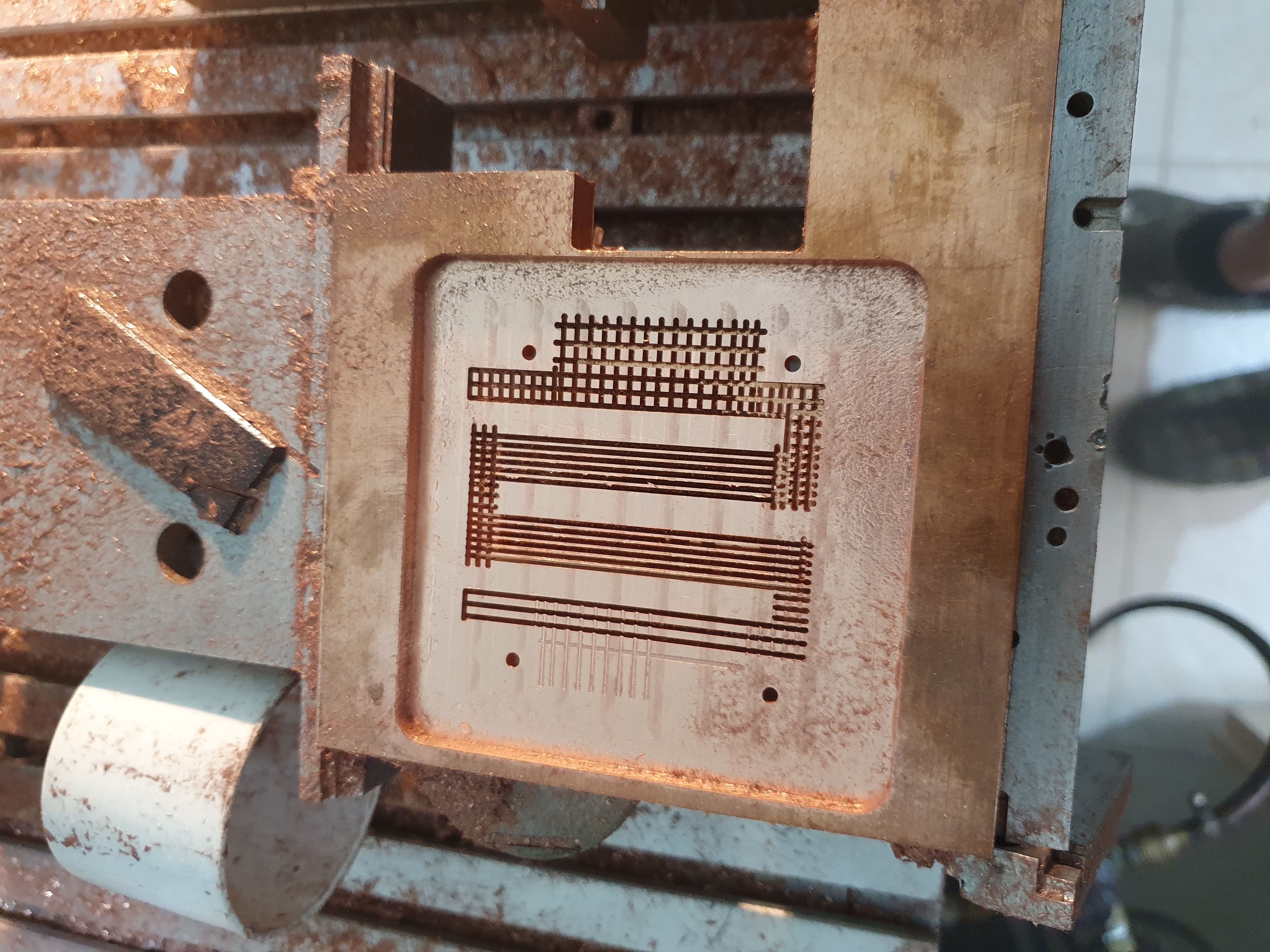
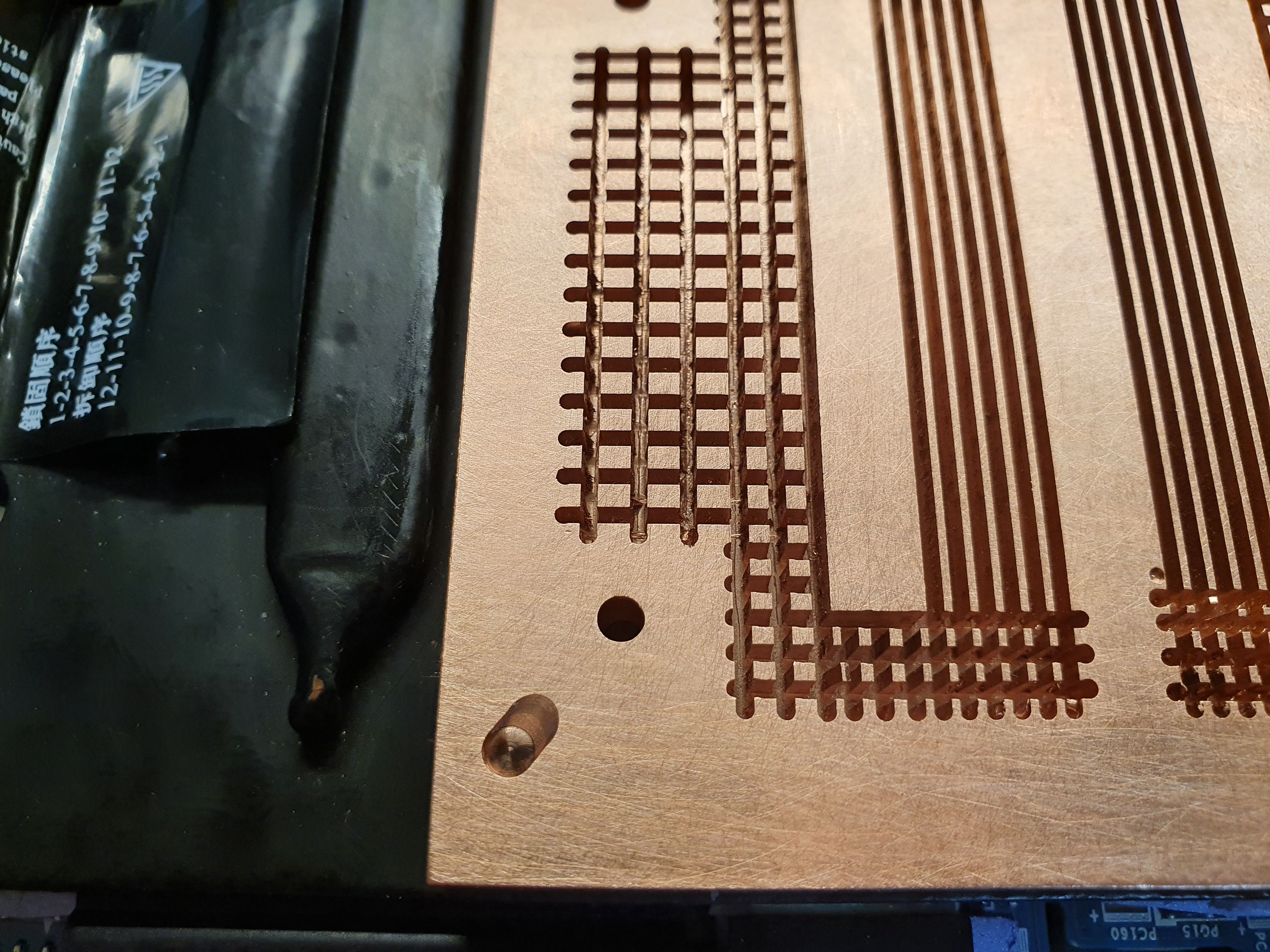
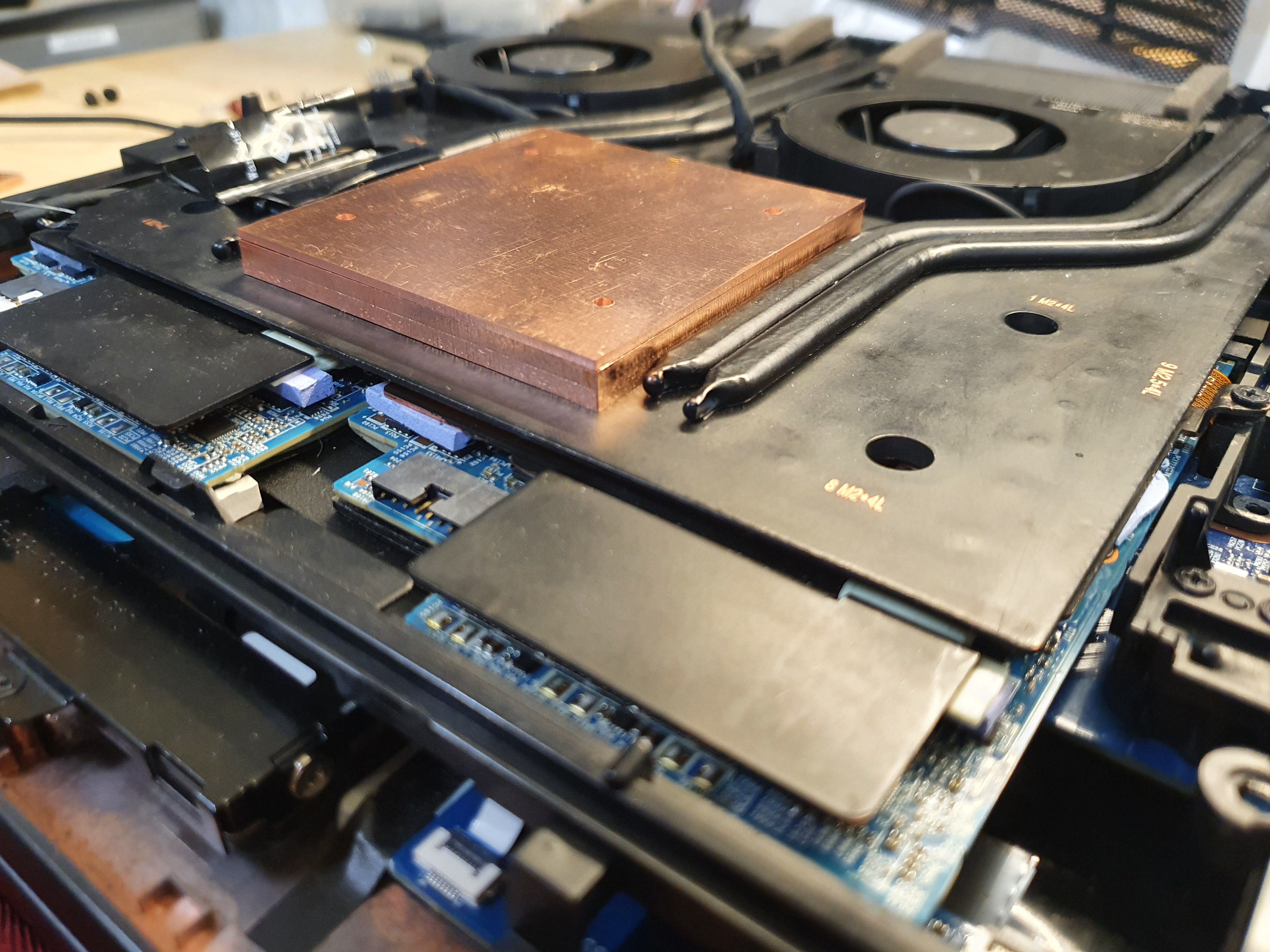
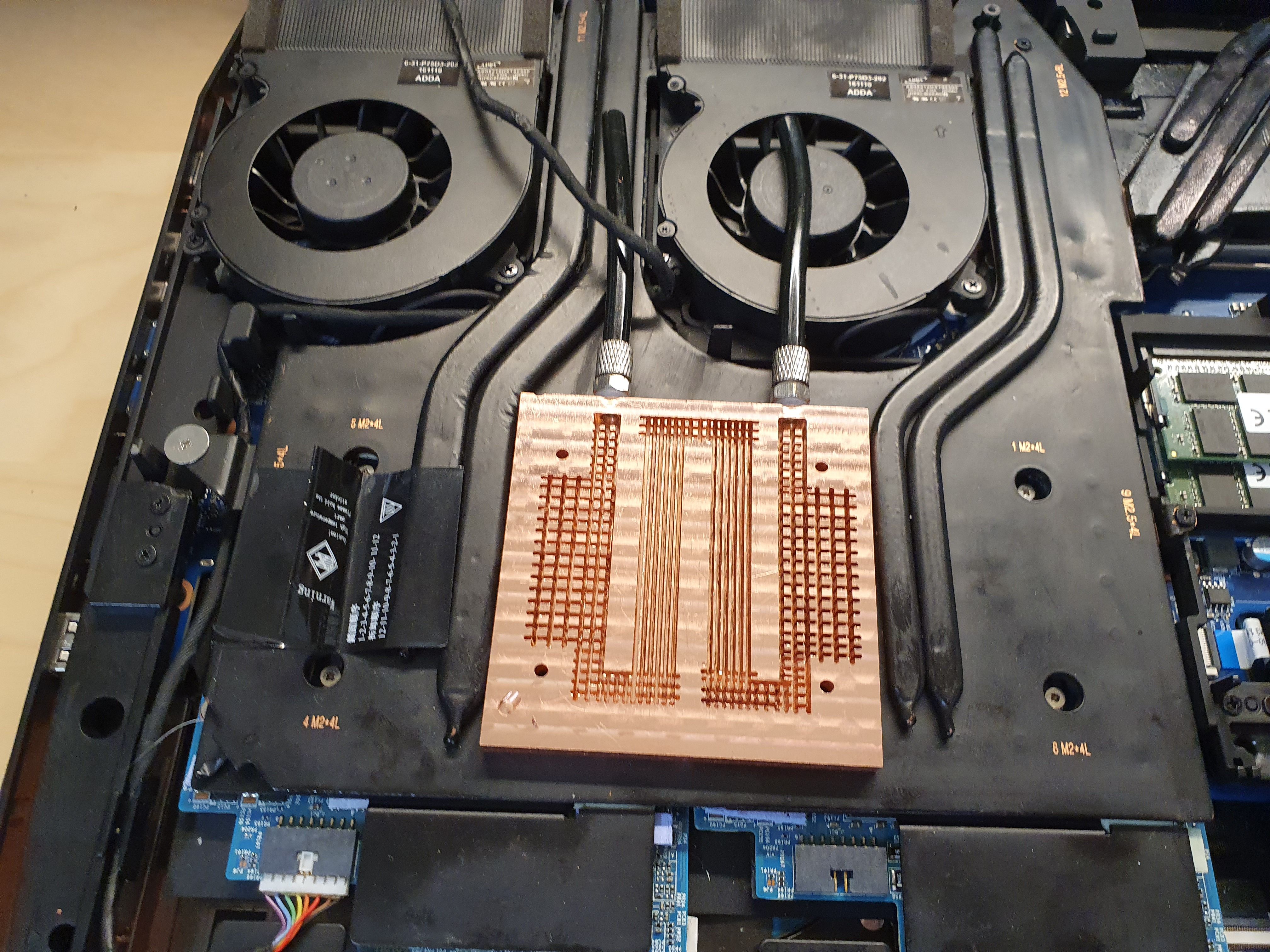
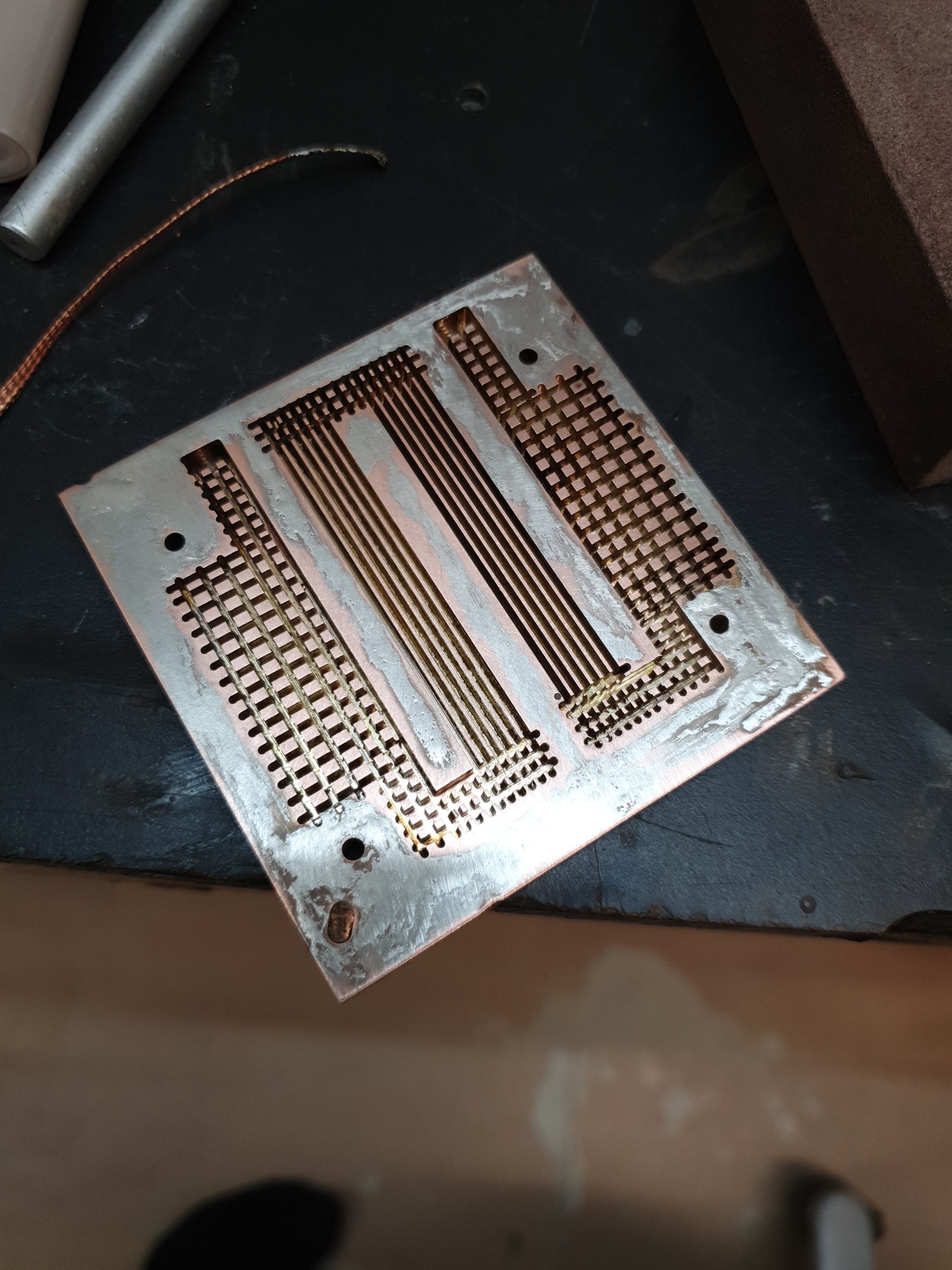
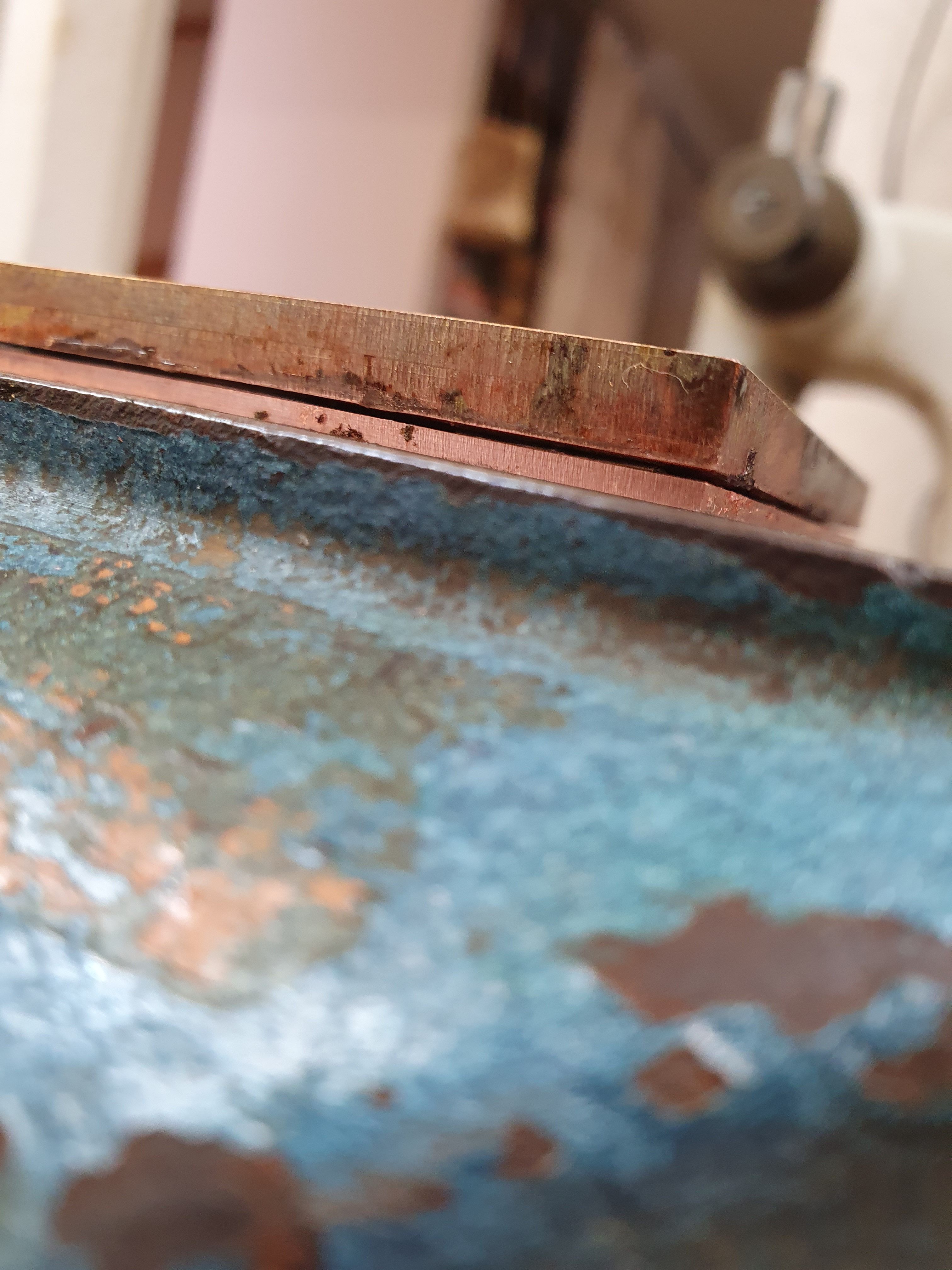
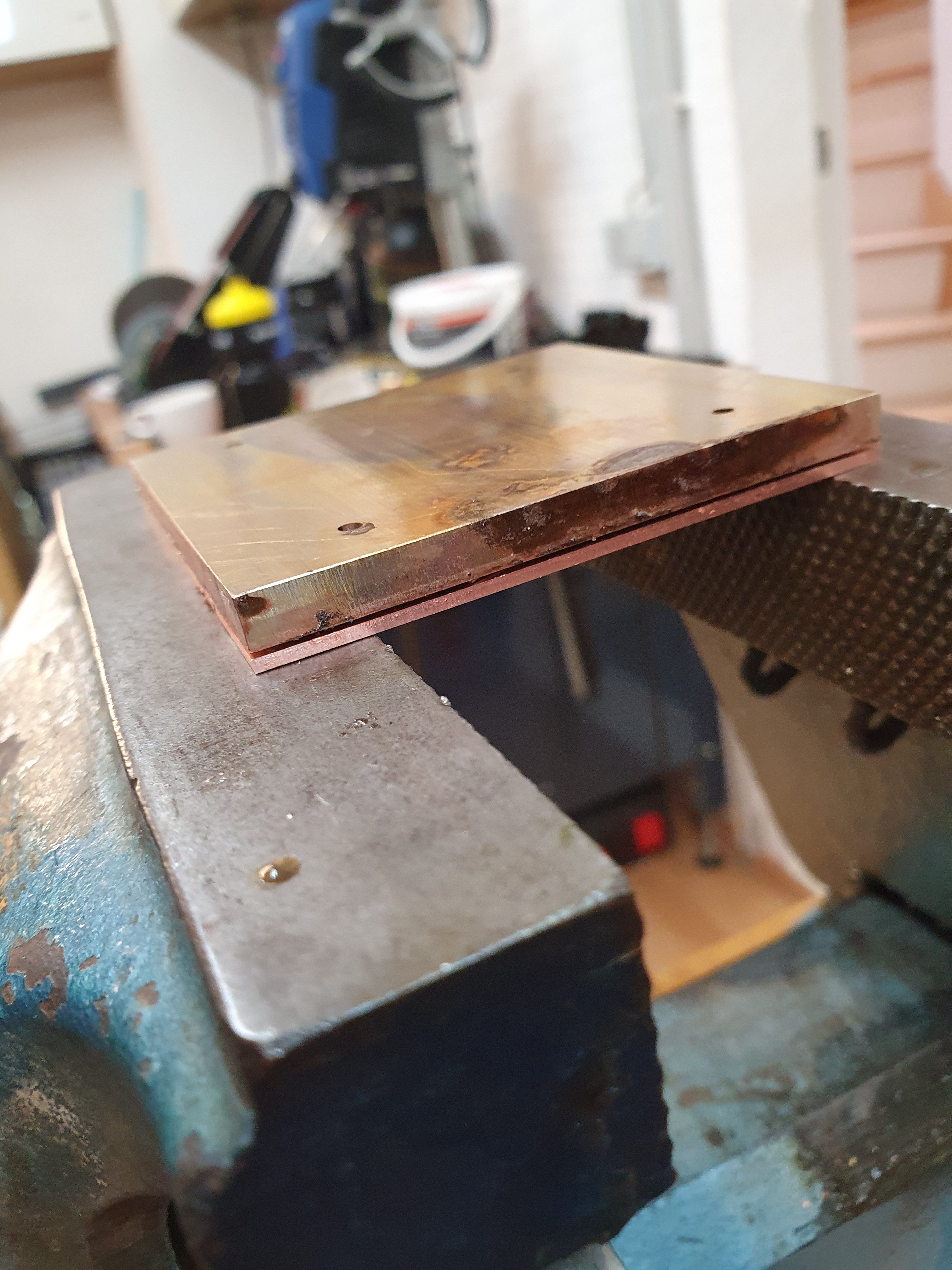
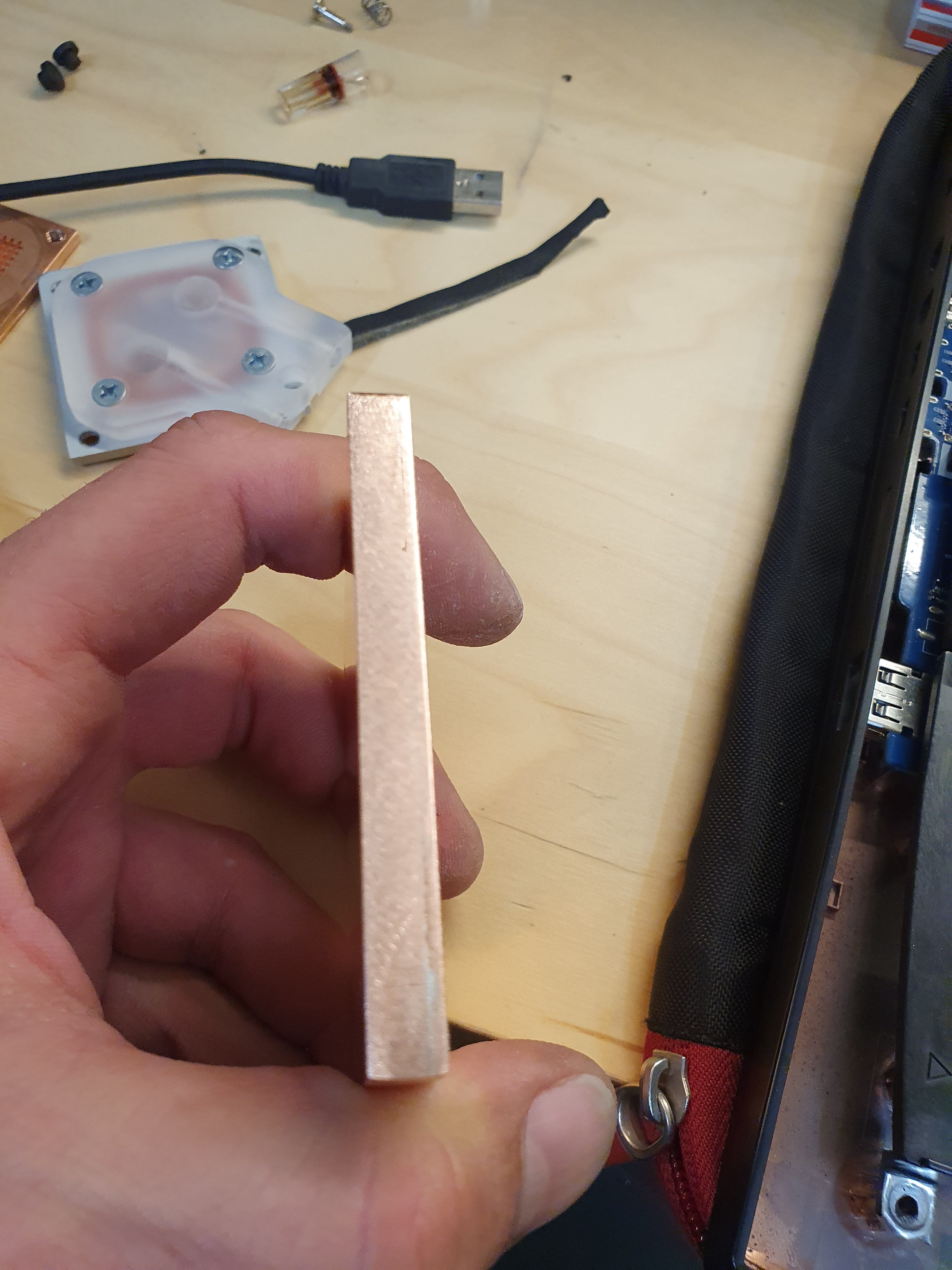
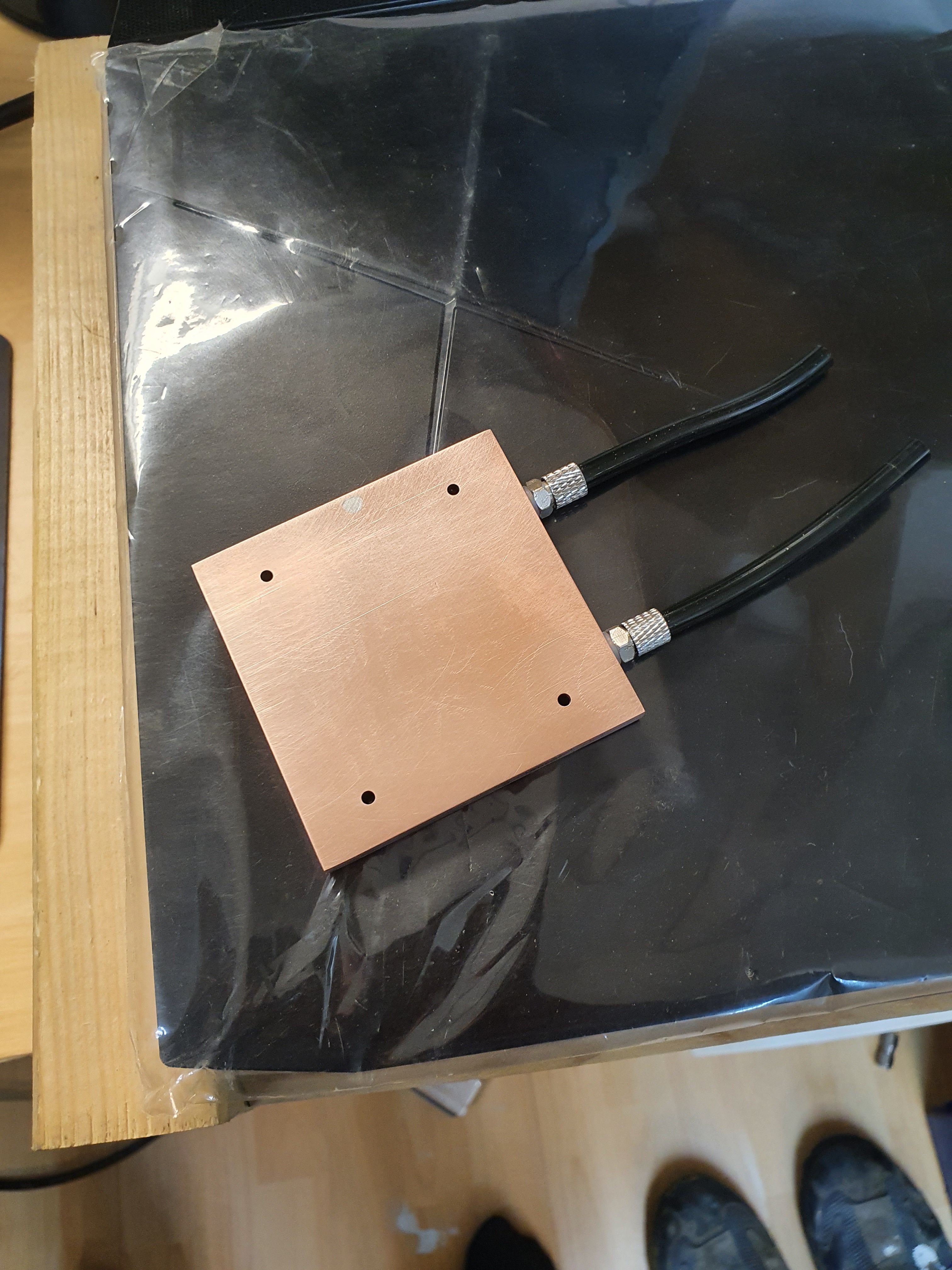
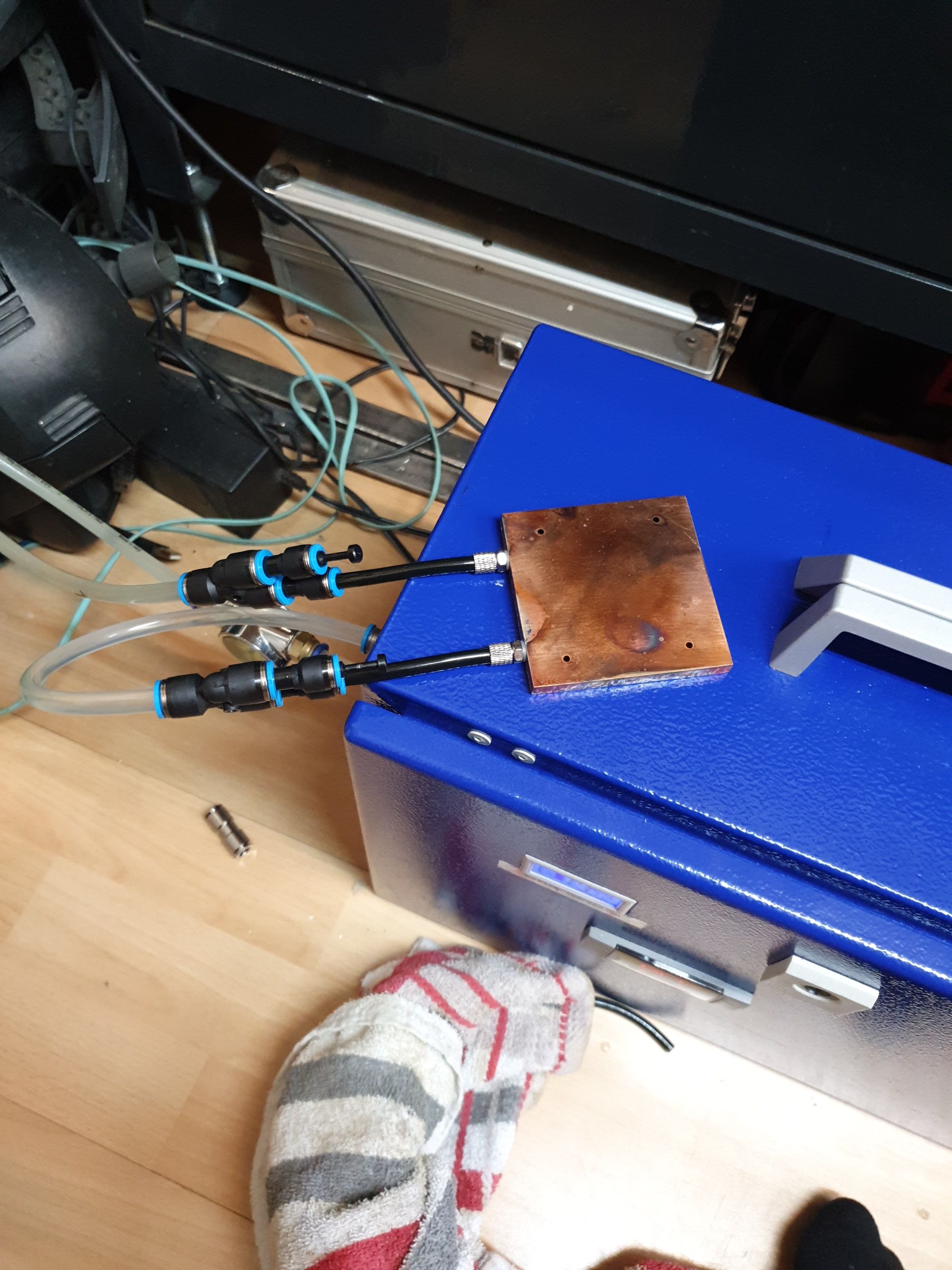
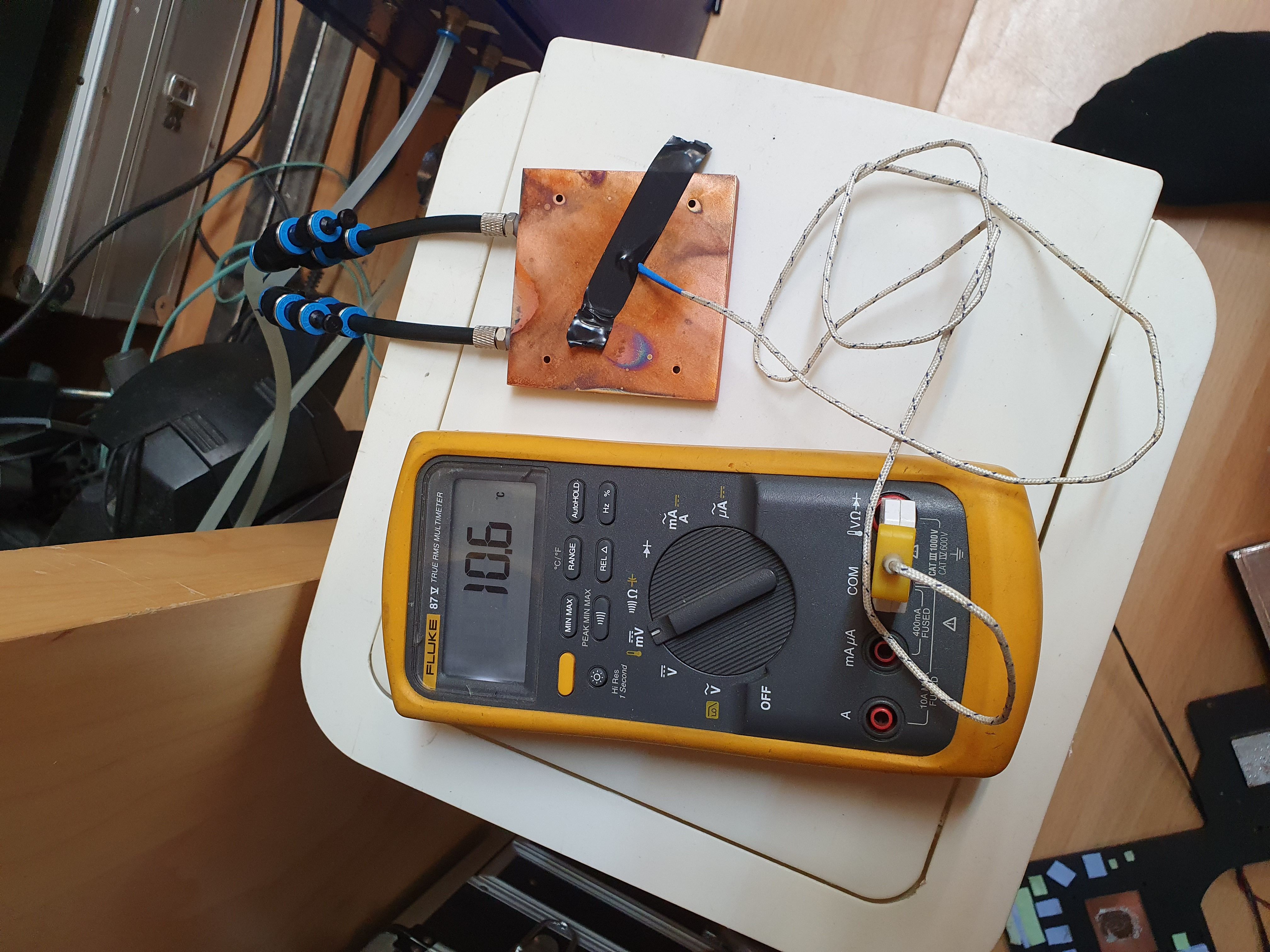
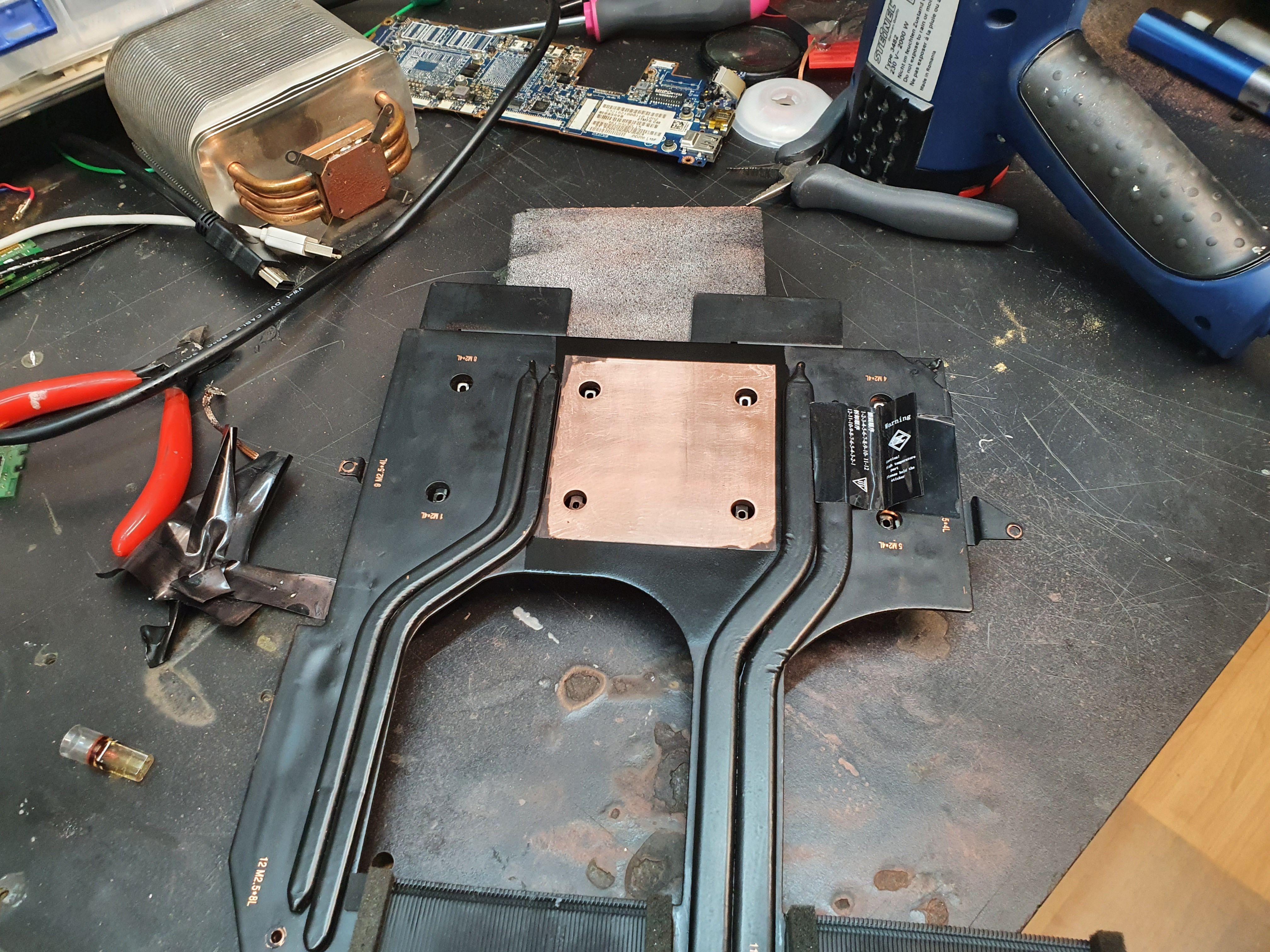
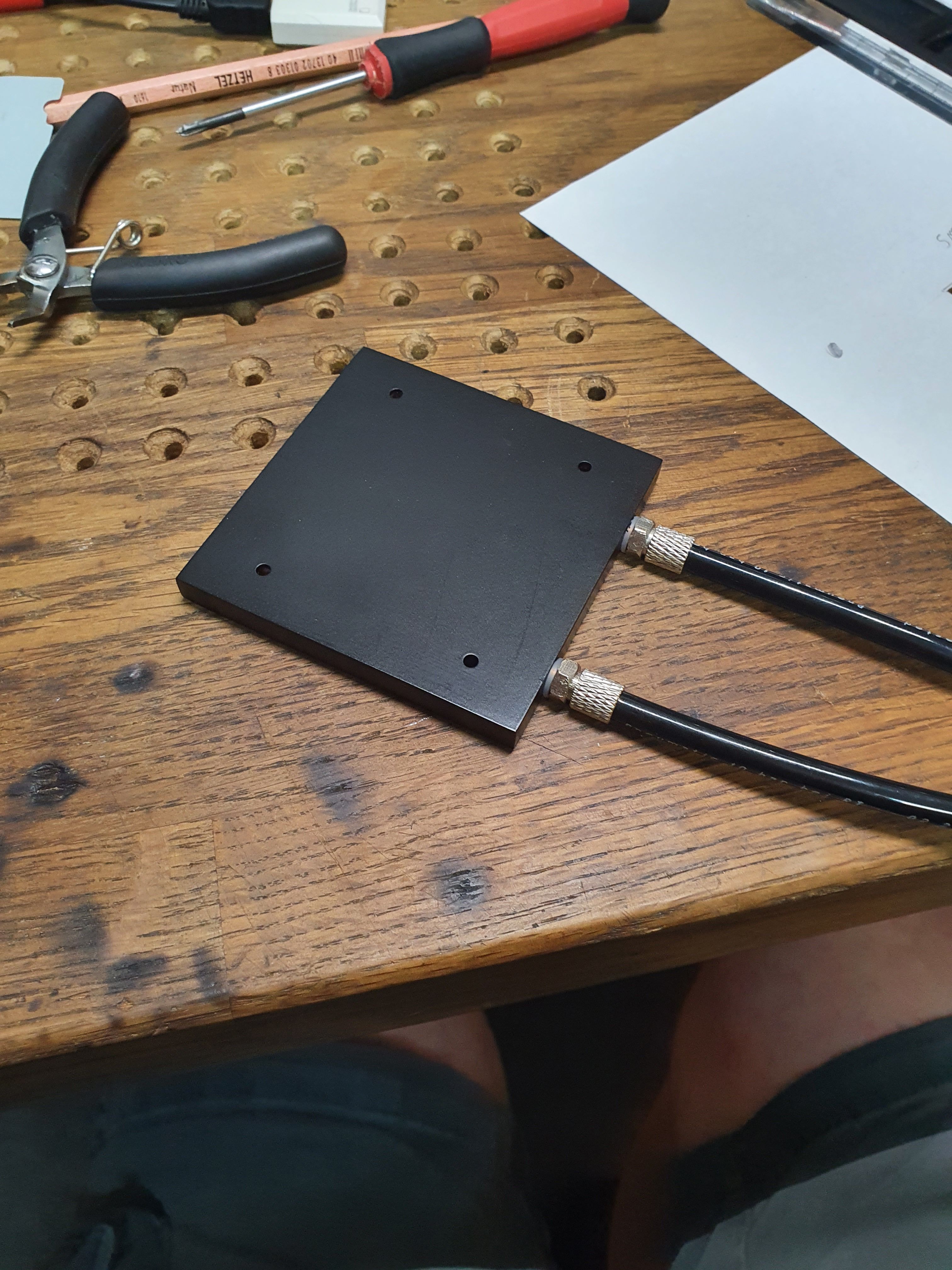
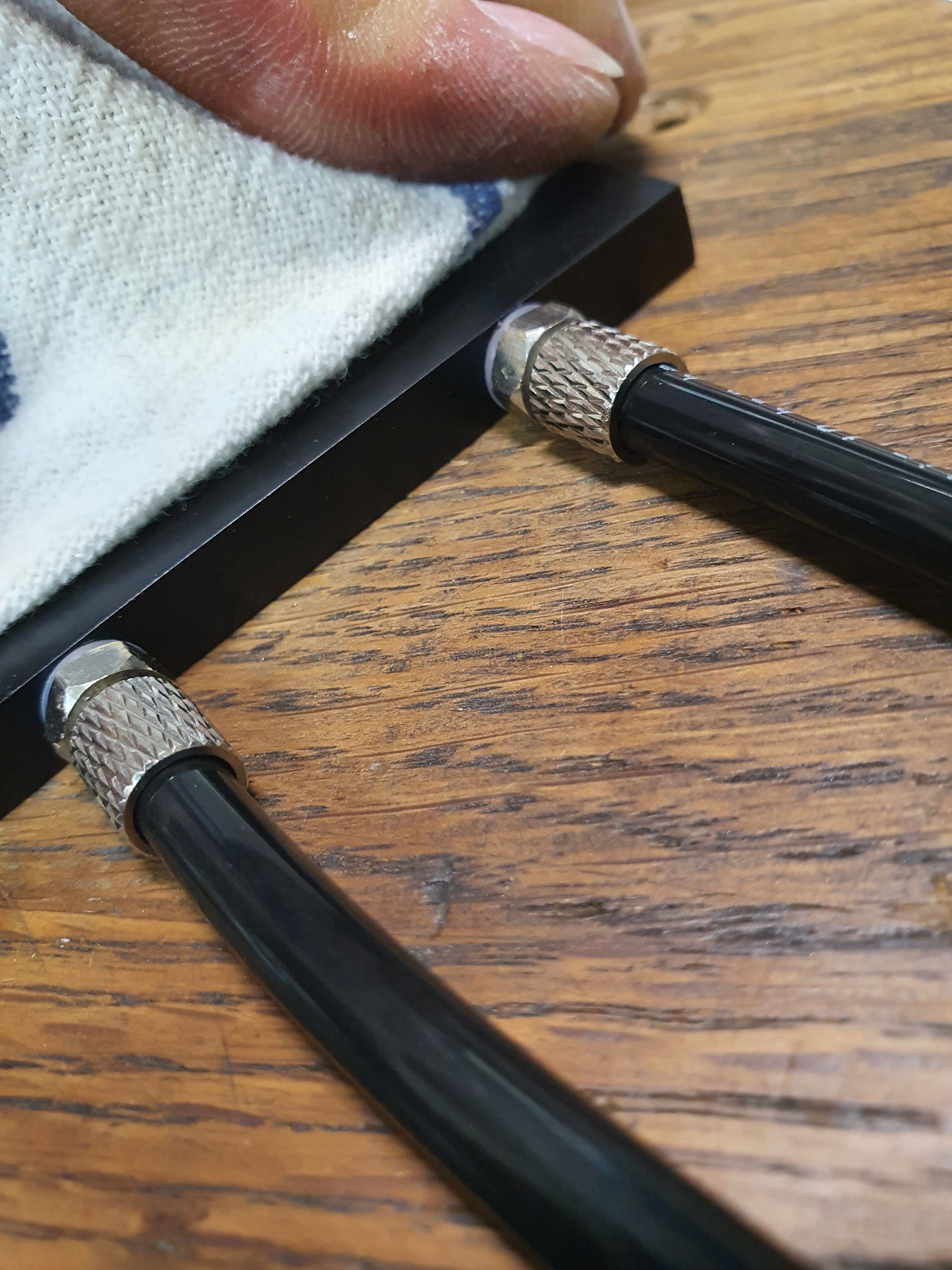
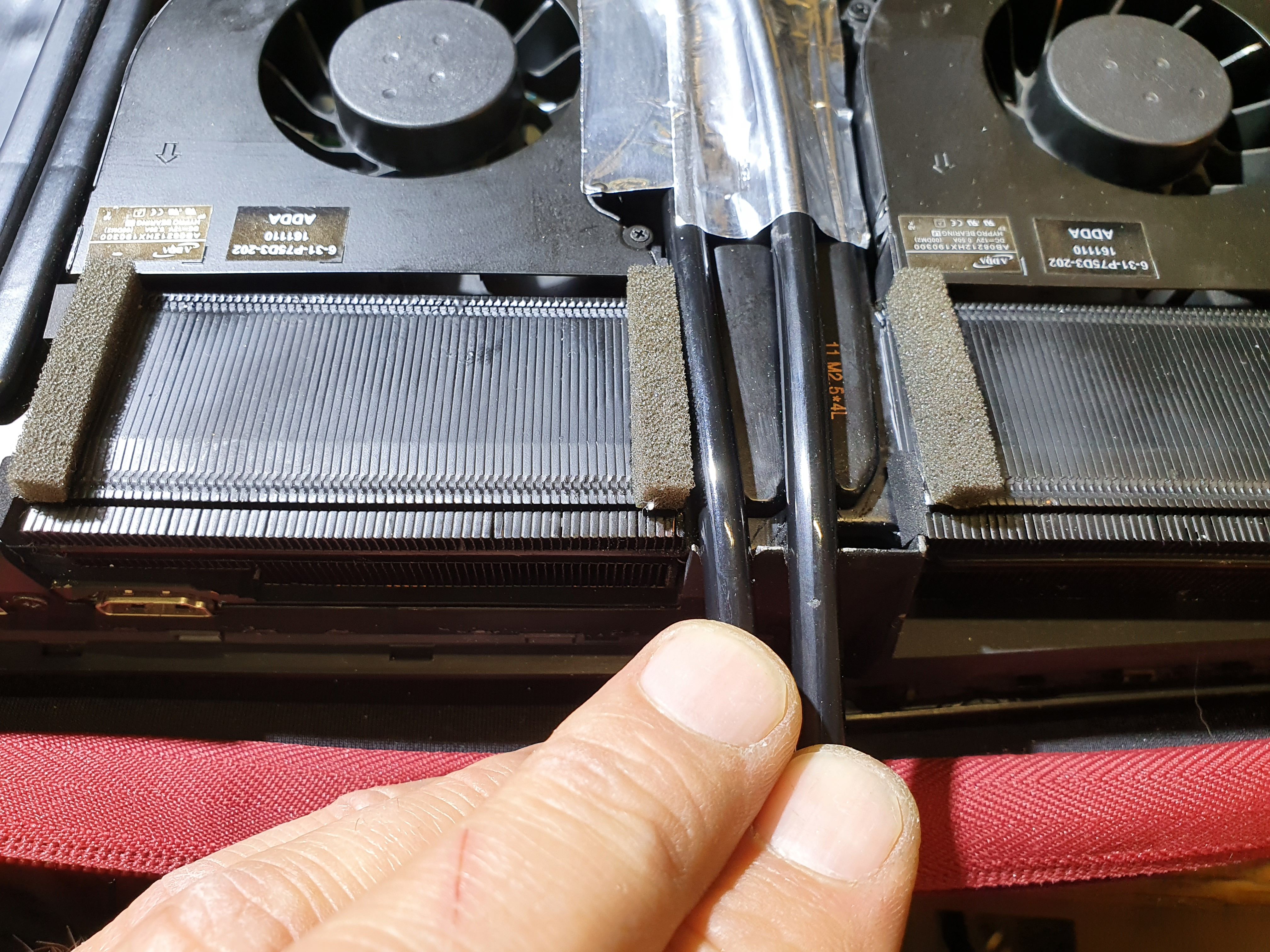
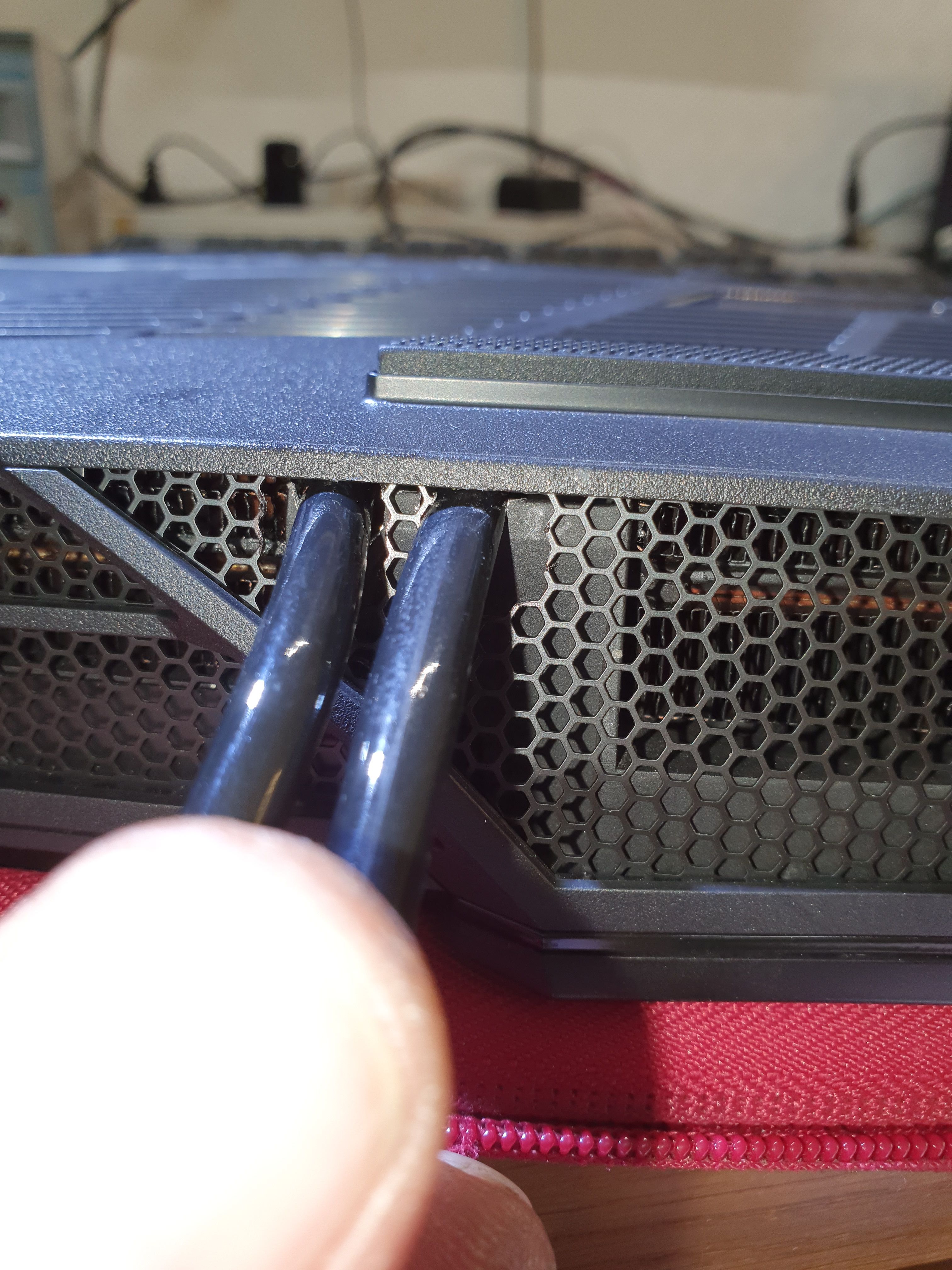
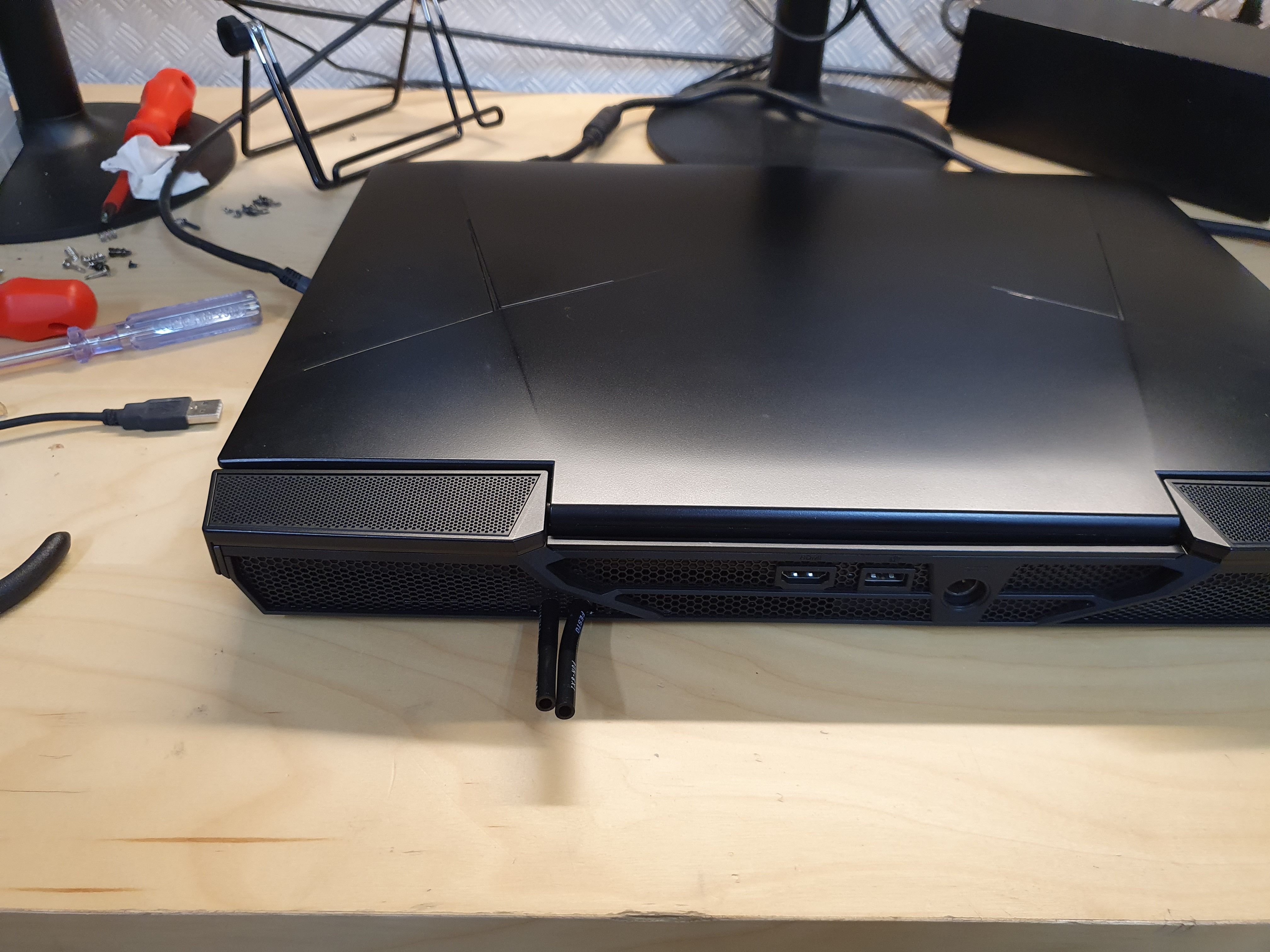
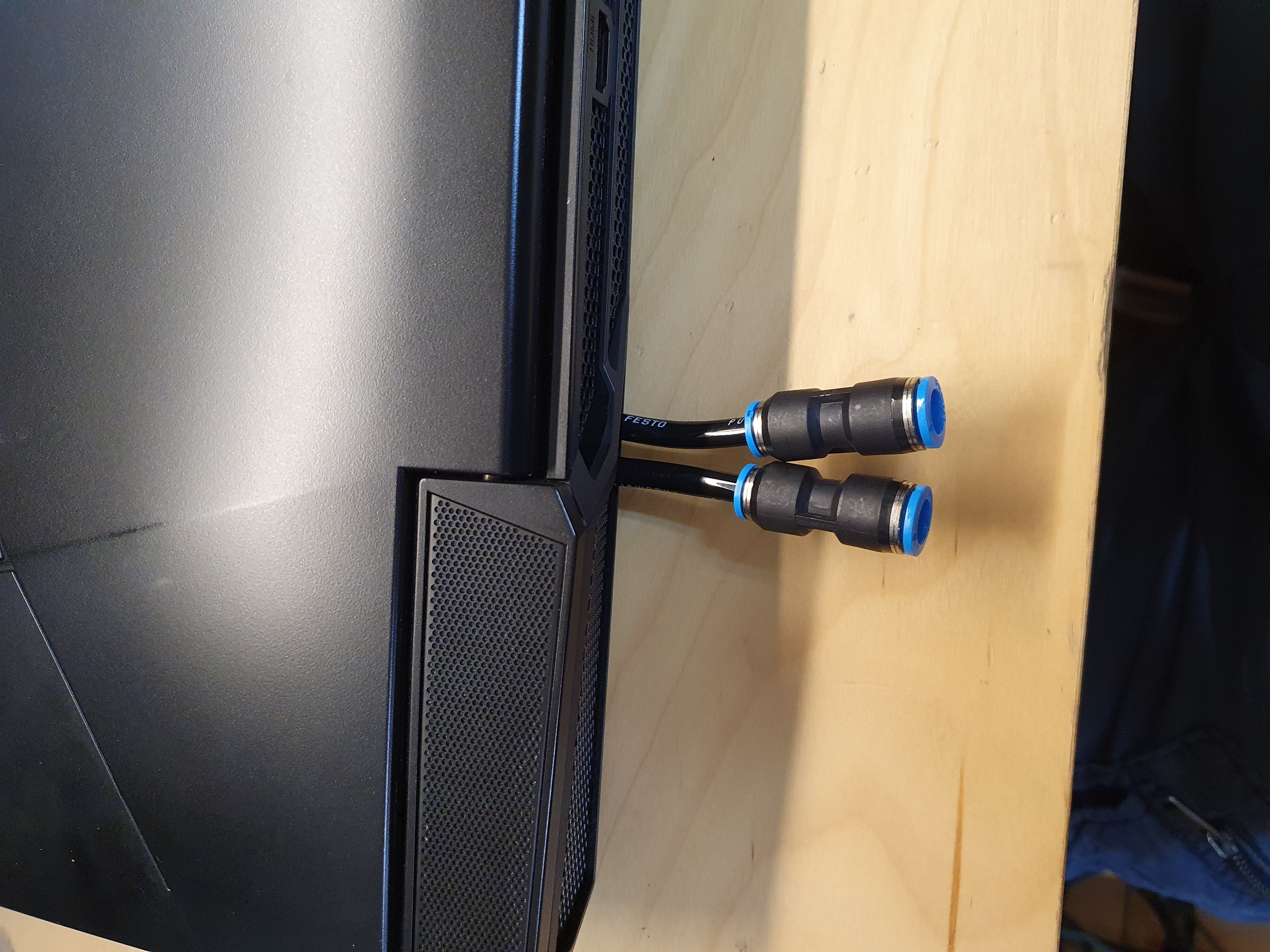
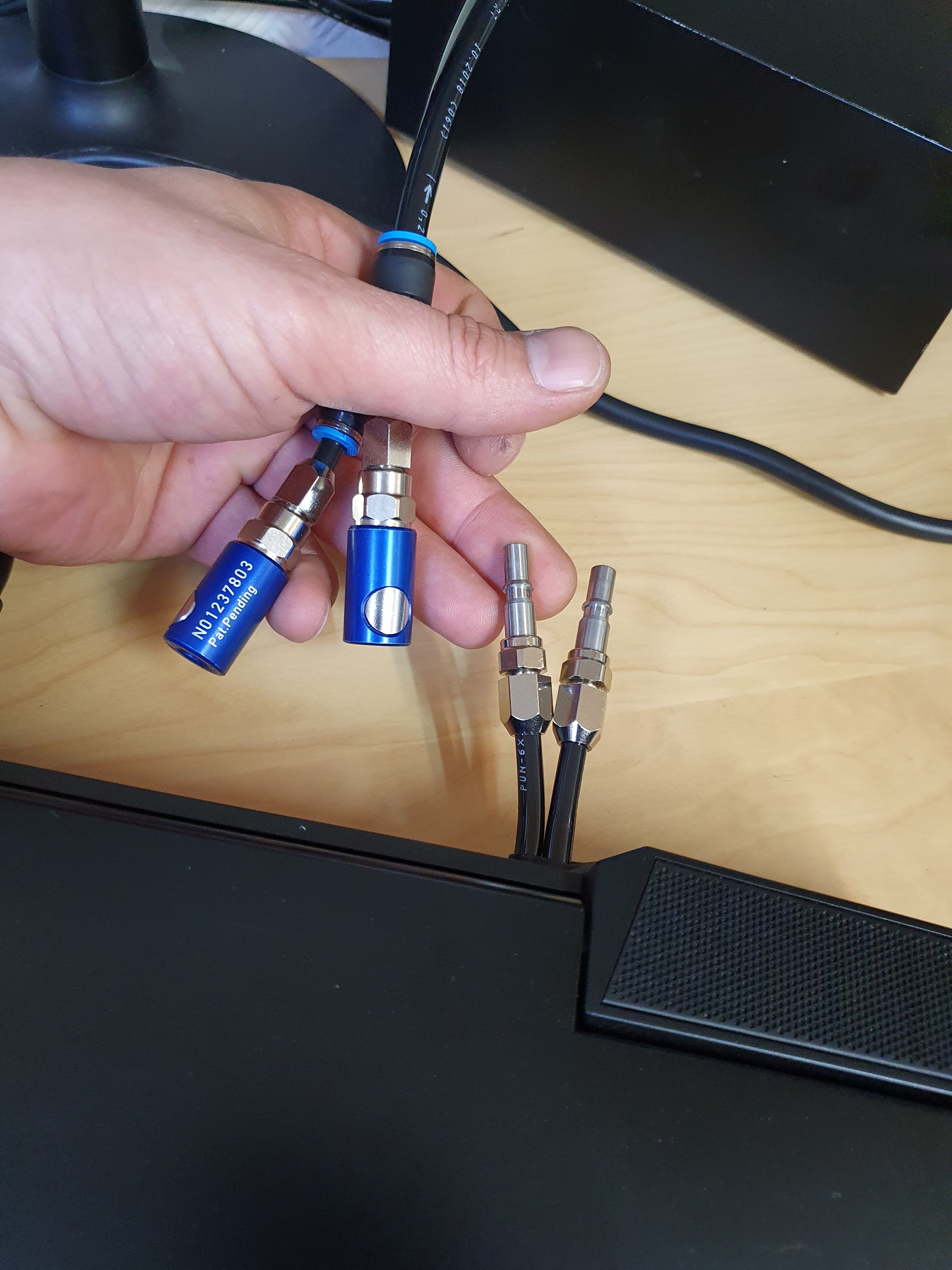
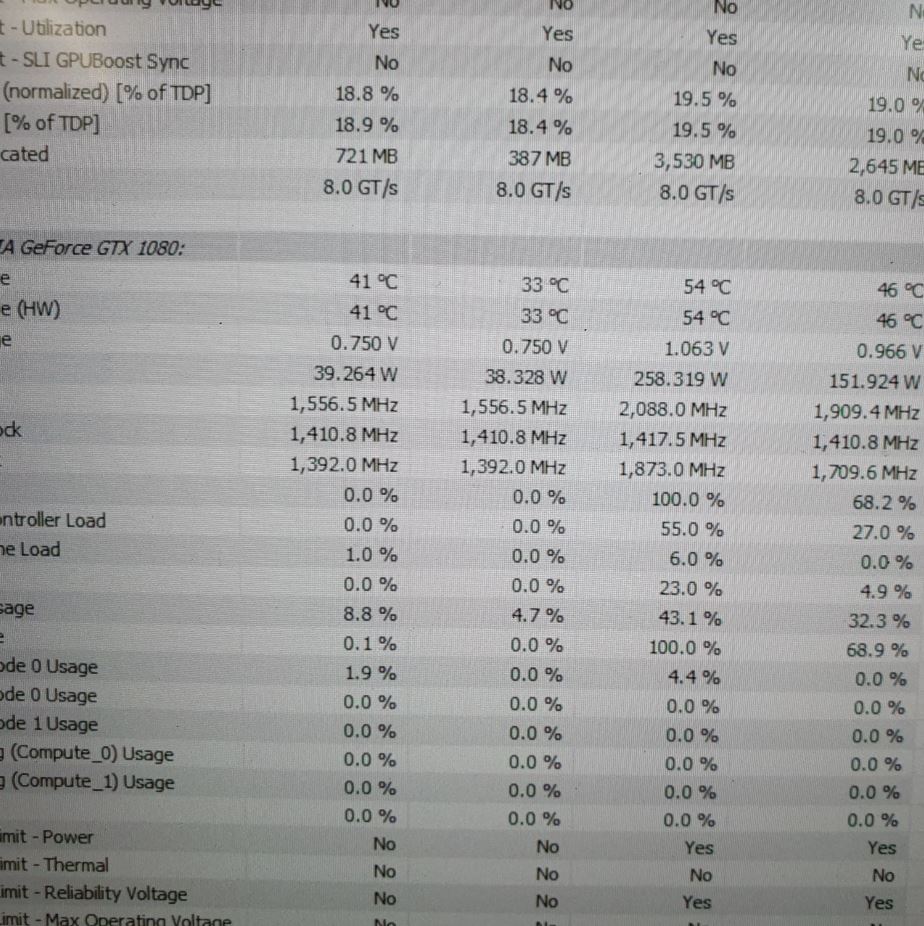
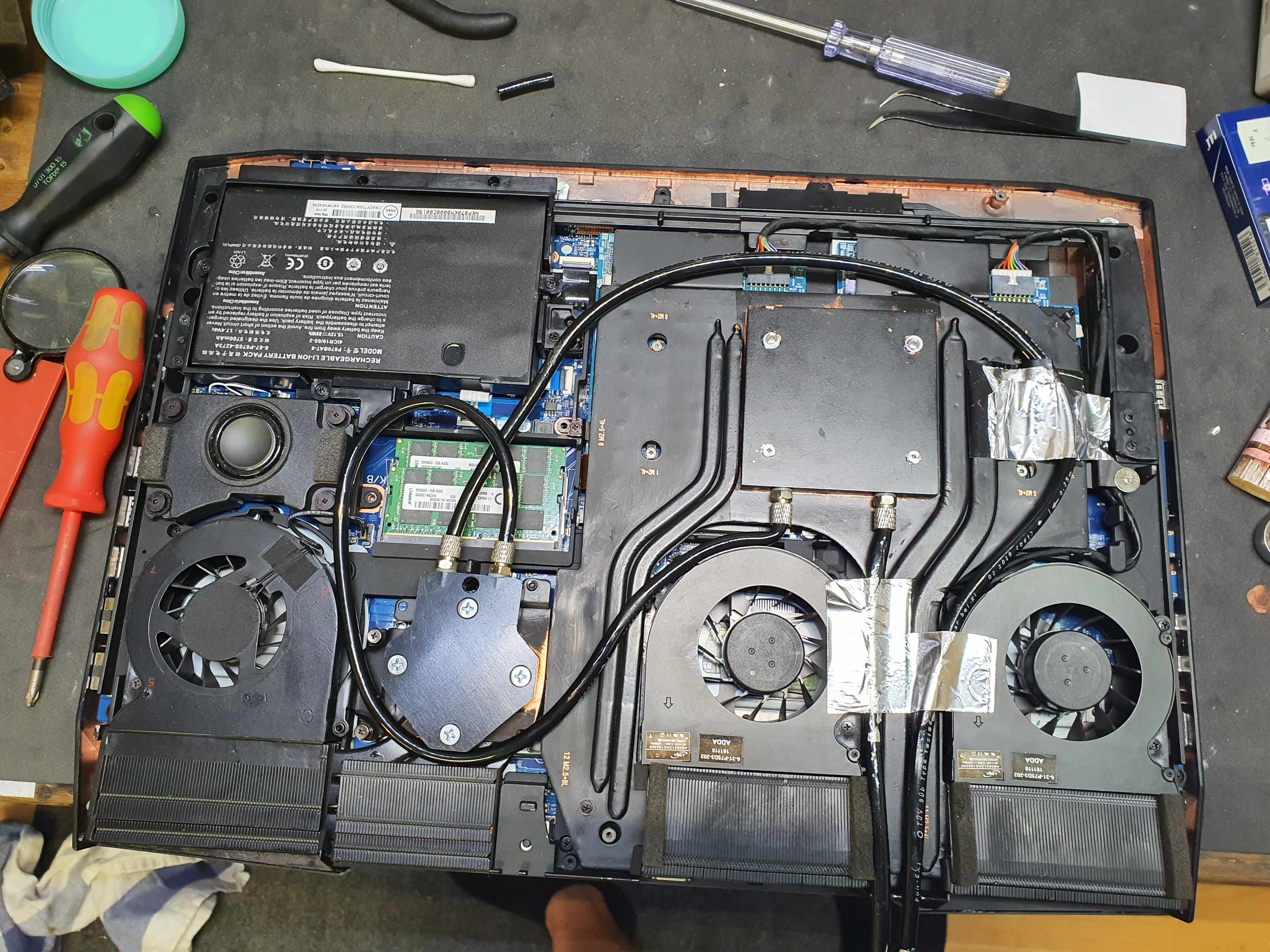
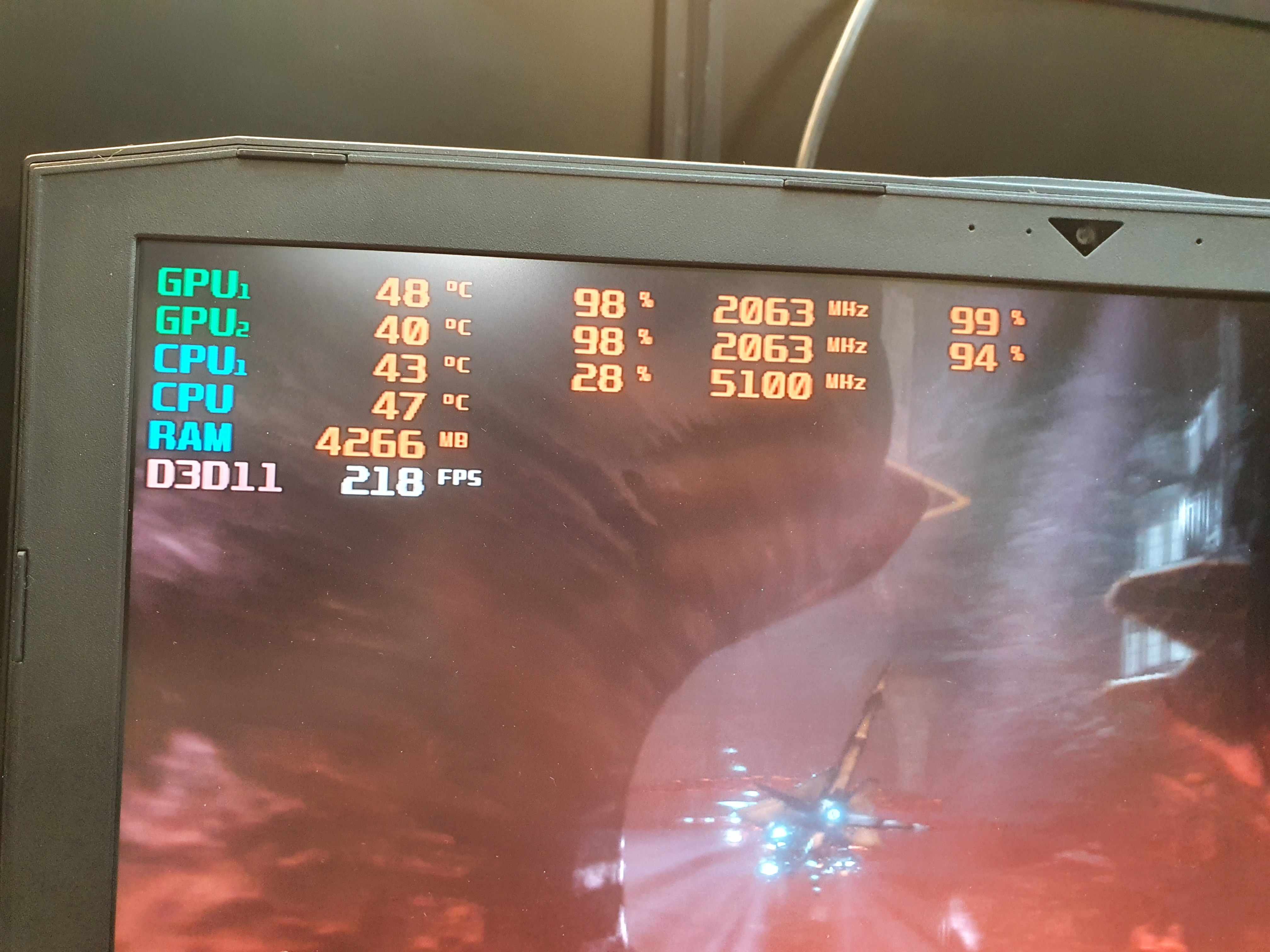
Hello everyone. I made a water cooling system myself. and it works 1a +++ I have also made bridges so that the heat exchange works well! the milling work with the 1mm milling cutter took 9 hours :-(. the result is 2x up to 270 watts per card only 54 degrees. everything was planned so that I can put the original lid back on.
Attached Files:
-
-
Step by Step...
Attached Files:
-
-
soldering and soldering finish an sanded down
Attached Files:
-
-
test whether it is waterproof with chiller,
sand and paintAttached Files:
-
-
sand and paint
Attached Files:
-
-
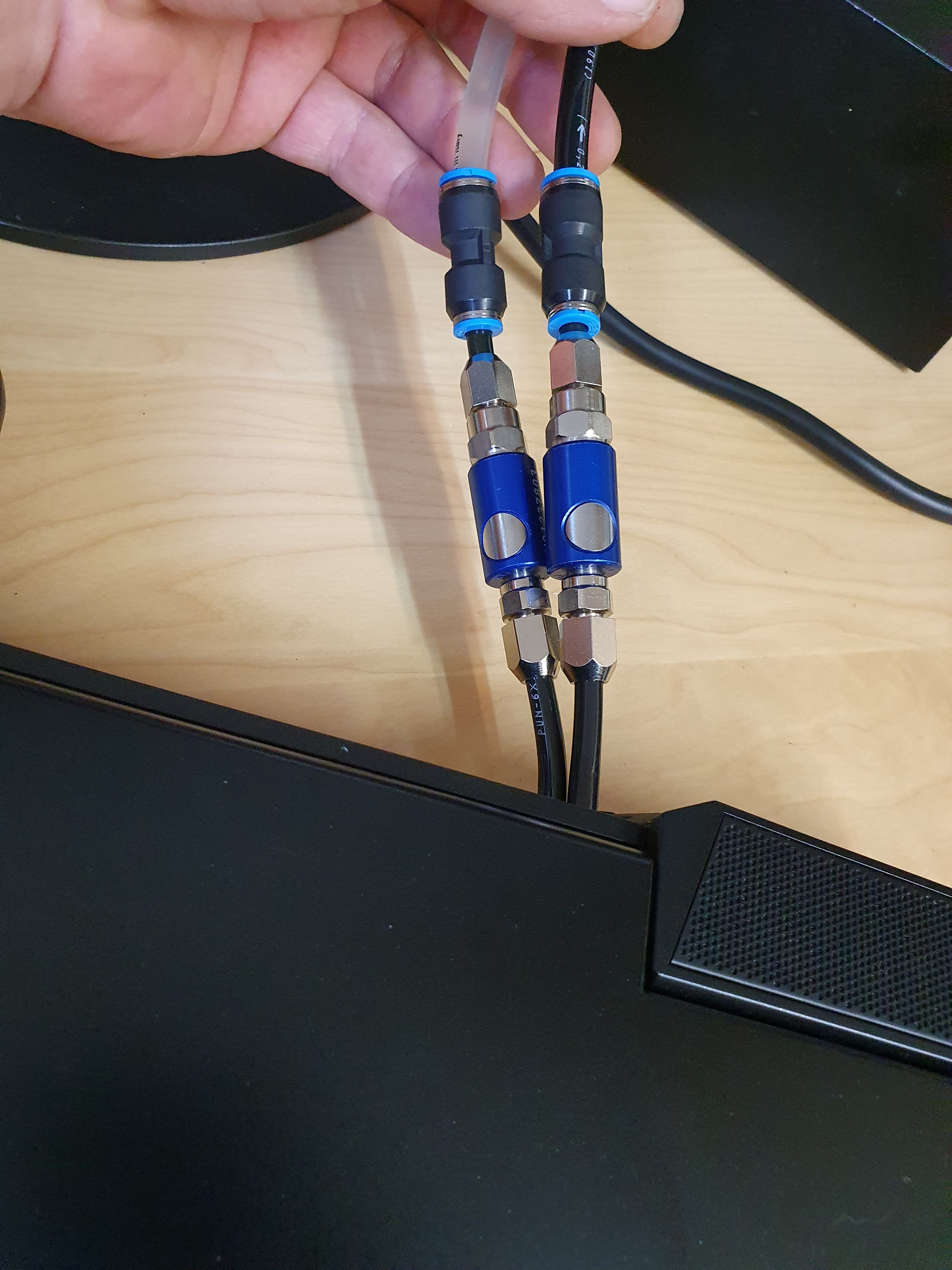
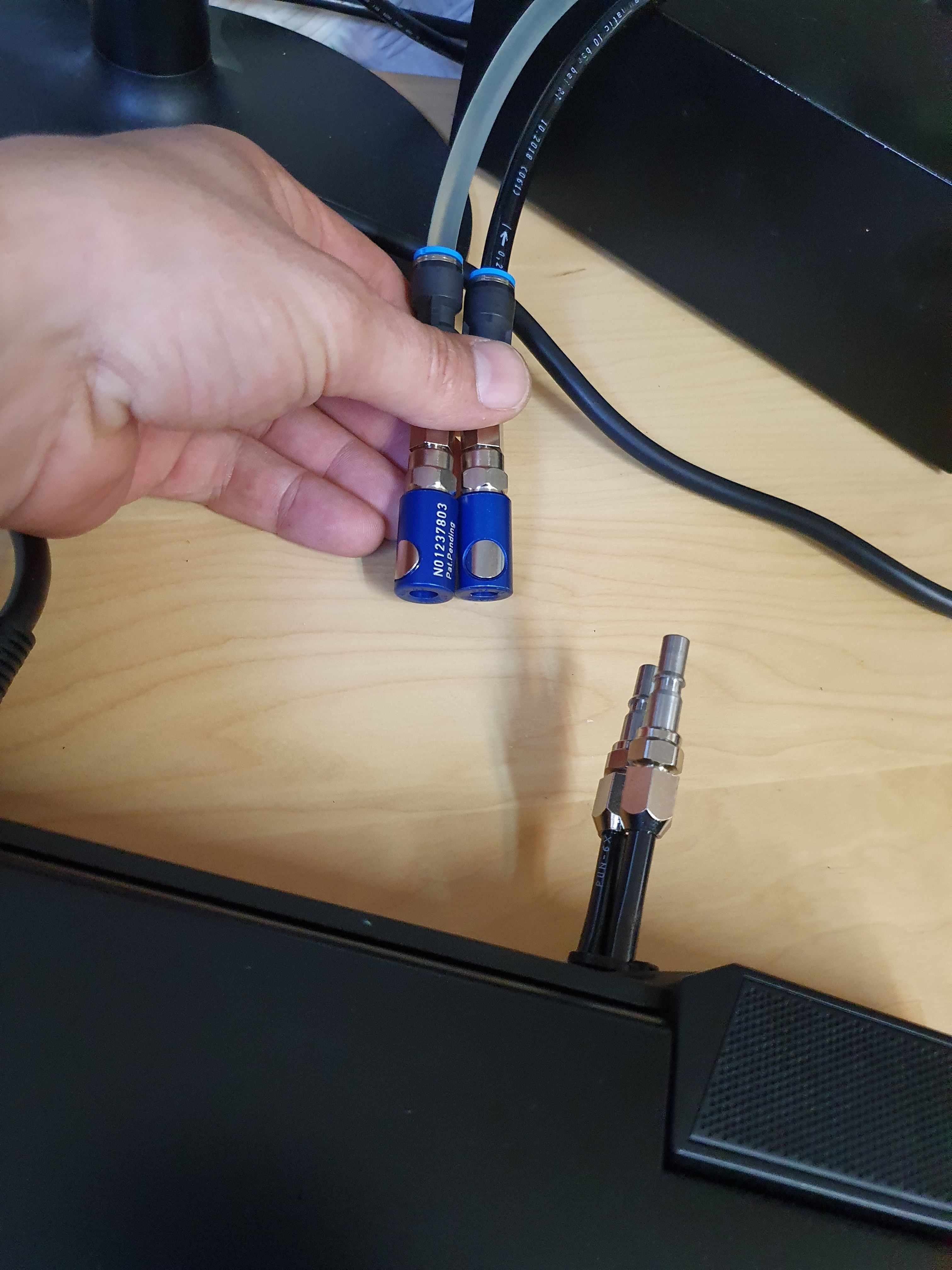
and quick lock with aquastop
Attached Files:
jc_denton, bennyg and moral hazard like this. -
-
aquastop.l...
the temperature is only with normal water cooling, with chiller the max temperature is only 35 degrees
Final ,....with Cpu Water cooling
Attached Files:
Last edited: Dec 8, 2020 -
-
Glue is very bad! it is like isolation and does not conduct any heat !!
jc_denton likes this. -
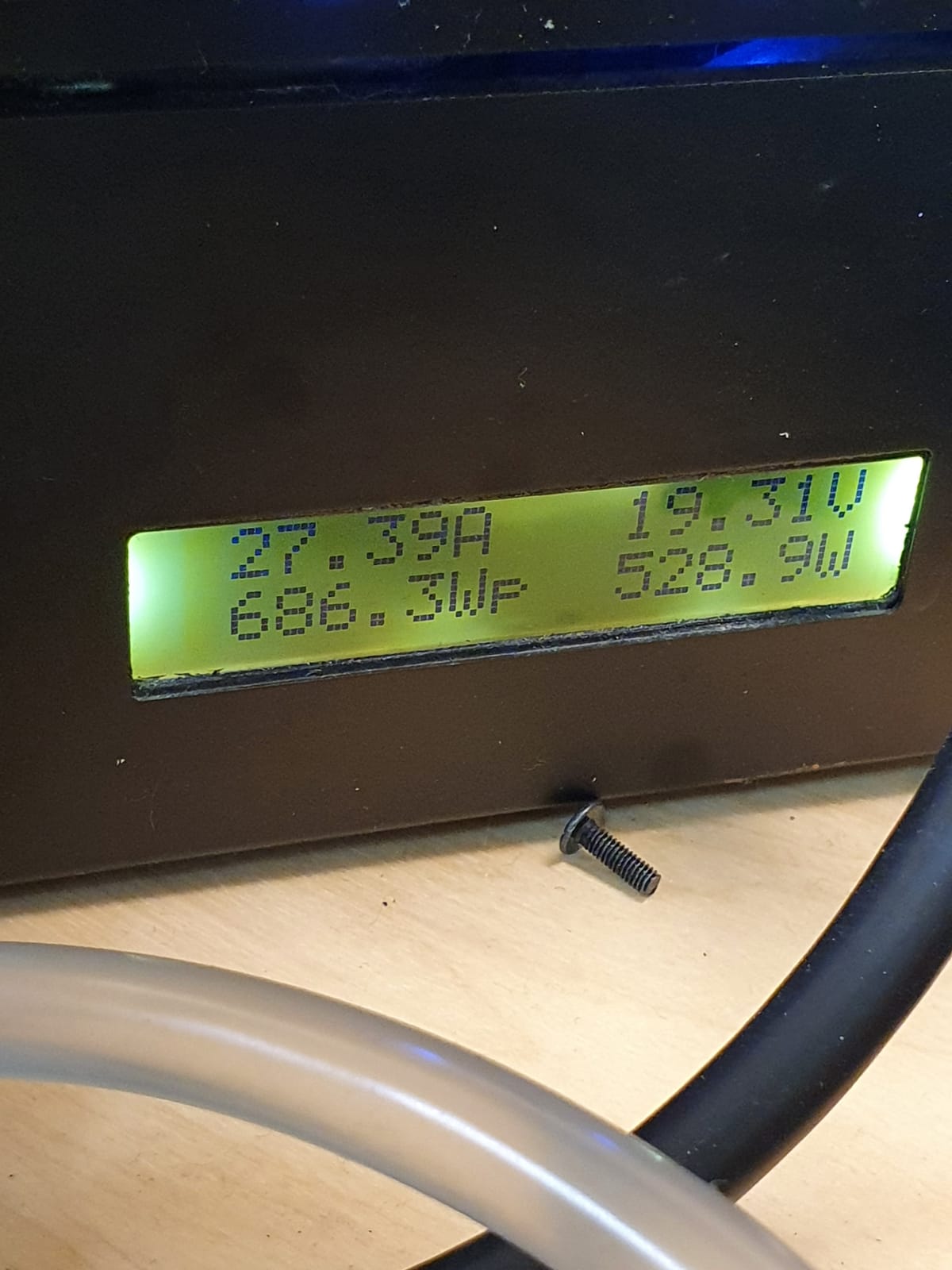
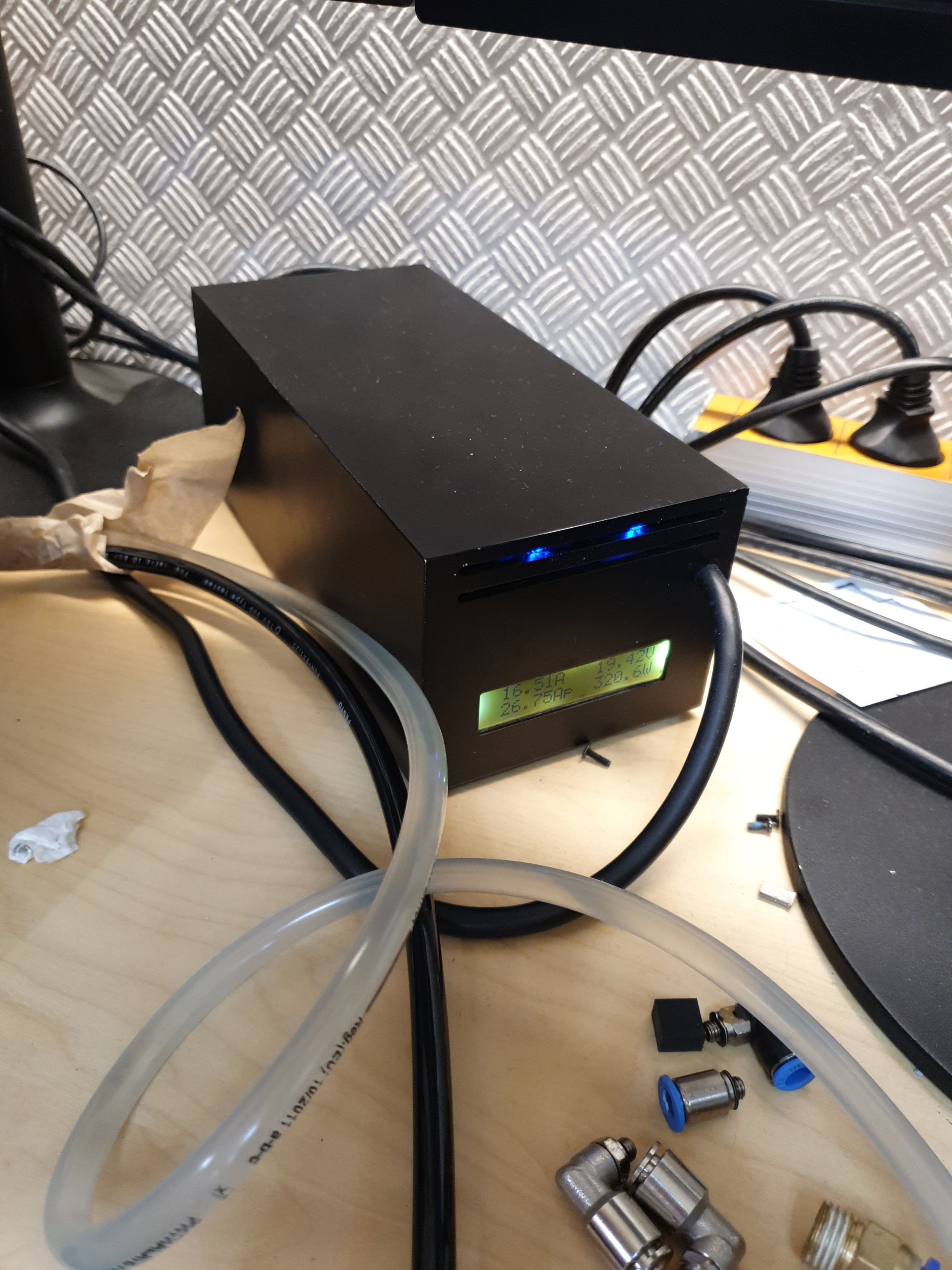
686 Watt power ,
at 700 watts the power supply switched off :-(
The next test is with 1x 660 watt adapter and a 440 watt adapter..
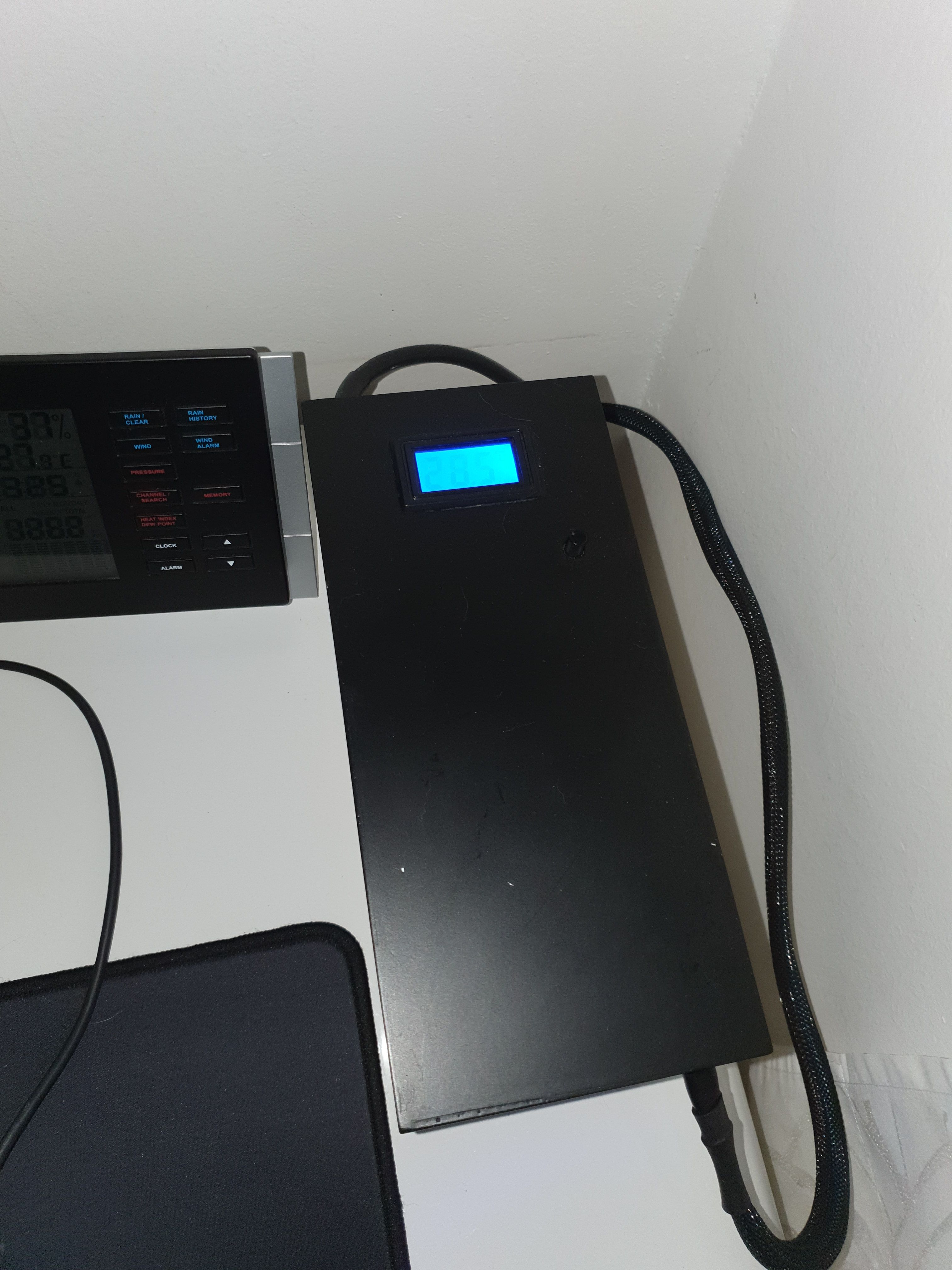
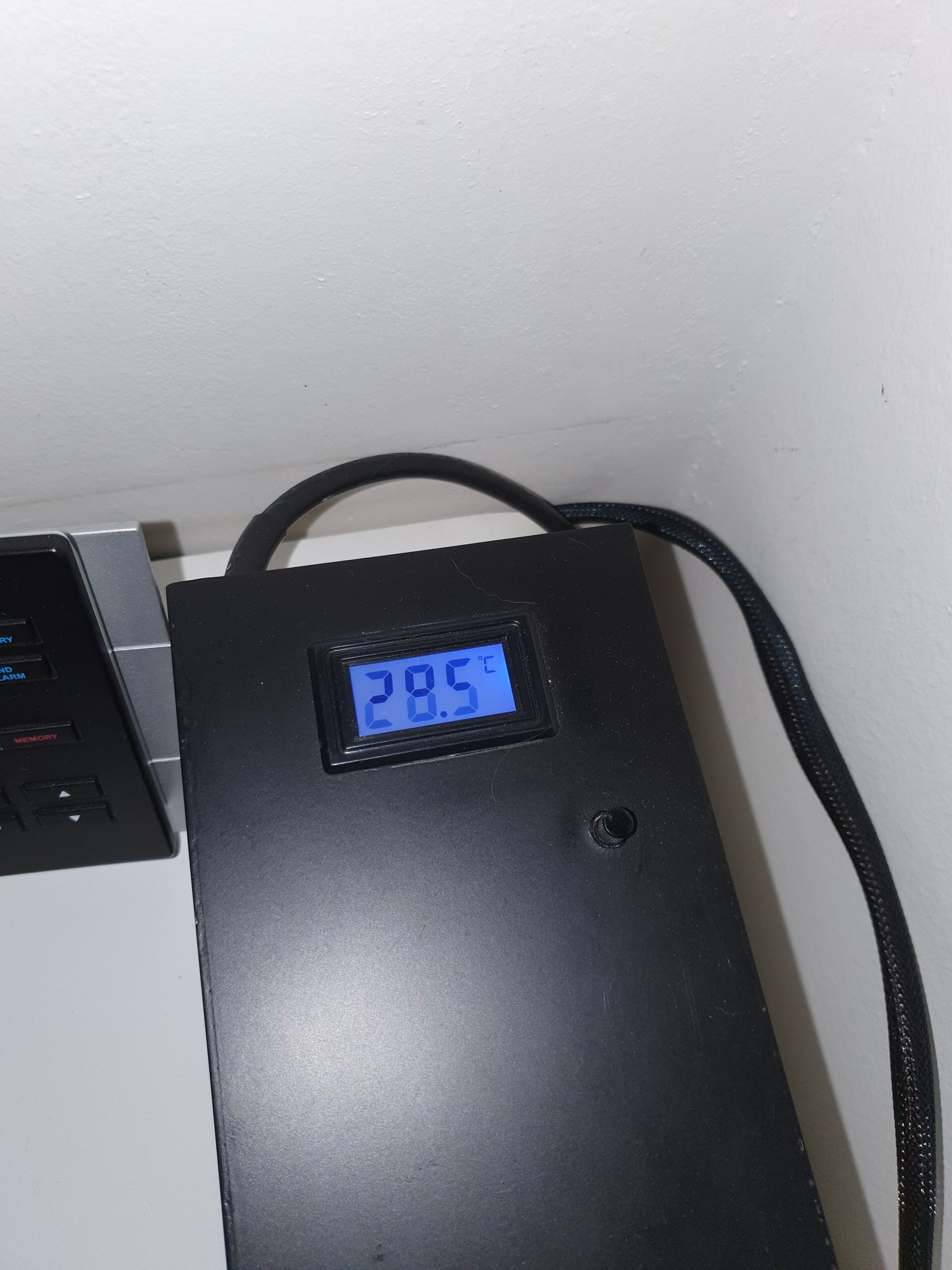
The 2 power supplies are also self-made with fan control and temp display, watts, amps ..Attached Files:
-
-
attachment for water cooling ..
Attached Files:
-
-
Very cool brother, +reps. It looks slick and formfitting and shows how pre-planning pays off! If you consider running chiller on sub-ambient temps, I'd insulate the tubes on the inside, just to be safe.
-
How are you powering the external watercooling box?
-
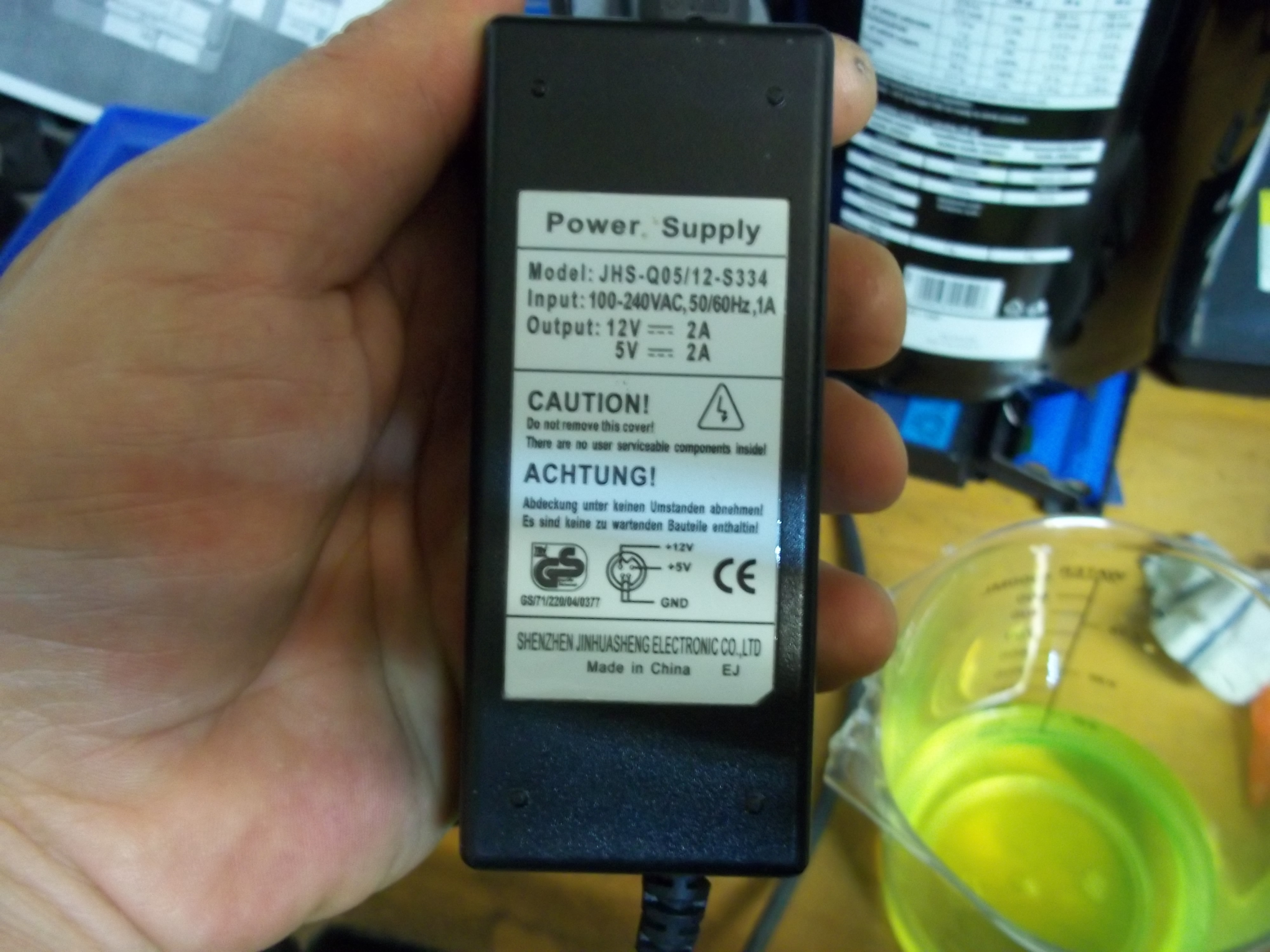
With an external 12/5 volt power supply. and switch on via socket switchAttached Files:
-
-
Hi, water always drips down and there is no condensed water because the headpipe is always around 25-30 degrees so there is no condensed water...
-
and i can set the chiller how cold the water should be or how much it should cool down. it can cool down to 6 degrees.
*** Official Clevo P870DM2/P870DM3 (Sager NP9873/NP9872) Owner's Lounge! - The Phoenix 2 is here! **
Discussion in 'Sager/Clevo Reviews & Owners' Lounges' started by Spartan@HIDevolution, Aug 3, 2016.
-preview.png)
-preview.png)


-preview.png)
-preview.png)
-preview.png)