Problems? See this thread at archive.org.
Yeah of the repaired areas.
-
-
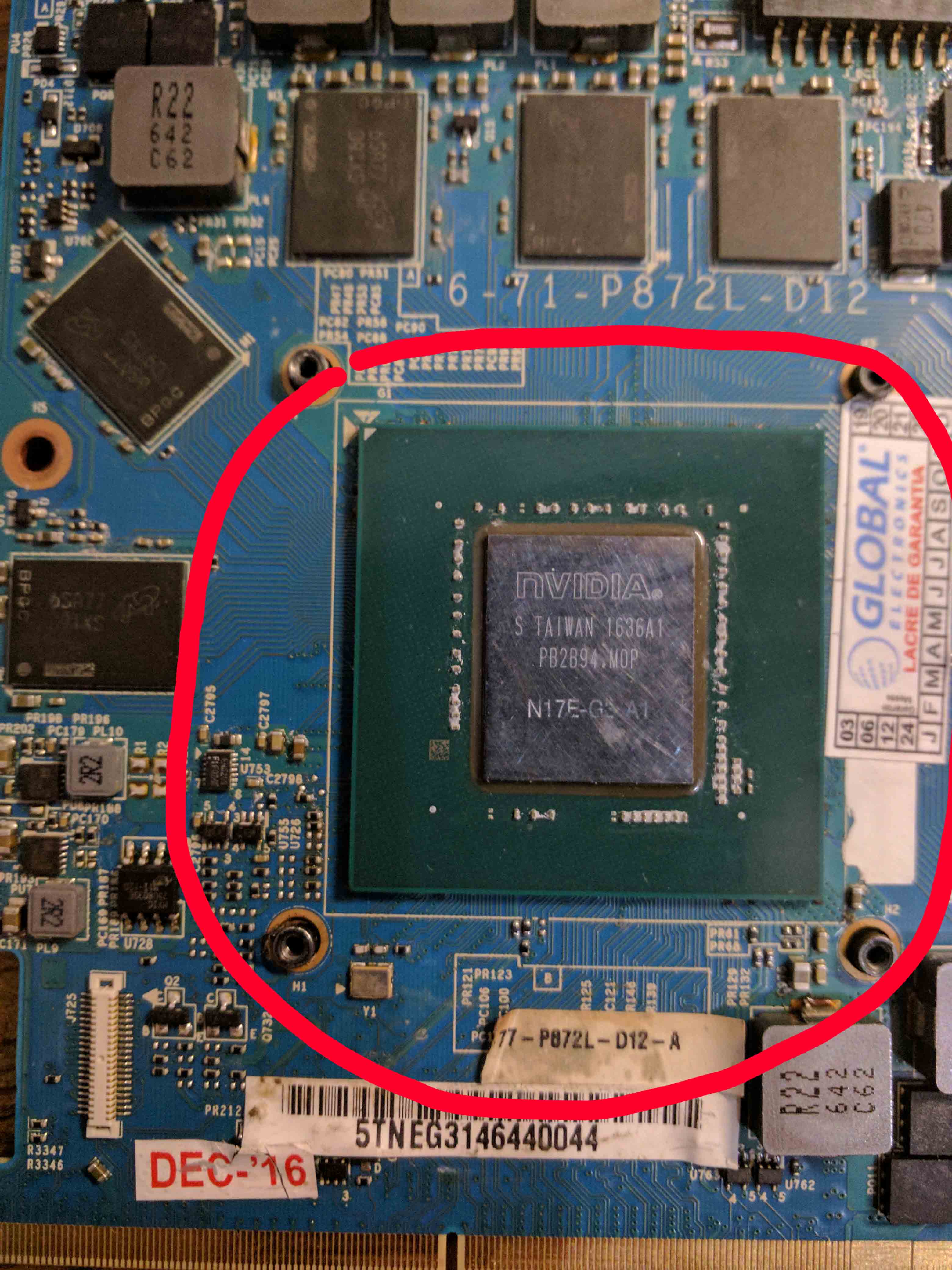
Here we go.. the repair is mainly a reballing of the nvidia chip.
Attached Files:
-
-
Probably is a toasted card then i'm afraid if that has not worked.
-
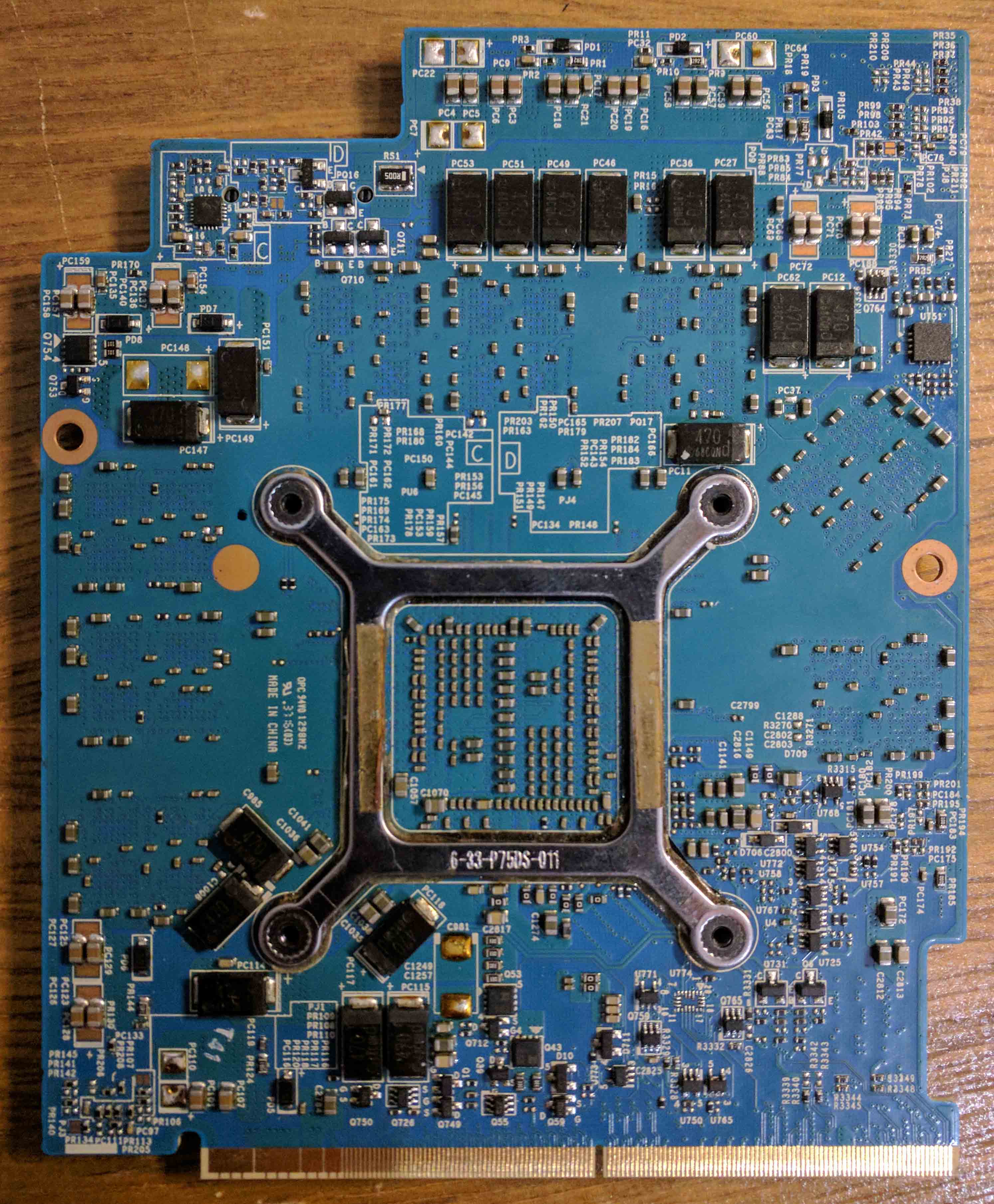
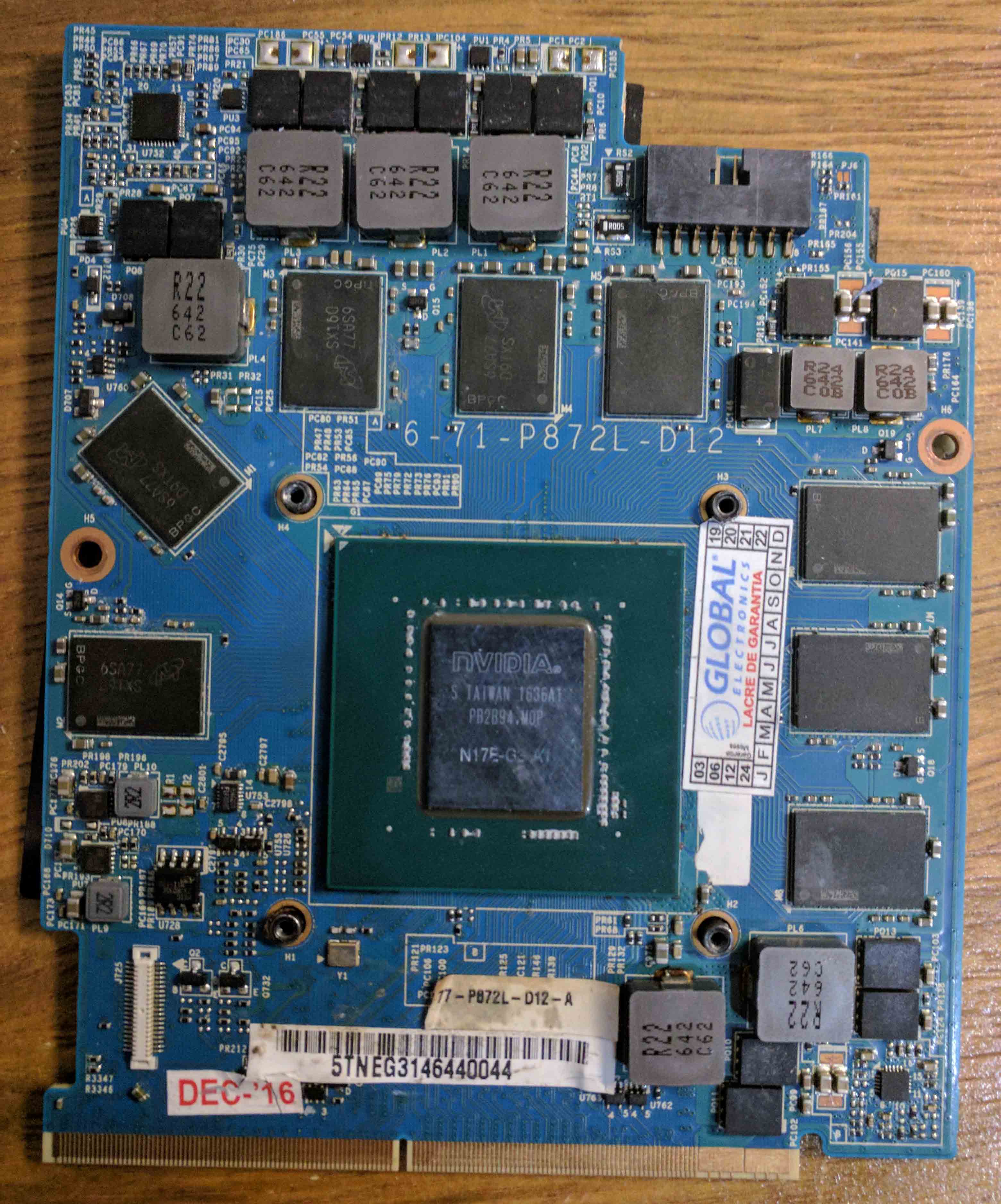
Is there something you see in the pictures that is toasted?
-
It's more the effort you went through to have it reballed, no obvious damage elsewhere, usually that means dead card.
mhp32 likes this. -
That's unfortunate, I would consider selling the card on ebay as is, ie. non working condition to recoup some funds and grab a different card.Spartan@HIDevolution and mhp32 like this.
-
Yes that is sad.. nothing is forever so..
Winch card you suggest? -
Your core as some strange scratches, what happened to the card?
Did you drop it, or too much pressure on the heatsink? -
Depends on your use case, if you need GTX1080 performance get another one or a GTX1070 if you do not need the top SKU. I've seen a few good deals floating around on ebay. If the KM1 supports RTX via a bios update, the RTX2070 would be better for overall lower thermals, but would likely require a mod to the heatsink.Spartan@HIDevolution, Papusan and mhp32 like this.
-
maybe it's when they took the chip out for reballing, otherwise I'm not sure, I didn't mess with the card before I got some garble in my screen.
-
I will probably get another GTX1080..But I really think it will make more sense for me to get a NP8770N2 or NP9670M-G3 basic then sell my P870KM1-G..
But traveling from Brazil to the US is difficult right now.jc_denton likes this. -
Yeah international travel is not advised at the moment.
-
2080S will likely be very overpriced even when 30x0 desktop series launch.Spartan@HIDevolution likes this.
-
Well really the price will depend what is available on the mobile market and even then...
-
Right now the 2080 MXM cards are >1000$, and these are the non-super. lolSpartan@HIDevolution likes this.
-
The 2070 (non super) is found for about 550€, it's not a bad price

-
I was looking at throwing one of those into my old P775, here it makes sense. But for P870, I would only consider modding the vapor chamber for a card that's an upgrade and not a sidegrade of 1080
For now the availability of 2080S is scarce anyway, so it's a waiting game to see what 3xxx brings and whether the formfactor changes.Spartan@HIDevolution, DreDre and Papusan like this. -
The 30x0 series will probably require driver mods, that's a big nono for me
-
2080S will also require modding the nvidia inf.Spartan@HIDevolution likes this.
-
:| WTF, why?
-
Because your laptop didn't ship with that GPU model, so its not in the sanctioned list of laptop model + GPU model, thats why people need to do inf mods, to add the GPU to their laptop ID.
I find it dumb to pair GPUs to laptop models, but I dont write drivers..Papusan likes this. -
Well, it's more for flexibility so different machines can have tweaks.
-
I kinda get it, due to Optimus and the many ways that can work, but that should be provisioned for in either ACPI tables or some custom data format in the VBIOS so that the card can tell what ports it has wired to where.
Still, even if there are specific system optimisations, why not let it install without a mod? You can slap a 2080Ti or a Titan into a Core2Quad desktop, why can't an Haswell laptop have a Pascal GPU without driver mods(and maybe even some BIOS mods and massage as well). -
It's the same GPU generation. Requiring a modded driver is just plain dumb.
*sigh* I'll just upgrade my 1070 to a 2070 and call it "finished". -
Partly down to OEM drivers, it could do with a bit of an overhall IMO.
-
Performance gains with Super suffix are negligle, you'll like see a higher performance uplift from improving the thermals for the 2070.Papusan likes this.
-
Yup. Many people gloss over the fact that the majority of perf gains in the desktop Super cards came from the increased TDP, a luxury that mobile variants do not enjoy.
-
The 2060/2070 super were important core changes that's for sure.
-
You mean nvidia found out people didn't care for RT cores?
Spartan@HIDevolution likes this.
-
I still won't be able to update my P751TM to a 3x00 series card :| bummer.
-
How do you know for sure?
-
Oh, do you have some good info?
But if the super cards require driver mods, the 3x00 series will require them too.... right? I really don't like the idea of having to mod my drivers every time I update them :| -
Dont update them every time Nvidia releases a new point version is a good starting point.
There are pre-modded drivers ready to download at prema website, modded by j95. -
How often do you update them?
-
-
Every time there is a new release
But I think senso response is good
The NVCleanstall seems a very good software. Thanks @Papusan.
I'll still don't like the fact that I need to mod the drivers so I can install them, even if the process of modding them can be automated.
My biggest fear is being unable to mod the drivers in the future if nVidia closes that "feature". -
-
laptopvideo2go was always my source, never been too keen to be on the bleeding edge of drivers unless there is a specific reason.skandal likes this.
-
My reason is always "BECAUSE IT'S NEEEEEEWWWW" Again, it's kind of an OCD problem on my part.
-
Newer is not always better
-
This is very true, and especially so with nv drivers. You should always validate performance before and after.Spartan@HIDevolution likes this.
-
Unless I have a new game to play I tend to sit with a set if it works well.
-
Yup, and I can only recommend using something like nvslimmer to purge the drivers from all the backend telemetry and junk.Spartan@HIDevolution and Papusan like this.
-
Just to follow up on this, nvcleanstall works great as well.Spartan@HIDevolution and Papusan like this.
-
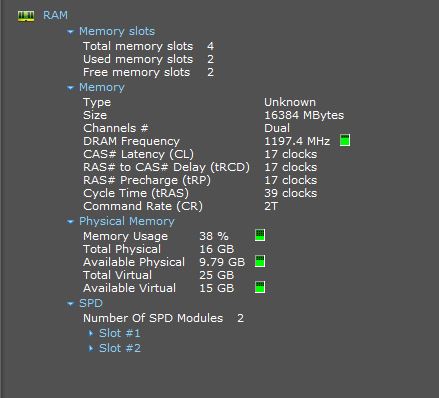
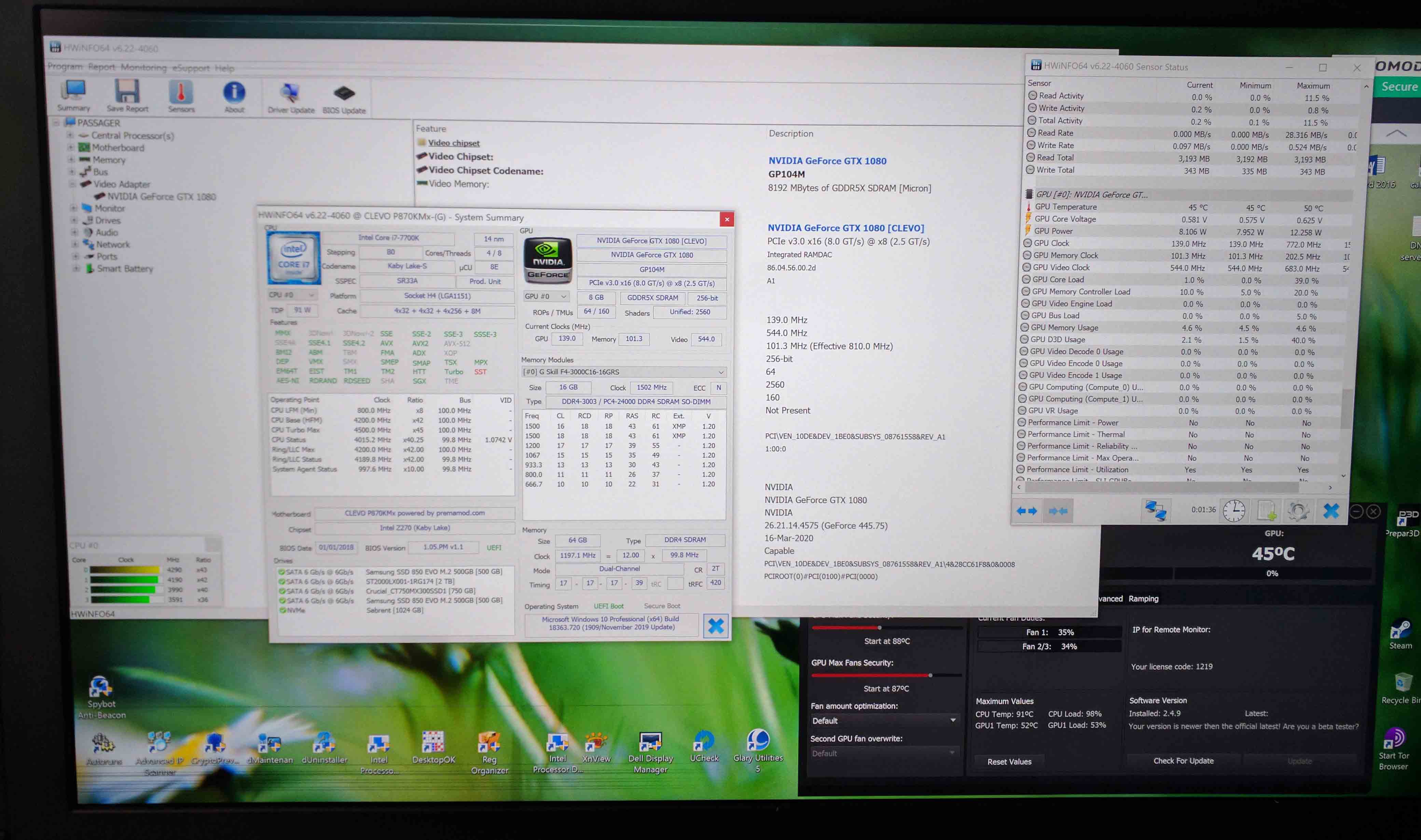
Heya! I hope everyone is doing well despite covid-19. I am in the process of upgrading my ram and SSD. I would love any advice on which to pick from.
When I purchased my laptop from HIDEvolution I took the stock 16GB (2 x 8GB) Dual Channel DDR4/2400MHz
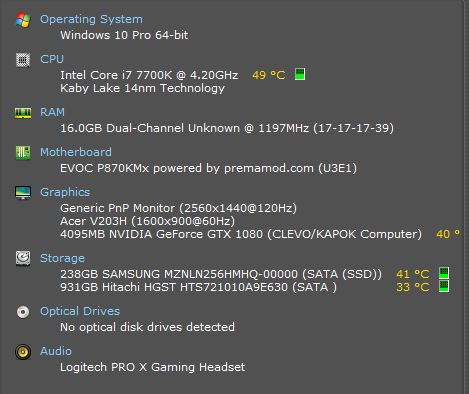
I am thinking of another 16GB at least or would I be able to add even more? (I have attached my specs below, for some reason it shows RAM lower then 2400MHz or am I mistaken.
https://www.amazon.ca/Crucial-PC4-1...p-B01BIWMWVS/dp/B01BIWMWVS/ref=dp_ob_title_ce
In terms of SSD I plan on picking Samsung 970 EVO 1TB NVMe M.2 Internal SSD (MZ-V7E1T0BW)
https://www.amazon.ca/gp/product/B07BN217QG/ref=ox_sc_saved_title_2?smid=A3DWYIK6Y9EEQB&psc=1
I am not much of a techy when it comes to installing or knowing what is exactly the best choice etc would love any feedback etc.
Thanks in advance
@Mr. Fox
@Spartan@HIDevolutionAttached Files:
Last edited: Nov 3, 2020 -
-
You have 4 RAM slots, so you could go as high as 128GB (4x 32GB) DDR4/3200MHz. With your Custom Prema BIOS you can OC your RAM even higher.
The Samsung 970 EVO PLUS M.2 PCIe 3.0 x4 NVMe Solid State Drive is about as good as it gets ... can't go wrong there
Grizzly13ear and Papusan like this. -
Considering the 980 pro is still basically the same NAND the 970 EVO does look pretty convincing.
Grizzly13ear, Papusan and Donald@Paladin44 like this. -
curious what do a rtx 2080 cost to upgrade from in a p870tm1 or a p751tm1 i have gtx 1080 in both , is it worth the upgrade guys??? with temps? as running i9 9900k in both laptops with a gtx 1080 some times gpu temps reach 90c
-
Generally due to the price and smaller jump in performance it's not really popular.
-
Hello All and jc_denton,
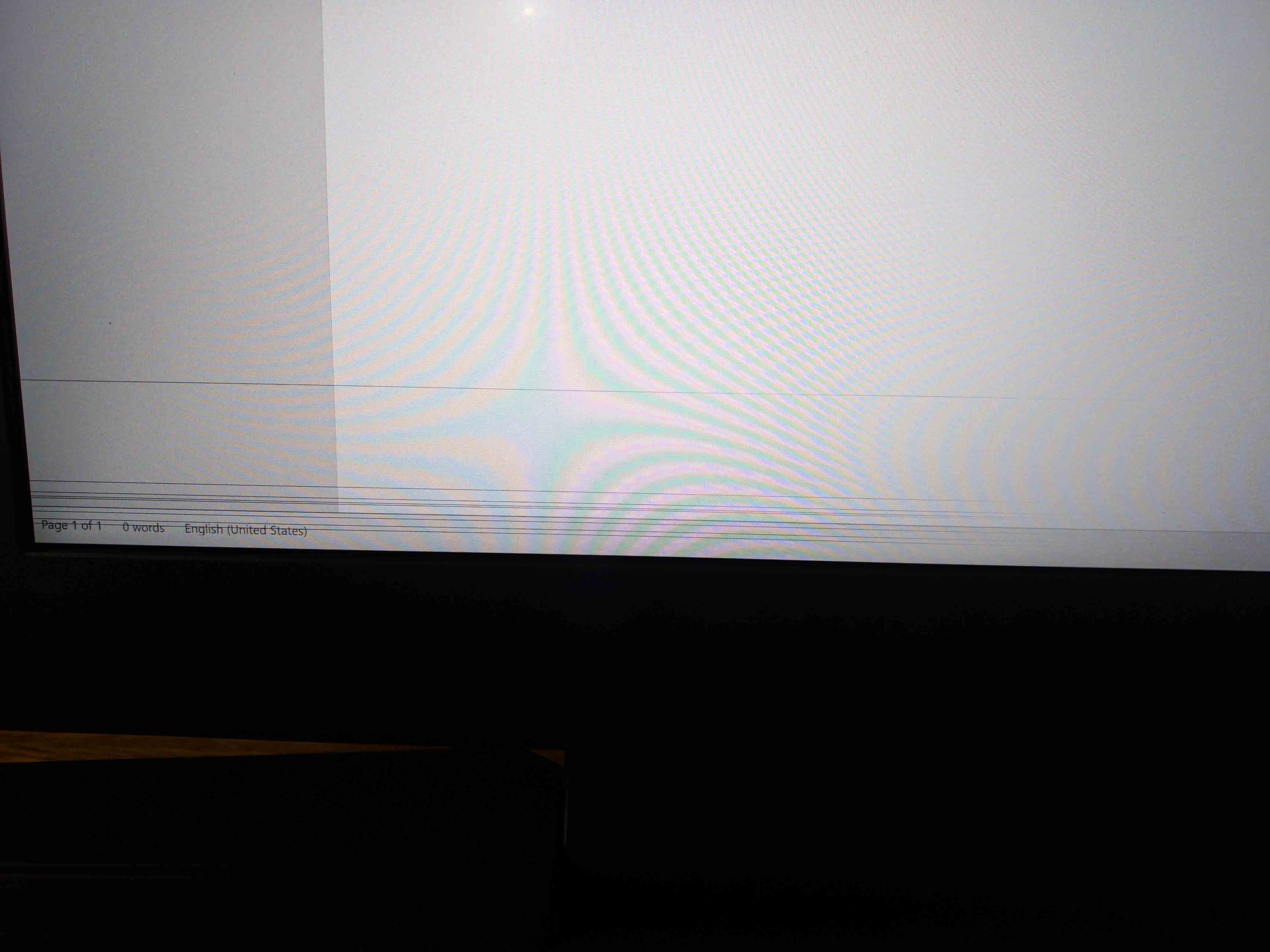
I finally got a replacement GTX 1080 card, I put everything together and now I got the lines in the LCD panel top half and bottom half.
External monitor via mini display port is totally clean so it's not the card.
Could it be a defective LCD panel?
Can the old defective 1080 card some how affected the LCD?
Also the screen brightness Fn F8 and F9 are not working.
Any advices
Thanks
PasAttached Files:
Last edited: Nov 18, 2020 -
*** Official Clevo P870KM1/P870KM1-G/Sager NP9876 Owner's Lounge! - Phoenix 3.0 ***
Discussion in 'Sager/Clevo Reviews & Owners' Lounges' started by Spartan@HIDevolution, Jan 5, 2017.