Problems? See this thread at archive.org.
Break in time depends on the paste. Most of the newer good pastes don't have one, or are at least advertised as such.
-
Has anyone else had a problem with bluetooth headset mic not working or stopping working after 5 minutes or less, and have to disable/enable or restart it for it to work every 5 minutes or less? I've tried updating and downgrading bluetooth and audio drivers but it hasn't helped. The bluetooth headset mic works fine on my other Windows 10 PC.
Last edited: Apr 25, 2019 -
Clevo PB71RF-G and other new 17" models finally at Clevo's website.
https://www.clevo.com.tw/clevo_prodetail.asp?id=1214&lang=en
Surprise, no UHD possibility mentioned whatsoever in none of the models, tired of waiting for a reseller or Clevo to provide something worthy in EU. Will switch to Asus or MSI, or start waiting for AMD Navi I guess.. -
Does anyone know the real weight of the 17" version?
I do see it spec'd everywhere around 2.9 Kg [6.5 lb], but I'd like to know the actual weight.
Because the 15" is advertised as 2.54 Kg [5.61 lb], when in fact it's 2.32 Kg [5.12 lb] with a hdd. -
That does seem reasonable for the weight of the 17.
-
I never understood all the fuss about the weight. Does it really matter if it's less than a pound heavier or lighter? Surely people can still carry that.
-
Flight weight restrictions and back health can be big factors to people.
-
I would think the spec’d weight is reliable, excluding the addition of components, which seems trivial.
I can anecdotally tell you that the weight of the unit and the power supply is laughably lighter than my old 377. -
Asus tend to leave out the battery, hdd, ram etc from their weight to make it look better.SlickDragon and Xikar like this.
-
Is it worth getting the Sager NP8377 over the NP8371? The only difference that I can see is the 9750h vs 8750h that makes the $100 price difference. Also with their new announced line, Sager changed the memory options that you can get. It was possible to get 2x8 GB on NP8371, now the smallest one you can get is 1x16, or you have to upgrade to 2x16 for dual channel. They also changed the chipset from HM175 to HM370 though, which is kinda nice
-
I'd say the 8th gen model is a nice deal.
-
Do you happen to know how much of an improvement the 9th gen is? Really want to see some comparisons between the two now.
-
At the same core count it's going to be very similar.
-
Ah!
Put my machine on an antique grocery scale using an unopened jar of mustard to calibrate it.
The old scale springs have lost their tension somewhere between 5 to 10 percent against the advertised weight of the mustard jar...which is large because I love mustard. The plastic “jar” has weight which would not be included in the advertised product weight, therefore the actual 10% offset is actually less.
I got 6.63 lbs without the old scale deduction, battery included.
With the power supply and cable, I got 8.5 lbs, also without the old scale deduction.
And you are so right about schlepping around a notebook! I use a Targus case with wheels and my back appreciates it.
=)a_bolog likes this. -
A backpack properly adjusted and fitting well is a MUST for the bigger beasts (my old P570WM and 2 power supplies was around 10KG).
Xikar likes this. -
Edmund Hillary and Tenzing Norgay found your technique indispensable, as scaling Mount Everest with wheels were out of the question.
-
did anyone already tested their unit in final fantasy xv? i just received mine today. updated drivers. nvidia drivers and windows. at the starting scene, after they have pushed the car im getting about 60 to 64 FPS with all settings maxed out. is this normal?
also what are your firestrike ratings? how can i check if i am running my system at its full capability? i have rtx 2070 (non max q) and 32gb (16x2) 3000mhz ram. -
Have you used MSI afterburner to monitor your clocks and power usage?
-
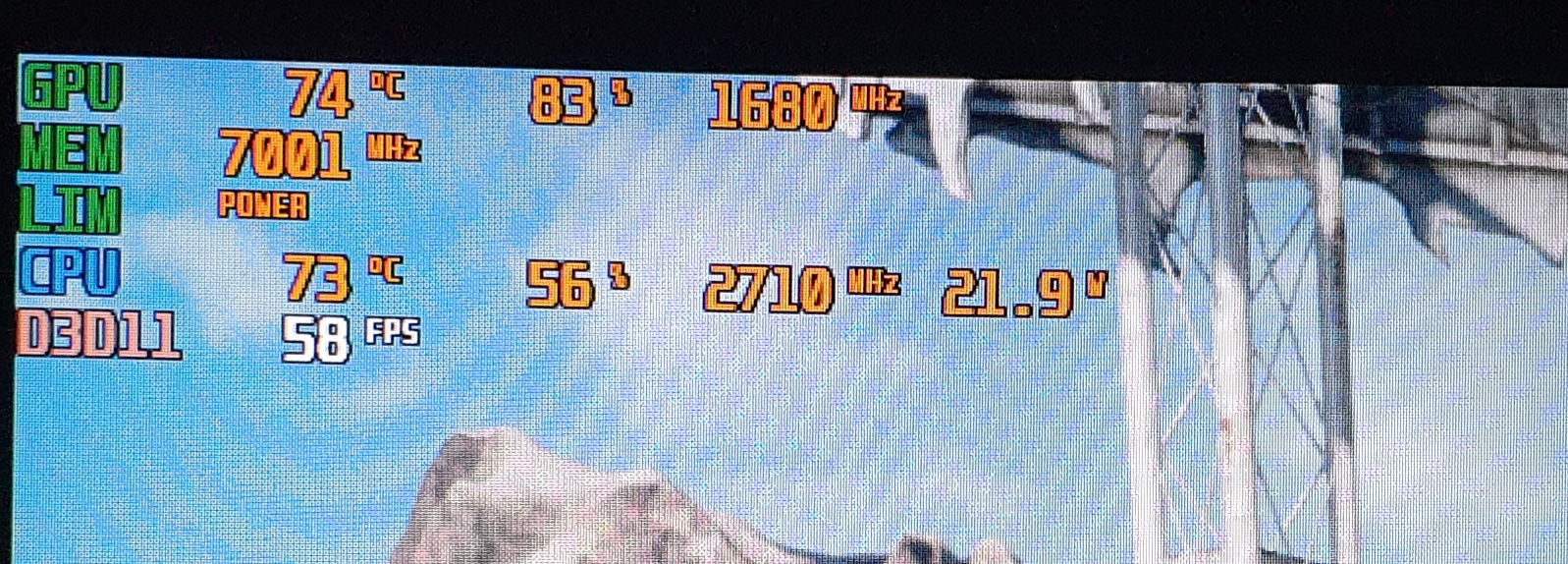
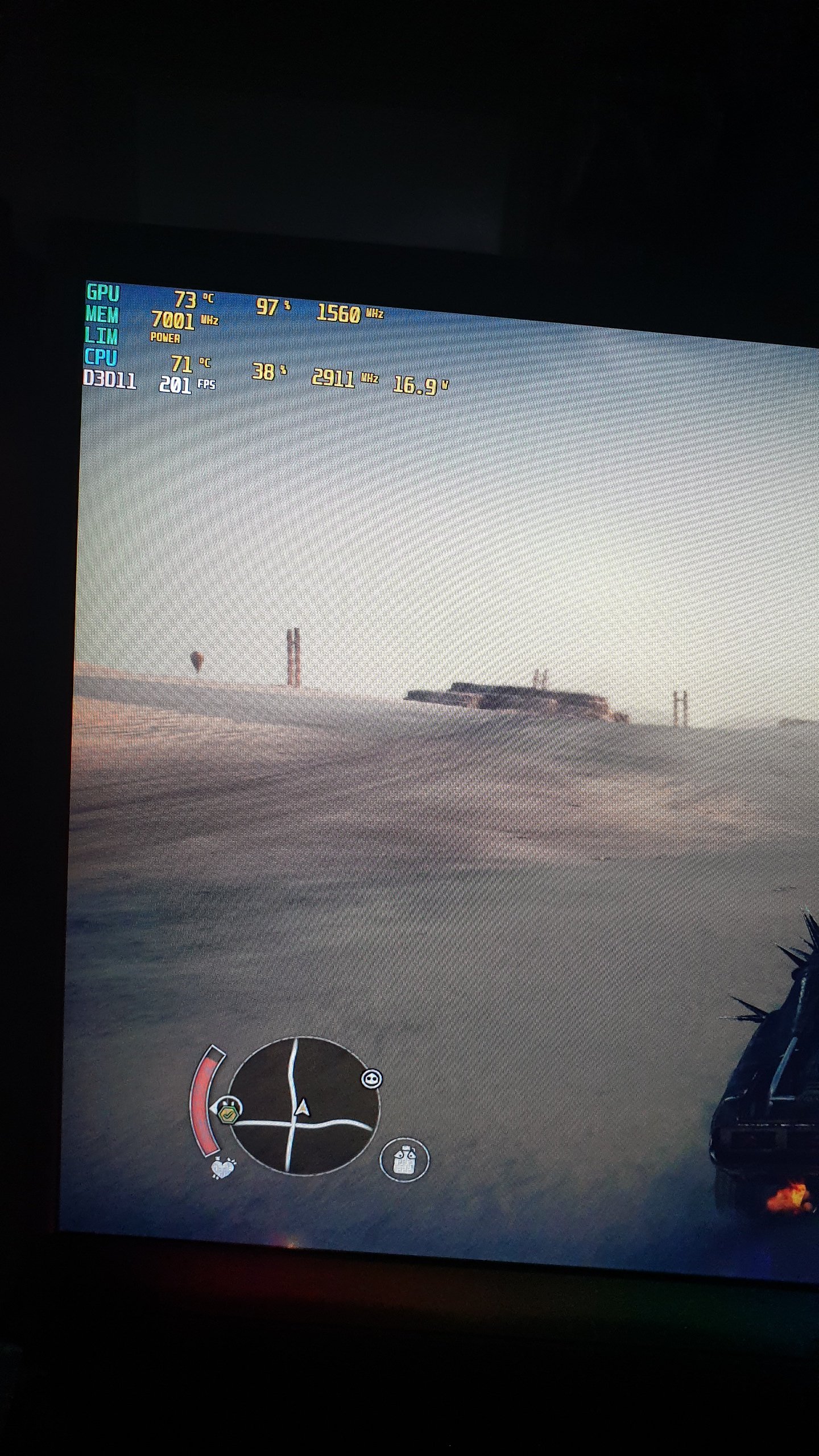
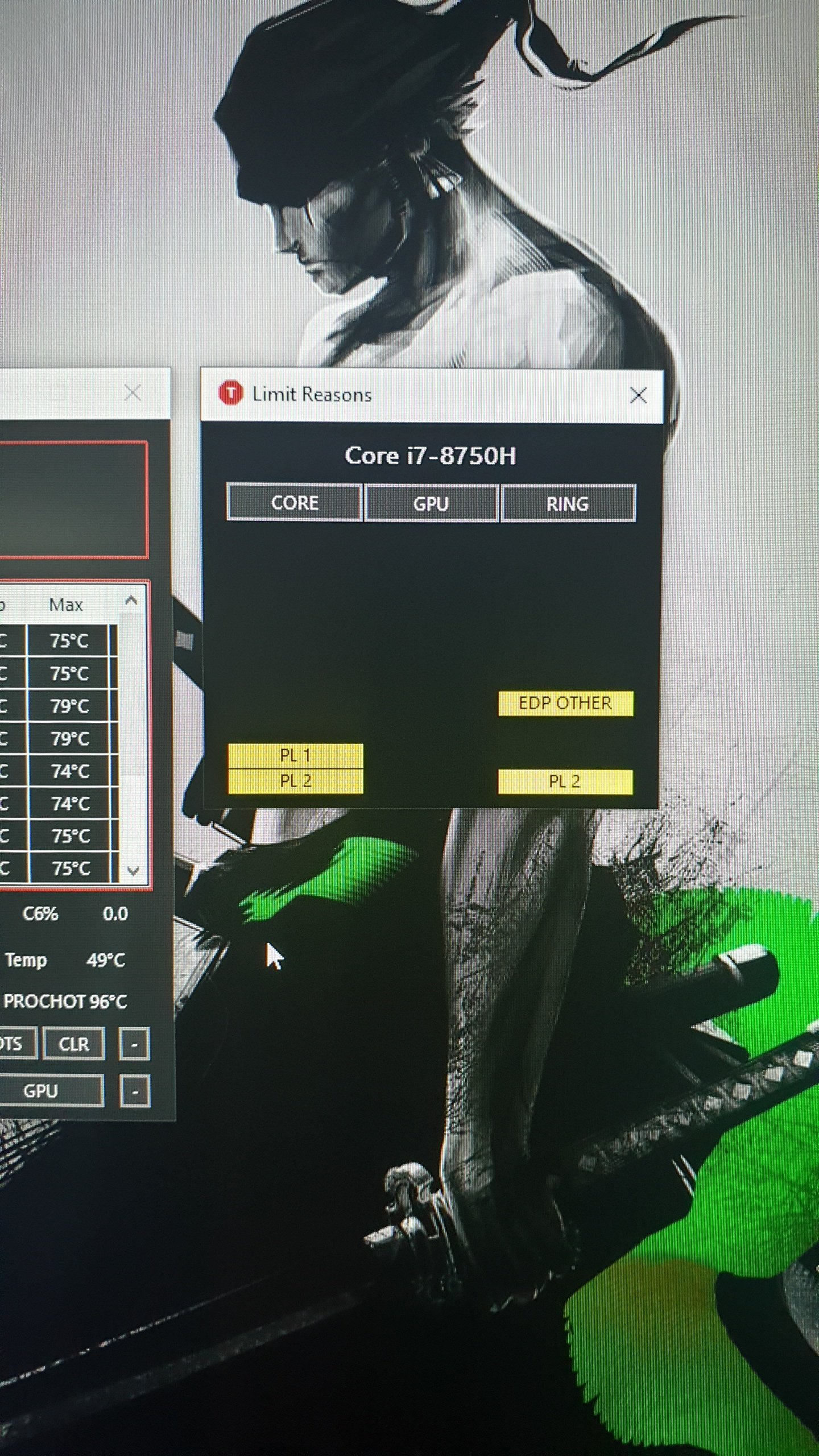
Yes. And i noticed that i am experiencing power limit throttling.. core speeds never exceed 2.6mhz and its only pulling around 20+ watts..
Attached Files:
-
-
Make sure you installed Clevo Control Center properly. It has different Power Modes, switching to Performance should let CPU use 55w, the Entertainment will let CPU use 45w, the Quiet mode will go even lower. Best way to test is using HWiNFO, in Sensor mode, it will show and graph CPU Package Power.
If Clevo Control Center does not work - uninstall it and reinstall from Clevo's site or from whichever reseller that sold you this model.Xikar likes this. -
Can you give me the website where i can download it? Our local reseller here in thw philippines does not have a download page in their website.. i am currently running control center 3.0 and the power management is set at performace..
-
https://www.clevo.com.tw/en/e-services/download/default.asp
Choose whichever model you have, such as PB7xED, then for second drop-down menu select "All". -
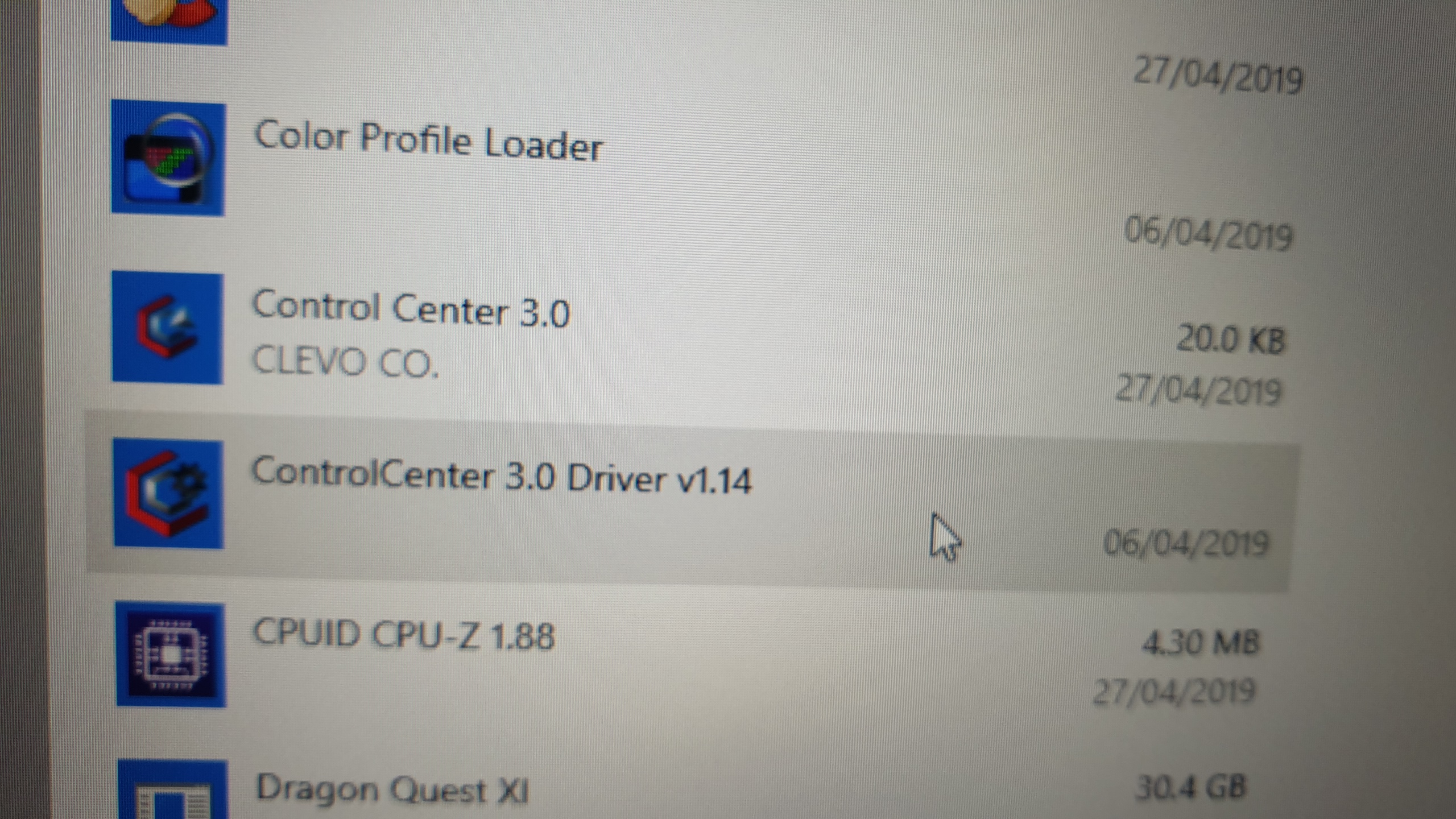
Which of the 2 should i uninstall?
Attached Files:
-
-
You download it from the Microsoft store, just search for Clevo and it'll bring up all their apps. I doubt that's the problem though, all CC does is switch between the preset modes, it doesn't actually control the CPU.
I think it's more like a power issue. Was that taken while on battery by chance? I just ran a benchmark on battery and got exactly what you described. -
You can try updating first by letting the latest version to install and see if that works. I believe latest version on Clevo site is labeled "Update Control Center AP Version 1.17".
-
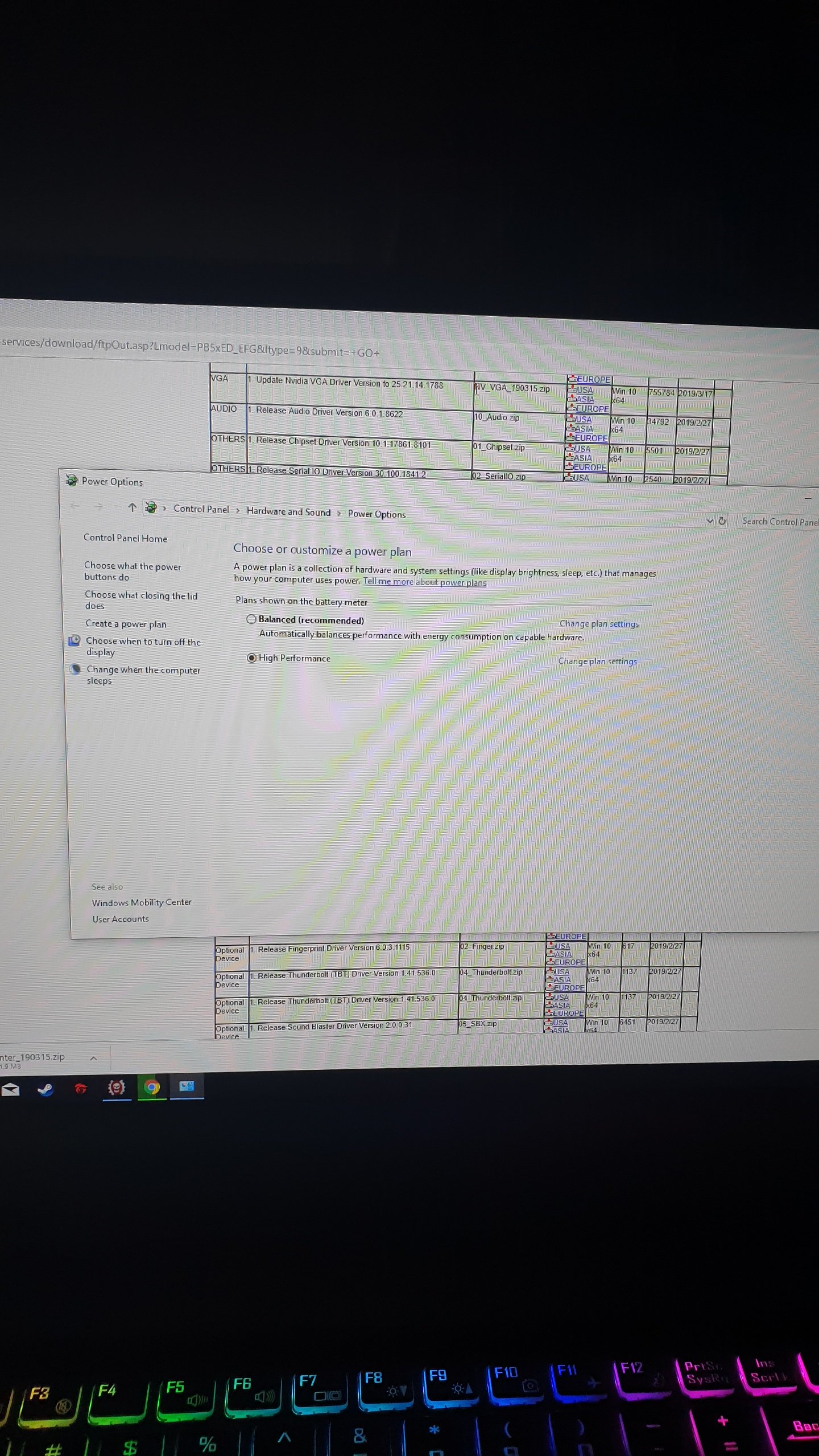
Nope. Its currently plugged in. My power plan for the battery is set as high performace. I have included this since when i got my laptop it only shows "balanced" as the option.
Attached Files:
-
-
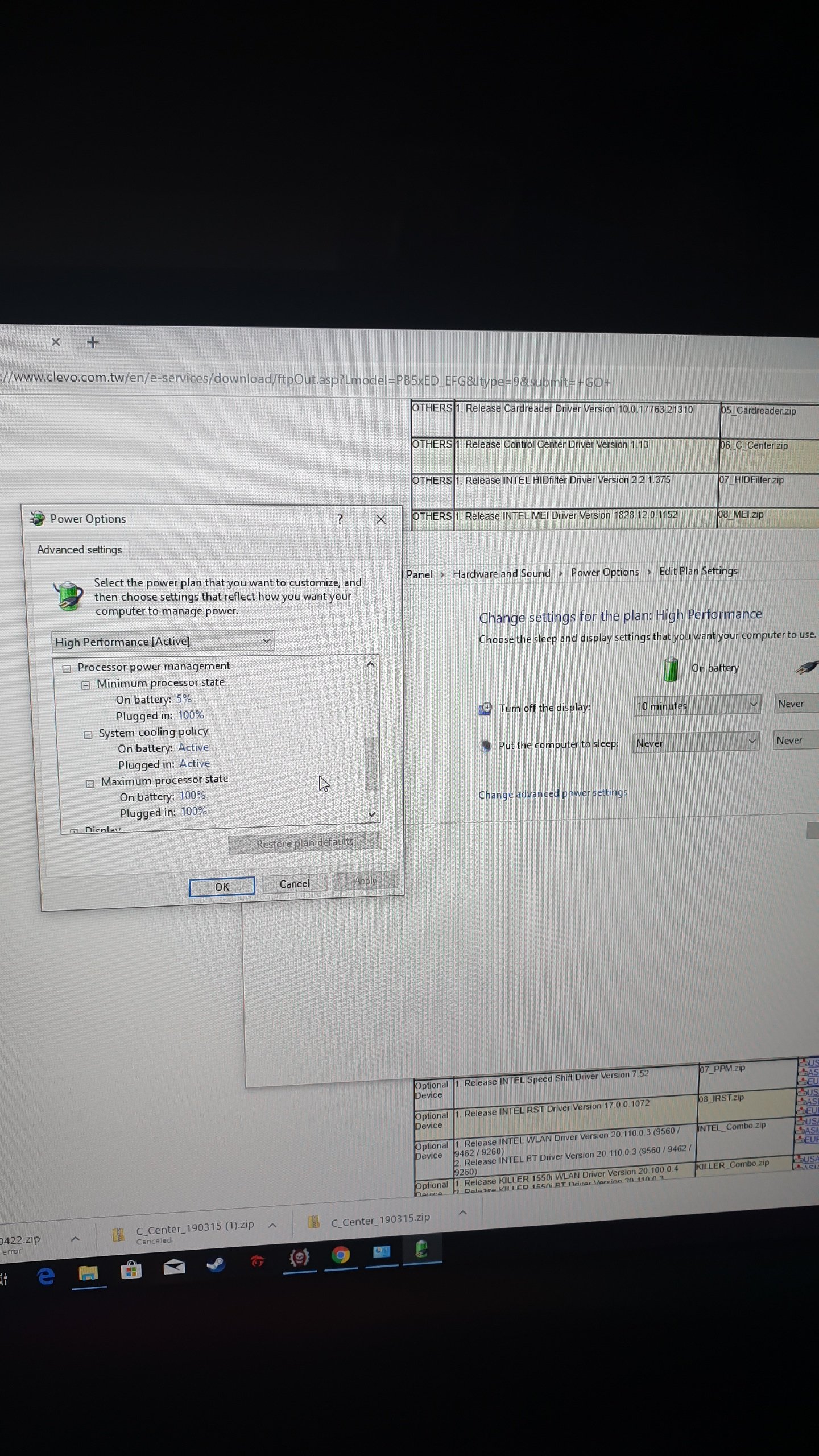
What are your CPU power settings set to? Maybe something got messed up when you made the High Performance plan. Does it do it on Balanced as well?
-
It is set up like this.
Attached Files:
-
-
This is with power plan set as "Balanced". Still getting power limit notification.. and with voltage pull at around 15 to 20ish at cpu.. fps seems fine though. Can someone enlighten me with what is happening with my unit?
Also i have checked in the bios that intel speedshift is enabled. Dont know what this does.Attached Files:
-
-
Im getting 70 to 80 fps at shadow of war also maxed out.. but the last 2 options in the graphics was not set. but still have power limit throttling.
Last edited: Apr 28, 2019 -
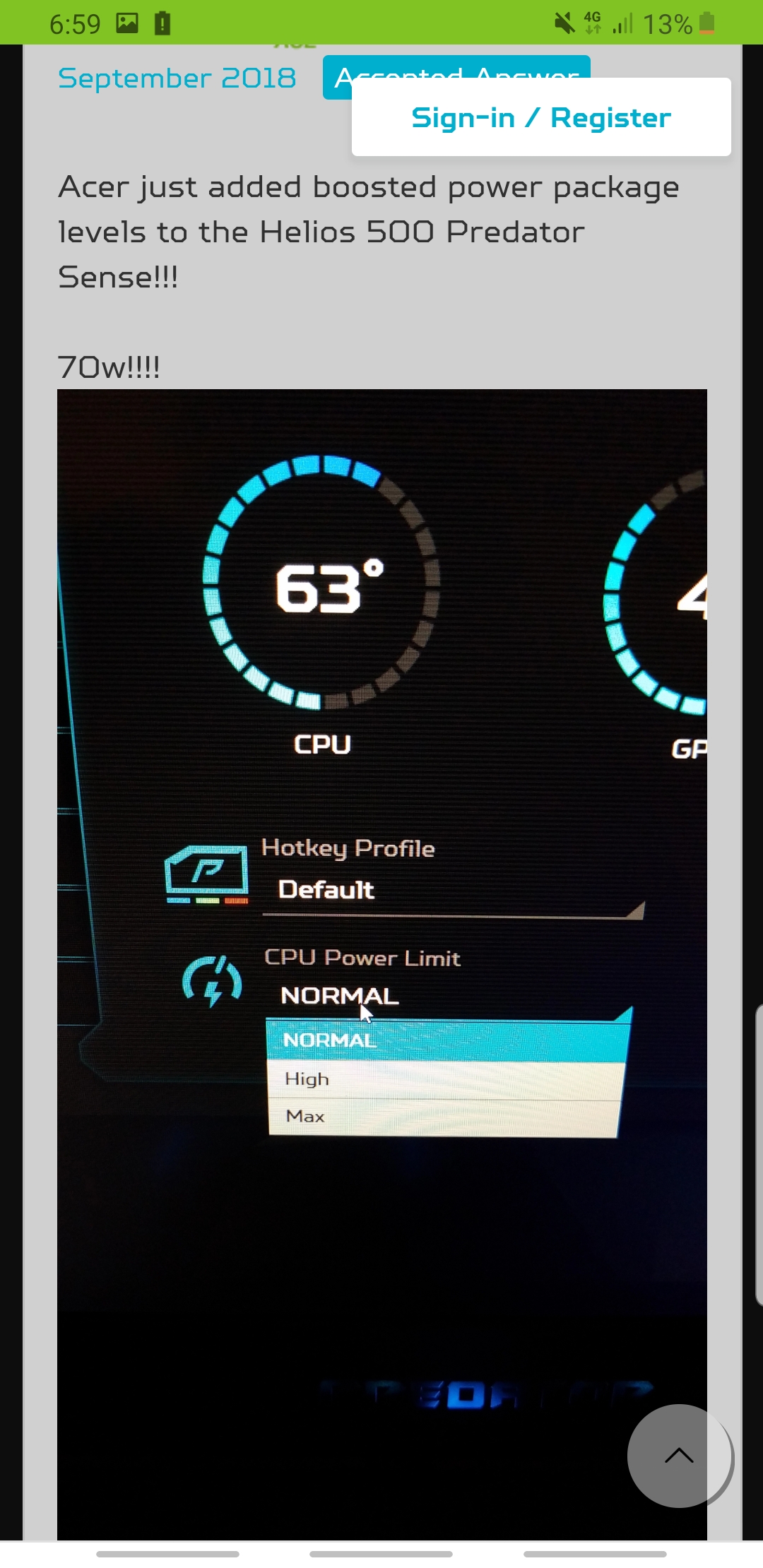
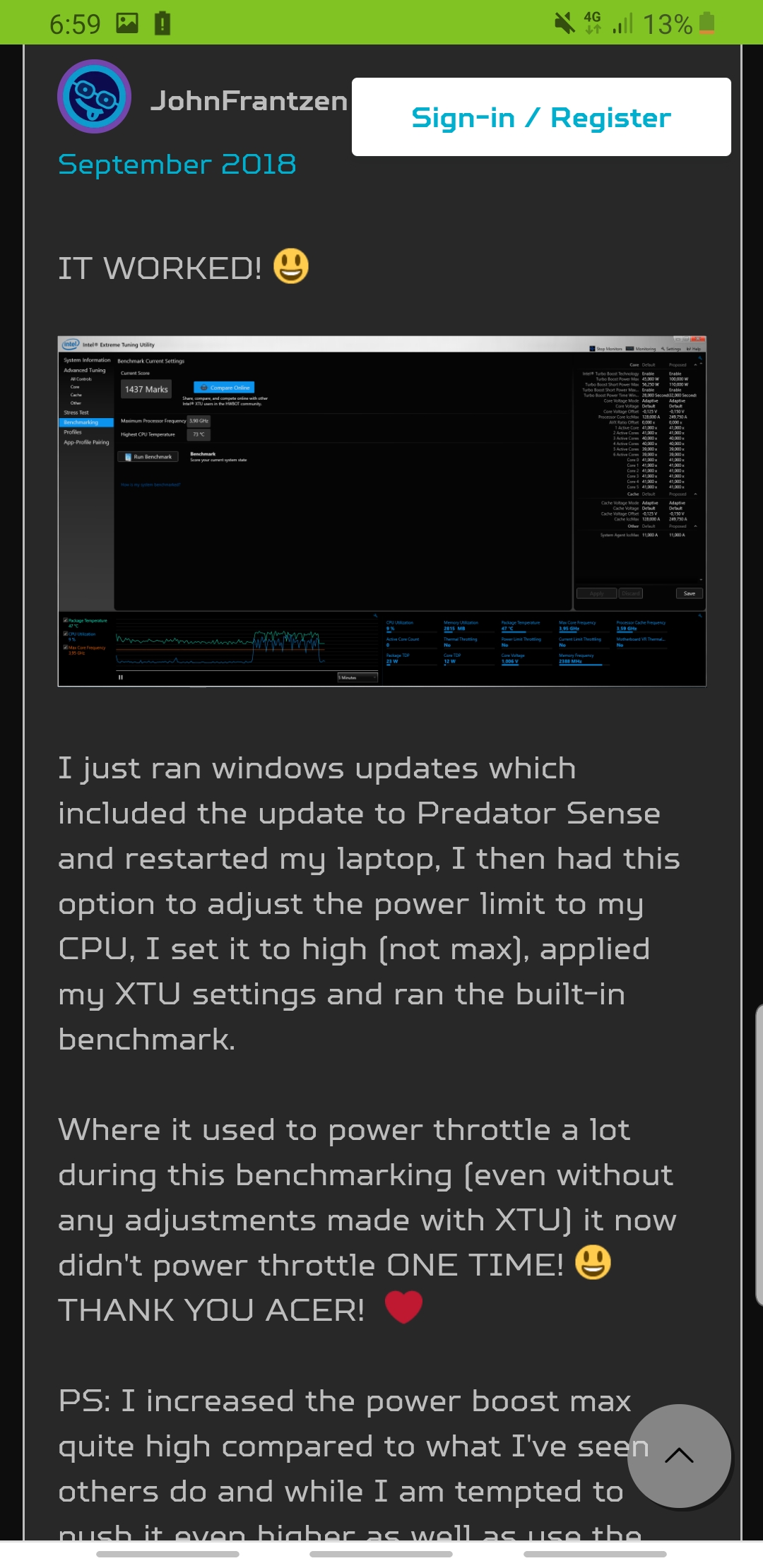
I have found this on a forum on acee helios units. They have been experiencing the same problem. However acer solved it by an update on bios and their command center (see screenshot).
Am i am isolated case on this one? Its kinda frustrating and im thinking if i should return my unit. Also, would it be possible that my charger (brick) is broken? Is there a way to check if the power limit throttling is due to the charger?Attached Files:
-
-
No idea why you have these issues... The Clevo Control Center works fine for me and allows 55w on Performance mode. Maybe try uninstalling everything related to Control Center then re-install it again, or do a fresh Windows installation with fresh drivers and fresh Control Center install. If that won't work - you should return your system for replacement.
-
This is a bummer. Doea this mean i have to reformat my laptop? After ive set it up for almost 3 hrs.

-
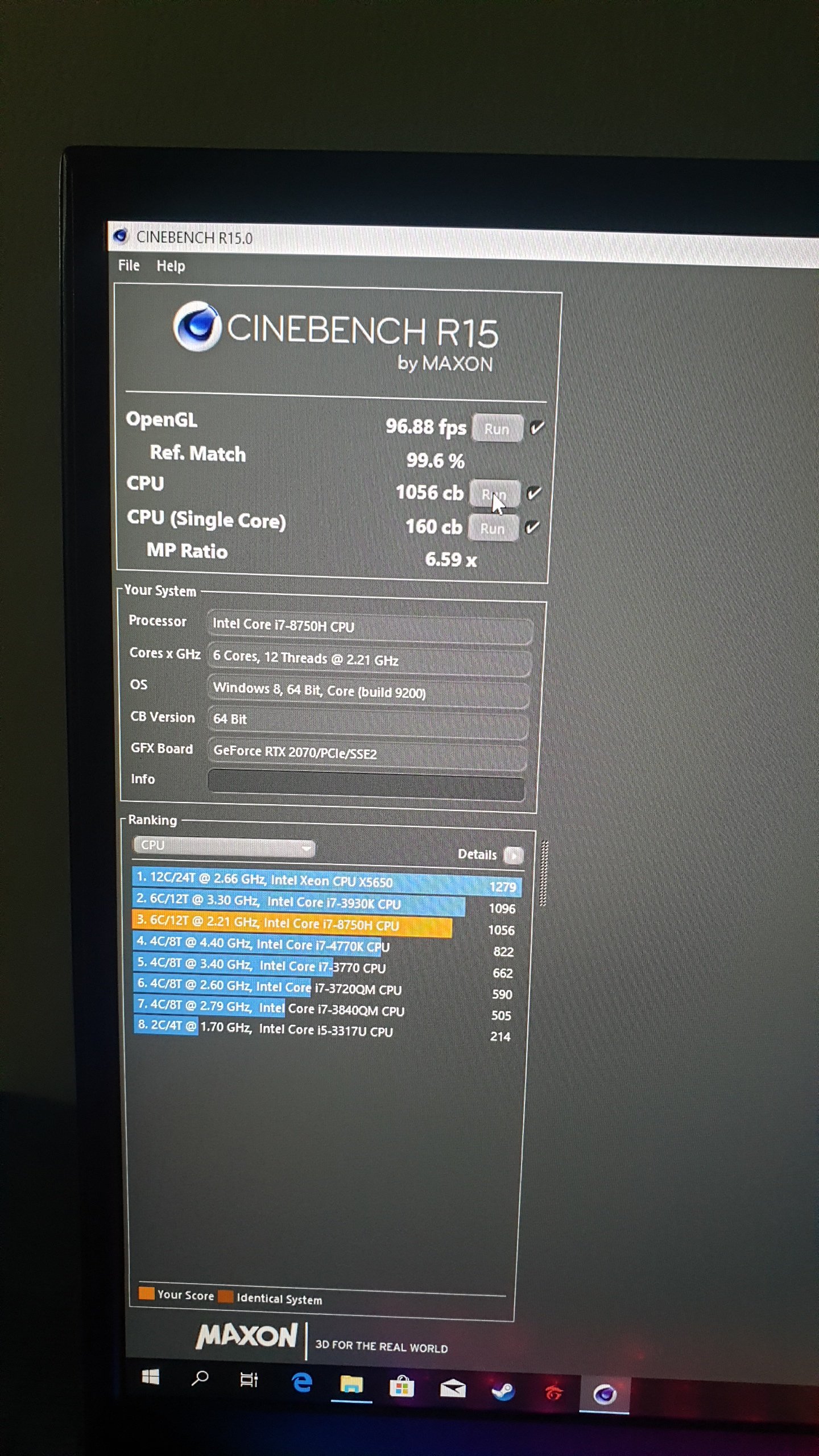
I just tried benchmarking in cinebench r15. Heres what im getting.. can someone here with the same spec post your results so that i can compare it with mine?
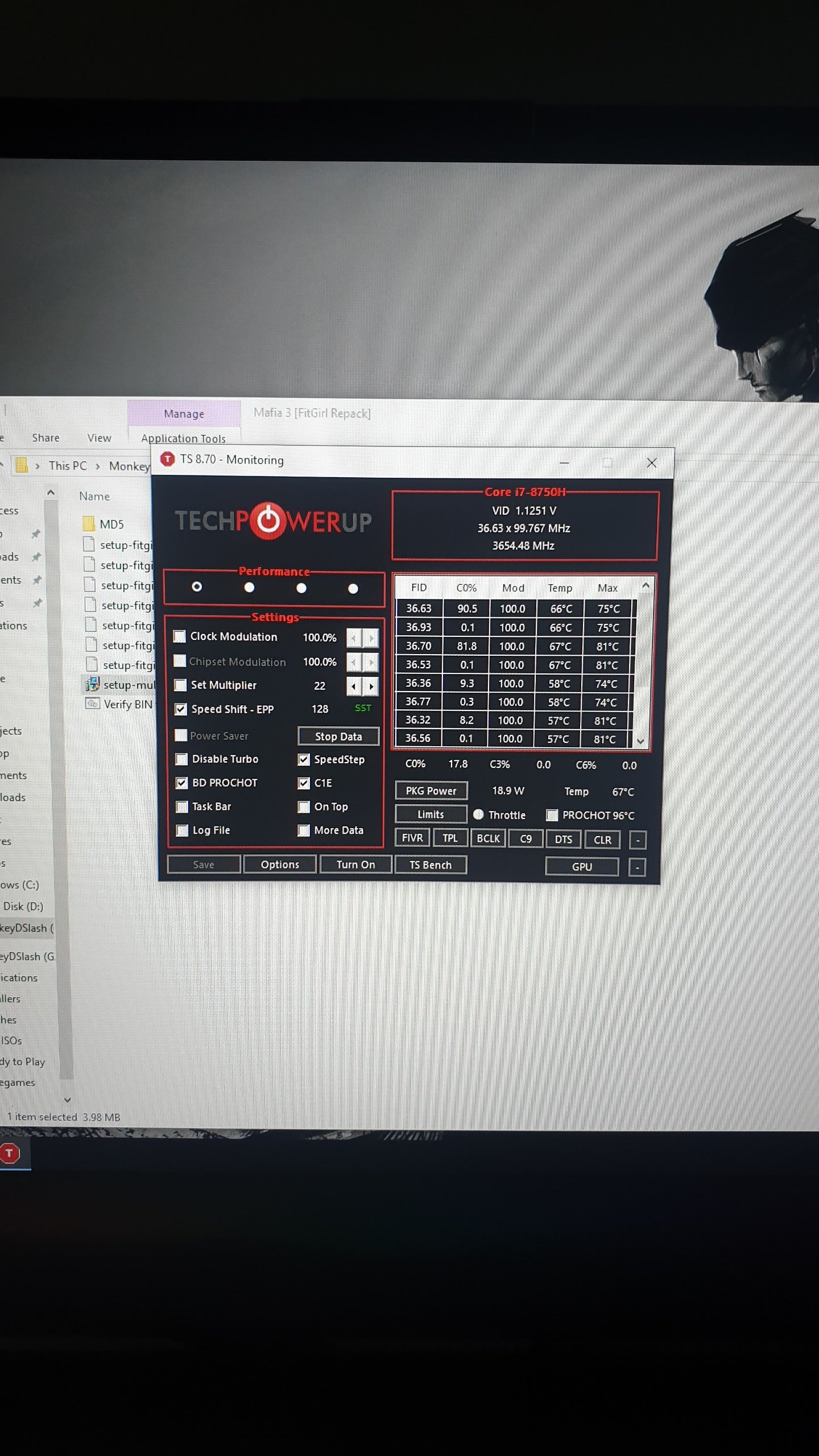
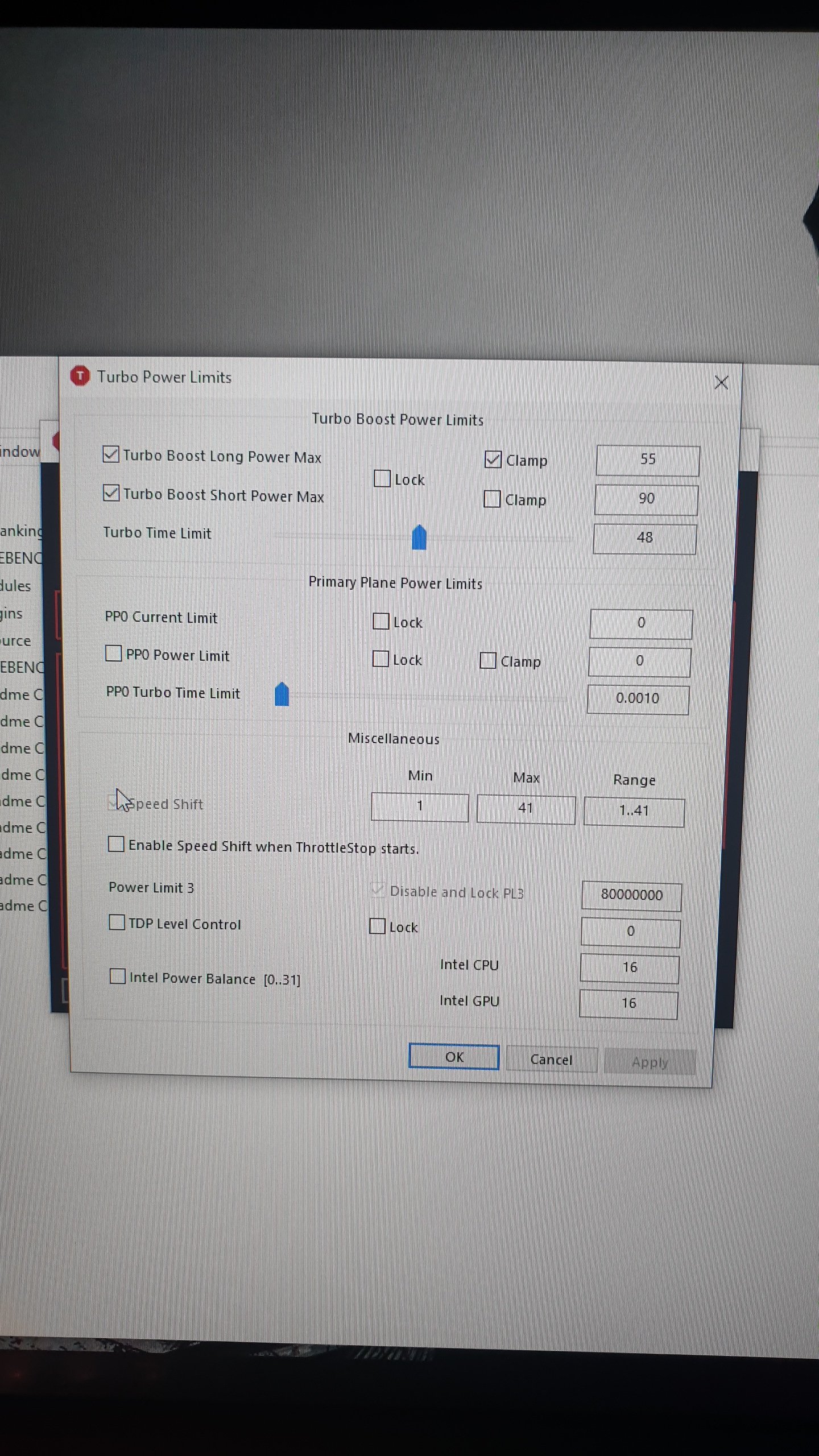
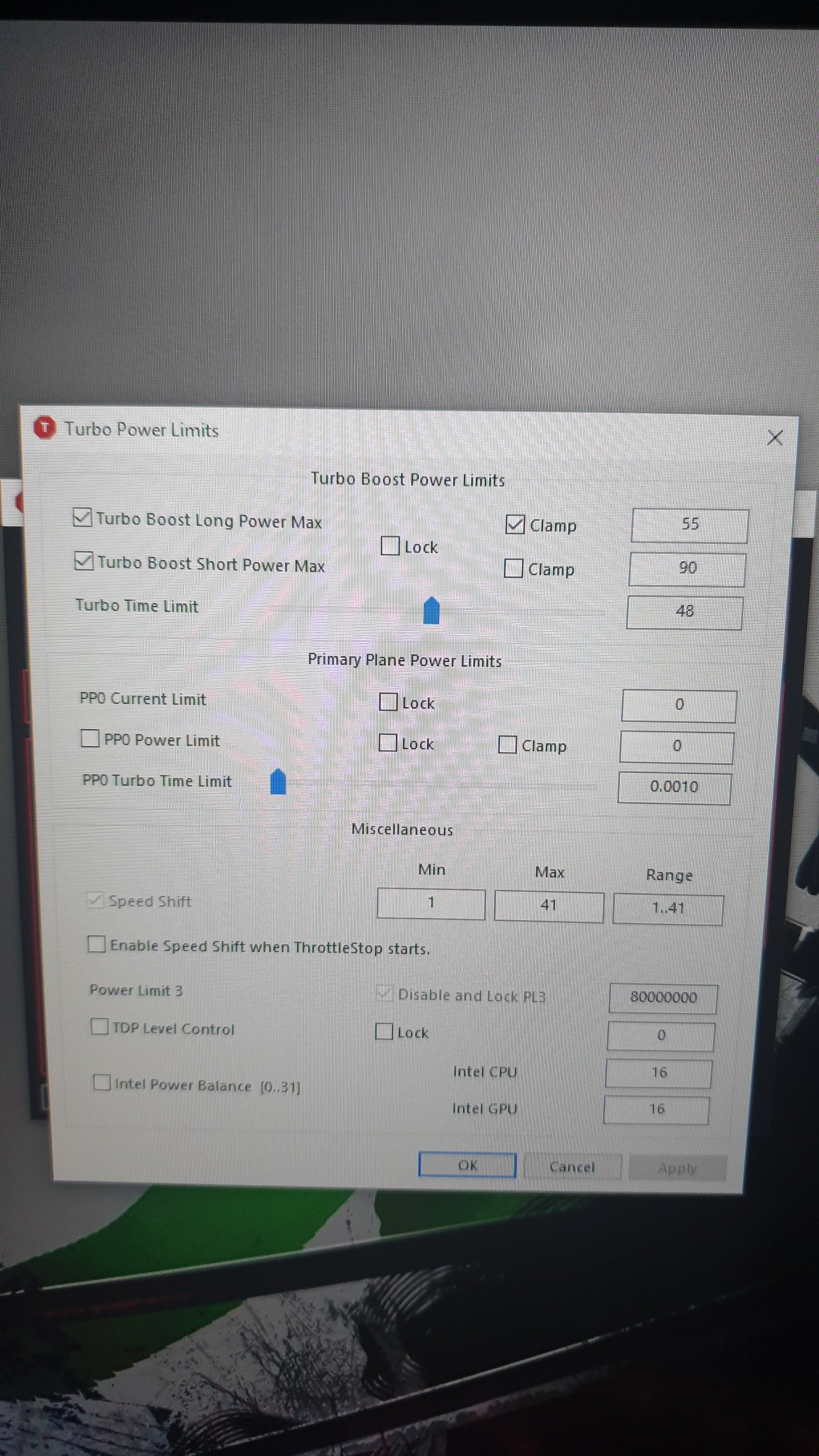
Also here is the settings that i can see in throttle stop tdp.. i havent changed anything there. Should i change some settings in it or is these all fine?Attached Files:
-
-
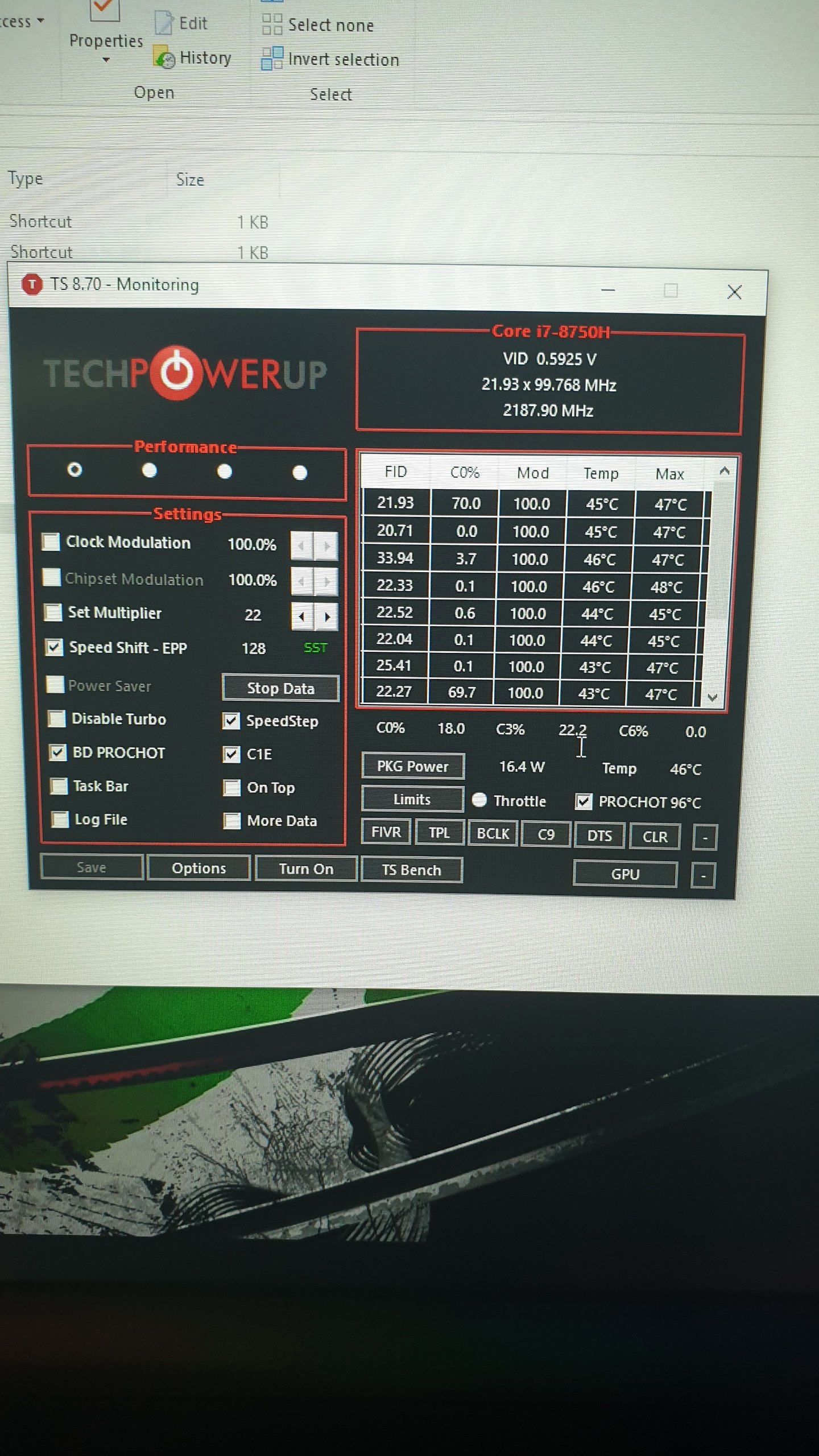
Throttle stop settings.
Attached Files:
-
-
Am i the only one experiencing this?
Does anyone have the standard settings set on the balanced power plan? -
Use a monitoring tool to look at CPU speed and usage.
-
Thats what ive neen doing since i got my laptop. Thats why i noticed im experiencing a constant pwer limit throttling as per msi afterburner.. cpu clock speeds range from 2911 to 3011 on all games and package tdp rangers from 15 to 25W only.
-
Here are also the screens of throttle stop when it runs
Attached Files:
-
-
Firmware bug or some sort of program interfering it should be 45w even under combined load.
-
My CC 3.0 is dysfunctional. Cannot get any power mode except for Quiet, also the CPU tweaker is completely absent.
I have a ticket in with Sager, playing a laborious 20 questions game, so I’m going to try your suggestion if their next response is inadequate.
Their response to my missing Creative Cinema 5 software was a driver download...
8) -
What should i do then? Is this fixable? Or my unit is for RMA?
-
Yea, that is unfortunate and probably only fresh Windows reinstall will fix this. Just remember to install Clevo Control Center after you install most drivers like chipset drivers and other intel stuff, at least that's how I did it. Oh, and I don't have CPU tweaker with Control Center, just GPU Overclocking, Fan Speed control, Power Modes, Led Keyboard and Flexikey.Last edited by a moderator: May 2, 2019Xikar likes this.
-
None of the Clevo software is 'needed' though. The laptop should run just fine without any it. I only have Hotkeys and LED Keyboard installed, just so I have control of the keyboard lights, fn key functionality, and fan control (packaged with fn keys as well).
Xikar likes this. -
I cannot install individual components when installing Clevo Control Center. Unless you're talking about third-party stuff like the apps from Obsidian PC developer.
-
Tech had me un/re install CC 3.0 and all good, except for the cpu overclocker which was shown in the manual, but if normal not to have, that's okay too.
The Creative driver download was supposed to trigger a download from the Microsoft Store but did not.
Sager does not delay in answering questions and I was being unfair about the "twenty questions" because that is often what it takes.
=)AlexusR likes this. -
Nice. Glad to hear that everything works. Definitely better than doing a Windows reinstall.
Xikar likes this. -
The Clevo apps are on the Microsoft store. Some of the resellers, can't remember which one it was, even directly links you there from their own drivers page. The CC3 installer from Clevo is just sort of 'sideloading' the all the Clevo apps instead of downloading individually from the MS store, but they are still the MS Store apps, and will update through that. At least this is the case with the core CC3 app.
You can verify this by going to the Clevo CC3 MS Store app page and it'll show as installed, and probably download an update. I assume the rest of the apps would be the same.Last edited: May 3, 2019AlexusR likes this. -
*** Official Clevo PB7xEx-G Owner's Lounge***
Discussion in 'Sager/Clevo Reviews & Owners' Lounges' started by sicily428, Jan 7, 2019.