Problems? See this thread at archive.org.
My throttlestop is included in the startup of my unit. Ill try to remove it from startup later and restart my system. Ill try uninstalling the "clevo control center 3.0" right? I have already downloaded 3 softwares from the website
Control center 1.13
Control center 3.0 ver 1.15
And control center 1.17
Do i need to install these in sequence after i have uninstalled the control center?
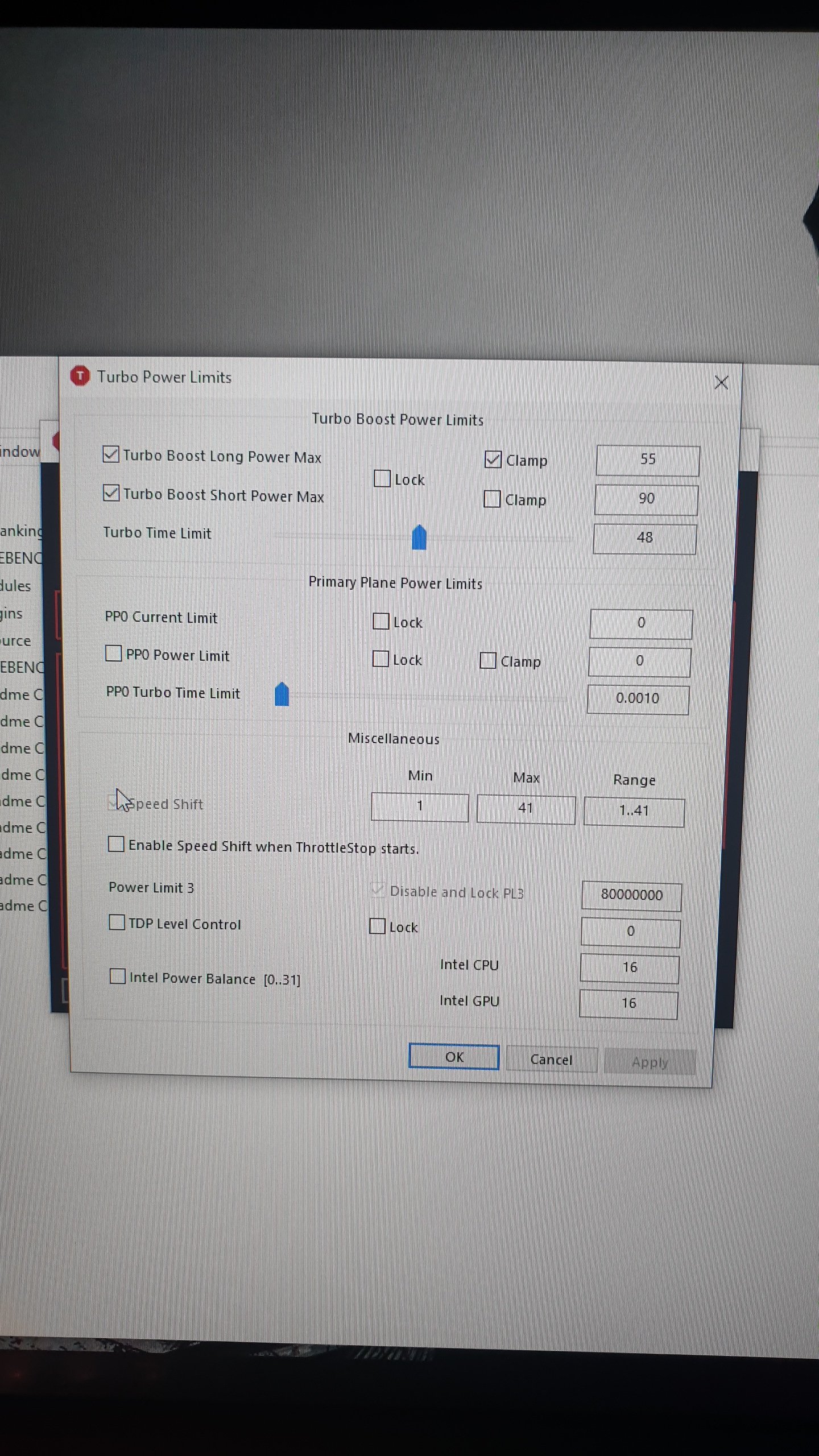
Also where can i check the power limit?
-
-
This is what my throttlestop screen shows under performance mode.
Attached Files:
-
-
Is that at stock or have you made changes?
-
Thats stock. I only undervolted my cpu core and cache to -125mv, unchecked bdprochot, and enabled speedshift epp set at 20..
I have searched that undervolting the gpu might do the trick (setting a custom curve using msi afteeburner) but its too complicated for me thats why i havent tried it yet. -
I have tried running my unit without throttlestop and changes in the gpu curve in msi afterburner. Still getting the power limit throttling. I just want to know if there is something wrong with my laptop and if i should rma it?
-
I have messed things up.

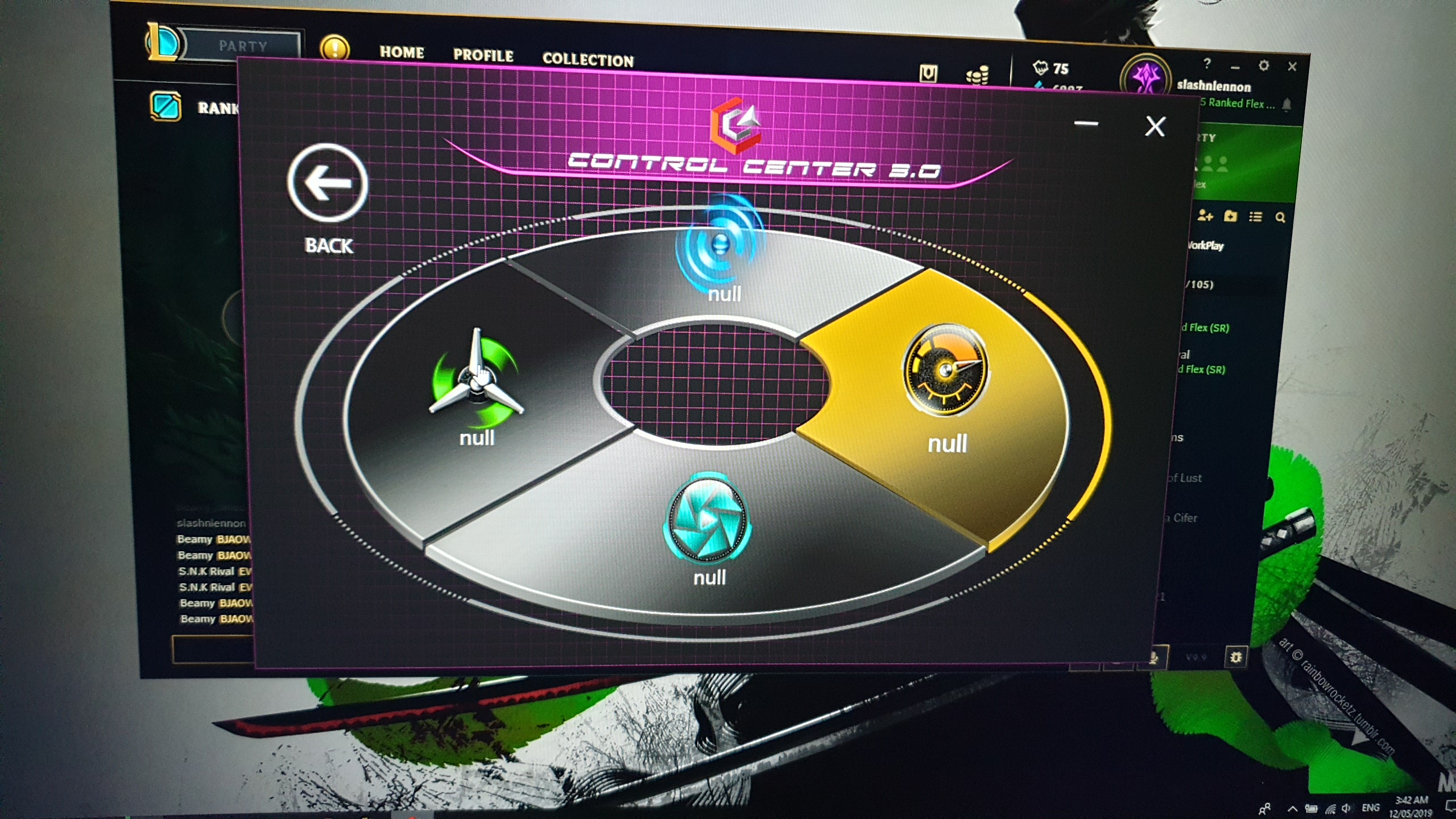
Im about to update my control center but then i though i should uninstall it first for a clean installation. And then i uninstalled it and installed v1.17 from clevos website however even after installation and restart CCC wont start at starup. And i cant run it through fn+esc. I tried every version from clevos site but still cant install the CCC.
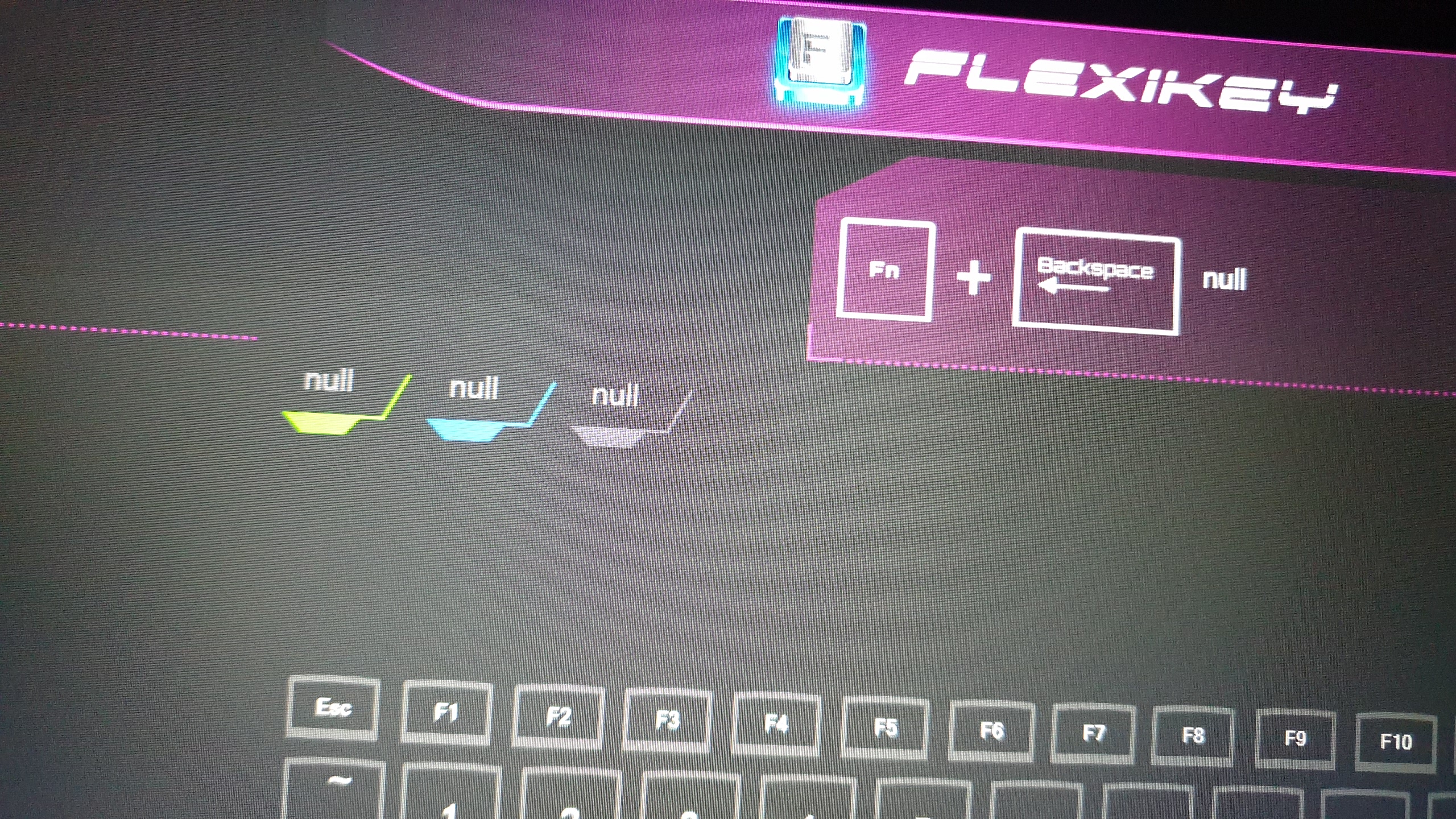
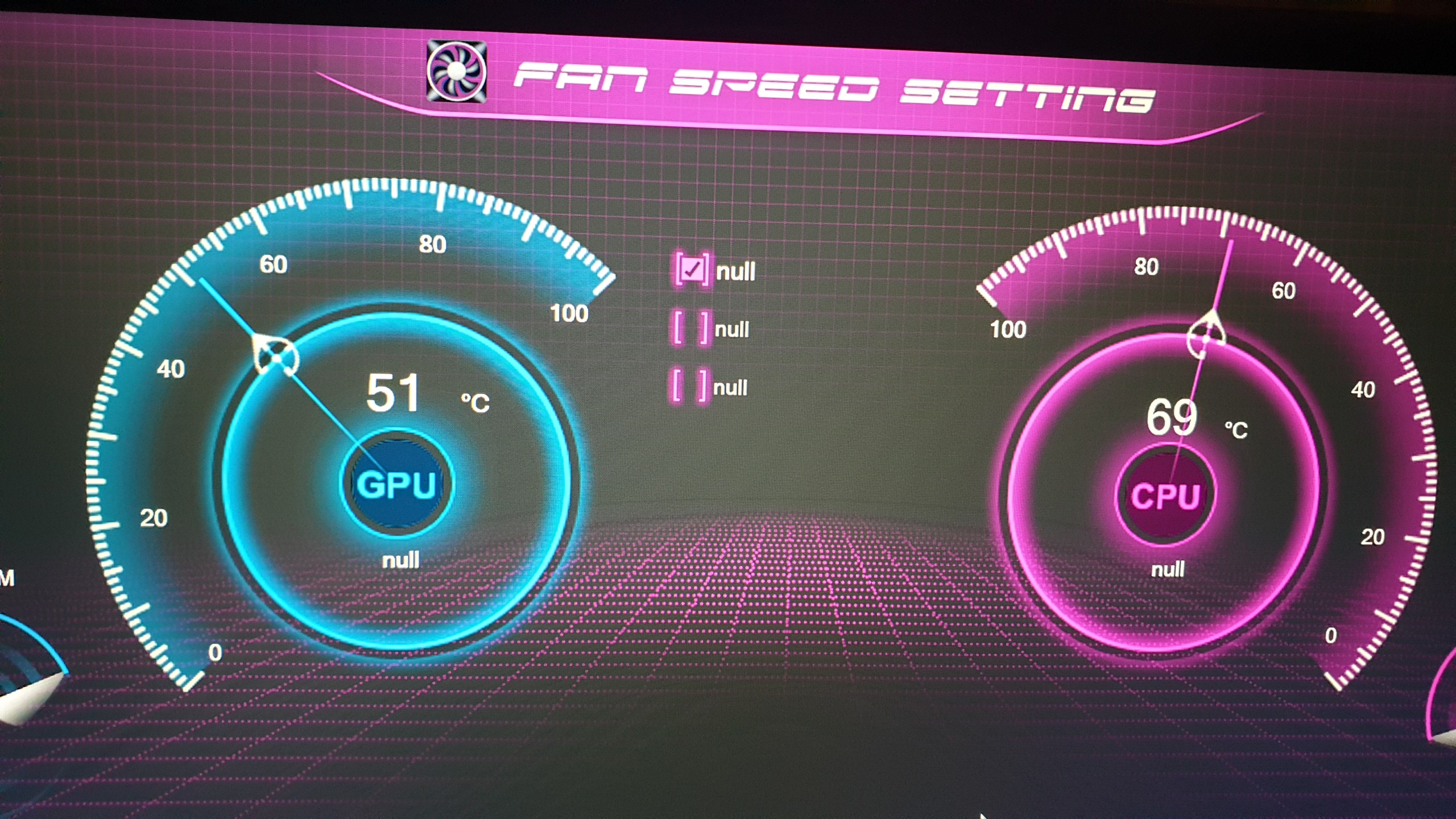
I was able to download one from sagers website but it is only ver 1.12 and it shows null under different pages of the CCC (see screenshot).
HELP.
Attached Files:
-
-
I ran a rendering test logged by hwinfo (thanks a_bolog and correct me if wrong) and although hot cpu, I don’t think I was throttled under performance and auto fan settings.
BFV plays cool and great under Entertainment mode with fans on full and a fanned pad underneath, shifted back so it blows directly into the intake grill. I plan to log that, so kind of anecdotal, but Performance logged throttling during the game.
I would like to relate something really strange tho. After a game, during the stats and common splash screen, the temps ridiculously spike to 95+ (Performance mode)!!!
I don’t understand that. -
Have you tried enabling the trigger for power limit throttling in msi afterburner OSD to check if you are experiencing any power limit throttling?
-
Mine came with a usb set of drivers from Sager Midern. The tech had me uninstall and reinstall CC 3.0. It was magic.
I uninstalled the Control Center 3.0 driver which automatically removed the app, then installed the driver from the stick.
Is your vendor helping you? -
I just messed this right now. Unfortunately the usb stick that came with the laptop is in the province and i cant get it until may 22
-
I have no OSD...but I don’t know what that is...so....lol.
I have Afterburner but not used it yet.
I am pleased with Entertainment mode but plan to undervolt cpu and see how it does on Performance. I have stock paste and may repaste but I’m a casual gamer.
=) -
See if your reseller can send you the driver. Midern was quite helpful but it took some time, of course.
Hope you get things straightened out, it is a good machine. -
On screen display, you can have stats running in the top left corner as you play.Xikar likes this.
-
Nvm. Cc already fixed itself. Haha i dont know why when i opened the laptoo this morning everything is in order.
Weird.Xikar likes this. -
Thanks!
OSD doesn’t seem to exist on my machine. -
Curious what is the update to the Control Center (v 1.17). There seems to be update to chipset and other things as well
-
-
Sir am i the only one experiencing this power limit throttling for this unit? Here is what sager/local reseller told me. And other owners here does not seem to experience this power limit throttling.
Attached Files:
-
-
Might be worth flashing the bios and doing a re-install of windows with the clevo control centre set to performance and just seeing how it runs with monitoring only software.
Xikar likes this. -
Is there a way where we can configure the lightings in the keyboard to react to music? Or sounds playing in the machine?
-
Keyboard backlight options are in the clevo control centre.
-
VERY BAD idea.
Communication to the Keyboard LED is usually done using an WMI - ACPI driver, this will raise your overall DPC latency everytime a signal is sent. Having something continuously reacting to sound is going to make your unit lag like crazy. -
I see.. i just though if there is some settings like these since alienware and msi have this option in their keyboard lighting effects.
-
We do try and keep bloat down so with all the apps installed you are getting clean performance in professional and gaming apps.4W4K3 likes this.
-
I see. Thats completely understandable. And i can say that sager laptops have few to none bloatwares. I was just curious since it would be nice if we have that option in the keyboard lighting effect specially if were just watching movies or just playing music in the device.
-
Movies? That seems distracting.
-
Few Questions regarding the the 17.3" Clevo PB71RF-G, I apologize if already answered but did not feel like reading the whole thread.
- It's packing a 115 watt RTX 2070 right?
- Which 1080p 144Hz panel is it? I'm guessing the 300ish nits, 100%ish sRGB AUO one with 7 ms average response time (that ASUS, MSI advertise as 3 ms for their products for some reason) or an LG, Sharp one ?
- Is G-Sync (hopefully) always on? (Hopefully) No Nvidia Optimus.
- If none of the above is right and it has both, I guess it would have a MUX switch right?
- What are the specs of the webcam, is it Windows Hello compliant?
- Does the touchpad use Windows Precision drivers? if not which ones (ELAN etc).
- Does the touchpad fingerprint sensor come by default?
- Never owned a Clevo barebones before, what's the deal with the control center for fan/rgb control? Is it always a Clevo provided one, or do resellers (Sager/EVOC/Metabox) offer their own one? Can they be used interchangeably?
- Does the PB71RF-G support PREMA BIOS?
- If the BIOS (stock or PREMA) allows it can the Mobile H370 MOBO and VRM handle 3200 Mhz DDR4 RAM? Always wondered if constrained thermals of a laptop affect it since I've never seen high end resellers sell those sticks as options.
- Lastly any pictures of the innards of this apparent beast? Wanna check the thermal solution!
Last edited: May 23, 2019 -
Its switchable between optimus and g-sync on the non OLED models using a mux.
Windows precision drivers.
Fingerprint sensor yes if you configure it.
Clevo provided software.
No Prema BIOS I am aware of.
Faster Ram consumes no significant extra power so it's mostly doen to the IMC in the CPU.Frencho likes this. -
Hello everybody!
After a lot of thinking and arguing with myself, I ordered the Clevo PB71EF-G this weekend and I'm looking forward to finally have it in my hands to test it.
- i7 8750H
- RTX 2070
- 16gb RAM 3000mhz
- 500gb EVO Plus SSD M2
This is why I chose to buy the PB71EF-G:
I was interested in the Schenker XMG laptops design wise and build quality of their used chassis.
Found the pretty good-rated Notebookcheck review of the XMG Neo 17 but especially liked the XMG Pro 17 model (no review of it there sadly).
However, already their configurations with just an RTX 2060 were quite expensive, so I researched which chassis is used with it and found the clevo, aswell as other resellers of this model. Actually found a good offer.
Been luring around in this forum for information/reviews about this laptop and read like almost the whole thread.
Though, I still have a few questions of which I'm hoping that you can answer for me
Questions:
- How is the overall build quality? What kind of material is the chassis made of?
Is the screen stable or can you bend it?
I thought it would be a metal (alluminum) chassis, since the youtuber "Bob of all Trades" says that in his reviewGenTechPC does not give any information about the material of the chassis sadlyI asked the customer-support of the shop too and the guy said that it's a plastic chassis
So... what is actually the case!? (I prefer a good quality metal chassis, thats why I ask)
Edit: The build quality of the chassis is overall pretty nice. Alluminum display cover and keyboard deck/plate, the bottom plate and display frame on the inside plastic are both plastic - Display: which model is used in the PB71EF-G? Do you guys get bad backlight bleeding/ghosting/stuff with this display? The biggest fear I have is, that the display has a lot of backlight bleed and having to return the laptop because of this (thats actually a no-go for me - when you pay for a 144hz G-Sync display you don't wanna get distorted by this, right?
- I also thought about getting the Clevo P970ED with an RTX 2060, how would you compare them both overall quality-wise?
- What are the first things I should do to check that the unit is actually fine to keep when it arrives? Is there a general Guide with things to check to make sure everything is running as it should?
Looking forward to replies.
EDIT: I finally got my device, so I'll edit the questioned points above for you guys that are seeking the same information as I was...
Overall pretty nice laptop, still testing the quality display or rather figuring out backlight bleed.Last edited: Jun 3, 2019 -
Have you checked our product page? We have quite a bit of detail on the main and tech info pages.
B0B likes this. -
Oh yes I did! Could not find the model PB71EF-G on the site, sadly.
So could you probably give me a link or just answer the questions?
Thanks
-
Cant link but it's the NP8377.
-
Any other replies?
Also, did you guys apply any .ICC profile for the display to calibrate it?
Couldn't find any profiles @ tftcentral or digitalversus. -
I am very interested in buying this laptop. Two in fact. I like the fact that there is a rear hdmi and power port. I find that too few laptops have these.
I have some questions though...
Is the back usbC plug only for display port ? can you put anything else on it ?
Does the screen come in an IPS version or is it all TN ? Any reviews on the included screen ?
Is it possible to change the thermal paste or do they come pre pasted from china ? Is the waranty void if we change the paste ourselves ?
Can these be upgraded using GPU modules later on ?
Thank you for your reponse
Any list of resellers stocking these in europe or us that ship to europe with a french keyboard ? -
The USB c will work as a USB port as well.
They come with paste on the heatsink which is applied by the reseller. Some can replace this for you.
Screens can vary by reseller, which one are you looking at?
This is a soldered unit so no CPU or gpu upgrades later. -
Thank you for your reply.
Will I void the waranty if I repaste ? Do you offer liquid metal as repaste option ?
I am looking for an IPS panel with large gamut color fidelity. Are there a lot of other options ?
Best -
So long as there is no physical damage (your screwdriver knocking off a capacitor) or the paste was done really poorly causing it to overheat you are good. We dont do liquid metal.
You can see our spec page if looking at our displays. -
In case anyone is wondering about this barebone... Here are the numbers and their meaning.
PB70RD-G
PB70RD
PB71RD-G
PB71RD
PB70RC-G
PB70RC
PB71RC-G
PB71RC
PB71RF-G
PB71RF
PB70RF-G
PB70RF
PB71EF-G
PB71EF
The E is the 8th Gen Intel and the R is the 9th Gen Intel.
The G is for the G-Sync Option.
D is for 2060 / F is for 2070 / C is for 1660 Ti
I don't know what the 1 and 0 are for.Prema likes this. -
Outer shell design differences.
-
Yep. Basically, 0 is grey with orange/copper highlights. 1 is black with some silver/grey highlights.
-
Choosing the paint job on the car at the end is how I think of it, maybe a slight body kit too.
-
Do you know when these new 4K 120Hz 17" panels would become available and if they would fit into current lineup of Clevos?
https://press.razer.com/press-releases/crafted-for-creators-razer-blade-studio-edition-laptops/
- The Razer Blade Pro 17 Studio Edition will feature a series of firsts, including a new 4K 120Hz display panel, an Intel® Core™ i9-9880H processor, and the NVIDIA Quadro RTX 5000 mobile GPU. These major upgrades to the Razer Blade Pro 17 Studio Edition allow it to rival even the most powerful of desktop workstations.
-
Depends on supply and price on that.
-
I have a question about the Optimus/Gsync options on these laptops.
My understanding is that you can't have both gsync and optimus at the same time. So If I choose Gsync, how will the idle power draw be ? My laptop will be on 24/24 and I am a bit worried about the power consumption. -
10w or so higher iirc. You can switch with a reboot so unless you are gaming run in optimus mode.
-
I read optimus creates a lot of problems.
If I take the NON Gsync model, will it have the mux switch to turn optimus OFF ?
How are the thermals if I turn off optimus ? Will the fan be ALWAYS on at 10W ? What if the screen is off ? will the nvidia still be powered ?
do you sell the prema bios with your machines ?Last edited: Jun 1, 2019 -
Optimus is quite mature now so problems are pretty edge case. The fans will always be on in dedicated mode pretty much.
-
Okay, let's talk Backlight-Bleeding on the display of the PB71EF-G.
When I got my new laptop I tested the display on backlight-bleeding immediately, as this was the biggest flaw I would fear.
I'm pretty new to IPS tec and don't know a lot about backlight-bleeding/ips-glow/clouding so maybe you can help me figuring out how good/bad my draw on the display unit actually is:
Here are some pictures from my unit:
https://imgur.com/a/7GHQWoN
(100% brightness, fullscreen black background completely dark room, no light sources)
First off, the effects arent quite as visible with the eye as it's emphasized on the photos.
As you can see on the different pictures, especially the light on the upper corners are mostly relative to the viewing perspective but atleast always show when you look from the front (normal viewing). In general it seems to change a lot.
What doesn't change seems to be the small lights on the bottom edge.
Question:
- Should I return my laptop to hopefully get another one with less backlight bleeding?
- Which areas on the pics are actual backlight-bleeding and what "just" IPS Glow?
Last edited: Jun 2, 2019 -
You will always get a higher absolute black value than TN. It's also impossible to tell from pictures like this a bad display from a good one. Cameras just totally distort what is going on.
-
Hello,
I repasted the heatsinks, and undervolted by -1.35mV ---- next to no thermal throttling anymore so far, even without propping. HOWEVER, I kind of f***ed up and completely stripped one of the heatsink screws and partially stripped another. Anyone have any tips on how to replace them?
Possibly very dumb questions:
Anyone know at the top of their head what size screws I need? Can I reuse the springs and how do I take off the washers? I'm kind of an idiot when it comes to anything mechanical =/...... so explain like I'm donald trump if possible =D
As far as I can tell it was assembled like screw-->spring-->motherboard-->washer. I have an eye condition so had some trouble seeing those small details.
*** Official Clevo PB7xEx-G Owner's Lounge***
Discussion in 'Sager/Clevo Reviews & Owners' Lounges' started by sicily428, Jan 7, 2019.