Problems? See this thread at archive.org.
Yeah secureboot is disabled, and I tried both legacy and UEFI, as well as trying both with and without 'safe graphics mode' no dice, similar results in all cases.
-
-
Huh, good to know. In my case it happen to be stable at -95 or so instead, with bios defaults loaded.
Maybe i should tweak something else in bios, considering it originally came with 9gen?
Thank you for info. I'm considering to get a custom heatsink eventually (if that chinese guy will still sell them)
These cards really do all they can to be as slow as they can. -
Maybe, what's the actual running voltage? Maybe the actual imprinted stock voltage is low. But I run my 5Ghz profile at -125mV.
-
It most likely is, since voltage will be tied to the frequency on adaptive. ie. -100mV at 4.7Ghz is not the same as -100mV at 5Ghz.Spartan@HIDevolution likes this.
-
At stock I can run near -200 IIRC. My adaptive certainly can go down at stock.
-
Interesting, I remember how I ran into a bug when reinstalling W10 with x50 and adaptive offset. Where as installation finished, the laptop would lock up due to windows forcing a stock powerplan. I think the offset was tanking voltage of whatever low frequency windows set and causing it, since removing the offset instantly fixed it.
-
.578V (asked for by chip) is my minimum idle voltage at the moment at 800Mhz.
-
Using Cpu-Z "stress" feature as load to quickly check things, and HWInfo for sensors
Full stock with no offset was 4.3GHz at about 1.16v, under load.
As it's set up now is 4.6GHz all core, -85 offset. This gives about 1.2v when idle (performance power plan so cores keep the clocks), this drops to about 1.192 under load.
But sensor readings fluctuate around quite a bit.
i see you both have PM870's, working offset values may be different due to different vrm design or firmware settings or something?
You mean, windows enforces power saving, clocks drop to low boost / base and there it gets too low voltage due to offset?
This looks exactly like what happened here.
In fact, with both my CPU's they start failing due to undervoltage at near-idle (base, lowest boost steps, as usual windows always disturbs cores for no reason) clocks first. Or that's how it looks for me at least.
Too unstable power may be a thing.
(edit: just realized typos in voltages, heh)Last edited: Apr 4, 2021 -
I don't like to trust the VID values, since it's not a "real" vcore readout, but what the CPU expects to pull at a given frequency. (At least that's my understanding of it.)
I think so, since on a clean new W10 install it would force that lower frequency when idling. But the -100mV bios offset would still apply, so when it dropped down to 800Mhz or whatever, it would simply not get enough juice. Even though the multipliers were set to x50 with c-states off.
To get around this, you could just force it to run high perf or ultimate perf plan.Spartan@HIDevolution likes this. -
Welp, don't know better source to see them - not going to poke voltmeters into running machine, nor have one good enough.
Stock -100mv caused it to fail the moment system loading pushed it to max boost. When i fiddle with now, it tends to die at low boost under low load, after running a while. So, still tiny bit underfed it seems.
overall issue seems to be voltage fluctuations, or more specifically too much droop under load. Am i completely wrong or have a chance? If latter, can this be somewhat mitigated?
err, voltages aside, what's your power draw at those clocks if you know?
Power should be reliable indicator
*actually, voltage at 4.6 is 1.18vLast edited: Apr 4, 2021 -
You could dabble with override voltages and see whether that is more stable than the adaptive offset.
As for power draw, this is hwinfo package power and at the wall. Internal LCD off and running mDP at 280hz.
9900KF
idle: 2.1W hwinfo - 67W wall
![[IMG]](images/storyImages/CQj4WKB.png)
5.1Ghz R15: 169W hwinfo - 295W wall
5.1Ghz FireStrike physics: 123W hwinfo - 236W wall -
isn't "override" in those systems actually also adaptive?
err i mean the 8086k or 8700k. If that data is preserved.
you had one for a while, i remember
-
Without a vcore sense or a probe there is no easy way of knowing what it does behind the scenes with the actual voltages. Oh, power on the 8086k? I don't recall, but I'm sure some of my very first posts are about it. I believe brother @Papusan has more recent memories of voltages and power on his golden 8700k.
-
Diving into search then (should've just do it first though..)
Thanks for your replies and help!jc_denton likes this. -
The 8086k is supposed to just be a golden 8700k after all.
-
Any input on this?
-
Maybe some more info? Have you tried other Linux distros? Have you tried your USB flash on other computers to see if it works? What are your bios settings, do they allow you to boot from flash? Etcjc_denton likes this.
-
i haven't tried any other distros, and yeah like it boors from the usb drive, but the live enviorment fails to completly boot, it hangs when it's loading
-
Did the laptop work before?
Try linux mint, I've succesfully installed it in the past so that should work. If it doesn't there's something else wrong. -
The laptop boots Windows 10 just fine. And I mean just installing another distro is a cop-out. I used Linux Mint in the past, but Ubuntu fits my use case a lot better. Plus Mint is built off Ubuntu anyway, so yeah
-
I finally did the swap of the IHS, a little bit late haha, but i delided the i9900 again, took the old custom IHS, and put the BartX Custom IHS and its working beautiful!! No more big deltas between the cores, core 3 and 5 they dont throttle anymore! This IHS is a lifesaver.
Did a quick test in battlefield V with the recommended settings from the Obsidian Control, these are the temps, really nice temps on every core, before i had 20 degrees between cores, and 3 and 5 were throtteling.
BrightSmith and Papusan like this. -
I changed also the Kryonaut from the GPU and put Kryonaut Extreme instead, pleased with the results, the same BV 5 getting around 62 degrees with it and with toothpicks.
Also now because of good temperatures, the laptop is quiet again!!
-
-
Yes, really impressed from the bartx IHS, what a little height does to the temps!
Think im going all the way and use the remaining Conductonaut on the GPU, think the 1080 needs it in the sommer anyway.jc_denton likes this. -
The 1080 really needs LM to shine. Right after repasting my gpu temps never exceed 63°C during game loads. You may have to repaste once a year to keep those temps though if your repaste job wasn't perfect (mine never is...).
-
It should even out if the copper is saturated.
-
Since there is currently no point in buying a new rig, I'm going to tweak my P775 to be more temperature-friendly.
Unfortunately the 8xxx IHS from BartX is currently out of stock, wrote him a mail asking about when that will be back in stock.
Going to upgrade the thermal pads, try and get better contact between the cpu/gpu and the heatsinks, blow out the cooling ribs to get rid of any dust and open up the back panel and add mesh to the openings to improve airflow. And slap some copper heat sinks on the M.2 drives.
Wish there was a way to replace the stock fans...
On a side note: I loathe my KLIM cooling pad because it's too noisy and generally horrible.Cylix101 likes this. -
Create your own cooling pad
-
Wait a little. Bartx will respond, yes thermalpads are ok to change them, but take a look at k5pro aswell, i went with k5 instead of pads on the cpu side, worked like a charm togheter with the Bartx IHS, thermal paste is Phobya between the IHS and heatsink.
Think the best Coolpad you can get is the U3 modded with custom fans, i went with 2 noctua 140mm PMW fans, you can bearly hear it.Papusan likes this. -
That is about where I'm at now.
I have 2 cooler master frames, I think, and am considering making cutouts for a couple of high quality, quiet 140 mm fans.
I'll make my P771 my next cooling project so that my girlfriend and I can play anno together without going deaf. -
What do you use to control the noctua fans?
Belay that.
I found an excellent post on modding the cooler master U3 and I've put together my shopping list and cannibalized my hangar queen case for piles of quiet 120 mm and 140 mm fans.
Going with the little Noctua fan control unit.
I have 8 140 mm quiet pwm fans from 3 different brands to experiments with along with 2 quiet 120 mm fans. The fun!Last edited: Apr 15, 2021 -
Which temps are you aiming for?
-
I'm not aiming at specific temps so much as actual usability and preventing my laptop from dying a horrible death by heat.
During summer I regularly work at ambient temps of 32°C-38°C. The P775TM1 in my signature does not enjoy that at all.
With the work I do and the games I play, I would like a balance between performance, heat and noise.
Depending on the results I get, I'l mod my old P771 in a similar manner, in the hope that my partner and I can play Anno 1800 together without going deaf from the fan noise.
Rather than investing thousands of euros in a mini-ATX or even a mini-ITX system while paying scalping prices for a new RTX 3080, I'm upgrading the entire cooling system on the P775TM1 for better heatsink contact, cleaner vents, better thermal pads, liquid metal TIM, new IHS and better ventilation in the case. Then I will use this on top of my own cooling pad build and undervolt the CPU and GPU.
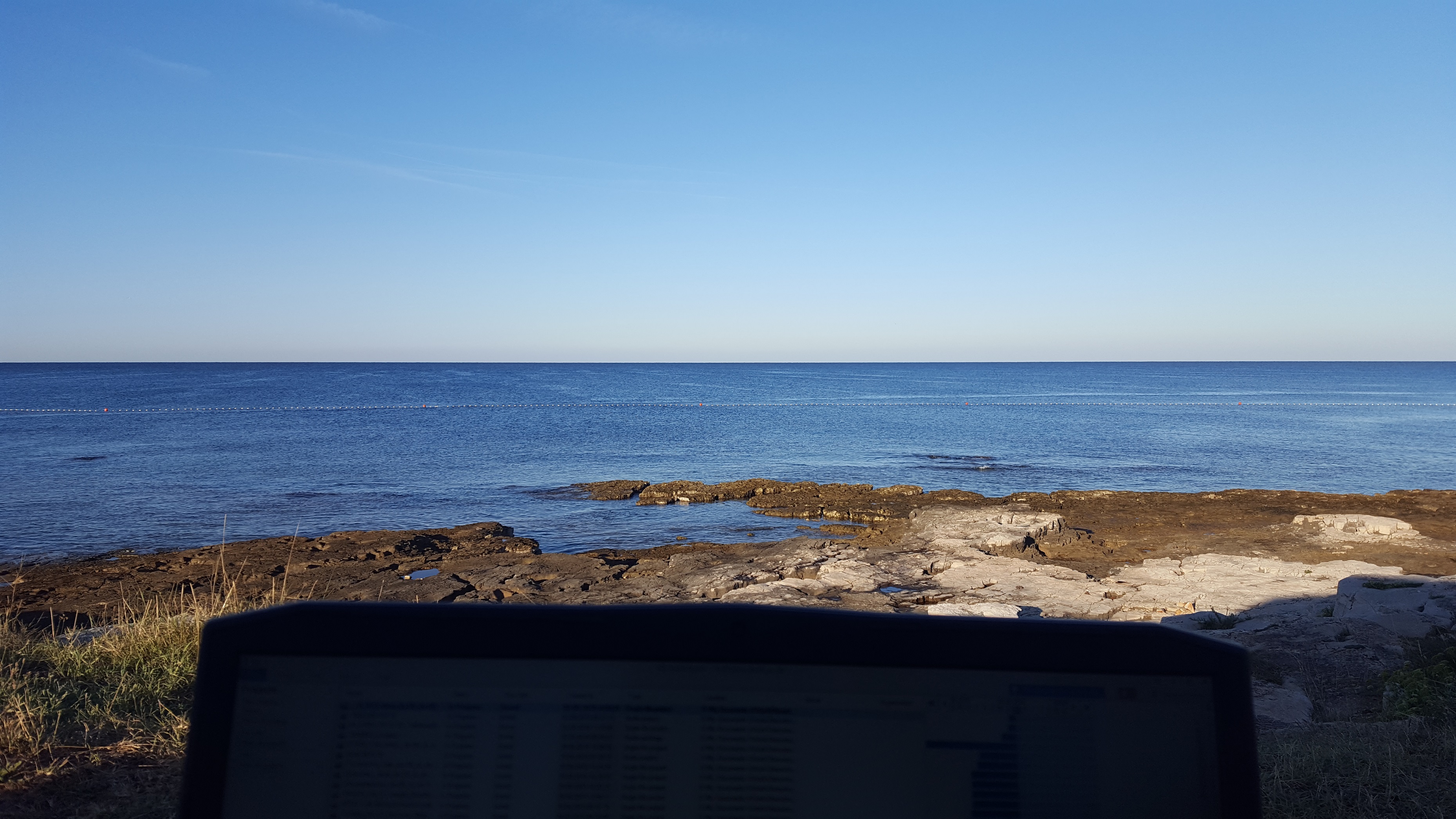
(Part of the fun will be to see how long I can run this system from a hybrid vehicle battery while working at the beach. Another reason why I prefer a notebook to a stationary pc system. But that's a story for another thread.)DreDre and BrightSmith like this. -
You're taking your laptop to the beach?
![[IMG]](images/storyImages/55tx4v.jpg) Papusan and yrekabakery like this.
Papusan and yrekabakery like this. -
Sounds... Grindy.
-
Fortunately, it's a stony beach and I'm on the grass with an ac/dc converter connected directly to my car battery. With my last car, I could work at the beach for 6 hours and barely make a dent in the battery capacity...
Attached Files:
BrightSmith likes this. -
-
Another quick question: Are there any performance differences between the 2 m.2 slots?
Is either of them preferable for the m.2 drive with the OS?
Any thoughts on updating from the 16 GB HyperX 2666 ram to 32 GB? -
Don't think so, but the slot in drive bay has almost no cooling, don't put there hot drives like samsung.SatyreX2 likes this.
-
Just a quick question regarding the vbios of the RTX 2080 mobile in my P775TM1-G (330W brick).
![[IMG]](images/storyImages/9ya.png)
Can I flash the one of this thread:
http://forum.notebookreview.com/thr...2080-vbios-modding-190w.830760/#post-10967384
It should raise the power limit from 150W to 180W etc.
The only draw back which I read is that one display port will be disabled / not functional, right?
The reason for wanting this is that I'm always running into GPU power limit with a lot of temperature head room. -
Both m.2 are simply 4x into the chipset so no functional difference electrically.
-
Initial experiments with building a modified Cooler Master U2 cooling pad with 3x 140 mm fans.
Used Nanoxia Deep Silence single speed fans.
Also have Themalright PNF fans lying around but I just really like the deep silence fans.
Satisfied with the initial side-by side layout.
Now to open up the top of the cooler fan to improve the airflow.
I am wondering whether to reverse the middle fan so the it sucks air out of the centre of the case.
Geek Science time was limited by the responsibilities of Being An Adult. Sigh.
Looking forward to installing the m.2 heatsinks and opening up the case.jc_denton likes this. -
No you don't want the odd pressure that would create.
Papusan likes this. -
Thanks for the tip.
I swapped my Samsung 970 EVO m.2 drive out of the drive bay and into the CPU/GPU bay and added an aqua-computer m.2 heatsink - The temps have dropped DRASTICALLY.
Pre-swap and heatsink, the Samsung m.2 was sitting at about 75°C with peaks over 90°C.
With the heatsink it sits at about 40°C and even working hard it doesn't exceet 60°.
I put a WD SN550 in the drive bay for extra storage, bringing my laptop storage up to 4.5 TB.
The SN550 is also fitted with the aqua-computer heatsink and runs nice and cool.
Soon, I'll cut ventilation openings into the HDD bay and cover them with mesh, just to improve heat dissipation there as well.jc_denton likes this. -
How are the temps looking with & w/o the cooling pad?
-
Worked for 11.5 hours non-stop, not a lot of cpu load but nonetheless the Samsung m. 2 barely got above 41, the gpu sat at 47 and the cpu at about 49.
That's just with undervolting, case open and cooling pad.
Played AC Valhallha last night on maximum settings, gpu hovered at about 56°C
Hopefully, the rest of the stuff will arrive in the next few days and I can delid the cpu, fit the BartX IHS and repaste.
I'll experiment with the 2x 200 mm fans on the cooling pad too and run my machine under heavier load to see if I notice a difference.
I am torn between the Phobya thermal crease and the the Thermal Grizzly liquid metal.
I am actually tending towards the thermal grease.
There is a voice telling me to replace the adda fans.
But with what for the P775tm1? -
On the cooling topic. I recently got for experiment that weird thing supposed to replace thermal pads, called CSL K5-PRO. Used it all over graphics card instead of factory pads (they needed replacement for a while now). Somehow it seriously dropped the GPU temperature. It now hardly reaches 64C no matter what i do, while before its standard temperature was 72C up to 73C in too hot conditions.
This looks even more impressive if you account for the fan speed curve. There's about 20% difference between the two points, so the fan runs about 20% slower and still keeps lower temp.
So i guess, factory pads interfere with gpu heatsink contact?
As for the stuff itself, well nothing melted or caught fire yet, and parts of the heatsink that are supposed to heat up are hot, so at least it works and hopefully not worse than factory pads.
Nice bonus from this experiment and the new CPU, the system now runs cooler and is much less noisy overall. Am so happy.
by the way, about thermal paste. From the shop thing had Kryonaut applied everywhere. Myself I use good old MX-4... well, had old one, now new one, doesn't matter much. It's performance on both chips was just about the same. In case of GPU even exactly identical. Funny, eh? Unless they in the shop somehow managed to mount the heatsink badly.
* * *
now offtopic. Seems like my keyboard isn't too happy anymore, may require a replacement in near future. And standard Clevo keyboard on these looks, feels and works like old cheapo turdbook ones, as you all probably can agree.Therefore a question.
Does anybody happen to know if some other keyboard module from other manufacturers can be compatible with our chassis?
and other one, any compatible third-party fans with better bearings for us? -
Thermal paste could have merit, given the problems with contact pressure that the laptop heatsinks have.
I'll mod the thermal pads first and go from there.
I'm researching compatible fans as well.
On a side note: I added resonance damping feet, the kind usually used for hi-fi speakers. This eliminated the structural borne sound that was turning my wooden desk into resonating body.
Massive drop in fan noise. Huge win for all of 4 euros.Last edited: Apr 21, 2021BrightSmith likes this. -
Thermal pads can make a big difference to fitment of the heatsink which makes around 12c difference for every 0.5mm saved.
-
I also used K5 pro on, well, anything apart from the gpu and cpu and temps are really nice as well.
-
That can get very messy....
*** Official Sager NP9175 / Clevo P775TM Owner's Lounge! ***
Discussion in 'Sager/Clevo Reviews & Owners' Lounges' started by Spartan@HIDevolution, Oct 6, 2017.