Problems? See this thread at archive.org.
If we had RAID support in BIOS I would use the Nvidia storage drivers and get a second SSD in RAID 0. Toshiba makes SSD's and Notebooks but doesn't support RAID, how stupid is that?
If there was a way to do away with the Toshiba/Phoenix BIOS and use the shadowed Nvidia BIOS....
Any other computer with MCP chipset would have RAID options in BIOS.
http://www.corsair.com/systembuild/report.aspx?report_id=1084686&sid=2
-
-
Alright. But what about Q9200? Do you think that would be ok?
-
Nice job man!

-
i would think so because its not an extreme cpu but i would check with someone more knowlwgable then myself first.
-
Q9200 is an extreme processor with unlocked multipliers. If a mobo and BIOS supports Q series quads it will support any Q series quad.
![[IMG]](images/storyImages/captureti.png)
-
sorry, didnt realise you were using windows 7. try using these directions for windows 7 and all should work, the previous directions were for vista.
find this:
[NVIDIA_SetA_Devices.NTamd64.6.1]
add this:
%NVIDIA_DEV.0628.01% = Section009, PCI\VEN_10DE&DEV_0628
%NVIDIA_DEV.0862.01% = Section009, PCI\VEN_10DE&DEV_0862
find this header:
[nv_commonBase_addreg__03]
after this line:
HKLM,"Software\NVIDIA Corporation\Global\Hybrid",AddDeviceSequence,%REG_DWORD%,1
insert these lines:
HKLM,"Software\NVIDIA Corporation\Global\Hybrid",HybridPlatformRole,%REG_DWORD%,0
HKLM,"SYSTEM\CurrentControlSet\Services\nvlddmkm",BacklightControlPolicy,%REG_DWORD%,1
HKLM,"SYSTEM\CurrentControlSet\Services\nvlddmkm",EnableHybridMode,%REG_DWORD%,1
HKLM,"SYSTEM\CurrentControlSet\Services\nvlddmkm",MaxHybridSurfSize,%REG_DWORD%,0x1000000
HKR,,PerfLevelSrc,%REG_DWORD%,0x3333
HKLM,"Software\NVIDIA Corporation\Installer",HDAudioInstall,%REG_DWORD%,1
find this header:
[Strings]
Insert these lines after it:
NVIDIA_DEV.0628.01 = "NVIDIA GeForce 9800M GTS "
NVIDIA_DEV.0862.01 = "NVIDIA GeForce 9400M G"
i would recomend first uninstalling your current driver
rebooting into safe mode
running driversweeper
reboot
install new driver
reboot
enjoy
good luck, and let me know if you need any help -
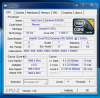
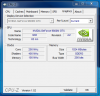
I actually have a Q725 and upgraded to the QX9300 from HP Parts and works. Maybe just a bad CPU?, I do have the Intel chipset and the 9800GTXM and also installed 8 gigs of ram, i get just over 10,000 on 3dmark06 all stock and not overclocked.
-
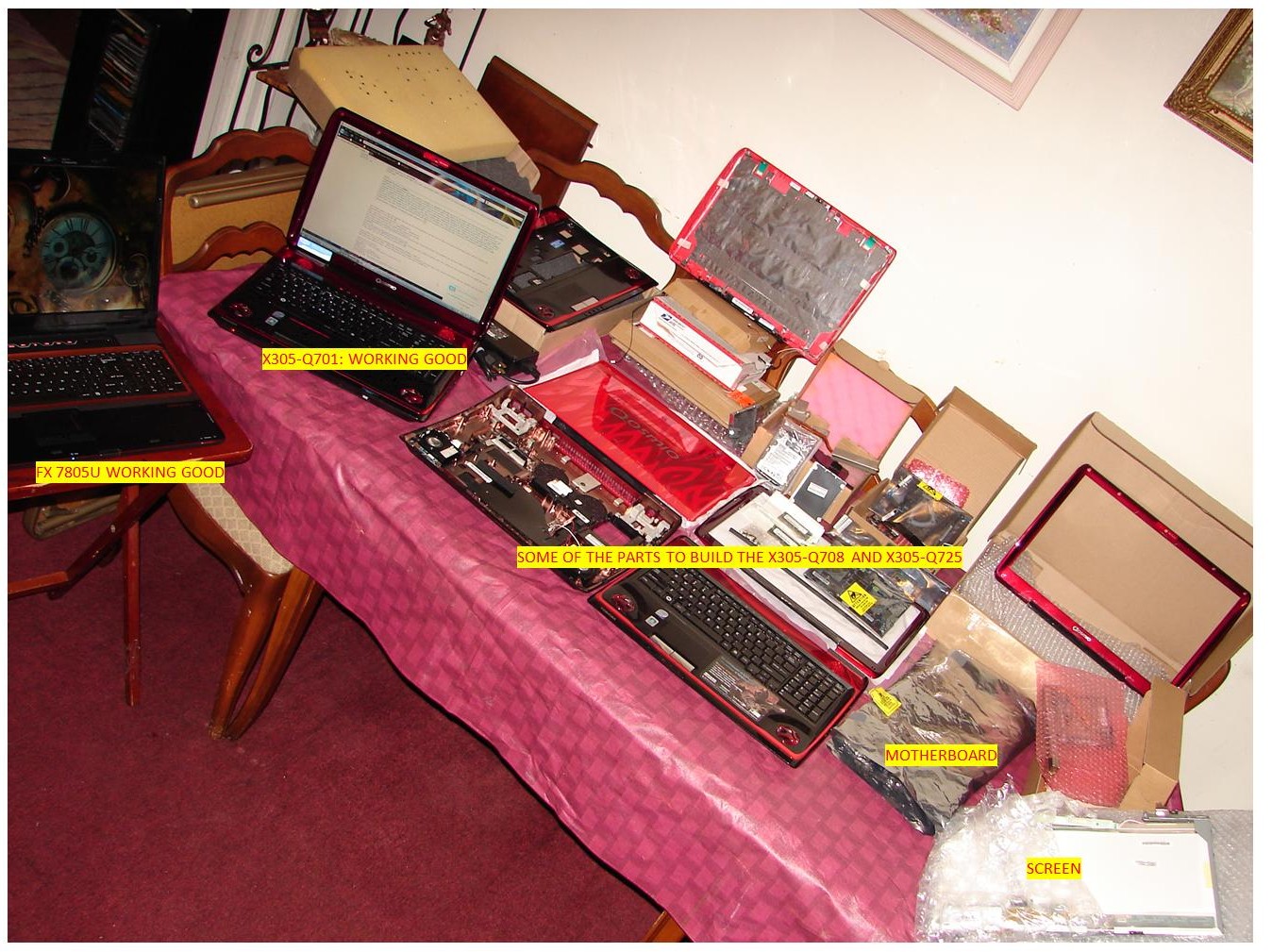
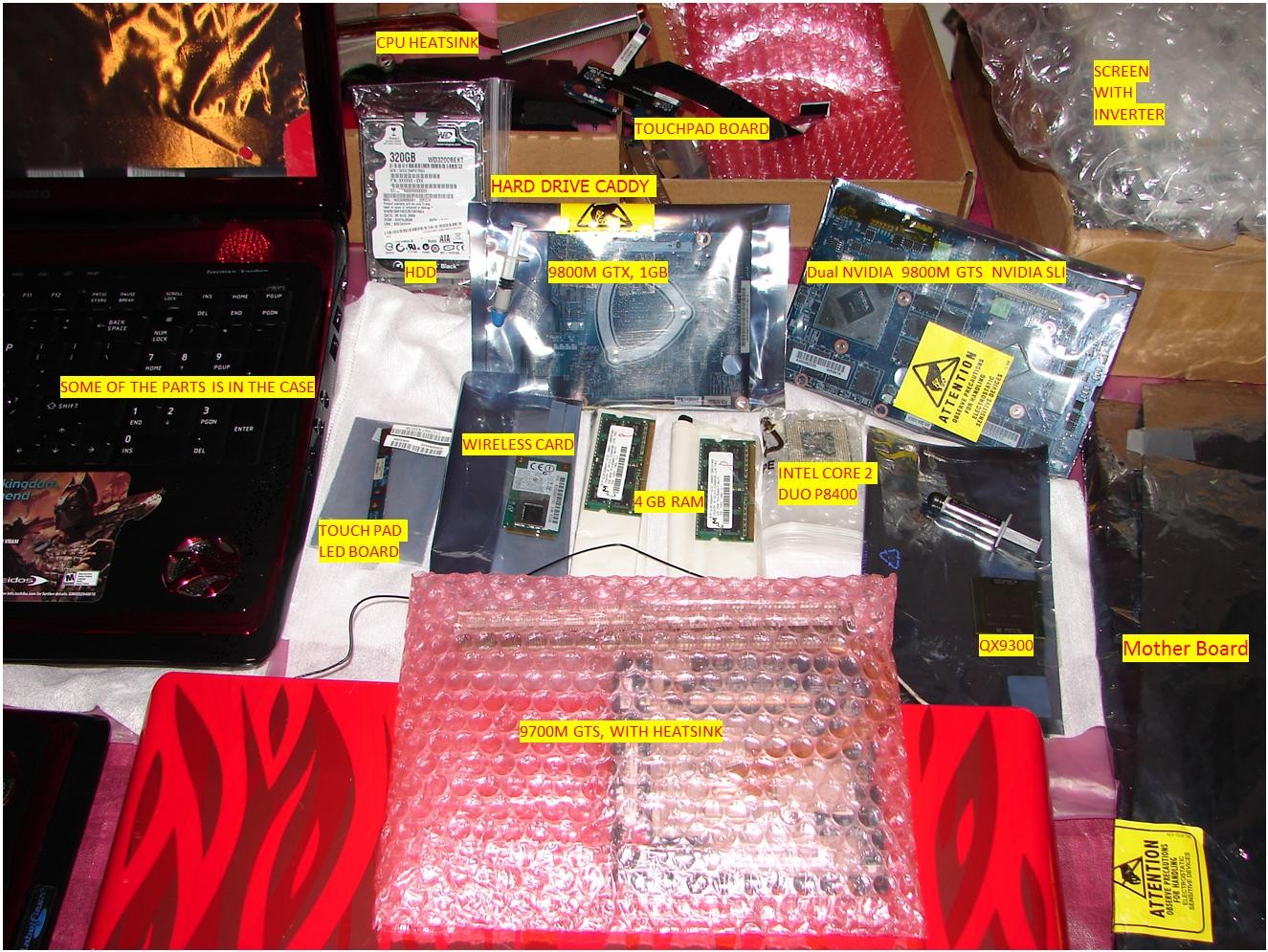
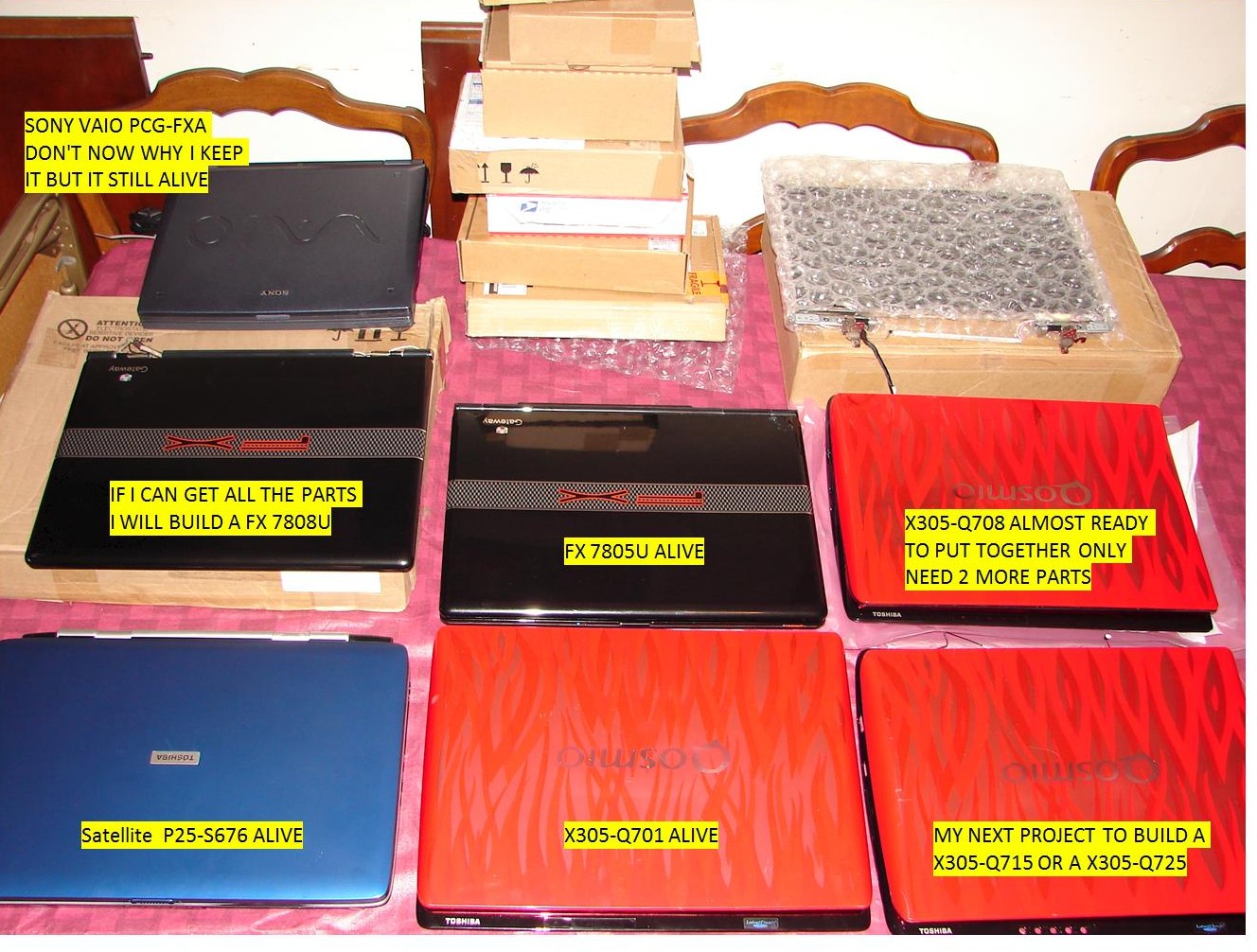
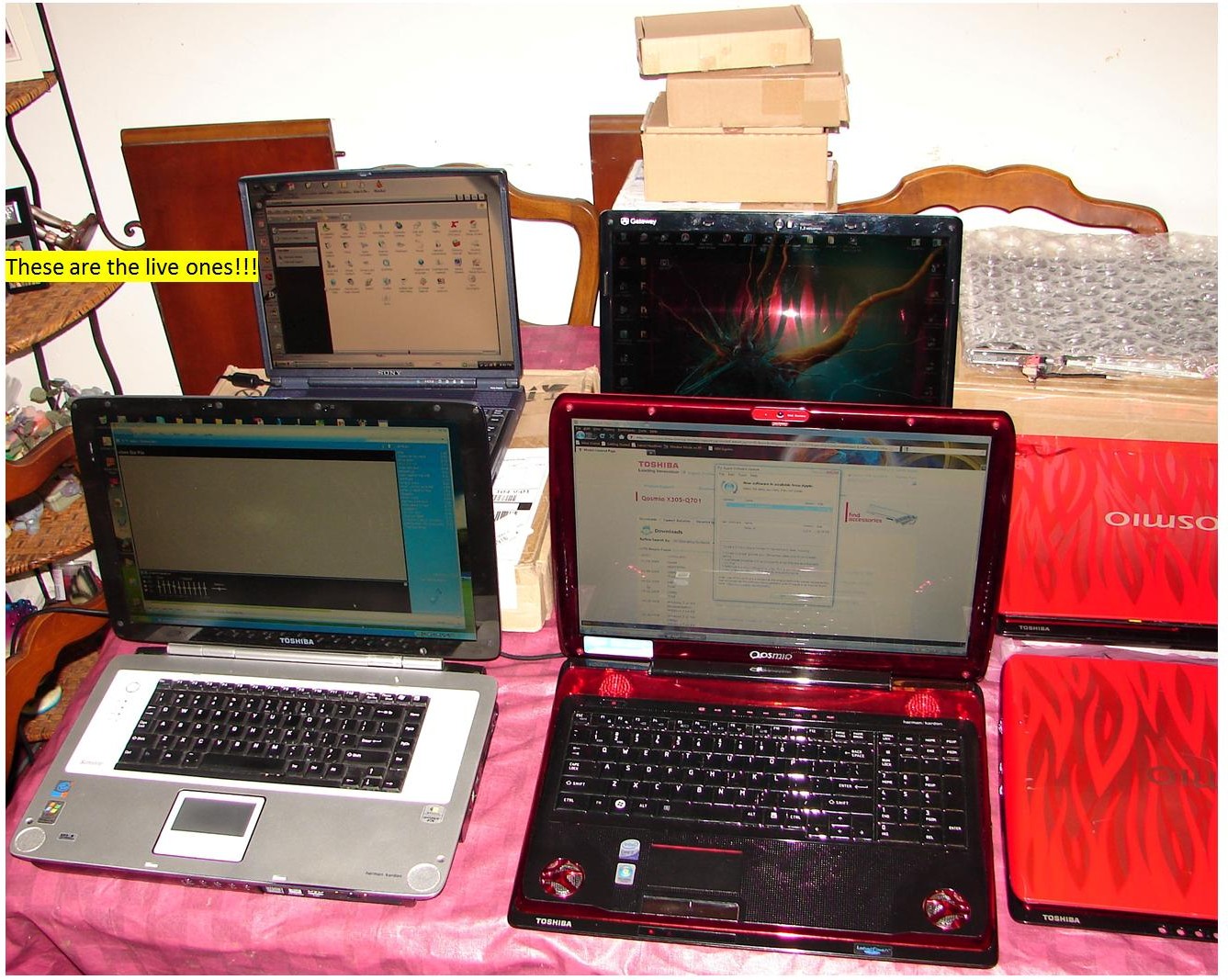
OK good guess. I did get some sweet deals, but I have not spend a $1000.00 yet. believe it or not most of the parts are new. And no I am not using any parts from my q701, it is working very good. I posted some pictures to prove it. As you can see the q701 is up and running. You can see the new case and some of the parts for the q708 plus some other parts to build a x305-q715 or q725 , I have not decided yet. Both the Nvidia 9800m, the dual and single are brand new. 95% of the small internal parts are new and GamerFx said he bought the qx9300 brand new and it is a OEM as you can see in my previous picture. I know once you open something and try to use it, it will be considered used. But it's up to that person, right?
Attached Files:
-
-
Thank You, I been collecting parts for the last 6 months. I got some good prices because I use to work at a computer repair shop. so I get some shop discount price from certain suppliers. I have not spend a $1,000 toward the x305-q708. but it I add up, the money I spend on parts for both the Q708 and q715/q725, I am just a little over $1,000 The deal I got form GamerFX for the qx9300 was ok. There was batter deal out there. but I wanted to help hem out. because he was out a lot of money, for a cpu that is not compatible with his system. I feel better giving hem my money, than to give some big retailers like HP. you just have to be patient and go slow.
-
Well, this confrim my theory then. Thank you! Now I am sure that without any issues the QX9300 will work
-
Just ordered a new cpu for my x305q11 lap-top, I have never put one in a lap-top before how hard is it to do ?
-
Which CPU did you order ?
Here is a link:
http://www.irisvista.com/tech/laptops/Toshiba-Qosmio-X305/laptop-disassembly-4.htm
This have been posted here before a few pages back, no creds TO ME! -
I ordered a intel 2.53 cpu
-
aka. QX9300
-
sorry man didnt see that you has found it, good work any way if it still means any thing
-
No problem mate
-
I recently did a clean install of Windows 7 on my X305-712. It seems the touch keys above the F keys (Play, stop fast-forward, etc) aren't responsive anymore.
Anyone know what driver I need to get these to work again? -
Hello
Yes. You must install Toshiba Value Added Package. I suggest you to on your own find your model from Toshibas side. Simply, that is what you need!
Good Luck and let me know if you can find it or not.. -
Anybody with 706 or 708 model upgraded to 6gb or 8gb memory and what kit? I am thinking of getting GSkill 4gb single to make 6gb for $169.
http://www.newegg.com/Product/Product.aspx?Item=N82E16820231265 -
Hi, I own the x305 q701 and I've just started to notice that the volume wheel is not functioning correctly. I mostly use the speaker icon to control the volume but just yesterday I tried to lower the volume using the knob on the right hand side and instead of lower the volume it increased it. I tried turning the knob the other way but it just increased it more. I also notice that if I tried to go slowly then it would catch and decrease the volume but not consistently. Can anyone tell me what's wrong and if I can download a driver that'll rememdy this problem if that's possible or is it a hardware issue. Thanks.
-
I'm curious, has anyone put in a blu-ray drive into their laptop? I have an X305-Q705 and would like to add blu-ray but I can only find one so far but I don't want to order it yet because I'm not sure it will fit since the front panel of that drive is standard where these laptops the drive has more of a slight angle to the front panel of the drive so I'm not sure how well it would fit.
I hope that made sense heh. -
This seems to be an hardware issue, acctually, when you don't have the right driver installed the volume knob will not work at all. Contact toshiba service if you still have warranty.
I mean that I remember one x300/305 user who has upgraded to Blu-Ray driver. I am not quite sure who it was, but it is in therad somewhere. I'll try to search and add link, stand by.
Here is what I found:
http://forum.notebookreview.com/showpost.php?p=5786727&postcount=2377
And this:
http://forum.notebookreview.com/showpost.php?p=4298505&postcount=286 -
I have the 305 and installed the Sony BD-5730S-01 $219 at Newegg, it works, you have to take the front panel off the original DVD and mount it to the BD drive, burns and plays Bluray disks
-
thanatospy upgraded to a bd player...
http://forum.notebookreview.com/showpost.php?p=5226541&postcount=1755 -
thanks for the response tunay. Unfortunatley I don't have warranty anymore. Any other ideas besides trying to open up the laptop?
-
I have no idea, maybe try to find an bluray drive for x300/305
-
is blueray worth it even with a 1440x900 display? (just wondering if i should get one)
-
i would say only if you plan on using the hdmi out to a nice tv, but thats just my .02 cents....
-
does any one have any experience with Nhance does it work well with the qosmio series?
-
also, you get more usable space with BD, but the disks are more expensive. not sure if it ends up being less expensive going BD. guess it depends on usage pattern.
-
Hi! If anyone is still having problems with win7 and FN keys you should get flash cards support utility v1.63.0.4 from http://www.mytoshiba.com.au/support/notebooks/nbseries/nb200/pll23a-00c01g/download
It's for Satellite but works nonetheless. -
I was curious to know if anyone still has stability issues with the 9800GTS SLI (706 & 708). The cards seemed to crash in SLI when changing performance profiles. I've had the same issues since I bought the laptop until very recently. A friend asked me to help troubleshoot his new ati 5 series which had very similar problems to our card. The computer would hard lock, stutter, crash, etc. when playing games. He needed to raise his voltage for 1 profile. I modified the most recent vbios that I could find. After flashing the vbios, all of his problems were solved. I immediatly modified the two bioses on the card using NiBitor. I changed the throttling and 3d voltages to match the stock extra profile voltage (0.9v to 1.1v). I have only crashed once in the past week when I pushed both cards to almost 100% usage. I'm still playing with values in order to balance heat and stability.
I'm also looking for a new set of bioses for this card. They should be 63Kb each with one version number higher for the second bios (ex: xx.xx.xx.16 and xx.xx.xx.17). I already checked a couple of bios banks with little luck. -
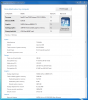
Went ahead and upgraded to 6gb memory by swapping one of the 2gb modules with a 4gb one. Win7 WEI memory score went from 5.9 to 7.3.
http://www.ewiz.com/detail.php?p=W1...bf8b910349c59ae1a27745936f237eab4b1c96afee036Attached Files:
-
-
Nice one sgilmore62!
I also want more memory, so I get rid of the "Low memory" warnings when I play games etc. -
I think I will order a 4 gig stick also, was the 4 gig stick the same memory
type that comes with the x305 lap-tops ? -
That Supertalent 4gb stick I linked is Hynix memory, the same as what came with my X305.
![[IMG]](images/storyImages/hynix.png)
This is what I got Googling the part# http://www.hynix.co.kr/datasheet/en...searchType=2&menuNo=1&m=1&s=1&RK=20&RAM_NAME= -
Thx for the info, I will order a stick.
-
wow your computer is quite impressive sgilmore62
just out of curiosity what wei scores does the qx9300, 9800m gtx and single 9800m gts get -
I'm getting 6.6 for my 9800gtx in win 7 pro 64bit.
-
6.6 is what i get on 9700m gts win 7 home premium 64bit, 186.81 drivers
not that wei scores are what you got by for benchmarking but yeh -
i have just checked my latency and for some reason i randomly get these spikes in latency see:
http://yfrog.com/1abadlatencyp
so i go to check my drivers in device manager and there is this unknown devise under unknown devices, i then went into its properties its location was Microsoft ACPI Compliant Embedded Controller does any one know what driver would get this device working for which Im assuming is to blame for the bad latency and possibly cracking and beep/stuttering sounds out my speakers which i have been getting. -
Dude, I got the same crackling sound. It is coused by the GPU driver. GPU overclocks when you for example surf on internet. or scroll fast down a page. Well, maybe we don't have the same issue. But you can also try to disable powermizer and try again if it is still there.
-
ok thanks but i still get a weird beeping noise every now and a again
-
Hi guys, I've been looking around shops recently and realized that a lot of the Toshiba laptops now have a different keyboard, as in not glossy like the X305s...I'm wondering if there is one that will fit and match the X305's? anyone know if it's possible?
-
yes it is possible -- I bought a backlit one from an a500.
-
But, you are not able to light it up. Right ?
-
yeah, the backlight isn't working.
-
I whish we could get it to work... =/
Official x300/x305 Owner's Lounge
Discussion in 'Toshiba' started by Bartlett, Oct 4, 2008.