 Problems? See this thread at archive.org.
I didnt get a chance to try that program yet because i havent worked with um again but i have a Vista question.
I tried to down load some more themes yesterday on my day off and the files kept downloading as RAR instead of the MSS files. Any idea why. the themes said they worked for vista and people said they used them. Now i was not using a vist OS computer when i downloaded them. would that make a differenece?? And is there a way to convert them. I thought i read somewhere about being able to use RAR but i couldnt find it again.
-
A lot of the time people who make those themes "pack" them in rar files. You can use a free program called 7-zip to extract them.
http://www.7-zip.org/
No it doesn't make a difference.
see above^ -
I don't know what I'm doing wrong! This is the only thing I can't do. I have been pulling out my hair trying to get these themes to work.
I tried manually doing it, I tried using VistaGlass 1.1, NOTHING!
I'm trying to get this theme to work. It has alot of folders in it.
http://r0under.deviantart.com/art/Aero-Diamond-Final-69663294
Any advice? I'm going to System Restore right now. I'm getting so pissed that I can't get it to work.
I can do every other little tweak, but I just can't for the life of me get themes working. I must be stupid! -
Thanks CeeNote. I dont think i can down load that from work but it will be my first on my next day off.
-
I see this package comes with a lot of different stuff, not only the theme. Have you found the .msstyles file and put it in the system folder and double-clicked it to apply it? It should work unless it wasn't patched correctly. Your best bet is probably to system restore and make sure to get everything right from the beginning.
-
No problem, this should definitely work.
-
Thanks CeeNote! I just had to rename the folder! Gosh!!! At least it works now.
My only issue now is, my sidebar styler won't change. No matter what I choose to load, it's the same one. -
Sorry, I can't help you with that, I haven't figured that one out either.

-
Sorry to keep bothering u CeeNote but i just opened VLC and I'm guessing it's what caused by color scheme to go back to Aero Basic and mess up my background as far pixeled and now when i right click and windows colors and appearance i dont get the usuall open for transparent and diff. colors i just get the Appearance Settings window. Any idea why or how to fix it.
-
I'm not sure about vlc player but some programs do make the the color scheme to go back to vista basic. Did you get a warning or something?
-
Yea it said theme or color i forget, that it was returned to basic i think. i flashed pretty quick and i didnt click on it to check it out like i should have.
-
I see, i got that a few times as well but it has nothing to do with the theme you're using, it happens even with the standard aero theme. A restart should fix it.
-
OK i finaly found a link that would let me down load 7zip. Now how do i get it to open as a MSS file?
When i right click on the RAR file and select extract files then browse for C:windows/recourse/themes and then select ok i get a diagnostic message of can not open output file C:\windows\Resources\Themes\Skulls.msstyles.mui and sever others of the same format with a little differance like Theme\Skull\normalColor\shellstyle.dll. Did i do something wrong or is it the file? because i have 2 RAR files an they both do the same -
The file you used is a .msstyles.mui file. Make sure to use a .msstyles file. There should be one included.
-
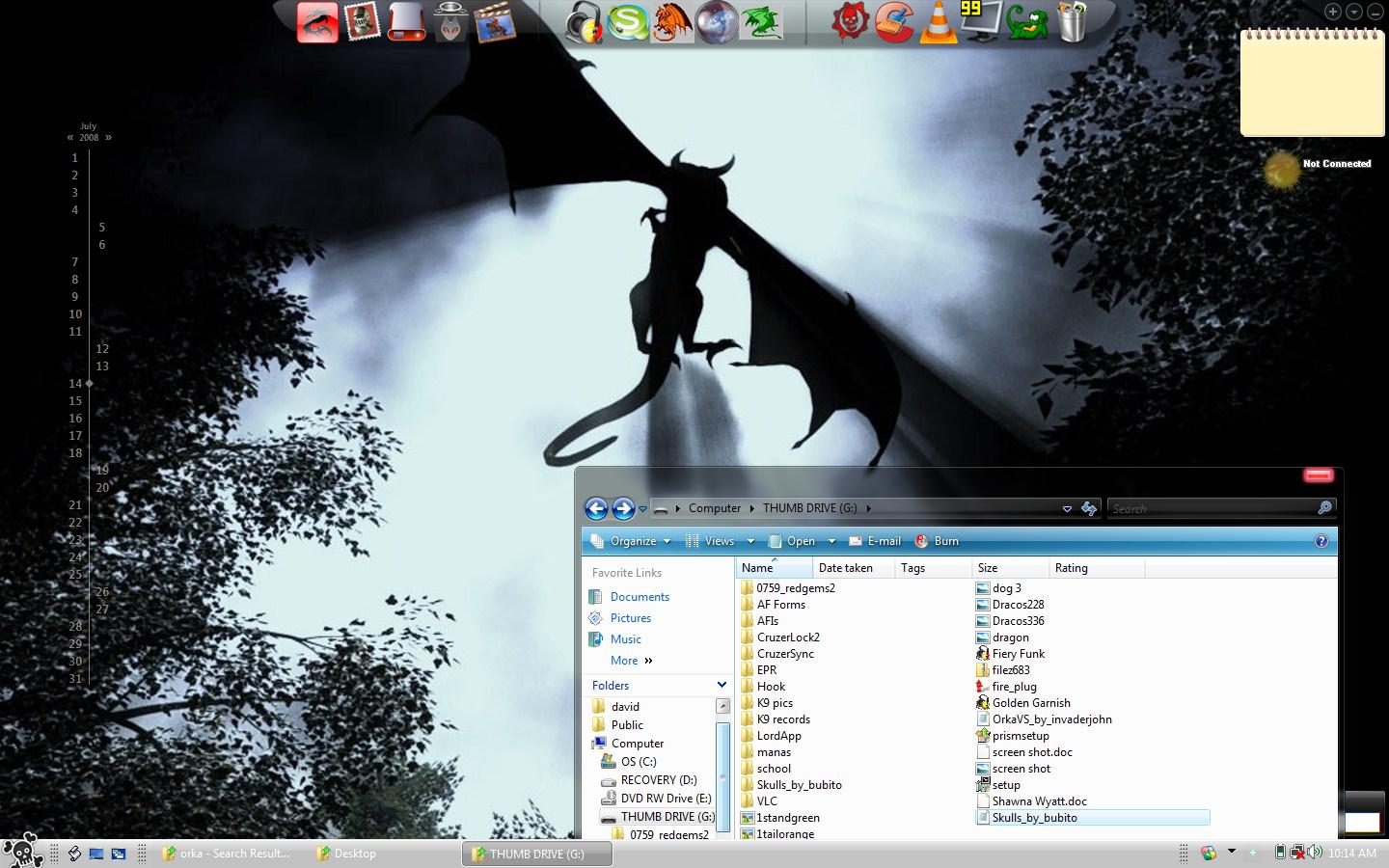
yea I got it to work. Instead of selecting extract files i selected extract to "skull_by_bubito\ and it extracted the file back into my thumbdrive and it was the right format. Heres a picture of what i've got so far. Still need some good widgets but its hard to get um downloaded here. However that is my next goal
Attached Files:
-
-
Looks good!
-
I wouldnt go that far
still needs quite a bit of work. Do u know where i can get skins for Foobar or do u use something else?
Also thanks again for all the help. -
I don't use foobar, just the standard wmp so i don't really know where to download any skins.
-
didnt want you're excellent guide to fall to deep in the quick sand of threads
-
anyone know of some software that makes the programs folder to be more like XP and make it so that it can be added to objectdock?
-
Sorry, what does program folder look like in XP? Btw, you can add the folder by dragging them to ObjectDock. And I recommend you to use Stacks Docklet if you haven't tried it
-
i mean when in the start menu how instead of the programs being shown in a list down like in vista that it is shown like XP instead where it goes across.
ive tried that but it didnt want to work for me. may try again thouh maybe i did something wrong. -
Do i need to copy the "en-us and Shell" folder into the resoucres folder do i only need to do this?
![[IMG]](images/storyImages/capturegs8.th.jpg)
-
Sorry, I haven't known a way to change that
You have to extract the zip file and move the StackDocklet folder to C:\Program Files\Stardock\ObjectDock\Docklets\. The right click on your dock, choose Add - New "Stack" Docklet
-
Yes, you have to copy the whole folder which normally consists of one Windows Visual Style File (.msstyles), one Shell folder and one en-US folder to C:\Windows\Resources\Themes.
-
I was having trouble because I thought the patches didn't work or that it wasn't done it correctly, but some themes will work. In my case, if there isn't a folder named "en-US" that comes with it, then it WILL not work. Right now I'm using "Areo Dynamic A0" from the second link in step 2 and it looks awesome! Is there any way to edit the name of the themes to distinguish from the regular areo and the custom theme when changing it in the window color and appearance under the classic appearance menu? because the custom theme is named windows basic and areo also.
-
dam i still cant find a decent wiget/gaget for desktopx, objectdock or rocketdock that will display how much ram, CPU ect im using and im also haviong trouble finding one that will display the temp of my cpu, GPU and HD. can any one help?
-
Here are a couple widgets for rocketdock that show how much ram and cpu you're using:
http://rocketdock.com/addons/docklets/1118
http://rocketdock.com/addons/docklets/2141 -
oh great thanx
-
it woudlnt work. i followed the instructions and everything but when i try and add the widget rocketdock stops working and i tried it with objectdock as well and it stopped working with that as well, any ideas?
-
just bumping this thread up...
-
Where do I find the 'run as administrator' button for take control?
-
just right click on the file.
-
Thanks a lot
-
nice thread.
for what its worth, i made a guide a while back that goes into a little more depth on visual styles. link is in my sig. -
So I used the VistaGlazz beta to patch my system32 files (Vista SP1), downloaded a few themes but none of them will work. I copy say the 'Satin' folder to Windows/Resources/Themes and then double click on the 'windows visual style file' which brings up the themes menu. From there it just lists the normal themes with no Satin...
Help? -
Could you see two color schemes with the same name as Windows Aero?
-
Nope, there's just one named Windows Aero that it defaults to...
Also, I backed up the original 3 .dll files and have tried doing the patch both with VistaGlazz (beta for SP1) and manually by taking ownership. Same result...I have tried Satin and VistaBreeze themes -
Have you restarted your laptop after patching?
-
Yep, restarted after I patched the .dll's
EDIT: OMG it works! I don't even know what I did though lol. I switched the theme back and forth from Classic to Vista, and then tried applying my custom visual style file and it worked...No idea why -
Could you post some screenshots? I'm clueless at the moment.
-
Would an animated dreamscene desktop (with vista ultimate) slow a computer much?
-
I think I figured out what solved it. The windows visual style file has to be located under the immediate Satin theme folder. The ones that I downloaded that had it buried a couple subfolders deep were not working. Here's the result of me fixing the directory:
Attached Files:
-
-
Glad you figured out
Post your desktop picture on the thread Show off your Vista_ or XP Desktop from now on :laugh:
-
Looks nice... that's my favorite vista theme!
-
Hey CeeNote i just installed SP1 and now my skull theme wont work. is there something u have to do after installing SP1 to keep you're themes working. I also downloaded a new one that is SP1 compatible but when i click on the icon to load it, it opens the theme window but doesnt give the option to apply the new one. any ideas?
-
Sorry I've got no idea. If the theme says it's sp1 compatible it should work.
-
I have successfully changed my vista theme to the NV3 theme using glazz 1.3beta, however Office now looks as it does when you choose windows classic, which is UGLY! How can I change back the office theme but keep the new vista theme? Thanks.
-
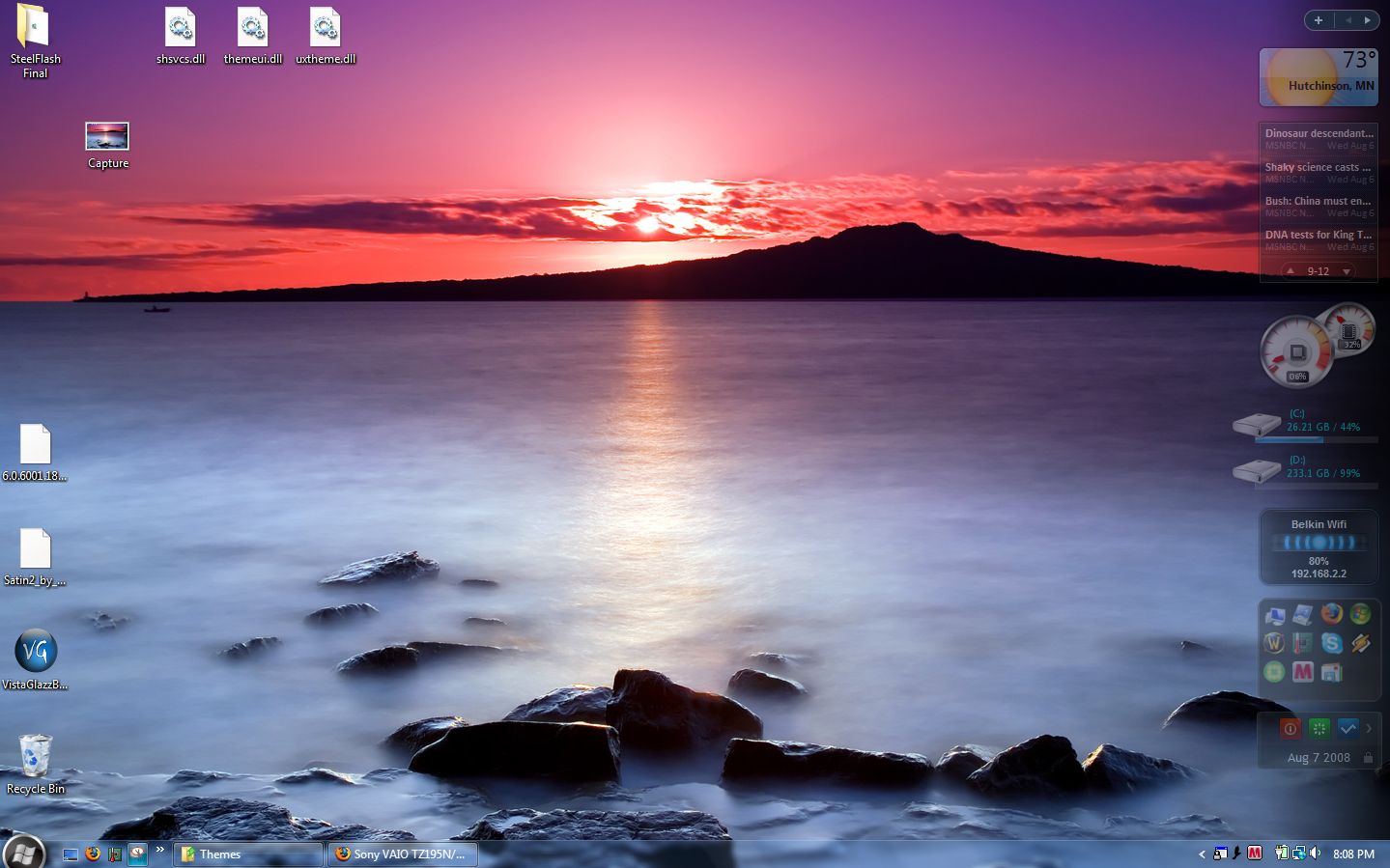
CeeNote, this will be useful for people who have lots of visual styles, Name Your Visual Styles with DeskHack. I have tried on my Vista Business 32-bit SP1 and it worked
![[IMG]](images/storyImages/f_Untitled1m_9e568a8.jpg)
-
Thanks for the tip!
Guide to changing your Vista theme and more...
Discussion in 'Windows OS and Software' started by CeeNote, Jul 3, 2008.




![[IMG]](http://img364.imageshack.us/my.php?image=capturegs8.jpg)



![[IMG]](http://www.picoodle.com/view.php?img=/3/10/9/f_Untitled1m_9e568a8.jpg&srv=img33)